
13-inch vs 15-inch MacBook Air M5 in Kenya
Choose the 13-inch Air when a smaller laptop makes your everyday travel easier. Choose the 15-inch when its built-in screen will be your main workspace. Compare matching memory and SSD bundles before deciding what the larger size is worth.
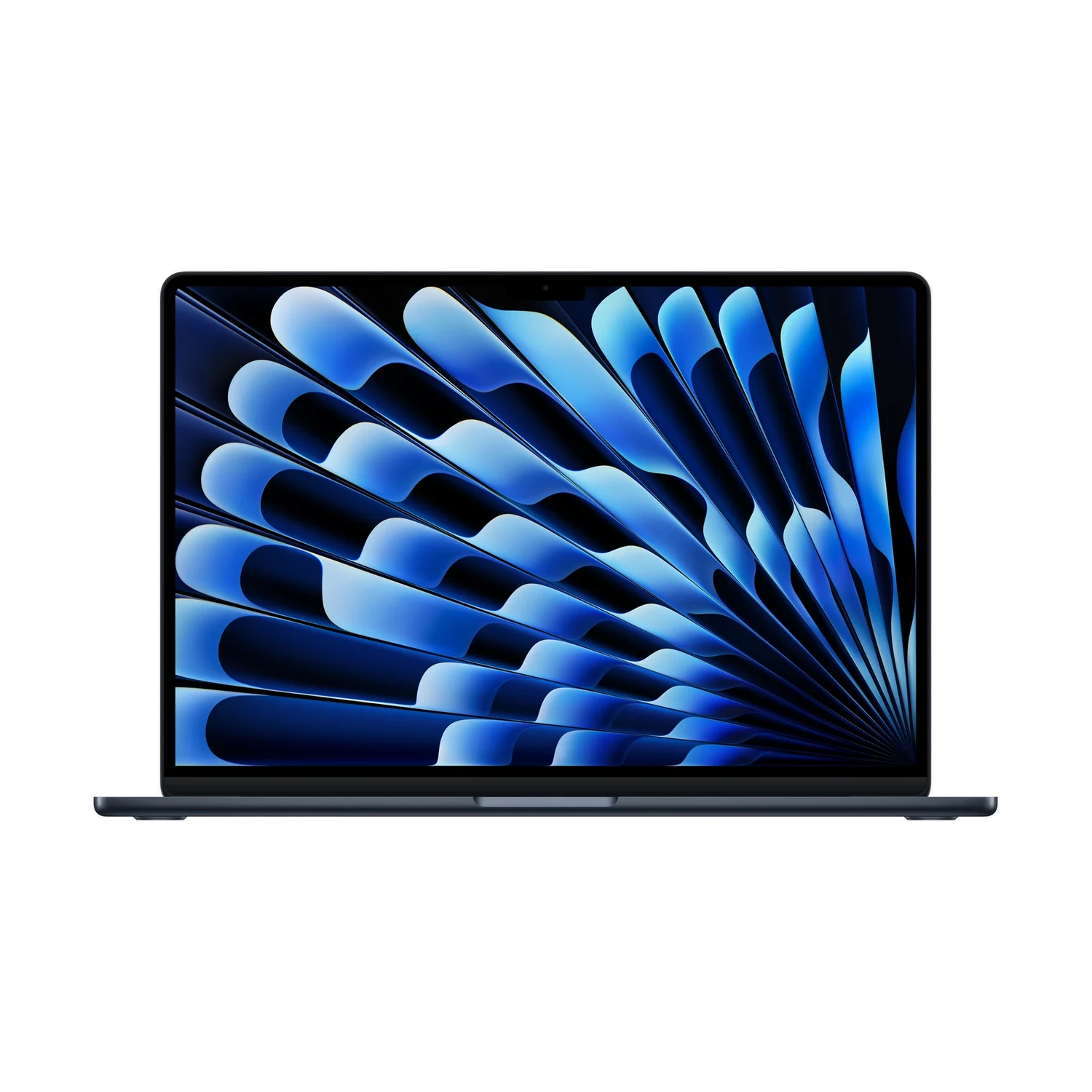
Start with where you actually use the screen
If most of your working hours are spent on the laptop display itself, the 15-inch M5 Air deserves a close look. More screen area can help with a document beside reference material, a spreadsheet with several columns, or an editing timeline. That benefit depends on your apps, text size and display scaling; it is not a promise that you will complete more work.
If you normally connect to a separate monitor and mainly use the built-in screen while travelling, the 13-inch M5 Air may be the better fit. You would be carrying the larger chassis all day for screen space you use less often. Neither choice is automatically right for every student, developer or business buyer.
What the size labels mean
| Size detail | 13-inch M5 Air | 15-inch M5 Air |
|---|---|---|
| Actual display diagonal | 13.6 inches | 15.3 inches |
| Display in the NextBuy records | IPS, 60Hz, non-touch | IPS, 60Hz, non-touch |
| Chassis width × depth | 30.41 × 21.50cm | 34.04 × 23.76cm |
| Apple-listed weight | 1.23kg | 1.51kg |
The catalogue’s 13-inch and 15-inch labels are screen-size groups across laptops; the two product links in this guide identify the specific M5 Air models. Apple’s size-specific M5 Air specifications supply the exact diagonals, dimensions and weights above; NextBuy’s populated screen-size records use the shorter labels. Weight varies with configuration and manufacturing.
The larger Air is 280g heavier using those published figures, before your sleeve, adapter and other items. Measure the usable space inside your bag rather than trusting its advertised laptop-size label. Allow room for the sleeve and access to the zip; do not force a tight fit around the corners.
A practical screen-and-bag test
- Recreate a normal task. Open the document, spreadsheet or application layout you use most, at a text size you can read comfortably. Assess how often you need to switch windows or hide panels.
- Think about your smallest workspace. A shared desk, lecture-room surface or client meeting table may make the larger footprint less convenient. Use measurements from your actual setup rather than assuming every desk is the same.
- Check the full carrying kit. Include your usual charger, sleeve and any peripherals. Decide whether you will be comfortable carrying that combination between home, campus or work.
- Consider your monitor routine. If you already have a suitable desk screen, decide how much you would use the extra built-in area away from it.
If you can compare demonstration units, use the same application and readable text size on both. Otherwise, mark out each chassis footprint on a table to check fit. That footprint exercise helps with space; it cannot reproduce the viewing experience or replace checking the screen itself.
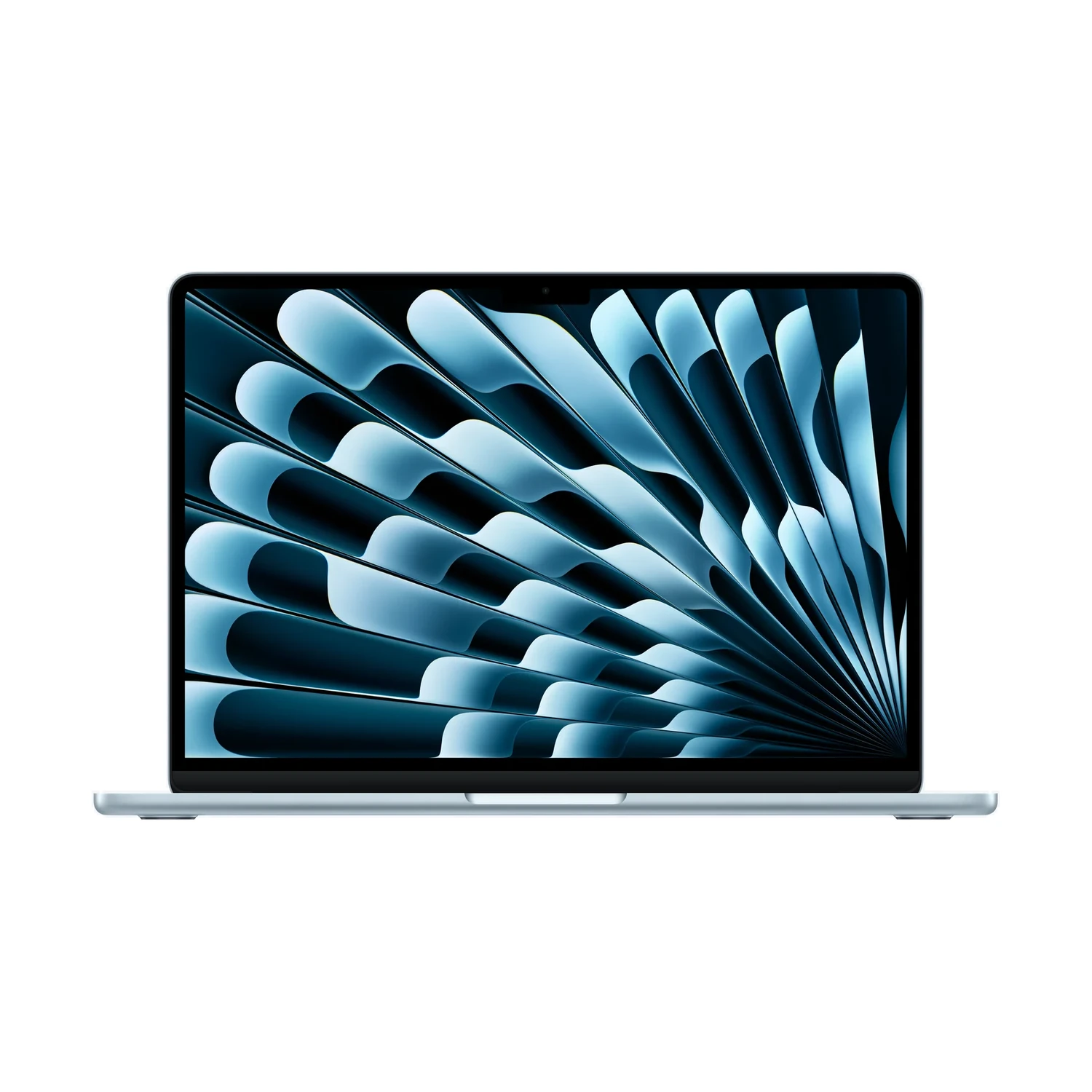
Keep RAM, SSD and GPU separate from size
Both NextBuy listings currently offer 16GB/512GB, 16GB/1TB and 24GB/1TB memory/storage bundles. Start by matching the same bundle and colour where available. Comparing a 13-inch 16GB/512GB offer with a 15-inch 24GB/1TB offer changes much more than screen size.
The 13-inch parent lists 8-core and 10-core GPU specifications; the 15-inch lists a 10-core GPU. Confirm the exact 13-inch retail package rather than inferring its GPU solely from a RAM/SSD button. Do not attribute every price difference or performance difference to the screen.
Use our 16GB versus 24GB memory guide when choosing working memory, and the 512GB versus 1TB SSD guide when budgeting for local files. A bigger display does not supply more memory or storage by itself.
A larger Air does not add a different set of ports
Apple lists two Thunderbolt 4 USB-C ports, MagSafe charging and a headphone jack on each size. If your desk equipment needs HDMI, USB-A or Ethernet, budget for a suitable adapter or dock and check its compatibility. Choosing the 15-inch does not by itself remove that requirement.
For either size, confirm the supplied power adapter and plug on the exact Kenyan offer instead of assuming every regional package is identical. If your decision is really about the Pro display or built-in connections rather than Air screen size, our M5 MacBook Air versus MacBook Pro guide covers that separate comparison.
Compare current Kenyan offers
MacBook Air 13-inch with M5
Price range: KShs 170,500 through KShs 253,000
In stockStart here when carrying size matters most; match your intended RAM/SSD bundle and verify the GPU and colour. Open the product to confirm the exact offer before ordering.
MacBook Air 15-inch with M5
Price range: KShs 199,000 through KShs 298,000
In stockStart here when the built-in screen is your main workspace; compare the same RAM/SSD bundle and colour where available. Open the product to confirm the exact offer before ordering.
Browse the NextBuy Apple laptop catalogue for the current MacBook selection. These are model-wide live price ranges and stock indications, not a fixed surcharge for the larger screen or a promise that every combination is available. Select the actual offers to compare them. Include any accessories you need and check the warranty terms and delivery arrangements before ordering.
Questions about the two Air sizes
Is the 15-inch Air automatically faster?
Screen size alone does not establish performance. The listed 15-inch has a 10-core GPU, while the 13-inch parent includes 8-core and 10-core GPU specifications. Match the exact chip, memory and SSD before comparing results.
Does the 15-inch model have a touchscreen?
No. Both M5 Air listings in this comparison have non-touch IPS displays at 60Hz.
Which should I choose if I already use a desk monitor?
The 13-inch is worth considering if a compact carrying setup matters and you use its own display mainly away from the desk. Choose the 15-inch when you also need its extra built-in screen area regularly.
Will any 15-inch laptop sleeve fit the larger Air?
Do not rely on the sleeve label alone. Check its usable internal measurements against the MacBook’s actual dimensions and allow an appropriate fit.