
MacBook Air M5 vs MacBook Pro M5 in Kenya
Choose by screen, configuration and the way you work. Compare the listed M5 Air and 14-inch Pro models, with current Kenya offers.
Live prices in this article · Select your exact configuration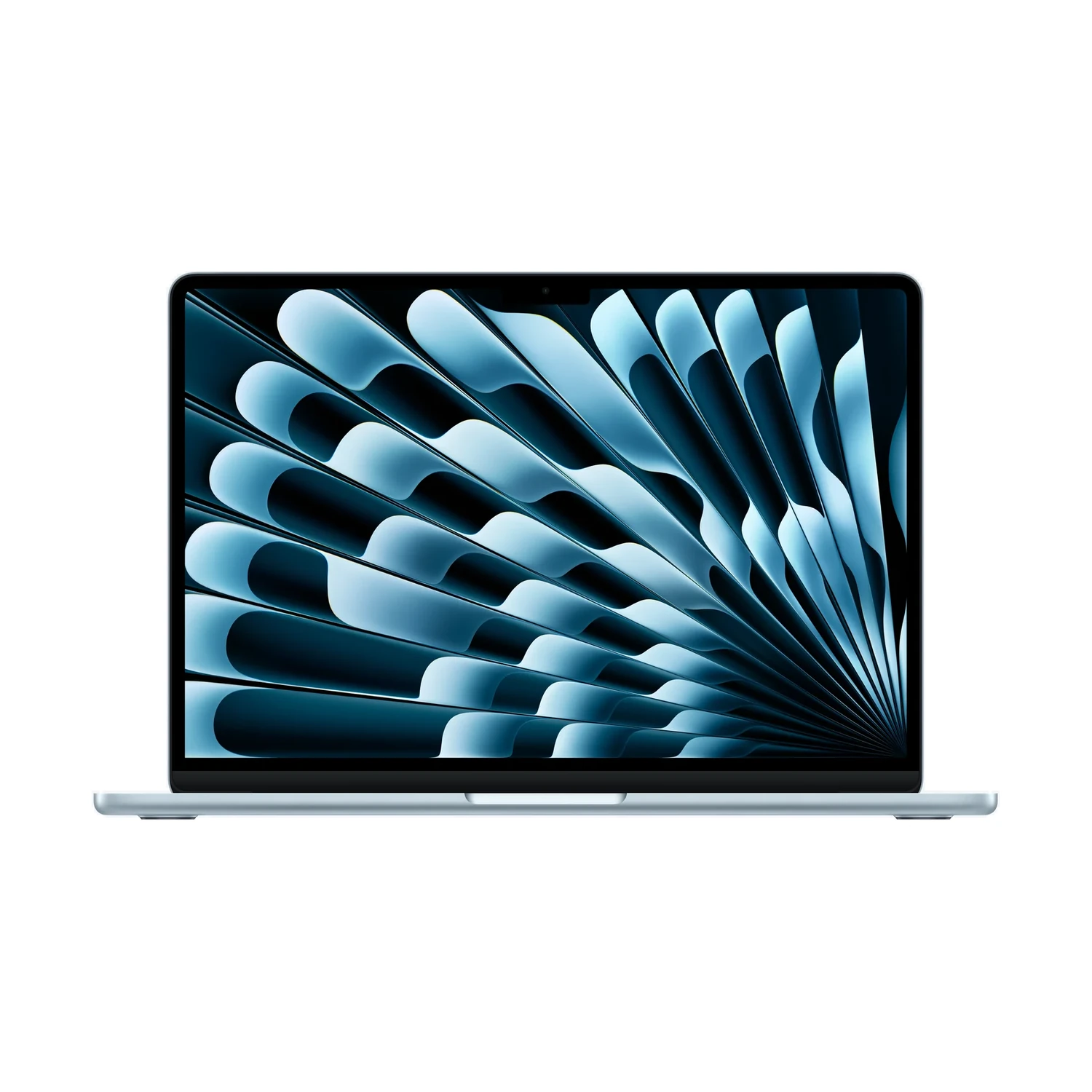
Start with the job, then choose the MacBook
For documents, study, meetings and a portable everyday workspace, start your shortlist with MacBook Air. Consider MacBook Pro when its particular screen, memory configuration or built-in connections solve a problem you already have.
This comparison uses the 13-inch and 15-inch MacBook Air with M5 and the 14-inch MacBook Pro with the base M5 chip. “MacBook Pro” is the laptop family; “M5 Pro” names a different chip tier. A quotation that leaves out that distinction is not ready for comparison.
These are specific listed models, rather than a claim that every Air or Pro has the same features. If you are considering the newer Pro families, use our 14-inch MacBook Pro M6 guide and M6 versus PROLED XDR comparison alongside this decision.
Compare the exact M5 models
| Choice | Air 13-inch M5 | Air 15-inch M5 | Pro 14-inch M5 |
|---|---|---|---|
| Listed display type | IPS | IPS | Mini-LED |
| Listed refresh rate | 60Hz | 60Hz | 120Hz |
| Glass choices | Standard | Standard | Standard / Nano-texture |
| Listed memory | 16GB / 24GB | 16GB / 24GB | 16GB / 24GB / 32GB |
| Listed SSD capacities | 512GB / 1TB | 512GB / 1TB | 512GB / 1TB |
These are the configuration ranges in the linked listings. Choose an actual RAM/SSD bundle on the product page: the table is not a promise that every combination exists. Apple’s custom-order range can also be wider than a retailer’s standard offers.
Apple calls the Pro’s refresh system ProMotion, with adaptive rates up to 120Hz. If screen motion or HDR work is central to your purchase, that is a meaningful reason to examine the Pro. For long documents and spreadsheets, first decide whether a larger screen would help more than a different panel.
Primary references: 13-inch M5 Air specifications and MacBook Pro 14-inch (M5) specifications.
13-inch Air, 15-inch Air or 14-inch Pro?
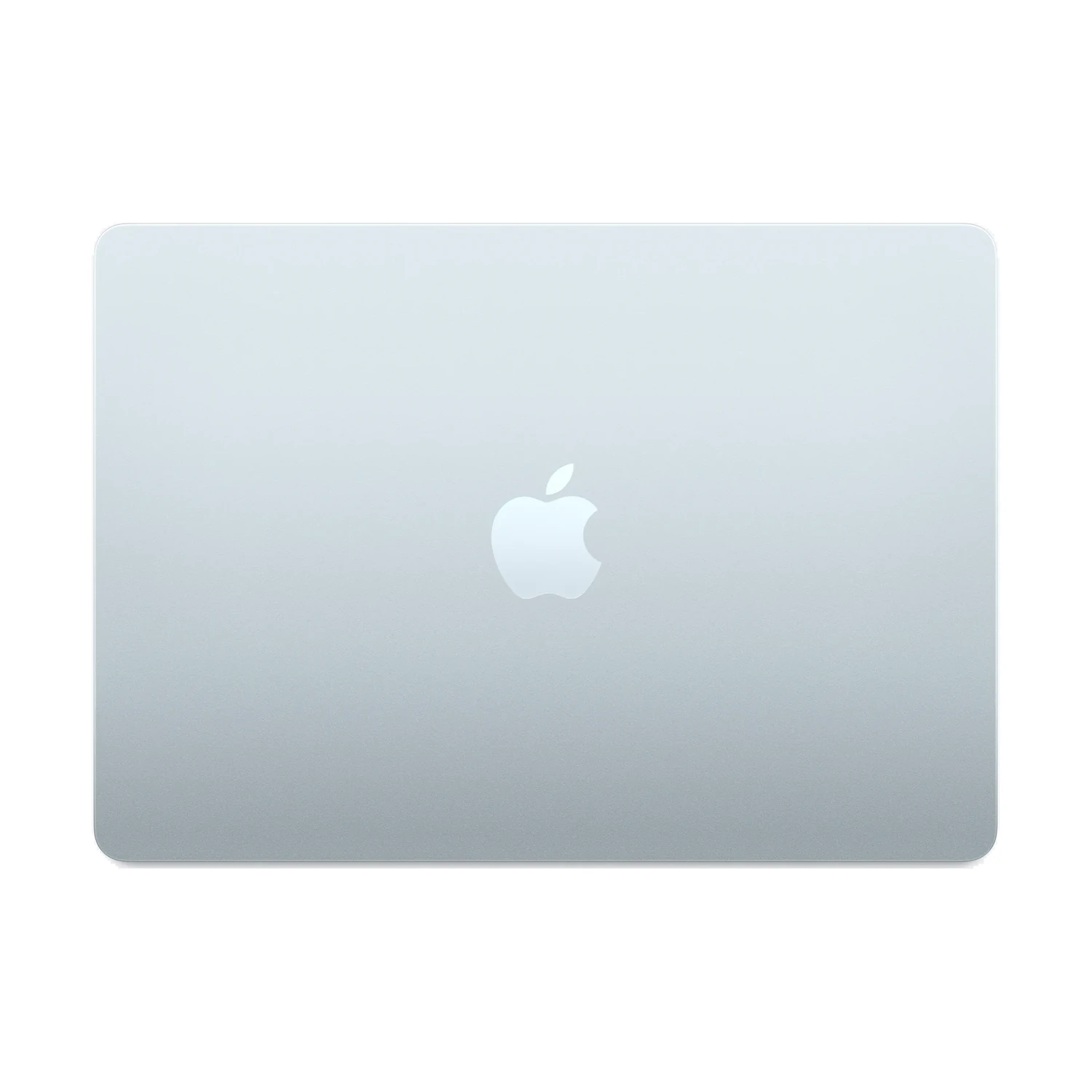
The 15-inch Air gives you a larger built-in workspace; the 14-inch Pro changes the display and available configurations. Decide which trade-off fits your work.
For carrying between home, campus and work: put your normal documents and applications on a 13-inch screen before deciding. A compact machine is useful only if you can comfortably read and work on it.
For a bigger built-in workspace: the 15-inch Air deserves a look even when you can afford a Pro. The larger Air and the 14-inch Pro answer different priorities. Try a spreadsheet beside a reference document, or your editing application’s normal panels.
For a desk setup: compare the laptop together with the external display, keyboard and any adapters you need. A bigger laptop screen may matter less when you work on a monitor most of the day. For a Mac desk, our Studio Display versus Studio Display XDR comparison separates panel, stand and compatibility choices.
Choose memory and SSD as one real offer
Write down the applications you keep open together, the size of your projects and what you must keep offline. Then compare complete configurations rather than a starting price attached to an unspecified machine.
- Memory: use your software’s published requirements and your actual workload. A job title such as student, designer or developer is not enough to prescribe one capacity.
- SSD: allow for applications, project files and growth. Cloud storage does not replace offline space when your connection is unavailable.
- Backup: budget for a separate backup of important work. Buying a larger internal SSD does not create a second copy.
The 13-inch M5 Air listing includes different GPU configurations, so the M5 name alone does not describe every offer. Check the chip configuration alongside the RAM/SSD bundle. Do not assume that the 15-inch version simply duplicates every 13-inch option.
Count the connections before buying adapters
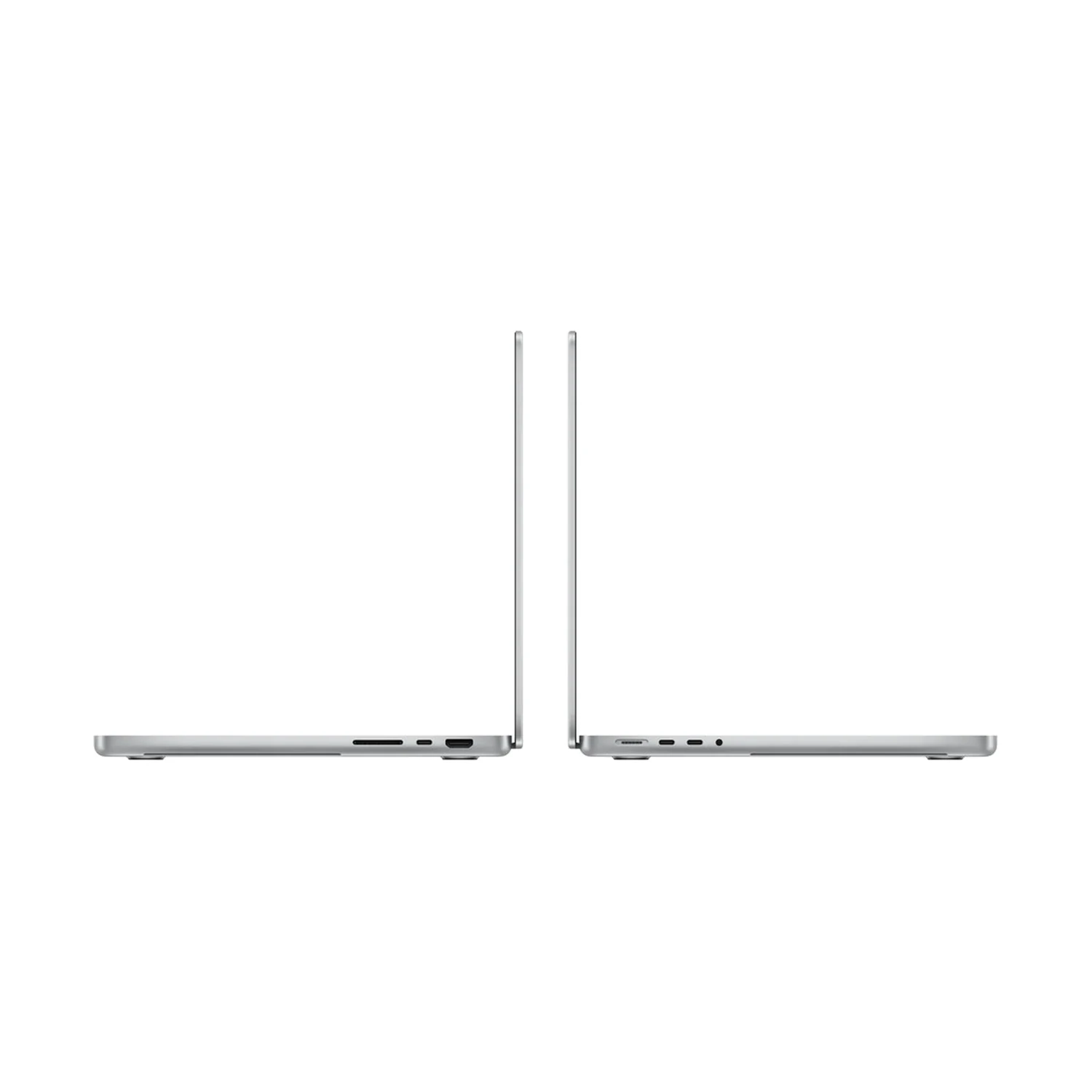
Count the devices you connect together: your display, storage drive and any camera card. Then check which adapters your chosen model needs.
Apple lists two Thunderbolt 4 ports on M5 Air. The base-M5 14-inch Pro has three Thunderbolt 4 ports plus HDMI and an SDXC card slot. Both offer MagSafe charging. Count the devices you use at the same time rather than buying a dock by its number of sockets.
A USB-C connector alone does not establish video capability, charging output or data speed. Check the cable, dock, host and display together. Apple’s Air specifications and Pro specifications state external-display limits for those exact machines.
Current Kenya prices for the compared models
MacBook Air 13-inch (M5)
Price range: KShs 178,000 through KShs 253,000
In stockSelect the exact configuration for its matching price and availability. A family range includes listed options and does not establish that every option is orderable.
MacBook Air 15-inch (M5)
Price range: KShs 218,000 through KShs 298,000
In stockSelect the exact configuration for its matching price and availability. A family range includes listed options and does not establish that every option is orderable.
MacBook Pro 14-inch (M5)
Price range: KShs 254,000 through KShs 386,500
In stockSelect the exact configuration for its matching price and availability. A family range includes listed options and does not establish that every option is orderable.
Compare like-for-like memory and storage, then allow for accessories and software. An unavailable configuration can have a listed price; confirm the matching stock and fulfilment before relying on it.
Before you order in Kenya
- Record the exact size, chip and RAM/SSD configuration.
- Check your essential applications and any employer or university requirements.
- Confirm the glass finish, colour, keyboard layout and supplied package.
- Check the selected live offer and delivery arrangements for your destination.
- Read the warranty terms, returns policy and delivery policy.
Is MacBook Pro automatically the better choice?
Choose the features that solve your own problem. Paying for a Pro screen or configuration makes sense when you will use it; compare the complete setup cost against an Air that meets your requirements.
Does M5 mean the same configuration in every model?
No. Read the exact chip configuration and RAM/SSD offer. MacBook Pro with M5 is also different from a MacBook Pro with the M5 Pro chip.
Is the 15-inch Air a substitute for a 14-inch Pro?
It can be the better fit when your priority is a larger everyday workspace. Compare the actual display features, configuration and connections rather than treating screen size as a performance tier.
Can I rely on the lowest price in the range?
Only after checking the corresponding exact offer and its availability. The displayed family range can include configurations that are not currently orderable.
Researched 30 October 2026 from official specifications and populated NextBuy product records. Buying guidance, not a hands-on test. Product imagery: Apple.