
MacBook Air M5: 16GB vs 24GB RAM in Kenya
Start with the applications you keep open together, then choose a real RAM and SSD bundle. More storage and more memory solve different problems—and the current offers package them differently.
When should you consider 24GB?
Start with 16GB when your essential applications recommend that capacity and your normal workload fits comfortably. Consider 24GB when you regularly keep memory-heavy projects, several demanding applications or virtual machines active together. A job title alone cannot settle the choice: two students or two developers can run very different workloads.
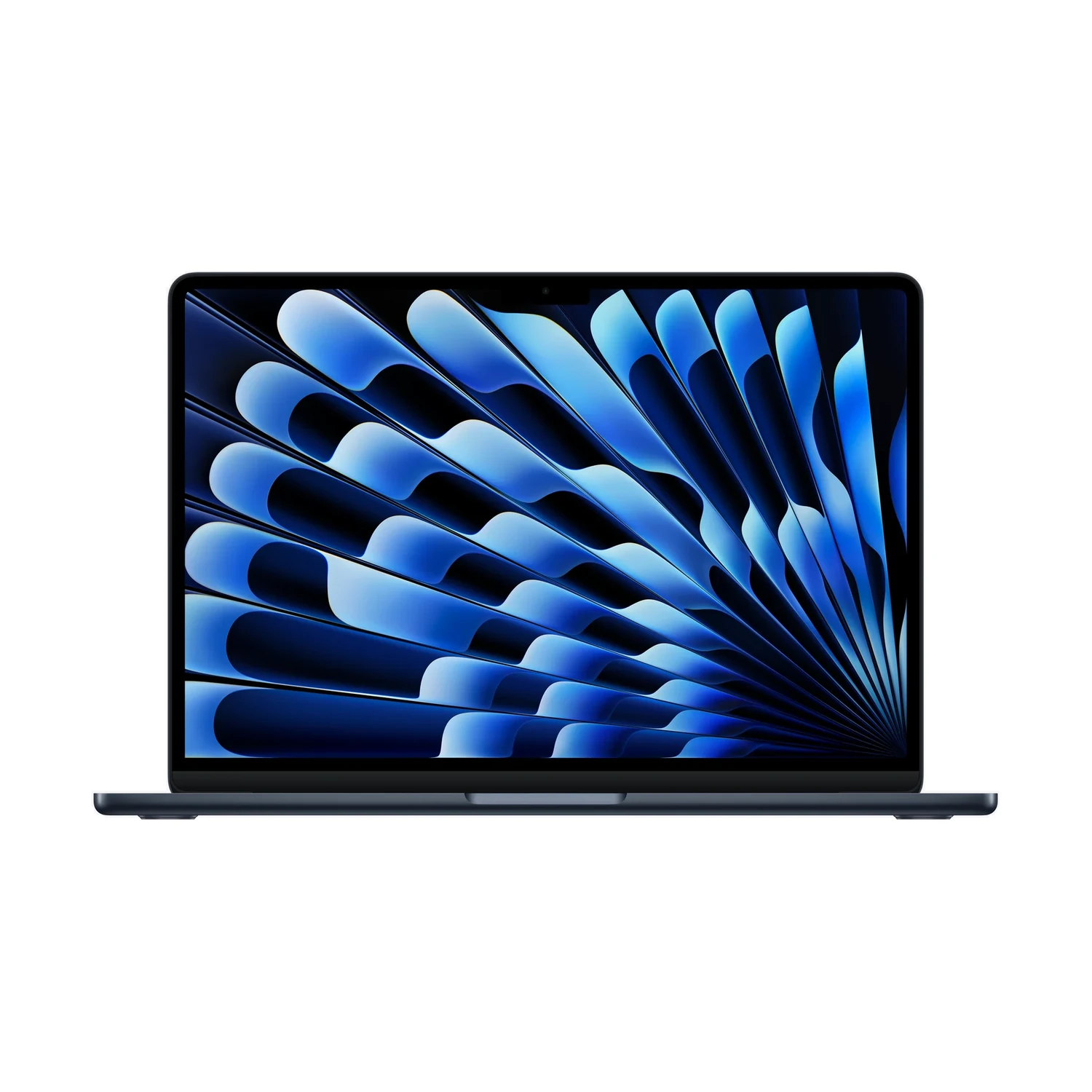
This guide focuses on the Apple MacBook Air 13-inch M5 configurations currently listed at NextBuy. If you are still choosing the laptop family or screen, read our MacBook Air M5 versus MacBook Pro M5 guide first. Here, the question is which memory and storage bundle makes sense once the Air is on your shortlist.
Compare the three actual bundles
| Listed bundle | What changes | When to examine it |
|---|---|---|
| 16GB RAM + 512GB SSD | Starting memory and storage combination | Your apps fit 16GB and you keep a modest local file library |
| 16GB RAM + 1TB SSD | More SSD space; still 16GB memory | You need room for files rather than a larger memory workspace |
| 24GB RAM + 1TB SSD | More memory with the listed 1TB SSD | You have a reason for additional memory and want this complete bundle |
The listing does not offer every mathematical combination of its separate RAM and storage values. In particular, do not assume a 24GB/512GB option exists just because the parent page mentions both capacities. Select one of the actual bundles and check its matching colour and availability.
Apple’s 13-inch M5 Air specifications describe a wider custom-order range than these standard listed offers. Those factory possibilities do not establish that NextBuy supplies each combination.
RAM is working space; SSD is file space
Memory supports the applications and project data you are actively using. The SSD holds installed applications and saved files. If your problem is a growing photo library, lecture recordings or project archives, the 16GB/1TB bundle addresses local capacity without adding RAM. If your problem is memory pressure while working, a larger SSD is not the same upgrade as additional memory.
To isolate the memory decision in the listed bundles, compare 16GB/1TB with 24GB/1TB. Moving from 16GB/512GB straight to 24GB/1TB changes both capacities, so the whole price difference should not be described as the cost of RAM alone. Also check the quoted GPU configuration: this 13-inch listing includes both 8-core and 10-core GPU variants.
Ask for the full configuration on your quotation: model, chip, RAM, SSD and colour. A familiar photograph or an “M5” label does not establish the memory capacity.
Use evidence from the Mac you already own
If you already use a Mac, open your usual apps and a representative project, then check Activity Monitor → Memory. Apple’s memory-pressure guidance explains green as efficient memory use, yellow as possible need for more RAM and red as a need for more RAM. Look for an app causing an unusual spike before treating it as your everyday requirement.
Do this during a normal working session, not just after restarting with nothing open. Apple also explains memory use and swap; a large Memory Used number by itself is not a complete diagnosis. Combine the pressure graph with your essential software’s current requirements and the tasks you expect to add.
If you cannot test a comparable workload, write down the demanding applications you must run together and check their recommended memory. “Future-proof” is not a guaranteed number of years. Extra capacity is useful when it supports a plausible workload, rather than an unspecified promise of faster performance. This is buying guidance, not a benchmark or hands-on speed test.
Check the current Kenyan configuration offer
Apple MacBook Air 13-inch M5
Price range: KShs 170,500 through KShs 253,000
In stockThe model range can include different RAM/SSD and colour offers. Select the exact bundle; a displayed price does not mean every configuration is available. Open the product to confirm the exact offer before ordering.
Keep room in the total budget for the software and accessories you need. A larger SSD is also not a backup: important work still needs a separate copy. Confirm the exact supplied package, warranty terms and delivery arrangements before paying.
Questions before choosing
Does a 1TB SSD mean the MacBook has more RAM?
No. The listing includes a 16GB/1TB bundle as well as a 24GB/1TB bundle. SSD capacity and memory capacity are separate.
Is 24GB always faster than 16GB?
Extra memory is most useful when your workload needs the capacity. This guide does not claim a universal speed increase; compare your applications and actual memory pressure.
Can I choose 24GB RAM with a 512GB SSD here?
That combination is not one of the current three listed bundles. Check the exact live offer rather than combining separate parent-page attribute values.