
MacBook Pro Standard vs Nano-texture Display in Kenya
Choose the display finish around the light you actually work in. Nano-texture is worth examining when reflections repeatedly distract you; Standard deserves a look when you can control your workspace.
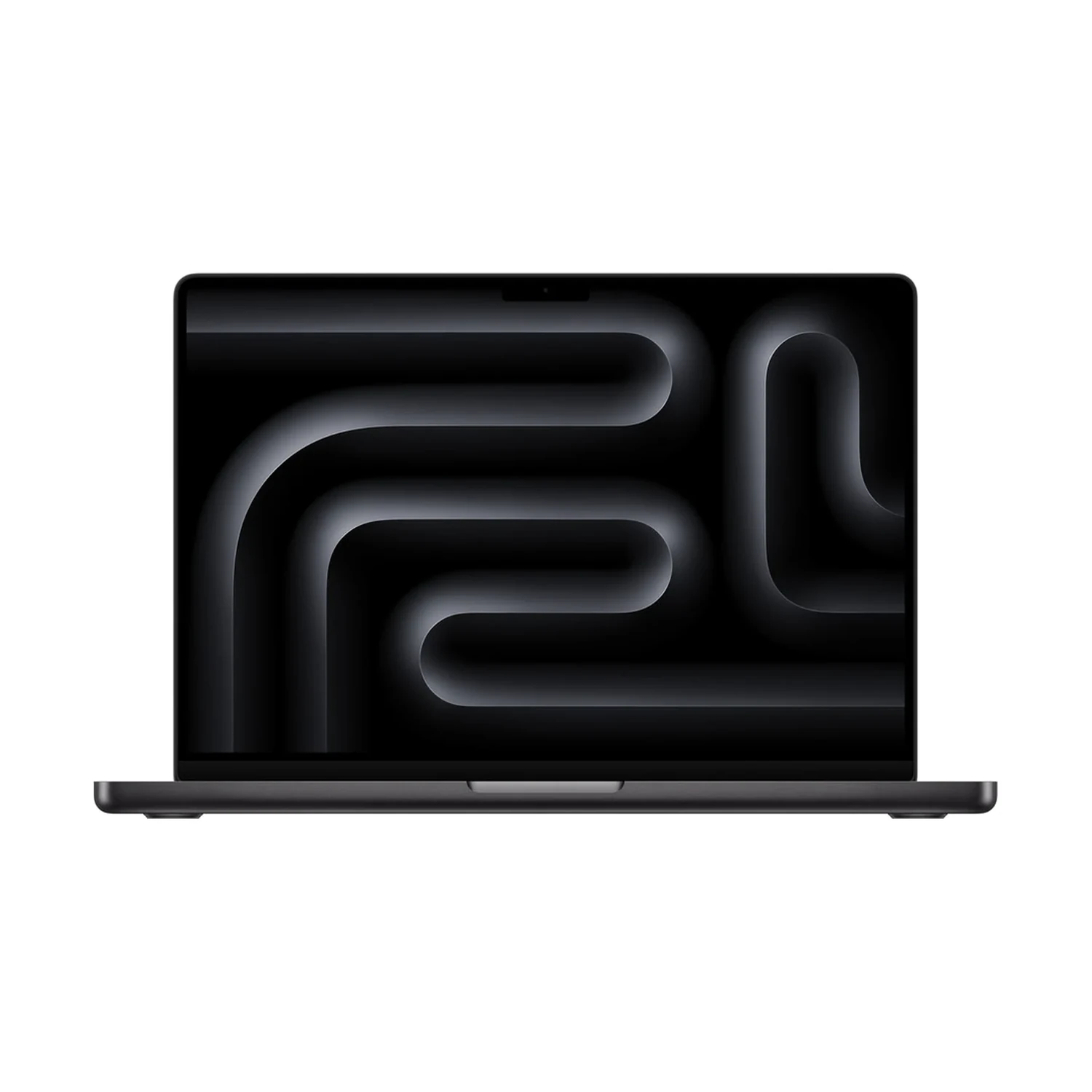
Start with your room, not the upgrade label
Think about where your MacBook will spend its working day: a desk facing a window, an office with bright overhead lights, or a room where you can move a lamp and adjust the blinds. Apple describes nano-texture as an option that reduces reflections and glare in particularly bright environments. It is a response to a lighting problem, rather than an automatic requirement for every Pro buyer.
This guide uses the actual Apple MacBook Pro 14-inch M5 listing, which offers Standard and Nano-texture finishes. If you are still choosing Air versus Pro, our M5 MacBook Air and Pro comparison covers the broader screen and laptop decision. Settle that first, then choose the finish on the exact model.
What the finish changes—and what it does not
| Question | Standard | Nano-texture |
|---|---|---|
| Where to start | A workspace where you can manage reflections | A workspace where reflections remain a recurring problem |
| What to compare | The screen with your usual lighting and content | The screen with the same lighting and content |
| What still needs checking | Exact chip, RAM, SSD, colour and availability | The same details, plus the selected finish |
| Care | Follow the model’s display-cleaning guidance | Follow Apple’s current nano-texture cleaning guidance |
Do not confuse display finish with panel technology, refresh rate or touch input. For this M5 listing, the saved specifications are Mini-LED, 120Hz and Non-Touchscreen; the finish selector separately offers Standard and Nano-texture. Choosing Nano-texture does not turn this particular model into a touchscreen MacBook.
Apple’s 14-inch M5 technical specifications confirm the nano-texture option. Apple’s display explanation describes the reflection-reduction purpose. Neither is a promise that a finish removes every reflection or improves every image in every room.
A practical way to compare before buying
If you can view both finishes, ask to compare similar screen content under the same lighting. Look at a dark document, a bright page and the kind of photographs or video you actually work with. Keep brightness and viewing position comparable. A dramatic showroom photograph taken at different angles cannot settle your own preference.
For a home or office desk, try the simple changes first: move the lamp, change the screen angle, adjust the blinds or rotate the desk. If these solve the reflection problem, put the finish premium beside your other priorities. If your routine involves places where you cannot control the light, reflection reduction may carry more weight.
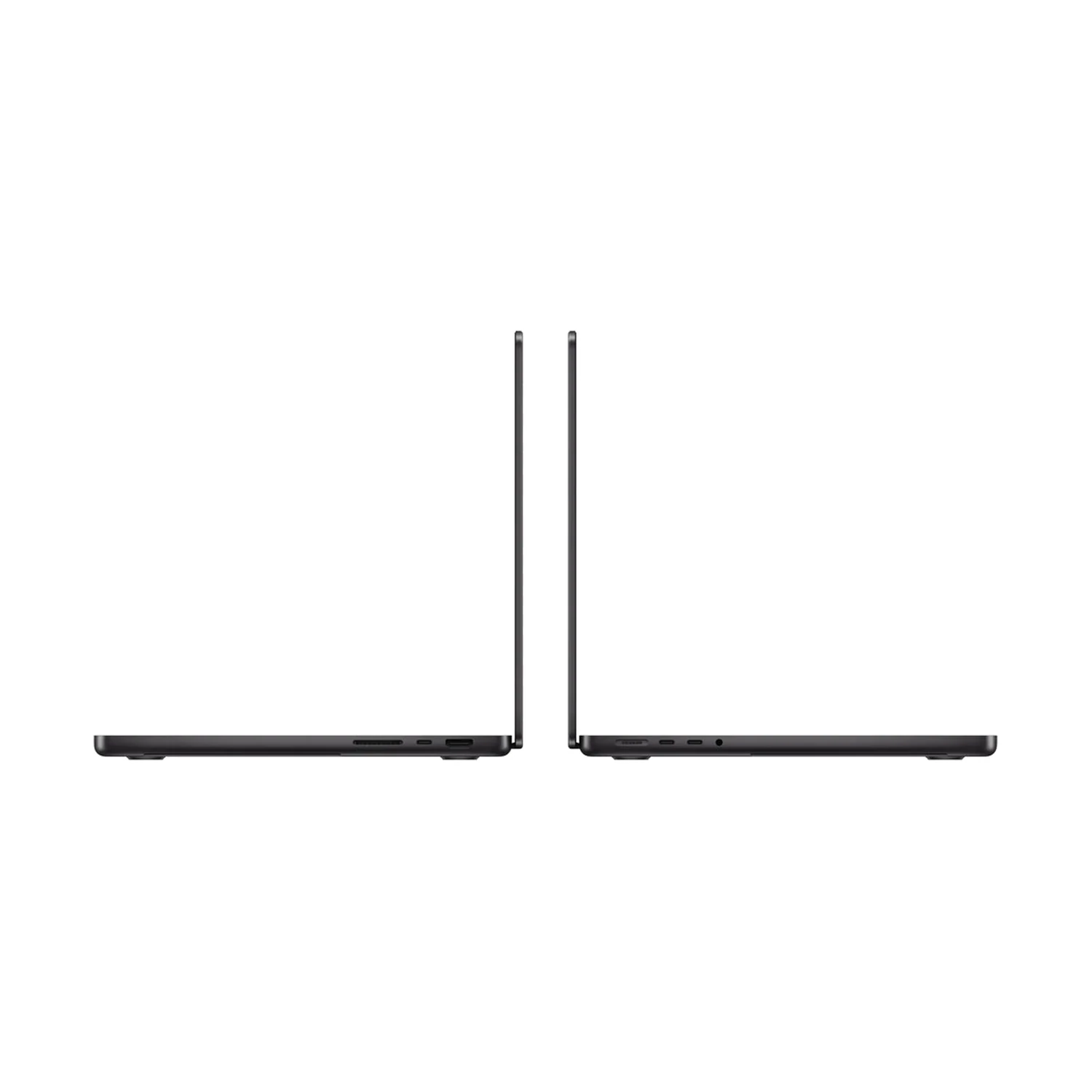
Judge the display in a useful working position. This guide has not measured glare, colour accuracy or contrast, and the product photos do not demonstrate a finish difference.
Compare a matching configuration
The current M5 listing combines finish with RAM/SSD and colour choices. Compare Standard and Nano-texture on the same chip, memory, SSD and colour where matching offers exist. A lower starting price for one combination and a higher price for another do not isolate the cost of glass.
Do not assume every finish is available with every listed bundle. Open the selectors and confirm the exact offer’s price, status and fulfilment before ordering. A parent product range can include options that are not currently orderable.
Apple MacBook Pro 14-inch M5
Price range: KShs 254,000 through KShs 386,500
In stockSelect the actual Display Finish together with the RAM/SSD bundle and colour. The range is for the model’s offers, not a fixed Nano-texture surcharge. Open the product to confirm the exact offer before ordering.
Check the warranty terms and delivery arrangements for your order. This is a comparison of a listed M5 model, not a claim that it is the newest MacBook Pro family.
Include screen care in the decision
Keep a suitable clean cloth with the laptop and follow Apple’s current nano-texture cleaning instructions for that finish. The current guide lists an Apple Polishing Cloth and other specified suitable fabrics. Avoid treating older “only one cloth” advice as a substitute for the manufacturer’s latest instructions.
Before cleaning, check the guidance for the exact display and the cleaning material you plan to use. A finish choice is easier to live with when its care routine suits how you carry and use the laptop.
Questions before choosing
Does Nano-texture make this M5 MacBook a touchscreen?
No. This listing separately specifies Non-Touchscreen. Display finish and touch support are different properties.
Is Nano-texture automatically the better screen?
Start with whether reflections are a recurring problem in your working environment. Compare the finishes with similar content and lighting if possible; this guide does not claim a universal visual winner.
Can I compare the lowest price with a different Nano-texture bundle?
That mixes configuration changes. Match chip, memory, SSD and colour before judging the finish premium, and check availability of both exact offers.