
60Hz vs 120Hz MacBook Displays in Kenya: ProMotion Explained
A higher refresh rate can make supported motion look smoother. It does not double your laptop’s processing speed or turn every video into 120 frames per second. Decide how much you value motion on the built-in display, then compare the complete MacBook offers.
What do 60Hz and 120Hz measure?
Refresh rate describes how often a display can update its image each second. At 60Hz, that is up to 60 updates per second; at 120Hz, up to 120. It is a display characteristic, separate from processor speed, memory capacity and SSD storage.
For a simple timing illustration, divide one second by the refresh rate: 60Hz allows about 16.7 milliseconds between updates, while 120Hz allows about 8.3 milliseconds. These are calculated intervals, not measurements of a particular MacBook’s response time, application speed or input lag.
The benefit is most relevant when the image is changing: scrolling, moving a window or viewing motion produced by an application. A static page does not contain extra information just because the panel can refresh more often.
Compare the actual built-in displays
| Model used in this guide | Saved display values | Refresh-rate distinction |
|---|---|---|
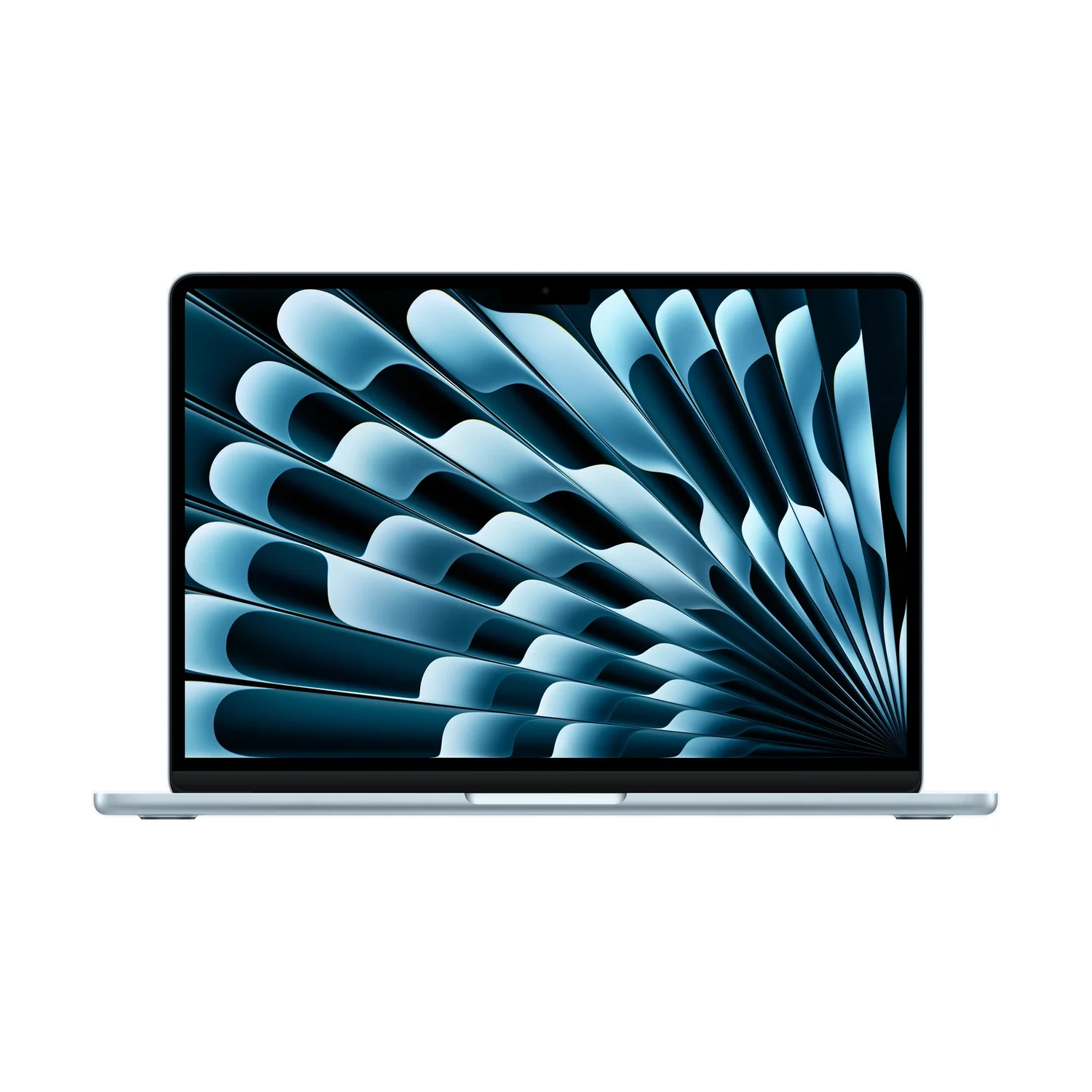
| MacBook Air 13-inch with M5 | IPS; non-touch | 60Hz |
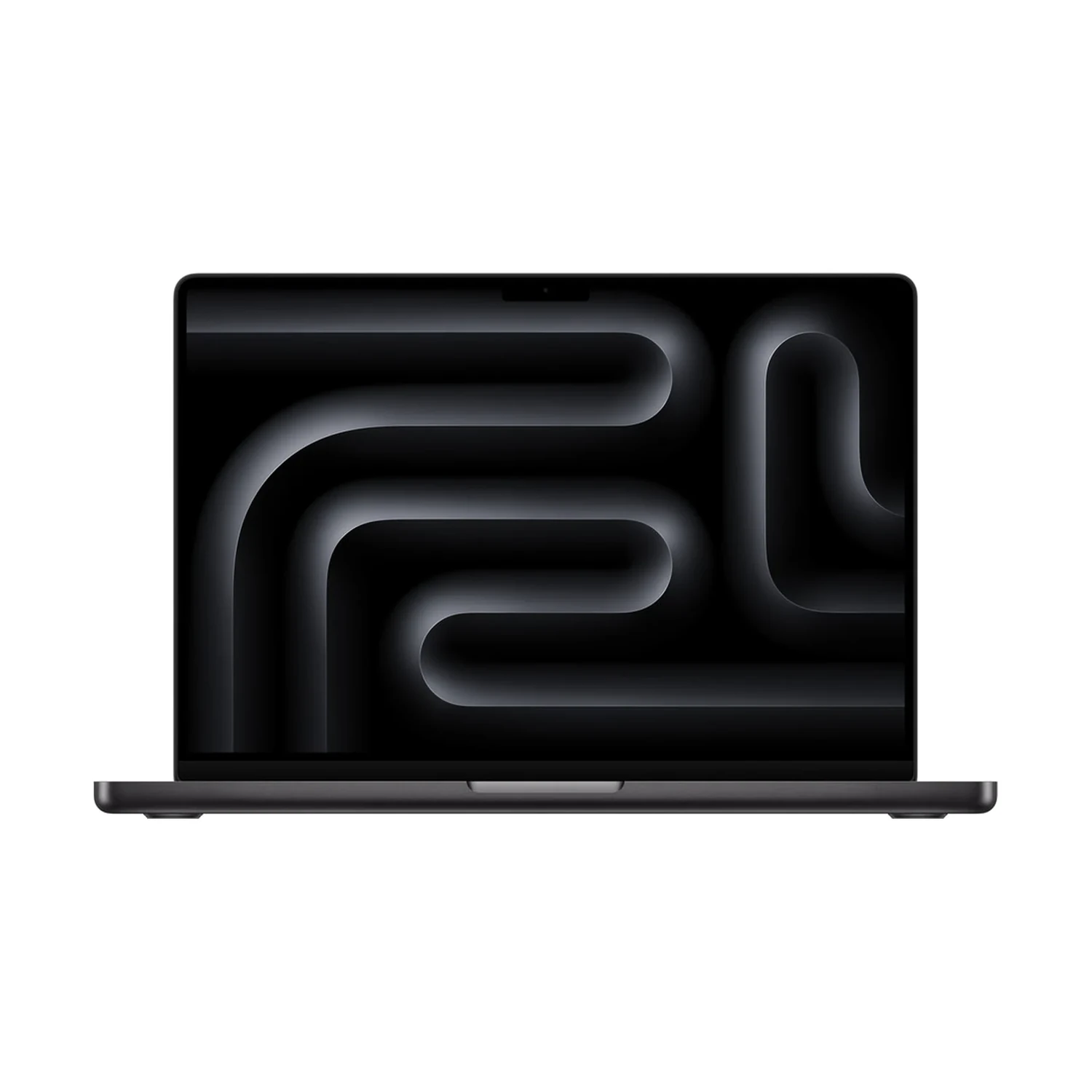
| MacBook Pro 14-inch with M5 | Mini-LED; non-touch | ProMotion, adaptive up to 120Hz |
This comparison uses the existing 13-inch M5 MacBook Air and 14-inch MacBook Pro with M5. It does not describe every Air or every generation of MacBook Pro. Apple confirms the latter model’s adaptive refresh capability in its 14-inch M5 MacBook Pro specifications.
ProMotion is an adaptive system with a maximum, rather than a promise that the panel always runs at 120Hz. It also does not mean the display is a touchscreen. Resolution, brightness, display technology and surface finish are separate decisions. If you are choosing glass on the Pro, our Standard versus Nano-texture guide covers that question.
Refresh rate is not video frame rate
A video’s frame rate describes how many frames the content supplies each second. A screen refreshing at 120Hz does not, by itself, create a new set of 120 unique video frames from a lower-frame-rate recording. Likewise, a game or animation must produce frames at an appropriate rate for the display to show them.
Do not read “120Hz” as a guarantee of 120fps gaming, faster exports or twice the performance in every app. The software, project, graphics workload and selected settings still matter. This guide contains no hands-on frame-rate tests or benchmark results.
For editing workflows, Apple’s refresh-rate instructions explain selecting an appropriate rate for the content, including a 48Hz setting for 24fps material on supported displays. Choosing a playback setting does not change the original video’s frame rate.
How to decide whether the difference matters to you
If demonstration units are available, compare the same document or webpage at a similar text size. Scroll through it and move between your normal application windows. Judge whether the motion difference is useful enough to influence your choice; do not use a different animation or an unusually small text setting on only one machine.
Think about where you use the screen. If you spend most working hours on a separate monitor, the laptop’s own refresh rate may matter less than it does to someone who works mainly on the built-in display. An external display has its own supported refresh rates, and the Mac, connection and display must support the chosen combination. The Air’s built-in 60Hz value is not a universal limit for every external monitor.
For the wider decision about the two laptops, use our M5 Air versus MacBook Pro buying guide. Refresh rate is one part of the purchase, alongside the complete configuration and the way you work.
Where to check ProMotion on a supported Pro
On a supported MacBook Pro, open Apple menu → System Settings → Displays, then check the Refresh Rate menu. Apple identifies ProMotion as the adaptive option on supported 14-inch and 16-inch Apple silicon Pro models. Follow the size- and model-specific guidance if your menu differs.
This is a setting for compatible hardware. It cannot give an unsupported built-in display a higher refresh capability. When comparing a Kenyan offer, confirm the exact MacBook model and screen specification, not merely that its advertisement says “Retina” or “Pro”.
Check the current Kenyan offers
MacBook Air 13-inch with M5
Price range: KShs 170,500 through KShs 251,000
In stockCompare the complete selected configuration, not just the 60Hz display label. Open the product to confirm the exact offer before ordering.
MacBook Pro 14-inch with M5
Price range: KShs 254,000 through KShs 386,500
In stockConfirm the exact RAM/SSD bundle, display finish and colour alongside its ProMotion display. Open the product to confirm the exact offer before ordering.
Browse the current MacBook catalogue for available models. These live ranges cover multiple offers. They are not a fixed 120Hz upgrade price or a guarantee that every combination is available. Select matching memory and storage where possible before judging the difference between two quotations. Check the exact package, warranty terms and delivery arrangements before ordering.
Questions about refresh rate
Does 120Hz mean twice the processing speed?
No. It describes display refresh capability, not a universal CPU, GPU or application speed increase.
Does ProMotion mean a touchscreen?
No. Refresh capability and touch input are separate specifications. The two M5 listings in this guide are non-touch models.
Will a 120Hz display turn a 30fps video into 120fps footage?
No. The panel’s refresh capability does not by itself create that many unique source frames.
Can changing a setting make the M5 Air built-in screen 120Hz?
No. A display setting cannot add a hardware refresh capability that the built-in panel does not support.