
Windows Apps on M5 MacBooks in Kenya: Before You Buy
Start with the one application you cannot do without. A supported Windows virtual machine may solve the problem, but it does not guarantee that your exact application, plug-ins and connected devices will work. Verify that workflow before choosing the MacBook configuration.
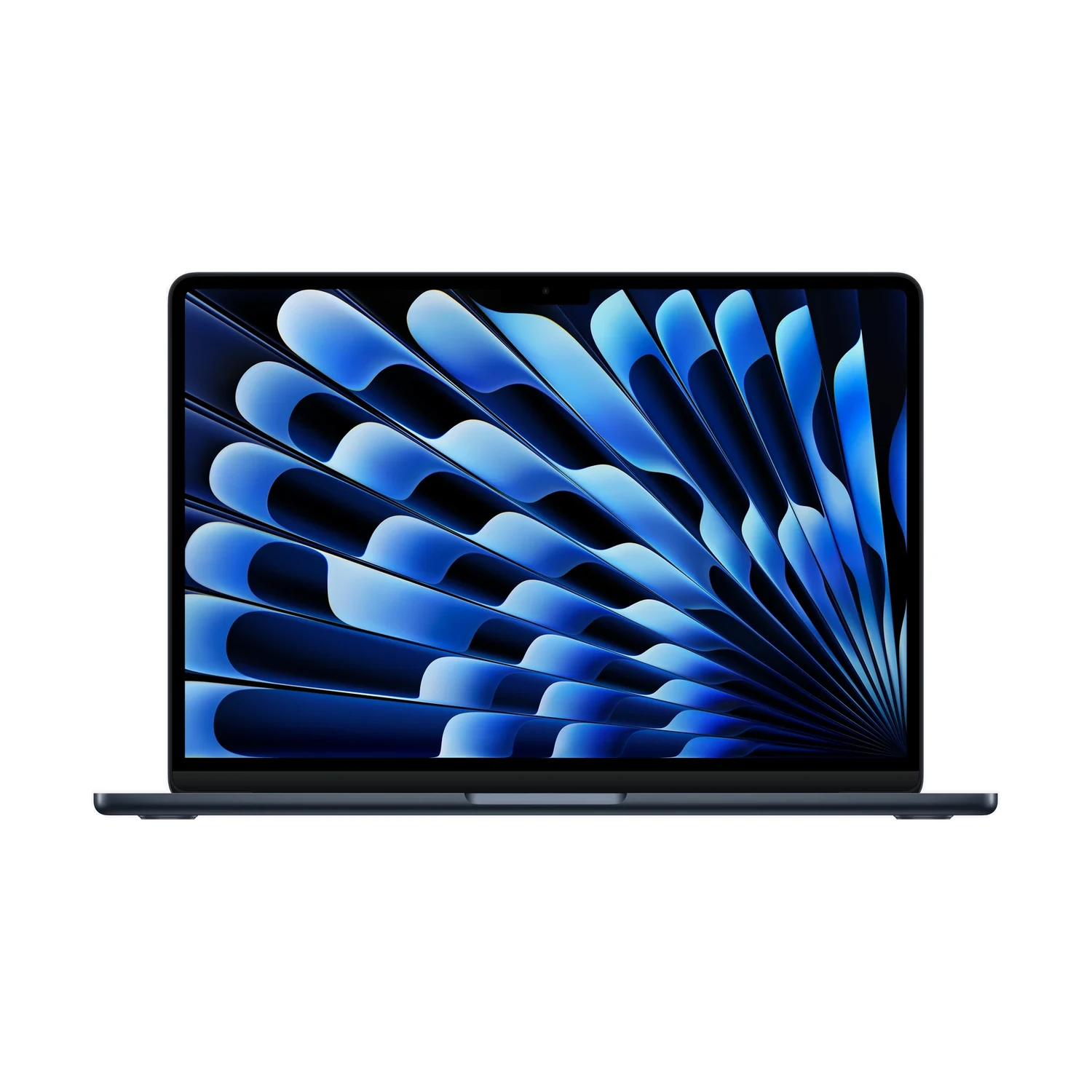
Write down the exact workflow you must keep
For a Kenyan student or business buyer, the decisive requirement may be a course application, an accounting workflow, a company login tool or software supplied with specialist equipment. Record the application name, version and required features, not just “I need Windows”.
Include anything that makes the workflow work: add-ins, templates, databases, a USB licence key, a printer or a device driver. Ask the course provider, employer or software vendor whether your intended setup is supported. A successful screenshot of the app opening is less useful than confirming that you can complete the task you actually need.
This guide uses the current Apple M5 MacBook Air and base-M5 MacBook Pro listings. It is not a compatibility certificate for every application or every MacBook generation.
Check the simplest supported route first
| Possible route | What to verify before buying |
|---|---|
| Current macOS application | The required features, file formats and plug-ins exist in the Mac version. |
| Browser-based version | It supports the full task, required browser and connectivity you will use. |
| Windows on Arm in a virtual machine | The virtualisation software, Windows version, application and drivers all support the setup. |
| An existing remote work environment | Your IT team approves the Mac client, access method, peripherals and connection requirements. |
Do not assume that an application with the same name has identical features across its Mac, browser and Windows versions. Ask about the particular function you depend on. Likewise, an existing remote environment is an option only if your organisation actually provides and supports it; buying a Mac does not create that service.
What running Windows on an M5 Mac means
Apple’s Boot Camp guidance applies to Intel-based Macs. It is not the installation route for the Apple M5 models in this guide. Avoid following an old Intel Mac tutorial simply because its title says “Windows on Mac”.
Parallels currently lists M5 support on its Desktop for Mac product page. This is a virtualisation route: Windows runs in a virtual machine alongside macOS. Check the current supported Mac, macOS, Windows and software-edition requirements before paying. Vendor support for the host machine does not establish compatibility with every Windows program.
The Windows-on-Arm distinction matters. Microsoft’s Windows Arm FAQ explains application emulation and its limitations. Drivers need suitable Arm support; some games and applications with specialised driver dependencies may not work. Do not treat application emulation as a guarantee that an older device driver, anti-cheat component or other low-level software will work.
Intel-era Mac applications are a separate issue. Apple’s Rosetta and Intel-based Mac app guidance explains that transition. Rosetta is not a way to install an arbitrary Windows application; check for an up-to-date Apple silicon Mac version where one exists.
Test a representative task, not just installation
- Ask for written support information. Specify Apple M5, the intended macOS release, Windows on Arm if applicable, and the exact application version.
- Use a representative copy of your work. With a supported demonstration or trial setup where available, open a sample document or project, run the required feature and save or export the result.
- Include dependencies. Check the relevant plug-ins, licence activation and connected hardware. Do not use confidential employer or client files in an unapproved test environment.
- Confirm institutional requirements. An employer or course may prescribe a supported operating system or examination setup even when a program appears to launch.
- Resolve a failed requirement before buying. If the vendor cannot support a critical part of your workflow, more RAM or a more expensive chip does not by itself fix that incompatibility.
This is a buying checklist, not a claim that NextBuy has installed or tested your software. The appropriate support contact is the provider of the application, device or institutional environment involved.
Choose RAM and SSD after the compatibility check
A virtual machine uses resources from the same laptop that is running macOS. Budget for the applications you need on both sides and check the virtualisation edition’s resource limits. There is no single memory allocation that suits every program, and this guide does not prescribe an untested performance result.
The current M5 Air and base-M5 Pro listings both include 16GB/1TB and 24GB/1TB bundles. Use our 16GB versus 24GB memory guide for that hardware decision. For space used by Windows, applications, project copies and your normal Mac files, the 512GB versus 1TB SSD guide explains a practical storage budget.
Include any required virtualisation, Windows and application licences or subscriptions in the total cost. Check current terms and prices with the software providers. Do not assume that a MacBook offer includes paid Windows software or that an existing licence can be transferred to the new setup.
Compare the live MacBook offers once the workflow fits
MacBook Air 13-inch with M5
Price range: KShs 170,500 through KShs 251,000
In stockCheck the exact memory/storage bundle and GPU package after confirming application compatibility. Open the product to confirm the exact offer before ordering.
MacBook Pro 14-inch with M5
Price range: KShs 254,000 through KShs 386,500
In stockCheck its actual RAM/SSD, display finish and colour offer; the Pro family name is not a software-compatibility guarantee. Open the product to confirm the exact offer before ordering.
These are model-wide live price ranges and stock indications. They do not establish availability for every configuration, include software licences or show a fixed cost for a Windows setup. Our M5 Air versus MacBook Pro guide covers the wider hardware choice once the application requirement is settled.
Browse the current MacBook catalogue, then confirm the selected package, hardware warranty terms and delivery arrangements. Keep software support and licensing checks separate from a hardware warranty.
Questions about Windows software on M5 MacBooks
Can I use Boot Camp on these M5 MacBooks?
No. Apple’s Boot Camp installation guidance is for Intel-based Macs. These listings use Apple M5, so an Intel Boot Camp tutorial is not the route to follow.
Does installing Windows guarantee my application will work?
No. Check the exact application, Windows-on-Arm support, required drivers, plug-ins and institutional rules. Test the actual task where a supported trial or demonstration is available.
Will buying more RAM fix an incompatible driver?
No. Extra memory can address resource needs, but it does not make an unsupported driver compatible.
Are Windows and Parallels included in the laptop price?
Do not assume that they are. Confirm the exact laptop package and any software licences or subscriptions separately.