
Touchscreen MacBook Pro in Kenya: PROLED XDR explained
Tap, scroll, pinch. Apple’s touchscreen MacBook is here—but the name on the lid is not enough to identify it. Here is what changes, which four models to compare and what to check before you buy.
Live prices in this article · Select your exact configuration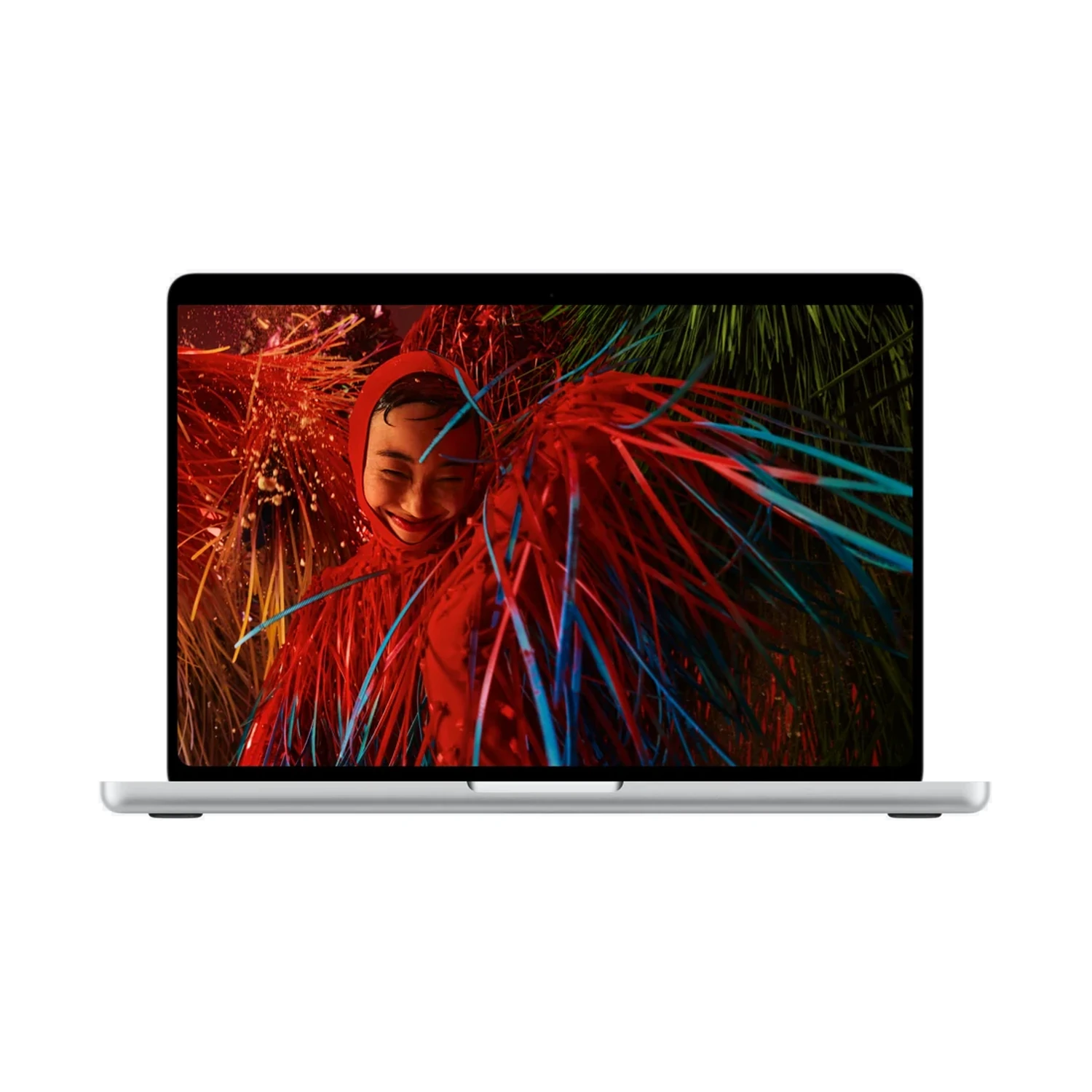
Yes, a touchscreen MacBook Pro
The new PROLED XDR family brings Multi-Touch to MacBook Pro. That is the important distinction behind the launch: you can interact directly with the display, while keeping the familiar keyboard and trackpad. It is a separate display family, not a feature implied by every new MacBook name.
Apple announced the range on 28 October 2026 and lists 6 November for availability in selected markets. Kenyan stock and delivery should be checked separately. The live model cards below show NextBuy’s current position.
Quick identification: look for PROLED XDR in the full product name. The new 14-inch M6 model uses Liquid Retina XDR without touch. Our M6 vs PROLED comparison explains the broader choice.
Source: Apple’s official announcement.
What can you actually do with Touch?
Apple demonstrates scrolling, pinching to zoom, drawing and direct interaction with content. The interesting question is where that saves you a step. Enlarging part of a photo or moving through a document may feel more direct when your hand goes to the thing you want to change.
In a creative workflow, touch can be another input alongside shortcuts and a precise pointing device. It does not make those tools redundant. Think about the repeated actions in your day, rather than assuming that a touch-enabled screen improves every task equally.
Creative work
Consider whether manipulating a canvas or adjusting a control directly is useful in your actual application. App support and the way controls are designed matter as much as the panel itself.
Everyday work
Zooming a diagram or reviewing a document can be convenient. Long writing sessions and spreadsheet work may still revolve around the keyboard, so weigh the rest of the laptop too.
See Apple’s Touch examples and full film. This is an official demonstration, not a NextBuy hands-on test.
Touchscreen is only one display attribute
A useful comparison separates the screen’s different jobs. Touchscreen describes input. Display type describes how the image is produced. Refresh rate describes how often it can update. Display finish concerns the screen surface. One does not replace the others.
| Attribute | What to look for | Why it matters |
|---|---|---|
| Touchscreen | Multi-Touch | Direct interaction with content |
| Display type | Tandem OLED | Self-emitting pixels and the display’s image characteristics |
| Refresh rate | Adaptive 10–120Hz | How the display adapts its refresh to content |
| Display finish | Standard or Nano-texture | A separate choice for viewing conditions |
Apple’s technical paper describes two emitting layers in the tandem OLED panel. It also distinguishes sustained full-screen brightness from peak brightness. Those measurements should not be treated as interchangeable promises for every image or environment.
References: official specifications and Apple’s display technical paper.
Four models, with live Kenya prices
Choose size and chip tier separately. These are four distinct listings. Prices and stock below refresh from NextBuy; a price range depends on the configurations listed for that model.
16-inch · M5 Max
Price range: KShs 636,500 through KShs 779,500
Out of stock · Choose the exact configuration on the product page.
14-inch · M5 Max
Price range: KShs 610,500 through KShs 712,500
Out of stock · Choose the exact configuration on the product page.
16-inch · M5 Pro
Price range: KShs 475,000 through KShs 598,000
Out of stock · Choose the exact configuration on the product page.
14-inch · M5 Pro
Price range: KShs 392,500 through KShs 520,500
Out of stock · Choose the exact configuration on the product page.
The larger screen may suit someone who regularly works away from an external monitor. The smaller model deserves attention when carrying the laptop is a daily concern. Neither size alone establishes which chip tier you need.
Should you pay more for touch?
Start with a practical test: write down three tasks you expect to improve. If each is something you do repeatedly, touch deserves a place in the decision. If you struggle to name any, evaluate the display quality, performance, memory and overall cost before treating touch as essential.
For a designer, the value might be direct interaction during review. For an editor, it may be a small part of a much larger production setup. For someone mainly writing reports, the extra display capability may be less important than the keyboard, working environment or budget.
Check the input features you specifically need. Touchscreen support alone should not be read as confirmation of a detachable keyboard, tablet-style hinge, pen support or a particular app’s advanced gestures. Match those expectations to explicit manufacturer documentation.
Choose for your workflow. This guide does not claim a measured productivity gain. The right upgrade is the one that solves a real limit in your current setup.
Questions before you buy
Does the M6 MacBook Pro have Touch?
The new 14-inch M6 uses Liquid Retina XDR without touch. PROLED XDR identifies the touchscreen range. Read the M6 guide if that is the model you are considering.
Does Nano-texture add touch?
No. Display finish and touch input are different attributes. Compare Standard and Nano-texture as screen-surface choices within the relevant model.
Are the prices above fixed launch prices?
No. They come from the live NextBuy listings and refresh as you read. Select the exact configuration for its price and stock; confirm delivery separately.
Does a video prove every app supports the same gestures?
No. An official demonstration shows the described experience. Check the version and support information for your own applications before buying for a particular feature.
Find your touchscreen MacBook
Use the four model links above, or tell NextBuy which applications and screen size you are considering.
Discuss your configuration →Technical review: 29 October 2026. Prices and stock are live product data. Product imagery and demonstration video: Apple. Editorial guidance: NextBuy.