| Type | |
|---|---|
| Form Factor | |
| Screen Size | |
| Display Type | |
| Display Finish | |
| Refresh Rate | |
| Touchscreen | |
| Processor | |
| Chip Configuration | |
| Graphics Type | |
| Graphics Card | |
| RAM | |
| RAM Type | |
| Storage | |
| Storage Type | |
| Configuration | |
| Color | |
| Release Year |
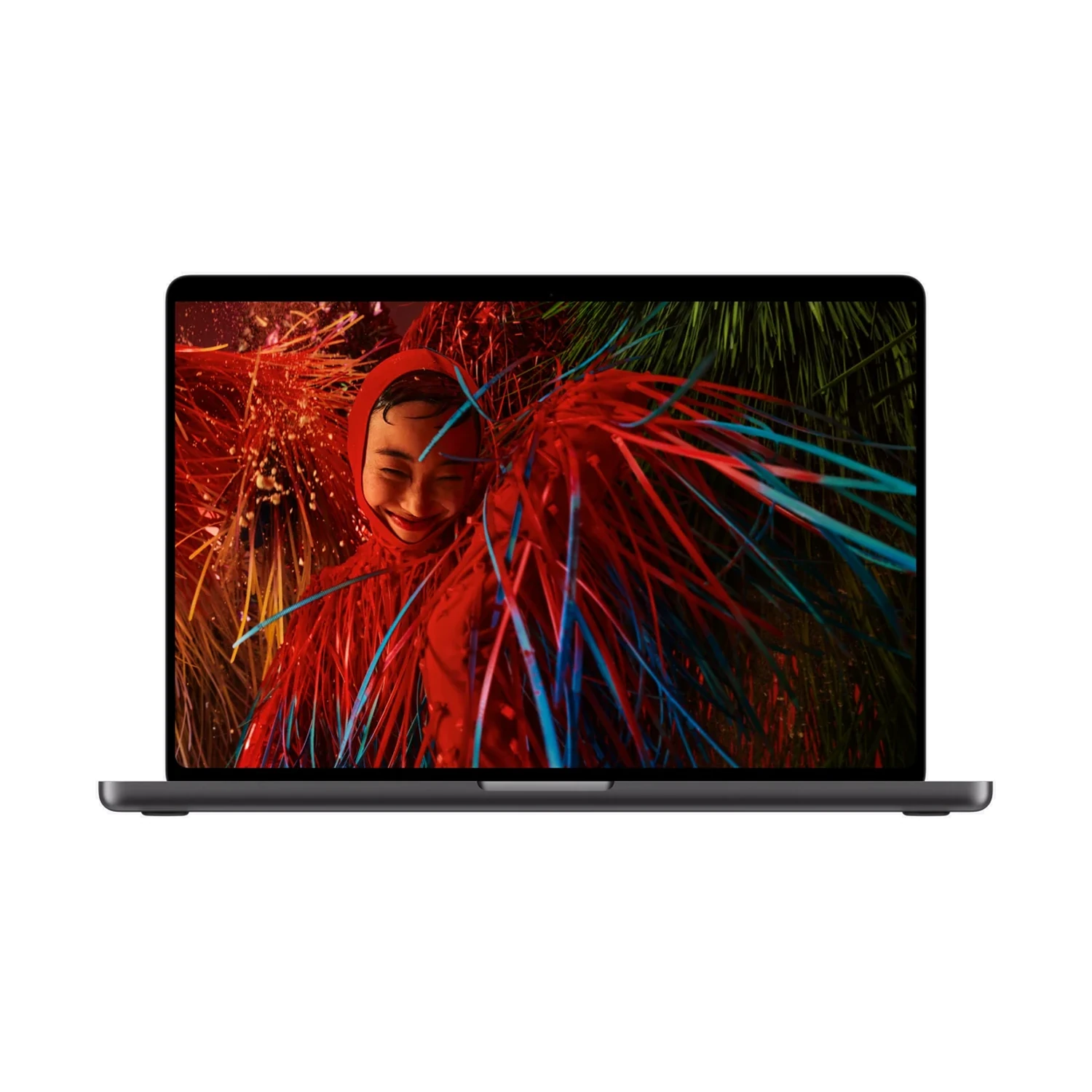
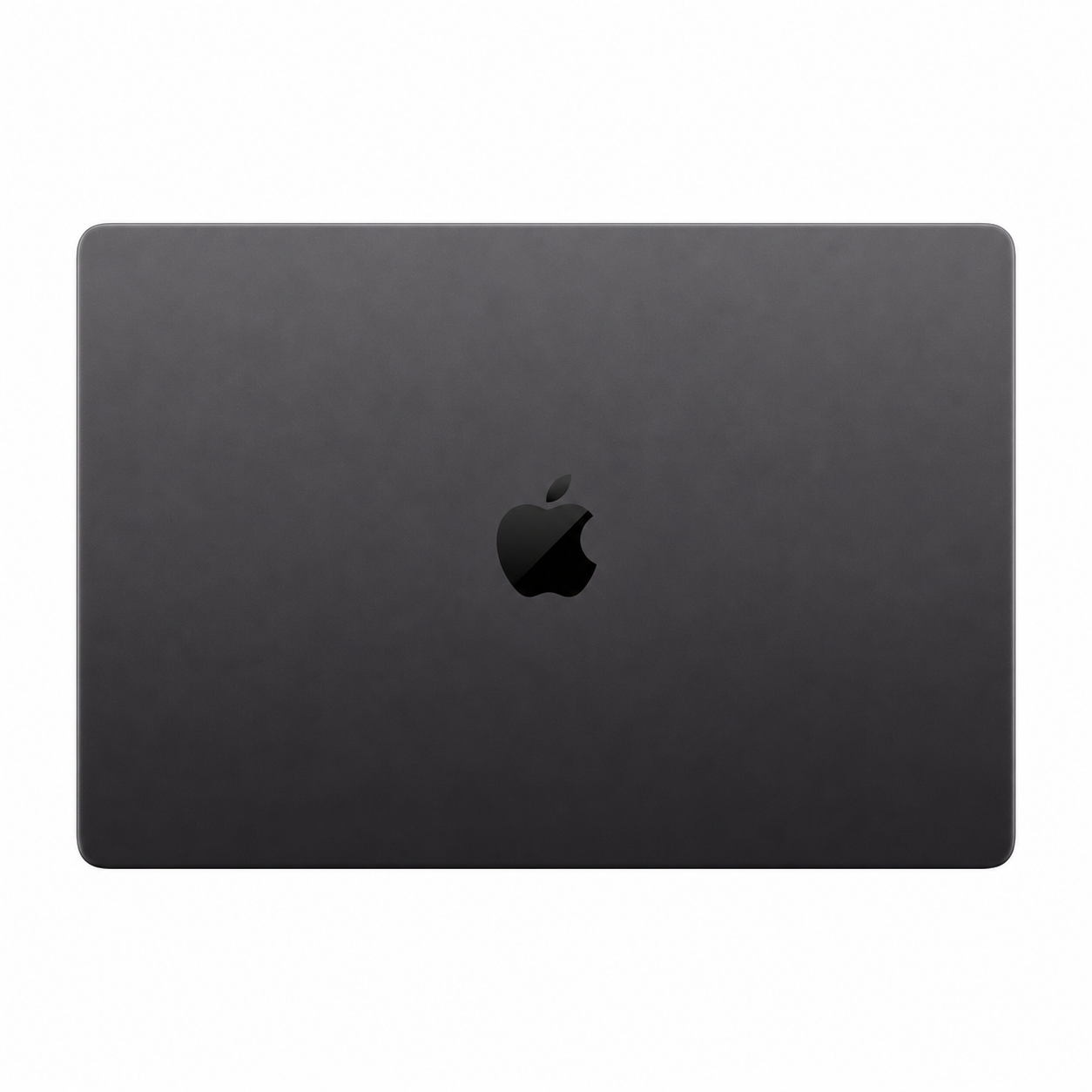
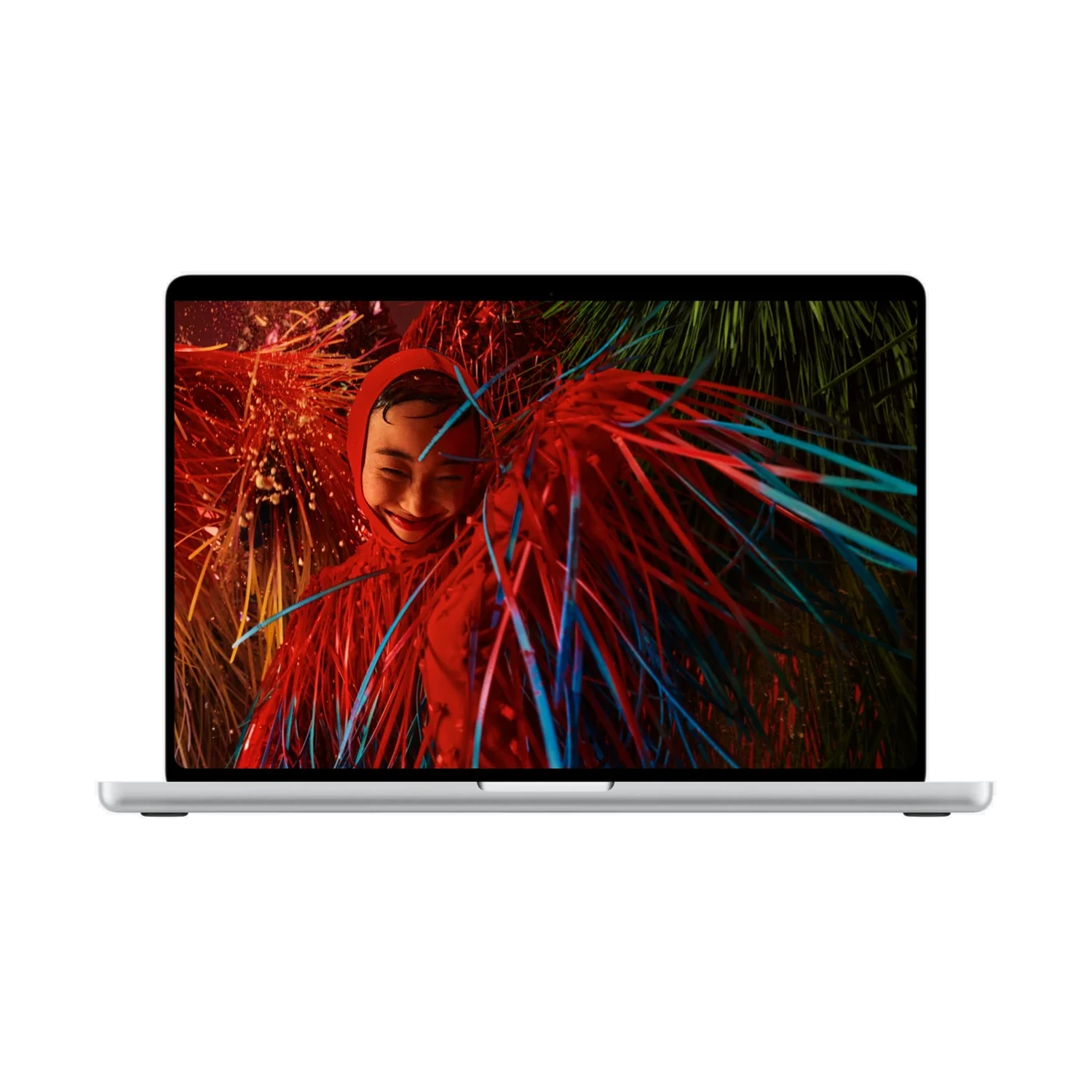
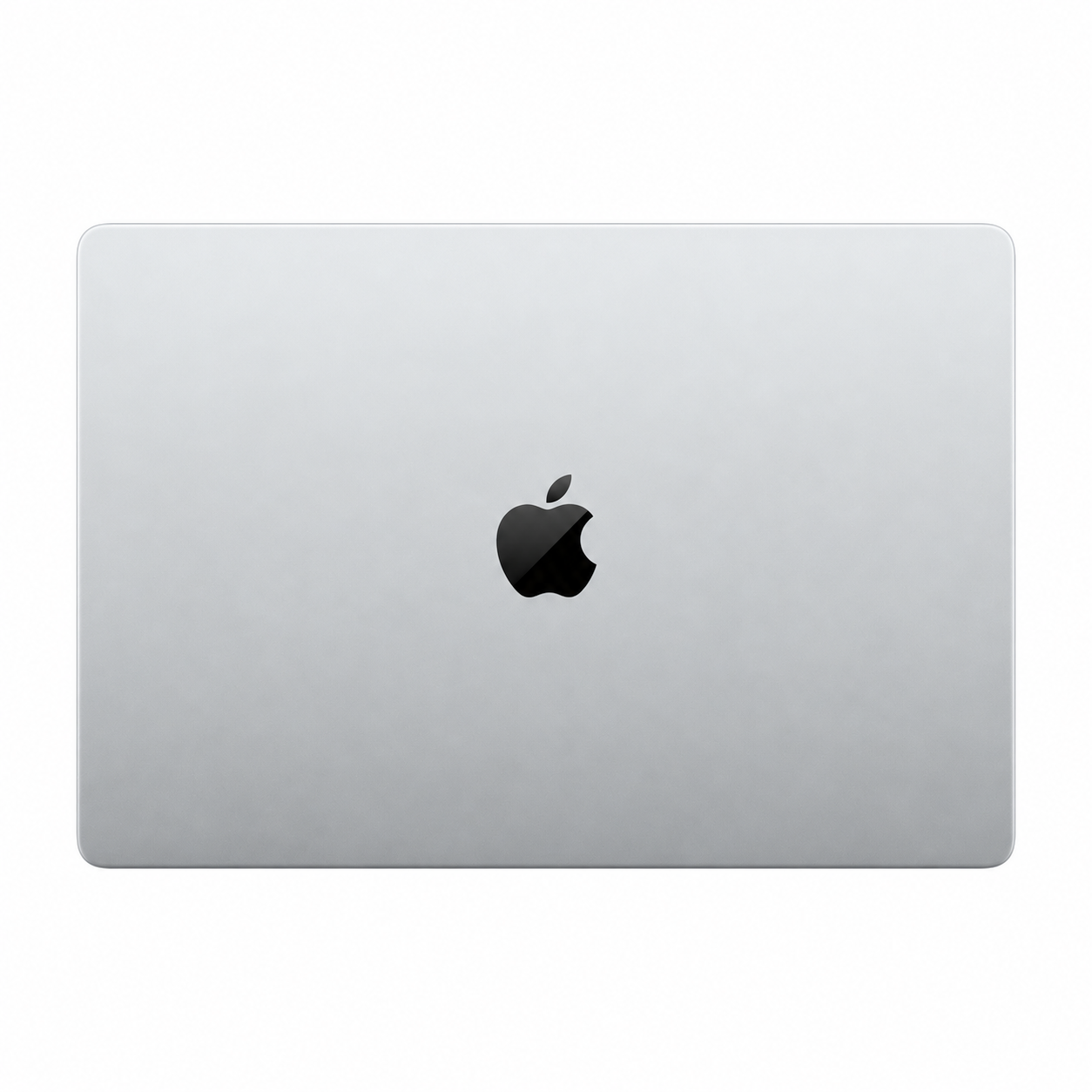
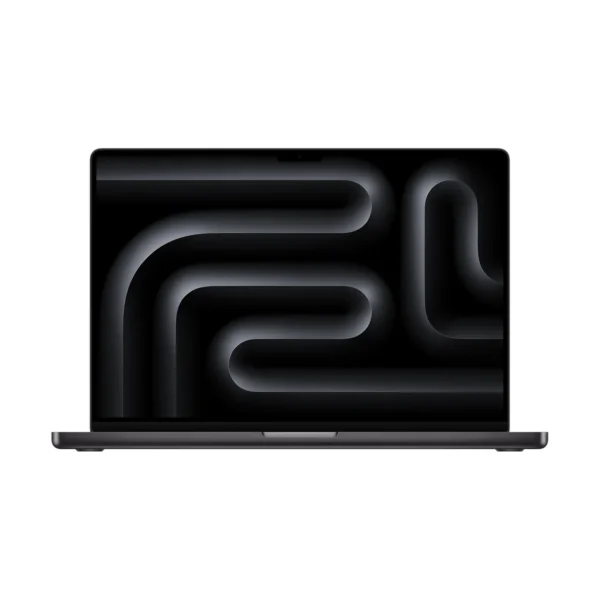
Apple MacBook Pro 16-inch (M5 Max) — PROLED XDR Nano-texture + 18-core CPU / 32-core GPU + 36GB RAM + 2TB SSD
KShs 656,500
Price is indicative and may change when stock arrives.
In-stock alternativesApple MacBook Pro 16-inch (M5 Max) — PROLED XDR combines a 16.3-inch touch-capable tandem OLED PROLED XDR display with M5 Max bundles of 36GB/2TB with a 32-core GPU or 48GB/2TB with a 40-core GPU. Choose Standard or Nano-texture glass for your lighting.
Currently unavailable — get notified
Choose an unavailable option and leave your details. We’ll email you when it’s available to order.
We’ll also email you when other options of this product become available, while keeping your chosen option on the waiting list. You can stop alerts from any email. Prices may change when stock arrives.
Configuration pages
Product information
Explore the details that matter.
Apple MacBook Pro 16-inch (M5 Max) — PROLED XDR Overview
The Apple MacBook Pro 16-inch (M5 Max) — PROLED XDR price in Kenya is KShs 656,500. This model brings a large touch-capable tandem OLED screen together with M5 Max graphics and a 2TB SSD for creators who want their main workspace inside the laptop. The extra screen area is useful when a video timeline, preview and editing controls need to stay visible together, or when you review detailed photographs away from your studio. If daily travel matters more than built-in workspace, compare the Apple MacBook Pro 14-inch (M5 Max) — PROLED XDR with an equivalent processor and memory bundle.
Two M5 Max bundles with different graphics and memory
The configuration choice changes GPU resources and unified memory together. Both listed bundles retain an 18-core CPU and a 2TB SSD:
- 32-core GPU with 36GB unified memory: the starting Max bundle for buyers whose compatible creative projects need substantial graphics resources and fit within this memory capacity.
- 40-core GPU with 48GB unified memory: adds graphics cores and working-memory capacity for larger active projects, more demanding effects or GPU-accelerated workloads that can use the additional resources.
The corresponding memory bandwidth is 460GB/s and 614GB/s. That is a separate specification from how much memory is installed: capacity determines how much active data can be accommodated, while bandwidth affects how quickly data can move. Neither the extra GPU cores nor the bandwidth figure guarantees the same percentage improvement in every application.
The 48GB bundle does not provide a larger SSD. Both have 2TB for applications, source material and active projects. Choose unified memory at purchase, allow room for caches and exports, and keep a separate backup. An external drive can extend file space but does not add unified memory.
A 16.3-inch PROLED XDR workspace
The tandem OLED panel has a 3472 × 2266 native resolution and supports touch and Multi-Touch gestures. Direct interaction can complement keyboard shortcuts and trackpad work when navigating supported interfaces or reviewing material with another person. Touch support does not by itself establish stylus compatibility or turn every desktop application into a drawing tool.
Adaptive ProMotion operates from 10Hz to 120Hz. P3 and Adobe RGB colour support, together with the available reference modes, make this a display to assess for the output you produce. For print or colour-sensitive work, choose an appropriate mode and controlled lighting rather than relying on the brightest or most saturated appearance.
Apple specifies up to 1000 nits sustained full-screen brightness and 2000-nit peak brightness in the stated HDR or outdoor conditions. Peak brightness is not the brightness of every pixel throughout a normal working day. The Apple MacBook Pro 16-inch (M5 Max) with Liquid Retina XDR is a separate non-touch mini-LED model; compare display technology as well as the shared chip name.
Standard or Nano-texture: choose for your lighting
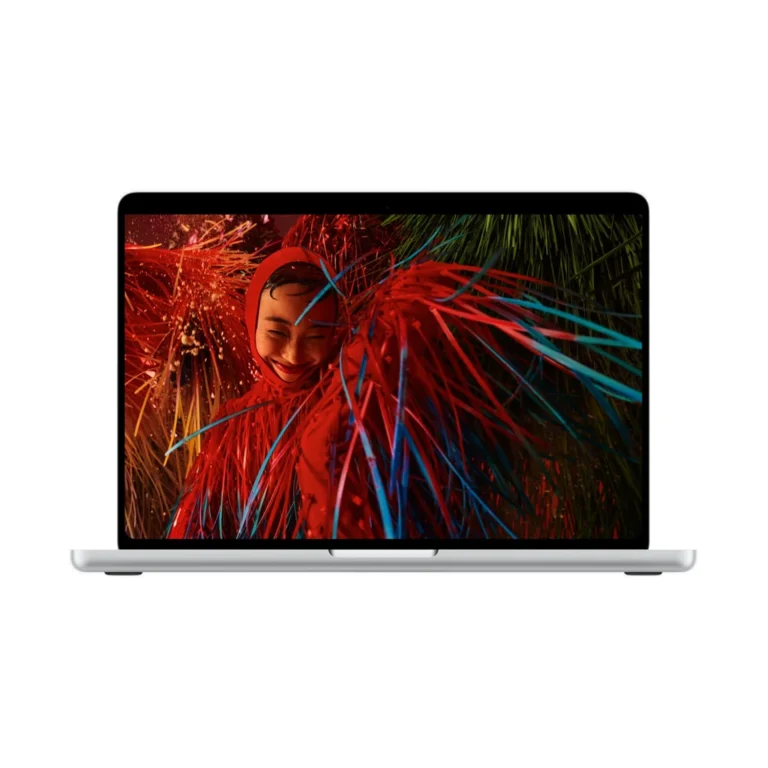
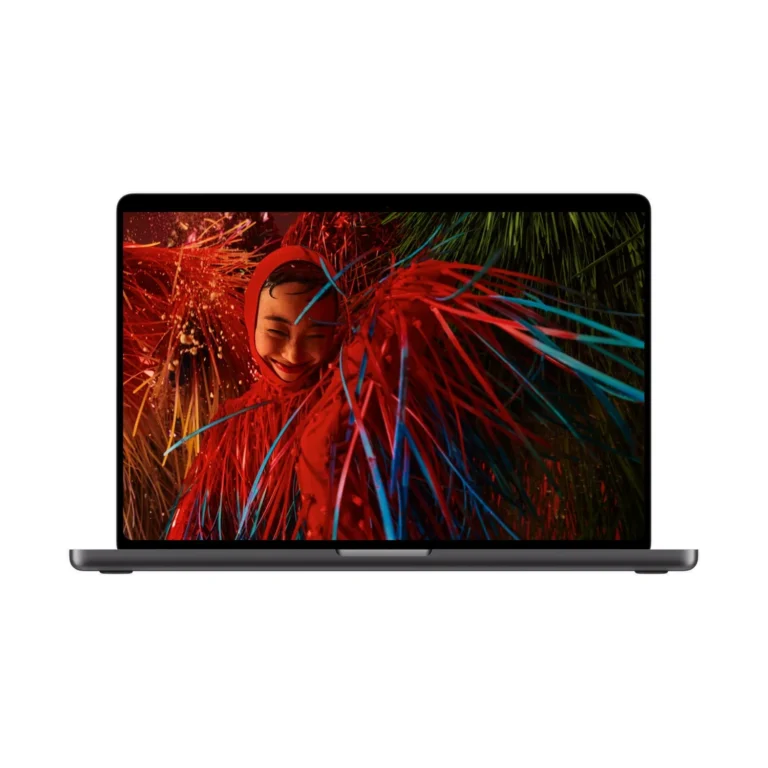
Both processor bundles are listed with Standard or Nano-texture glass, in Silver or Space Black. Standard glass suits a workspace where reflections are manageable. Nano-texture deserves consideration when windows or overhead lighting regularly interfere with viewing. Compare the same GPU, memory and SSD combination before deciding whether the finish is worth the price difference.
Nano-texture is a surface option within the PROLED display family. It does not add memory, change the GPU or create touch support; the PROLED screen already supports touch. Nano-texture packages include a polishing cloth, and the glass should be cleaned using Apple’s instructions for that surface. Body colour is an appearance choice.
Match M5 Max to work that can use it
Consider this configuration for complex editing, GPU-accelerated rendering or large creative projects whose requirements justify the selected memory. M5 Max includes media hardware for supported video workflows, but codec support, effects, plug-ins and storage performance still influence the result. A simple edit and a demanding production timeline can place very different loads on the same application.
Before moving to the 40-core/48GB bundle, identify whether your current delay comes from graphics processing, memory pressure, file transfers or an unsupported plug-in. More hardware is useful when it addresses that specific limitation. For office documents and routine browsing, these graphics resources may contribute little to the tasks you actually repeat.
Build a production desk around the connections
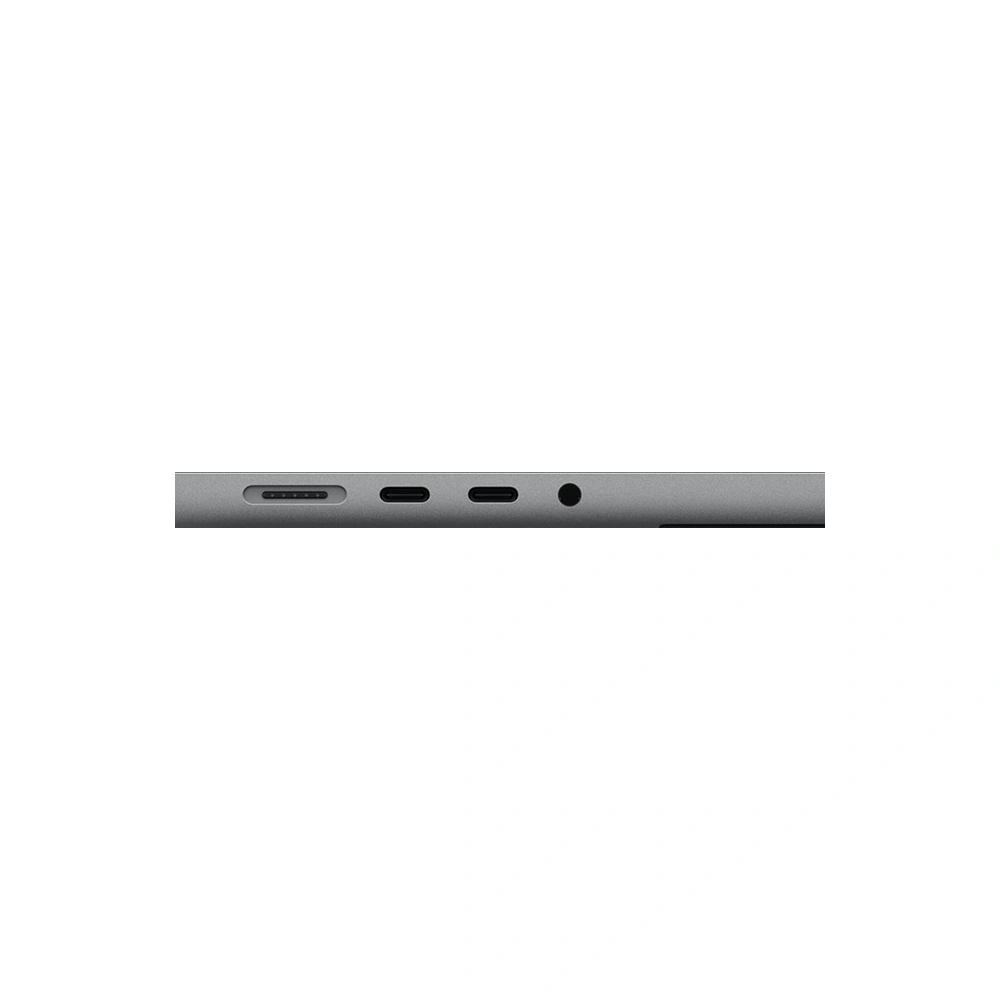
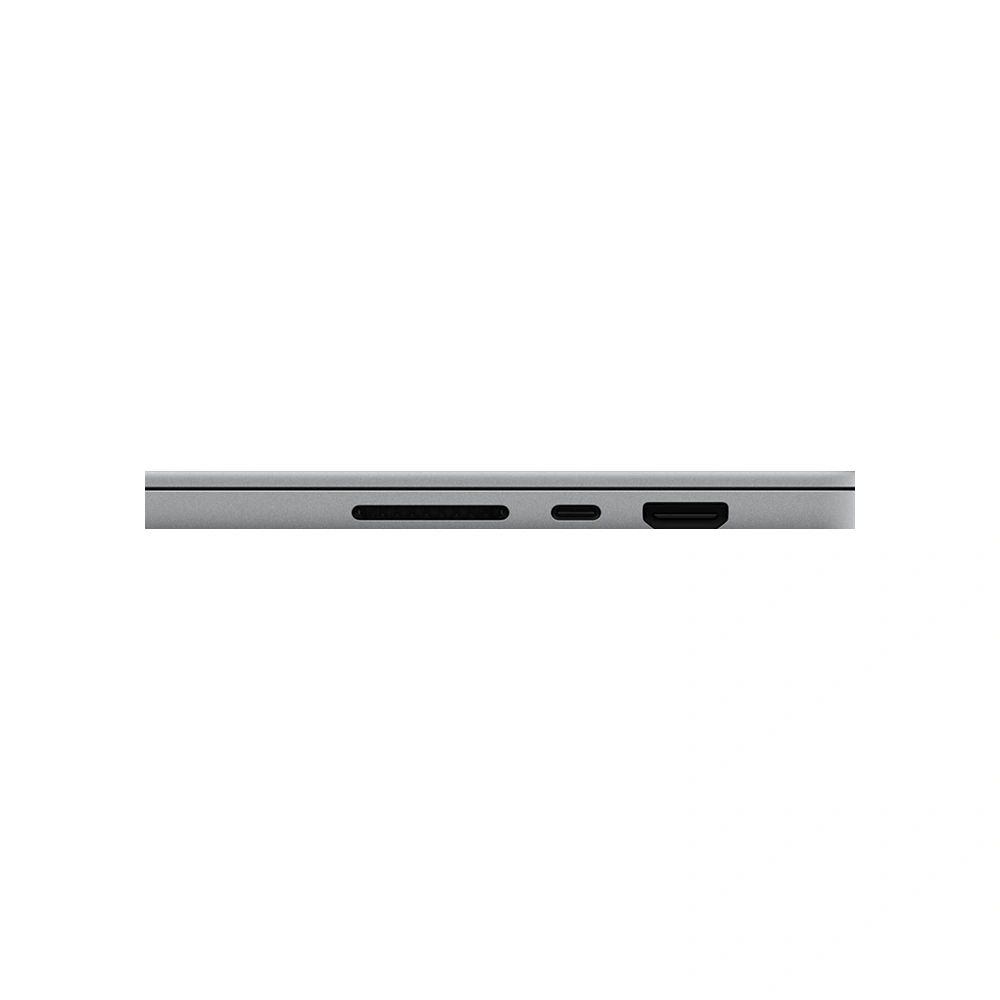
Three Thunderbolt 5 ports connect compatible storage, displays and docks. HDMI supports a suitable external screen directly, while SDXC is useful for compatible camera-card transfers. MagSafe 3 provides separate charging, and the headphone socket supports wired audio. USB-A devices and Ethernet need suitable accessories.
The M5 Max PROLED platform supports up to four external displays alongside the built-in screen. Apple’s listed combinations include four at up to 6K/60Hz or 4K/165Hz, or two at up to 8K/60Hz, 5K/120Hz or 4K/240Hz. Check the complete monitor, dock and cable arrangement against Apple’s official PROLED XDR specifications. Several sockets on a dock do not establish that it supports your intended resolution and independent-screen arrangement.
Carrying size, calls and everyday use
Apple lists approximately 1.84kg for the 16-inch M5 Max PROLED model, with dimensions of 35.55 × 24.42 × 1.60cm. The larger footprint makes sense when the built-in screen is your primary workspace; check a close-fitting bag against those dimensions. Add the charger and accessories when estimating your daily carrying load.
The 12MP Center Stage camera supports Desk View, with three microphones and six speakers for meetings and playback. The backlit keyboard includes Touch ID, while Wi-Fi 7 and Bluetooth 6 connect to compatible networks and peripherals. Your connection and application settings still influence call quality.
Battery, charger and what to budget for
Apple rates this M5 Max model for up to 22 hours of video streaming or 16 hours of wireless web use. Rendering, exports, high brightness and connected devices change actual endurance. The standard package includes a 140W USB-C power adapter and a 2m USB-C to MagSafe 3 cable; fast charging requires a compatible 140W or higher USB Power Delivery source. Confirm the supplied regional plug.
Budget separately for professional software, backup storage and any required dock. Verify macOS and Apple silicon support for your essential applications, plug-ins and peripheral drivers before ordering. Our touchscreen MacBook Pro guide provides a further comparison of the display and input choices.

- Apple MacBook Pro 16-inch (M5 Max) — PROLED XDR — selected configuration and finish
- 140W USB-C Power Adapter — confirm supplied regional package
- USB-C to MagSafe 3 Cable (2m)
- Polishing cloth — Nano-texture display packages only
Pros
- Clear bundle choices link graphics resources to working memory.
- Touch and tandem OLED provide a distinct input/display option.
- Built-in HDMI and SDXC suit common desk and camera workflows.
- Larger built-in workspace helps with multiple panels.
Cons
- Higher chip tier needs suitable applications to justify the spend.
- Large body requires more carrying and desk space.
- Display-family, glass-finish and chip names require separate choices.
Which GPU and memory combinations are listed?
The listing pairs an 18-core CPU and 32-core GPU with 36GB memory and 2TB SSD, or an 18-core CPU and 40-core GPU with 48GB memory and 2TB SSD.
Does every M5 Max here have the 40-core GPU?
No. The 36GB bundle has a 32-core GPU. The 48GB bundle has a 40-core GPU. Read the complete configuration when comparing prices.
What changes between the 36GB and 48GB bundles?
The listed upgrade changes GPU cores, unified memory and memory bandwidth together. Both bundles keep an 18-core CPU and 2TB SSD. Bandwidth is 460GB/s for the 32-core GPU and 614GB/s for the 40-core GPU.
Does the higher bundle have more storage?
No. Both listed bundles have a 2TB SSD. The 36GB and 48GB figures describe unified memory, which serves a different purpose from file storage.
Can I add more RAM later?
Treat unified memory as a purchase-time decision. Do not plan on adding conventional laptop RAM modules later. An external drive adds storage, not unified memory.
Is this a touchscreen MacBook Pro?
Yes. This PROLED XDR model has a touch-capable tandem OLED display with Multi-Touch gesture support.
Is PROLED XDR the same as Liquid Retina XDR?
No. This listing uses touch-capable tandem OLED PROLED XDR. The separately listed Liquid Retina XDR family uses non-touch mini-LED. Compare the complete model name.
Does Nano-texture add touch support?
No. Touch is a feature of this PROLED display. Nano-texture changes the glass finish for reflection management; it does not change the processor or memory.
When is Nano-texture worth considering?
Consider it when persistent window or overhead-light reflections interfere with work. Standard glass can suit controlled lighting. Compare otherwise matching GPU, memory and storage bundles.
Does it include a polishing cloth?
Apple lists a polishing cloth with the Nano-texture option. Follow the cleaning instructions for the selected surface.
Does touch support mean Apple Pencil compatibility?
Do not infer Apple Pencil support from Multi-Touch. Verify explicit compatibility for the exact pen and application before buying either for a pen-based workflow.
Does ProMotion always run at 120Hz?
No. The display adapts between 10Hz and 120Hz according to the content and settings. The maximum is not a promise that every video or application runs at 120 frames per second.
Is 2000 nits the normal full-screen brightness?
No. It is a peak figure for the specified HDR or outdoor conditions. Apple lists up to 1000 nits sustained full-screen brightness under its stated conditions.
How many external displays does M5 Max support?
Up to four alongside the built-in screen. Listed combinations include four at up to 6K/60Hz or 4K/165Hz, or two at up to 8K/60Hz, 5K/120Hz or 4K/240Hz. Compatible monitors, cables and docks are required.
Does it have HDMI and an SD card slot?
Yes. HDMI and SDXC are built in, alongside three Thunderbolt 5 ports, MagSafe 3 and a headphone socket. USB-A and Ethernet require appropriate accessories.
Can one dock run all my monitors?
Only if the dock and cables support the intended macOS display arrangement, bandwidth and resolutions. The number of physical sockets is not enough to establish compatibility.
Is M5 Max useful for every creative application?
The benefit depends on GPU acceleration, project size, codecs and plug-ins. Check the tasks that limit your current workflow before choosing the higher graphics/memory bundle.
Does the price include professional software and backup storage?
Treat licences, subscriptions, docks and backup drives as separate purchases unless an offer specifically includes them. The internal SSD is working storage, not a separate backup.
Will Windows-only tools work?
Confirm a supported macOS version or an approved Apple silicon-compatible solution before buying. Check peripheral drivers and plug-ins as well as the main application.
Does body colour change performance?
No. Silver and Space Black are appearance choices. Match the GPU, memory, SSD and display finish when comparing configurations.
What is the actual screen size and resolution?
The panel measures 16.3 inches as a rectangle and has a 3472 × 2266 native resolution. Rounded corners reduce the actual viewable area slightly.
Should I choose the 16-inch or 14-inch PROLED model?
Choose the 16-inch for more built-in room for timelines, previews and panels. The 14-inch is smaller and lighter for frequent travel. Compare equivalent GPU and memory bundles.
How much does the 16-inch M5 Max PROLED weigh?
Apple lists approximately 1.84kg and dimensions of 35.55 × 24.42 × 1.60cm. Charger and accessories add to the carrying total.
What battery life does the 16-inch M5 Max model offer?
Apple lists up to 22 hours of video streaming or 16 hours of wireless web use under controlled conditions. Demanding creative work, brightness and peripherals affect actual runtime.
Which charger is included?
The standard package lists a 140W USB-C power adapter and 2m USB-C to MagSafe 3 cable. A compatible 140W or higher USB Power Delivery source is required for fast charging. Confirm the regional plug.
What features are provided for meetings?
A 12MP Center Stage camera with Desk View support, three microphones and six speakers provide the built-in setup. The keyboard includes Touch ID, and wireless connections include Wi-Fi 7 and Bluetooth 6.
- Warranty coverage
- 1–2 years Apple warranty
The exact 1-year or 2-year coverage depends on the supplied unit. Confirm the applicable manufacturer warranty before ordering.
Pairs well with

Confirm the port, receiver and operating system.
Color: Black
KShs 15,500


Confirm the port, receiver and operating system.
KShs 26,000
Confirm video output, cable and refresh rate.
KShs 74,000
Confirm the port, receiver and operating system.
Color: White
Original price was: KShs 20,500.KShs 20,000Current price is: KShs 20,000.In-stock alternatives
Available models in this category. Compare core features and prices.
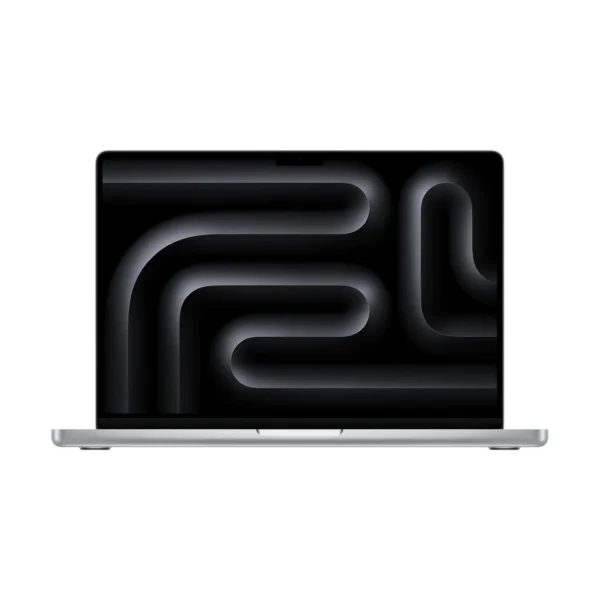
Apple MacBook Pro 14-inch (M5 Max)KShs 562,000Screen Size: 14-inch (this product: 16-inch) · Display Type: Mini-LED (this product: OLED)View product →
Apple MacBook Pro 16-inch (M5 Max)KShs 551,000Display Type: Mini-LED (this product: OLED) · Touchscreen: Non-Touchscreen (this product: Touchscreen)View product →
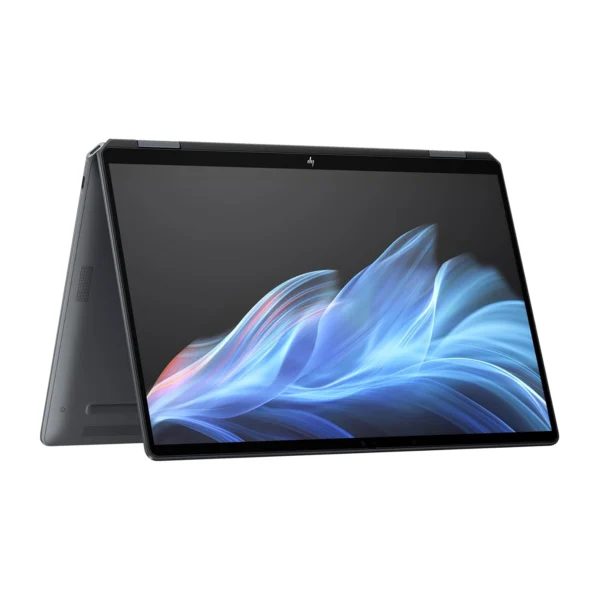
HP OmniBook Ultra 14-kd0000 (C2NM8AV-3)KShs 479,000Type: Everyday Laptop (this product: Creator Laptop) · Screen Size: 14-inch (this product: 16-inch)View product →
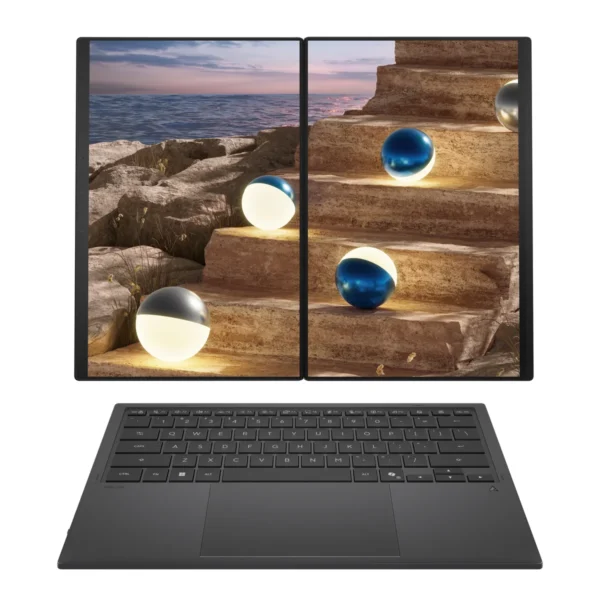
ASUS Zenbook DUO UX8407AAKShs 407,000Screen Size: 14-inch (this product: 16-inch) · Display Finish: Anti-reflective (this product: Nano-texture, Standard)View product →