| Type | |
|---|---|
| Form Factor | |
| Screen Size | |
| Display Type | |
| Display Finish | |
| Refresh Rate | |
| Touchscreen | |
| Processor | |
| Chip Configuration | |
| Graphics Type | |
| Graphics Card | |
| RAM | |
| RAM Type | |
| Storage | |
| Storage Type | |
| Configuration | |
| Color | |
| Release Year |
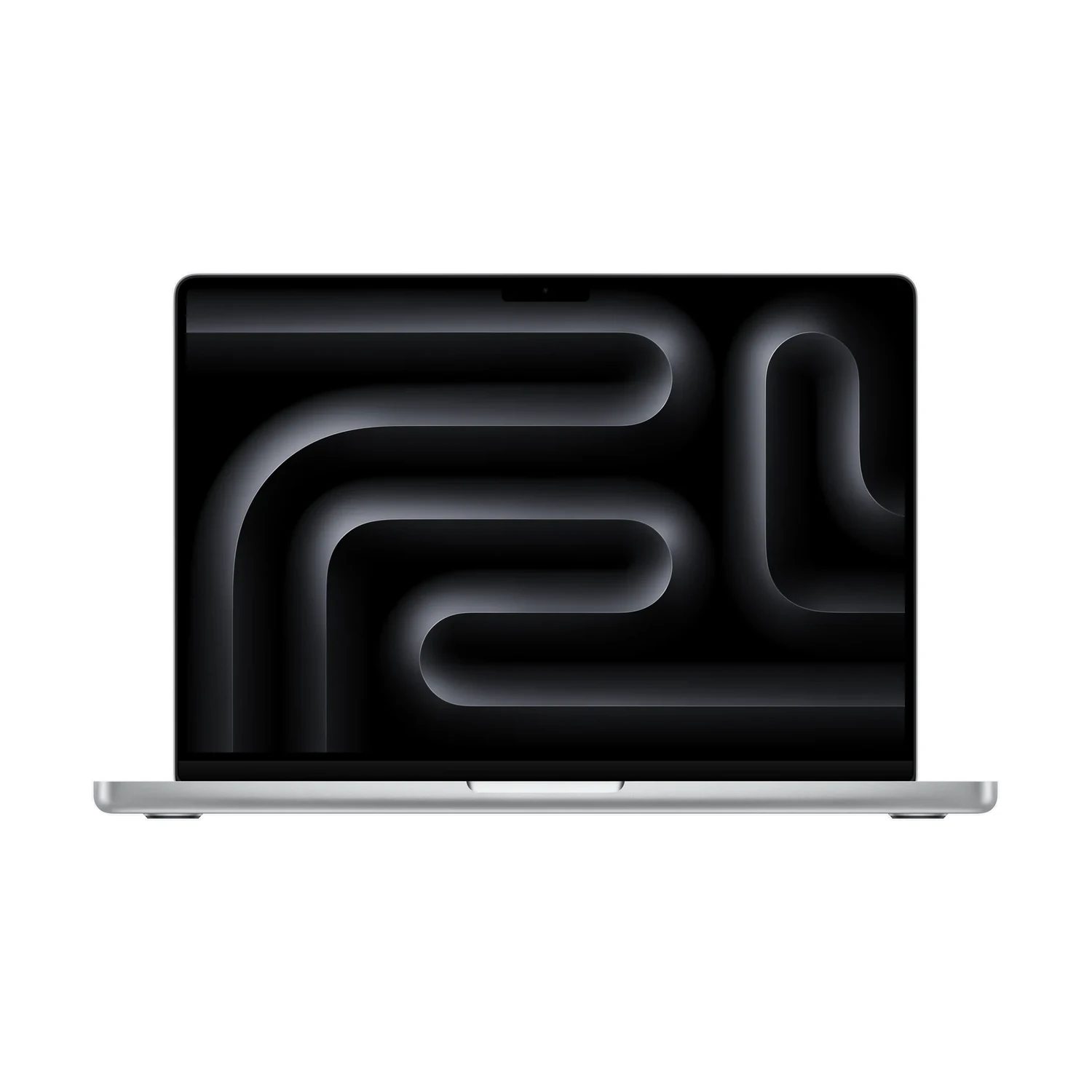
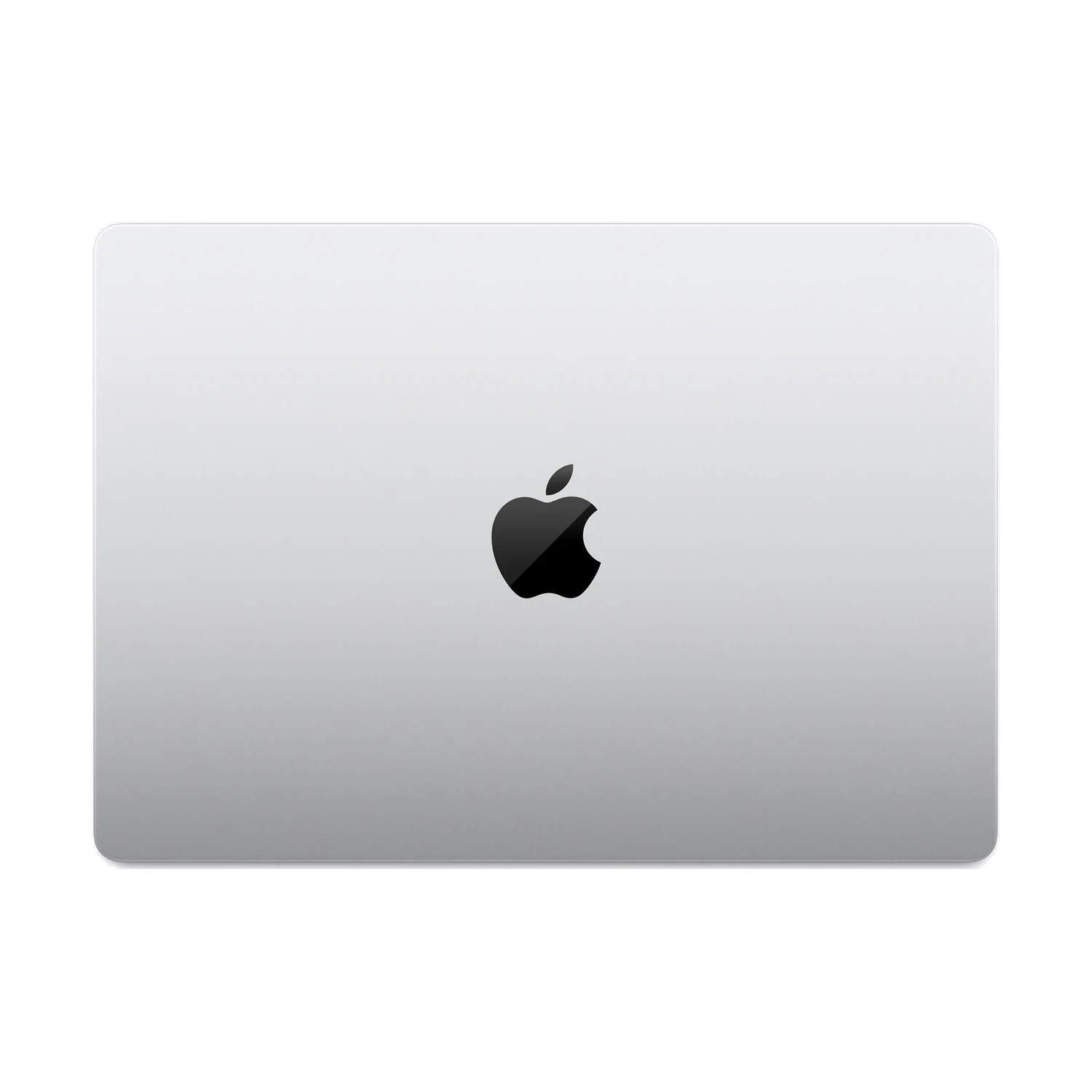
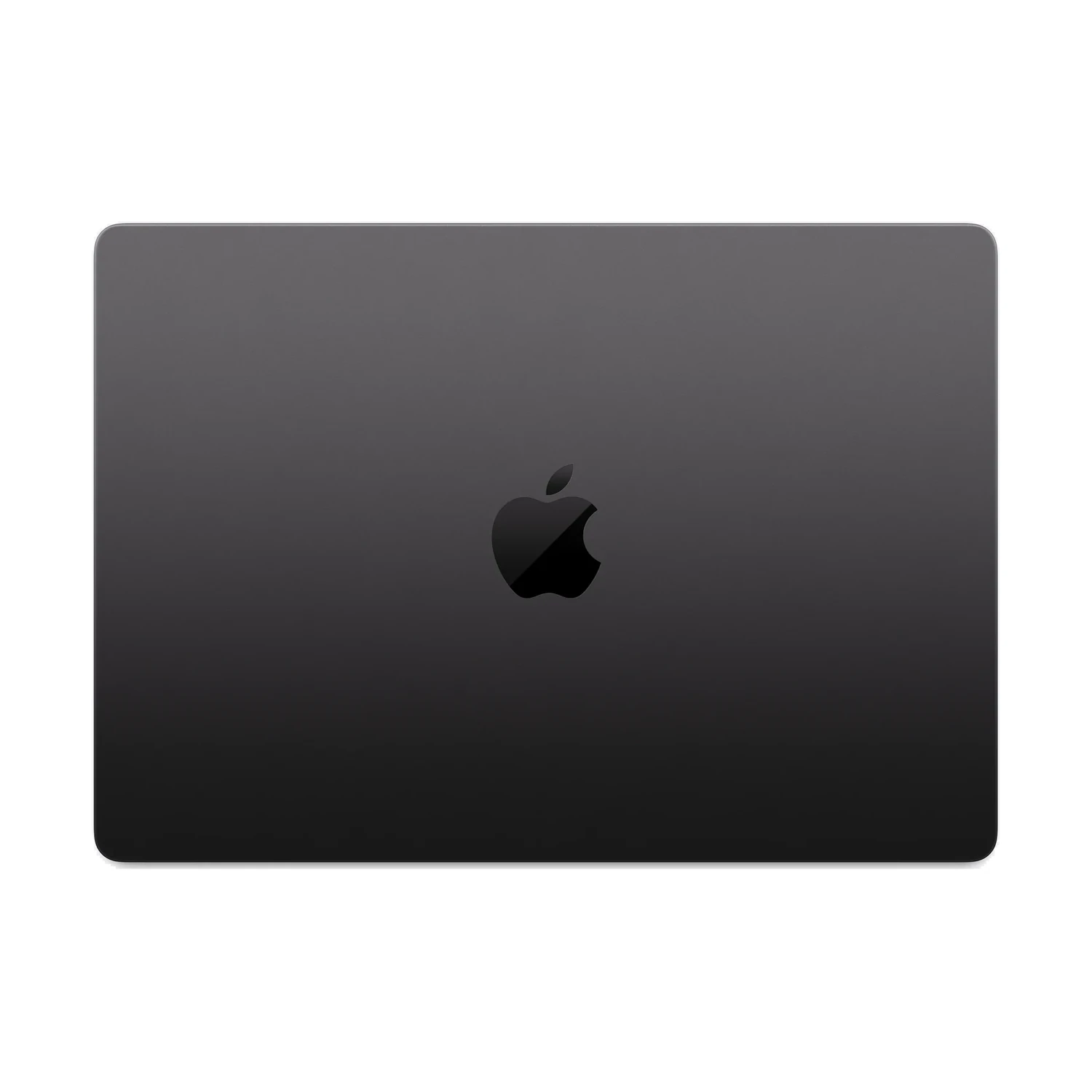
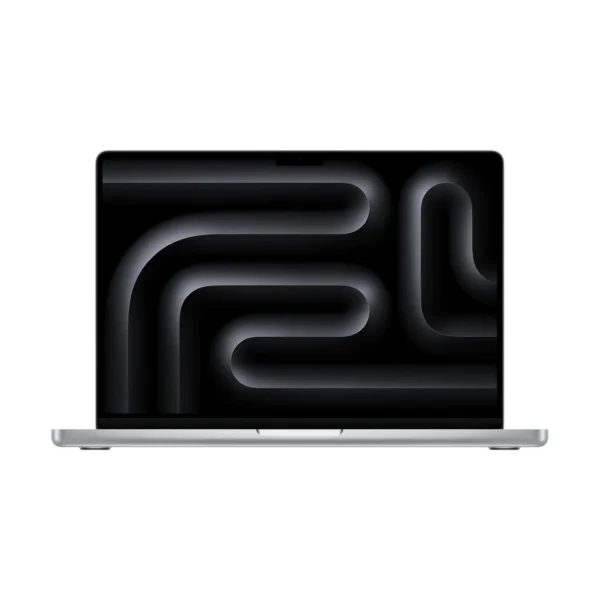
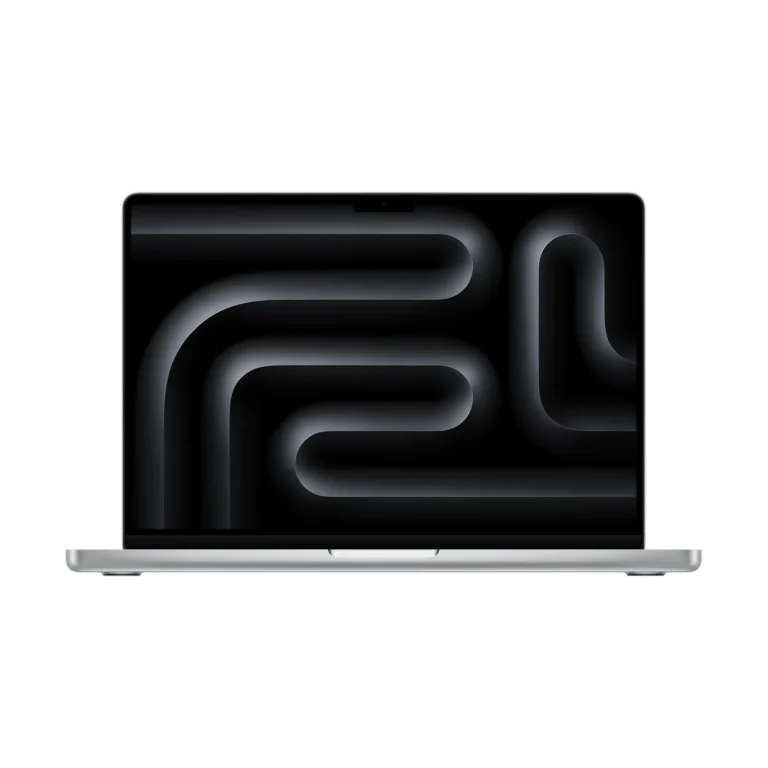
Apple MacBook Pro 14-inch (M6) Nano-texture + 24GB RAM + 1TB SSD
KShs 370,000
Price is indicative and may change when stock arrives.
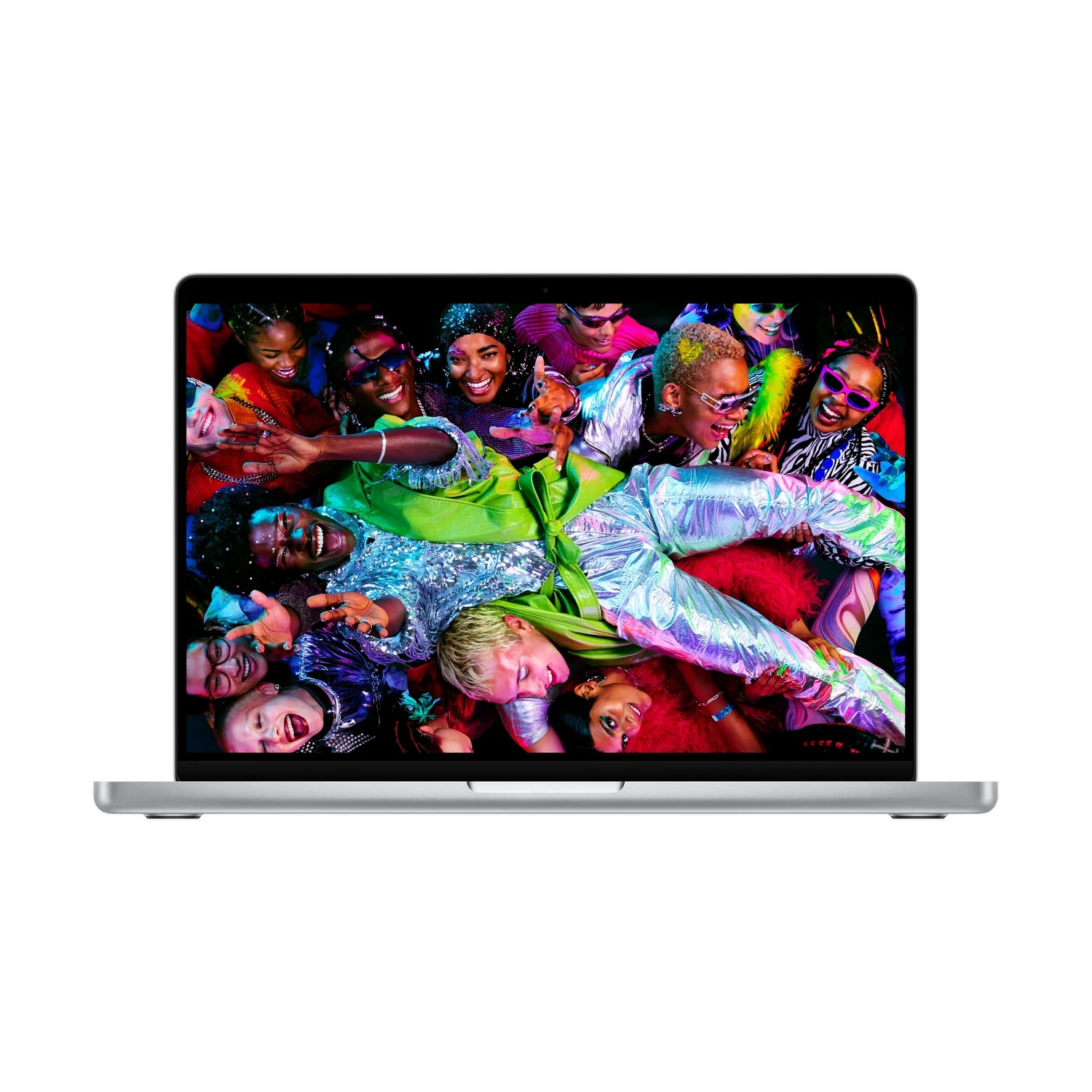
In-stock alternativesApple MacBook Pro 14-inch (M6) offers the standard M6 chip with a 12-core CPU and 12-core GPU, 16GB/24GB/32GB memory and a 1TB SSD. Choose Standard or Nano-texture glass on the non-touch 14.2-inch Liquid Retina XDR display. Connections use Thunderbolt 4.
Currently unavailable — get notified
Choose an unavailable option and leave your details. We’ll email you when it’s available to order.
We’ll also email you when other options of this product become available, while keeping your chosen option on the waiting list. You can stop alerts from any email. Prices may change when stock arrives.
Configuration pages
Product information
Explore the details that matter.
Apple MacBook Pro 14-inch (M6) Overview
The Apple MacBook Pro 14-inch (M6) price in Kenya is KShs 370,000. This compact MacBook Pro brings a 12-core CPU and 12-core GPU to a laptop built around a detailed Liquid Retina XDR display, convenient camera-card transfers and a flexible desk setup. It suits professionals balancing travel with office work, developers running several tools and creators choosing memory for their projects. If you are weighing the generation change, compare the Apple MacBook Pro 14-inch (M5) with the same memory, storage and glass finish before deciding what the M6 adds to your daily work.
16GB, 24GB or 32GB, each with a 1TB SSD
All three listed memory bundles retain a 1TB SSD and the same 12-core CPU and 12-core GPU. The practical choice is how much active work the laptop needs to accommodate:
- 16GB unified memory + 1TB SSD: a starting point for office applications, research, calls and compatible creative projects with manageable memory demands.
- 24GB + 1TB SSD: adds capacity for more demanding multitasking, larger image files or development tools used together.
- 32GB + 1TB SSD: gives the largest working-memory capacity among these listed options, worth considering when your applications regularly need more than the smaller bundles.
There is another difference worth understanding: Apple specifies 153GB/s memory bandwidth for the 16GB M6 configuration and 170GB/s for the 24GB and 32GB versions. Higher bandwidth and more capacity are distinct benefits; neither figure translates directly into the same percentage improvement in every application. The workload must be able to use the additional resources.
Choose memory at purchase, and estimate storage using your offline files, applications and temporary project data. Moving from 16GB to 32GB here does not increase the 1TB SSD. External storage can extend your file space, while a separate backup protects against losing the working copy.
Choose the display finish for your working environment
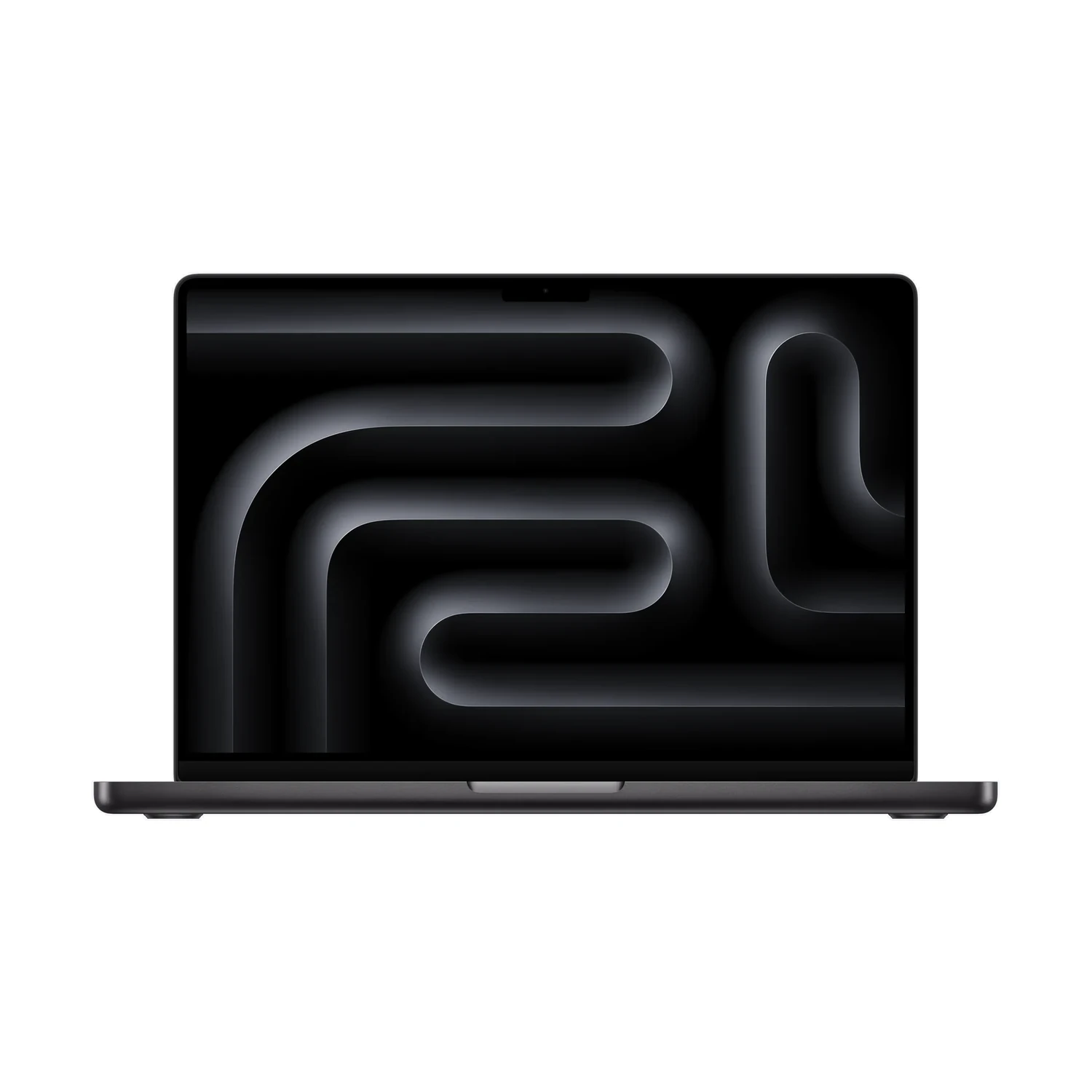
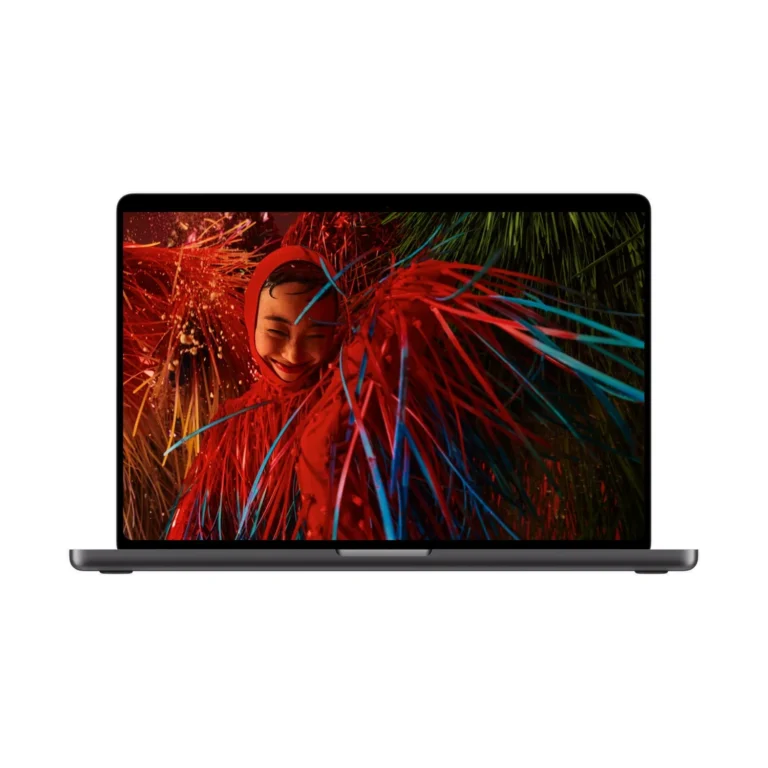
The catalogue lists Standard and Nano-texture glass in both Silver and Space Black. Standard glass suits a desk where reflections can be controlled. Nano-texture is worth considering when you regularly work opposite windows or beneath difficult overhead lighting. It is a reflection-management choice, so compare the same memory and SSD bundle when judging its value.
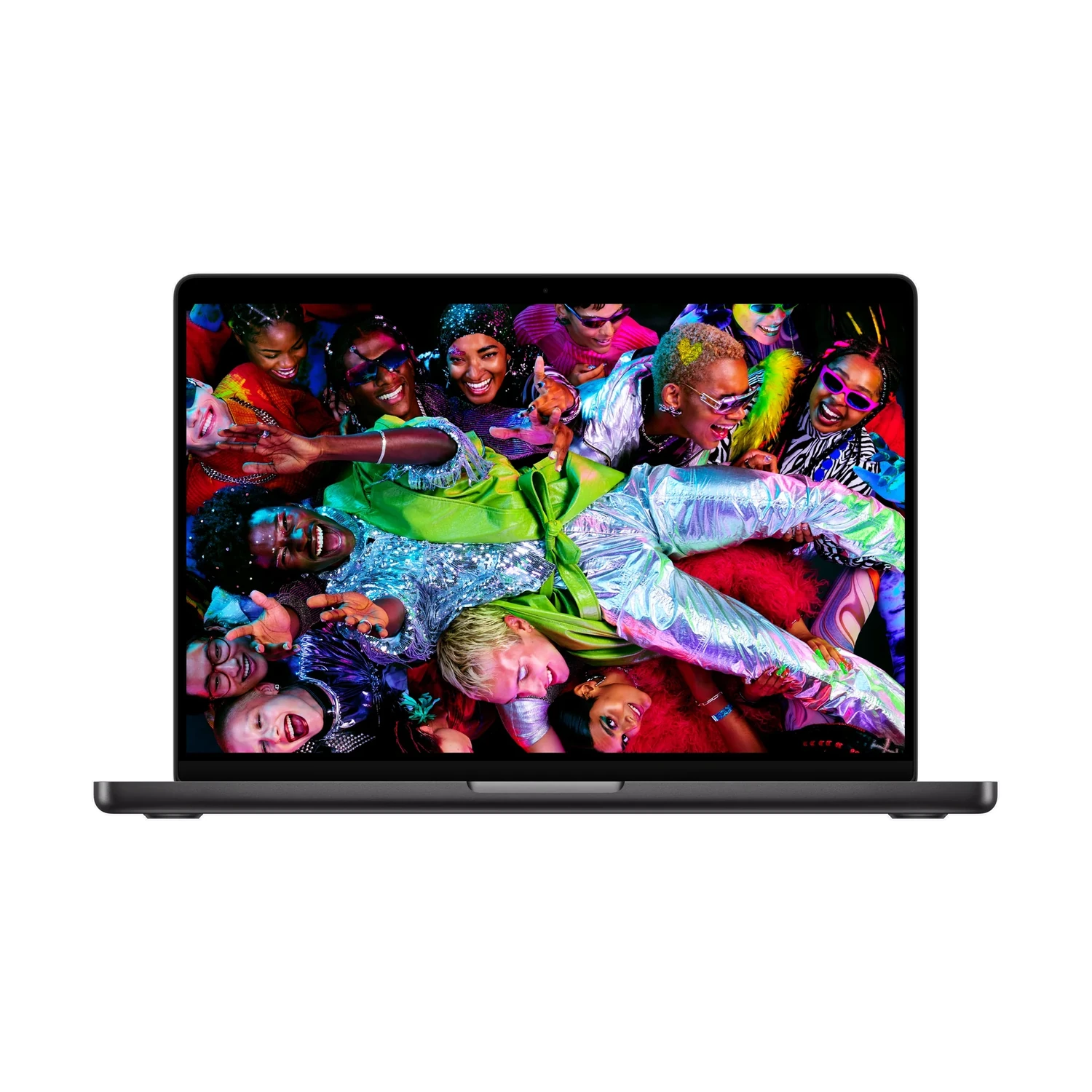
The underlying screen is a 14.2-inch mini-LED Liquid Retina XDR panel with a 3024 × 1964 resolution and adaptive ProMotion up to 120Hz. It is non-touch. Detailed text, editing controls and image previews are useful reasons to choose this display; the glass finish does not turn it into a different processor or display family. Nano-texture packages include a polishing cloth, and the surface needs the appropriate cleaning method.
A useful step for your workload, not just a newer number
Start with the tasks that interrupt your day: waiting for an export, running out of memory, or moving repeatedly between a laptop and a desk. Match the configuration to that problem. Buying more memory is most relevant when applications need a larger active working set; a newer processor is a different part of the decision.
For development, assess your editor together with containers, databases and simulators. For creative work, consider the size of your source files, timelines and effects, plus the software’s Apple silicon support. Compare the Apple MacBook Pro 14-inch (M5 Pro) if your work calls for that separate chip tier, its connections or a more demanding multi-monitor arrangement. Standard M6 and M5 Pro are different platforms, so the generation number alone is not a performance ranking.
Connect your desk without overlooking the ports
HDMI and SDXC are built in, making a compatible external screen or camera-card transfer straightforward. Three Thunderbolt 4 USB-C ports support compatible accessories, and MagSafe 3 provides a separate charging connection. A headphone socket handles wired audio. Include suitable adapters for USB-A equipment and wired Ethernet if those are part of your setup.
The M6 model supports up to two external displays while its own screen remains active. Apple’s specifications list two at up to 6K/60Hz or 4K/165Hz, or one at up to 8K/60Hz, 5K/120Hz or 4K/240Hz. Check the intended monitor, cable and dock combination, especially if you want to run both screens from one dock. See Apple’s official Liquid Retina XDR MacBook Pro specifications and use the M6 section when matching accessories.
Travel, meetings and the daily setup
The approximately 1.55kg body balances portability with a screen large enough for focused work. The backlit keyboard and Touch ID are useful when moving between shared spaces, while the trackpad supports gestures without requiring a separate mouse. Budget bag space for the charger and any adapters you need every day.
A 12MP Center Stage camera with Desk View support, three microphones and six speakers provide an integrated setup for meetings and playback. Wi-Fi 7 and Bluetooth 6 offer newer wireless connections than the preceding standard M5 model. Your router, internet service and peripherals still determine what those connections deliver in practice.
Battery and charging: plan for your actual day
Apple lists up to 24 hours of video streaming or 16 hours of wireless web use. Those controlled-test maxima are a reference point, not a promise for a day of video calls, editing or high display brightness. Consider your typical workload and access to power rather than treating a battery headline as guaranteed runtime.
The standard box lists a 70W USB-C power adapter and a 2m USB-C to MagSafe 3 cable. Fast charging requires a compatible 96W or higher USB Power Delivery source. Confirm the regional adapter and plug supplied, and check power sharing if you use a multiport charger with other devices. Nano-texture orders also include the polishing cloth.
Finish the purchase around essential software
Before choosing a laptop for work or study, confirm the required macOS application versions, plug-ins, drivers and any Windows-only tools. Professional licences, subscriptions, docks and external storage are separate purchases unless specifically included. A specification upgrade cannot resolve unsupported software.
For a closer comparison of this model’s purchasing choices, read our MacBook Pro M6 buying guide. Choose the memory that supports your active work, the glass finish that suits your lighting and the accessories that connect to your existing equipment.

- Apple MacBook Pro 14-inch (M6) — selected memory and display finish
- 70W USB-C Power Adapter — confirm supplied regional unit
- USB-C to MagSafe 3 Cable (2m)
- Polishing cloth — Nano-texture display packages only
Pros
- Three memory choices keep the SSD comparison consistent.
- Built-in HDMI, SDXC and MagSafe cover useful work connections.
- Nano-texture option offers a deliberate reflection-management choice.
- 14-inch format balances working space and carrying convenience.
Cons
- Non-touch display; this is not the PROLED XDR listing.
- Uses Thunderbolt 4 rather than Thunderbolt 5.
- Generation number alone does not establish application suitability.
Which configurations are listed for this M6 MacBook Pro?
The listing offers 16GB, 24GB or 32GB unified memory, each with a 1TB SSD. Standard and Nano-texture display finishes and Silver and Space Black colours are listed.
Do all listed bundles use the same CPU and GPU?
Yes. They use the standard M6 chip with a 12-core CPU and 12-core GPU. The memory choice does not add processor cores.
Does memory bandwidth change with the RAM option?
Yes. Apple specifies 153GB/s for the 16GB M6 configuration and 170GB/s for the 24GB and 32GB versions. This is separate from memory capacity and does not imply an identical percentage speed increase in every task.
Should I choose 16GB, 24GB or 32GB?
Choose around your active applications and project sizes. 16GB can suit ordinary productivity; 24GB or 32GB provides more capacity for demanding multitasking or larger projects. Use your actual requirements rather than assuming the largest bundle benefits every task.
Does the 32GB version include more SSD storage?
No. All three bundles on this listing have a 1TB SSD. The 32GB figure is working memory, not file storage.
Can I upgrade the RAM later?
Treat unified memory as a purchase-time decision. Do not plan on adding conventional RAM modules later.
Is standard M6 the same as M5 Pro?
No. They are separate chip platforms. Compare the exact application requirements, memory, connectivity and display support instead of ranking them only by the generation number.
What is the actual screen size?
The rectangular diagonal is 14.2 inches, with a native resolution of 3024 × 1964. Rounded upper corners slightly reduce the viewable area.
Is this a touchscreen MacBook?
No. This product uses a non-touch mini-LED Liquid Retina XDR display. Input is through the keyboard, trackpad or connected accessories.
What does ProMotion mean here?
The display adapts its refresh rate up to 120Hz. That can make supported motion and scrolling smoother, but it does not mean all content runs at 120 frames per second.
What is the benefit of Nano-texture glass?
It is a display-finish option for managing reflections, useful in difficult lighting. It does not change the processor, memory or native screen resolution. Compare otherwise matching configurations.
Does colour affect performance?
No. Silver and Space Black are body finishes. Compare memory, storage and display finish when evaluating configuration differences.
Does it have Thunderbolt 5?
No. This standard M6 model uses three Thunderbolt 4 USB-C ports. Do not apply the connection specification of a different MacBook Pro chip tier.
How many external monitors can it run?
Up to two alongside its built-in display. Apple lists two at up to 6K/60Hz or 4K/165Hz, or one at up to 8K/60Hz, 5K/120Hz or 4K/240Hz. Cables, docks and monitors must support the chosen arrangement.
Are HDMI and an SD card reader built in?
Yes. HDMI and SDXC are built in, together with MagSafe 3, three Thunderbolt 4 USB-C ports and a headphone socket.
Can I connect USB-A equipment or wired Ethernet directly?
Those sockets are not built in. Use a suitable adapter or dock, checking macOS compatibility and the required connection speed.
What battery life should I expect?
Apple lists up to 24 hours of video streaming or 16 hours of wireless web use under controlled conditions. Your applications, screen brightness and connected devices determine actual runtime.
What charger is included, and does it fast charge?
The standard package lists a 70W USB-C adapter. Fast charging requires a compatible 96W or higher USB Power Delivery source. Confirm the regional plug and any alternative adapter specified with your order.
What comes in the box?
The standard package lists the MacBook Pro, 70W USB-C adapter and 2m USB-C to MagSafe 3 cable. Nano-texture display packages also include a polishing cloth.
Does it include Touch ID?
Yes. The backlit Magic Keyboard includes Touch ID.
What wireless and meeting features does it have?
It has Wi-Fi 7, Bluetooth 6, a 12MP Center Stage camera with Desk View support, three microphones and six speakers. Compatible networks and accessories are needed for the relevant wireless features.
Is it suitable for development and creative applications?
It can suit compatible tools, with the memory choice based on your projects. Check containers, simulators, plug-ins, codecs and peripheral drivers. Compare a higher chip tier if your daily work needs its specific capabilities.
Are professional apps and Windows software included?
Professional licences and subscriptions are separate unless an offer explicitly includes them. Verify a supported macOS version or approved Apple silicon-compatible route for Windows-only applications before buying.
- Warranty coverage
- 1–2 years Apple warranty
The exact 1-year or 2-year coverage depends on the supplied unit. Confirm the applicable manufacturer warranty before ordering.
Pairs well with

Thunderbolt; check cable and refresh rate.
Display Finish: Standard · Stand Adjustment: Tilt
KShs 266,500
Confirm the port, receiver and operating system.
Color: Black
KShs 15,500


Confirm the port, receiver and operating system.
KShs 16,200
Confirm the port, receiver and operating system.
Color: White
Original price was: KShs 20,500.KShs 20,000Current price is: KShs 20,000.In-stock alternatives
Available models in this category. Compare core features and prices.
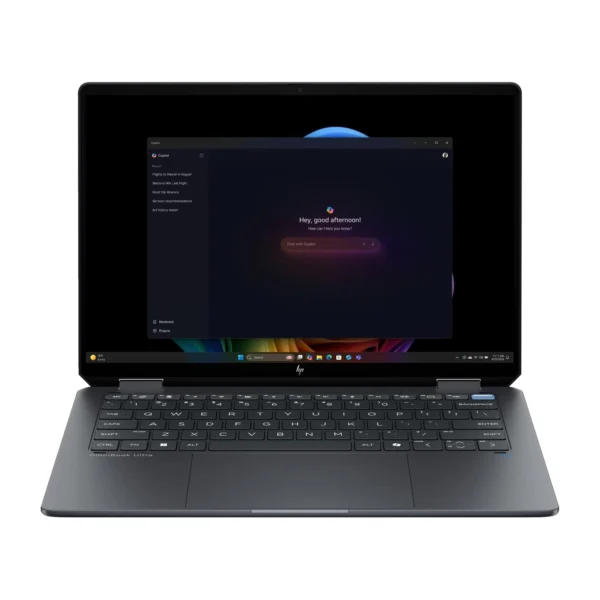
HP OmniBook Ultra 14-kd0000 (C2NM8AV-5)KShs 330,000Type: Everyday Laptop (this product: Creator Laptop) · Display Type: OLED (this product: Mini-LED)View product →
Apple MacBook Pro 14-inch (M5 Pro)KShs 338,500Processor: Apple M5 Pro (this product: Apple M6) · Graphics Card: Apple M5 Pro 16-core GPU, Apple M5 Pro 20-core GPU (this product: Apple M6 12-core GPU)View product →
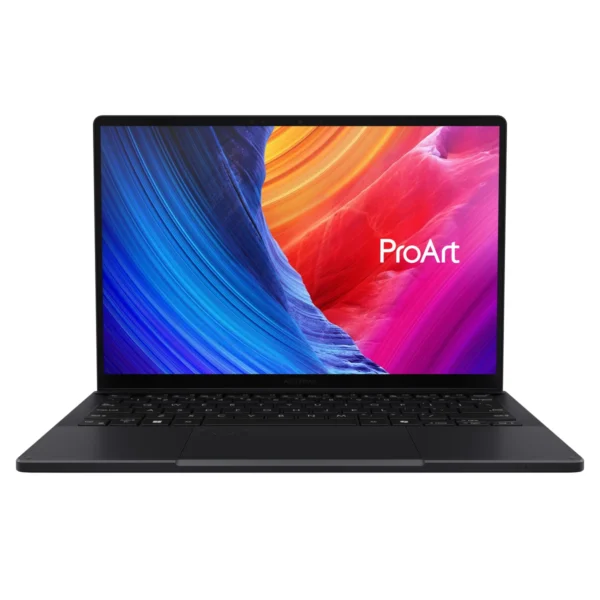
ASUS ProArt PX13 HN7306EA (Radeon 8060S)KShs 298,000Form Factor: Convertible 2-in-1 (this product: Traditional Laptop) · Screen Size: 13-inch (this product: 14-inch)View product →
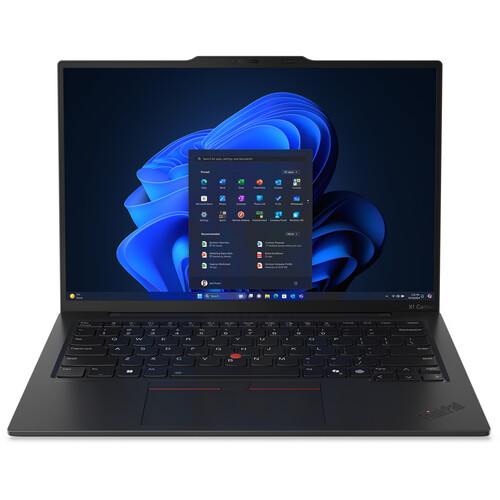
Lenovo ThinkPad X1 Carbon Gen 13 Aura EditionKShs 285,000Type: Business Laptop (this product: Creator Laptop) · Screen Size: 13-inch (this product: 14-inch)View product →