Cookie settings

Choose optional cookies. Change these any time.

EssentialAlways on for shopping

Privacy policy

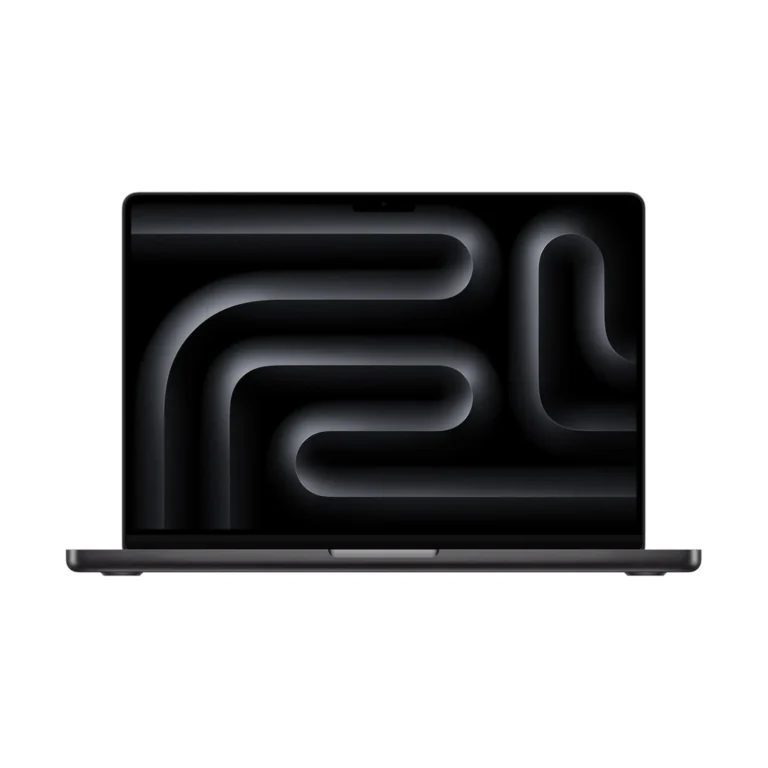
Apple MacBook Pro 14-inch (M5) Nano-texture + 32GB RAM + 1TB SSD

Rate this product
Select a rating

KShs 386,500

In-stock alternatives

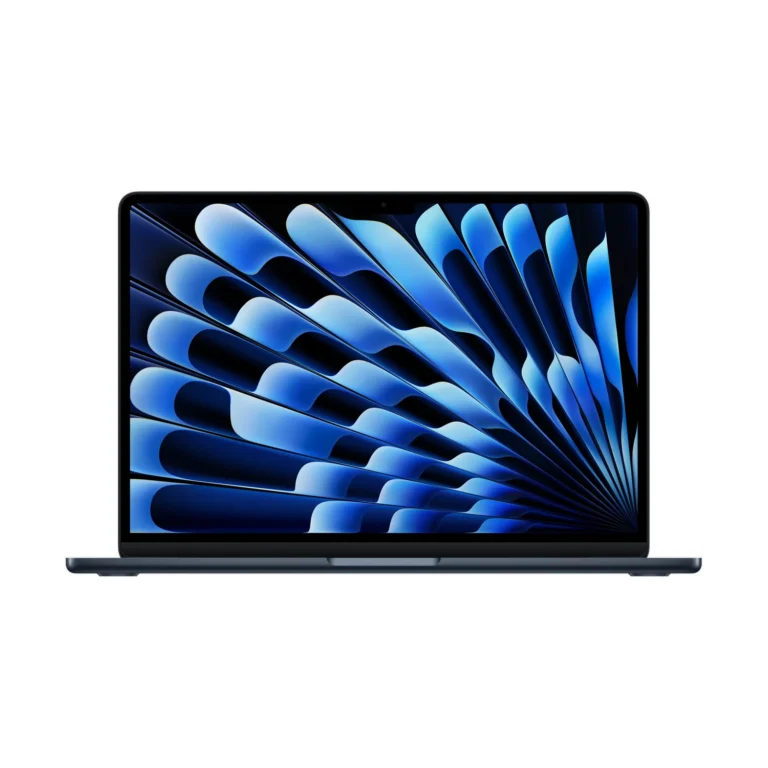
Apple MacBook Pro 14-inch (M5) uses the standard M5 chip with a 10-core CPU and 10-core GPU, plus a 14.2-inch Liquid Retina XDR display. Choose 16GB, 24GB or 32GB memory in the offered SSD bundles, and Standard or Nano-texture glass. This is not the M5 Pro chip.

SKU: 2029
Warranty information1–2 years Apple warranty

Product information

Explore the details that matter.

Apple MacBook Pro 14-inch (M5) Overview

The Apple MacBook Pro 14-inch (M5) price in Kenya is KShs 386,500. This 14-inch laptop combines M5 processing with a detailed Liquid Retina XDR screen, smooth ProMotion scrolling and built-in HDMI and SDXC connections. It suits photographers reviewing a shoot, developers working across several tools and professionals who want a capable laptop that also fits a travelling workday. The 10-core CPU and 10-core GPU are the standard M5 configuration; buyers handling larger production workloads can compare the separate Apple MacBook Pro 14-inch (M5 Pro) alongside their actual application requirements.

Choose between four memory and storage bundles

The catalogue lists four combinations, with Standard or Nano-texture display finishes and Silver or Space Black colours. Choose the memory and SSD capacity around your work before deciding on the finish:

  • 16GB unified memory + 512GB SSD: a starting point for documents, coding tools and a modest local project library. Allow space for applications, updates and temporary files.
  • 16GB + 1TB SSD: provides more room for photographs, downloads and active projects while retaining the same working-memory capacity.
  • 24GB + 1TB SSD: adds memory for heavier multitasking, larger image files or development tools that need to remain open together.
  • 32GB + 1TB SSD: offers the most memory among these listed bundles, useful when your measured workload regularly exceeds the smaller options.

All four retain the same 10-core CPU and 10-core GPU. More memory can accommodate a larger active workload, but it does not add GPU cores or turn this into an M5 Pro model. Choose unified memory at purchase rather than planning a conventional RAM-module upgrade later. A larger SSD addresses file capacity; keep a separate backup regardless of its size.

A 14.2-inch display for detailed work

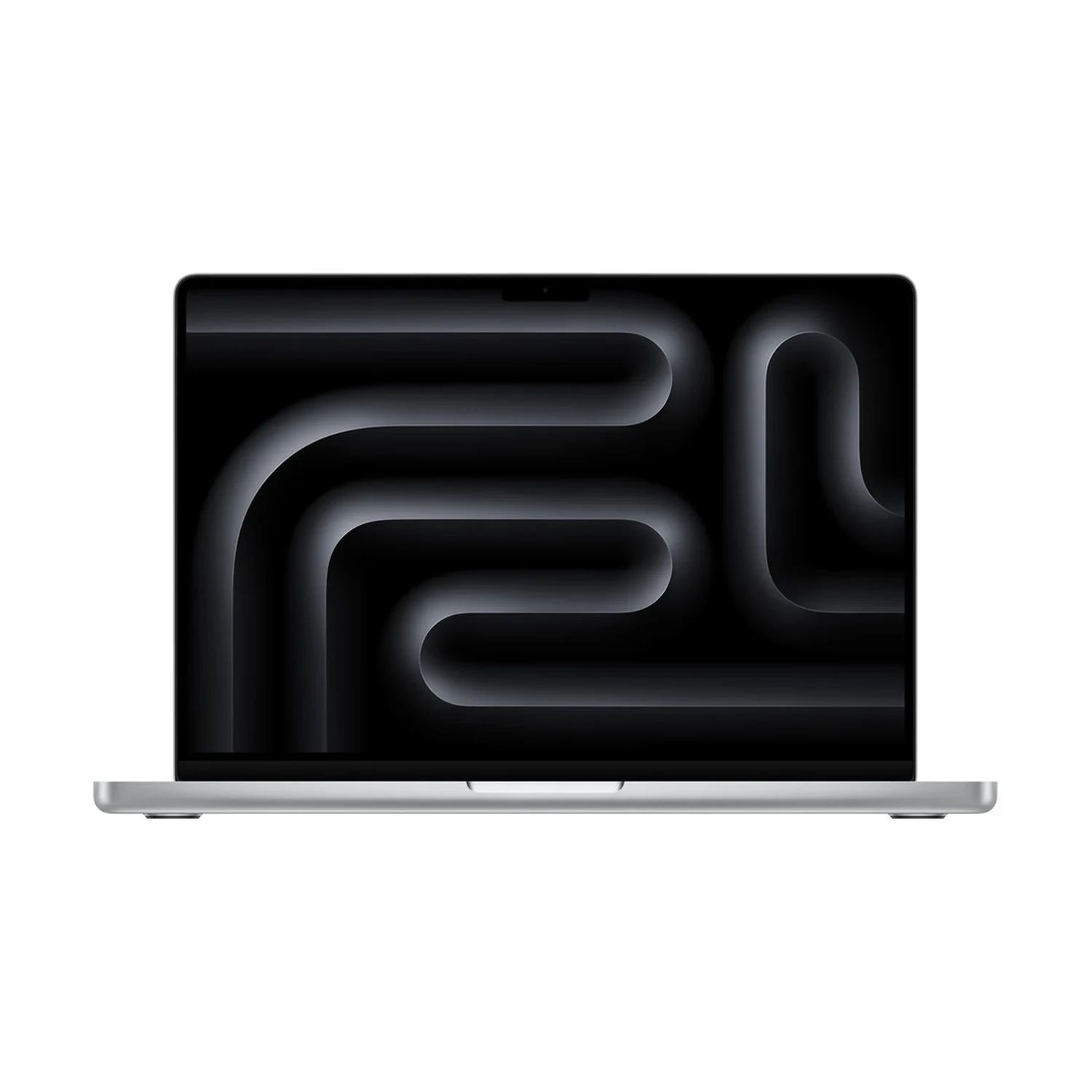
The mini-LED Liquid Retina XDR display has a native resolution of 3024 × 1964, P3 colour and True Tone. Adaptive ProMotion reaches up to 120Hz, making scrolling and supported motion smoother while adjusting the refresh rate to the content. This is a non-touch screen, operated with the keyboard, Force Touch trackpad or a connected input device.

Apple specifies 1000-nit sustained full-screen XDR brightness and 1600-nit peak brightness for HDR content, with SDR brightness reaching up to 1000 nits outdoors. The peak figure does not describe the brightness of every document or webpage. For editing, choose a suitable reference mode and lighting environment rather than judging colour at maximum brightness. Our MacBook display and ProMotion guide explains what the refresh-rate difference means in everyday use.

Standard or Nano-texture glass?

Standard glass is a straightforward choice for a workspace where you can control reflections. Nano-texture is worth considering when bright windows or overhead lights repeatedly interfere with viewing. It changes how the screen handles reflections, while preserving the model’s resolution and processor specification.

Compare otherwise matching memory/storage bundles to decide whether the finish is worth the difference for your workspace. Nano-texture packages include a polishing cloth; follow Apple’s cleaning instructions for that surface. Silver and Space Black are body finishes and do not change computing performance.

M5 for creative applications and development

The M5 chip supports hardware acceleration for compatible H.264, HEVC, ProRes and ProRes RAW workflows, plus AV1 decoding. That is useful for media applications, but the codec, effects, project size and available memory still influence editing and export performance. A short video project and a complex production timeline are different purchasing problems even if both use the same application.

For coding, consider your editor alongside containers, simulators, databases and browser tools. For photography, consider the size and number of files you edit together. Compare a suitable Pro-chip configuration if intensive processing is a daily bottleneck. If your work is mainly documents and calls, the smaller Apple MacBook Air 13-inch (M5) is also worth considering for daily carrying.

Built-in ports and two external displays

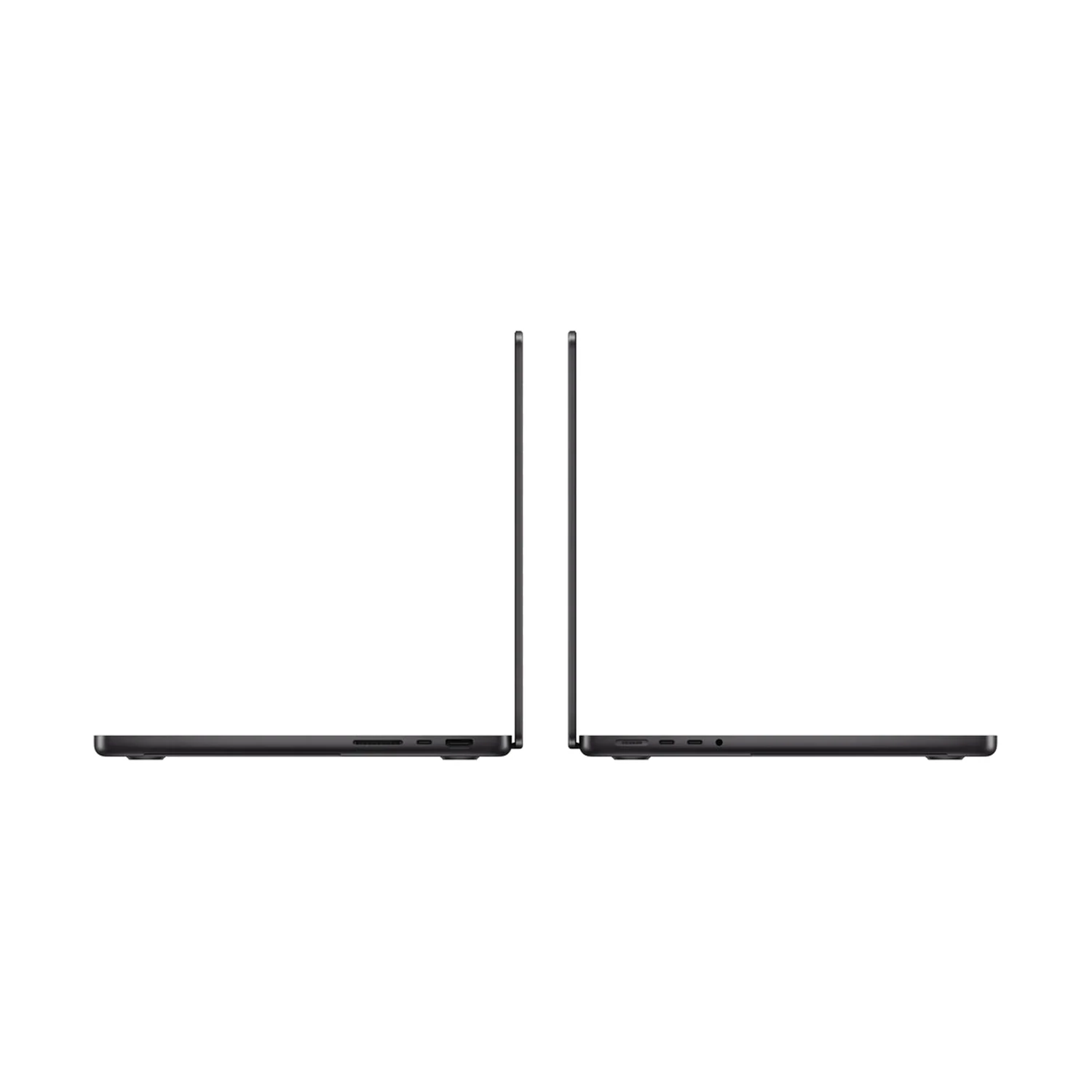
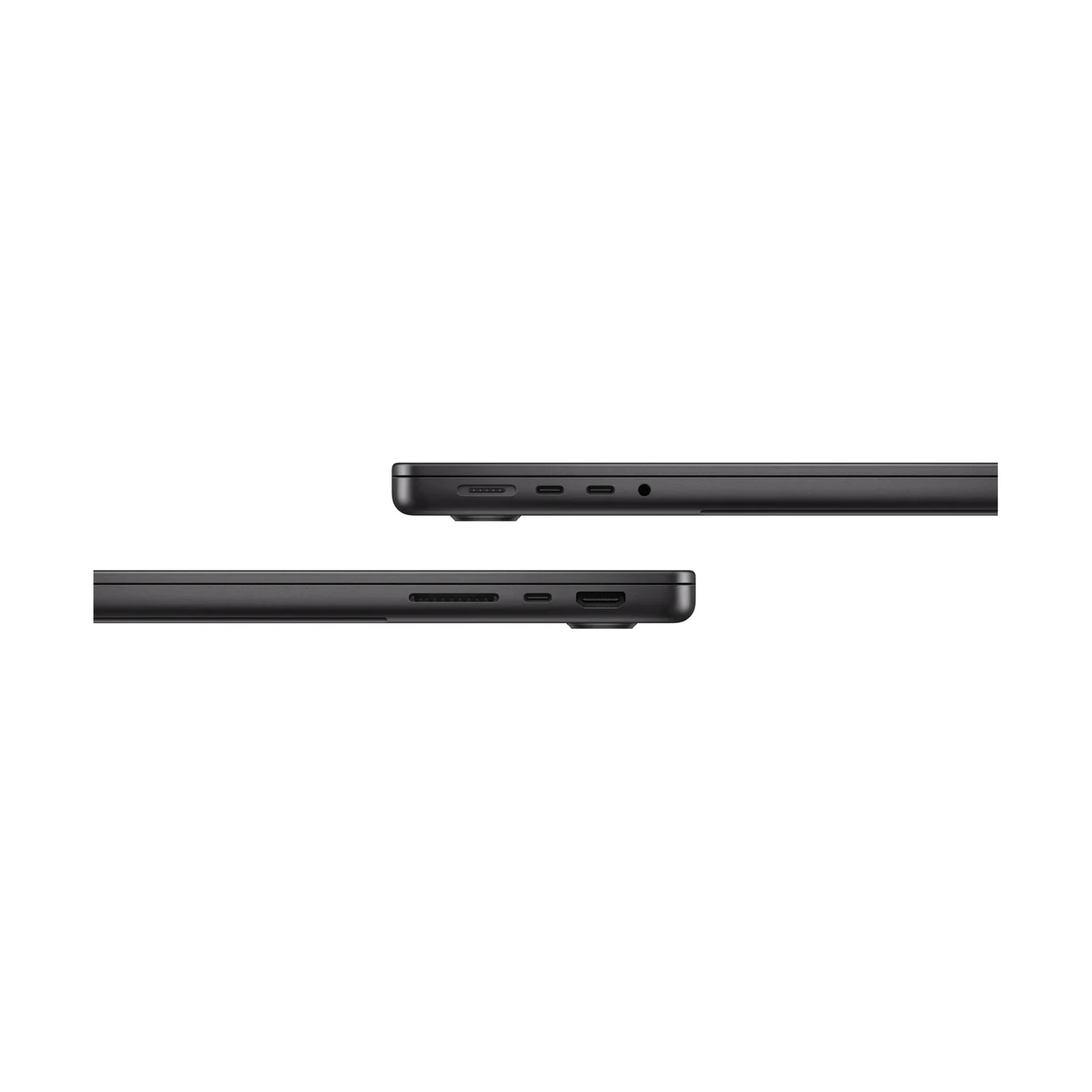
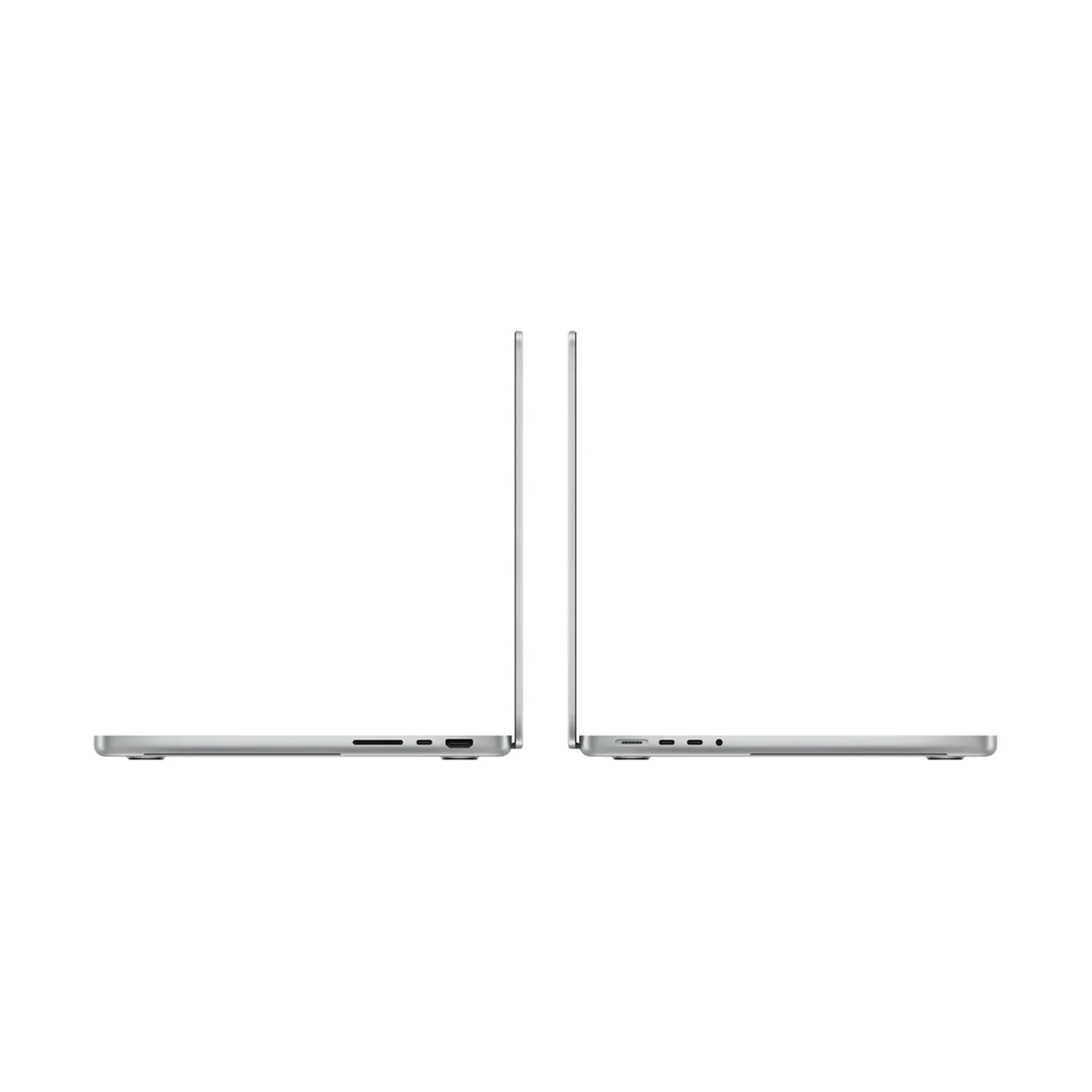
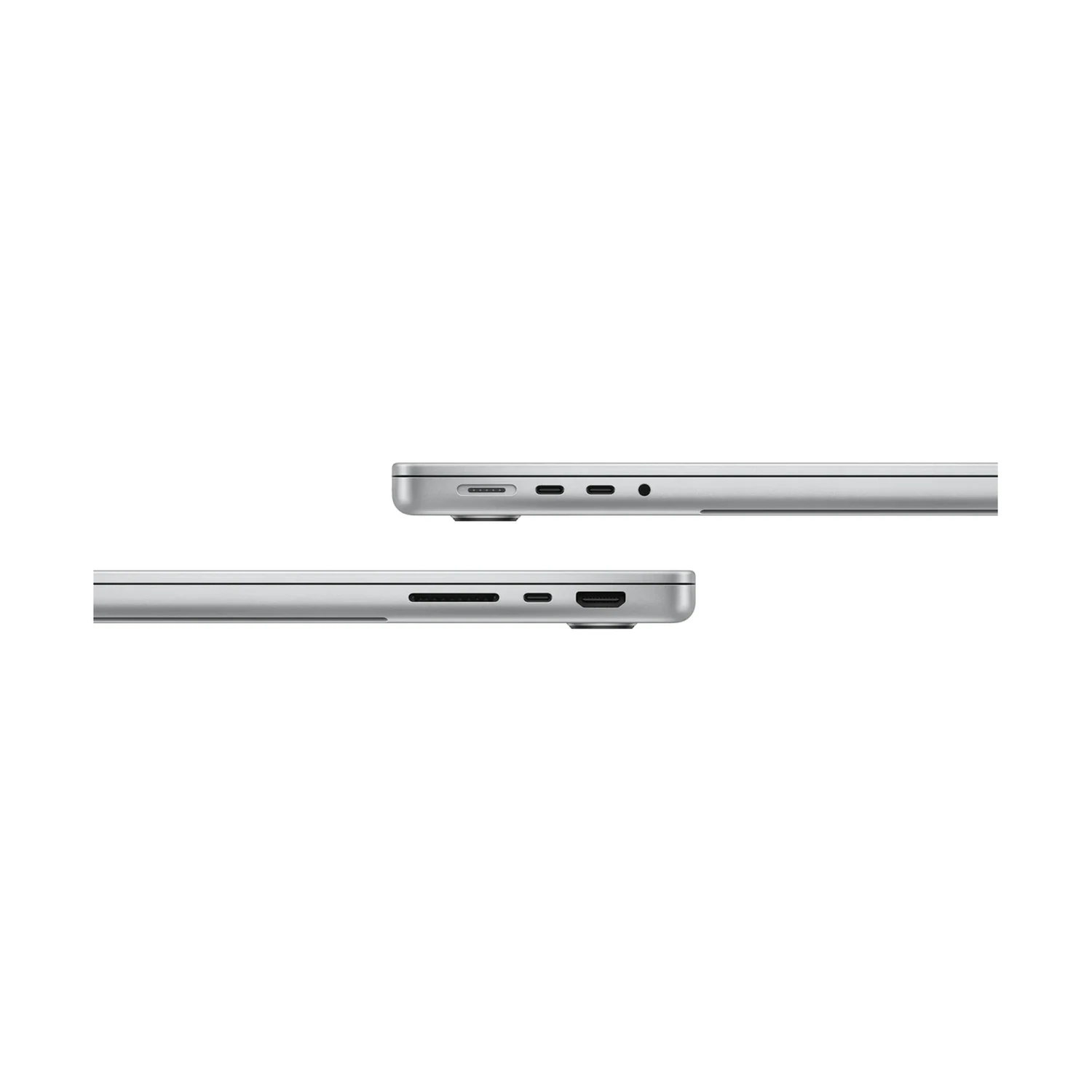
Three Thunderbolt 4 USB-C ports connect compatible drives, docks and screens. HDMI lets you connect a suitable monitor or television directly, while the SDXC slot is useful for transferring files from compatible camera cards. MagSafe 3 handles charging separately, and the headphone socket supports wired audio. USB-A devices and wired Ethernet need suitable adapters.

This M5 model supports two external displays alongside its built-in screen: two at up to 6K/60Hz or 4K/144Hz, or one at up to 8K/60Hz, 5K/120Hz or 4K/240Hz. Monitor, cable and dock compatibility all matter. Consult Apple’s official M5 MacBook Pro specifications for the supported combinations rather than assuming every port can drive another independent display.

Meetings, sound and wireless connections

The 12MP Center Stage camera supports Desk View, with three microphones and six speakers with force-cancelling woofers for calls and playback. A backlit Magic Keyboard includes Touch ID. Wi-Fi 6E and Bluetooth 5.3 connect to compatible networks and accessories; the router and internet service remain part of the connection’s performance.

Battery life, charging and the complete purchase

Apple rates the M5 model for up to 24 hours of video streaming or 16 hours of wireless web use under controlled tests using a 24GB/1TB configuration. Actual runtime depends on brightness, applications and peripherals. At approximately 1.55kg, the laptop is practical to carry, though its charger and accessories add to your bag’s weight.

The standard package lists a 70W USB-C power adapter and 2m USB-C to MagSafe 3 cable. Fast charging requires a compatible 96W or higher USB Power Delivery source, so the included 70W adapter should not be treated as that upgrade. Confirm the supplied regional plug and any separately specified charger option.

Before buying for a course or workplace, check required macOS applications, Apple silicon plug-ins and peripheral drivers. Paid software, external drives and docks are separate purchases unless an offer explicitly includes them. The Apple MacBook Pro 14-inch (M6) is another comparison for buyers considering the next standard-chip generation; match memory, storage and display finish before comparing value.

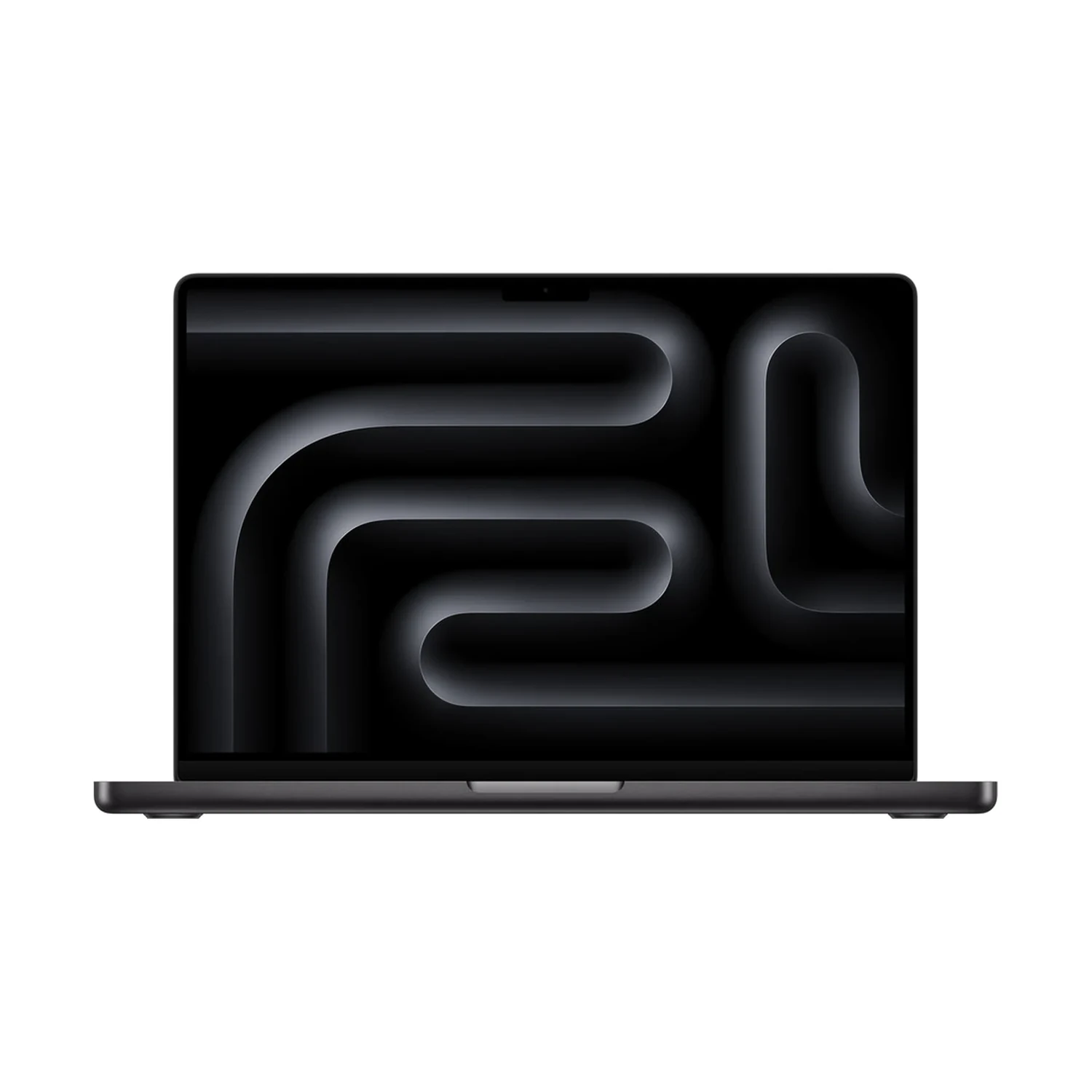
Standard M5 chipDistinguish the MacBook Pro computer from the M5 Pro processor.
Four RAM/SSD bundlesChoose working memory separately from file capacity.
14.2-inch mini-LED displayLiquid Retina XDR with adaptive refresh up to 120Hz.
Standard or Nano-textureChoose the finish for your lighting environment.
Built-in HDMI and SDXCUseful connections for monitors and camera-card workflows.
Three Thunderbolt 4 portsCheck accessory compatibility against the standard M5 specification.
Type

Form Factor

Screen Size

Display Type

Display Finish

,

Refresh Rate

Touchscreen

Processor

Chip Configuration

Graphics Type

Graphics Card

RAM

, ,

RAM Type

Storage

,

Storage Type

Configuration

, , ,

Color

,

Release Year

  • Apple MacBook Pro 14-inch (M5) — selected bundle and display finish
  • 70W USB-C Power Adapter — standard package; confirm regional unit
  • USB-C to MagSafe 3 Cable (2m)
  • Polishing cloth — Nano-texture display packages only

Pros

  • Pro display and built-in card/HDMI connections without selecting an M5 Pro chip.
  • Four listed bundles allow a deliberate memory choice.
  • Nano-texture option addresses reflection-heavy workspaces.
  • MagSafe leaves data connections available while charging.

Cons

  • Standard M5 does not inherit M5 Pro or Max capabilities.
  • No touchscreen on this Liquid Retina XDR model.
  • USB-A and Ethernet require appropriate accessories.
MacBook Pro: The most advanced Mac laptop for demanding tasksYouTube ↗
Is this the M5 Pro processor?

No. This MacBook Pro uses the standard M5 chip with a 10-core CPU and 10-core GPU. M5 Pro is a separate processor tier.

Which memory and storage combinations are listed?

The catalogue lists 16GB/512GB, 16GB/1TB, 24GB/1TB and 32GB/1TB, with Standard or Nano-texture glass and Silver or Space Black finishes.

Should I choose 16GB, 24GB or 32GB memory?

Choose for the applications and project sizes you keep active together. 16GB suits many everyday workloads; 24GB and 32GB provide additional capacity for larger projects or heavier multitasking. More memory does not increase CPU or GPU core counts.

Does the 1TB model always have more RAM?

No. There are 16GB, 24GB and 32GB bundles with 1TB storage. Memory and storage are separate specifications.

Can I add more RAM later?

Treat unified memory as a purchase-time decision. Do not plan around adding conventional laptop RAM modules later.

Is 512GB enough for creative work?

It depends on your local projects, applications and caches. A modest library may fit; larger photo or video collections can justify 1TB or an appropriate external drive. Maintain a separate backup.

What is the actual display size and resolution?

The rectangular diagonal is 14.2 inches, with 3024 × 1964 native resolution. Rounded upper corners make the actual viewable area slightly smaller.

Is the display touch-enabled?

No. This is a non-touch mini-LED Liquid Retina XDR display. Use the keyboard, Force Touch trackpad or a connected input device.

Does ProMotion always run at 120Hz?

No. ProMotion adapts the refresh rate to the content, up to 120Hz. That maximum does not mean every application or video runs at 120 frames per second.

When should I choose Nano-texture?

Consider it when persistent reflections from windows or overhead lighting affect your workspace. Standard glass can suit controlled lighting. Nano-texture does not change the processor, resolution or memory.

Is a polishing cloth included?

Apple lists a polishing cloth with the Nano-texture display option. Follow the cleaning instructions for the selected glass.

Can it drive two external monitors with the lid open?

Yes. The M5 model supports two external displays alongside its built-in screen, including two at up to 6K/60Hz or 4K/144Hz. Use compatible monitors, cables and docks.

Does it support Thunderbolt 5?

No. This standard M5 model has three Thunderbolt 4 ports, with transfer support up to 40Gb/s.

Does it have HDMI and an SD card reader?

Yes. HDMI and SDXC are built in, alongside MagSafe 3, three Thunderbolt 4 USB-C ports and a headphone socket. USB-A and Ethernet need appropriate accessories.

How long does the battery last?

Apple lists up to 24 hours of video streaming or 16 hours of wireless web use, tested under controlled conditions on a 24GB/1TB model. Editing, calls, brightness and accessories change actual endurance.

Is the supplied charger the fast-charge adapter?

The standard box lists a 70W adapter. Fast charging requires a compatible 96W or higher USB Power Delivery source. Confirm any separately specified adapter option and the regional plug.

Can it charge through USB-C?

Yes. The Thunderbolt USB-C ports support charging. MagSafe 3 provides a separate charging connection when you want to keep the data ports free.

What is included in the box?

The standard package lists the MacBook Pro, 70W USB-C power adapter and 2m USB-C to MagSafe 3 cable. Nano-texture options include a polishing cloth. Confirm the supplied regional package.

What camera and speakers does it have?

It has a 12MP Center Stage camera with Desk View support, three microphones and a six-speaker system with force-cancelling woofers.

Which wireless connections does it use?

Wi-Fi 6E and Bluetooth 5.3. Compatible equipment and regional support are required to use the relevant wireless features.

Is it suitable for coding and video editing?

It can suit compatible development and creative tools, with memory and storage chosen for your projects. Check containers, simulators, codecs and plug-ins, and compare a Pro-chip model for sustained intensive workloads.

Will Windows-only software work?

Verify a supported macOS version or an approved Apple silicon-compatible solution before buying. Check drivers and plug-ins as well as the main application.

How should I compare the M5 and M6 models?

Match memory, SSD and display finish first. Then compare the processor, wireless connections, monitor requirements and the work you need to accelerate. A generation label alone does not establish value for your workload.

Within NairobiSame-day delivery for available products. Timing depends on order confirmation, location and courier availability.
Outside NairobiGenerally next-day delivery; remote locations may take longer.
Delivery chargesCalculated separately based on destination, package and courier. Confirmed before dispatch.
Read our Delivery & Shipping Policy
Warranty coverage
1–2 years Apple warranty

The exact 1-year or 2-year coverage depends on the supplied unit. Confirm the applicable manufacturer warranty before ordering.

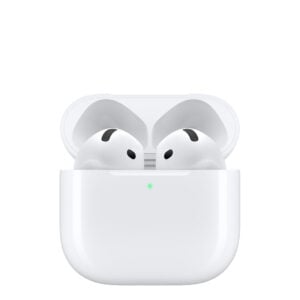
Apple AirPods 5
EarbudsApple AirPods 5

Check model, connections and included items.

KShs 23,000
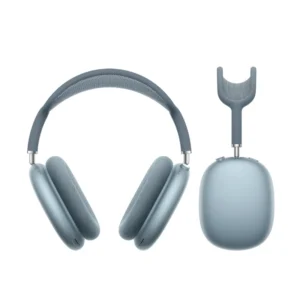
AirPods Max (USB‑C)
HeadphonesAirPods Max (USB‑C)

Check model, connections and included items.

Color: Blue

KShs 66,500
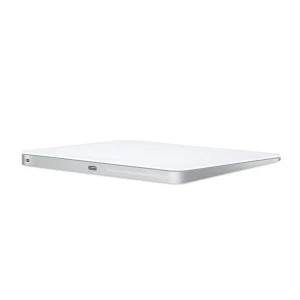
Apple Magic Trackpad (USB-C)
MiceApple Magic Trackpad (USB-C)

Confirm the port, receiver and operating system.

Color: White

Original price was: KShs 20,500.Current price is: KShs 20,000.

Available models in this category. Compare core features and prices.

Browse category →