| Type | |
|---|---|
| Form Factor | |
| Screen Size | |
| Display Type | |
| Display Finish | |
| Refresh Rate | |
| Touchscreen | |
| Processor | |
| Chip Configuration | |
| Graphics Type | |
| Graphics Card | |
| RAM | |
| RAM Type | |
| Storage | |
| Storage Type | |
| Configuration | |
| Color | |
| Release Year |
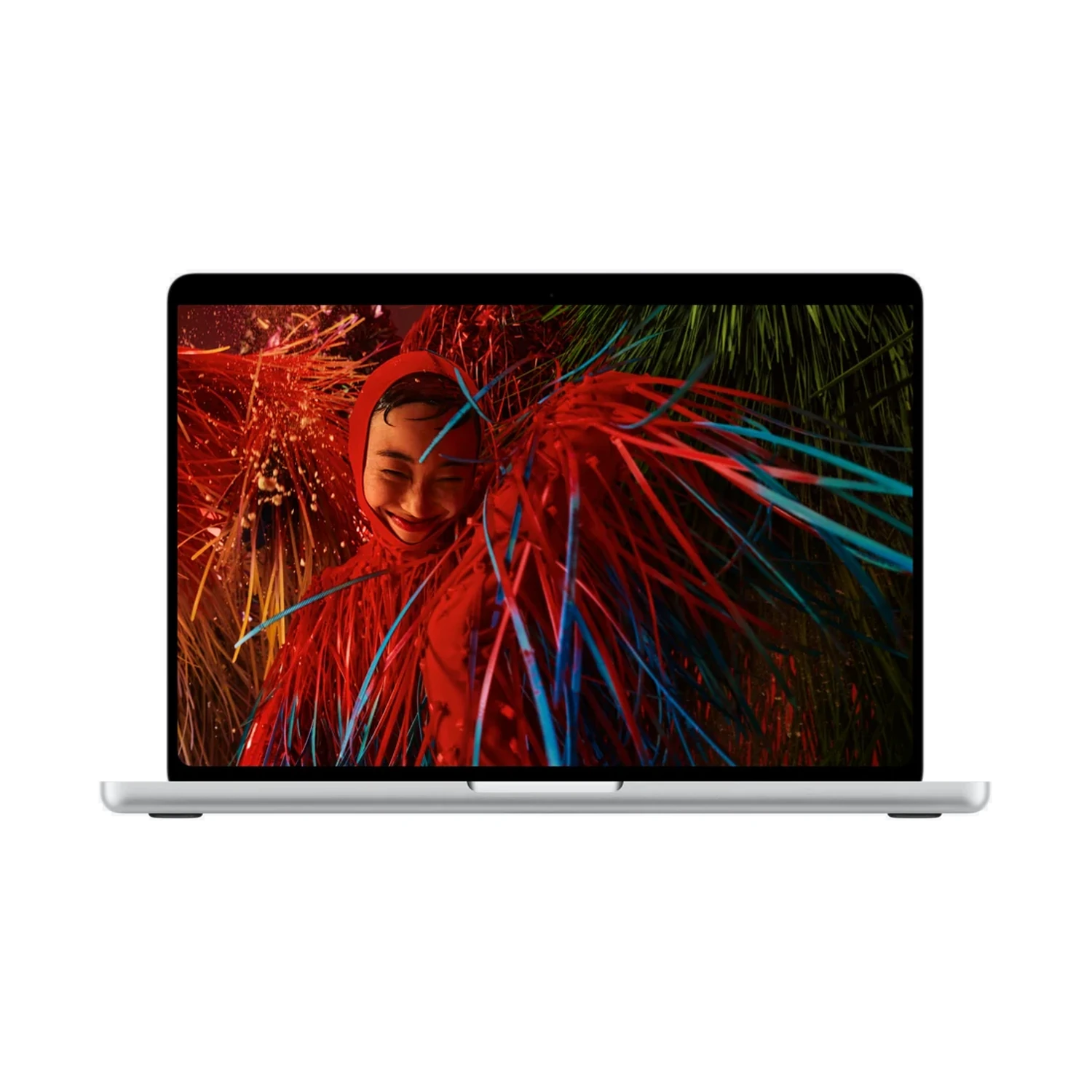
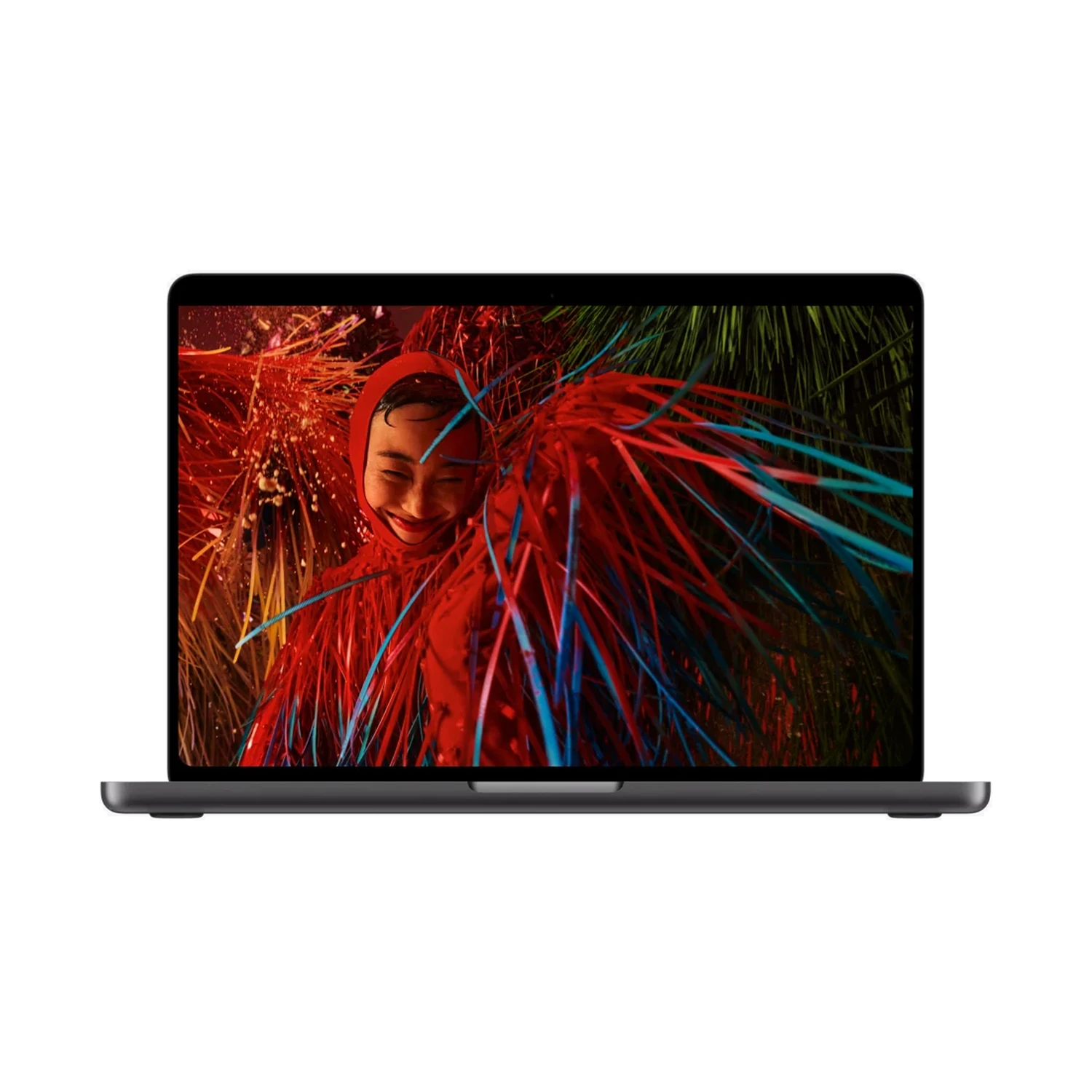
Apple MacBook Pro 14-inch (M5 Pro) — PROLED XDR Standard + 15-core CPU / 16-core GPU + 24GB RAM + 1TB SSD
KShs 392,500
Price is indicative and may change when stock arrives.
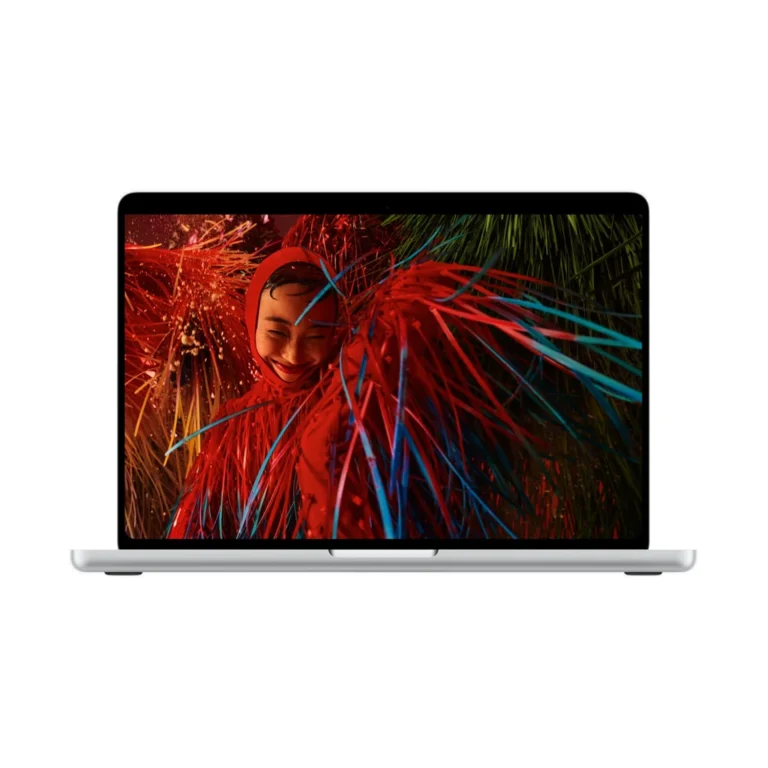
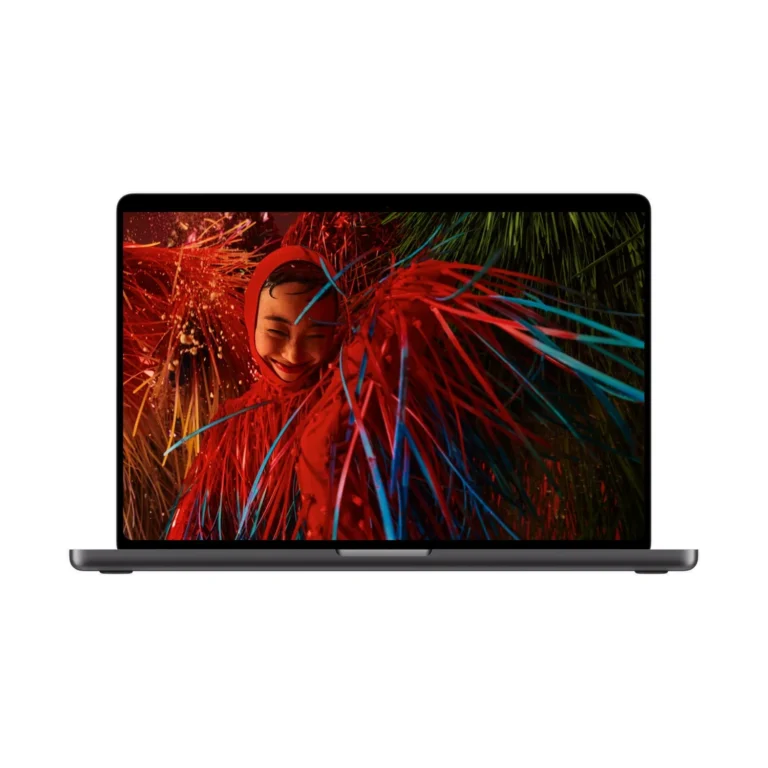
In-stock alternativesApple MacBook Pro 14-inch (M5 Pro) — PROLED XDR combines a 14.2-inch touch-capable tandem OLED PROLED XDR display with the listed M5 Pro CPU/GPU and memory/SSD bundles. Choose Standard or Nano-texture glass for your lighting.
Currently unavailable — get notified
Choose an unavailable option and leave your details. We’ll email you when it’s available to order.
We’ll also email you when other options of this product become available, while keeping your chosen option on the waiting list. You can stop alerts from any email. Prices may change when stock arrives.
Configuration pages
Product information
Explore the details that matter.
Apple MacBook Pro 14-inch (M5 Pro) — PROLED XDR Overview
The Apple MacBook Pro 14-inch (M5 Pro) — PROLED XDR price in Kenya is KShs 392,500. This compact creative laptop combines a touch-capable tandem OLED screen with M5 Pro performance for work that moves between an office, studio and client meetings. Its two processor-and-memory bundles serve different project sizes, while both retain a 1TB SSD. If you spend most of the day using the built-in display for timelines, drawings or several panels, compare the larger Apple MacBook Pro 16-inch (M5 Pro) — PROLED XDR.
Choose the processor and memory as one bundle
The two listed packages change processing resources and memory together. They are not simply different RAM selections on an otherwise identical laptop:
- 15-core CPU / 16-core GPU, 24GB unified memory and 1TB SSD: consider this for photography, software development and editing projects that fit its memory and processing resources. It makes sense when portability and the display matter, without paying for resources your applications seldom use.
- 18-core CPU / 20-core GPU, 48GB unified memory and 1TB SSD: adds CPU and graphics cores as well as doubling memory. Consider it for larger active documents, heavier multitasking, demanding development environments and projects that benefit from the extra processing capacity.
Both packages keep the same storage capacity. The higher bundle is therefore useful for a larger active workload, not for storing twice as many files. Compare your software’s recommended requirements and typical project sizes; core counts alone cannot predict export times or application responsiveness.
A touch-capable OLED workspace
The 14.2-inch PROLED XDR display combines tandem OLED with Multi-Touch input. Touch gives you another way to interact with supported controls, while the keyboard and trackpad remain useful for precise editing, text entry and shortcuts. Do not assume touchscreen support means a particular drawing pen or pressure-sensitive workflow is supported; check the exact accessory and application before buying for illustration.
For a photographer, the benefit is seeing the image alongside adjustment panels. For an editor, it is reviewing footage while keeping a timeline accessible. Display scaling and application layout influence how much fits on screen. Colour-sensitive work still needs a suitable reference mode, controlled lighting and a managed workflow; simply turning brightness to maximum is not a substitute.
The Apple MacBook Pro 14-inch (M5 Pro) with Liquid Retina XDR is a separate display-family choice. Compare it when you prefer the conventional non-touch screen. PROLED XDR identifies the display technology; Nano-texture identifies a glass finish.
Standard or Nano-texture glass?
Standard glass is worth considering for a desk where you can control windows and overhead lighting. Nano-texture is the alternative to assess when reflections repeatedly interrupt your work, especially when you move between locations. Choose the finish around the environment in which you actually use the laptop.
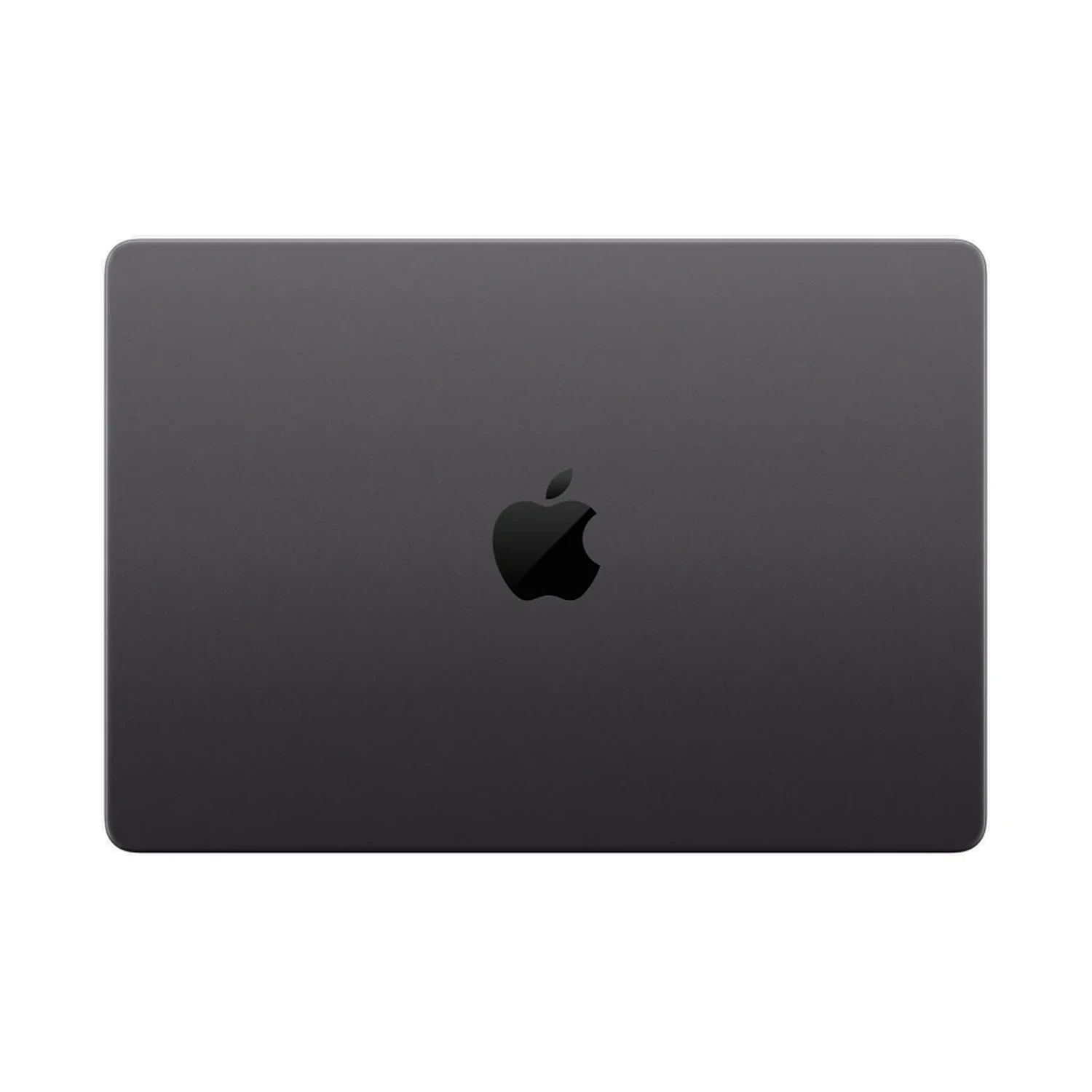
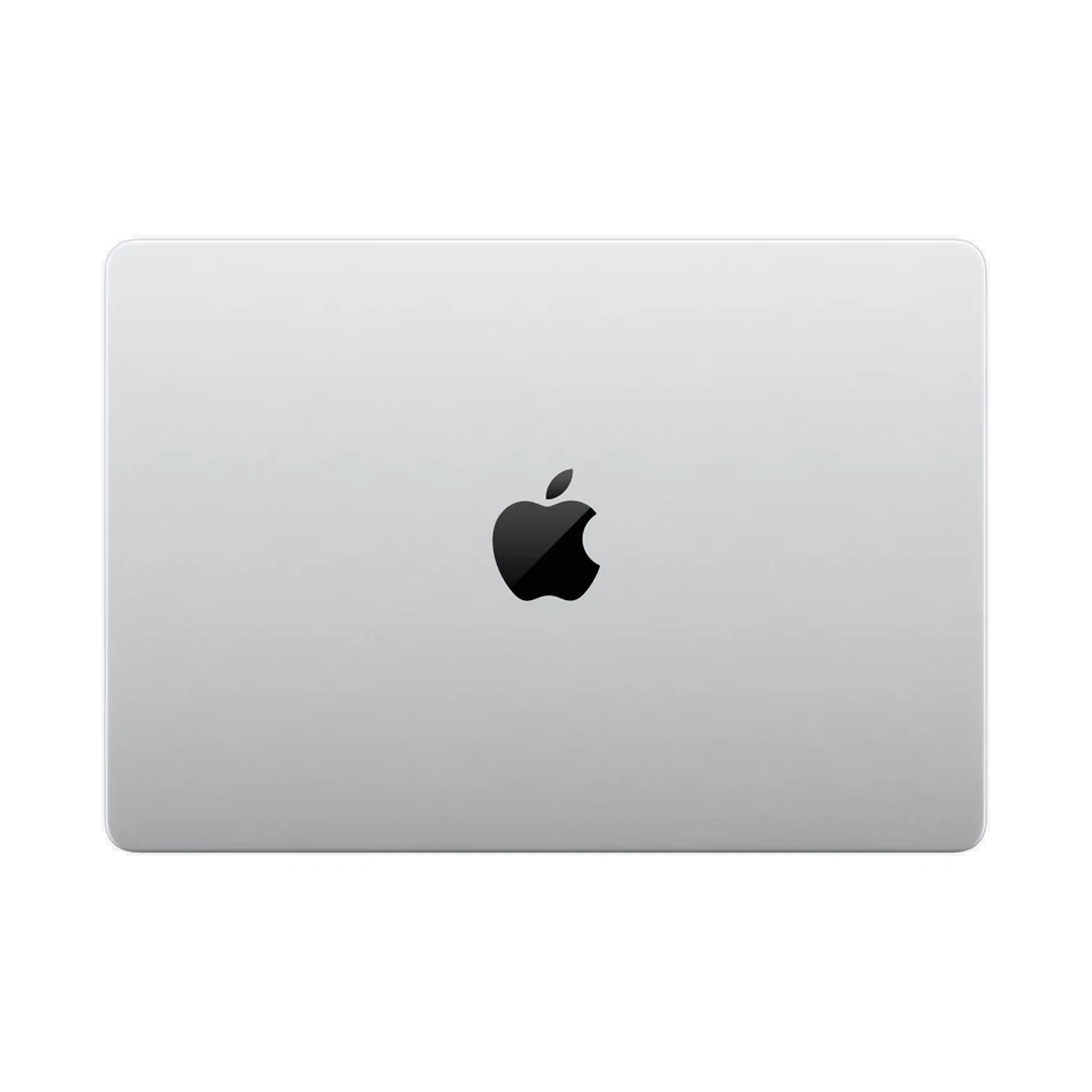
Both finishes are listed with each offered configuration, in Silver and Space Black. Match the processor, memory and storage before comparing finish prices. Neither the glass option nor the enclosure colour changes the selected chip. Follow Apple’s cleaning guidance for the chosen glass; Nano-texture packages include a polishing cloth.
Development, photography and media work
M5 Pro is a useful tier for buyers whose work benefits from a capable processor and substantial memory without automatically requiring the graphics resources of an M5 Max. For development, consider build size, containers, emulators and the operating systems your tools require. For photography, consider layered file sizes and the applications you run alongside your editor. For video, consider codecs, effects, timeline complexity and delivery format.
Keep a storage plan alongside the performance decision. A 1TB SSD holds applications and working files, but camera originals, caches and exports can consume space quickly. An external project drive and a separate backup are practical additions. A second copy on the same drive is not protection against that drive failing.
Connections and a multi-monitor desk
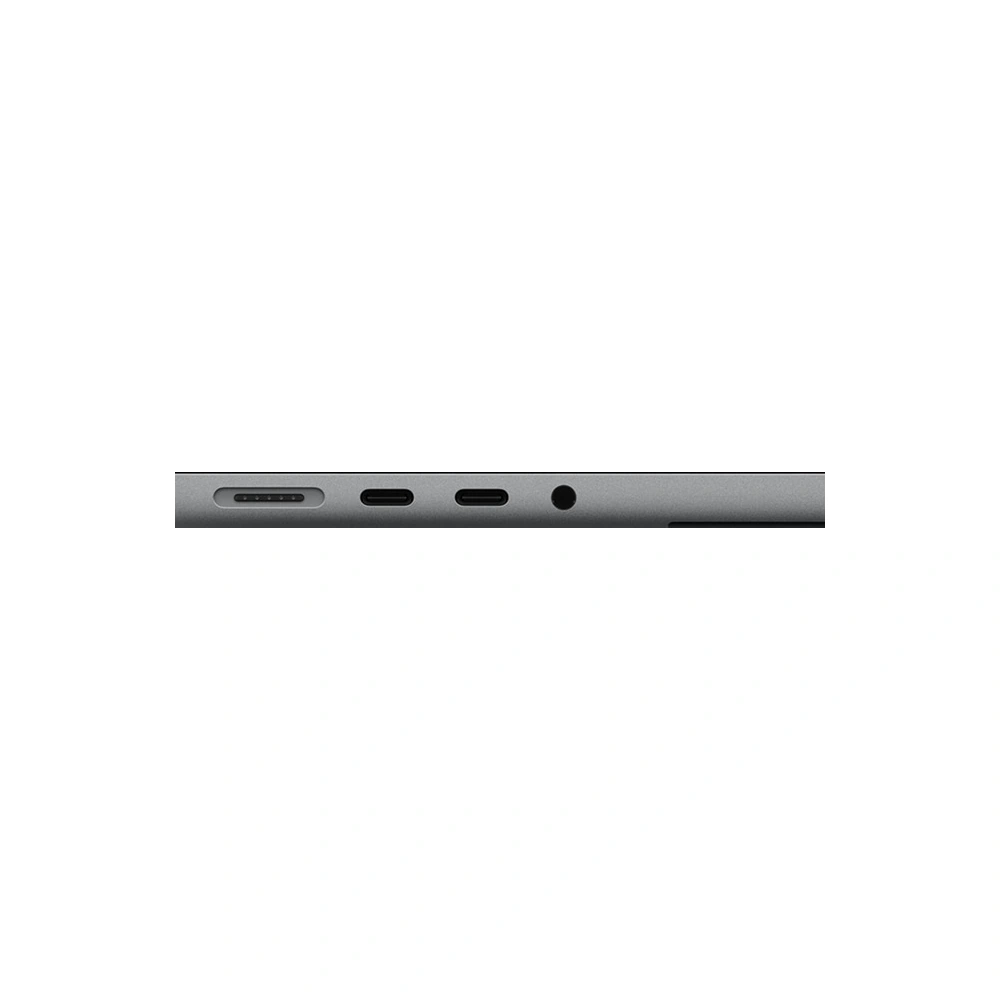
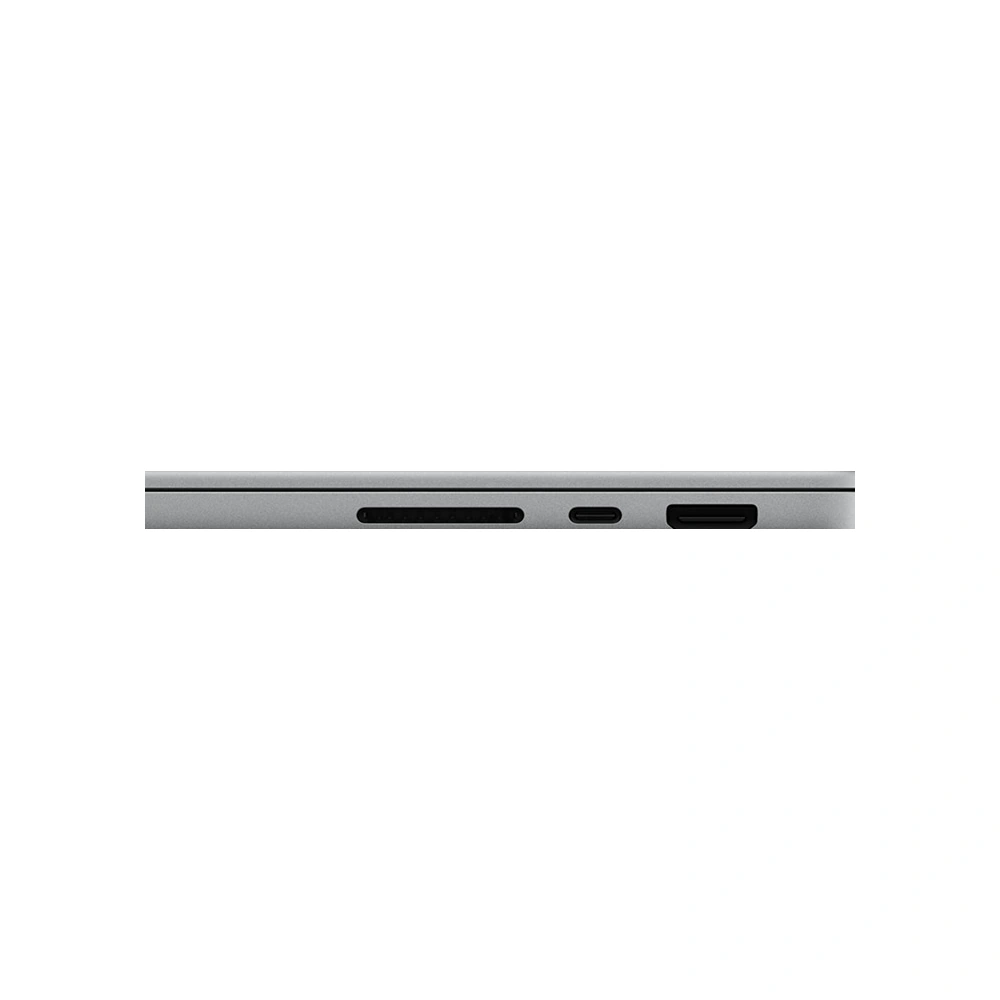
Three Thunderbolt 5 ports, HDMI, SDXC, MagSafe 3 and a headphone jack support a useful mix of creative peripherals. The card slot can simplify importing compatible camera cards, while HDMI gives you a direct route to a suitable monitor or presentation display. USB-A devices and wired Ethernet need a compatible adapter or dock.
M5 Pro supports up to three external displays while retaining the built-in display. The supported combinations depend on resolution and refresh rate; a high-resolution, high-refresh setup cannot be chosen by screen count alone. Check Apple’s official configuration and display specifications against every monitor, cable and dock in your intended setup.
Charging and working away from the desk
The 15-core CPU package includes a 70W adapter; the 18-core CPU package includes a 96W adapter. Both include a 2m USB-C to MagSafe 3 cable. The included charger is therefore another difference between the two bundles. The 14-inch model supports fast charging with a suitable 96W or higher USB PD source. Confirm the supplied regional plug when arranging your purchase.
Battery runtime depends on brightness, wireless use, connected equipment and workload. Long video-playback figures should not be used to plan an unplugged rendering session. Keep the charger available for sustained production work and consider the total charging demand of a dock and its connected accessories.
Check the complete working setup
Confirm macOS and Apple silicon compatibility for your essential software, plug-ins, audio interfaces and specialist equipment. A Windows-only requirement deserves checking before purchase, even if a virtualisation option exists. Professional application licences, external drives, monitors and docks are separate purchases unless explicitly included in your order. Choose the configuration that supports your workflow, then budget for the accessories that make it usable day to day.

- Apple MacBook Pro 14-inch (M5 Pro) — PROLED XDR — selected configuration and finish
- 70W USB-C with 15-core CPU or 96W USB-C with 18-core CPU Power Adapter — confirm supplied regional package
- USB-C to MagSafe 3 Cable (2m)
- Polishing cloth — Nano-texture display packages only
Pros
- M5 Pro bundles allow a focused choice around project requirements.
- Touch and tandem OLED provide a distinct input/display option.
- Built-in HDMI and SDXC suit common desk and camera workflows.
- Smaller case suits frequent carrying.
Cons
- Higher chip tier needs suitable applications to justify the spend.
- Smaller screen gives timelines less room than the 16-inch alternative.
- Display-family, glass-finish and chip names require separate choices.
Which configurations are offered?
The listed bundles are 15-core CPU / 16-core GPU with 24GB unified memory and 1TB SSD, or 18-core CPU / 20-core GPU with 48GB unified memory and 1TB SSD. Both come with Standard or Nano-texture glass in Silver or Space Black.
What changes when I choose the 48GB package?
The listed 48GB package also moves from a 15-core CPU / 16-core GPU to an 18-core CPU / 20-core GPU. Storage remains 1TB. Compare the full bundle rather than treating it as a RAM-only upgrade.
How should I choose between 24GB and 48GB?
Start with the software and projects you actually use. Consider large layered files, sample libraries, containers, virtual machines and simultaneous applications. More memory is valuable when the active workload needs it; lighter tasks may not benefit enough to justify the extra cost.
Does the higher configuration include a larger SSD?
No. Both configurations listed on this page have a 1TB SSD. The higher memory package gives you more working memory, not more file storage.
Can an external SSD replace extra unified memory?
No. An external SSD expands file storage and can hold media or projects. Unified memory is used by active applications and the processor. Choose the memory capacity for your working workload separately from your storage plan.
Is this a touchscreen MacBook Pro?
Yes. This PROLED XDR model has a touch-capable tandem OLED display with Multi-Touch input. It is a separate display family from the non-touch Liquid Retina XDR model.
What is the difference between PROLED XDR and Nano-texture?
PROLED XDR identifies the display family. Nano-texture is an optional glass finish for managing reflections. You can choose this PROLED XDR model with either Standard or Nano-texture glass.
Should I choose Standard or Nano-texture glass?
Consider the lighting where you work. Standard is worth comparing for a controlled desk environment. Nano-texture is worth assessing when reflections from windows or overhead lights regularly interfere with viewing. Compare otherwise identical processor, memory and storage packages.
Does the display finish change performance?
No. Standard and Nano-texture are glass choices. They do not change the processor, unified memory or SSD in the selected configuration.
Does Silver or Space Black change the specification?
The enclosure colour does not change the selected processor, memory, SSD or glass finish. Check the complete configuration when comparing offers, because the same colour is used across multiple bundles.
Can I use an Apple Pencil or another drawing pen?
Do not infer pen compatibility from touchscreen support. Confirm the exact pen, pressure-sensitivity requirements and application support before buying for a pen-based illustration workflow.
Is it suitable for photo editing?
It is worth considering for a compatible photography workflow. Choose memory around layered document sizes, batch work and other open applications. For colour-critical work, use suitable display settings, controlled lighting and a managed colour workflow.
Is it suitable for video editing?
Compare it against the requirements of your editor, codecs, effects and timeline complexity. Memory capacity, storage speed and project organisation all matter. A processor label alone cannot promise a particular export time or number of smooth video streams.
Is it suitable for software development?
Check your toolchain, target platform, containers, emulators and virtual machines. Larger active environments can justify more memory. Verify macOS and Apple silicon compatibility for specialist dependencies before choosing a configuration.
Should I buy M5 Pro or M5 Max?
Choose according to the workload. M5 Pro is worth comparing for development, photography and production tasks; investigate M5 Max when your software benefits from its additional graphics and media resources. More expensive hardware does not fix an incompatible application.
Should I choose the 14-inch or 16-inch model?
The 14-inch model suits frequent carrying and a workflow that can use a separate monitor at a desk. The 16-inch model offers more built-in workspace. The processor and memory bundles differ, so compare the full configuration.
How many external displays can M5 Pro support?
Apple lists support for up to three external displays alongside the built-in display. Resolution and refresh rate determine the supported combination. Check Apple’s M5 Pro display table and the capabilities of your monitors, cables and dock before ordering a multi-screen setup.
Can I use a dock for monitors and accessories?
Yes, with a compatible dock and suitable cables. Check video bandwidth, supported monitor combinations, charging power and peripheral compatibility. A dock does not automatically increase the chip’s native display limit.
Does it have USB-A or wired Ethernet?
The built-in connections include Thunderbolt 5 USB-C, HDMI, SDXC, MagSafe 3 and a headphone jack. USB-A devices and wired Ethernet require a suitable adapter or dock.
Can I import photos from an SD card?
The SDXC slot supports a direct connection for compatible SD cards. Check the card format and use the appropriate adapter for smaller cards. Copy your files and verify a backup before erasing a camera card.
Which charger is included?
Apple lists a 70W adapter with the 15-core CPU model and a 96W adapter with the 18-core CPU model. Both include a 2m USB-C to MagSafe 3 cable. Confirm the supplied regional plug; Nano-texture packages also include a polishing cloth.
Does the included charger support fast charging?
The 14-inch model needs a suitable 96W or higher USB PD source for fast charging. The 15-core CPU bundle’s included 70W adapter is therefore different from the 96W adapter supplied with the 18-core CPU bundle.
Will battery life match video-playback figures during editing?
Not necessarily. Rendering, compiling, high display brightness and connected peripherals can increase power consumption. Plan battery use around your actual workload and keep charging available for long production sessions.
Can I run Windows-only software?
Check the application vendor’s supported operating systems and any virtualisation requirements. Do not assume every Windows application, driver or peripheral works through a virtual machine on Apple silicon. Confirm essential compatibility before purchasing.
Are professional software and accessories included?
No professional application licence, dock, monitor or external project drive is promised as part of the laptop package. Budget for those separately unless your order explicitly includes them.
How should I plan storage and backups?
Keep enough free space for applications, caches and active work. Consider an external drive for large project libraries and a separate backup destination. Storing two copies on one physical drive does not protect you from that drive failing.
- Warranty coverage
- 1–2 years Apple warranty
The exact 1-year or 2-year coverage depends on the supplied unit. Confirm the applicable manufacturer warranty before ordering.
Pairs well with

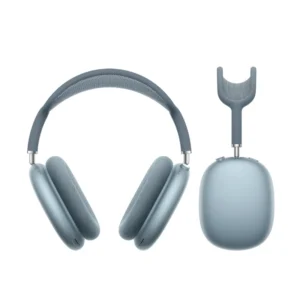
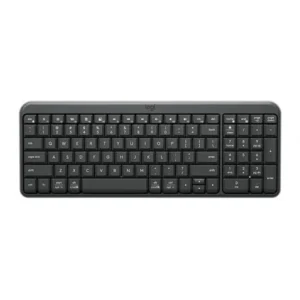
Confirm the port, receiver and operating system.
Color: Black
KShs 15,500


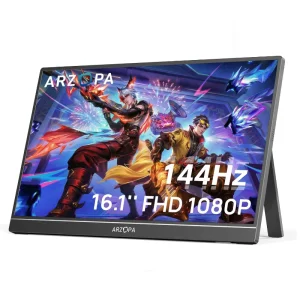
Confirm video output, cable and refresh rate.
KShs 18,000
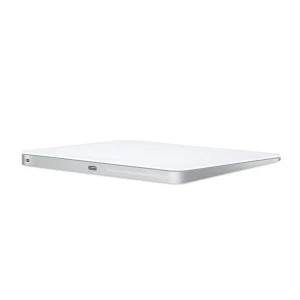
Confirm the port, receiver and operating system.
Color: White
Original price was: KShs 20,500.KShs 20,000Current price is: KShs 20,000.In-stock alternatives
Available models in this category. Compare core features and prices.
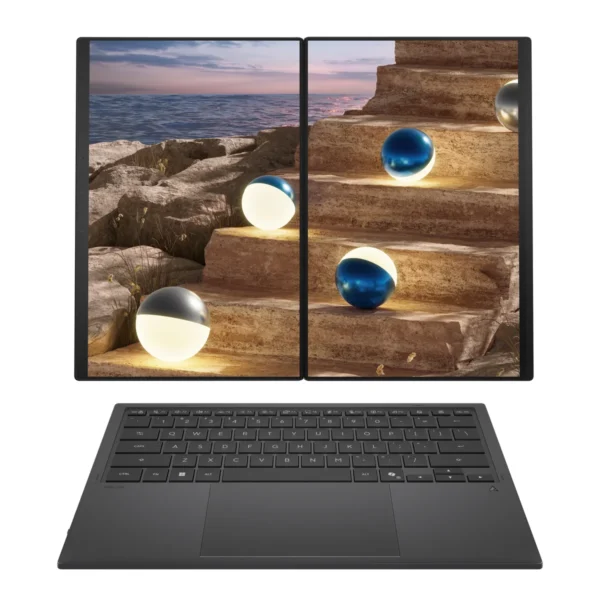
ASUS Zenbook DUO UX8407AAKShs 407,000Display Finish: Anti-reflective (this product: Nano-texture, Standard) · Refresh Rate: 144Hz (this product: 120Hz)View product →
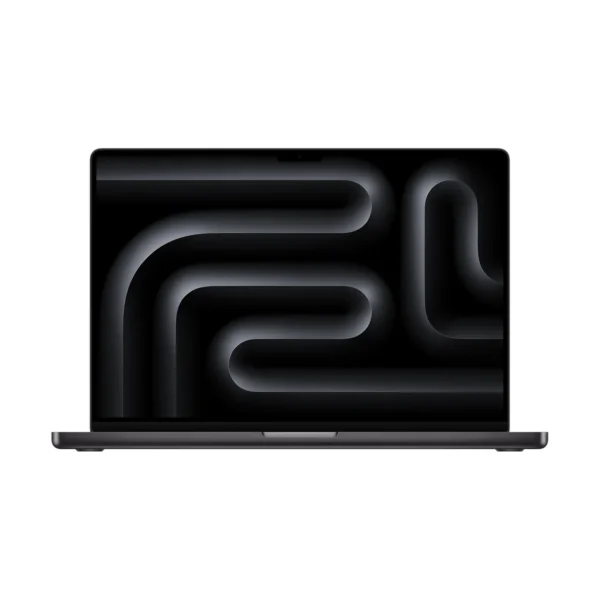
Apple MacBook Pro 16-inch (M5 Pro)KShs 419,000Screen Size: 16-inch (this product: 14-inch) · Display Type: Mini-LED (this product: OLED)View product →
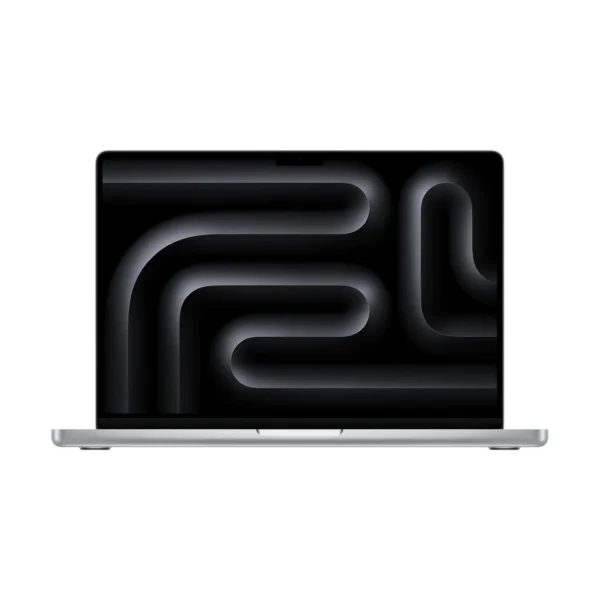
Apple MacBook Pro 14-inch (M5 Pro)KShs 338,500Display Type: Mini-LED (this product: OLED) · Touchscreen: Non-Touchscreen (this product: Touchscreen)View product →
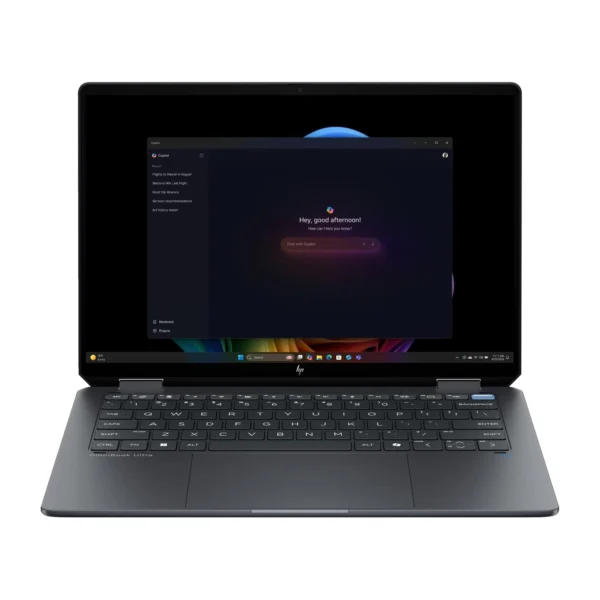
HP OmniBook Ultra 14-kd0000 (C2NM8AV-5)KShs 330,000Type: Everyday Laptop (this product: Creator Laptop) · Processor: Intel Core Ultra 9 386H (this product: Apple M5 Pro)View product →