
Studio Display vs Studio Display XDR in Kenya
Both are 27-inch 5K displays. Decide whether XDR benefits your work, then compare the exact stand, glass and current Kenya offer.
Live prices in this article · Select your exact configuration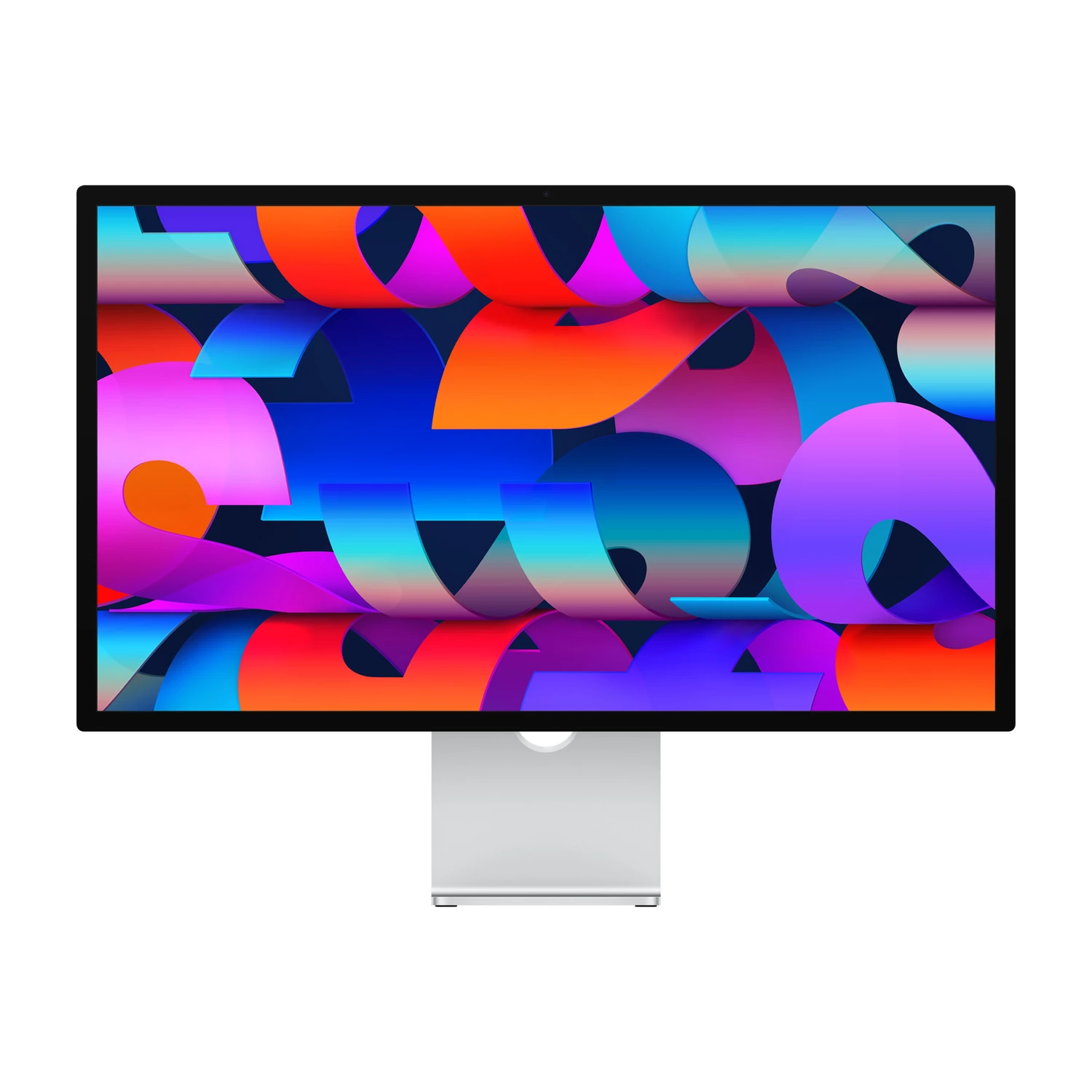
The decision: desk display or XDR workflow?
Start with the regular Studio Display if you want a 27-inch 5K Mac desk display for documents, development, photography and everyday creative work. Consider Studio Display XDR when you have a clear reason to pay for its Mini-LED display, higher refresh rate or wider supported colour-gamut options.
This guide compares the 2026 Studio Display and 2026 Studio Display XDR. It does not compare the older 32-inch Pro Display XDR. Keep the full name and year on a quotation: similar names can refer to different products.
Both current listings include a webcam and speakers. Those shared desk functions are useful, but they do not explain the entire difference in the offer you are buying. Compare the actual panel, stand, glass and host compatibility together.
What changes, and what stays the same?
| Listed feature | Studio Display | Studio Display XDR |
|---|---|---|
| Size | 27-inch | 27-inch |
| Resolution family | 5K Retina | 5K Retina XDR |
| Panel type | IPS | Mini-LED |
| Refresh rate | 60Hz | 120Hz |
| Listed colour gamut | P3 Wide Color | P3 Wide Color / Adobe RGB |
| Host charging | 96W | 140W |
| Glass | Standard / Nano-texture | Standard / Nano-texture |
“5K Retina XDR” does not mean a larger desktop than the regular 27-inch 5K model. Apple’s specifications give both a 5120 × 2880 resolution. The XDR decision is about the display’s capabilities, rather than buying more pixels across a bigger panel.
XDR also lists Adaptive Sync. Check the connected computer and application requirements before treating a panel feature as a guarantee for the whole setup.
Primary references: Studio Display (2026) specifications and Studio Display XDR specifications.
When the XDR premium has a purpose
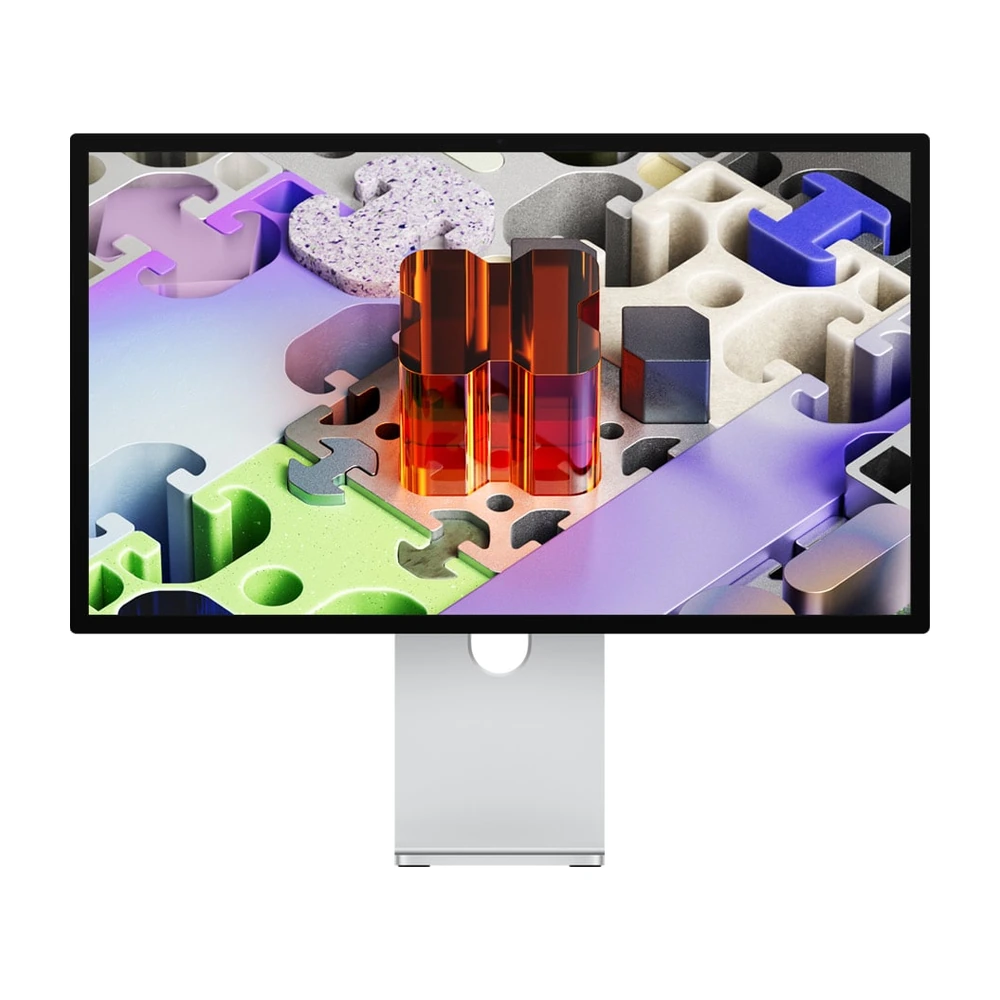
The XDR upgrade changes display capabilities while keeping the same 27-inch workspace. Match those capabilities to the work you deliver.
If your work involves delivering HDR material, print-oriented colour workflows or evaluating motion on a higher-refresh display, investigate the XDR against the requirements of that work. Confirm the reference modes and colour space your software and client deliverables require.
For email, spreadsheets and ordinary web content, write down what the regular display cannot do for you before choosing the upgrade. A premium display name is not a substitute for a workflow requirement.
Apple’s XDR specifications describe its HDR and reference-mode capabilities. This guide does not claim a calibration test, measured contrast result or hands-on comparison. A display should be evaluated in the lighting and viewing arrangement where it will be used.
Check your Mac before assuming 120Hz
A 120Hz panel does not make every connected computer output at 120Hz. Apple’s compatibility list limits some older Apple-silicon Macs to 60Hz on Studio Display XDR. Check the exact chip and model rather than treating “works with Mac” as confirmation of every feature.
Also check the required operating-system version, cable and connection path. A dock or adapter can change what the complete setup supports. Apple’s XDR compatibility section identifies supported hosts and limitations.
If you are choosing the laptop too, start with our MacBook Air M5 versus MacBook Pro M5 comparison. If the computer is part of this purchase, our MacBook Pro M6 buying guide helps identify that exact laptop family. For the separate laptop-screen decision, see what PROLED XDR changes on a MacBook Pro. A laptop display name does not establish the capabilities of an external monitor.
Choose the stand and glass before comparing prices
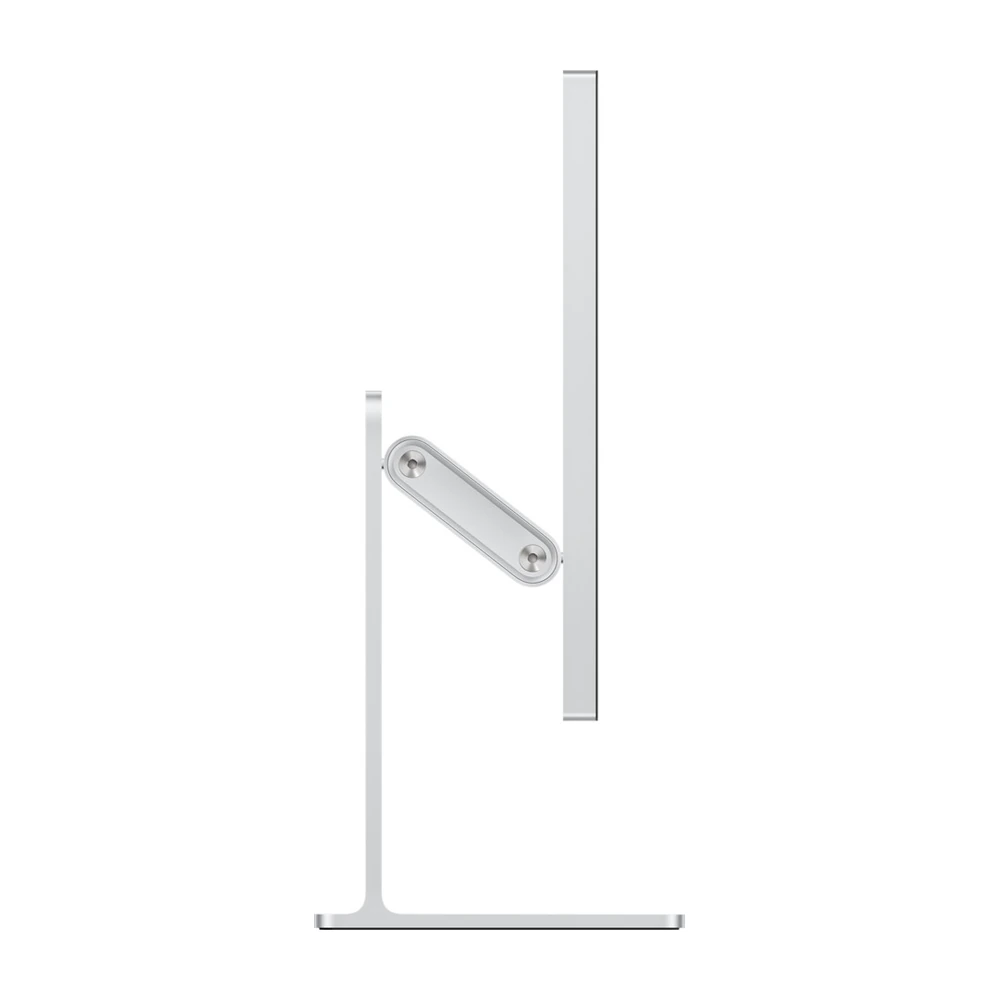
Check where the screen will sit at your desk. Compare the offered stand and glass together before comparing prices.
The regular Studio Display listing offers Tilt, Tilt & Height, and VESA Mount Adapter options. The XDR listing offers Tilt & Height or VESA Mount Adapter. Compare the same stand and glass choices before deciding how large the price difference is.
Desk position first: consider where the screen will sit relative to your eyes and whether the desk serves more than one person. Height adjustment may solve a practical issue regardless of which panel you choose.
VESA is a different package: confirm your arm’s fit, load rating and desk mounting requirements. A VESA adapter option does not promise that an arm or stand is included.
Nano-texture is a finish choice: compare it against the reflections in your workspace and follow Apple’s care guidance for the exact glass. Do not infer Nano-texture from the Silver enclosure or a generic product image.
Plan charging and accessories as a complete setup
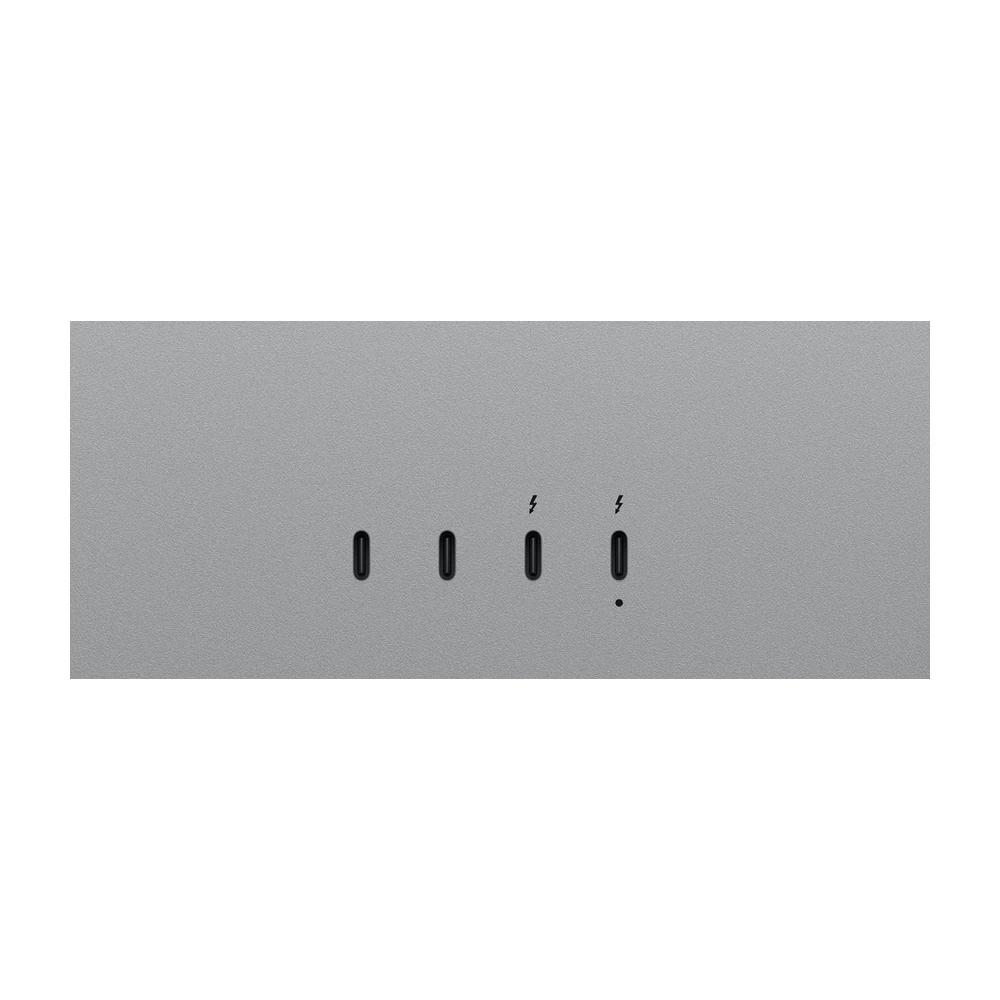
Read the upstream-host and downstream-peripheral labels before choosing your connection path. The socket shape alone does not establish its role.
Both models provide Thunderbolt 5 and USB-C connections. The regular display lists 96W host charging; XDR lists 140W. Check your laptop’s power requirements before treating a monitor connection as a replacement for its normal charger.
The shape of a USB-C socket does not tell you its role. Use Apple’s upstream-host and downstream-peripheral descriptions to plan the connection. Confirm the supplied cable and avoid assuming an existing charging-only cable will carry the display signal.
Current Studio Display prices in Kenya
Apple Studio Display 27-inch (2026)
Price range: KShs 262,000 through KShs 377,000
In stockSelect the exact configuration for its matching price and availability. A family range includes listed options and does not establish that every option is orderable.
Apple Studio Display XDR 27-inch (2026)
Price range: KShs 475,500 through KShs 590,000
Out of stockSelect the exact configuration for its matching price and availability. A family range includes listed options and does not establish that every option is orderable.
Open the linked product and select the exact stand and glass. The article uses current listed prices and stock rather than a publication-day quotation. Confirm fulfilment, the supplied package and the total payable before ordering.
Read NextBuy’s warranty terms, returns policy and delivery information for the purchase. A manufacturer’s overseas availability statement is not a promise about local delivery.
Questions to settle before ordering
Is Studio Display XDR larger than Studio Display?
These two 2026 models are both 27-inch 5K displays. Choose between their display capabilities and configurations rather than assuming XDR means a larger screen.
Will XDR run at 120Hz with every compatible Mac?
No. Apple lists 60Hz limits for some compatible Macs. Check the exact host, operating system and connection requirements before paying for a higher-refresh setup.
Do I need Nano-texture for photo editing?
Choose the glass for your actual lighting and reflections. A task label alone does not settle that choice, and Nano-texture does not replace an appropriate colour workflow.
Does a VESA option include a monitor arm?
Confirm the supplied package. The VESA mount-adapter configuration is not a promise that a third-party arm or stand is included.
Which should I shortlist first?
Start with the regular Studio Display for a general Mac desk, then identify any specific display or workflow requirement that justifies XDR. Compare current offers using the same glass and stand choices.
Researched 30 October 2026 from official specifications and populated NextBuy product records. Buying guidance, not a hands-on test. Product imagery: Apple.