Microsoft Surface Pro 11th Edition (Snapdragon X Elite) Overview
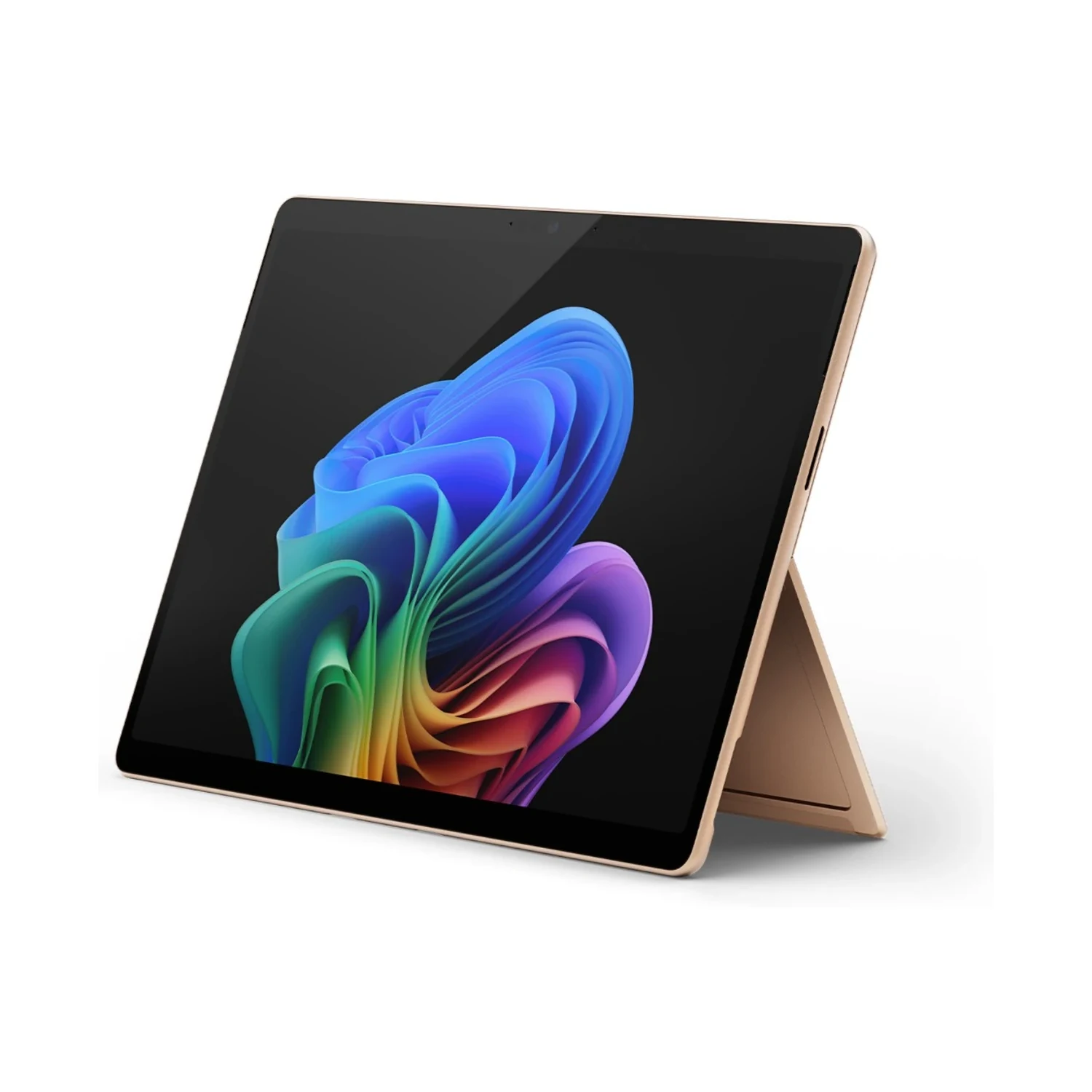
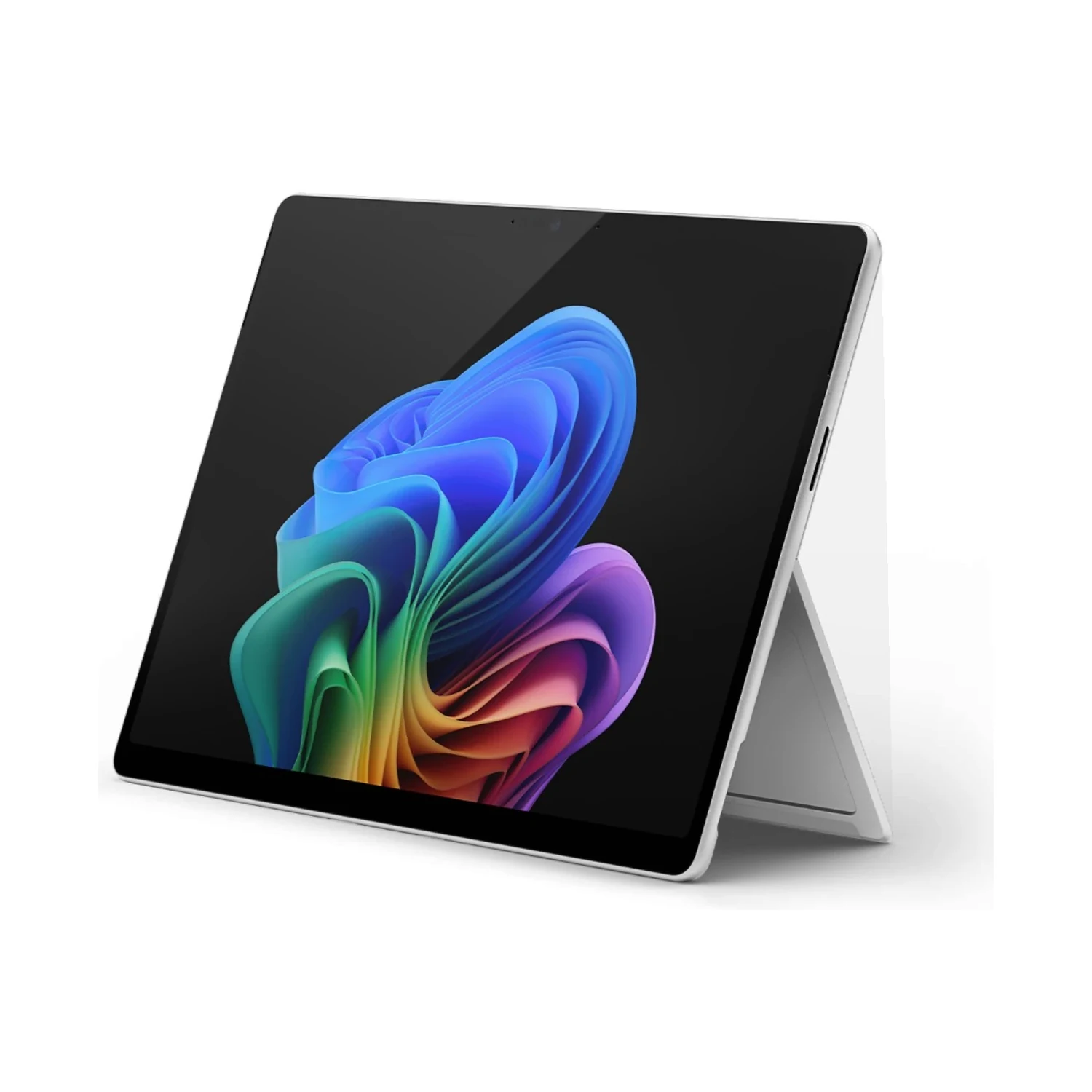
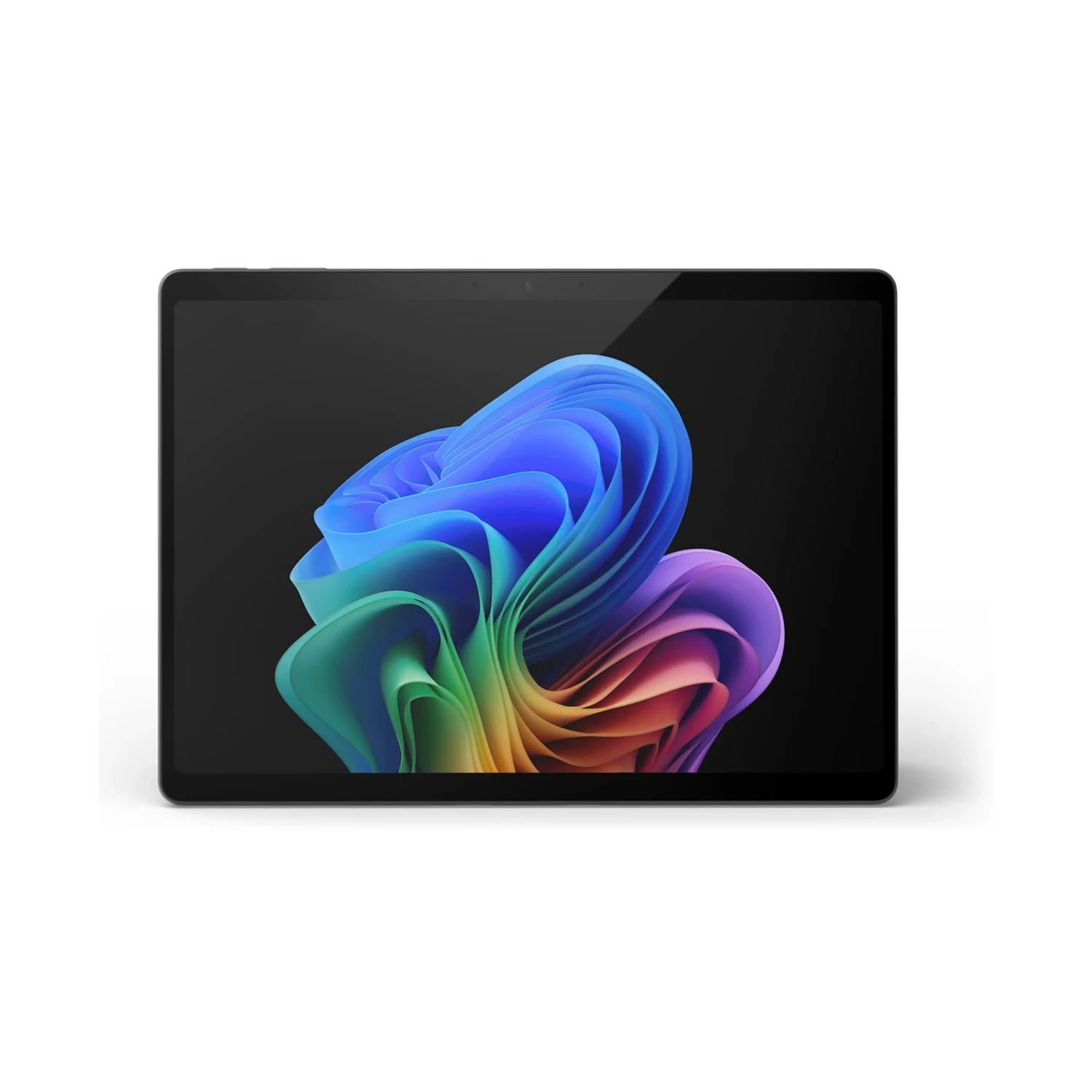
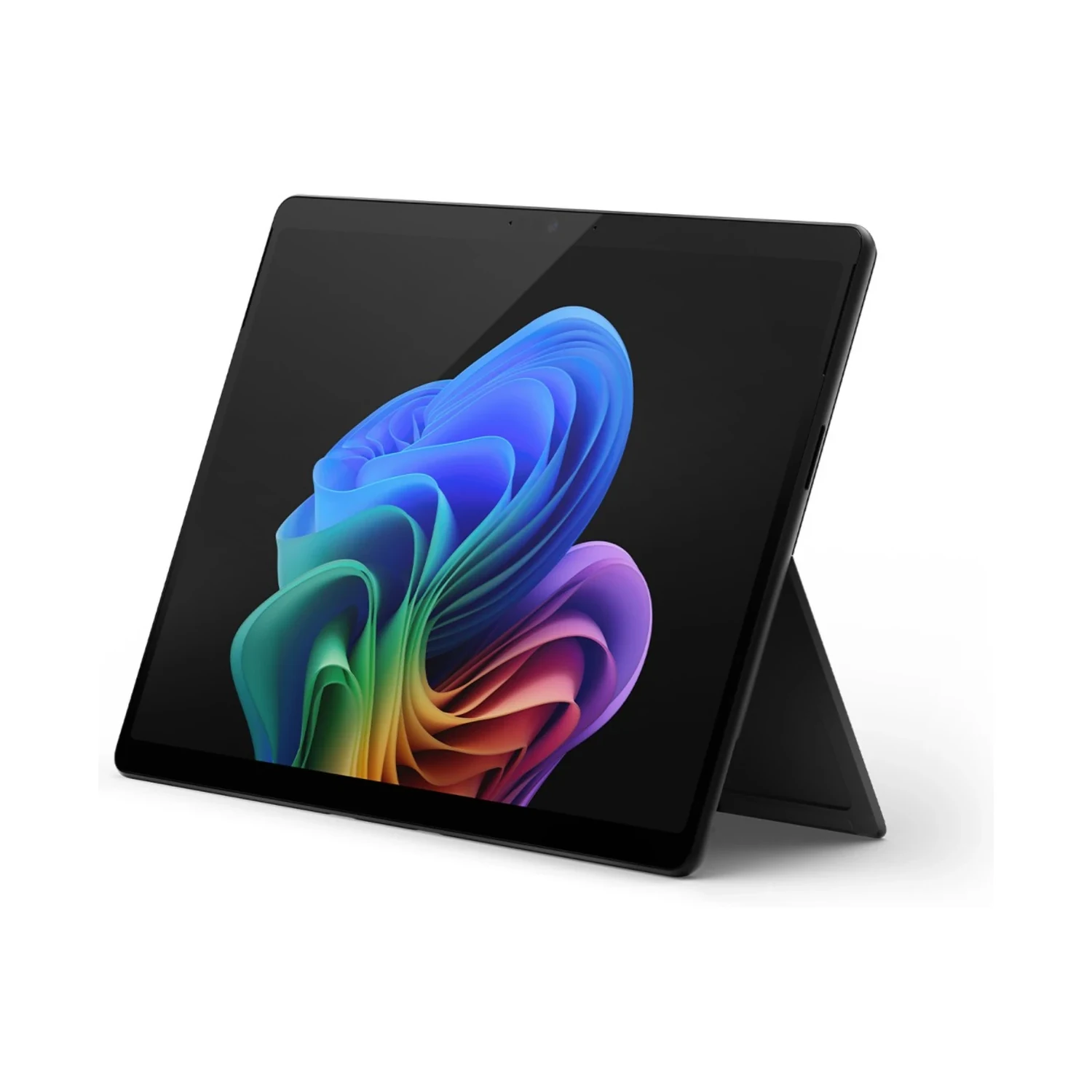
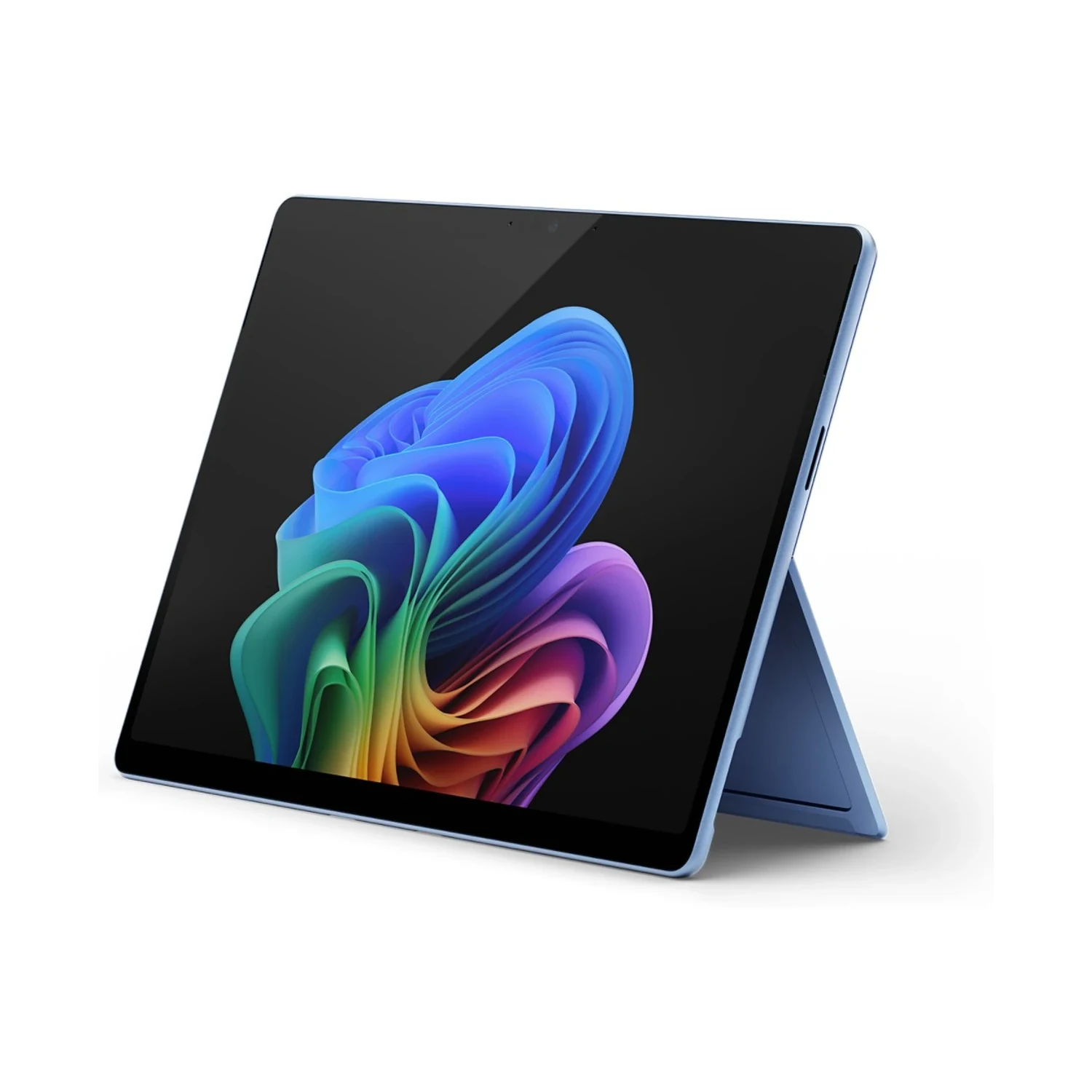
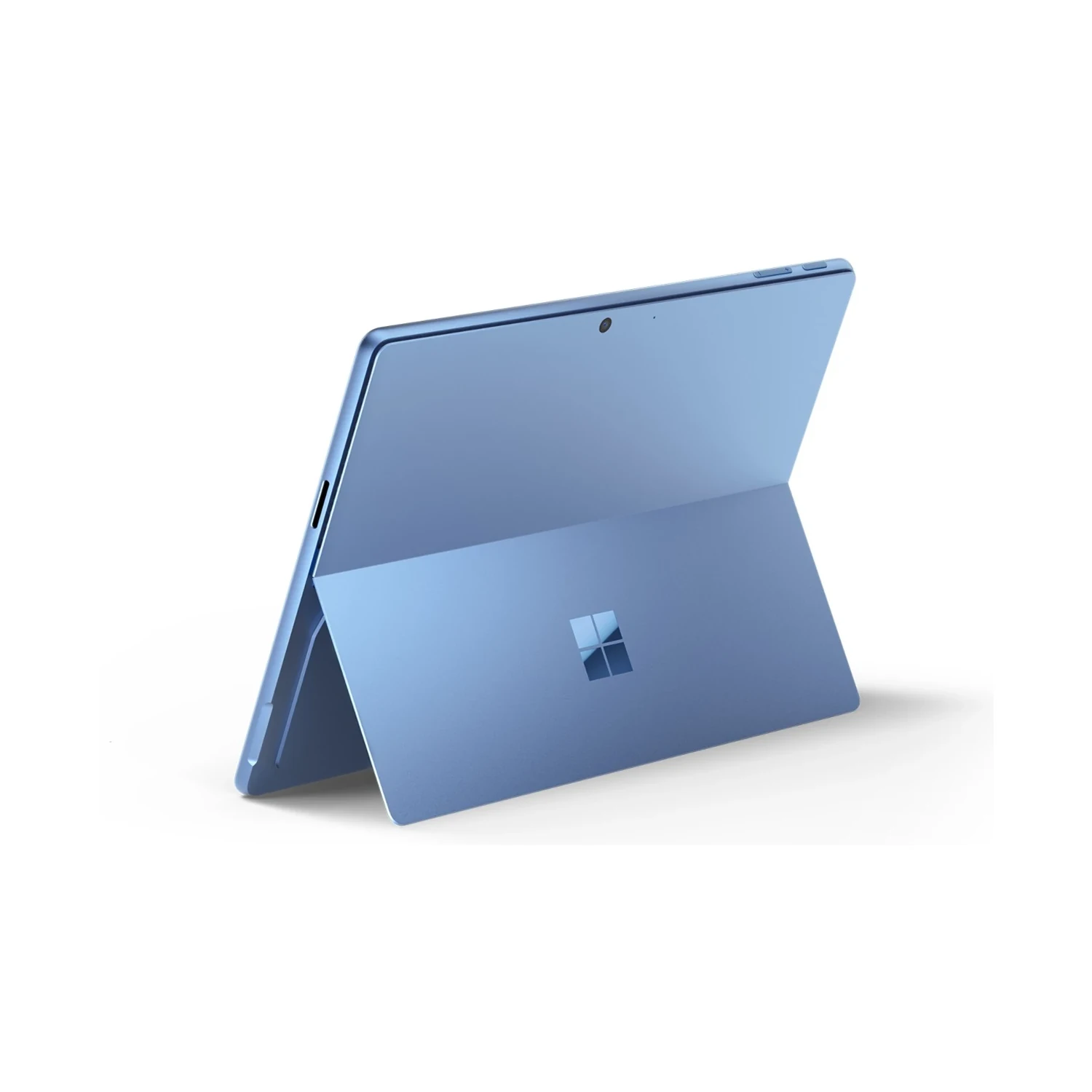
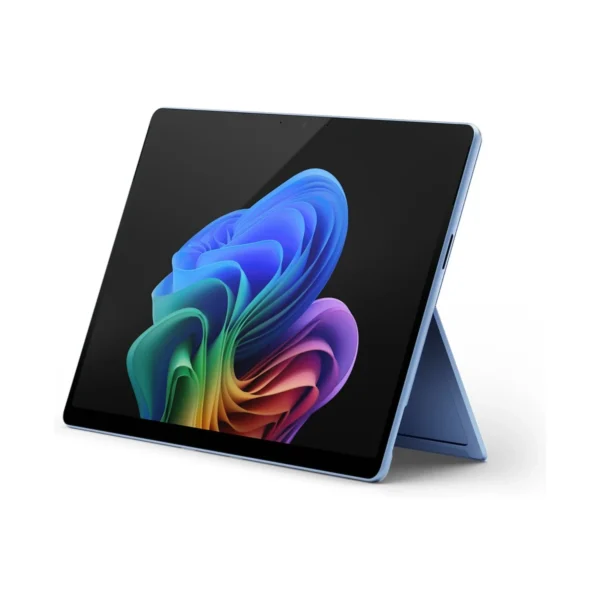
The Microsoft Surface Pro 11th Edition (Snapdragon X Elite) price in Kenya is KShs 250,500. This Windows 2-in-1 combines a 13-inch OLED touchscreen with the 12-core Snapdragon X Elite, giving you a portable workspace for documents, presentations, compatible creative software and pen-based tasks. The built-in kickstand lets it move from handheld reading to desk work with a suitable keyboard. If your work centres on everyday documents and browser apps, compare the LCD-equipped Microsoft Surface Pro 11th Edition (Snapdragon X Plus).
Choose RAM and SSD capacity separately
The listed configurations serve different working-memory and file-storage requirements. Do not treat every step up the range as the same kind of upgrade:
- 16GB RAM / 512GB SSD: consider this for compatible office work, browsing and a moderate local project library.
- 16GB RAM / 1TB SSD: adds more space for applications, downloads and working files while keeping the same RAM. It makes sense when storage, rather than active working memory, is your constraint.
- 32GB RAM / 1TB SSD: consider this for larger supported projects or heavier multitasking. The benefit depends on whether your applications need more than the lower-memory configuration.
- 64GB RAM / 1TB SSD: the highest listed RAM option suits a deliberately planned memory-heavy workflow. Confirm software support before paying for this capacity; extra RAM cannot make an incompatible application or driver work.
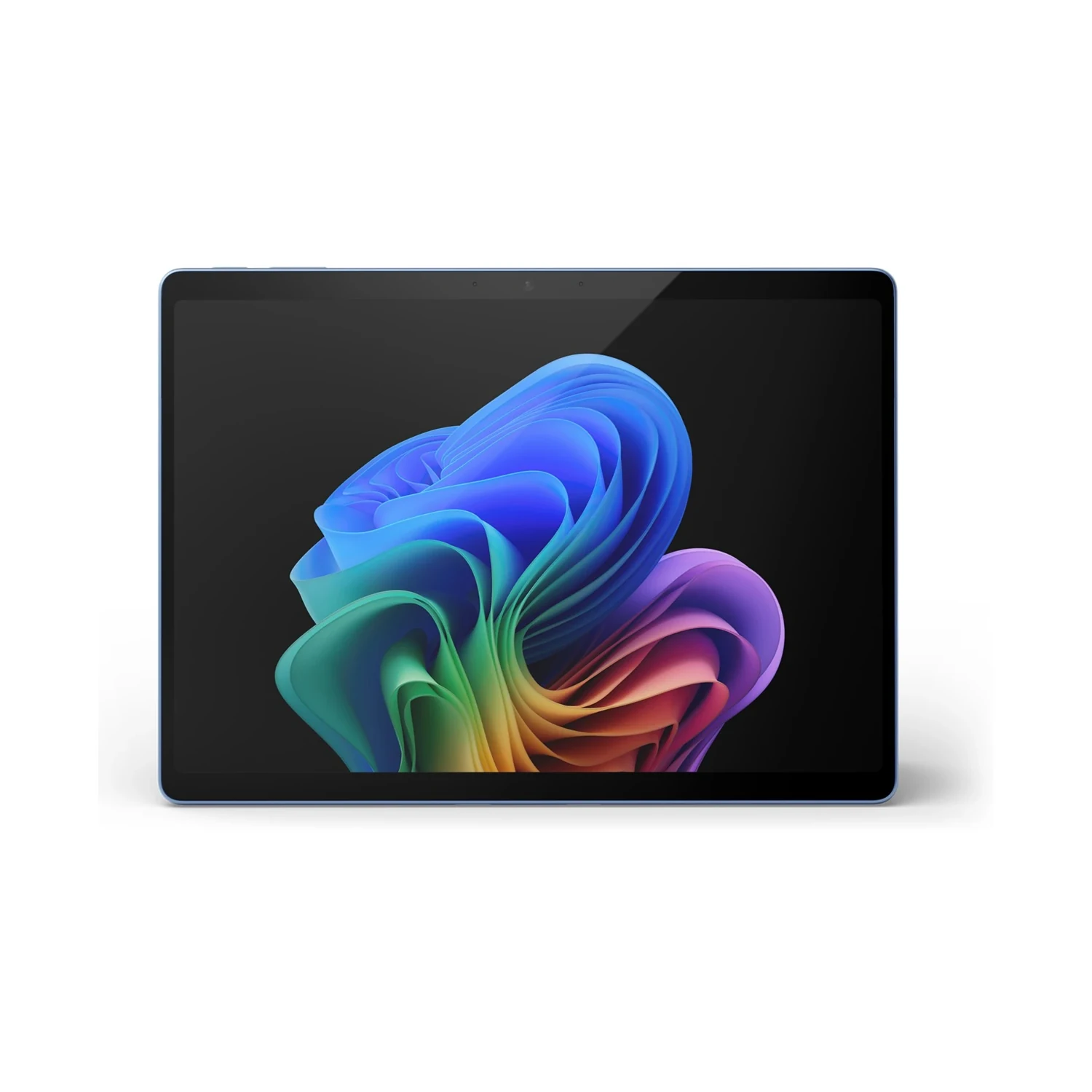
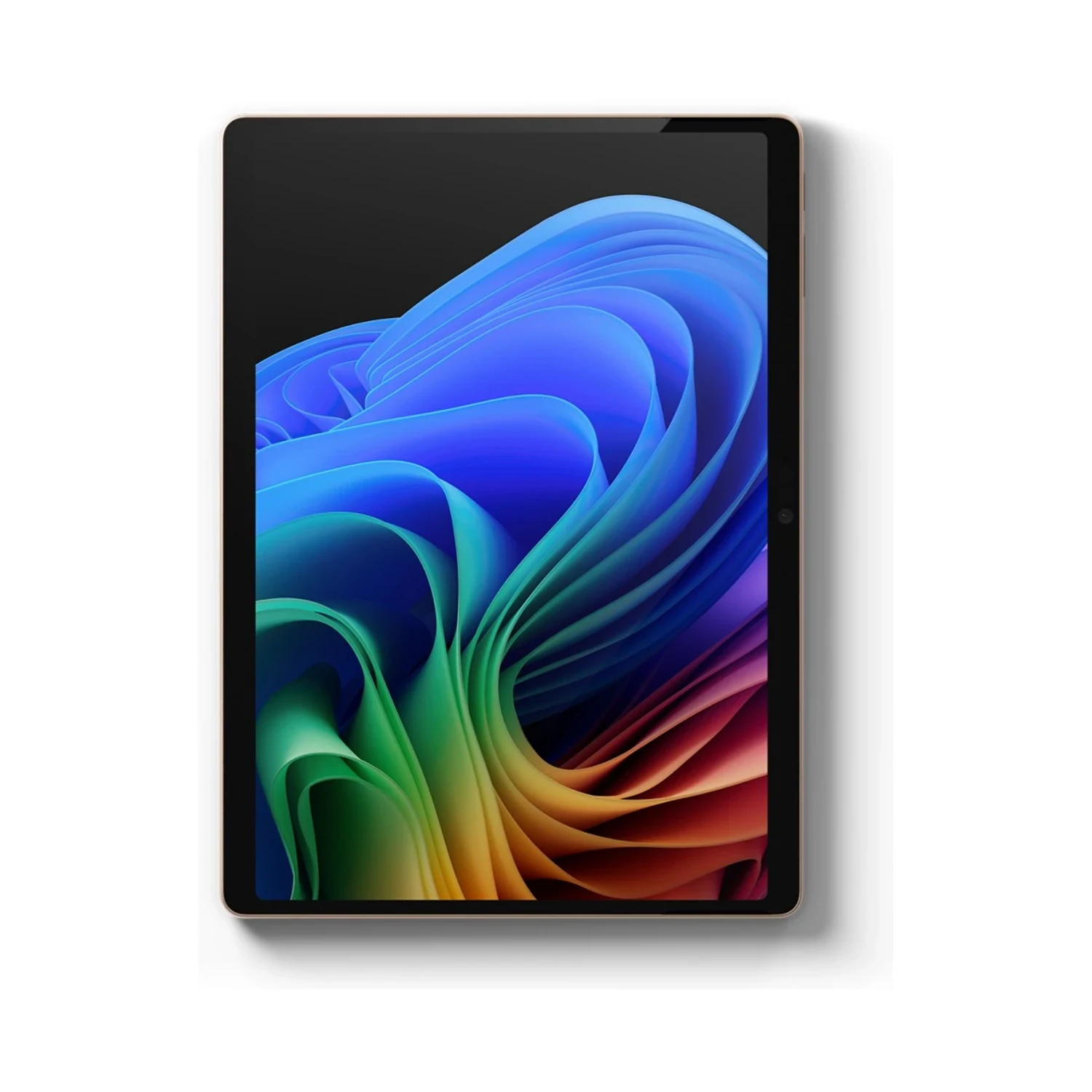
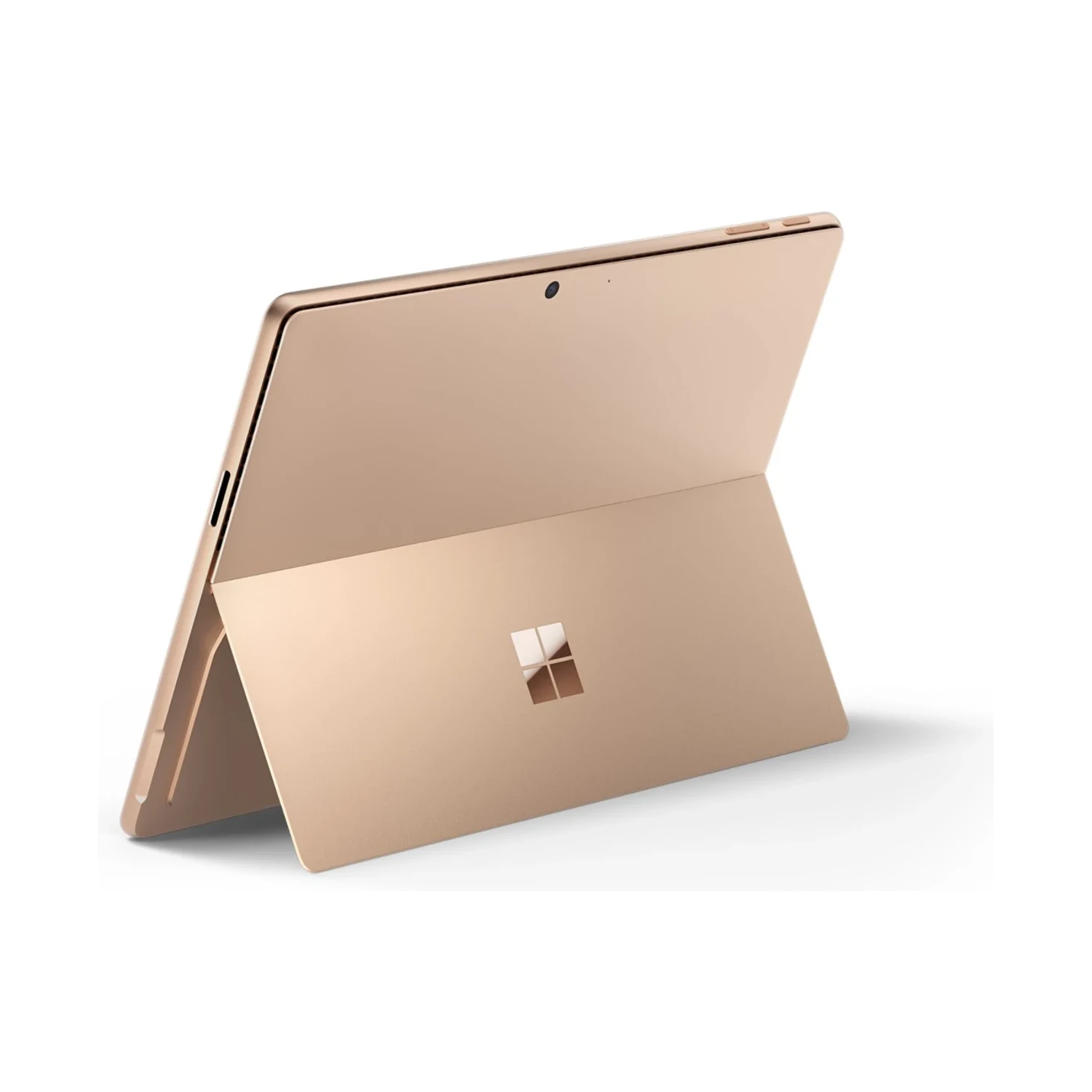
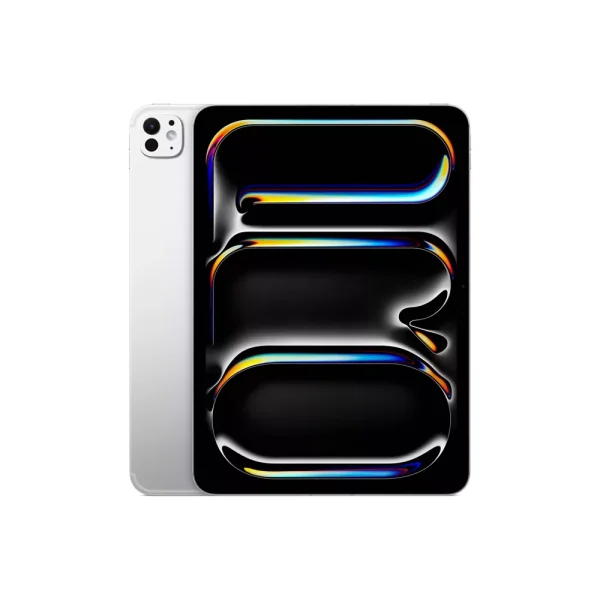
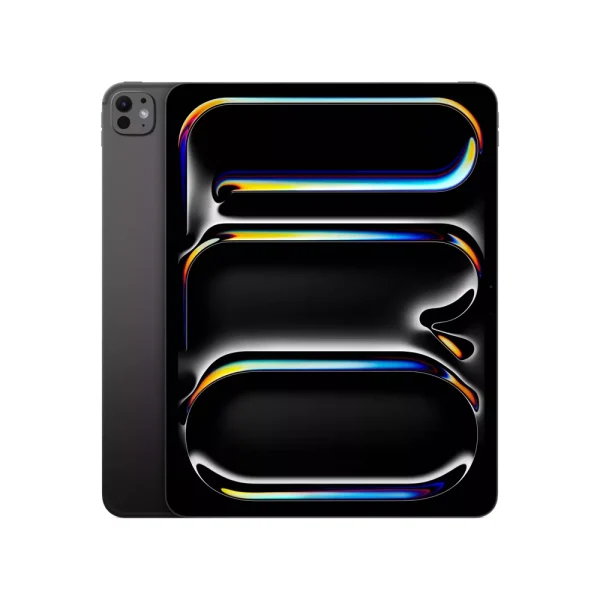
The 16GB configurations are listed in Platinum, Black, Sapphire and Dune. The 32GB/1TB option is listed in Platinum, and the 64GB/1TB option in Black. Colour does not change performance, but the available configuration-and-colour combinations differ. Choose RAM around active workloads and SSD capacity around the files you need to keep locally.
A 13-inch OLED touchscreen in a 3:2 format
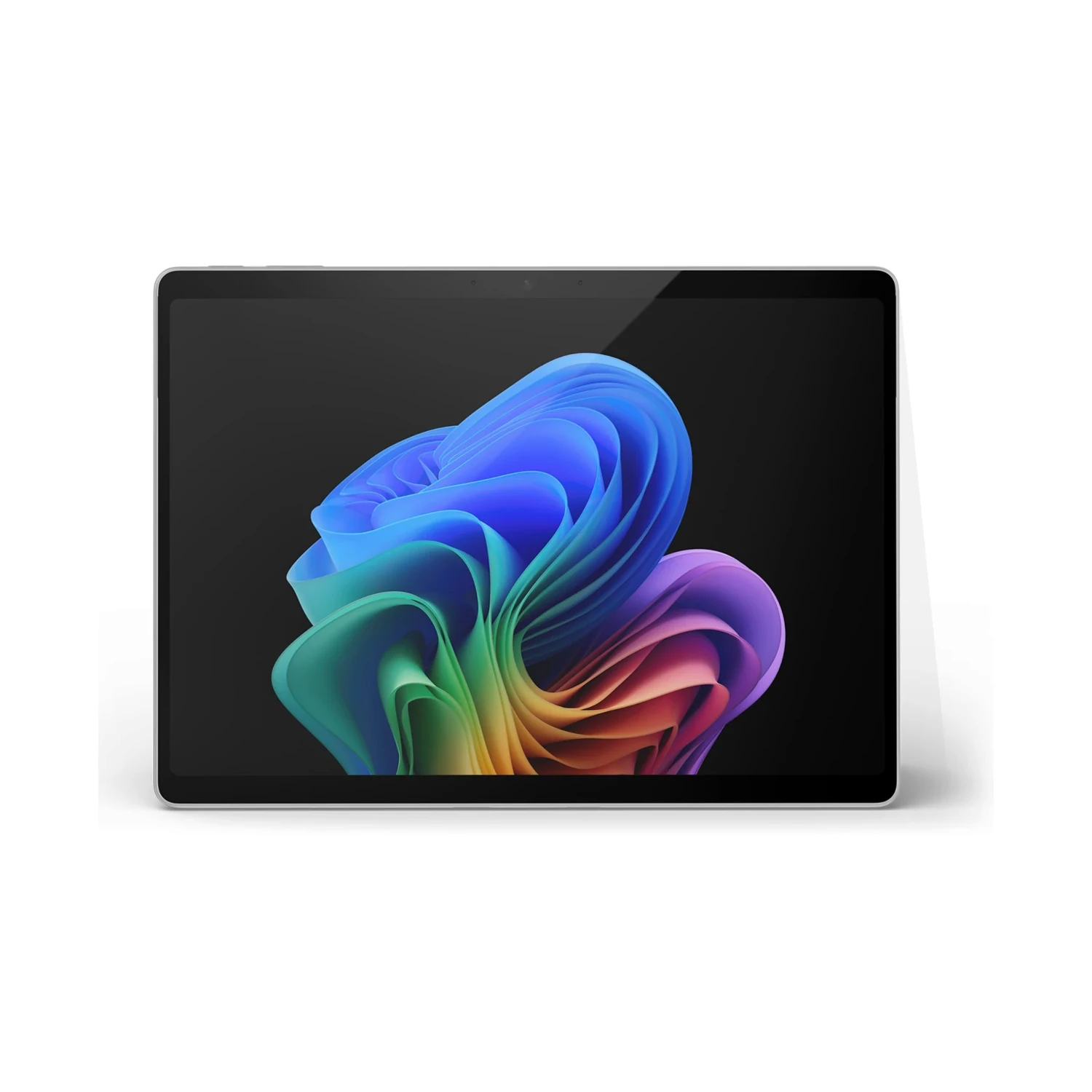
The PixelSense Flow display has a 2880 × 1920 resolution, a 3:2 aspect ratio and a dynamic refresh rate up to 120Hz. The taller format is useful for documents, web pages and portrait-oriented material. Touch input makes it convenient to scroll, navigate and review work away from a keyboard.
OLED is a reason to consider this model when deep blacks and the appearance of images and video matter to your work or entertainment. It does not, by itself, make a document application faster. For colour-sensitive editing, use appropriate display settings and a managed workflow rather than relying on visual vividness alone.
Windows on Arm: check the whole workflow
This Snapdragon model runs Windows on Arm. Many Windows applications work natively or through emulation, but compatibility should be checked for the exact software you rely on. Review specialist applications, plug-ins, VPN clients, printers, audio interfaces and other equipment that depends on drivers.
Application emulation is not a promise that every peripheral driver or game anti-cheat system will work. For a work or university purchase, establish compatibility before choosing by RAM or processor alone. Microsoft’s Windows on Arm FAQ explains the distinction between supported applications and hardware requirements.
The Snapdragon X Elite is suited to evaluating a mobile productivity workflow, not to assuming that every Intel-PC setup transfers unchanged. For development or creative production, include your toolchain, export formats and peripherals in the decision. Test the applications that are essential to earning a living or completing a course.
Keyboard, pen and working position
A compatible Surface keyboard turns the tablet into a typing setup, while a compatible Surface Slim Pen supports handwriting, annotation and drawing in suitable applications. These are separate accessories unless your order explicitly includes a bundle. Keyboard support on the specification sheet does not mean a keyboard is supplied.
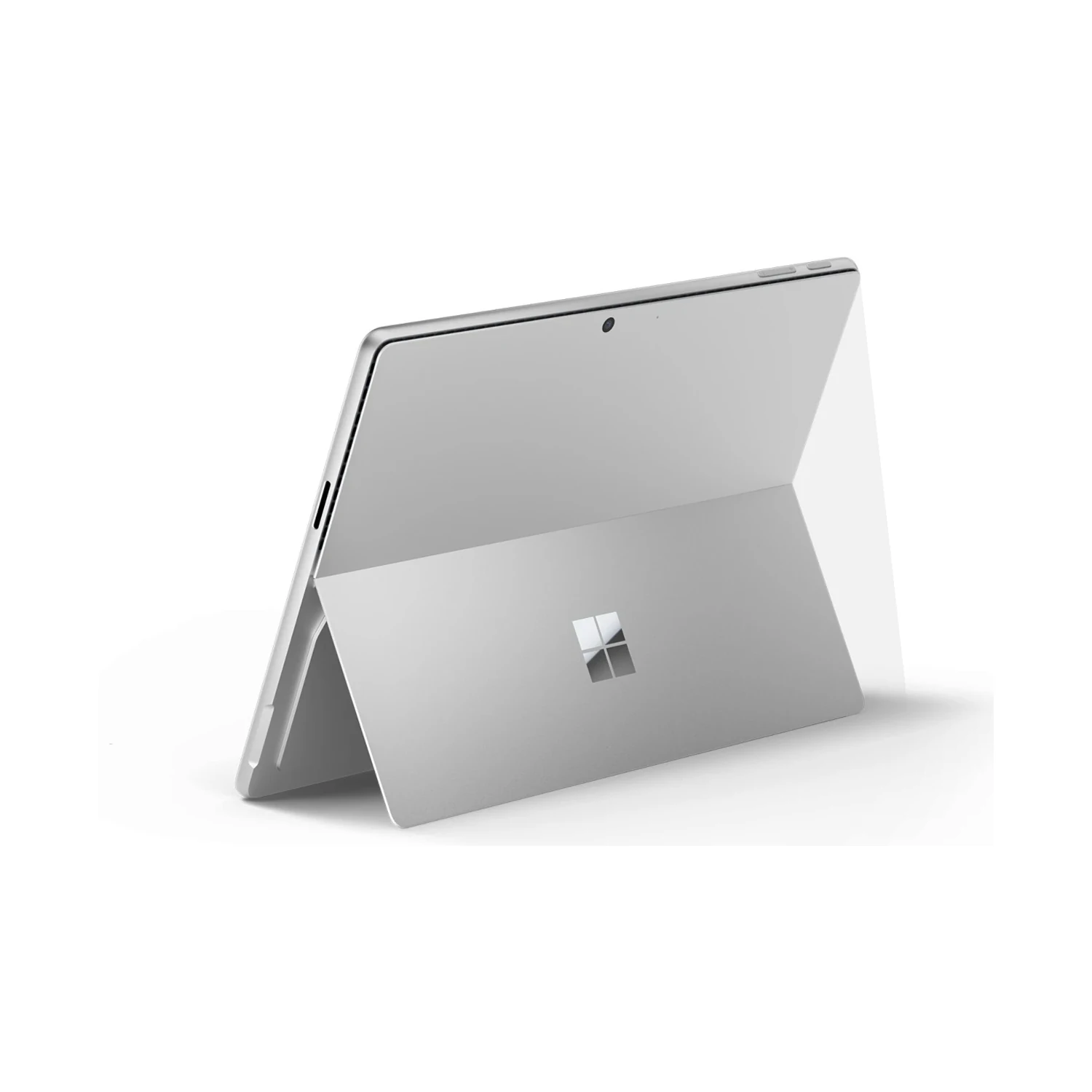
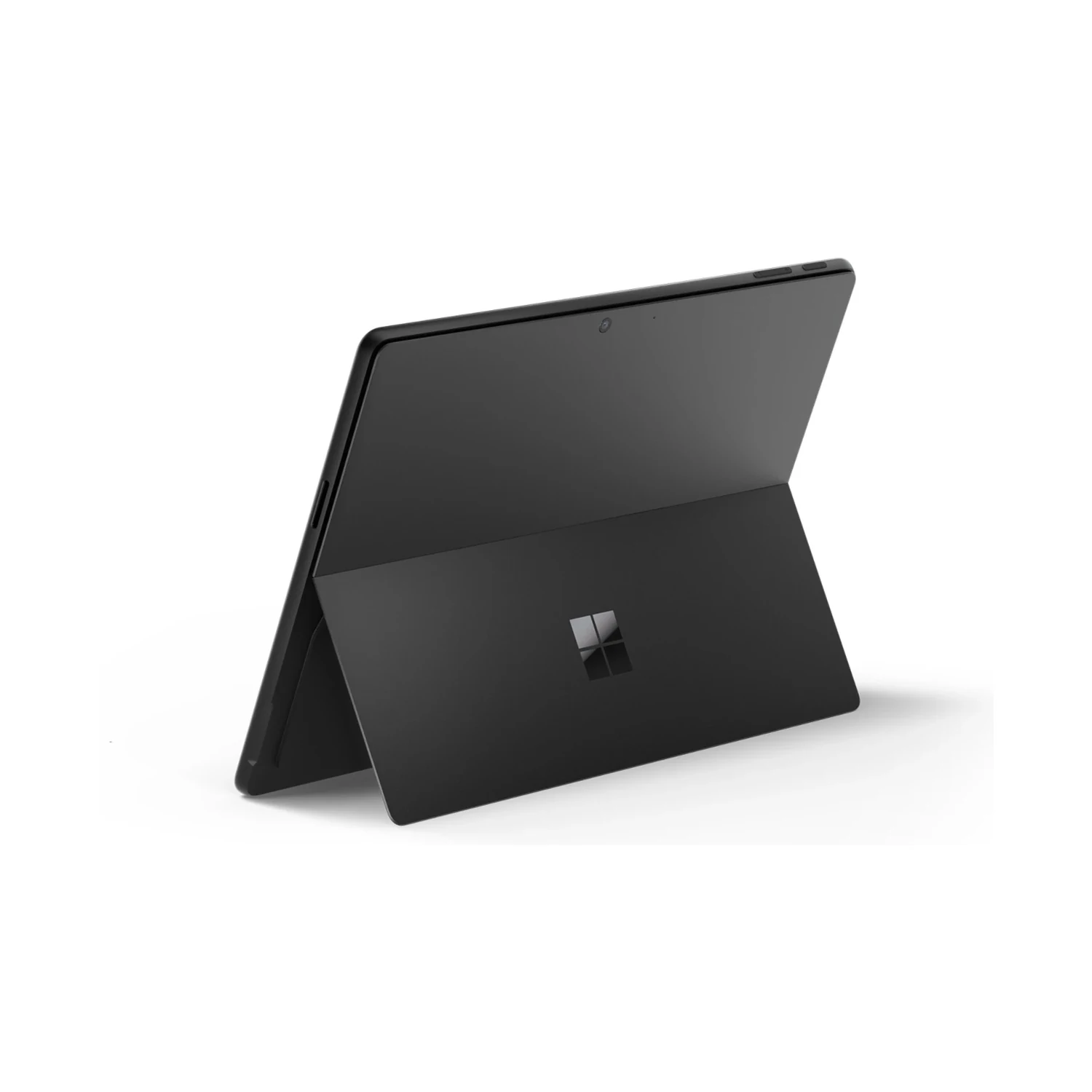
Choose the keyboard around how you work, including its layout, trackpad and pen-storage or charging features. The kickstand needs space behind the screen, which is worth considering on a narrow desk, an aircraft tray or your lap. A conventional hinged laptop may feel different during long lap-typing sessions.
Connections for a desk and travel
Two USB-C/USB4 ports handle compatible charging, data and display connections, alongside Surface Connect and the Surface keyboard connection. Plan a suitable adapter or dock for USB-A devices, Ethernet, HDMI or memory cards. Check both Windows on Arm driver support and the dock’s display and power capabilities before building a workstation around it.
Wi-Fi 7 and Bluetooth 5.4 are listed for these Snapdragon models. A suitable router and network are needed to benefit from the wireless standard. This page’s choices specify memory/storage and colour, not a separate cellular option; confirm the exact model before relying on SIM or eSIM support.
Calls, sign-in and everyday portability
The front camera and microphones support meetings, while Windows Hello face authentication offers a convenient sign-in method. The rear camera can capture a whiteboard or reference material. For better calls, use a stable position, adequate front lighting and a reliable connection rather than depending only on the camera specification.
The tablet format is useful when you alternate between reading, presenting and typing. Remember that adding a keyboard, pen, protective cover and charger changes the weight and cost of the complete setup you carry.
Battery, charging and software costs
Microsoft’s up-to-14-hour figure is based on local video playback testing, not continuous video calls or demanding production work. Brightness, network use, connected peripherals and applications affect endurance. Plan charging around your working day instead of treating the test figure as a fixed runtime.
Power-supply inclusion varies by market and configuration. Confirm the exact supplied package; a 39W adapter, where included, is not the same as the higher-power equipment needed for fast charging. A compatible 65W USB-C PD charger is a practical specification to check when planning a separate charging setup.
Confirm the installed Windows edition if your organisation needs Pro features: the word “Pro” in Surface Pro is not proof of a Windows Pro licence. Microsoft 365, specialist applications and paid AI services may require separate licences. See Microsoft’s official Surface Pro 11th Edition guide for the model family and operating-system distinctions.