Cookie settings

Choose optional cookies. Change these any time.

EssentialAlways on for shopping

Privacy policy

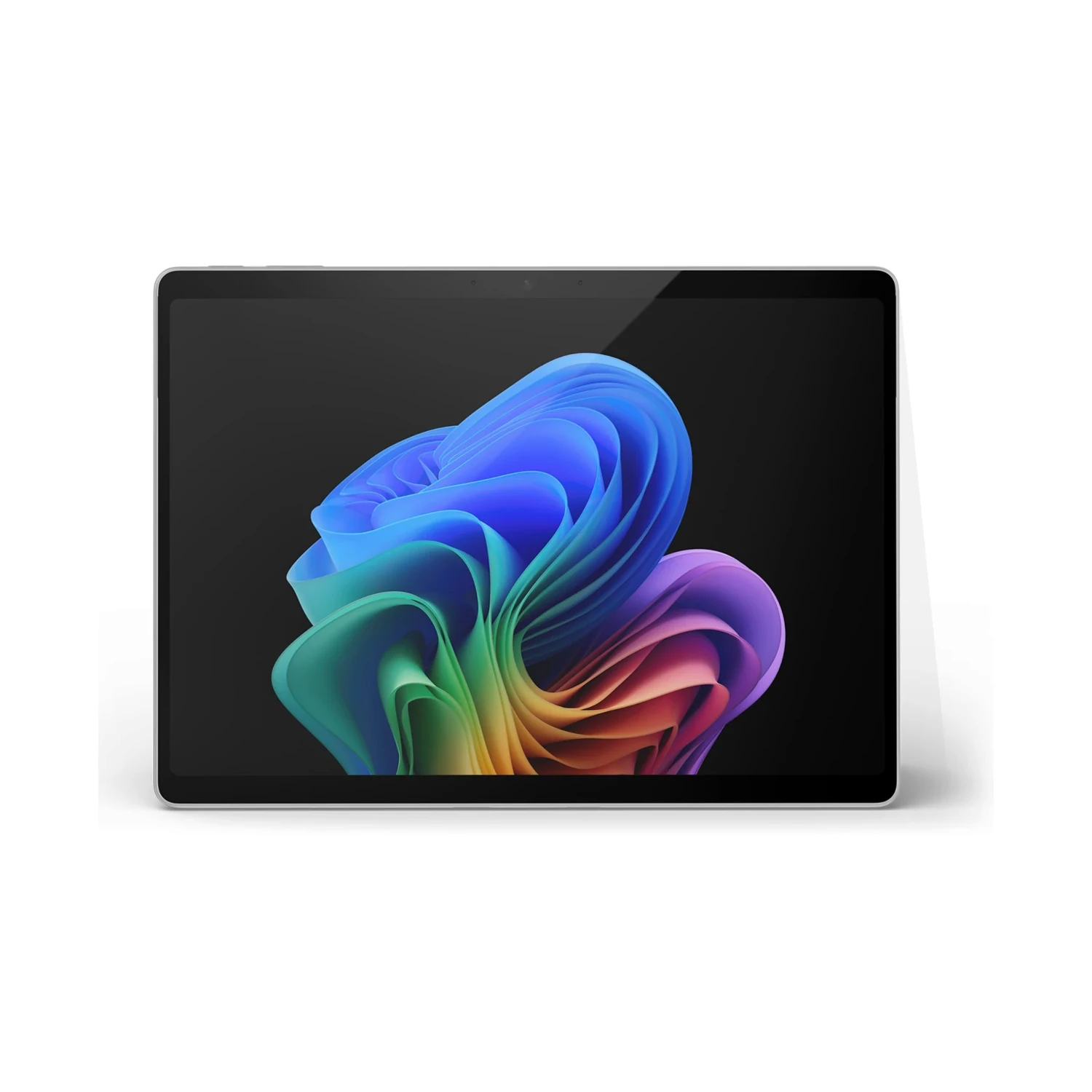
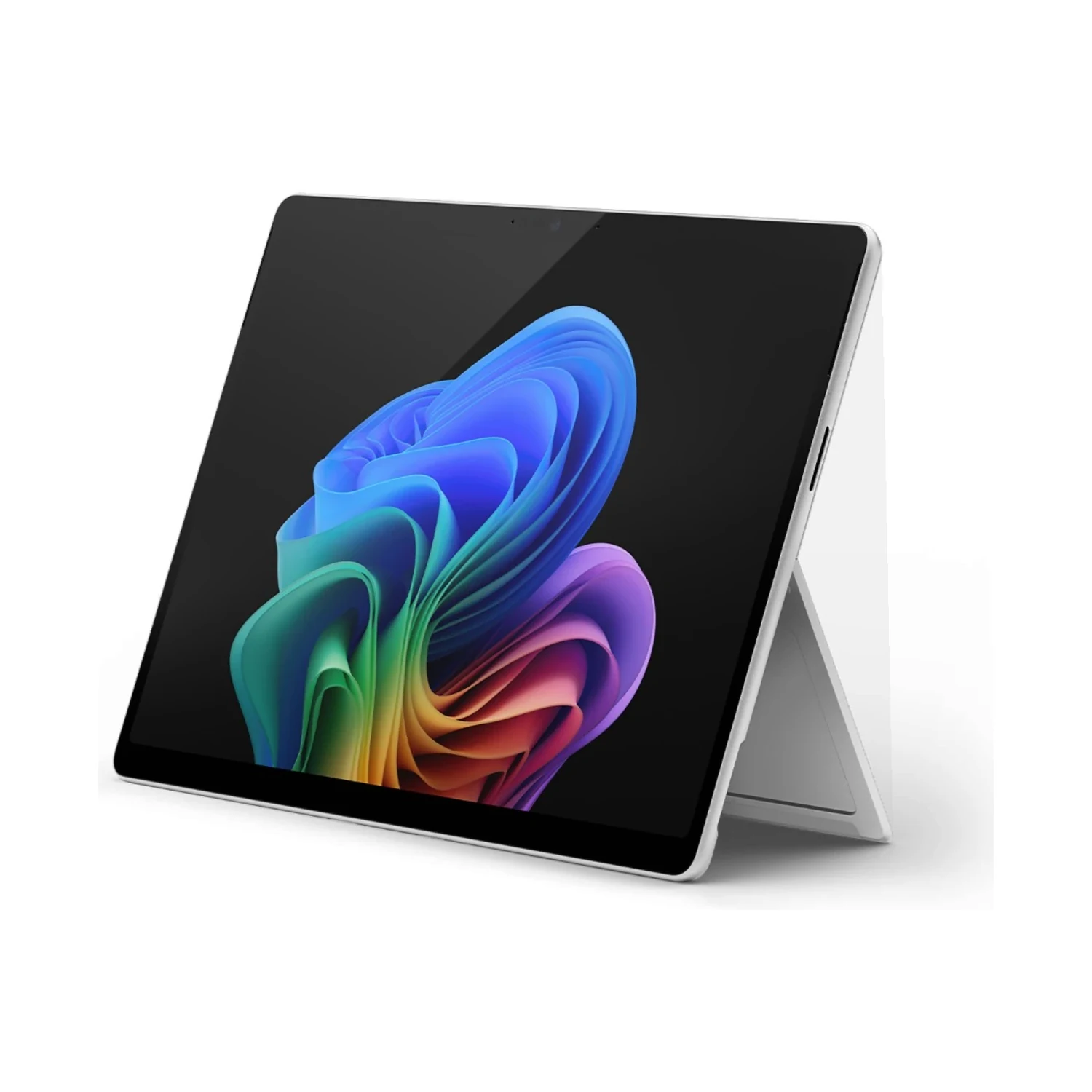
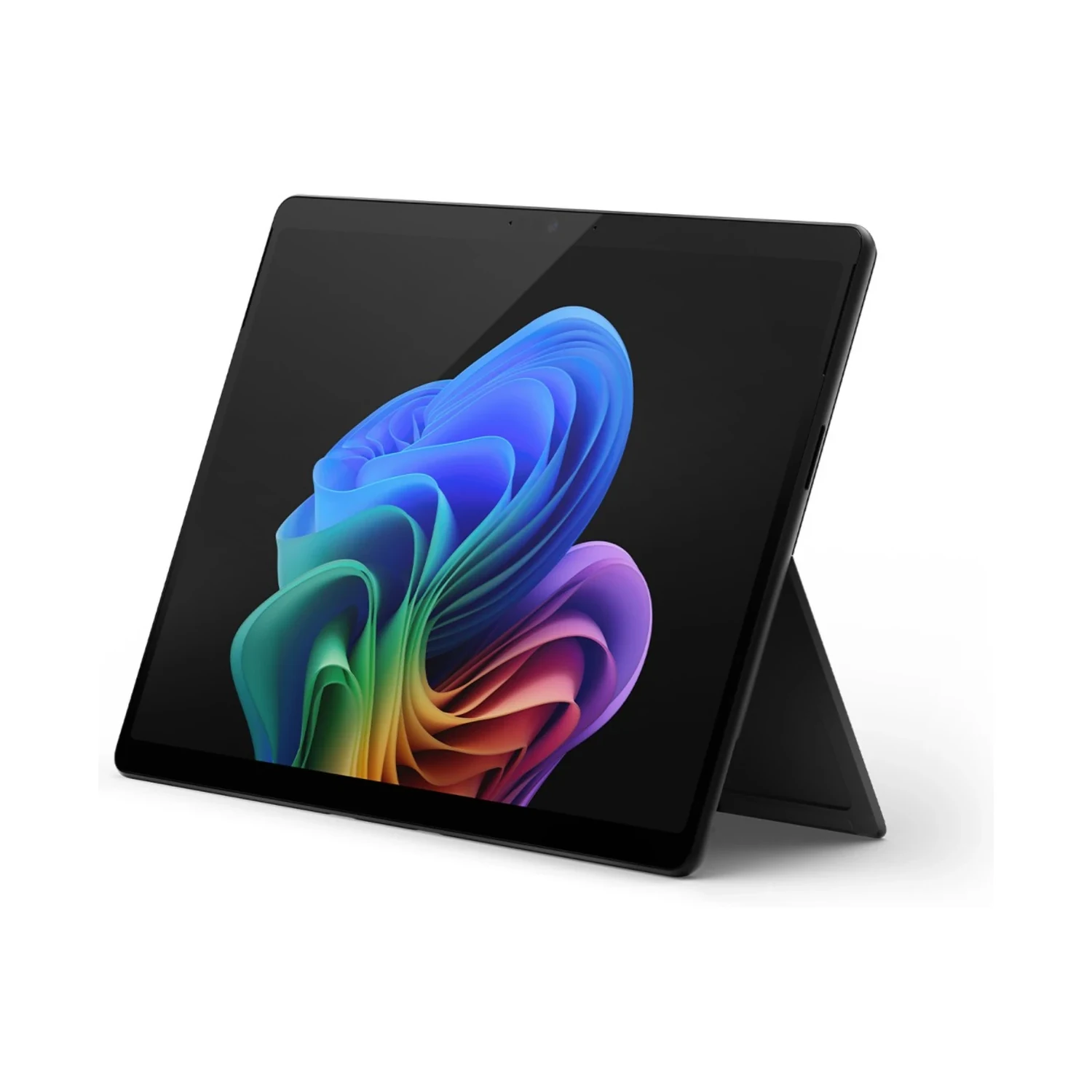
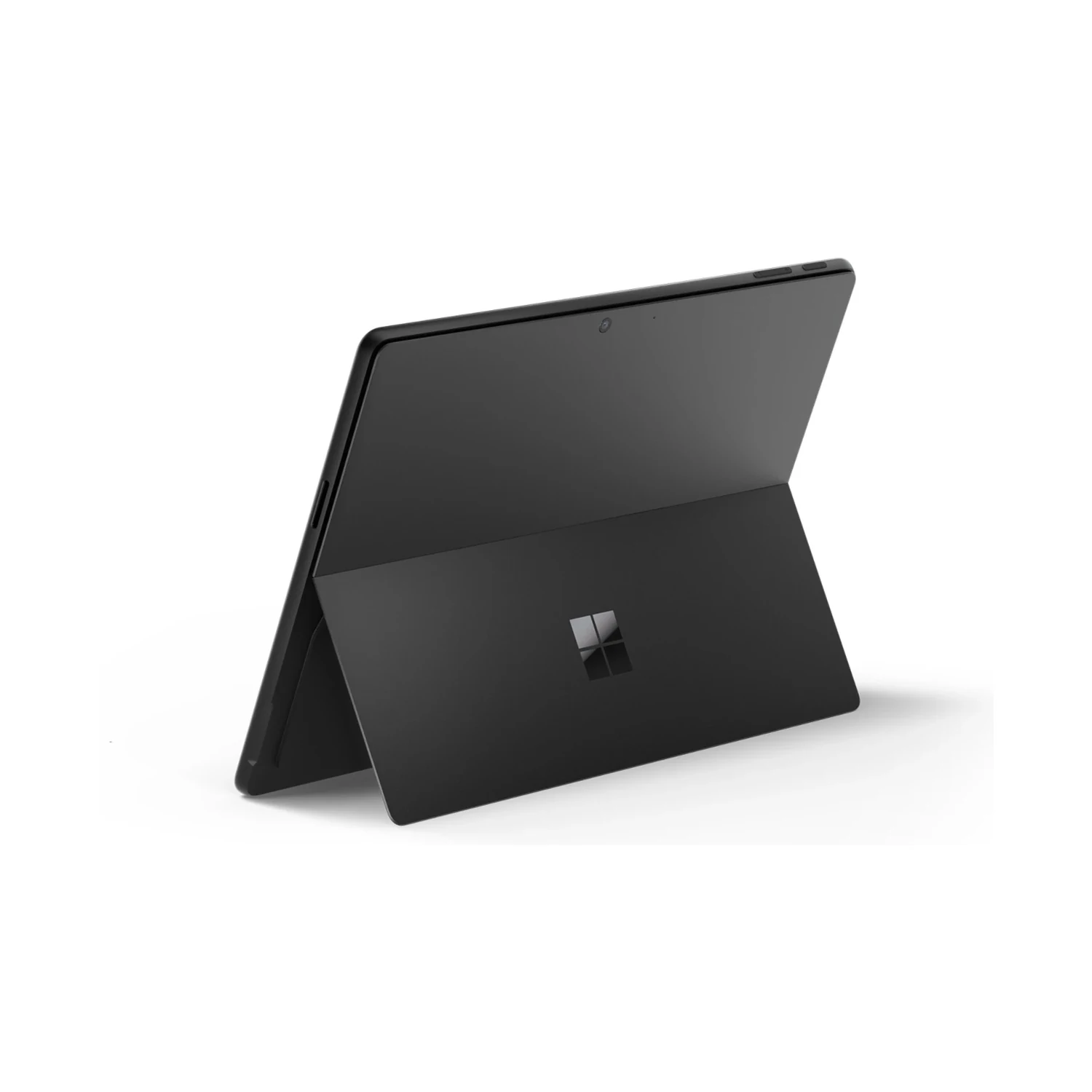
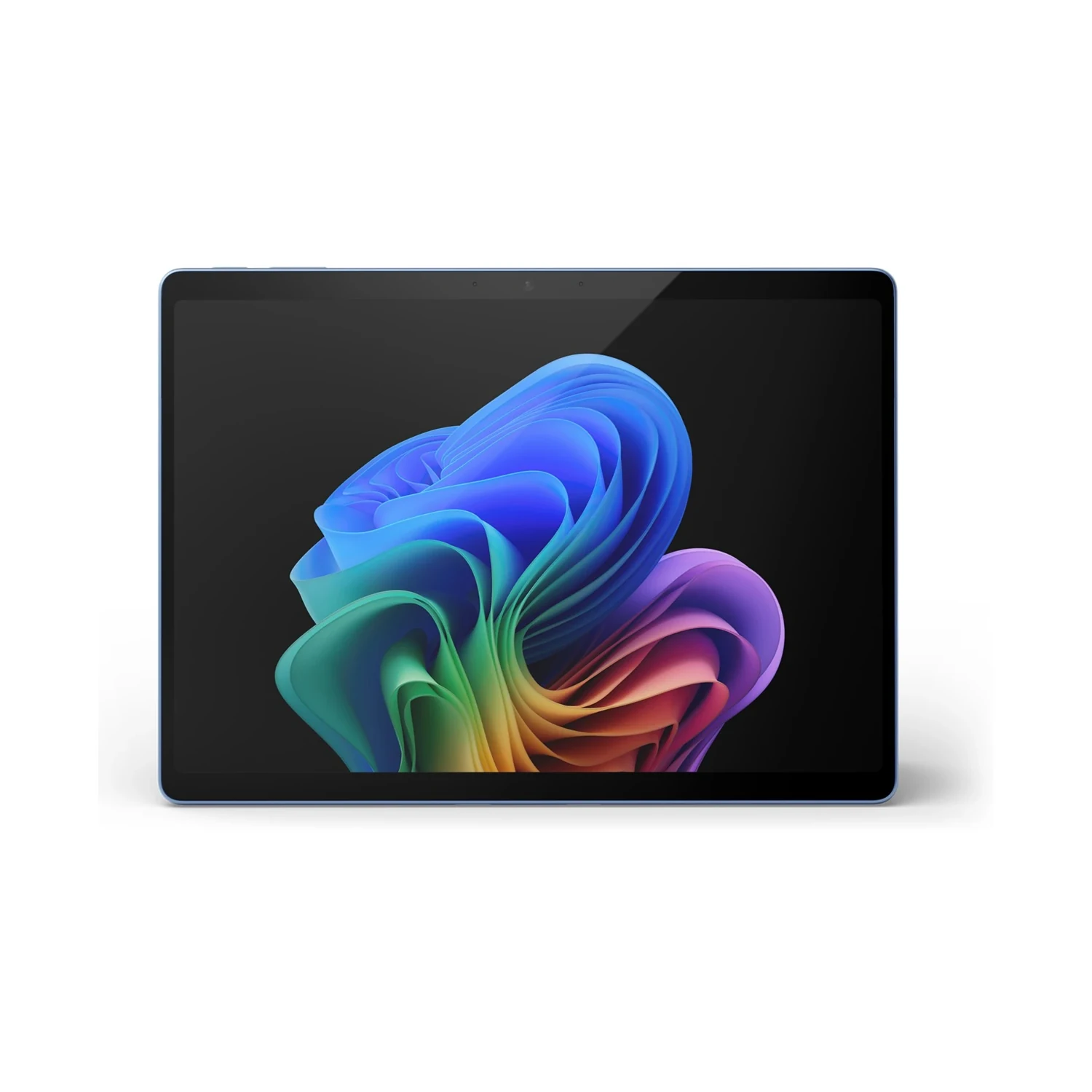
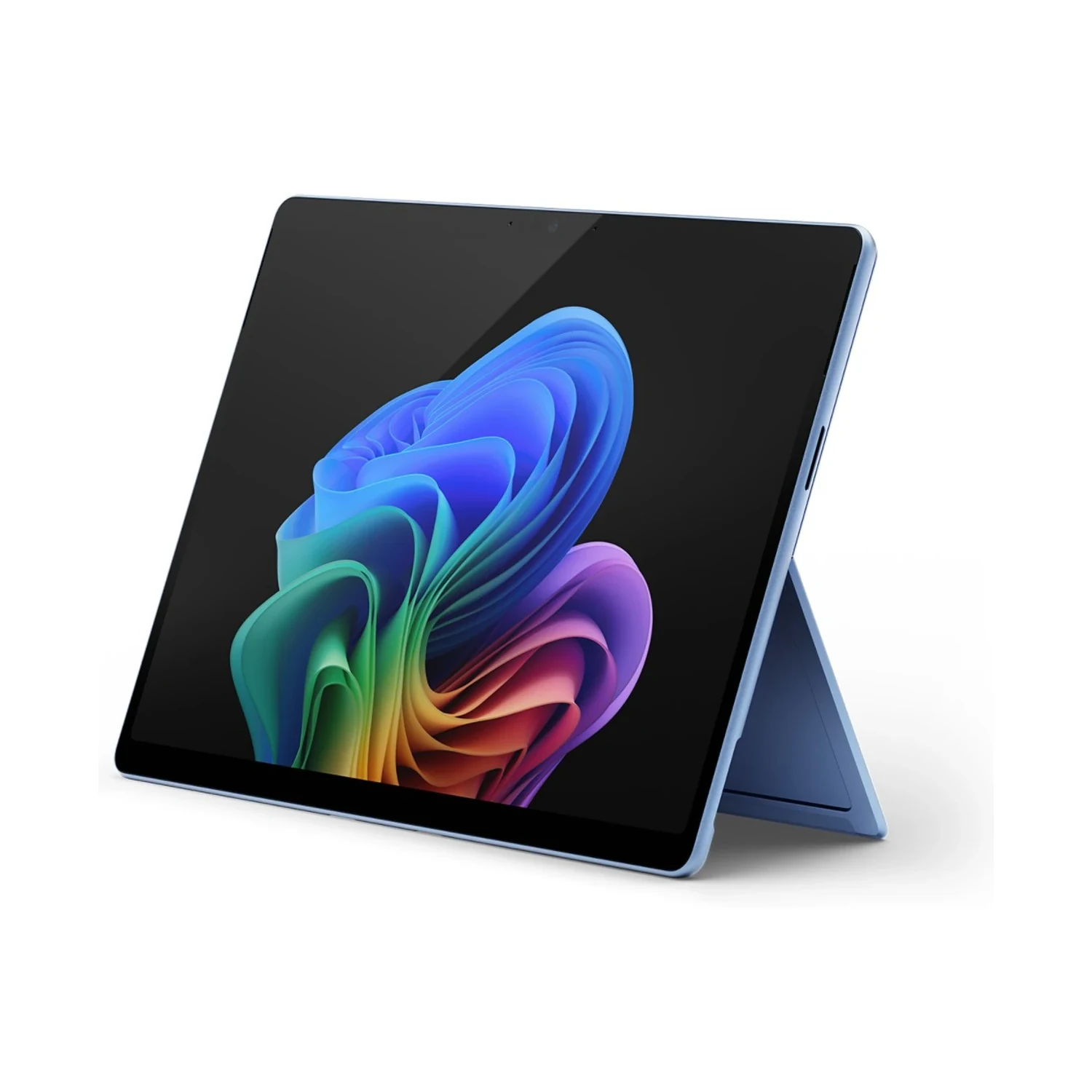
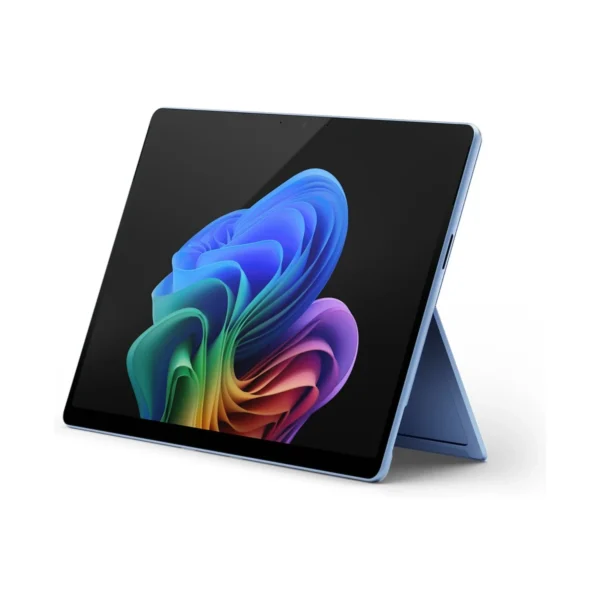
Microsoft Surface Pro 11th Edition (Snapdragon X Elite) 16GB RAM / 512GB Storage

Rate this product
Select a rating

KShs 159,500

In-stock alternatives
SKU: 9849
Warranty information1 year Microsoft warranty

Product information

Explore the details that matter.

Microsoft Surface Pro 11th Edition (Snapdragon X Elite) Overview

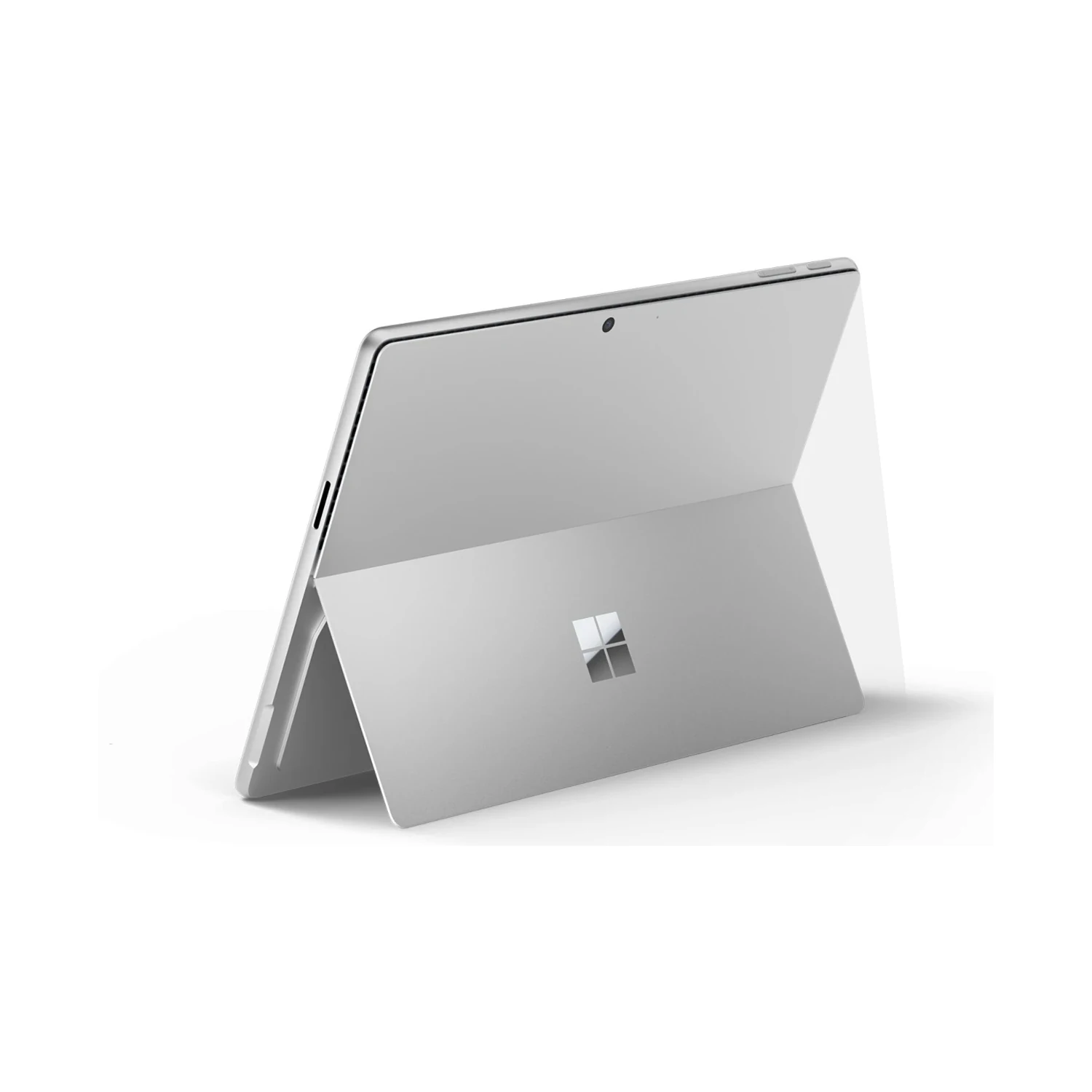
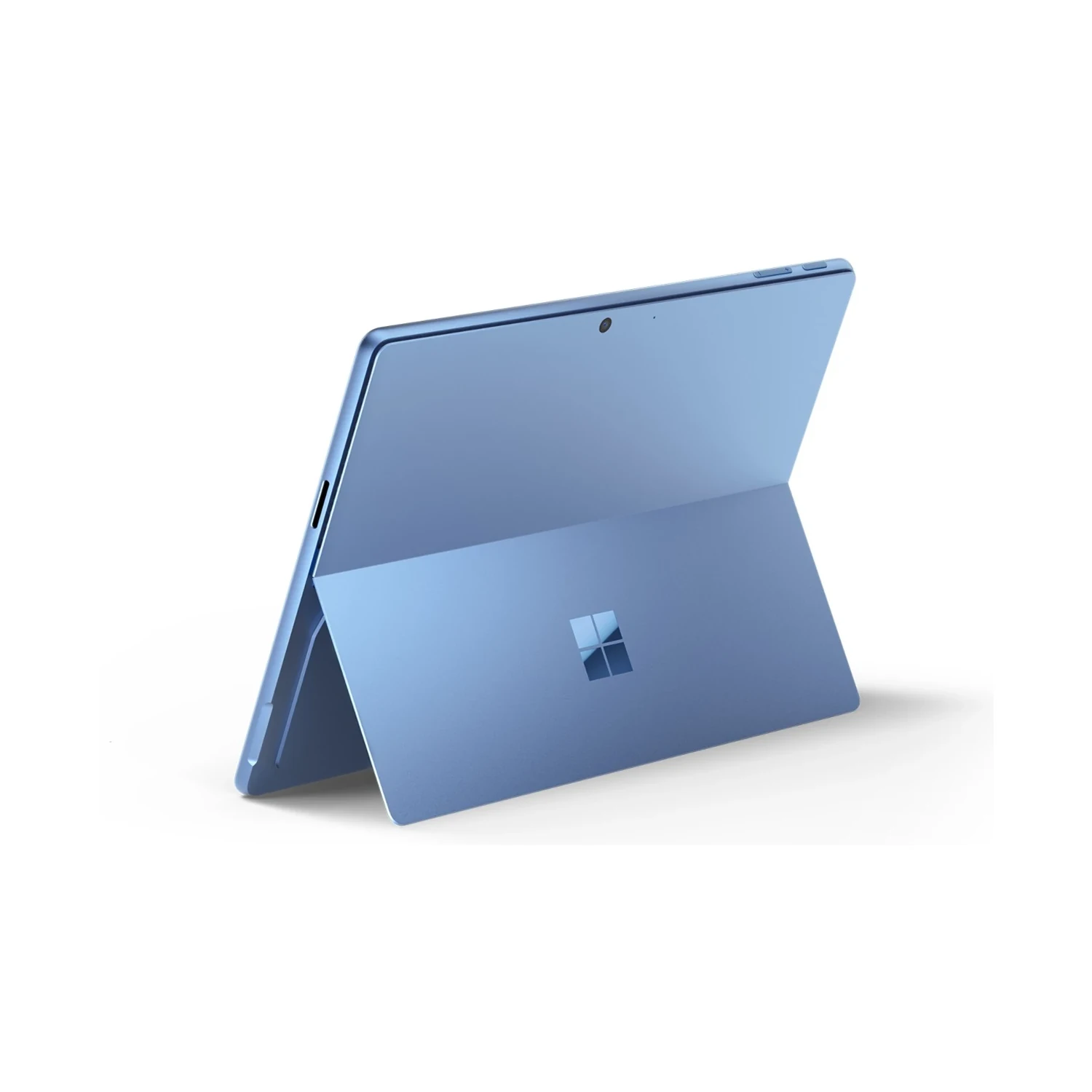
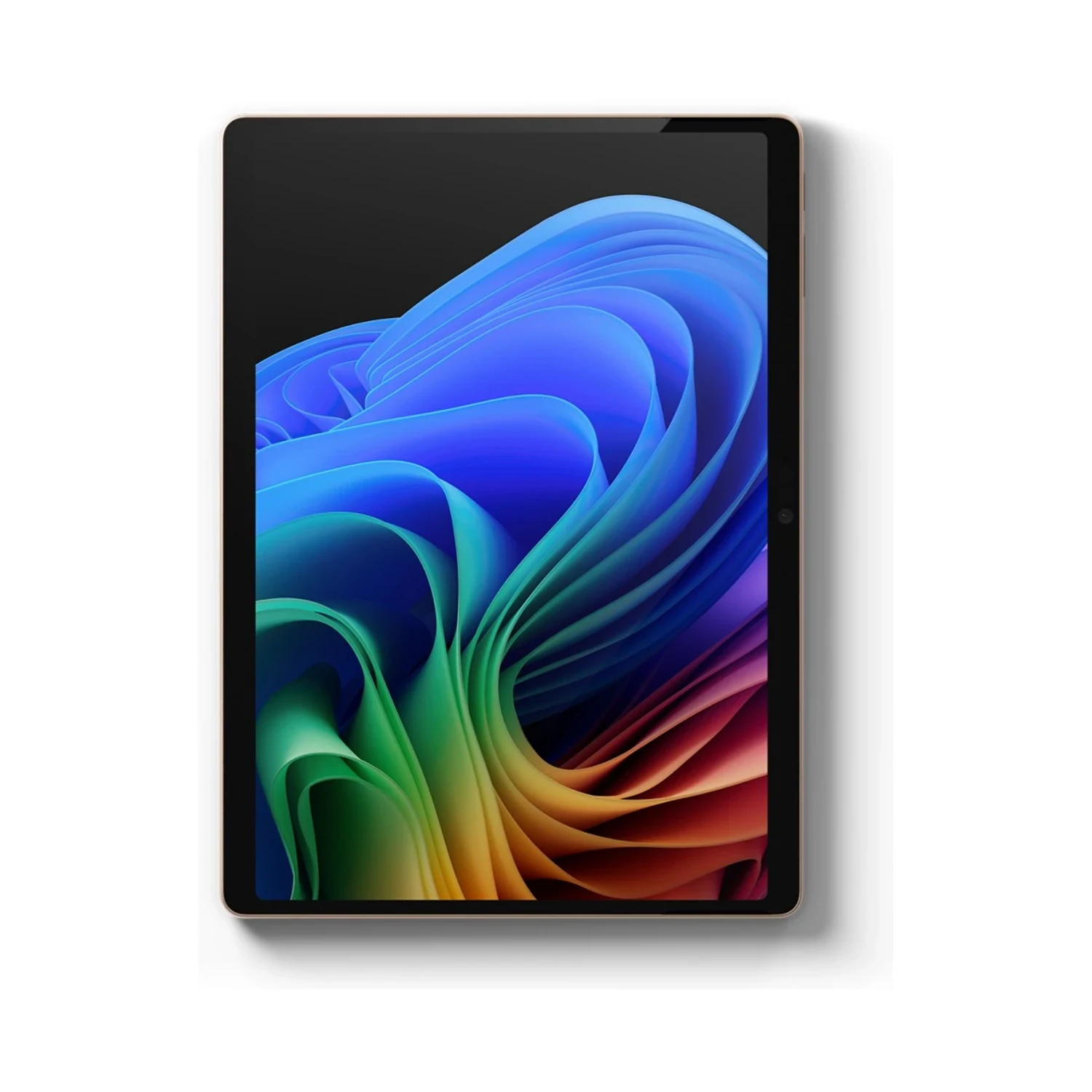
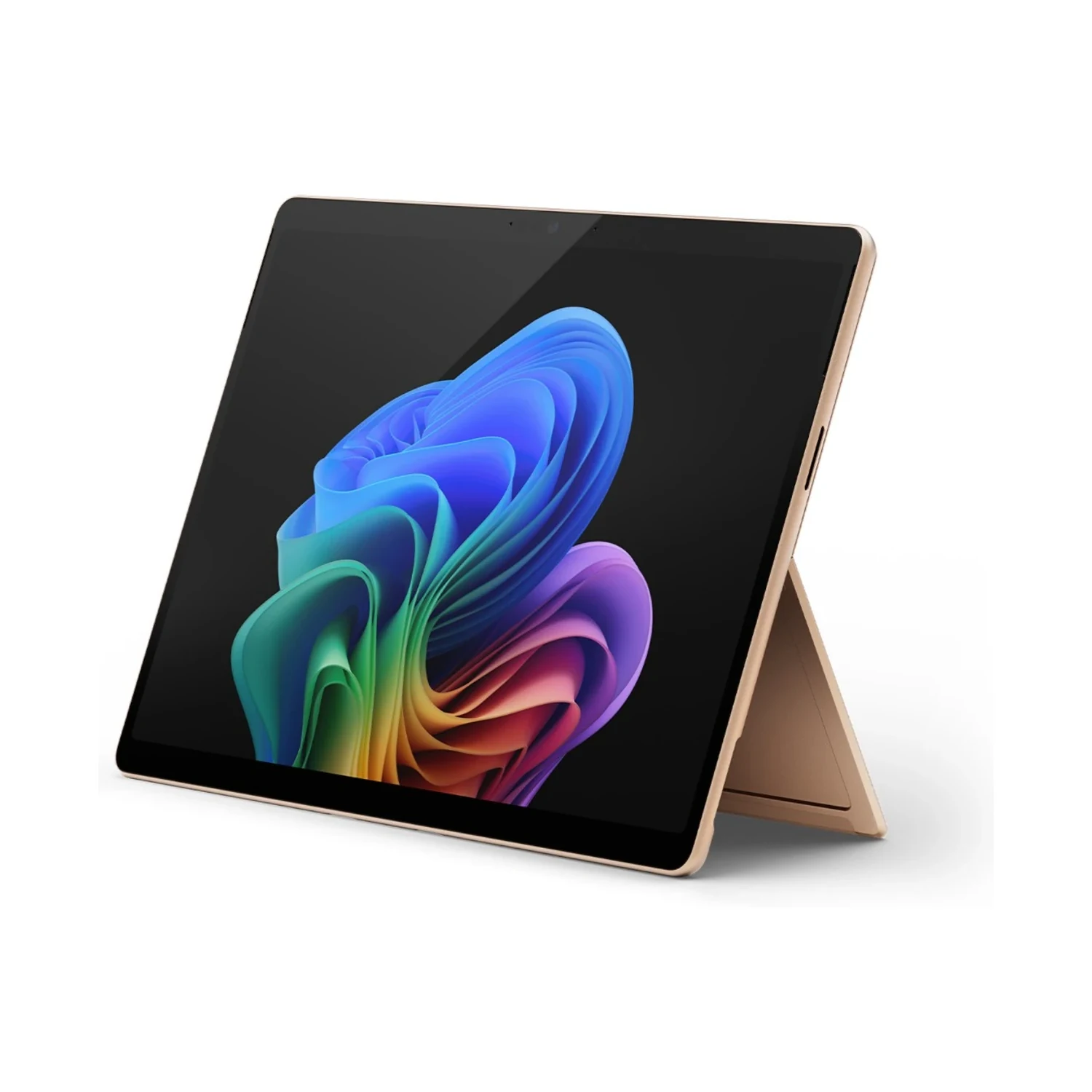
The Microsoft Surface Pro 11th Edition (Snapdragon X Elite) price in Kenya is KShs 159,500. This Windows 2-in-1 combines a 13-inch OLED touchscreen with the 12-core Snapdragon X Elite, giving you a portable workspace for documents, presentations, compatible creative software and pen-based tasks. The built-in kickstand lets it move from handheld reading to desk work with a suitable keyboard. If your work centres on everyday documents and browser apps, compare the LCD-equipped Microsoft Surface Pro 11th Edition (Snapdragon X Plus).

Choose RAM and SSD capacity separately

The listed configurations serve different working-memory and file-storage requirements. Do not treat every step up the range as the same kind of upgrade:

  • 16GB RAM / 512GB SSD: consider this for compatible office work, browsing and a moderate local project library.
  • 16GB RAM / 1TB SSD: adds more space for applications, downloads and working files while keeping the same RAM. It makes sense when storage, rather than active working memory, is your constraint.
  • 32GB RAM / 1TB SSD: consider this for larger supported projects or heavier multitasking. The benefit depends on whether your applications need more than the lower-memory configuration.
  • 64GB RAM / 1TB SSD: the highest listed RAM option suits a deliberately planned memory-heavy workflow. Confirm software support before paying for this capacity; extra RAM cannot make an incompatible application or driver work.

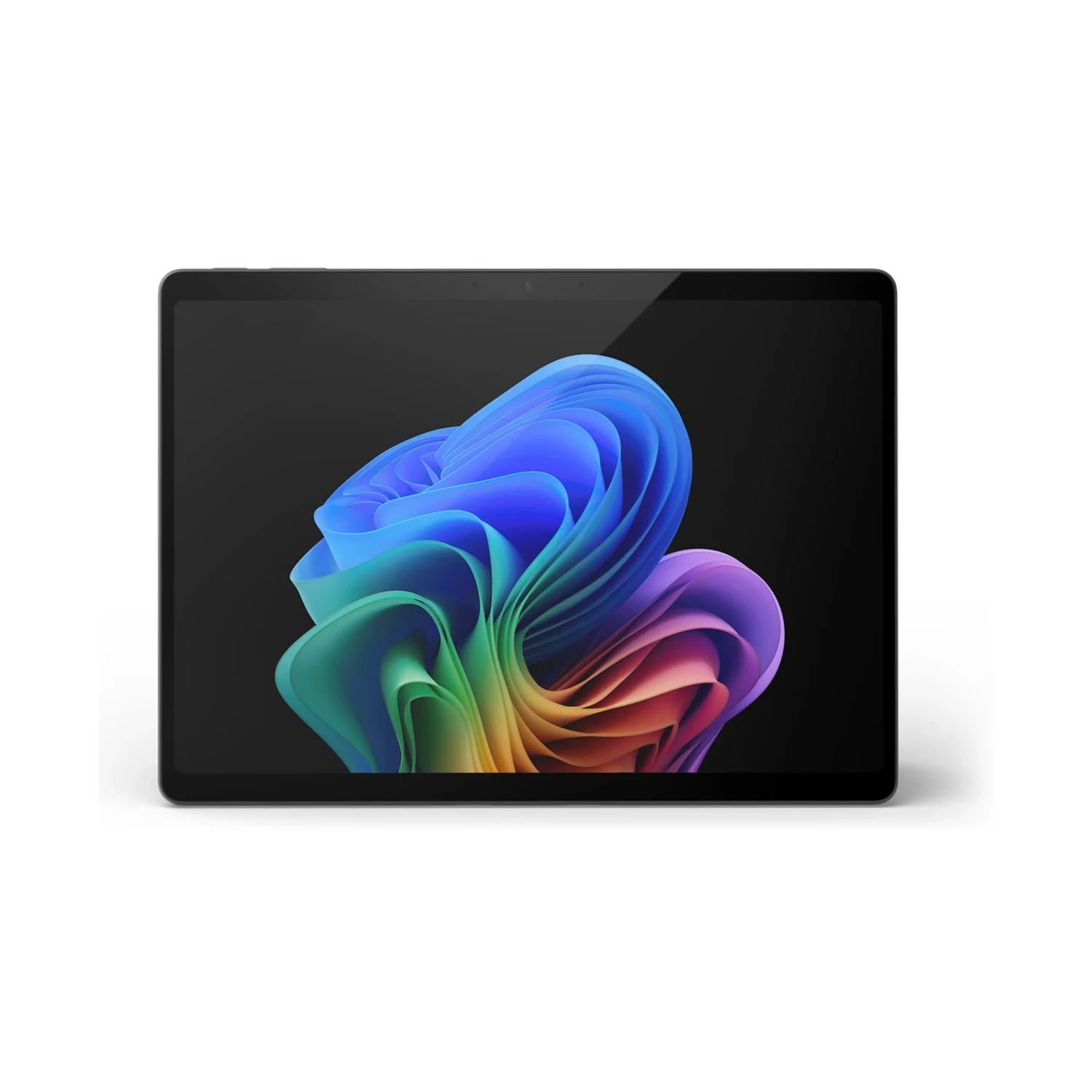
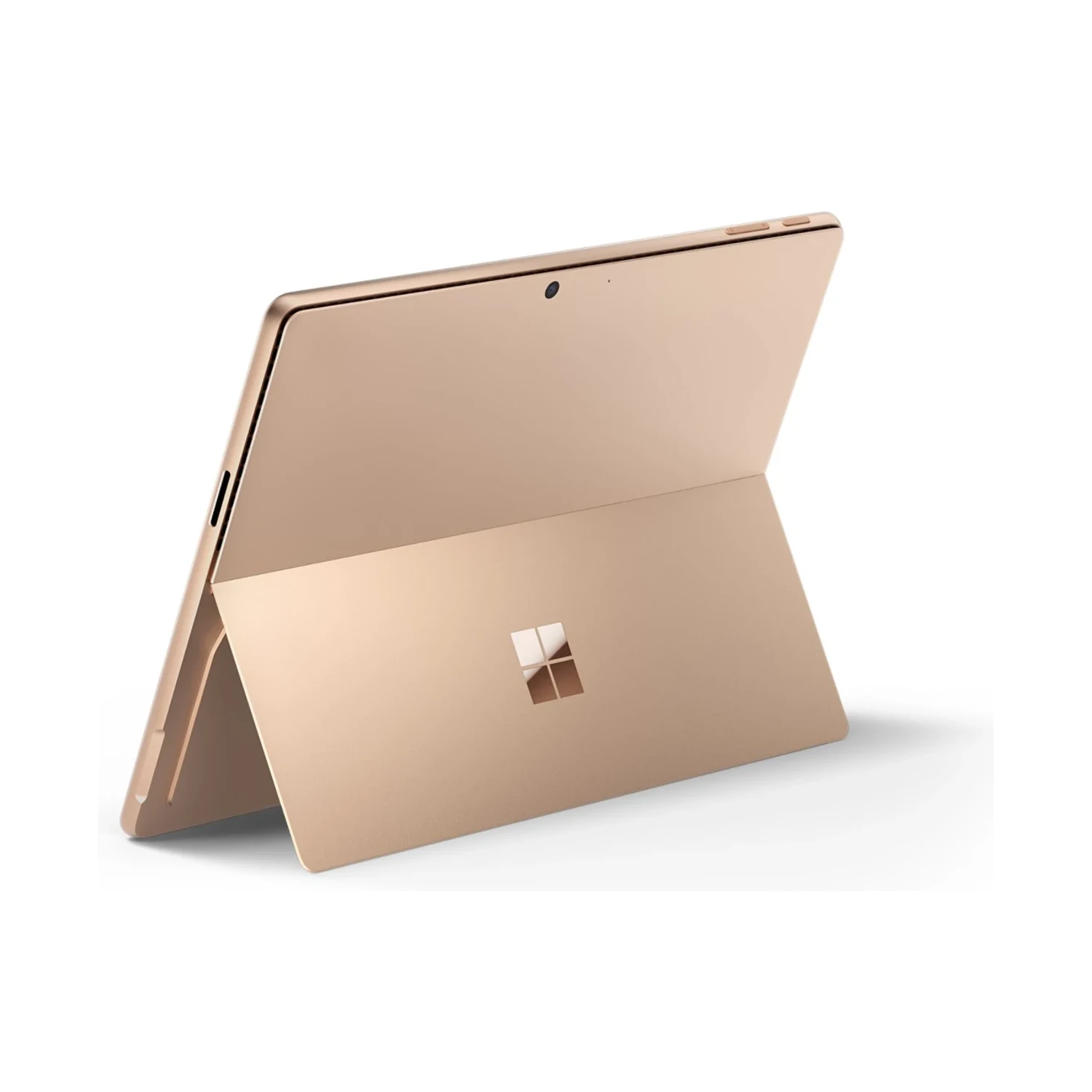
The 16GB configurations are listed in Platinum, Black, Sapphire and Dune. The 32GB/1TB option is listed in Platinum, and the 64GB/1TB option in Black. Colour does not change performance, but the available configuration-and-colour combinations differ. Choose RAM around active workloads and SSD capacity around the files you need to keep locally.

A 13-inch OLED touchscreen in a 3:2 format

The PixelSense Flow display has a 2880 × 1920 resolution, a 3:2 aspect ratio and a dynamic refresh rate up to 120Hz. The taller format is useful for documents, web pages and portrait-oriented material. Touch input makes it convenient to scroll, navigate and review work away from a keyboard.

OLED is a reason to consider this model when deep blacks and the appearance of images and video matter to your work or entertainment. It does not, by itself, make a document application faster. For colour-sensitive editing, use appropriate display settings and a managed workflow rather than relying on visual vividness alone.

Windows on Arm: check the whole workflow

This Snapdragon model runs Windows on Arm. Many Windows applications work natively or through emulation, but compatibility should be checked for the exact software you rely on. Review specialist applications, plug-ins, VPN clients, printers, audio interfaces and other equipment that depends on drivers.

Application emulation is not a promise that every peripheral driver or game anti-cheat system will work. For a work or university purchase, establish compatibility before choosing by RAM or processor alone. Microsoft’s Windows on Arm FAQ explains the distinction between supported applications and hardware requirements.

The Snapdragon X Elite is suited to evaluating a mobile productivity workflow, not to assuming that every Intel-PC setup transfers unchanged. For development or creative production, include your toolchain, export formats and peripherals in the decision. Test the applications that are essential to earning a living or completing a course.

Keyboard, pen and working position

A compatible Surface keyboard turns the tablet into a typing setup, while a compatible Surface Slim Pen supports handwriting, annotation and drawing in suitable applications. These are separate accessories unless your order explicitly includes a bundle. Keyboard support on the specification sheet does not mean a keyboard is supplied.

Choose the keyboard around how you work, including its layout, trackpad and pen-storage or charging features. The kickstand needs space behind the screen, which is worth considering on a narrow desk, an aircraft tray or your lap. A conventional hinged laptop may feel different during long lap-typing sessions.

Connections for a desk and travel

Two USB-C/USB4 ports handle compatible charging, data and display connections, alongside Surface Connect and the Surface keyboard connection. Plan a suitable adapter or dock for USB-A devices, Ethernet, HDMI or memory cards. Check both Windows on Arm driver support and the dock’s display and power capabilities before building a workstation around it.

Wi-Fi 7 and Bluetooth 5.4 are listed for these Snapdragon models. A suitable router and network are needed to benefit from the wireless standard. This page’s choices specify memory/storage and colour, not a separate cellular option; confirm the exact model before relying on SIM or eSIM support.

Calls, sign-in and everyday portability

The front camera and microphones support meetings, while Windows Hello face authentication offers a convenient sign-in method. The rear camera can capture a whiteboard or reference material. For better calls, use a stable position, adequate front lighting and a reliable connection rather than depending only on the camera specification.

The tablet format is useful when you alternate between reading, presenting and typing. Remember that adding a keyboard, pen, protective cover and charger changes the weight and cost of the complete setup you carry.

Battery, charging and software costs

Microsoft’s up-to-14-hour figure is based on local video playback testing, not continuous video calls or demanding production work. Brightness, network use, connected peripherals and applications affect endurance. Plan charging around your working day instead of treating the test figure as a fixed runtime.

Power-supply inclusion varies by market and configuration. Confirm the exact supplied package; a 39W adapter, where included, is not the same as the higher-power equipment needed for fast charging. A compatible 65W USB-C PD charger is a practical specification to check when planning a separate charging setup.

Confirm the installed Windows edition if your organisation needs Pro features: the word “Pro” in Surface Pro is not proof of a Windows Pro licence. Microsoft 365, specialist applications and paid AI services may require separate licences. See Microsoft’s official Surface Pro 11th Edition guide for the model family and operating-system distinctions.

Type

Operating System

Configuration

, , ,

Processor

RAM

, ,

Storage

,

Screen Size

Display Type

Refresh Rate

Screen Resolution

Display Finish

Connectivity

, ,

Stylus Support

Keyboard Support

Rear Camera Resolution

Battery Life

Color

, , ,

Release Year

What is the main difference between Snapdragon X Elite and X Plus?

The Elite listing combines a 12-core Snapdragon X Elite with an OLED screen; the Plus listing uses a 10-core Snapdragon X Plus with an LCD screen. Both are 13-inch Windows on Arm devices. Compare display preference, RAM/storage requirements and application compatibility together.

Which configurations are listed?

The listed configurations are 16GB RAM/512GB SSD, 16GB RAM/1TB SSD, 32GB RAM/1TB SSD and 64GB RAM/1TB SSD. Colour combinations vary by configuration.

Does more storage mean more RAM?

No. Moving from 16GB/512GB to 16GB/1TB increases storage while retaining 16GB RAM. The 32GB/1TB and 64GB/1TB options increase RAM while retaining 1TB storage.

When is 32GB or 64GB RAM useful?

Higher RAM is worth considering when compatible applications and active projects require the capacity. Check the workload first: more RAM does not solve unsupported software, drivers or an application that cannot use the additional memory.

Which colours are offered with each configuration?

The 16GB options are listed in Platinum, Black, Sapphire and Dune. The 32GB/1TB option is listed in Platinum, while the 64GB/1TB option is listed in Black. Colour does not change the performance of an otherwise identical configuration.

Is the screen OLED?

Yes. This Snapdragon X Elite listing has a 13-inch OLED PixelSense Flow touchscreen. The separate Snapdragon X Plus listing uses LCD.

What is useful about the 3:2 display?

The taller shape provides useful vertical room for documents, web pages and notes. The 2880 × 1920 resolution and dynamic refresh rate up to 120Hz are shared by these two listings; OLED versus LCD remains a separate choice.

Does it run normal Windows applications?

Many Windows apps run natively on Arm or through emulation. Compatibility is not universal, so verify the exact applications, versions and plug-ins you need. Prefer an Arm-native version where the software vendor provides one.

Will my printer, VPN or audio interface work?

Check the device or software vendor’s Windows on Arm support. Applications that need drivers require compatible drivers; application emulation does not guarantee that an older peripheral driver will work. Verify essential equipment before purchase.

Is it suitable for university or office work?

It is worth considering for a compatible Windows productivity workflow. Check any exam software, specialist course applications, workplace VPN, security tools and peripherals before relying on it as your only computer.

Is it suitable for gaming?

Check each game’s Windows on Arm support and any anti-cheat requirements. Integrated graphics, compatibility and graphics settings all matter. The 120Hz screen does not mean every game will run at 120fps.

Can I use it for programming or creative work?

Check the complete toolchain, plug-ins, file formats and peripherals. Choose RAM and storage around the supported workload. A compatible application alone does not establish that every extension, virtualisation setup or hardware device you use is supported.

Is the keyboard included?

Treat the keyboard as a separate purchase unless your order explicitly includes a keyboard bundle. The Surface keyboard connection and keyboard compatibility do not mean an accessory is included.

Is the pen included?

Treat the pen as a separate purchase unless it is explicitly included in your order. Choose a compatible Surface Slim Pen and check the storage/charging arrangement of your keyboard or separate pen charger.

Can I take handwritten notes or draw?

Yes, with a compatible pen and an application that supports the required inking features. Check pressure, tactile-feedback and export features in your chosen app. A compatible pen is an additional purchase unless bundled.

Will any Surface keyboard fit?

No. Check the exact keyboard’s compatibility with the 13-inch Surface Pro 11th Edition. Surface products span different sizes and generations. Pen charging and detached wireless operation also depend on the keyboard model.

Can I use it comfortably on my lap?

The kickstand and detachable-keyboard format differs from a hinged laptop. It works well on a suitable flat surface, but needs space behind the display. Consider your seating position and typing habits if lap use is a major priority.

What adapters might I need?

The device has two USB-C/USB4 ports plus Surface Connect and a keyboard connection. Plan compatible adapters or a dock for USB-A, HDMI, wired Ethernet or memory cards, and verify Arm-compatible drivers where required.

Can I connect an external monitor?

The USB-C/USB4 ports support display output with suitable equipment. Check the monitor’s resolution, refresh rate, cable and dock requirements against Microsoft’s specifications before choosing the connection setup.

Does this listing include 5G or eSIM?

The options shown distinguish RAM/storage and colour, without a separate network selector. Confirm the supplied model code if cellular connectivity is essential. Do not infer 5G or eSIM support from the processor name.

Does Surface Pro include Windows 11 Pro?

Not necessarily. Microsoft distinguishes consumer models with Windows 11 Home from commercial models with Windows 11 Pro. Confirm the installed edition for your exact unit if your organisation needs Pro features.

Is Microsoft 365 included permanently?

Do not assume preinstalled apps or a trial provide a permanent licence. Microsoft 365 and other paid applications may require a separate subscription or licence. Confirm any specific software bundle in your order.

How long does the battery last?

Microsoft quotes up to 14 hours of local video playback under test conditions for Wi-Fi models. Calls, demanding apps, high brightness and connected accessories can reduce runtime. Plan around your actual work rather than treating the test figure as guaranteed.

Is a charger supplied, and does it fast-charge?

Power-supply inclusion varies by market and configuration, so confirm the exact package. A 39W supply, where included, is not the fast-charging setup. Check a compatible 65W USB-C PD charger or Microsoft’s supported Surface power supply and a suitable cable.

Can I upgrade RAM or storage later?

Choose RAM capacity at purchase rather than planning a simple RAM-module upgrade. Microsoft describes a removable SSD, but servicing requires the correct parts, tools and procedure. Treat SSD replacement as a qualified service task and back up files first.

How should I back up my work?

Keep a separate backup using a suitable external drive or managed cloud service. Check that important documents and project files can be restored. A second folder on the same internal SSD does not protect against loss of the device or drive failure.

Within NairobiSame-day delivery for available products. Timing depends on order confirmation, location and courier availability.
Outside NairobiGenerally next-day delivery; remote locations may take longer.
Delivery chargesCalculated separately based on destination, package and courier. Confirmed before dispatch.
Read our Delivery & Shipping Policy
Warranty coverage
1 year Microsoft warranty

Brand warranty terms depend on the exact unit, supplier and service region. Keep the purchase invoice and confirm coverage and exclusions at checkout.

CMF Buds 2
EarbudsCMF Buds 2

Check model, connections and included items.

Color: Black

KShs 5,500
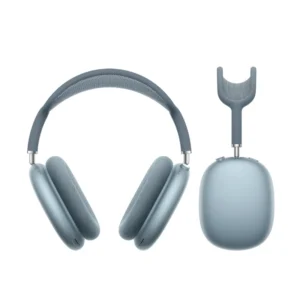
AirPods Max (USB‑C)
HeadphonesAirPods Max (USB‑C)

Check model, connections and included items.

Color: Blue

KShs 66,500

Available models in this category. Compare core features and prices.

Browse category →