Cookie settings

Choose optional cookies. Change these any time.

EssentialAlways on for shopping

Privacy policy

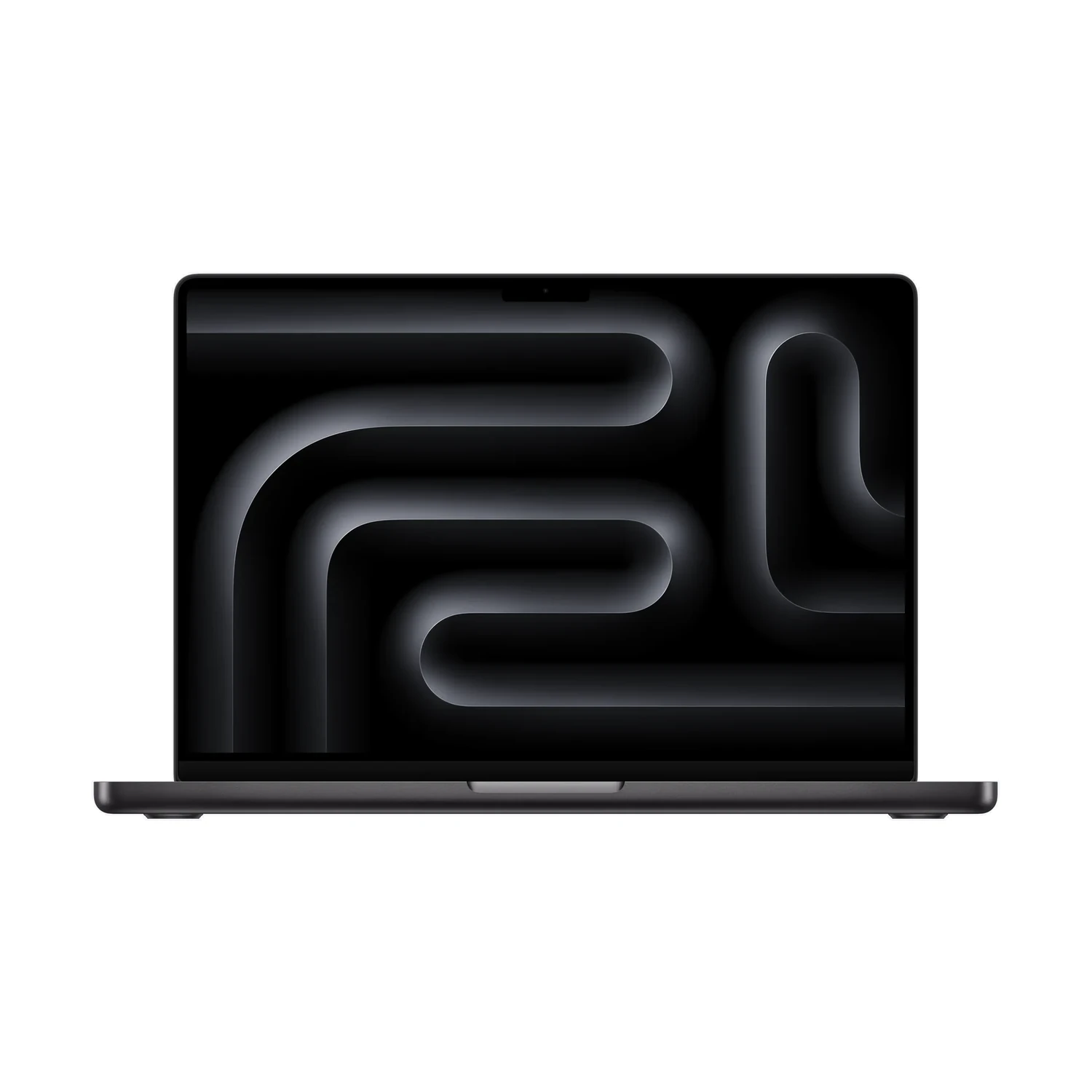
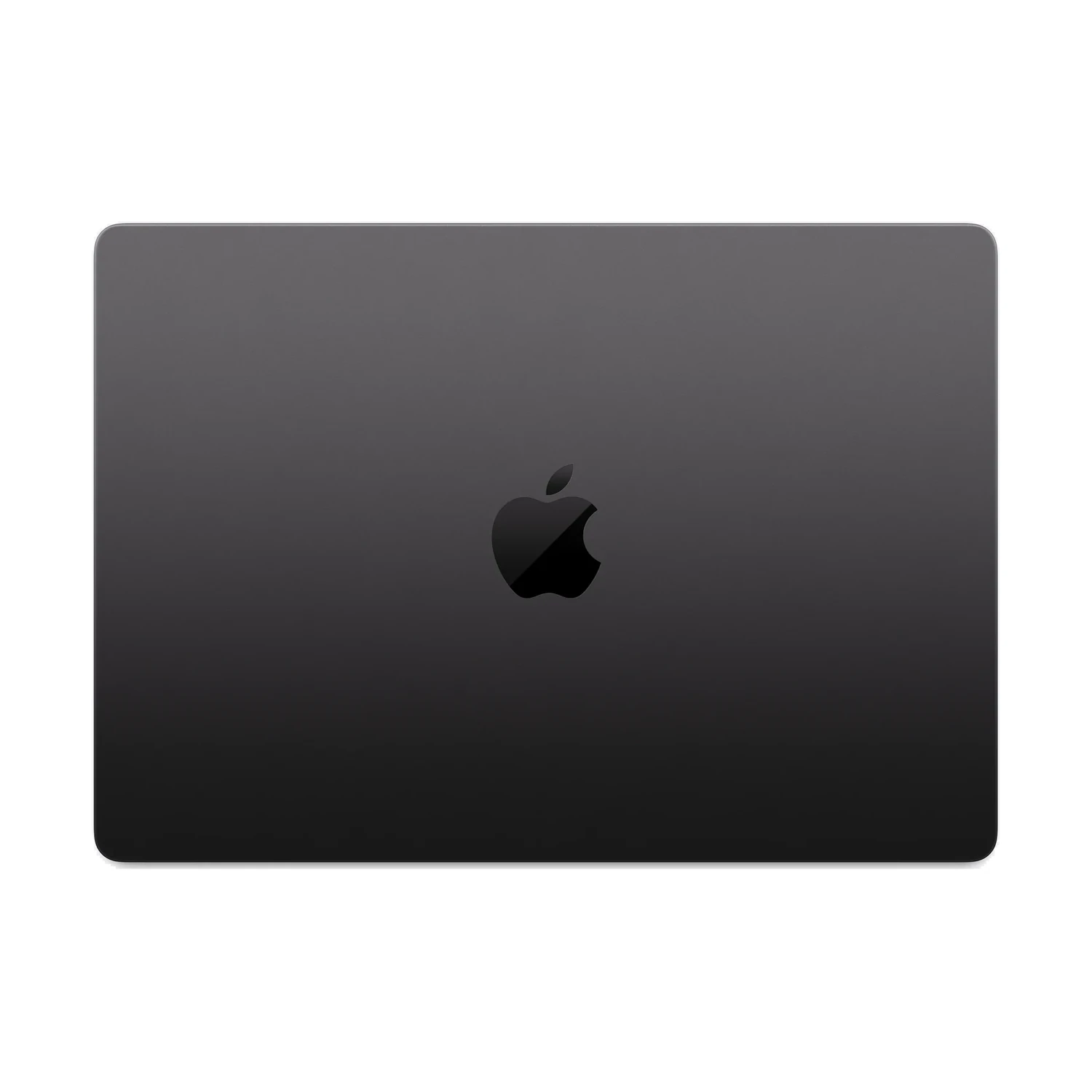
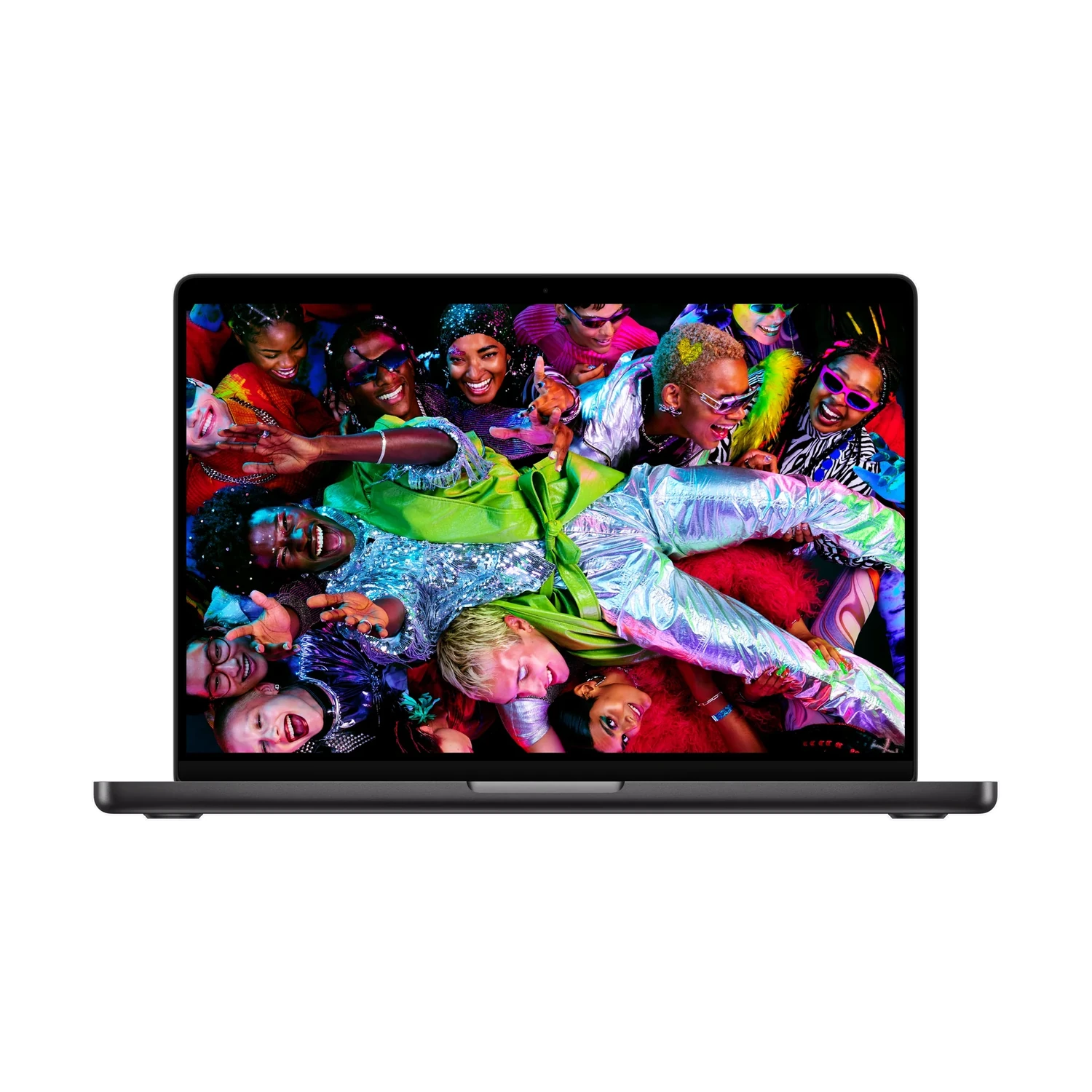
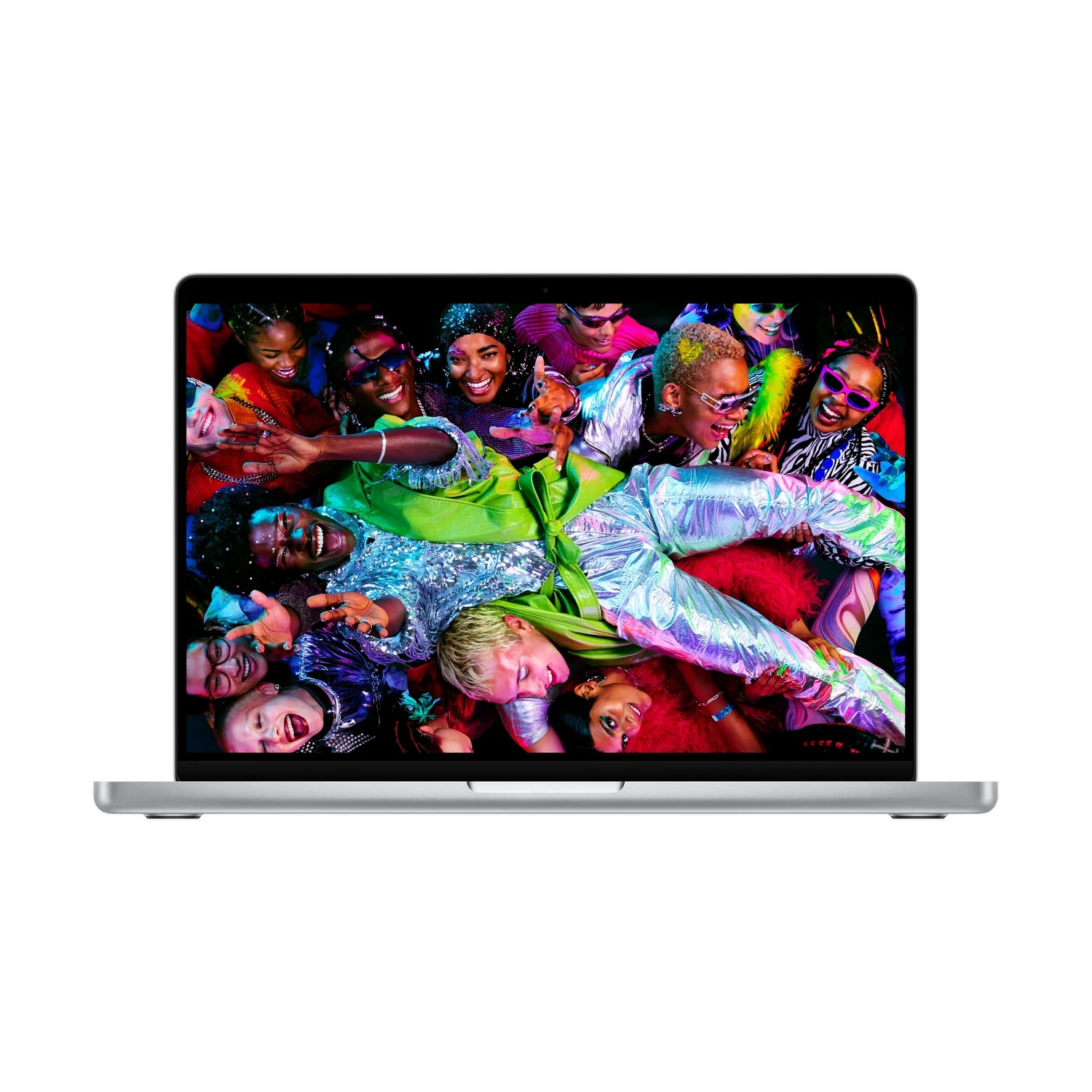
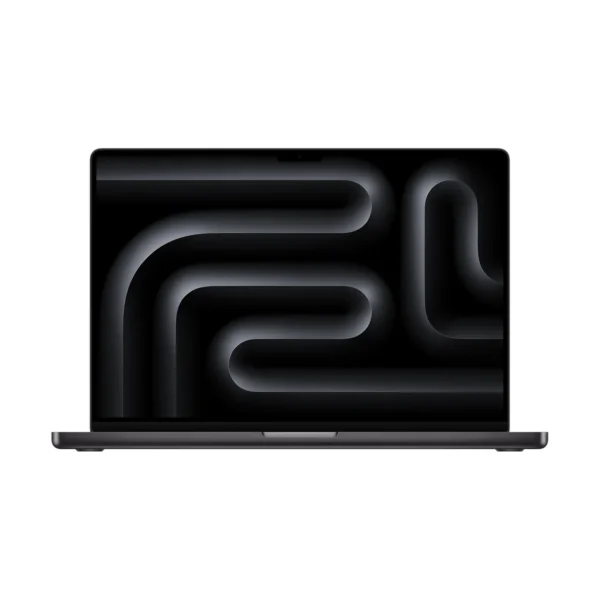
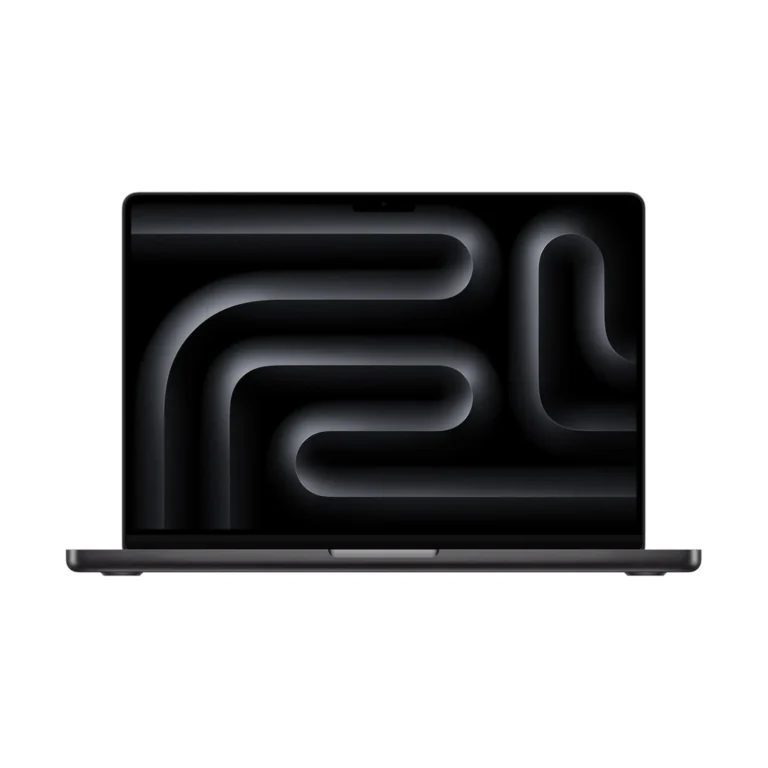
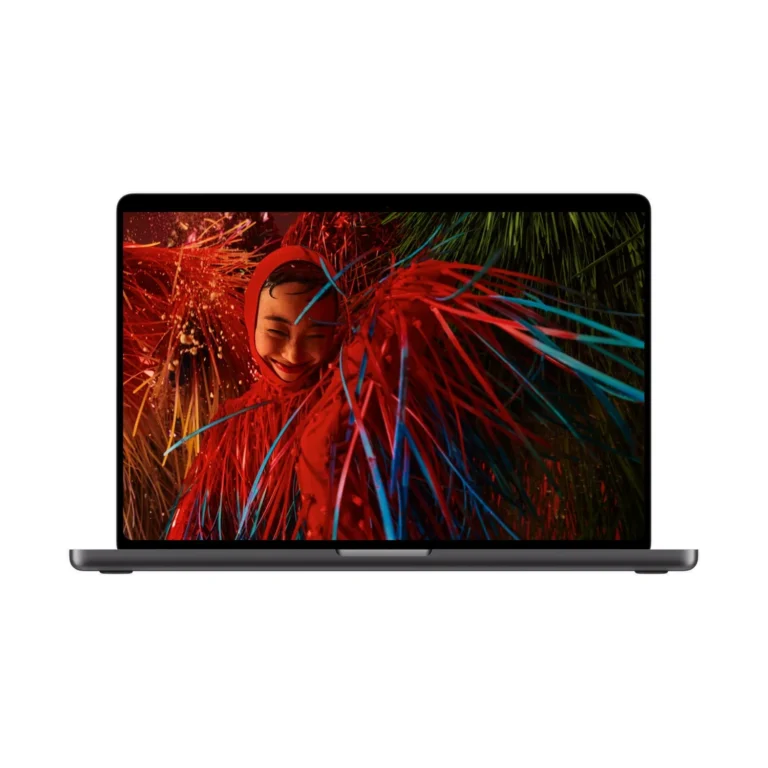
Apple MacBook Pro 14-inch (M5 Pro) Nano-texture + 15-core CPU / 16-core GPU + 24GB RAM + 1TB SSD

Rate this product
Select a rating

KShs 338,500

In-stock alternatives

Apple MacBook Pro 14-inch (M5 Pro) combines a 14.2-inch non-touch mini-LED Liquid Retina XDR display with the listed M5 Pro CPU/GPU and memory/SSD bundles. Choose Standard or Nano-texture glass for your lighting.

SKU: 5549
Warranty information1–2 years Apple warranty

Product information

Explore the details that matter.

Apple MacBook Pro 14-inch (M5 Pro) Overview

The Apple MacBook Pro 14-inch (M5 Pro) price in Kenya is KShs 338,500. This compact MacBook Pro suits developers, photographers and editors who need to carry their main work machine between home, office and client locations. It combines a detailed 14.2-inch Liquid Retina XDR screen with M5 Pro processing and useful built-in connections for storage, cameras and monitors. Choose it when you want a capable mobile workspace; consider the Apple MacBook Pro 16-inch (M5 Pro) if your work benefits more from a larger built-in screen than a smaller bag.

Three configurations, with different reasons to choose each

The listed 14-inch M5 Pro bundles all have 24GB unified memory. They differ in processor configuration and SSD capacity, so a higher storage figure does not necessarily mean a faster chip. Standard and Nano-texture glass are listed across the bundles, with Silver and Space Black colour options.

  • 15-core CPU / 16-core GPU, 24GB memory, 1TB SSD: a starting point for compatible development tools, photography and editing when your active files fit comfortably on a 1TB drive.
  • 15-core CPU / 16-core GPU, 24GB memory, 2TB SSD: gives more local space for source footage, photo libraries, sample collections or project assets without changing the processor or memory. It is the storage-focused step up.
  • 18-core CPU / 20-core GPU, 24GB memory, 2TB SSD: adds CPU and GPU resources while retaining the same memory and storage capacity as the other 2TB bundle. Consider it when your applications can use those additional processing resources.

Compare complete configurations rather than choosing by “M5 Pro” or “2TB” alone. If your workload is constrained by memory, moving to the listed 18-core version does not increase its 24GB capacity. More cores and more storage solve different problems; neither substitutes for sufficient working memory.

Portable enough to become your everyday work machine

The M5 Pro version weighs approximately 1.60kg and measures 31.26 × 22.12 × 1.55cm. That makes the 14-inch size appealing if your laptop travels with you most days, or if you regularly work on smaller desks. Remember that the charger, protective bag and any external drives add to the weight you actually carry.

Its smaller screen asks you to be more deliberate about arranging panels and windows. For a developer working with an editor and documentation, or an editor using a preview and timeline, an external monitor at your main desk can provide the extra room while keeping the mobile setup compact. If you rarely connect a monitor and spend hours in visually dense projects, the 16-inch alternative deserves a close comparison.

M5 Pro for development, photography and production

The choice between 15-core and 18-core CPU bundles is most meaningful when your software can use parallel processing. Builds, exports, effects and graphics tasks respond differently to hardware; the more expensive configuration is not automatically the better value for every application. Look at the tasks that make you wait and the requirements of your actual projects.

The media engine supports hardware acceleration for H.264, HEVC, ProRes and ProRes RAW, alongside AV1 decoding. That is useful context for video workflows, but codec support alone does not guarantee smooth playback for every resolution, effect stack or multicamera timeline. For workloads that need substantially greater graphics resources, compare the Apple MacBook Pro 14-inch (M5 Max) and its memory configurations.

24GB memory and the 1TB versus 2TB decision

Unified memory is shared by the system’s processing resources. Choose with enough room for the applications and projects you keep active together, including background services, virtual machines or large creative assets. Treat this as a purchase-time decision rather than expecting a conventional RAM-module upgrade later.

A 2TB SSD is useful when you need several projects available locally or work away from reliable access to network storage. A 1TB configuration can make sense if you keep fewer projects on the laptop and use external storage for larger libraries. Leave space for caches, application updates and exports whichever capacity you choose. An external working drive is not a backup unless another copy of its contents also exists.

Liquid Retina XDR and the glass-finish choice

The 14.2-inch non-touch mini-LED panel has a 3024 × 1964 native resolution, P3 colour support and ProMotion adaptive refresh up to 120Hz. It offers a detailed surface for images and interface text, with HDR capability for suitable content. The peak HDR brightness specification is conditional, rather than the brightness of every ordinary app window.

Standard glass is sensible where you can arrange lighting and screen position to control reflections. Nano-texture is worth considering if bright windows or overhead lights are a frequent obstacle in the places you work. It changes reflection handling, not the chip, memory, resolution or touch capability. Nano-texture packages include a polishing cloth and should be cleaned according to Apple’s instructions.

Connect a full desk without giving up mobility

The laptop provides three Thunderbolt 5 ports, HDMI, SDXC, MagSafe 3 and a 3.5mm headphone socket. These make common tasks straightforward: importing a camera card, attaching an external SSD, connecting a meeting-room display or using wired audio. USB-A equipment and wired Ethernet need suitable adapters.

M5 Pro supports up to three external displays while keeping the internal screen active. Apple lists three displays at up to 6K/60Hz or 4K/144Hz, with different limits for higher-resolution and higher-refresh combinations. Match your monitor and dock plans to Apple’s official 14-inch M5 Pro specifications; the presence of multiple display sockets on a hub does not itself guarantee the desktop arrangement you want.

Charger choice follows the CPU configuration

Apple’s standard package pairs the 15-core CPU M5 Pro with a 70W USB-C power adapter and the 18-core CPU M5 Pro with a 96W adapter. Both include a 2m USB-C to MagSafe 3 cable. This is a useful distinction when comparing the bundles: fast charging requires a compatible 96W or higher USB Power Delivery source, so the standard 70W adapter is not the fast-charge option for the 15-core package.

Apple rates the 14-inch M5 Pro for up to 22 hours of video streaming or 14 hours of wireless web use under its test conditions. The published tests used an 18-core CPU / 20-core GPU model with 24GB memory and 2TB storage. Treat these as controlled-test figures, not an editing-session promise; workload, brightness and connected devices affect actual runtime. Check the supplied regional plug when preparing your desk or travel setup.

Calls, input and software compatibility

A 12MP Center Stage camera with Desk View support, built-in microphones and speakers supports calls and project demonstrations without a separate webcam. Touch ID, a backlit keyboard and the Force Touch trackpad are convenient when you work away from external peripherals. Wi-Fi 7 and Bluetooth 6 support modern wireless connections, with performance dependent on the network and connected equipment.

For a course or workplace purchase, confirm support for your required macOS applications, Apple silicon plug-ins and peripherals first. Windows-only tools need a verified compatible route rather than an assumption that a faster Mac will run them. Include any paid professional software, backup storage and required adapters in the overall purchase decision.

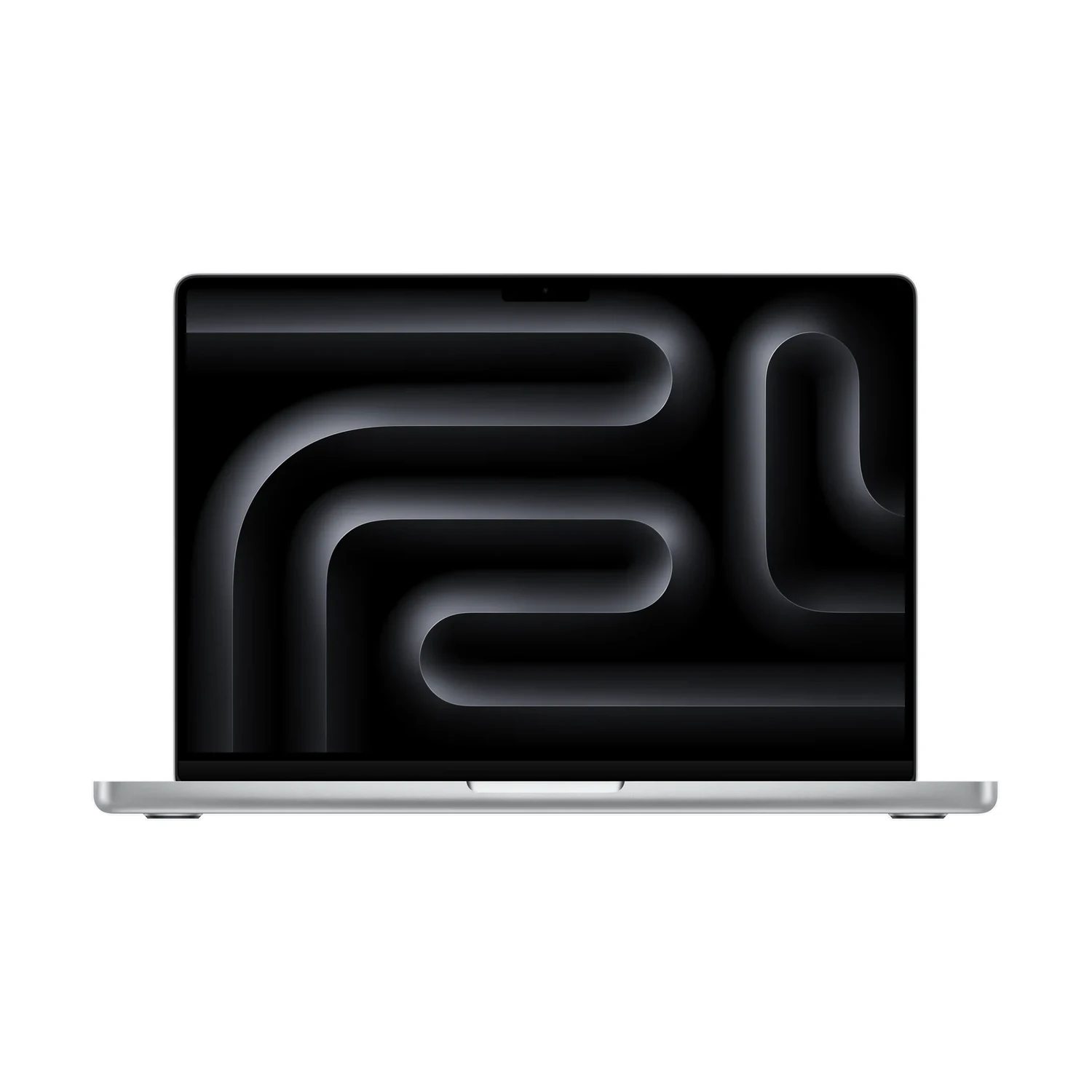
Exact chip-and-memory bundleMatch CPU/GPU, memory and SSD together before comparing prices.
14.2-inch workspaceCompact body for work between locations.
Non-touch mini-LEDLiquid Retina XDR supports ProMotion up to 120Hz.
Standard or Nano-textureSelect the glass finish for your actual lighting.
Thunderbolt 5 connectionsCheck docks, cables and chip-specific monitor combinations.
Charging package follows the chipAdapter choice and supplied regional plug deserve a check.
Type

Form Factor

Screen Size

Display Type

Display Finish

,

Refresh Rate

Touchscreen

Processor

Chip Configuration

,

Graphics Type

Graphics Card

,

RAM

RAM Type

Storage

,

Storage Type

Configuration

,

Color

,

Release Year

  • Apple MacBook Pro 14-inch (M5 Pro) — selected configuration and finish
  • 70W USB-C with 15-core CPU or 96W USB-C with 18-core CPU Power Adapter — confirm supplied regional package
  • USB-C to MagSafe 3 Cable (2m)
  • Polishing cloth — Nano-texture display packages only

Pros

  • M5 Pro bundles allow a focused choice around project requirements.
  • Mini-LED XDR screen supports a production workspace.
  • Built-in HDMI and SDXC suit common desk and camera workflows.
  • Smaller case suits frequent carrying.

Cons

  • Higher chip tier needs suitable applications to justify the spend.
  • Smaller screen gives timelines less room than the 16-inch alternative.
  • Display-family, glass-finish and chip names require separate choices.
The new MacBook Pro with M5 Pro and M5 MaxYouTube ↗
Which Apple MacBook Pro 14-inch (M5 Pro) configurations are listed?

There are three core bundles: 15-core CPU / 16-core GPU with 24GB memory and 1TB SSD; the same chip and memory with 2TB SSD; and 18-core CPU / 20-core GPU with 24GB memory and 2TB SSD. Standard and Nano-texture glass and Silver or Space Black finishes are listed.

Does choosing 2TB automatically upgrade the processor?

No. The 2TB SSD is listed with both the 15-core CPU / 16-core GPU and the 18-core CPU / 20-core GPU. Read the full chip configuration as well as the storage capacity when comparing packages.

Should I choose the 15-core or 18-core CPU version?

Consider the tasks that limit your current workflow. The 18-core CPU / 20-core GPU offers additional processing resources for applications that can use them. The 15-core CPU / 16-core GPU may be the better value when your projects do not need that extra capacity.

Does the 18-core bundle include more memory?

No. All three core bundles currently listed here have 24GB unified memory. The 18-core option increases CPU and GPU core counts, but it does not increase memory beyond 24GB.

Is 24GB unified memory suitable for development and creative work?

Suitability depends on your projects and the applications you keep open. Check the memory requirements of your tools, virtual machines, sample libraries or layered files. If your normal workload is already memory-limited, extra SSD space or CPU cores will not replace a higher memory capacity.

Can I upgrade the RAM later?

Treat unified memory as a purchase-time choice. This is not a conventional laptop with replaceable RAM modules. Choose a model with the memory your intended workload needs before buying.

Should I buy the 1TB or 2TB SSD version?

Choose 2TB if you need more projects, media or libraries stored locally. Choose 1TB if your active files fit and you are comfortable using external storage for larger collections. Keep room for caches and exports, and maintain a separate backup.

Is this model better for travel than the 16-inch M5 Pro?

Its approximately 1.60kg body and smaller footprint make it easier to carry. The 16-inch gives more built-in screen space. Decide according to how often you travel and whether you normally use an external monitor for detailed work.

What are the dimensions and weight?

Apple lists 31.26cm width, 22.12cm depth, 1.55cm height and approximately 1.60kg for the M5 Pro model. Weight can vary by configuration and manufacturing, and those figures exclude your charger and bag.

Is the Liquid Retina XDR screen touch-enabled?

No. This is a non-touch mini-LED display. The Nano-texture option changes the glass finish and reflection handling; it does not add touch input.

What resolution and refresh rate does the screen offer?

The 14.2-inch display has a 3024 × 1964 native resolution with ProMotion adaptive refresh up to 120Hz. The rectangular diagonal measurement includes the rounded upper-corner area, so actual viewable area is smaller.

When should I choose Nano-texture glass?

Consider it when reflections from windows or overhead lighting regularly interfere with your work. Standard glass is a practical option in controlled lighting. Compare otherwise matching chip, memory and SSD bundles when assessing the glass choice.

Does Nano-texture come with a polishing cloth?

Apple includes a polishing cloth with Nano-texture display packages. Follow Apple’s cleaning instructions for that finish rather than assuming any screen-cleaning method is appropriate.

Can the 14-inch M5 Pro run three external monitors?

Yes, it supports up to three external displays with the built-in display active. Apple lists three displays at up to 6K/60Hz or 4K/144Hz; higher-resolution and higher-refresh arrangements have different limits. Verify the intended dock, monitors and cables together.

Does it have HDMI, an SD card slot and Thunderbolt?

Yes. It has HDMI, an SDXC card slot and three Thunderbolt 5 ports, plus MagSafe 3 and a 3.5mm headphone socket. USB-A accessories and wired Ethernet require suitable adapters.

Which charger is included with each M5 Pro configuration?

Apple’s standard box list pairs the 15-core CPU model with a 70W USB-C adapter and the 18-core CPU model with a 96W USB-C adapter. Both include a 2m USB-C to MagSafe 3 cable. Confirm the supplied regional package and plug.

Does the included 70W adapter provide fast charging?

The 14-inch model’s specified fast-charge capability requires a compatible 96W or higher USB Power Delivery source. The standard 70W adapter charges the 15-core package, but it is not its fast-charge option.

How long does the 14-inch M5 Pro battery last?

Apple lists up to 22 hours of video streaming or 14 hours of wireless web use. Its published M5 Pro test used an 18-core CPU / 20-core GPU, 24GB memory and 2TB SSD configuration under controlled settings. Actual runtime depends on workload, display brightness and accessories.

Is M5 Pro suitable for video editing?

It supports hardware acceleration for H.264, HEVC, ProRes and ProRes RAW, plus AV1 decoding. Editing performance still depends on your application, footage, effects, storage and project complexity. Choose memory and storage around your real workflow, not the codec name alone.

When should I compare the 14-inch M5 Max?

Compare it when graphics-heavy work or demanding media projects can benefit from greater graphics resources and the memory configurations offered with M5 Max. Identify the current bottleneck first; ordinary documents and light editing may not justify the higher tier.

Can I use Windows-only work or course software?

Check the software vendor’s compatibility requirements before buying. Confirm macOS support or an approved Apple silicon virtualisation route, including drivers and plug-ins. Do not assume every Windows application will work normally on this Mac.

Does it include a camera and microphone for calls?

Yes. It includes a 12MP Center Stage camera with Desk View support, built-in microphones and speakers. Dedicated external equipment is optional if your recording or meeting setup needs different positioning or specialised audio.

Are professional software licences and external storage included?

Treat paid editing applications, subscriptions, plug-ins and external drives as separate purchases unless expressly included in a specific offer. Budget for a backup arrangement as well as the laptop itself.

Within NairobiSame-day delivery for available products. Timing depends on order confirmation, location and courier availability.
Outside NairobiGenerally next-day delivery; remote locations may take longer.
Delivery chargesCalculated separately based on destination, package and courier. Confirmed before dispatch.
Read our Delivery & Shipping Policy
Warranty coverage
1–2 years Apple warranty

The exact 1-year or 2-year coverage depends on the supplied unit. Confirm the applicable manufacturer warranty before ordering.

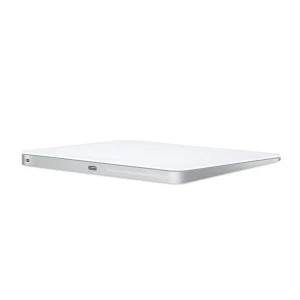
Apple Magic Trackpad (USB-C)
MiceApple Magic Trackpad (USB-C)

Confirm the port, receiver and operating system.

Color: White

Original price was: KShs 20,500.Current price is: KShs 20,000.
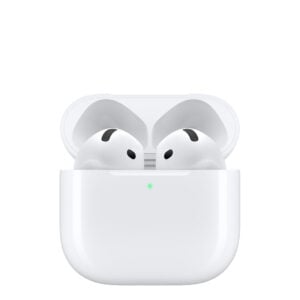
Apple AirPods 5
EarbudsApple AirPods 5

Check model, connections and included items.

KShs 23,000
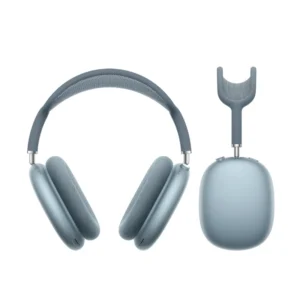
AirPods Max (USB‑C)
HeadphonesAirPods Max (USB‑C)

Check model, connections and included items.

Color: Blue

KShs 66,500

Available models in this category. Compare core features and prices.

Browse category →