Cookie settings

Choose optional cookies. Change these any time.

EssentialAlways on for shopping

Privacy policy

Apple Mac mini with M4 10 Gigabit Ethernet + 24GB RAM + 512GB SSD

Rated 5.00 out of 5 based on 2 customer ratings
2 ratings
Rate this product
Select a rating

KShs 172,500

In-stock alternatives

A compact Mac desktop with a 10-core M4 CPU and GPU, three rear Thunderbolt 4 ports, HDMI and two convenient front USB-C ports. Choose 16GB or 24GB unified memory, the listed 256GB or 512GB SSD package, and Gigabit or 10 Gigabit Ethernet; supply your own monitor, keyboard and pointing device.

SKU: 2323
Warranty information1 year Apple warranty

Product information

Explore the details that matter.

Apple Mac mini with M4 Overview

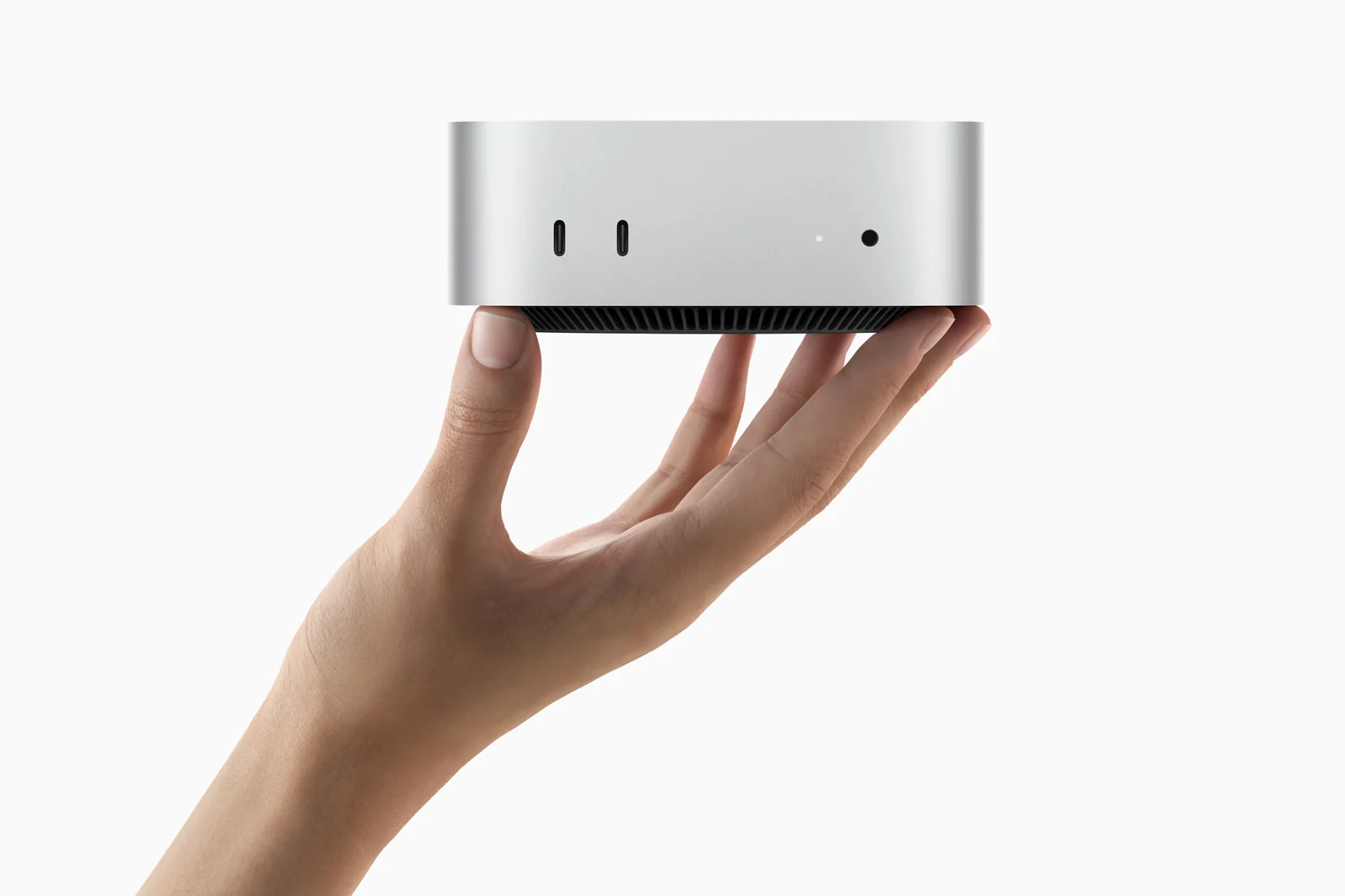
The Apple Mac mini with M4 price in Kenya is KShs 172,500. This small desktop puts a 10-core CPU and 10-core GPU into a 12.7cm-square enclosure for office work, study, coding and everyday creative projects. It is particularly useful when you already have a good monitor and peripherals: you can build a Mac workspace around them instead of replacing the whole desk. For heavier processing, Thunderbolt 5 peripherals or a more demanding high-resolution display setup, compare the Apple Mac mini with M4 Pro against your actual workload.

A compact Mac for work and everyday creativity

The M4 combines four performance cores and six efficiency cores with a 10-core GPU, 16-core Neural Engine and 120GB/s memory bandwidth. Hardware acceleration supports compatible H.264, HEVC, ProRes and ProRes RAW video workflows, with AV1 decoding for supported playback. That makes this more than a browsing computer, although the complexity of your projects and the memory you select still matter.

For documents, spreadsheets, browser tools and personal photo editing, the standard M4 can be a practical starting point. For virtual machines, large creative projects or specialist software, check application requirements before choosing. A bigger SSD does not change the CPU or GPU, and moving from 16GB to 24GB memory does not turn this into an M4 Pro.

Choose memory and storage separately

The listed configurations all use the same 10-core CPU and 10-core GPU in Silver. Choose from:

  • 16GB RAM + 256GB SSD: suited to a modest local file library, office applications and cloud-based work. macOS and applications use part of the SSD, so allow for external storage if you collect large media files.
  • 16GB RAM + 512GB SSD: doubles the listed internal capacity while retaining 16GB memory. It is the logical step when more room for applications and files matters more than additional multitasking headroom.
  • 24GB RAM + 512GB SSD: adds memory headroom for more demanding multitasking and larger projects while keeping the same 512GB storage capacity as the middle option.

Unified memory is shared across the chip and is a purchase-time decision, not a later user-installed RAM upgrade. External SSDs add file space but do not increase memory. Choose enough RAM for the applications you expect to run together, then plan storage and a separate backup around your files. Other capacities in Apple’s factory specification are not additional listed options on this page.

Gigabit versus 10 Gigabit Ethernet

Each memory/storage package is listed with Gigabit Ethernet or 10 Gigabit Ethernet. Gigabit is sufficient for many ordinary office networks and internet connections. The 10 Gigabit option makes more sense when you move large files to a compatible NAS or use an established fast local network. Apple’s optional 10Gb port supports 1Gb, 2.5Gb, 5Gb and 10Gb links.

The network switch, cabling and storage server must support the speed you want. A 10Gb port does not increase your broadband plan speed or make applications calculate faster. Both Ethernet versions retain Wi-Fi 6E and Bluetooth 5.3, so you can also use a compatible wireless network and peripherals. Wi-Fi 6E depends on regional support and suitable equipment.

Know which USB-C ports to use

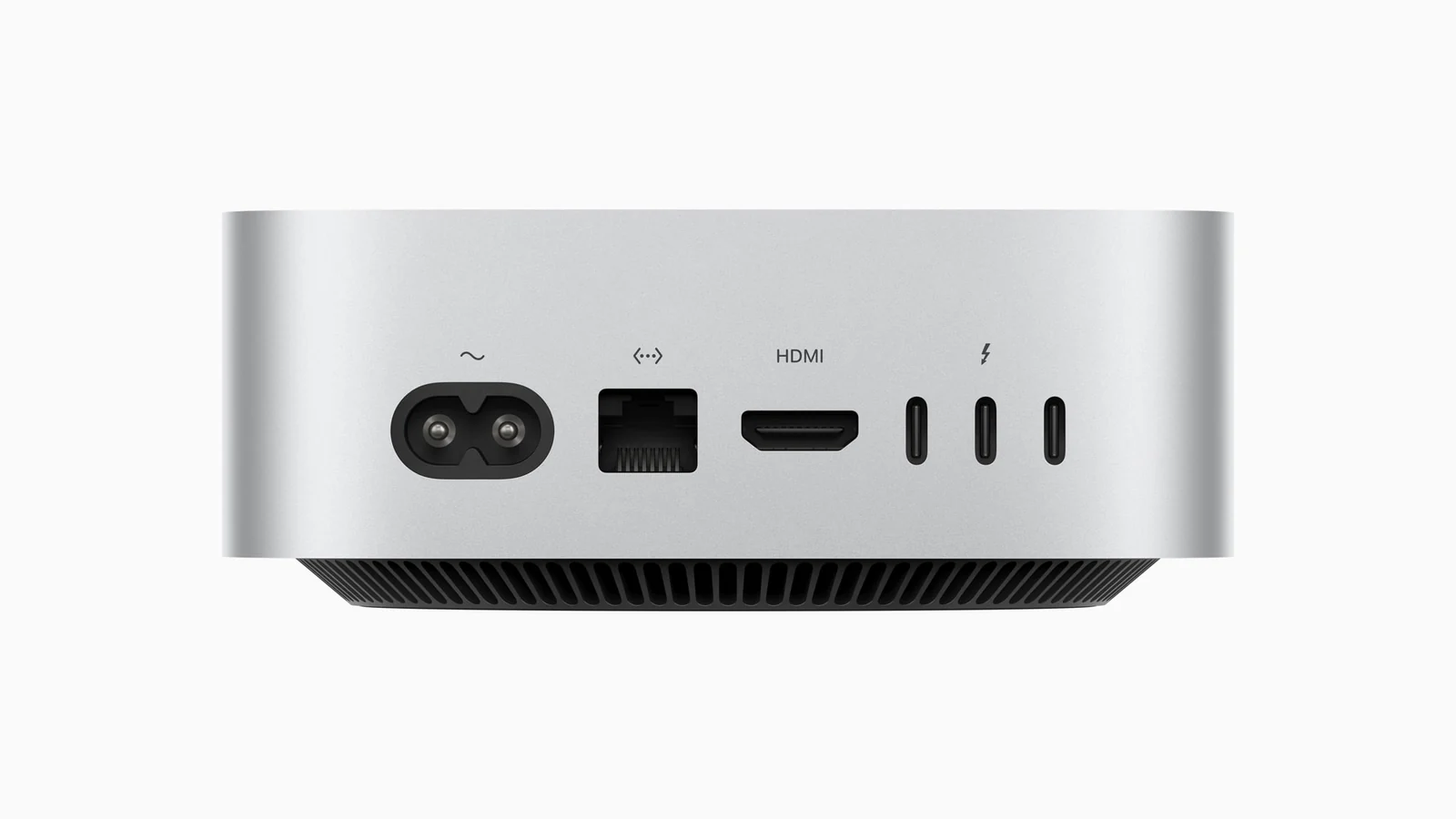
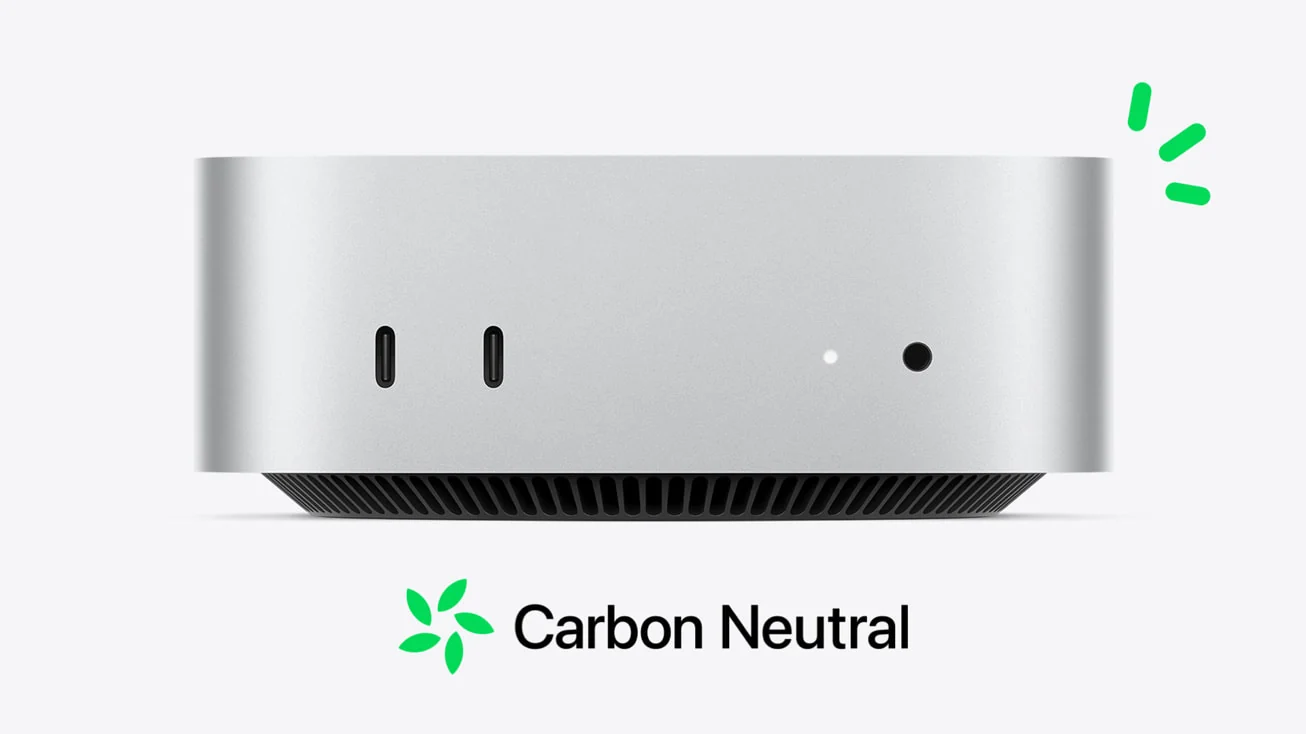
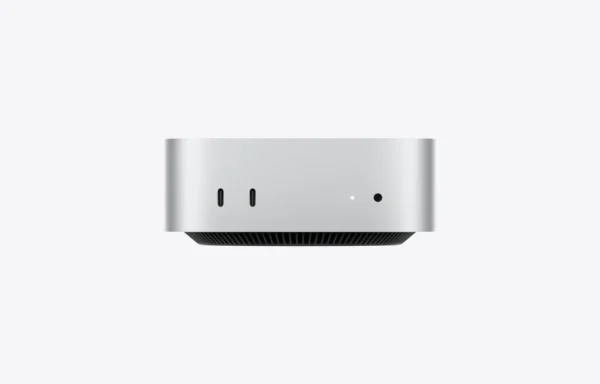
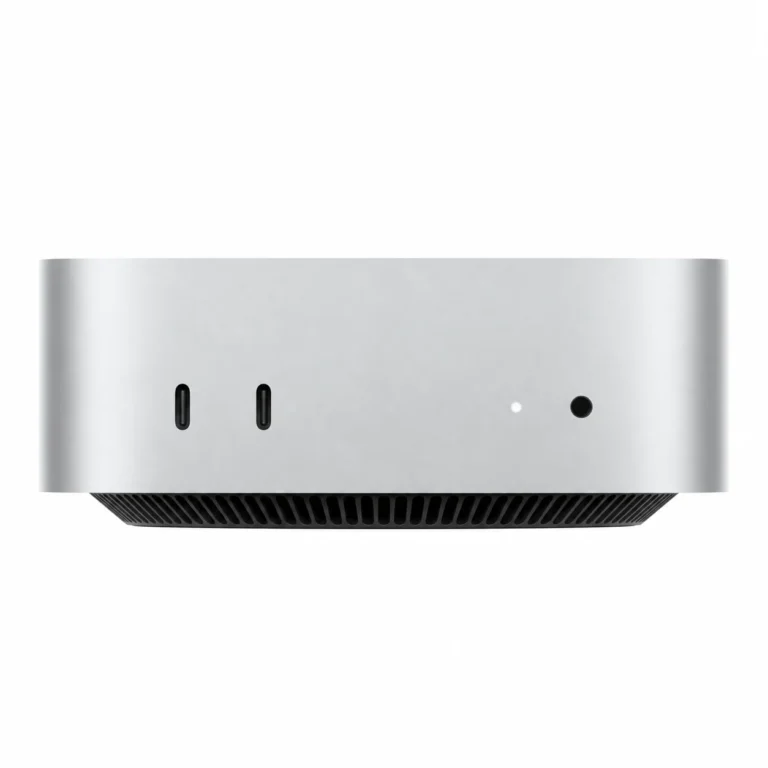
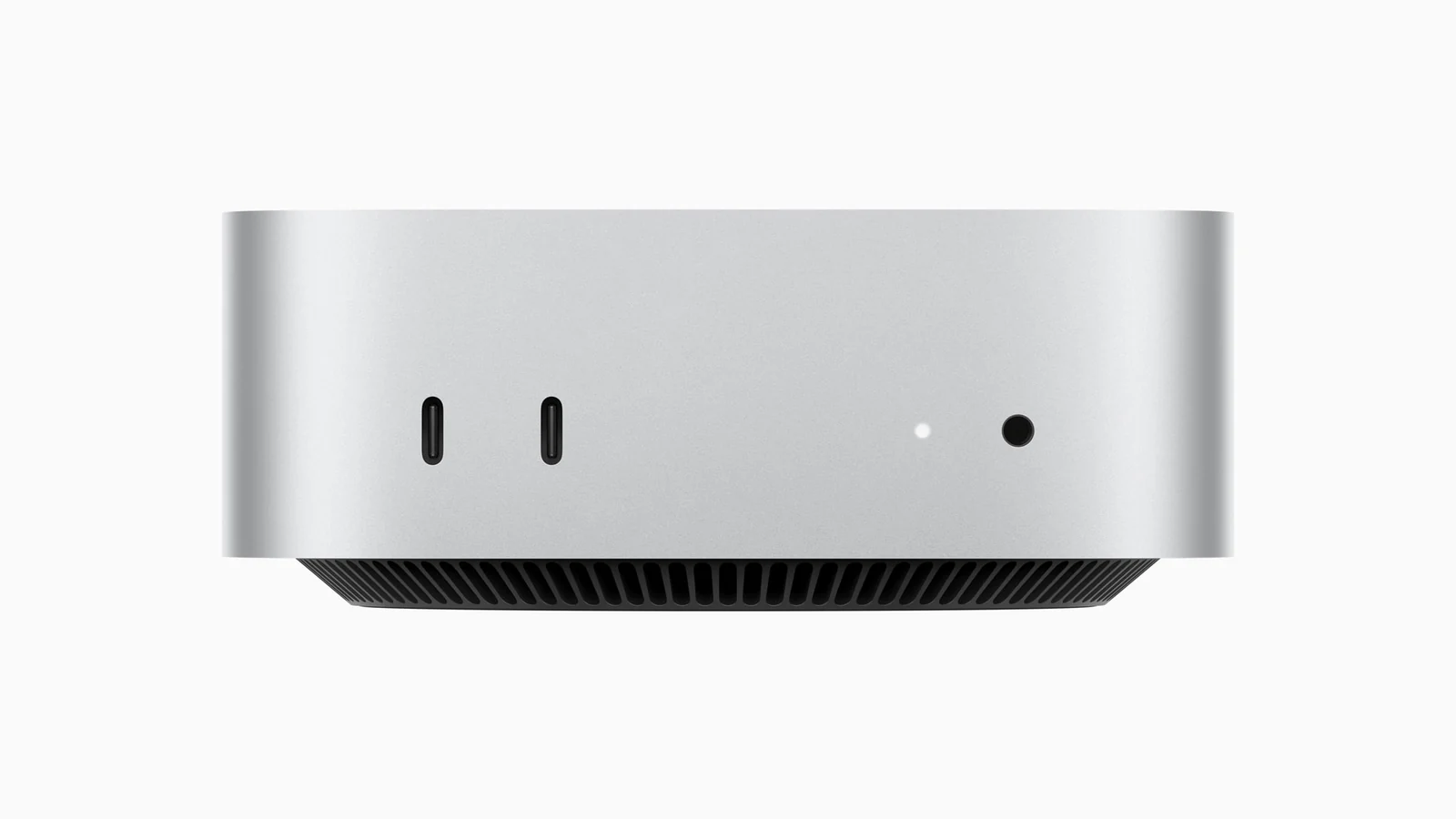
At the front are two USB-C ports supporting USB 3 at up to 10Gb/s and a 3.5mm headphone jack. They are convenient for compatible drives and accessories. At the back are three Thunderbolt 4 ports, supporting Thunderbolt and USB4 at up to 40Gb/s, plus HDMI and Ethernet.

The front USB-C ports are not Thunderbolt ports; use the rear Thunderbolt connections or HDMI for display output. USB-A keyboards, older drives and SD cards need suitable adapters or readers because the Mac mini has neither USB-A sockets nor an SD-card slot. Match a dock to the devices you actually use rather than assuming every USB-C connector offers the same capabilities.

How many monitors can the Mac mini M4 run?

Apple specifies support for up to three displays. In a three-display setup, two can run at up to 6K/60Hz over Thunderbolt, with the third at up to 5K/60Hz over Thunderbolt or 4K/60Hz over HDMI. For two displays, Apple lists one up to 5K/60Hz over Thunderbolt alongside one up to 8K/60Hz or 4K/240Hz over Thunderbolt or HDMI.

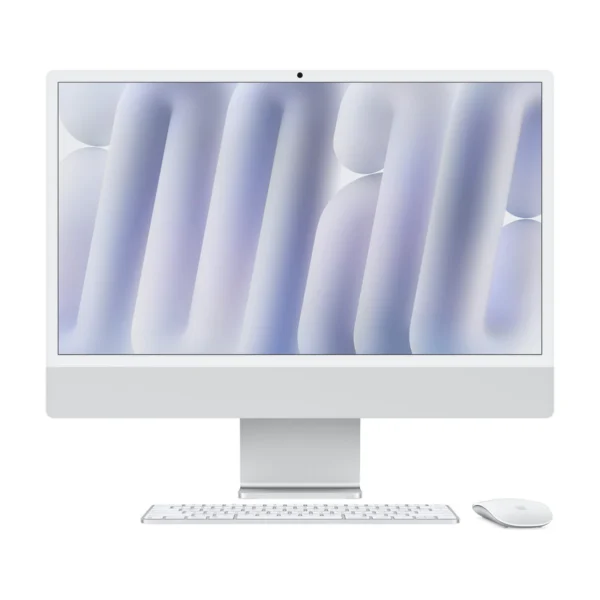
These combinations matter: support for a high-resolution HDMI display does not mean every maximum can run simultaneously. Check the monitor, cable and adapter as a complete connection. The M4 Pro supports different combinations, including three 6K/60Hz displays. If you prefer a desktop with the screen and input devices supplied together, compare the Apple iMac 24-inch M4 with Two Thunderbolt Ports and the complete cost of each setup.

What is included, and what should you add?

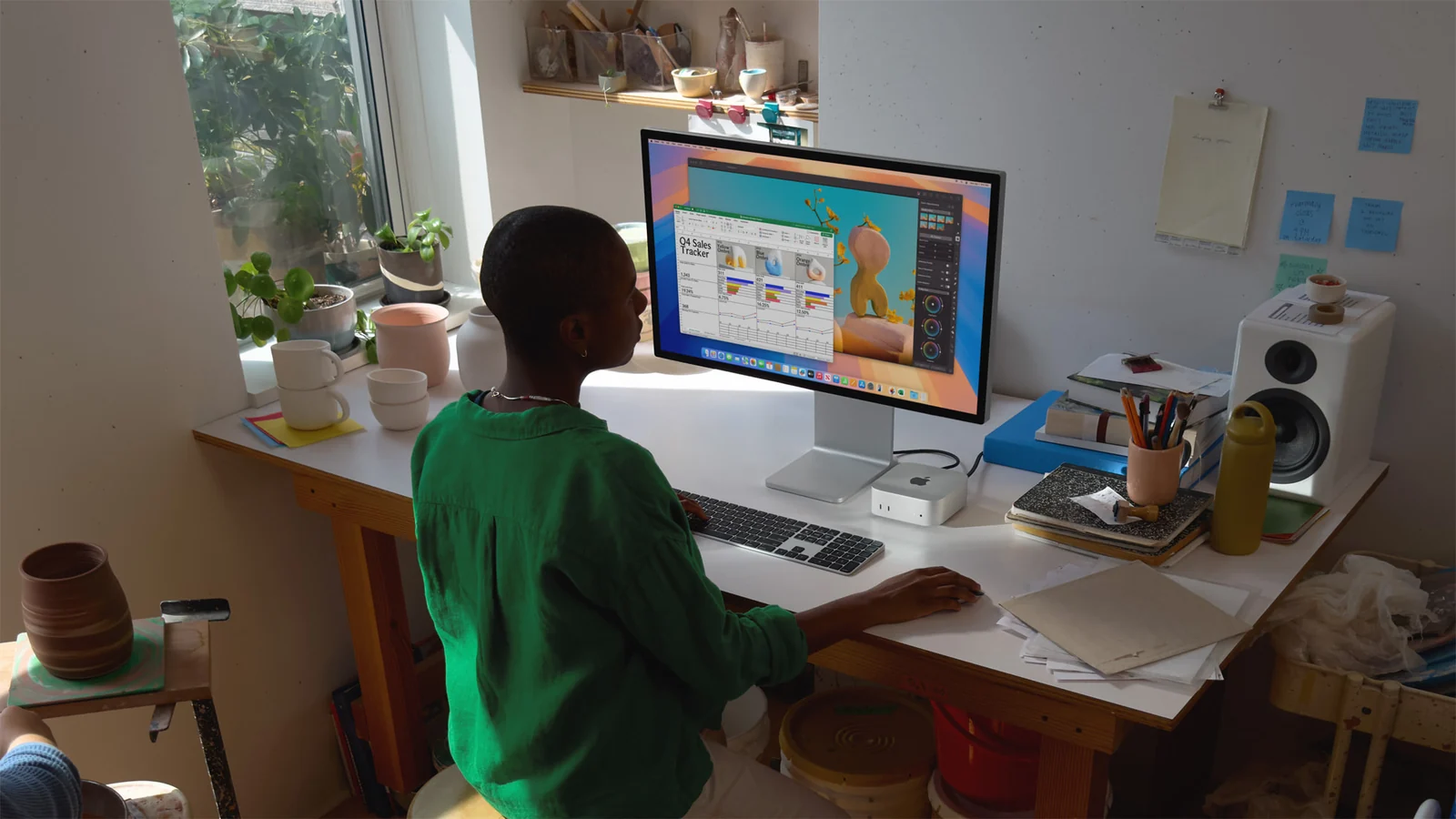
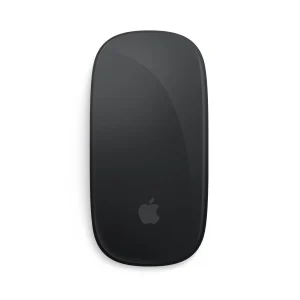
The box contains the Mac mini and a 1.8-metre power cord. You need a compatible monitor, keyboard, mouse or trackpad, and the appropriate display cable separately. You can reuse compatible accessories; for an Apple pointing-device option, see the Apple Magic Mouse 3 (USB-C), which is sold separately.

A built-in speaker handles basic audio, but the computer does not include a webcam or microphone. For meetings, plan a compatible webcam and microphone or headset. It uses mains electricity and has no laptop-style battery. Keep its ventilation clear and include the display and router when sizing a UPS for backup power.

Should you buy the M4 or move to M4 Pro?

The M4 makes sense when your priority is a compact macOS desktop and you would benefit more from spending the balance on a good display, storage or accessories. M4 Pro becomes more compelling when heavier compute or graphics work, Thunderbolt 5 hardware or its display capabilities solve a specific need. The Mac mini M4 versus M4 Pro configuration guide can help compare the options.

Confirm that essential applications support macOS and Apple silicon, especially if you are moving from Windows. Apple Intelligence features depend on supported software, languages and regions. For exact connections and display limits, see Apple’s official Mac mini (2024) specifications.

Independent Mac mini video review

The Product Videos section includes Marques Brownlee’s independent review of the redesigned M4 Mac mini family. Review configurations and prices may differ; use the exact memory, SSD and Ethernet details on this page for your purchase.

10-core M4 CPU and GPUA practical desktop for office work, study, coding and compatible everyday creative applications.
Three memory/storage packagesCompare 16GB/256GB, 16GB/512GB and 24GB/512GB according to multitasking and local file needs.
Three rear Thunderbolt 4 portsConnect compatible displays, fast storage and docks with up to 40Gb/s support.
Front USB-C convenienceTwo front USB 3 ports at up to 10Gb/s and a headphone jack keep frequently used connections accessible.
Gigabit or 10 Gigabit EthernetMatch ordinary wired networking or compatible high-speed local storage; Wi-Fi 6E is also built in.
Small footprint, flexible workspaceThe 12.7 × 12.7 × 5cm enclosure fits easily on a desk and supports up to three displays in specified combinations.
Form Factor

Processor

Chip Configuration

Graphics Type

Graphics Card

RAM

,

RAM Type

Storage

,

Storage Type

Ethernet

,

Configuration

, ,

Color

Release Year

  • Apple Mac mini with M4 in Silver — selected memory, storage and Ethernet configuration
  • Power cord (1.8 metres)

Pros

  • Compact enclosure with a 12.7cm-square footprint.
  • 10-core CPU and GPU for everyday Mac workflows.
  • Three Thunderbolt 4 ports plus HDMI.
  • Front USB-C ports and headphone jack.
  • Memory, storage and Ethernet choices for different needs.
  • Can reuse compatible monitors and input devices.

Cons

  • Display, keyboard, pointing device and call equipment are separate purchases.
  • Unified memory is not a later user-installable upgrade; 256GB can be tight for media libraries.
  • No USB-A ports or SD-card reader, and front USB-C is not Thunderbolt.
What is the Apple Mac mini M4 price in Kenya?

The current listed price is [nbj_price product="apple-mac-mini-with-m4-chip"]. It is a compact 10-core CPU and 10-core GPU desktop, with memory/storage and Ethernet choices for different workspaces.

Which memory and storage configurations are listed?

The options are 16GB RAM + 256GB SSD, 16GB RAM + 512GB SSD and 24GB RAM + 512GB SSD. Each is listed with Gigabit or 10 Gigabit Ethernet.

What changes between 16GB/256GB and 16GB/512GB?

The SSD capacity doubles while memory and the M4 processor stay the same. Choose 512GB when you need more local room for applications and files; it does not add RAM.

Who should choose 24GB memory?

It is worth considering for more demanding multitasking and larger projects. The 24GB/512GB configuration has the same SSD capacity as the 16GB/512GB package, with more unified memory headroom.

Can I upgrade RAM later?

Treat unified memory as a purchase-time choice, not a user-installable RAM upgrade. External SSDs increase file capacity but cannot add RAM.

Is 256GB storage enough?

It can suit office documents, cloud-based work and a modest local library. macOS and applications use some capacity, so a growing photo or video collection may need external storage and backup.

Should I choose 10 Gigabit Ethernet?

Choose it when you have compatible high-speed network equipment and a workload such as large NAS transfers. Gigabit suits many ordinary office networks. The Ethernet upgrade does not increase your internet subscription speed.

Will the 10Gb version connect to a 1Gb or 2.5Gb network?

Apple’s optional 10Gb Ethernet supports 1Gb, 2.5Gb, 5Gb and 10Gb links. The negotiated speed depends on the connected equipment and cabling.

Does every version have Wi-Fi?

Yes. Both Ethernet versions include Wi-Fi 6E and Bluetooth 5.3. Wi-Fi 6E requires compatible equipment and regional support.

Are the front USB-C ports Thunderbolt?

No. They support USB 3 at up to 10Gb/s. The three rear USB-C-shaped ports are Thunderbolt 4, supporting up to 40Gb/s. Use rear Thunderbolt or HDMI for displays.

How many monitors can the M4 support?

Up to three: two at up to 6K/60Hz over Thunderbolt, plus one at up to 5K/60Hz over Thunderbolt or 4K/60Hz over HDMI. Supported combinations and connection capabilities matter.

Can I use an 8K or 4K/240Hz display?

Apple lists a two-display setup with one up to 5K/60Hz over Thunderbolt and another up to 8K/60Hz or 4K/240Hz over Thunderbolt or HDMI. Check the display, cable and adapter; these limits should not be combined with the three-display maximums.

What is included in the box?

The Mac mini and a 1.8-metre power cord. A monitor, keyboard, mouse or trackpad, display cable and call equipment are separate purchases.

Does it come with an external charger?

It connects to mains using the included power cord. Apple’s standard box contents do not include a separate external power adapter.

Can I use an existing monitor and Windows keyboard?

Compatible displays and keyboards can be used. Check the display input, cable and macOS key mappings. USB-A peripherals require a suitable adapter or hub.

Does it have a webcam or microphone?

No. It has a built-in speaker but no built-in webcam or microphone. Add compatible equipment for video calls or recording.

Does it have USB-A or an SD-card slot?

No. Use an appropriate USB-C adapter, hub or card reader for those accessories.

Is the M4 Pro necessary for ordinary office work?

The standard M4 is a sensible option for many office and everyday creative tasks. M4 Pro is more relevant when heavier CPU/GPU work, Thunderbolt 5 peripherals or its different display limits meet a specific requirement.

Is it portable like a laptop?

The enclosure is small, but it still needs mains power and separate input and display equipment. It has no battery for working independently during travel or power cuts.

Does 24GB RAM make this an M4 Pro?

No. Every configuration on this page uses the standard M4 with a 10-core CPU and 10-core GPU. More memory changes capacity, not the chip model.

Within NairobiSame-day delivery for available products. Timing depends on order confirmation, location and courier availability.
Outside NairobiGenerally next-day delivery; remote locations may take longer.
Delivery chargesCalculated separately based on destination, package and courier. Confirmed before dispatch.
Read our Delivery & Shipping Policy
Warranty coverage
1 year Apple warranty

Brand warranty terms depend on the exact unit, supplier and service region. Keep the purchase invoice and confirm coverage and exclusions at checkout.

  1. Rated 5 out of 5

    Mbogo lew –

    Perfect Buy

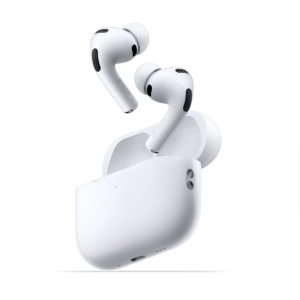
Apple AirPods Pro 3
EarbudsApple AirPods Pro 3

Check model, connections and included items.

KShs 29,000
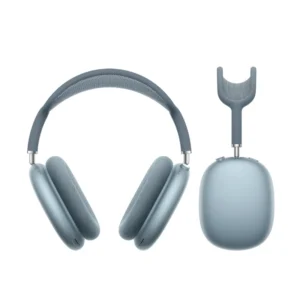
AirPods Max (USB‑C)
HeadphonesAirPods Max (USB‑C)

Check model, connections and included items.

Color: Blue

KShs 66,500
Apple Magic Trackpad (USB-C)
MiceApple Magic Trackpad (USB-C)

Check operating-system and connector support.

Color: White

Original price was: KShs 20,500.Current price is: KShs 20,000.

Available models in this category. Compare core features and prices.

Browse category →