
Mac mini M4 vs M4 Pro in Kenya: Which Configuration?
Choose the M4 configuration around your everyday workload first. Step up to M4 Pro when sustained work and connectivity justify the extra cost. Compare complete RAM and SSD offers, not chip names alone.
Live prices in this article · Select your exact configuration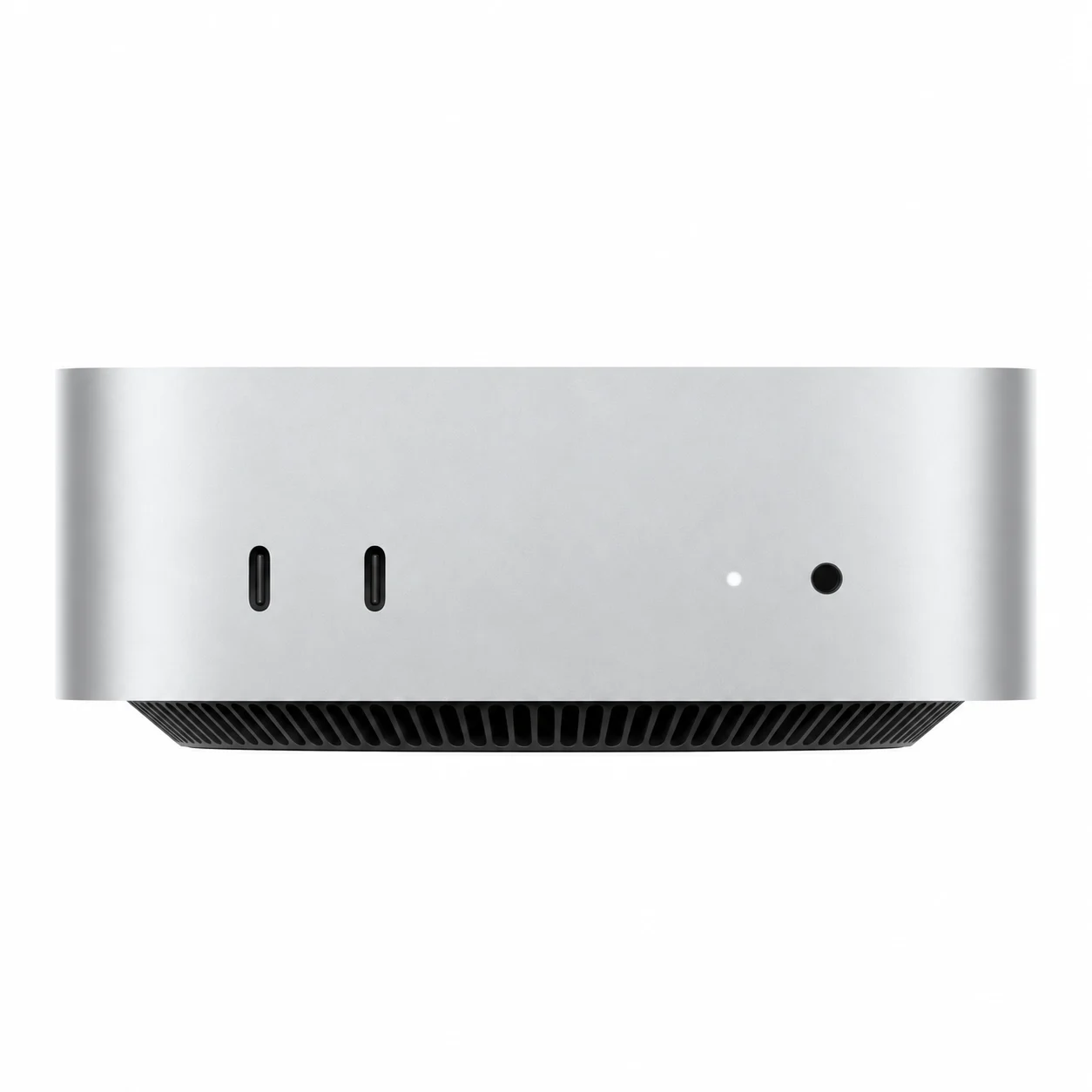
Which Mac mini makes sense?
For a home or business desk built around browsing, documents, calls and ordinary app multitasking, start by comparing the M4 bundles. For heavier creative or development work, consider whether your actual projects need the M4 Pro’s extra processing headroom. This is a comparison of the 2024 M4 family still listed at NextBuy, not a claim that M4 is Apple’s newest generation.
The most useful middle comparison is M4 24GB/512GB against M4 Pro 24GB/512GB: matching memory and storage makes it easier to judge what you are paying for the chip and connectivity. Comparing an entry M4 16GB/256GB price with a Pro 24GB/512GB price mixes several upgrades together.
Compare the exact listed configurations
| Model | Chip listed | RAM / SSD bundles listed |
|---|---|---|
| Mac mini M4 | 10-core CPU / 10-core GPU | 16GB / 256GB; 16GB / 512GB; 24GB / 512GB |
| Mac mini M4 Pro | 12-core CPU / 16-core GPU | 24GB / 512GB |
Do not assume a higher-core custom M4 Pro configuration is the one offered here. The current Pro listing specifies 12 CPU cores and 16 GPU cores. Select the exact RAM and SSD combination on the product page before comparing the payable offer.
Memory supports the apps and projects you keep active; SSD capacity determines local storage space. They solve different problems. If you routinely store large project libraries locally, account for those files and backups rather than choosing purely by the chip badge.
Plan the connections on your desk
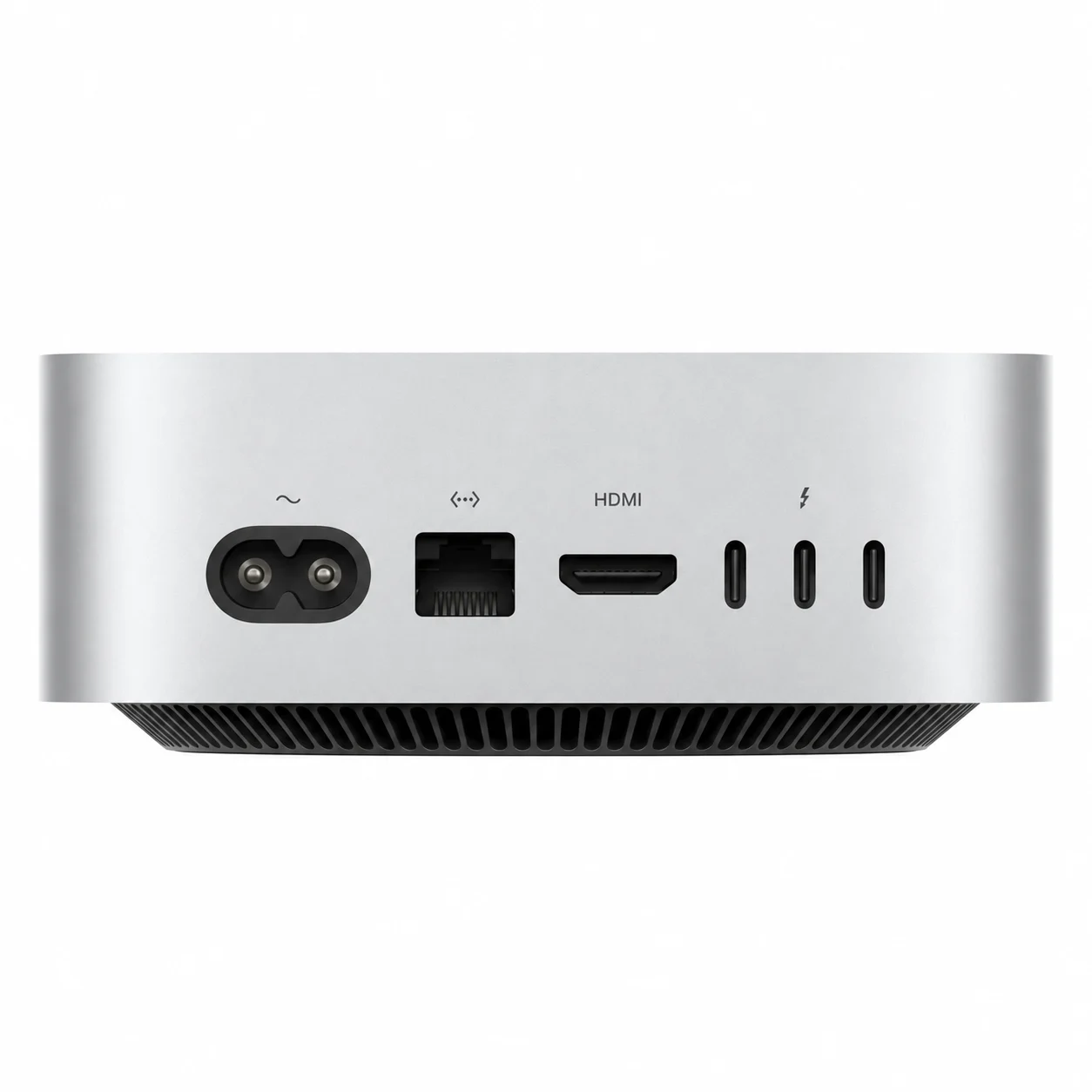
Apple specifies Thunderbolt 4 on M4 and Thunderbolt 5 on M4 Pro. Both have front USB-C connections, while the rear also accommodates HDMI, Ethernet and power. A connector shape alone does not tell you its bandwidth or supported display combination; check your monitor and storage requirements against Apple’s M4-family technical specifications.
The NextBuy listings include Gigabit and 10 Gigabit Ethernet attributes. Confirm the exact selected offer if your network requires 10 Gigabit; do not treat the presence of both terms on a parent product as a promise that every unit has the upgraded port. Faster Ethernet also needs a suitable network at the other end.
Budget for a complete working desk
A Mac mini is a compact desktop computer, so include a display, keyboard and pointing device in your setup plan. Reusing compatible equipment can make the total very different from buying a new desk from scratch. Check cables and any adapter requirements too.
If you are considering Apple’s monitors, our Studio Display versus Studio Display XDR guide separates the panel and stand choices. A more expensive display is not automatically necessary for an office workflow.
If you need to carry the whole workspace between locations, also compare the cost and routine of a laptop in our MacBook Air versus Pro guide. Portability can matter more than a desktop’s compact footprint.
Live Kenyan offers
Mac mini with M4
Price range: KShs 110,000 through KShs 172,500
In stockCompare all listed RAM / SSD bundles and the exact available configuration. Open the product to confirm the exact offer before ordering.
Mac mini with M4 Pro
Price range: KShs 242,500 through KShs 260,000
In stockThis comparison uses the listed 12-core CPU / 16-core GPU, 24GB / 512GB configuration. Open the product to confirm the exact offer before ordering.
Before choosing
Is M4 Pro always the better purchase?
It offers more chip headroom, but the better purchase depends on your projects, required connections and total desk cost. Start with a matched RAM / SSD comparison.
Does the entry M4 have the same memory and storage as the Pro?
No. The listed M4 starts at 16GB / 256GB, while this Pro listing is 24GB / 512GB. Compare the M4 24GB / 512GB option for a closer match.
Are these the newest Mac mini models?
This article specifically compares the 2024 M4 and M4 Pro family currently listed. Check the wider current catalogue if generation matters to your decision.