
Dash Camera Parking Mode in Kenya: What Powers It When You Park?
Parking mode needs a supported recording mode and the right power arrangement. A camera working while you drive does not prove it will record after parking.
Two specifications need to agree
Read Parking Modes and Parking Power Requirement together. The first describes what the camera can do after you park; the second tells you what installation it needs to do it. A normal driving-power cable is not automatically the required parking accessory.
For example, 70mai says the A200 needs a separately sold hardwire kit for parking surveillance. Its support guidance also describes a battery-voltage cutoff. Those statements do not establish that every 70mai kit fits every camera, or that a cutoff guarantees a start after any length of parking.
Choose the event you need to capture
Collision-triggered clips and time-lapse recordings answer different questions. Decide whether you need a record of a detected impact, a compressed overview of a period, or another specifically supported mode. Ask how recordings start, whether there is pre-event footage, and what is saved when the event ends. Do not assume every model provides all three.
For a Kenyan driver who leaves a car parked between trips, installation and the condition of the vehicle battery belong in the purchase discussion. Ask an installer to assess the actual vehicle and follow its electrical guidance. This guide does not prescribe fuse locations, cutoff voltages or DIY wiring steps.
Verify a parked event before relying on the feature
Have the installer explain the transition between driving and parking operation, then demonstrate it with the agreed mode and a harmless supported test. Check the saved file and timestamp, not only a voice prompt. Confirm storage-card requirements, recording retention and the routine for retrieving a clip.
A remote alert is a separate capability from a locally recorded parking file. Mobile data, a compatible connected accessory or an account may be involved; do not assume the words parking surveillance include those services. Get the camera, supported kit, installation and any connected-service costs itemised.
Compare the decision, not one label
| Decision | What to check |
|---|---|
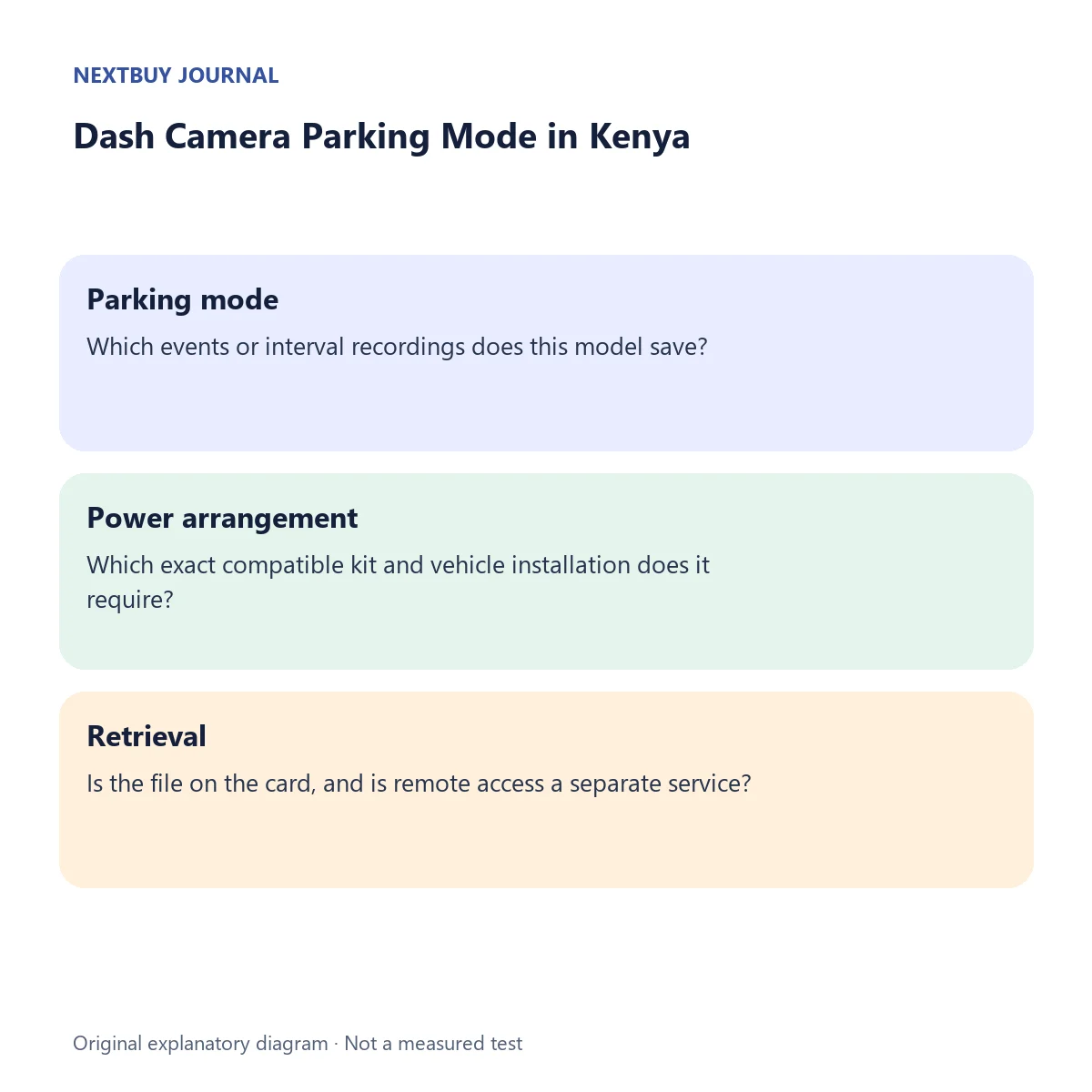
| Parking mode | Which events or interval recordings does this model save? |
| Power arrangement | Which exact compatible kit and vehicle installation does it require? |
| Retrieval | Is the file on the card, and is remote access a separate service? |
Before choosing
- Match the camera model and hardware revision to the official accessory compatibility list.
- Agree the installation, battery-protection behaviour and storage-card specification.
- Ask for a demonstration of a saved parked-event file before depending on it.
Questions readers ask
Does parking mode mean continuous full-frame video?
No. Check the exact supported mode; event clips and time-lapse are different recording behaviours.
Is a hardwire kit included?
Not merely because the camera supports parking surveillance. Confirm the exact supplied package.
A matching NextBuy example
The 70mai A200 lists Collision Detection and Time-Lapse Recording alongside a Hardwire Kit power requirement. Confirm the compatible kit and supplied package separately.
KShs 13,000In stockThese are current model offers. A parking kit and installation are separate checks; the linked product confirms the selected package. Browse dash cameras to compare saved specifications.