
DJI Osmo Mobile 8P in Kenya: Which Combo Do You Need?
Choose Standard, Advanced Tracking or Creator around your phone, filming app and sound—not just the bundle name.
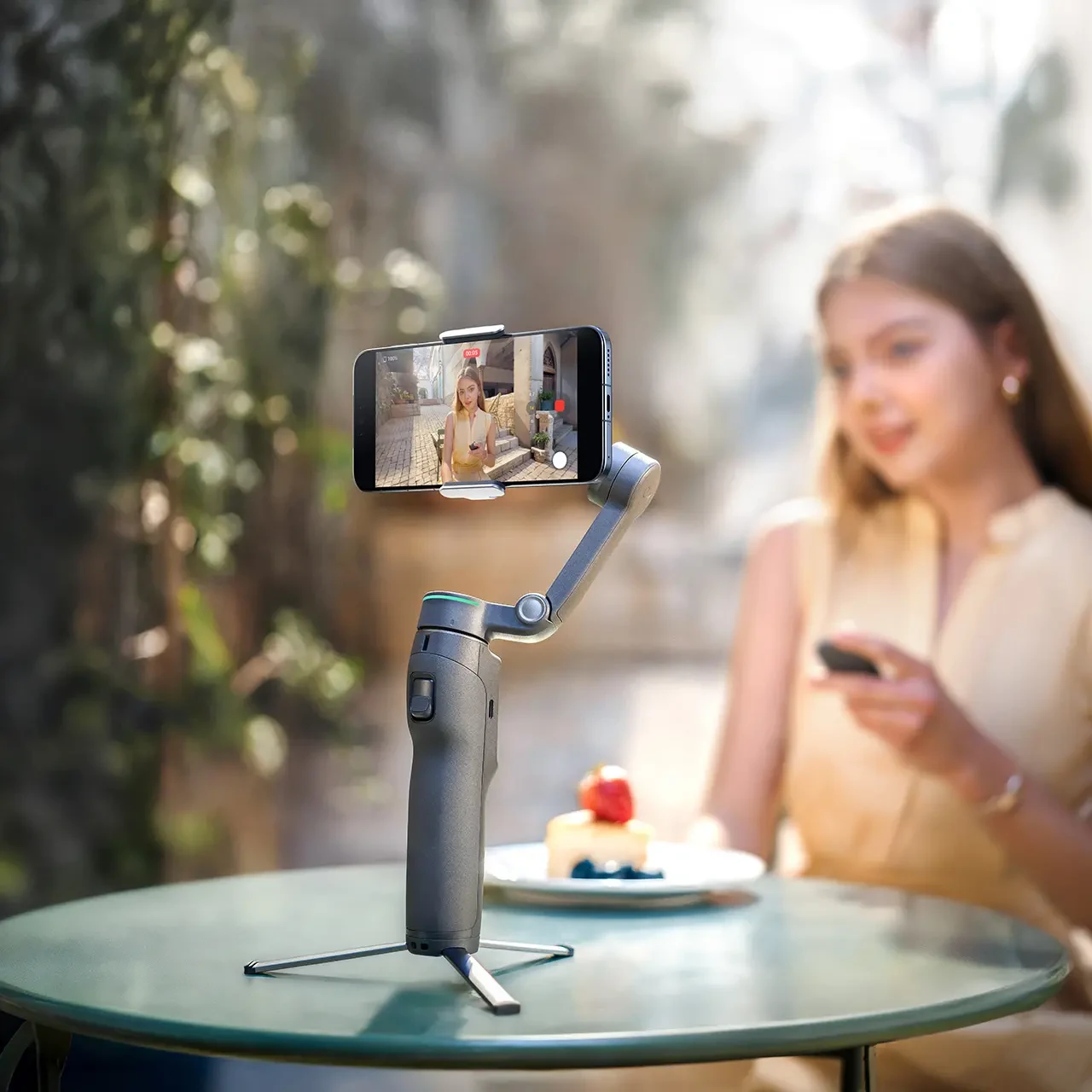
Start with the shot you cannot get alone
If you film your own shop demonstrations, property walk-throughs or lessons, ask what interrupts the recording. Do you keep walking back to the phone to check the frame? Does the subject leave the shot? Or is the voice difficult to hear? Those are three different problems, and the most expensive kit is not automatically the answer to all three.
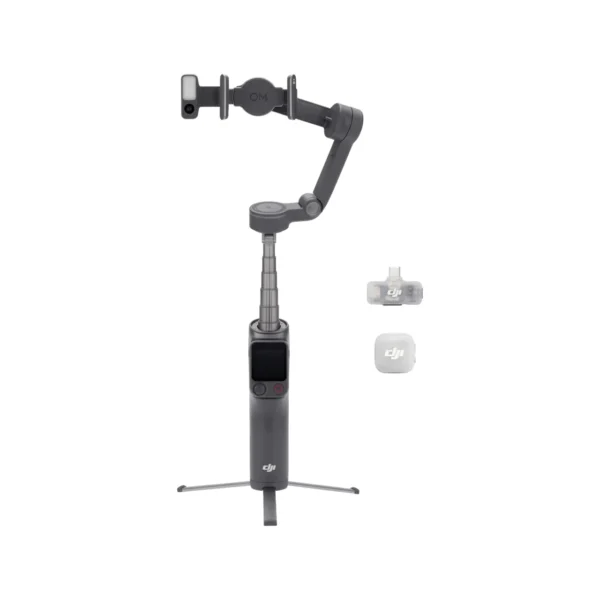
The DJI Osmo Mobile 8P combines a smartphone stabiliser with the detachable Osmo FrameTap remote. Its Standard, Advanced Tracking and Creator packages share the same core gimbal. Choose the accessories around your phone, recording app and audio setup, rather than assuming a larger combo improves every shot.
Our buying recommendation
Begin with Standard if remote framing solves your problem and your intended tracking method is supported. Consider Advanced Tracking when you need the separate tracking module. Choose Creator when you also need its included microphone system. If you already own suitable audio equipment, compare the cost and compatibility of reusing it before buying another kit.
What changes between the three combos?
The useful distinction is the equipment you will actually put to work. DJI lists the remote in all three packages; it is not a Creator-only extra. Confirm the selected box contents before ordering, especially if a retailer offers a differently named bundle. DJI’s package list is the reference for the combinations below.
| Package | Important included equipment | When to consider it |
|---|---|---|
| Standard Combo | Gimbal, Magnetic Phone Clamp 5, FrameTap remote, cables and pouch. | You want stabilised filming and remote framing, with a separately checked tracking workflow. |
| Advanced Tracking Combo | Standard equipment plus DJI OM Multifunctional Module 2. | You need the module’s tracking camera, gesture control or small fill light. |
| Creator Combo | Tracking package plus DJI Mic Mini 2 transmitter, Mobile Receiver and microphone accessories. | You are also building a voice-recording setup. |
For a presenter speaking several steps from the phone, close microphone placement may solve a more noticeable problem than another camera movement. For a silent product clip with a voice-over recorded later, the included mic may add little to that particular job. These are workflow choices, not claims from a NextBuy hands-on test.
Check the tracking path before choosing a package
Three labels can appear around this gimbal: DJI Mimo tracking, Apple DockKit and Multifunctional Module tracking. Treat each as a separate route. DJI states that DockKit tracking cannot run together with Mimo tracking or the module’s tracking function. Its support guide lists DockKit requirements as iPhone 12 series or later, excluding iPhone SE 3 and iPhone 16e, with iOS 18.5 or later. Check the current DJI compatibility guidance for your exact phone.
For Mimo, do not read ActiveTrack 8.0 as universal support on every iPhone or Android handset. DJI’s product footnote restricts that version to selected iPhone models. Android shoppers should check the available Mimo functions and whether module-based tracking is the better route for the app they actually use.
A useful pre-purchase demonstration is very specific: mount your own phone, open your intended recording app, select your subject, and make a short portrait and landscape clip. Walk across the frame, briefly turn away, then inspect the saved recording. A successful demonstration in a different app does not settle compatibility with yours.
For example, a shop owner filming small items on a cluttered counter should check whether the intended object can be selected and followed. A presenter filming themselves needs a different demonstration. Ask about the subject and background you will use rather than relying on a generic promise of “AI tracking”.
FrameTap: check which camera view you are seeing
FrameTap helps you make framing adjustments from in front of the camera. DJI distinguishes phone-screen mirroring from the feed supplied by Multifunctional Module 2: supported Android phones mirror directly, while iPhone mirroring uses Mimo. The module has its own camera view. That view should not be treated as proof of the phone camera’s exact lens, crop or exposure. DJI explains the remote and module differences here.
Before a solo shoot, choose the phone lens and recording orientation first. Check the edges of the actual recording: is the product label readable, is your head cropped, and is there space for captions? Recheck when you change lenses or switch between portrait and landscape. Remote control saves trips to the phone, but a short recorded sample is still useful.
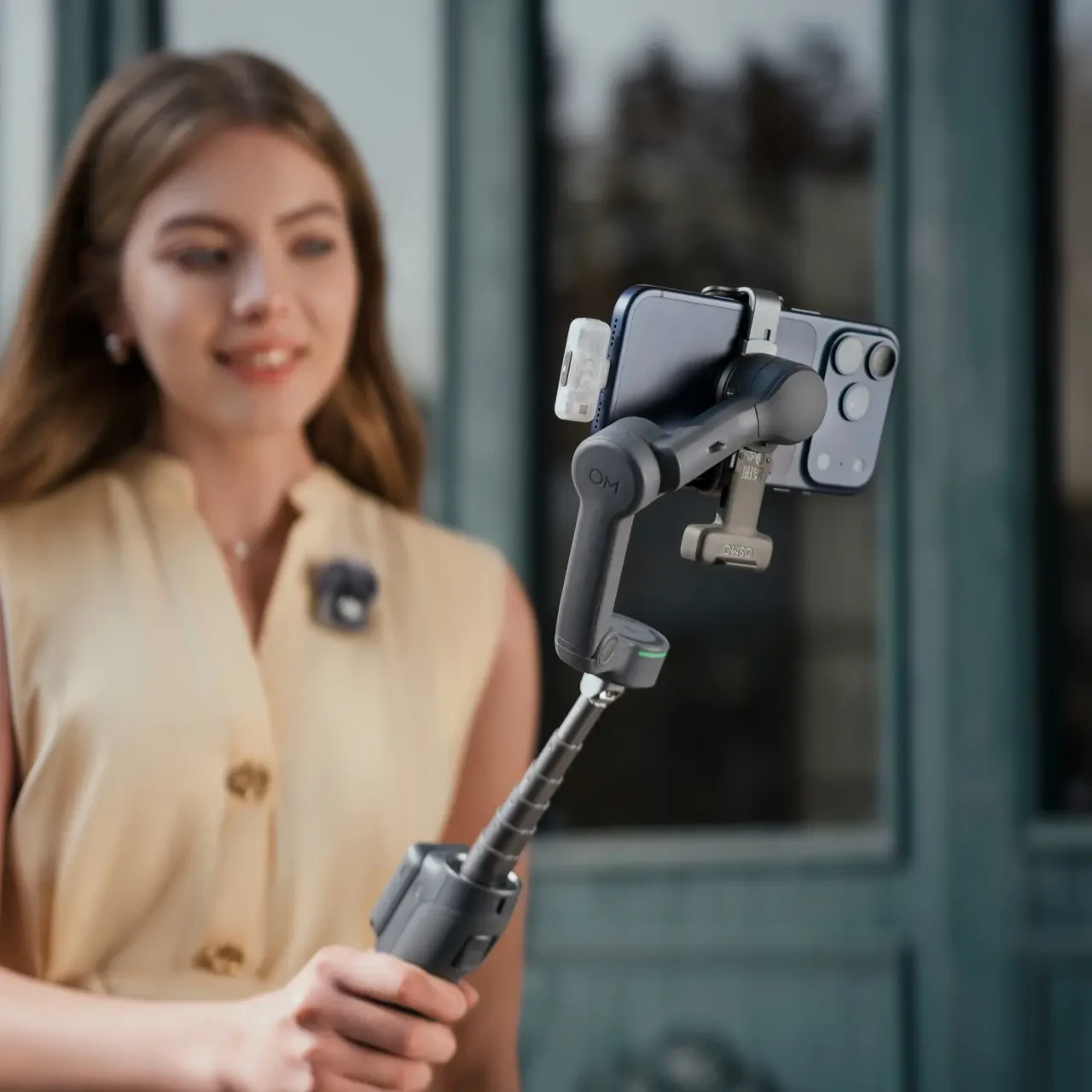
Phone fit and support matter more than one compatibility label
Check the phone’s weight, width and thickness together: 170–300g phone weight, 67–84mm width and 6.9–11mm thickness. These are the physical limits in DJI’s guidance, not a guarantee of every app function. Assess the phone with the case and attachments you intend to leave on it.
Bring your usual phone case to a demonstration. Check that the clamp sits securely without pressing a button, and that cables do not pull against the moving arms. If your setup falls outside the stated fit range, choose a different arrangement rather than assuming stronger motors will make it suitable.
For a Nairobi property walk-through, plan where you will stop and turn before recording. Gentle steps and deliberate pans remain useful; a gimbal does not remove every rise and fall of your body. For a desk lesson, place the stand on a stable level surface and leave room for its legs. Avoid balancing an extended rig on the edge of a counter.
Plan a session, not ten hours of guaranteed filming
DJI’s up-to-10-hour battery claim has conditions. DJI’s charging guide describes a balanced, stationary gimbal and warns that accessories and feature use affect runtime. It lists approximately 2.5 hours for a full charge. Do not schedule a paid shoot on the assumption that every function can run for the headline duration.
Prepare the phone as well as the gimbal: free storage, charge both, make a test recording and plan somewhere to recharge between locations. Using the gimbal to support a phone’s power needs changes that plan. Keep recording checks short enough that you can review picture and sound before the real take.
Compare current NextBuy configurations
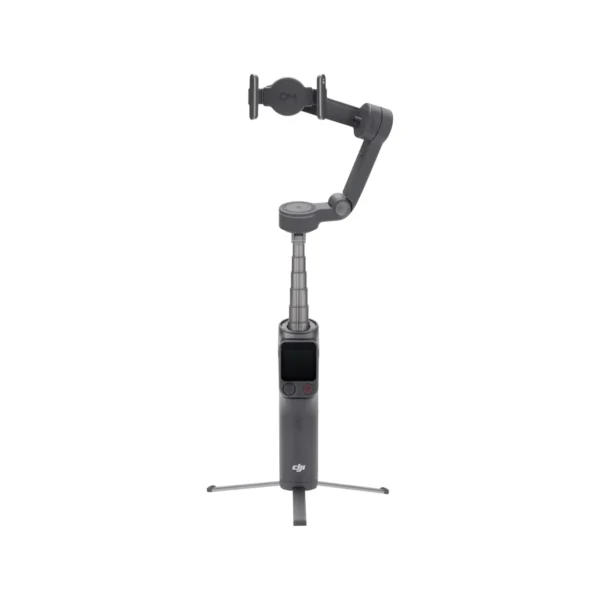
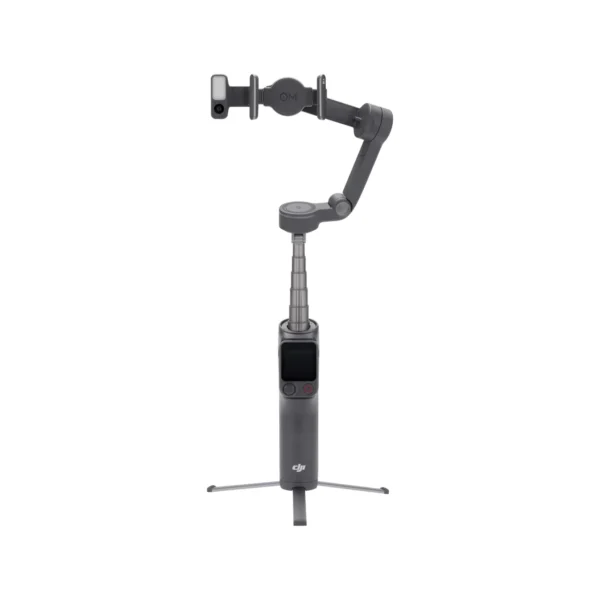
Compare the current NextBuy package prices and availability below. Out-of-stock options remain visible for comparison; a listed price does not make an unavailable package ready to order. Open the exact option to confirm its current offer and included equipment.
Compare configurations
Compare the listed options, then open the configuration that fits.
No configurations match. Try another search or show all options.
If you are still comparing stabilisers, browse NextBuy’s gimbals. The Osmo Mobile 8 is worth comparing if you do not need FrameTap; compare the actual package contents rather than model names alone.
Before you order
- Name the phone, case and recording app you will use.
- Decide whether you need remote framing, separate tracking, audio equipment or a combination.
- Request a representative sample with the intended app, lens and orientation.
- Check the exact package’s accessories and live availability.
- Read the warranty and delivery terms for the Kenyan offer you choose.
Questions before choosing
Does Standard include the FrameTap remote?
Yes. DJI lists FrameTap in the Standard package as well as the two larger combos. Standard does not include Multifunctional Module 2.
Do I need Creator if I already own a wireless microphone?
Not automatically. Check whether your existing receiver, phone connection and recording app work together. Creator is useful when its included audio equipment fills a gap in your setup.
Will a compatible phone fit guarantee tracking in every app?
No. Physical fit, app features, phone support and the selected tracking method are separate checks. Test the combination you intend to use.
Official tutorials and sources
Watch DJI’s own FrameTap tutorial and the tracking demonstrations in its beginner’s guide. These are manufacturer demonstrations, not NextBuy test footage.
- DJI Osmo Mobile 8P beginner’s guide: setup, phone compatibility and tracking tutorials
- DJI Osmo Mobile 8P packages, remote functions and limitations
- DJI handheld charging guidance
Images: DJI manufacturer photography. Scenes are illustrative and were not photographed or tested by NextBuy.