
Apple Watch Ultra 3 in Kenya: Band and Compatibility Buying Guide
Choose a comfortable band, check the supplied watch software and separate cellular hardware from local service support.
Start with your phone and your routine
The Apple Watch Ultra 3 is worth considering when you want a substantial 49mm watch for an iPhone, outdoor controls and a charging routine that suits longer days. Before choosing a titanium finish or band colour, make two checks: can your phone pair with the supplied watch software, and will you comfortably wear this case?
For an office-to-evening-run routine in Nairobi, wrist comfort and charging opportunities may matter more than a feature you will rarely use. For long walks or weekends away, think about the controls you want to reach and when you can recharge. Choose around a real week of use rather than treating the longest battery figure as the whole decision.
A sensible order for choosing
Check iPhone compatibility first, try the 49mm case, choose the band and its actual wrist-fit range, then compare the exact finish and current offer. Treat phone-free cellular service as a separate eligibility check.
Check the supplied software, not just the model name
Apple introduced Ultra 3 with iPhone 11-or-later and iOS 26 compatibility. That is the original pairing baseline, not a promise that an updated watch will pair with every older software installation. Confirm the supplied watchOS version and the iOS version your iPhone can run before ordering. Apple’s watch and iPhone compatibility table is the reference; the Ultra 3 launch information records the original requirements.
If you are buying for someone else, ask for their exact iPhone model and software version. “They have an iPhone” leaves an important part of the purchase unresolved. Ultra 3 is not an Android-pairing watch, so an Android buyer should settle the phone-platform decision before spending on a preferred band.
What GPS + Cellular means for a Kenyan buyer
The cellular label describes hardware capability; independent phone-free calls and data also need a supported regional watch model, participating carrier and eligible plan. At this check, Kenya does not appear in Apple’s official Apple Watch carrier list. Do not assume that an iPhone eSIM offer also activates Apple Watch service.
If calls away from your iPhone are the main reason for buying, ask for confirmation of the exact supported watch plan before payment. Otherwise, assess the watch for the paired-iPhone use you can actually rely on. A seller displaying a cellular logo is not evidence that a Kenyan watch plan is available.
Apply the same discipline to country-dependent services mentioned in overseas marketing. Verify the specific service and region rather than assuming satellite or other connected features will work everywhere. This guide does not promise a Kenyan cellular activation or emergency connection.
Choose the band for how you will wear it
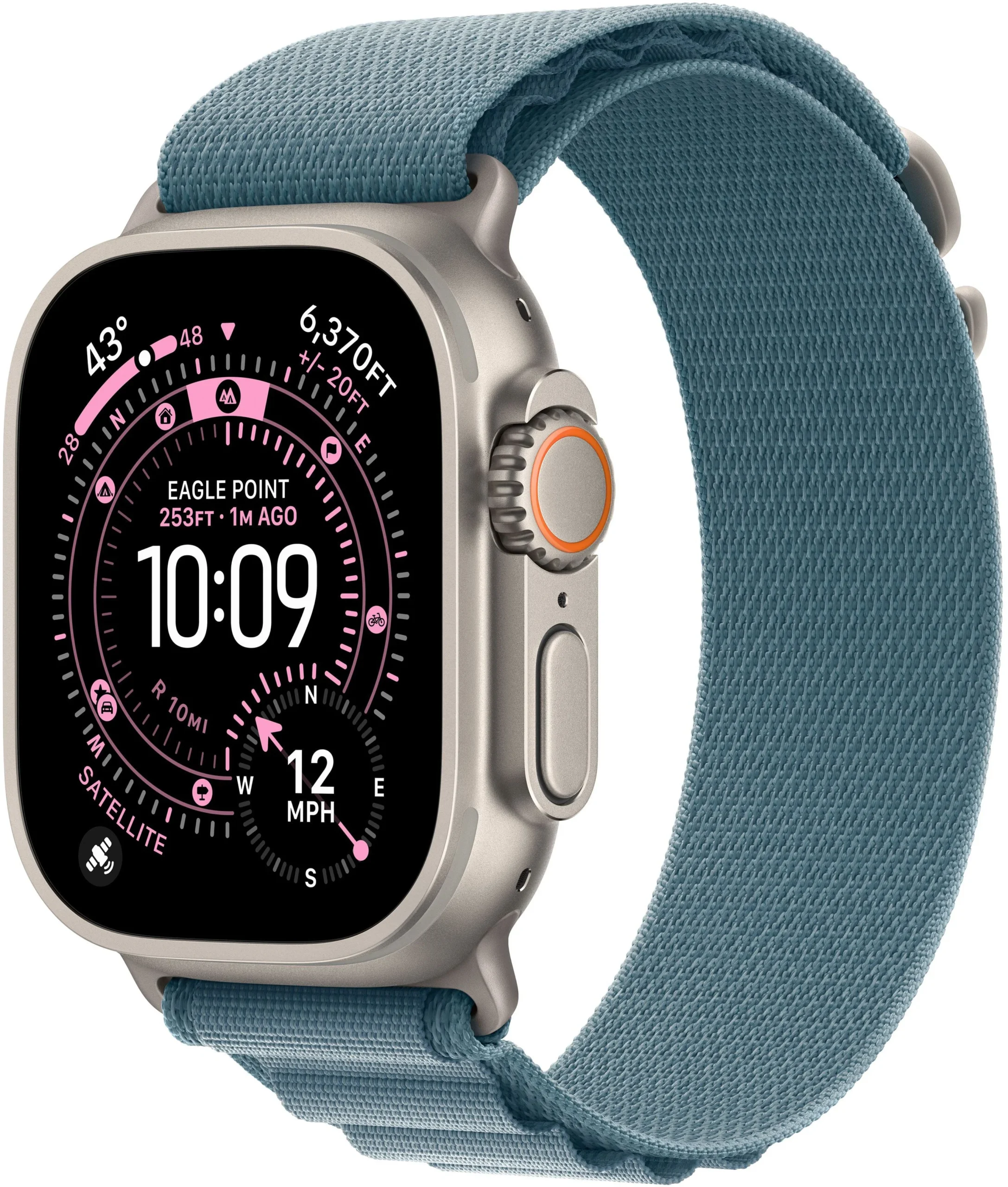
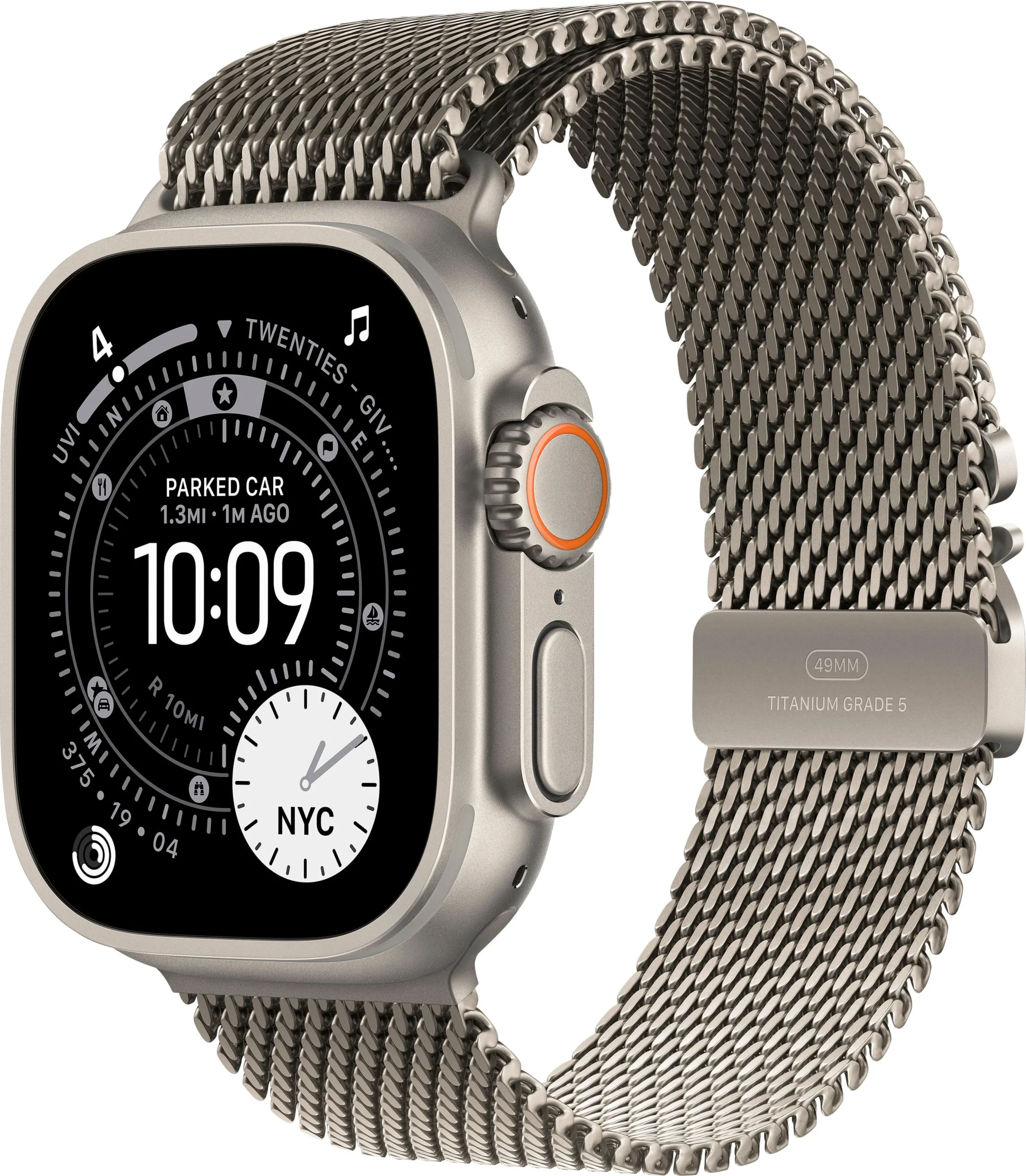
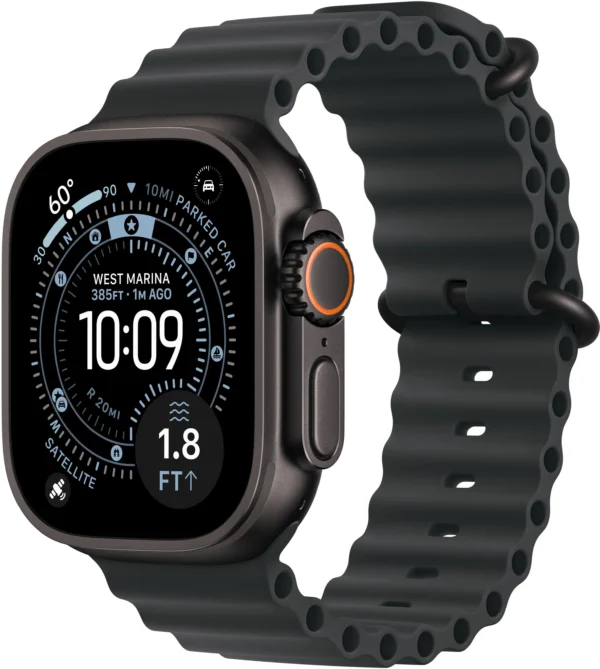
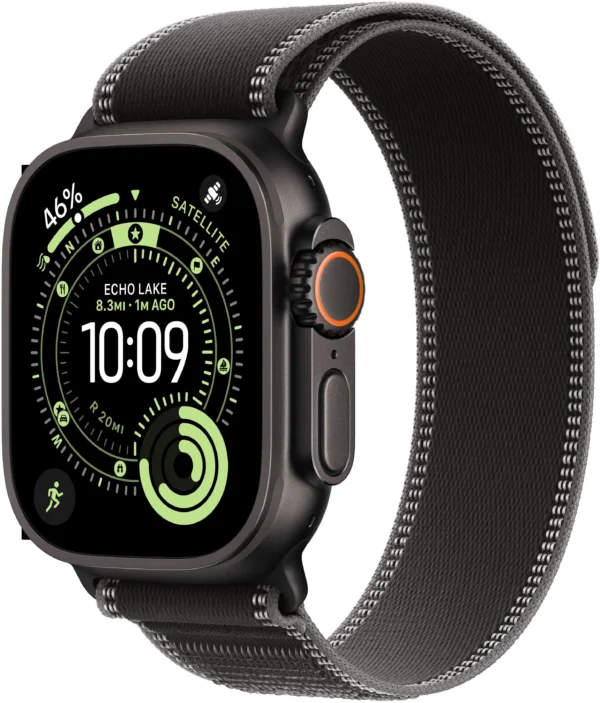
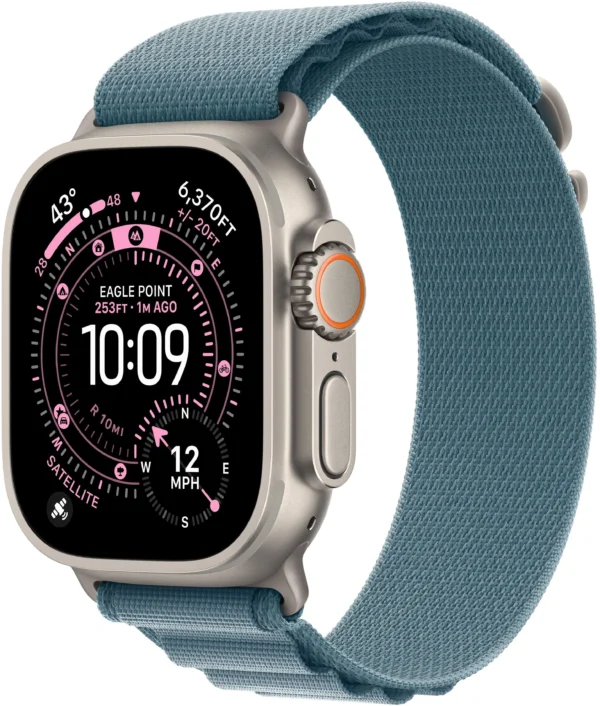
NextBuy lists four band families. They change the wearing experience and included band, not the core Ultra 3 processor. One selected band comes with the watch; the photographs do not mean all four are supplied. Use Apple’s band-fitting instructions to understand the closure, then confirm the actual size supplied in your chosen offer.
| Band | What to compare | Try before deciding |
|---|---|---|
| Alpine Loop | Woven construction and its closure. | Can you fasten and adjust it comfortably for your usual day? |
| Trail Loop | An adjustable fabric option. | Does the chosen size give useful adjustment for running and long wear? |
| Ocean Band | The water-activity option. | Check the closure, wrist fit and the manufacturer’s activity guidance. |
| Titanium Milanese Loop | A metal-mesh option. | Check the clasp and the feel on your wrist rather than buying on appearance alone. |
Try the watch while bending your wrist and moving your hand, not only while holding it still for a photograph. Check that the closure does not sit awkwardly against your desk or under a sleeve. If you want to wear it overnight, include that comfort question in your decision.
The 49mm case measurement is not a wrist circumference. Band family, band size and case size answer different questions. The current colour and band-family choices should not be treated as proof that a particular Small, Medium or Large band is included; confirm its fit range explicitly.
42 hours and 72 hours describe different use
Apple’s published Ultra 3 figures are up to 42 hours of normal use and up to 72 hours in Low Power Mode. The longer figure is not three days of unrestricted use or a continuous-GPS recording promise. Actual endurance depends on what you do with the watch.
Think through your own charging window: before leaving home, during a desk session or after a workout. If you plan to wear the watch overnight, charging only at bedtime may not suit that routine. A longer claimed duration is useful only if the settings and charging plan fit how you will use the device.
For a long outing, start with the battery prepared and check the intended settings beforehand. Keep navigation and communications plans separate from a headline battery claim. This is a buying checklist, not a NextBuy endurance test.
Compare current bands and finishes
The cards below show current NextBuy band-family offers. Open a band to choose its actual case finish and band colour, then check the selected configuration’s price and stock. A family price range can include different offers; it is not a promise that every pictured colour is available.
Compare configurations
Compare the listed options, then open the configuration that fits.
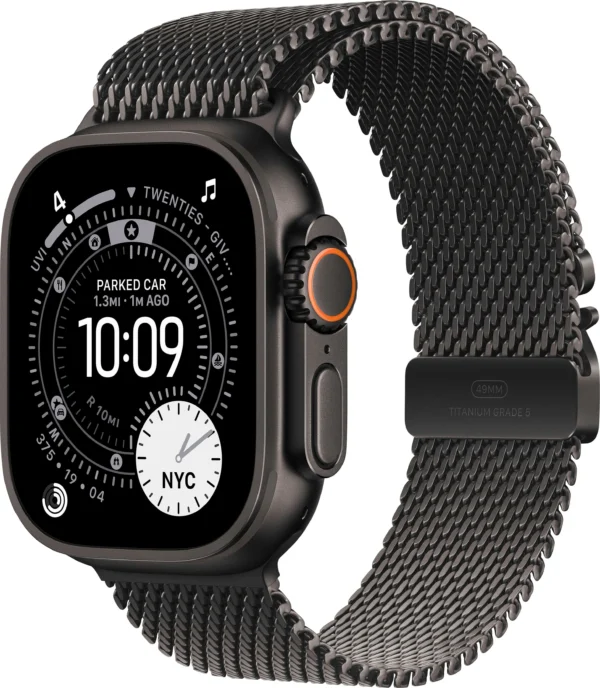
Titanium Milanese Loop
- Band Type
- Titanium Milanese Loop
No configurations match. Try another search or show all options.
Before ordering, confirm the fitted band size, included charging equipment and warranty terms for that exact offer.
Before you order
- Confirm the exact iPhone and supported software versions.
- Try the 49mm case and selected band’s closure.
- Confirm the supplied band’s wrist-fit range.
- Check case finish and band colour on the selected offer.
- Verify any carrier-dependent service separately from the hardware label.
- Plan a charging routine around the functions you actually need.
Questions before choosing
Does GPS + Cellular guarantee a Kenyan watch plan?
No. Hardware, regional model, carrier support and an eligible plan are separate requirements. Check Apple’s current carrier list before relying on phone-free service.
Does a more expensive band make Ultra 3 faster?
No. Compare the band for its material, closure, fit and included equipment. Do not treat a band price difference as a processor upgrade.
Is 49mm the band size I should order?
It describes the case. Confirm the selected band’s own wrist-fit range and supplied size separately.
Manufacturer references
- Apple Ultra 3 introduction and battery figures
- Apple Watch and iPhone compatibility
- Apple Watch cellular carriers and regional conditions
- Apple band-fitting and adjustment guide
Images: Apple manufacturer photography, reused from the existing Ultra 3 gallery. No NextBuy hands-on test or locally activated cellular service is claimed.