
Two Monitors on a MacBook Air M5 in Kenya: Plan the Connection
Start with the two monitors you intend to use. Their inputs and the connection between them and the Mac matter as much as the laptop. Decide whether you need two separate workspaces before buying a hub.
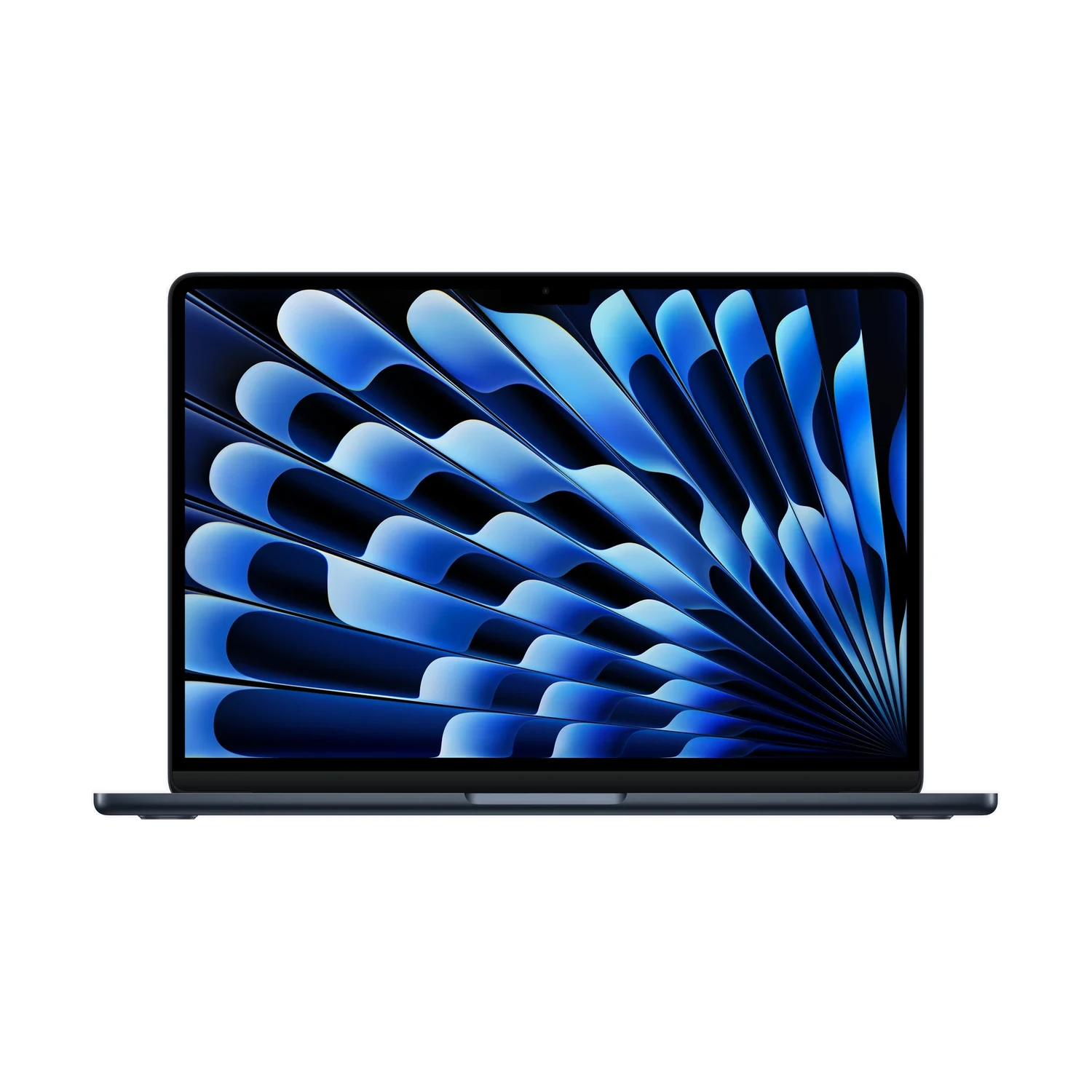
Write down what each monitor needs
This guide uses the existing Apple M5 Air listing. Record each monitor’s exact model, available inputs and intended resolution and refresh rate. Include the cables you already own. A USB-C connector is a physical shape; it does not by itself establish that a cable carries video or that a dock supports two independent desktops on your Mac.
For a Kenyan home-office or business buyer reusing existing equipment, this list helps avoid paying for an adapter that solves the wrong problem. Ask a supplier to confirm the complete combination, including macOS support, rather than asking only whether a dock has two HDMI sockets.
Use the M5 Air display limit, not an older Air tutorial
Apple specifies support for up to two external displays alongside the built-in screen on the M5 Air. Resolution and refresh-rate combinations matter, and closing the lid does not add another external display. Apple lists two external displays up to 6K at 60Hz or 4K at 144Hz. A pair of 4K 60Hz screens is within that mode ceiling, but your cables, adapters and monitors must support the full connection. This is not a guarantee for an arbitrary hub. Consult the current Apple display-support table for your intended pair rather than combining two separate maximum figures.
This is a different decision from choosing the built-in panel. Our 13-inch versus 15-inch M5 Air guide covers carrying size and laptop workspace. Our Neo monitor guide covers that model’s separate connection limits.
Choose a connection path you can verify
| Plan | What to confirm |
|---|---|
| A separate connection for each monitor | Each cable or adapter carries the target video signal from a suitable Mac port to the monitor input. |
| A single dock connection | The exact dock documents two independent external desktops on this Mac and supports the desired modes. |
| A daisy-chain setup | Every display and connection supports the manufacturer-documented arrangement; an extra socket is not proof. |
Apple notes that a supported hub or daisy chain can carry two displays over one Thunderbolt port without raising the Mac’s overall display limit. Keep a written list of the exact cable and dock models. This article does not certify an untested accessory or recommend a particular dock.
Check the setup before committing
- Connect and select the correct input on one monitor first.
- Check the available resolution and refresh rate in macOS Displays settings.
- Add the second connection and verify that both screens are detected.
- Choose extended desktops if you want separate workspaces; mirroring repeats a workspace.
- Check charging and any required keyboard, mouse, network or storage connection with the whole setup attached.
If both external screens repeat the same picture when you need separate desktops, check the exact dock’s Mac support. Buying another identical cable without diagnosing the connection can leave the same limitation in place. Request a supported demonstration or a clear compatibility statement before purchasing accessories.
Compare the complete desk cost
List the laptop, any new displays, cables, adapters, dock and power equipment separately. Include only items you actually need. Do not assume a monitor provides enough charging power or that an adapter is included in a laptop offer.
MacBook Air 13-inch M5
Price range: KShs 170,500 through KShs 251,000
In stockCheck the selected configuration and package. Open the product to confirm the exact offer before ordering.
These model-wide live blocks do not establish availability for every configuration or include separate desk accessories. Browse the MacBook catalogue and confirm the exact option before ordering.
Questions before buying
Does closing an M5 Air add a third external monitor?
No. Apple states that closing its lid does not increase its external-display maximum.
Will any dual-HDMI hub provide two separate desktops?
Do not assume so. Verify the exact dock, Mac and intended display modes with the accessory manufacturer.
Has NextBuy tested the setup described here?
This is a planning guide based on manufacturer documentation, not a hands-on dock test.