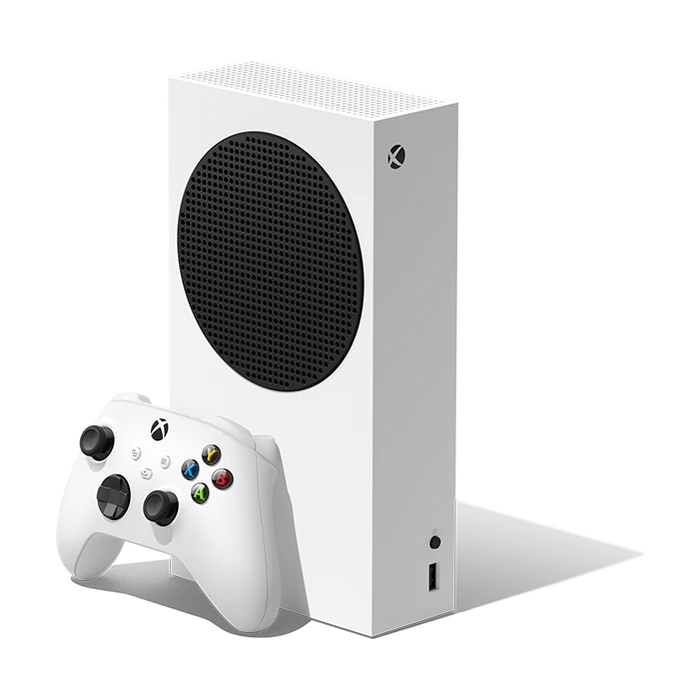
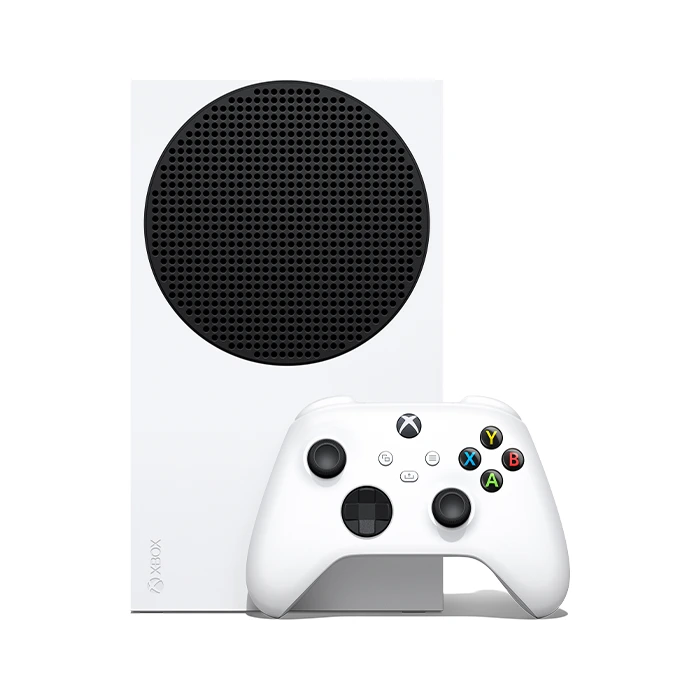
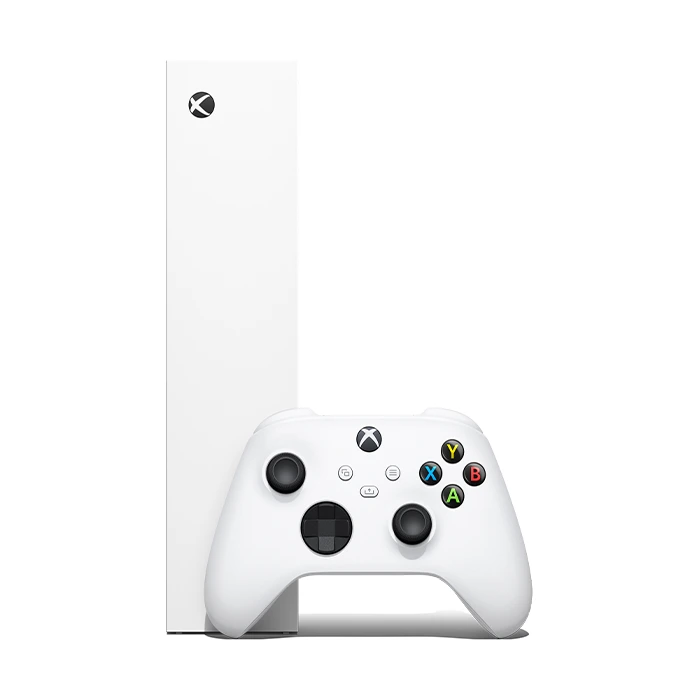
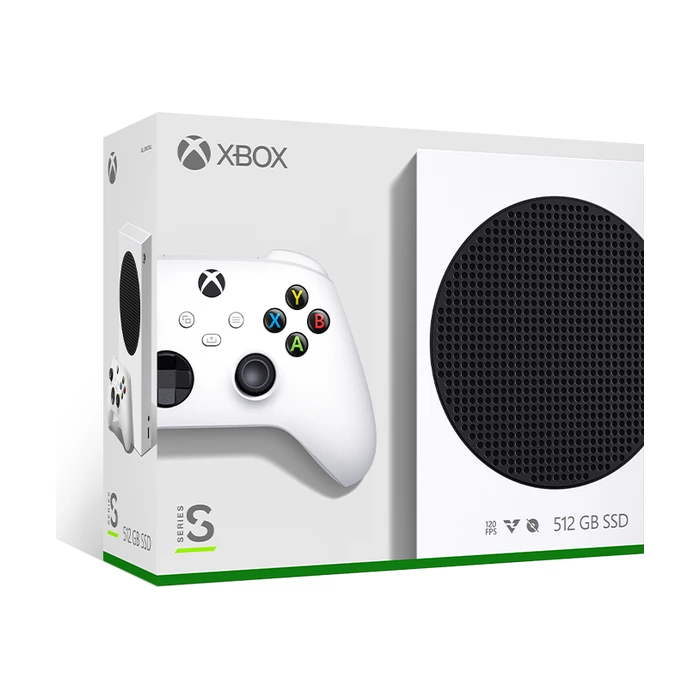
Xbox Series S Overview
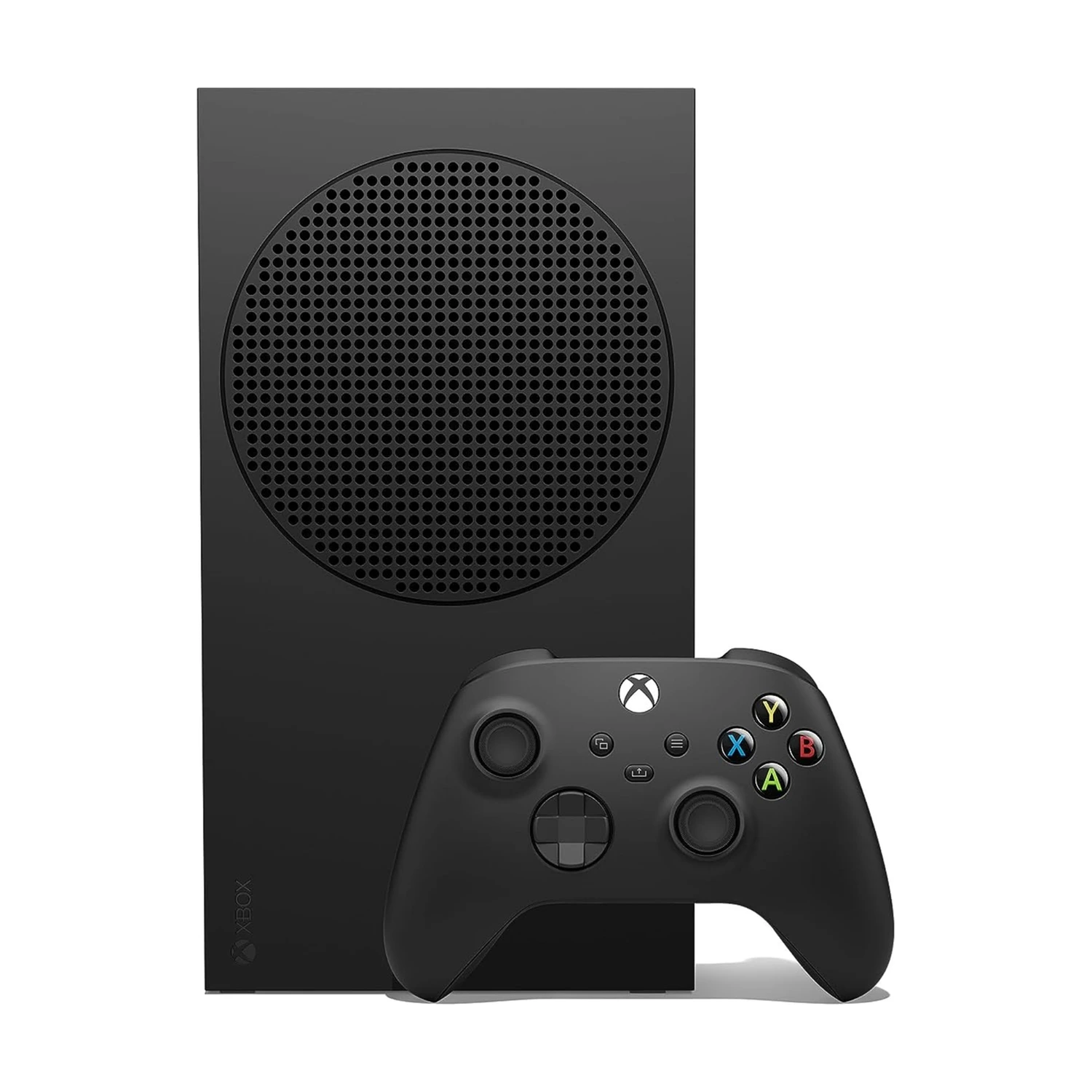
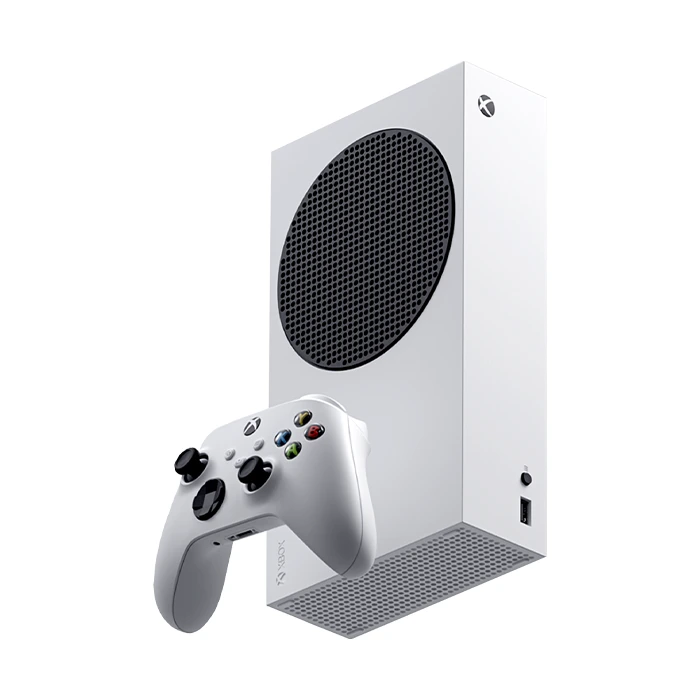
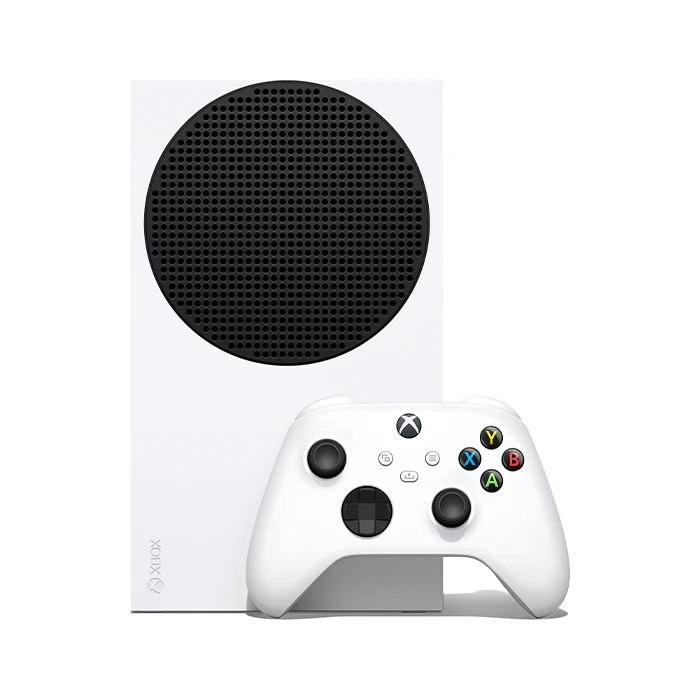
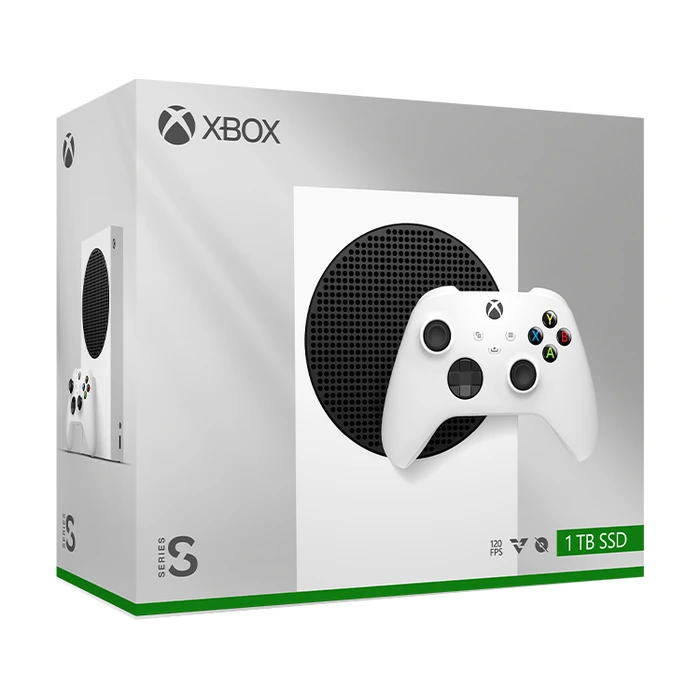
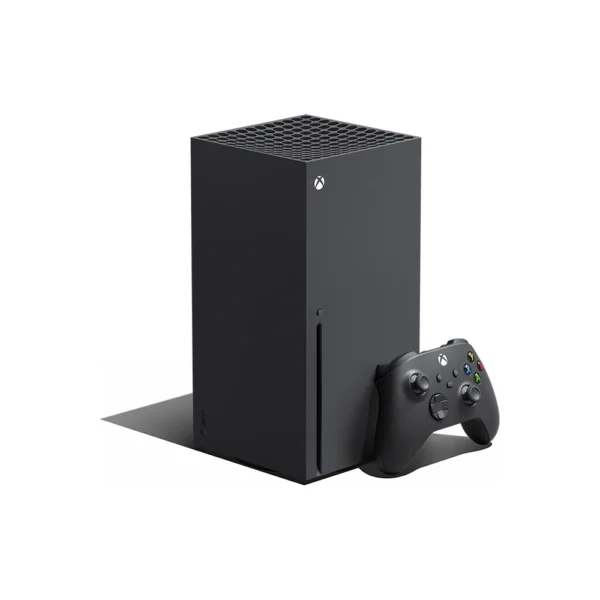
The Xbox Series S price in Kenya is KShs 76,000. This compact, all-digital console suits players building a downloaded Xbox library, with fast SSD loading and Quick Resume for supported games. Choose the 512GB Robot White model for a smaller installed collection, or 1TB in Carbon Black or Robot White for more room. If you own physical games or prioritise stronger graphics on a large 4K screen, compare the Xbox Series X.
A digital-only console: choose it for the right library
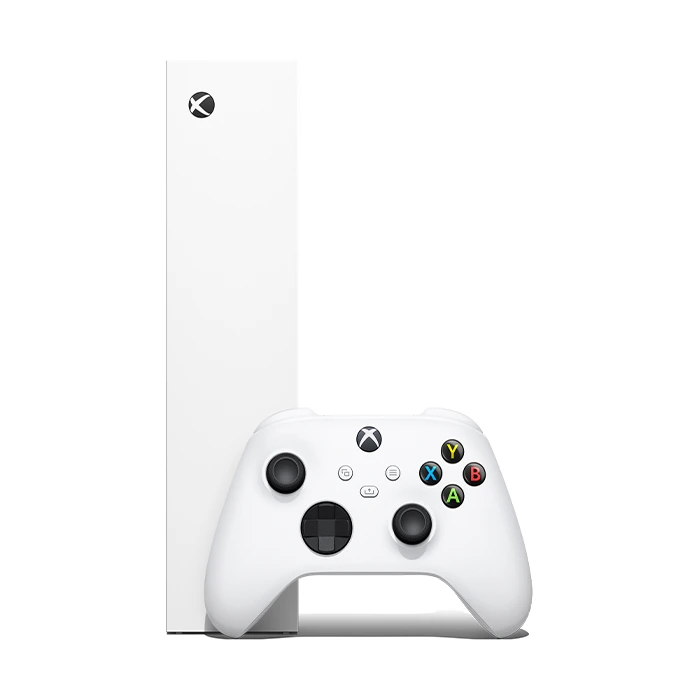
Xbox Series S has no optical drive and cannot play physical game or movie discs. Its small size does not hide a slot or provide a later external-disc-drive upgrade path. You use digital purchases, eligible free-to-play games or titles available through a suitable subscription. Owning a disc alone does not automatically give this console a digital copy.
This matters when moving from an older Xbox. Eligible digital purchases can be accessed through the owning Microsoft account, subject to compatibility, but a collection of physical discs is a reason to consider Series X with a drive instead. Avoid choosing Series S on the assumption that a generic USB DVD or Blu-ray drive will solve that limitation.
1440p gaming target and up to 120 fps
Microsoft specifies 1440p gaming and up to 120 fps, with actual resolution and frame rate dependent on the game and selected mode. Series S is a sensible match for many 1080p or 1440p setups. It can be connected to a compatible 4K television, but 4K display output or upscaling should not be confused with every game rendering natively at 4K.
High-frame-rate modes require both a supporting game and a display that accepts the relevant 120Hz input. Some demanding games use lower resolutions or different visual settings than Series X. If the goal is the sharpest presentation on a large 4K screen, compare the stronger console rather than expecting identical image quality from the lower-cost model.
512GB or 1TB: choose around your installed library
The 1TB versions give you more internal space without buying a storage card immediately. Carbon Black and Robot White are the two listed 1TB finishes; their colour does not change the games they run. The 512GB model is offered here in Robot White. Decide how many large games you want ready at once before choosing by finish alone.
The internal 512GB SSD provides fast storage, but the usable space for games is substantially below the headline capacity after system software and reserved functions. Large multiplayer games, updates and optional content can quickly consume it. This configuration works best when you are comfortable keeping a smaller selection installed and rotating games as needed.
The number of titles that fit is not fixed: a small independent game and a large modern release have very different storage needs. Also consider download time and data allowances if you expect to delete and reinstall often. The lower initial console price should be weighed against the possible later cost of storage expansion.
Expansion cards and USB storage are different
Compatible Xbox Series X|S Storage Expansion Cards are designed to extend storage while supporting the console’s performance requirements. They are separate purchases. Many Series X|S-optimised games need either the internal SSD or such a card to run.
An external USB drive can be useful for storing games between transfers and playing supported older titles. It is not a substitute for an expansion card in every situation, even if the USB device is an SSD. Check a game’s storage requirement before buying a drive specifically to increase the number of current-generation titles you can play without moving files.
Quick Resume and your existing Xbox account
Quick Resume allows supported games to retain a suspended state, making it easier to switch between titles. It is useful for a shared console or someone moving between a racing game and a single-player adventure. Online sessions may need to reconnect, and not every title behaves the same way; normal saving remains important.
Series S supports a catalogue of Xbox One games and selected Xbox 360 and original Xbox titles in digital form. Compatibility is not universal, and Kinect-required games are excluded. Smart Delivery supplies the appropriate version of participating games, while upgrades outside that programme depend on the publisher. Check the game, account entitlement and save support when bringing an existing library across.
Game Pass is a choice, not an included lifetime library
Game Pass can be useful for exploring a changing catalogue, but access depends on the plan, subscription status, region and the titles currently offered. Games can leave the service, and downloading through a subscription does not automatically make them permanent purchases. This standard console listing should not be read as including Game Pass.
You can buy games individually or use eligible free-to-play titles. Paid-game console multiplayer commonly needs a suitable subscription, while free-to-play exceptions apply. Check current regional service availability and the compatibility of vouchers with your Microsoft account before paying for codes. A console purchase does not guarantee that every cloud or subscription feature is offered in Kenya.
What is included and how to set it up
Each standard package contains the selected 512GB or 1TB Series S console, one matching Xbox Wireless Controller, an HDMI cable and power cord. It does not include an Elite controller, storage expansion card or rechargeable battery kit. The standard controller uses AA batteries or a compatible rechargeable pack; plugging in USB-C does not charge ordinary AA cells inside it.
Allow time for initial setup, updates and game downloads, and keep the console’s large ventilation opening unobstructed. Ethernet is useful for a fixed setup where Wi-Fi is inconsistent. For the official specification and model comparison, see Microsoft’s Xbox Series S page. The official Series X|S walkthrough illustrates shared features such as Quick Resume; the Series X hardware shown in it is a separate model.