| Screen Size | |
|---|---|
| Resolution | |
| Refresh Rate | |
| Panel Type | |
| Display Finish | |
| Connectivity | |
| USB-C Power Delivery | |
| Screen Type | |
| Adaptive Sync | |
| Stand Adjustment | |
| Color Gamut | |
| Speakers | |
| Webcam | |
| Color | |
| Release Year |
Apple Studio Display XDR Review: We're All Pros Now!YouTube ↗

KShs 524,500
Price is indicative and may change when stock arrives.
In-stock alternativesA 27-inch 5K mini-LED display with HDR, up to 120Hz, P3 and Adobe RGB support, and Thunderbolt 5 with up to 140W host charging. Choose standard or nano-texture glass and a height-adjustable stand or VESA configuration; refresh-rate support depends on the connected device.
Choose an unavailable option and leave your details. We’ll email you when it’s available to order.
We’ll also email you when other options of this product become available, while keeping your chosen option on the waiting list. You can stop alerts from any email. Prices may change when stock arrives.
Explore the details that matter.
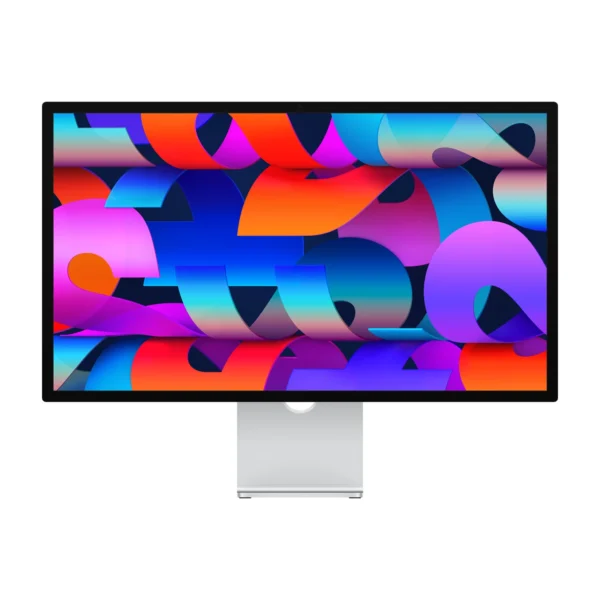
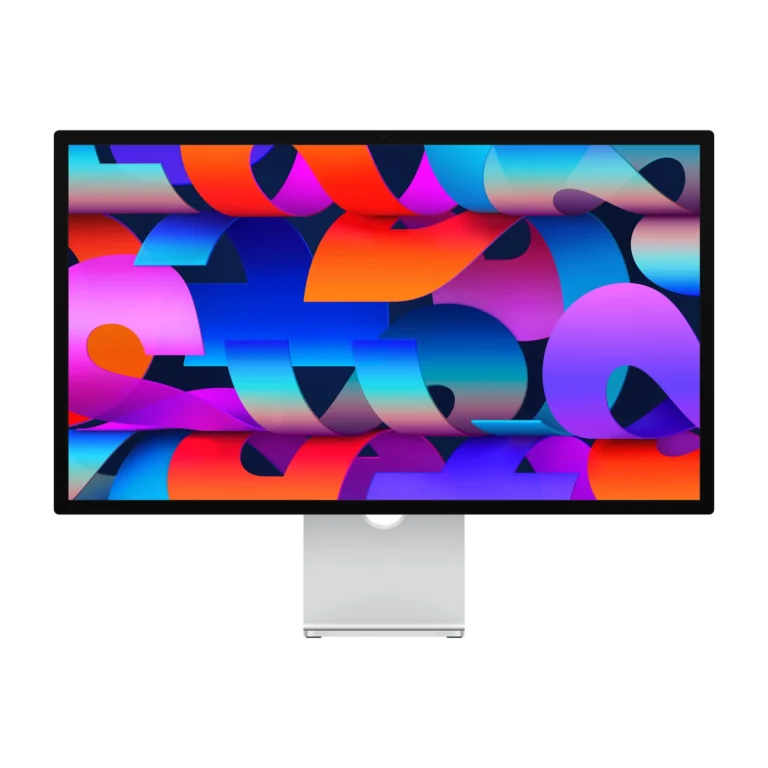
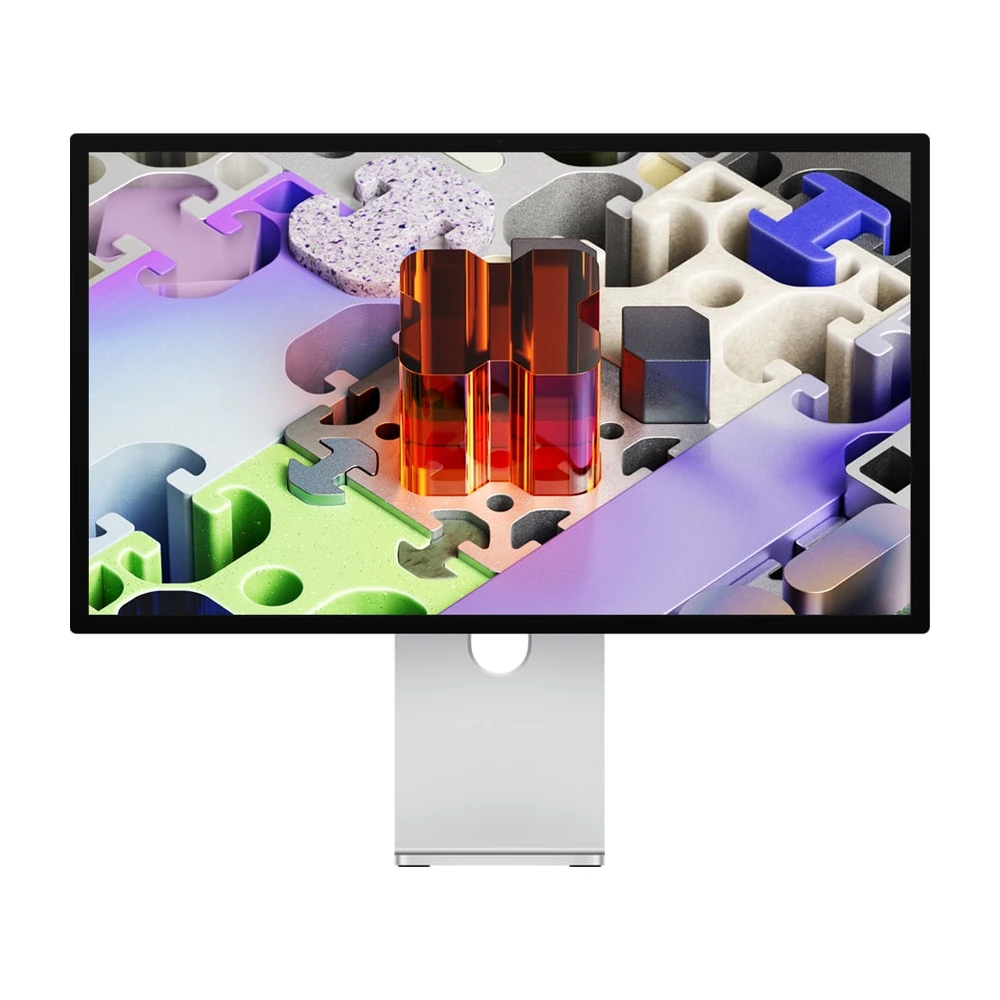
The Apple Studio Display XDR 27-inch 5K Retina XDR (2026) price in Kenya is KShs 524,500. This 27-inch professional monitor is built for Mac users who need to judge HDR highlights, shadow detail and colour on a sharp 5K desktop display. Mini-LED local dimming and up to 120Hz refresh make it a substantial step beyond the Apple Studio Display 27-inch 5K Retina (2026), while keeping the same screen size and pixel resolution. Choose XDR for its display capabilities rather than expecting a larger workspace than the standard model.
The 5120 × 2880 panel provides 218 pixels per inch, useful for sharp text, detailed photographs and inspecting design work at a comfortable desktop size. Its mini-LED backlight uses 2,304 dimming zones, allowing different parts of the image to be lit independently. Bright highlights and dark areas can therefore be represented with a wider brightness range than on the standard Studio Display.
Apple specifies up to 1,000 nits for SDR and a 2,000-nit HDR peak under its stated temperature conditions. Peak brightness is not a promise that every image or the whole screen stays at that level. For grading, judge the display in the reference mode and room lighting appropriate to the delivery format, rather than simply turning brightness to maximum.
Up to 120Hz and Adaptive Sync make movement and compatible content feel smoother. They do not make the connected Mac render complex projects faster. Apple lists Macs with M1, M1 Pro, M1 Max, M1 Ultra, base M2 and base M3 as limited to 60Hz on this display, while retaining its other supported features. Check the exact chip, not just whether the machine has a USB-C-shaped port.
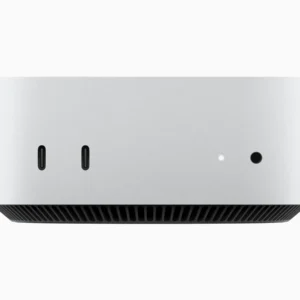
For a current desktop setup, the Apple Mac mini with M4 Pro is a relevant catalogue pairing. Multi-display capability still depends on the host, resolution and connection arrangement. A Thunderbolt hub or dock can introduce its own limits.
Standard glass suits a workspace where you can control windows and direct lighting. Nano-texture is the option to consider when reflections are hard to avoid, such as a desk facing a bright room. It changes how reflections are handled; it does not increase resolution, refresh rate or the computer’s performance.
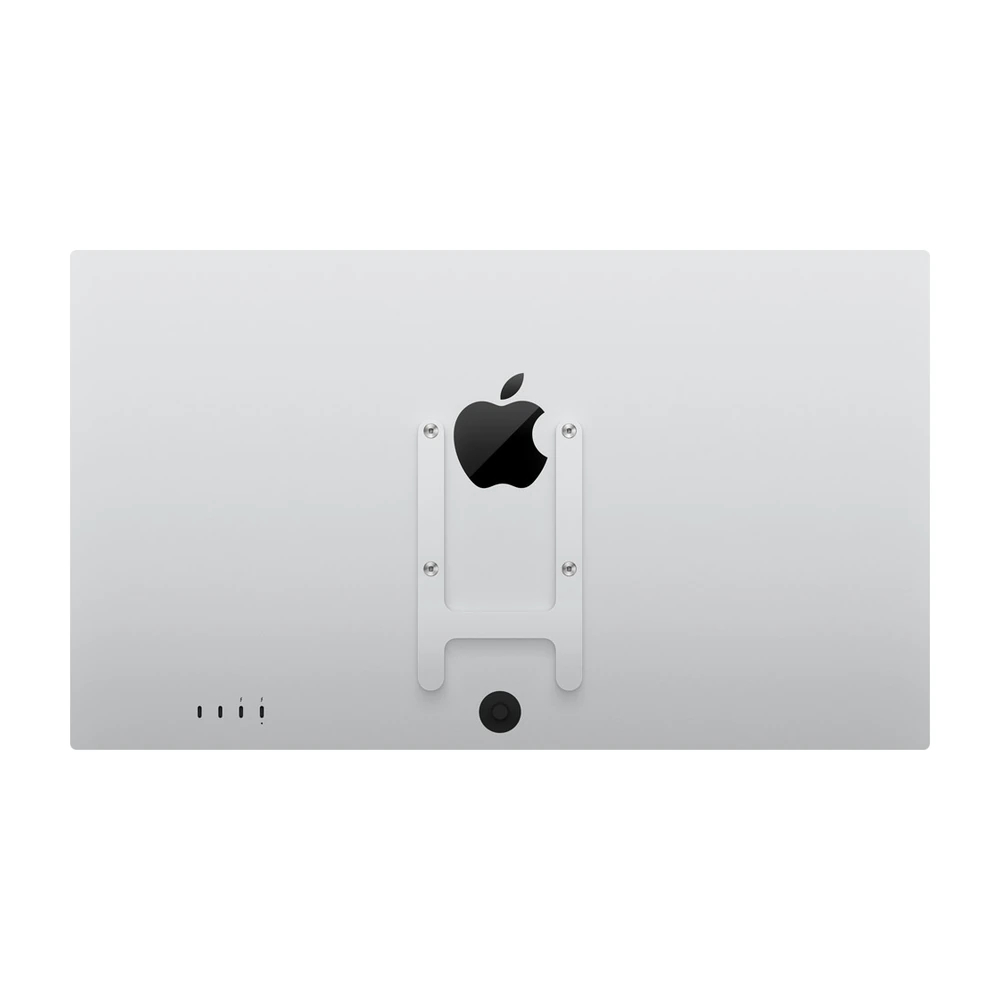
The catalogue offers both glass finishes with either Tilt & Height or a VESA Mount Adapter. Choose the finish for the actual desk environment. For nano-texture, follow Apple’s cleaning guidance and use the appropriate Apple polishing cloth.
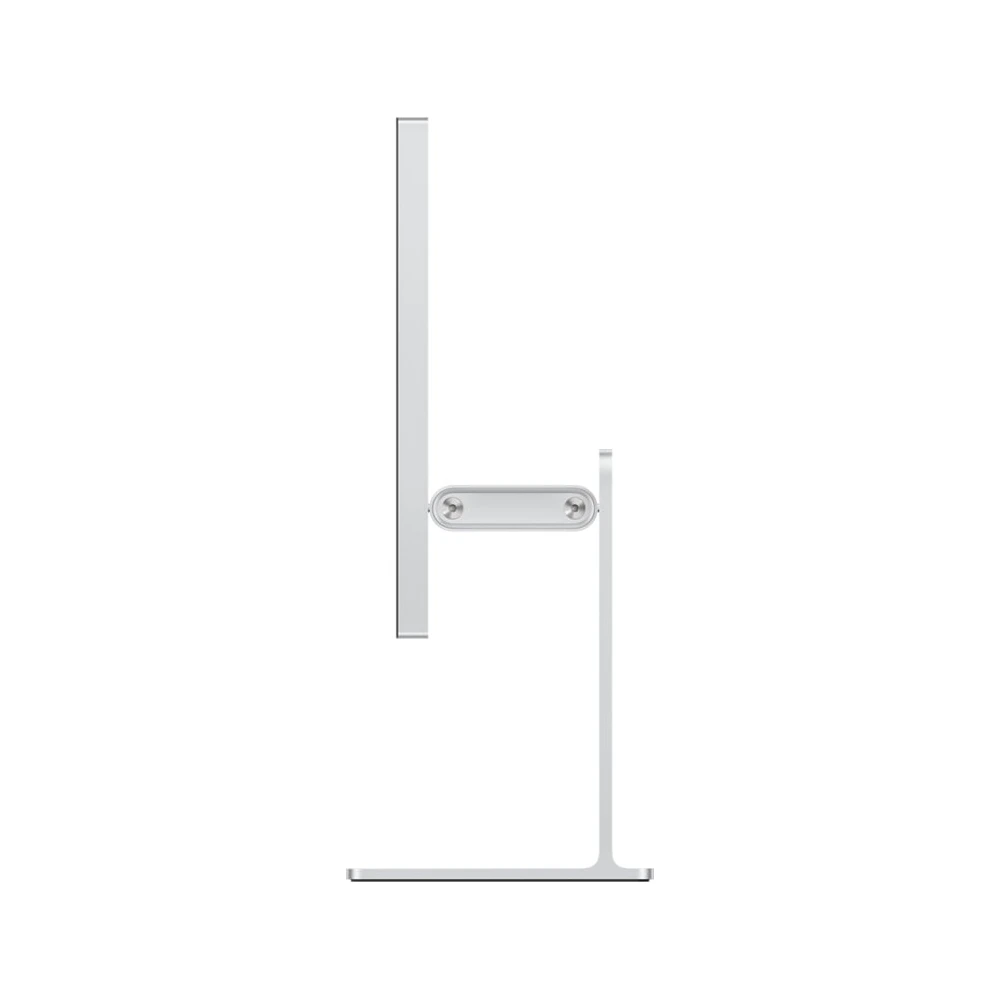
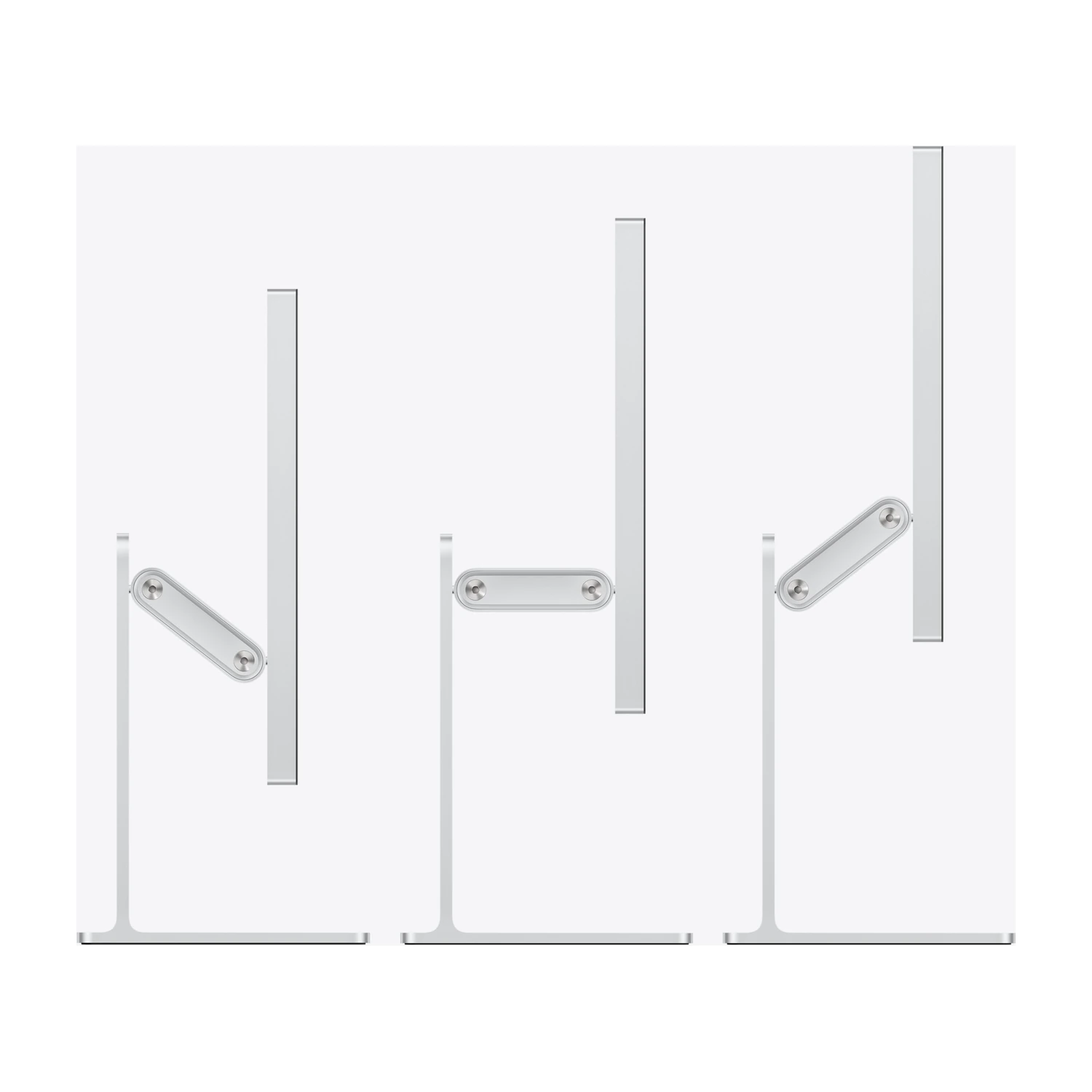
The Tilt & Height configuration provides 105mm of vertical adjustment and a tilt range from −5° to +25°. It is the practical choice for a self-contained desk setup where different users or chairs require a different screen height. This stand is intended for landscape use.
The VESA Mount Adapter configuration is for a separately purchased compatible 100 × 100mm arm or mount. It does not include the desktop stand. Apple lists the VESA version at approximately 6.3kg; choose an arm with adequate rated capacity and check the mounting instructions. VESA mounting supports landscape or portrait orientation.
P3 and Adobe RGB support, together with reference modes for photography, print, web and video, help match the screen to the work being assessed. A wide colour gamut alone is not a substitute for a managed workflow: select the intended reference mode, use the correct document profile and control ambient light when consistency matters.
The integrated 12MP Center Stage camera with Desk View, three-microphone array and six-speaker system also make this a complete desk display for calls and presentations. A separate webcam and basic desktop speakers may be unnecessary for routine meetings, though specialist recording or audio work can still justify dedicated equipment.
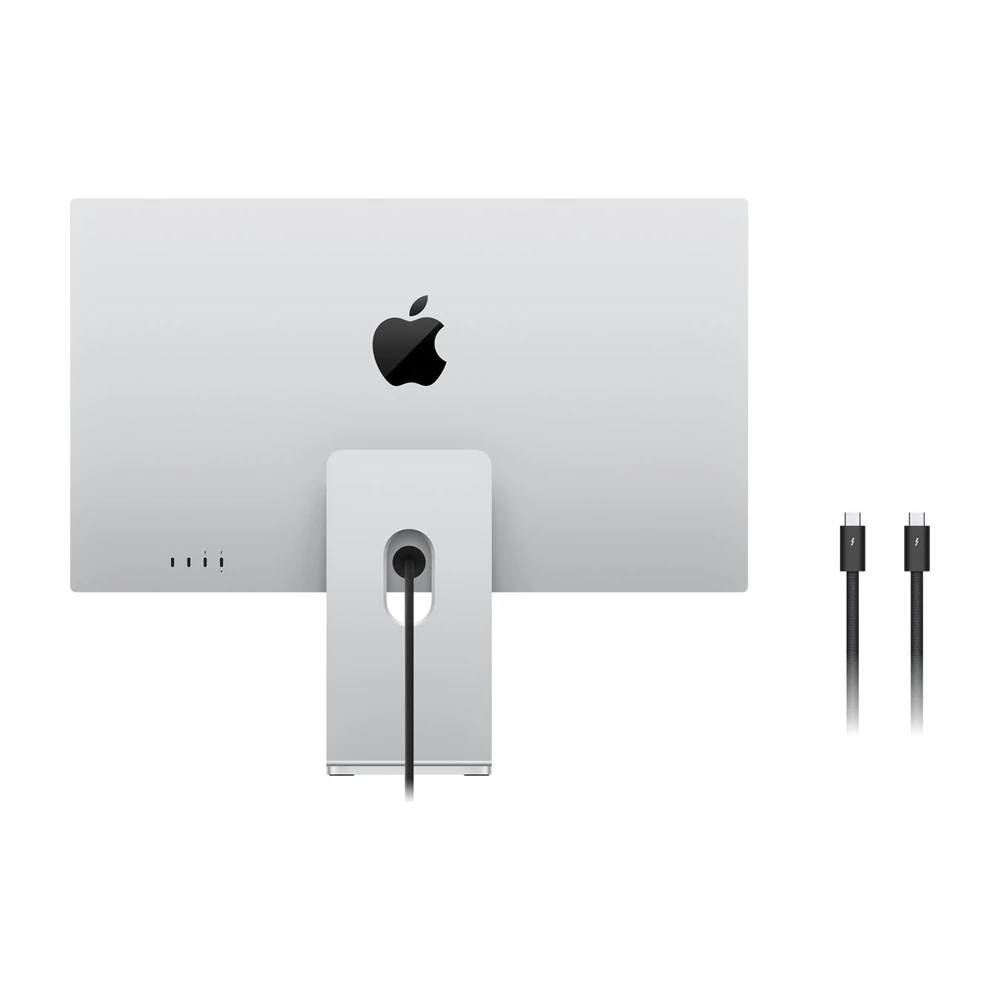
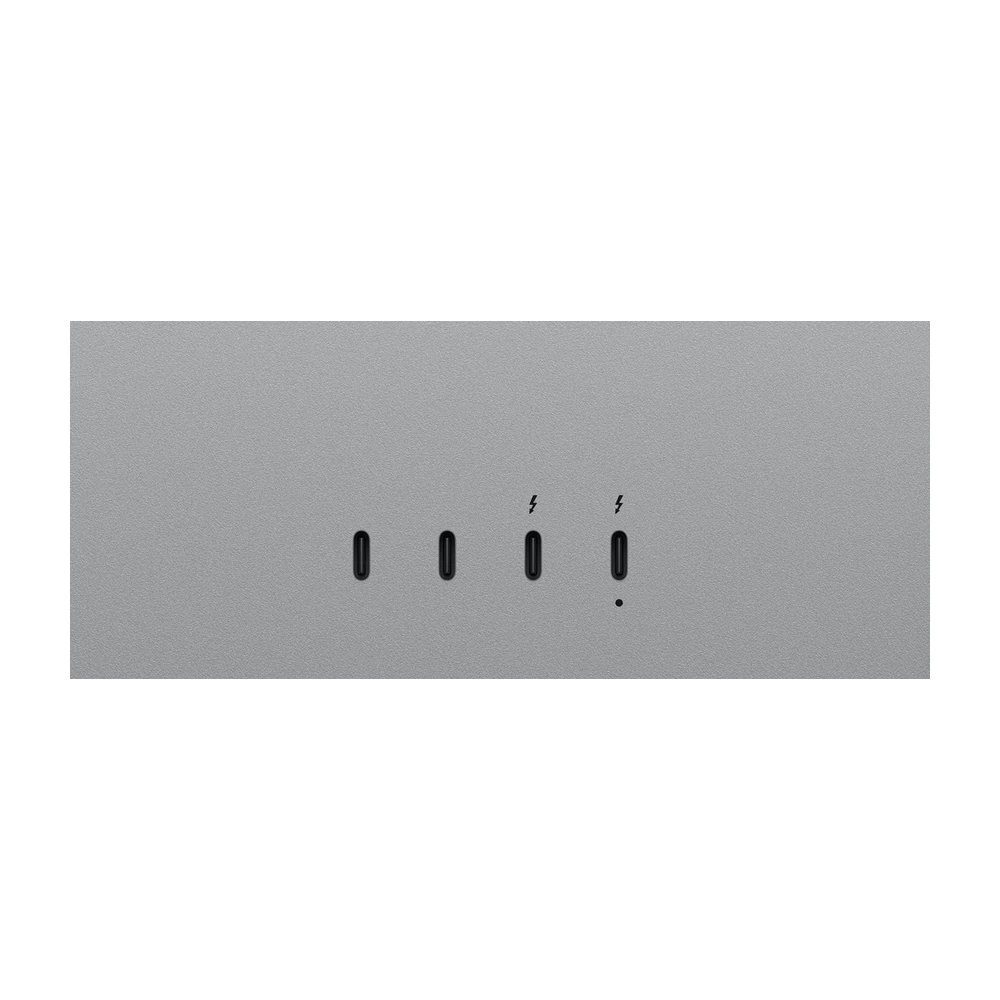
One upstream Thunderbolt 5 connection carries the host connection and supplies up to 140W charging to a compatible laptop. The second Thunderbolt 5 port is downstream for suitable accessories or another display, and two USB-C ports support peripherals at up to 10Gb/s. It is not a two-computer KVM switch, and there is no HDMI input for plugging in a console directly.
Use the included 1m Thunderbolt 5 Pro cable and connect mains power to the display. Apple’s supported Mac setup requires Apple silicon and macOS Tahoe 26.3.1 or later. Supported iPads require iPadOS 26.3.1 or later, with feature and refresh-rate differences; camera features and firmware updates require a Mac. Check Apple’s official XDR specifications before relying on a particular host or multi-display arrangement.
For coding, writing, music production, calls and primarily SDR design, the standard 2026 Studio Display delivers the same 27-inch 5K pixel workspace with a lower-cost display specification. XDR earns its place when HDR assessment, wider colour workflows or higher refresh are useful to your work. Our Studio Display versus Studio Display XDR comparison covers the choice in more detail. The video section includes an independent review, rather than an Apple promotional video.
| Screen Size | |
|---|---|
| Resolution | |
| Refresh Rate | |
| Panel Type | |
| Display Finish | |
| Connectivity | |
| USB-C Power Delivery | |
| Screen Type | |
| Adaptive Sync | |
| Stand Adjustment | |
| Color Gamut | |
| Speakers | |
| Webcam | |
| Color | |
| Release Year |
Both 2026 models have a 27-inch 5120 × 2880 screen. XDR adds mini-LED local dimming, HDR capability, up to 120Hz, Adobe RGB support and up to 140W host charging. Standard Studio Display runs at 60Hz and offers up to 96W host charging.
No. This is the 27-inch Studio Display XDR introduced in 2026. The screen size, resolution, connections and mounting choices should not be confused with the older Pro Display XDR.
No. Apple lists M1, M1 Pro, M1 Max, M1 Ultra, base M2 and base M3 Macs as supporting this display at up to 60Hz. Check the exact chip and display configuration before buying specifically for 120Hz.
Apple lists compatible Apple-silicon Macs running macOS Tahoe 26.3.1 or later. Check the official supported-model list and your computer’s external-display limits.
Standard glass suits controlled lighting. Nano-texture is useful where reflections from windows or room lights are difficult to avoid. The glass choice does not change resolution or refresh rate.
Apple specifies landscape orientation for the supplied tilt- and height-adjustable stand. Use the VESA configuration with an appropriate mount if portrait orientation is required.
It provides the display with the VESA mount adapter instead of a desktop stand. A compatible 100 × 100mm arm or stand is purchased separately and must support the display’s weight.
The Tilt & Height stand offers 105mm of total vertical adjustment and tilt from −5° to +25°.
No. It is Apple’s peak HDR rating under specified conditions, including temperatures below 25°C. Apple separately rates SDR brightness at up to 1,000 nits.
The upstream Thunderbolt 5 connection provides up to 140W host charging. Actual charging depends on the connected laptop and cable; the display itself still needs mains power.
No. There is no HDMI input. Do not assume a generic USB-C adapter provides full compatibility with a console or HDMI-only computer.
The ports have upstream and downstream roles. They are not two interchangeable computer inputs, and the display is not a built-in KVM switch.
Apple lists supported iPads with iPadOS 26.3.1 or later. iPad Pro M5 supports 120Hz; other listed iPads are limited to 60Hz. Camera features and firmware updates require connection to a Mac.
No. It is an external monitor with camera, audio and connectivity. You still need a compatible Mac or other supported host, plus any keyboard and pointing device required by that host.
The display in the purchased glass and mounting configuration and a 1m Thunderbolt 5 Pro cable. A VESA arm, computer, keyboard and mouse are not included. Nano-texture glass requires the supplied appropriate polishing cloth.
The included review is independently produced. Use it for viewing impressions and buying context; specifications and compatibility in this description are checked against Apple’s documentation.
Brand warranty terms depend on the exact unit, supplier and service region. Keep the purchase invoice and confirm coverage and exclusions at checkout.
Check model edition and connection requirements.
Thunderbolt; check cable and refresh rate.
View product →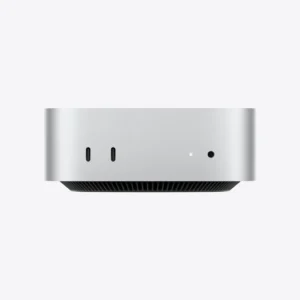
Thunderbolt; check cable and refresh rate.
View product →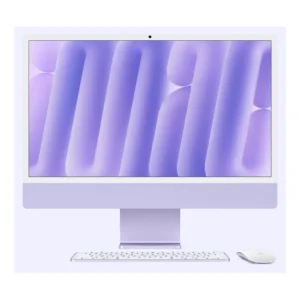
Thunderbolt; check cable and refresh rate.
View product →Available models in this category. Compare core features and prices.