| Screen Size | |
|---|---|
| Resolution | |
| Refresh Rate | |
| Panel Type | |
| Display Finish | |
| Connectivity | |
| USB-C Power Delivery | |
| Screen Type | |
| Adaptive Sync | |
| Stand Adjustment | |
| Color Gamut | |
| Speakers | |
| Webcam | |
| Color | |
| Release Year |
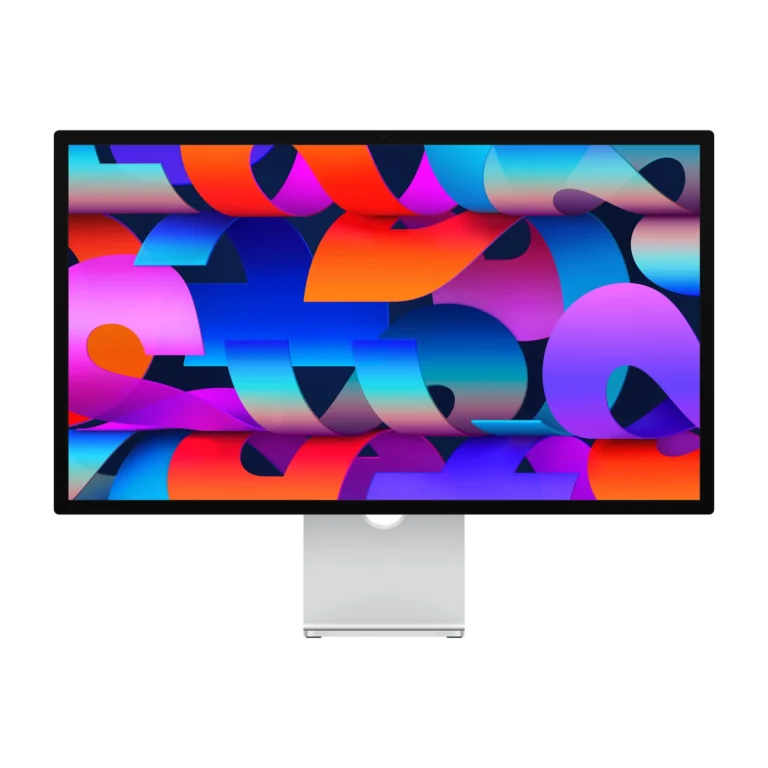
Apple Studio Display 27-inch 5K Retina (2026) Standard + Tilt
KShs 266,500
Price is indicative and may change when stock arrives.
In-stock alternativesA 27-inch 5K Retina display with P3 colour, a 12MP Center Stage camera, six speakers and Thunderbolt 5 connectivity with up to 96W host charging. Choose standard or nano-texture glass and a tilt stand, height-adjustable stand or VESA mount adapter for your desk.
Get notified about another option
Choose an unavailable option and leave your details. We’ll email you when it’s available to order.
We’ll also email you when other options of this product become available, while keeping your chosen option on the waiting list. You can stop alerts from any email. Prices may change when stock arrives.
Configuration pages
Product information
Explore the details that matter.
Apple Studio Display 27-inch 5K Retina (2026) Overview
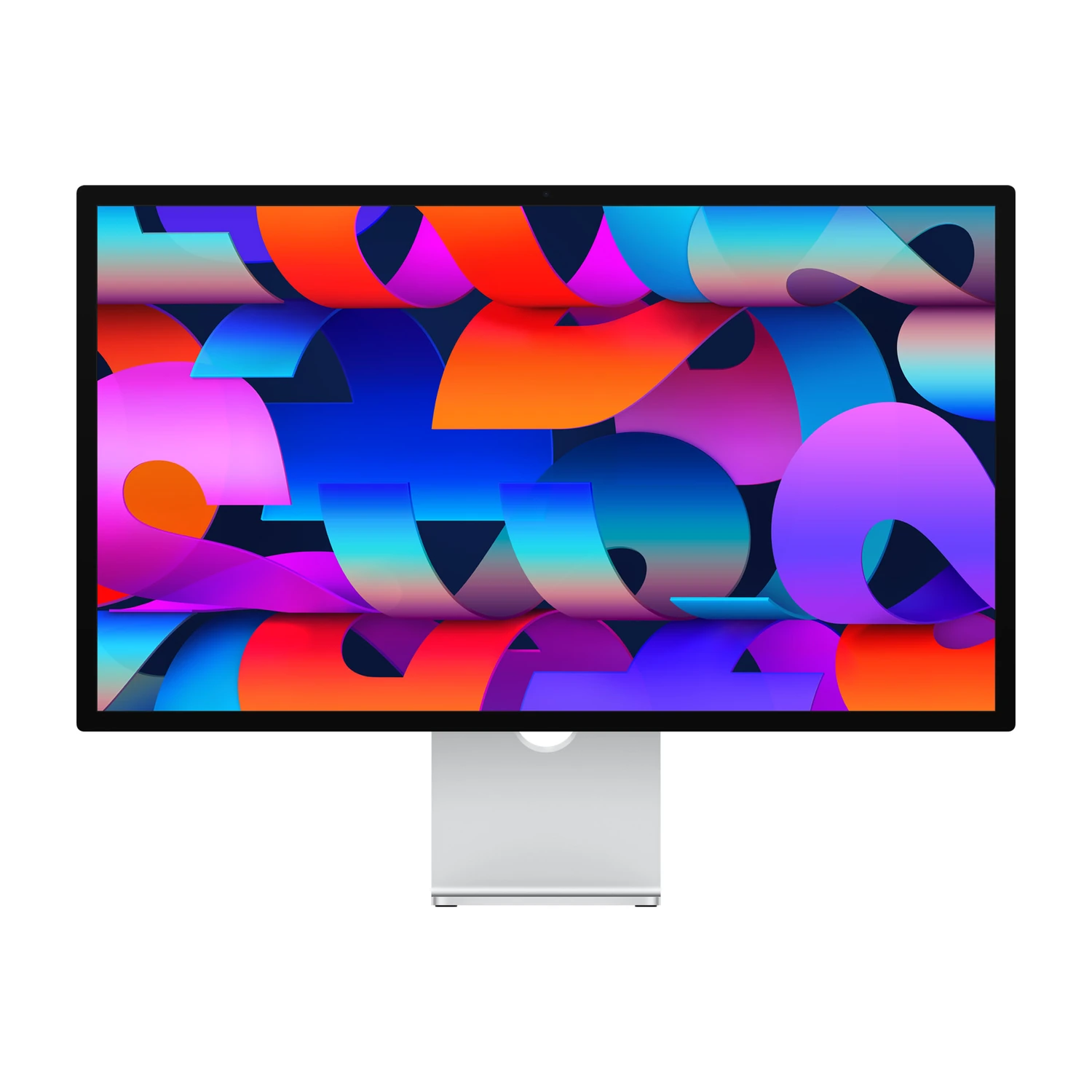
The Apple Studio Display 27-inch 5K Retina (2026) price in Kenya is KShs 266,500. This 27-inch display brings sharp text, a P3 wide-colour workspace and integrated video-call equipment to a compatible Mac desk. It suits writers, developers, photographers and designers who value 5K detail more than high-refresh gaming or HDR mastering. For mini-LED HDR and up to 120Hz, compare the Apple Studio Display XDR (2026); both have the same 27-inch size and 5120 × 2880 resolution.
5K clarity for everyday creative work
The 5120 × 2880 panel delivers 218 pixels per inch, keeping small text, interface controls and fine image detail crisp. Its 600-nit brightness and P3 wide colour suit a bright office and colour-aware photography or design workflows. True Tone adapts the display to ambient lighting; when judging colour, use appropriate display settings and controlled room lighting rather than treating automatic adjustment as calibration.
This is a 60Hz display. That is a sensible fit for documents, coding, image editing and ordinary video work, but buyers seeking smoother high-refresh motion should look at XDR. The standard model does not provide XDR’s mini-LED local dimming or HDR brightness.
Standard or nano-texture glass: choose for your room
Standard glass is the straightforward choice where you can control window reflections and desk lighting. Nano-texture is worth considering when the display faces strong or unpredictable light: its surface reduces distracting glare. Choose it for your working environment, rather than expecting a resolution or refresh-rate upgrade.
Use Apple’s recommended polishing cloth and cleaning instructions for nano-texture glass. Both finishes retain the same 5K resolution, camera, audio system and connectivity.
Tilt, height adjustment or VESA mounting
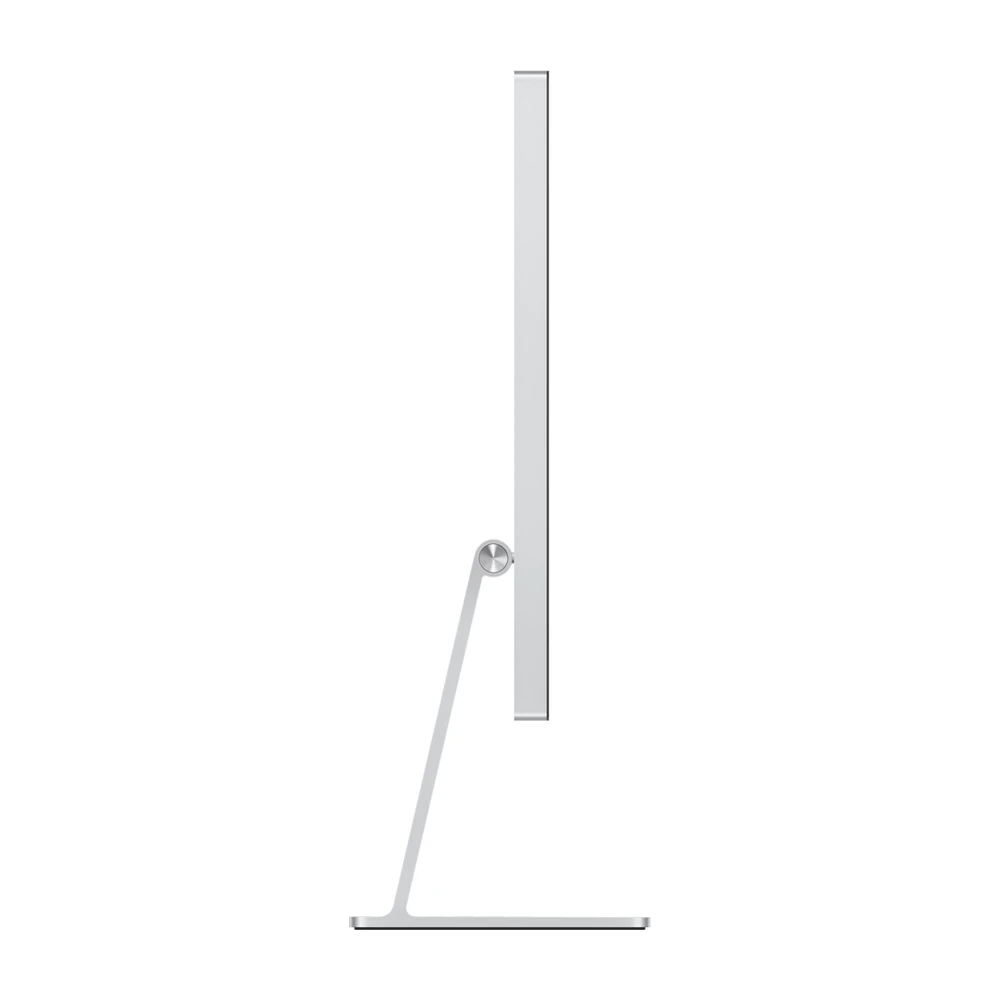
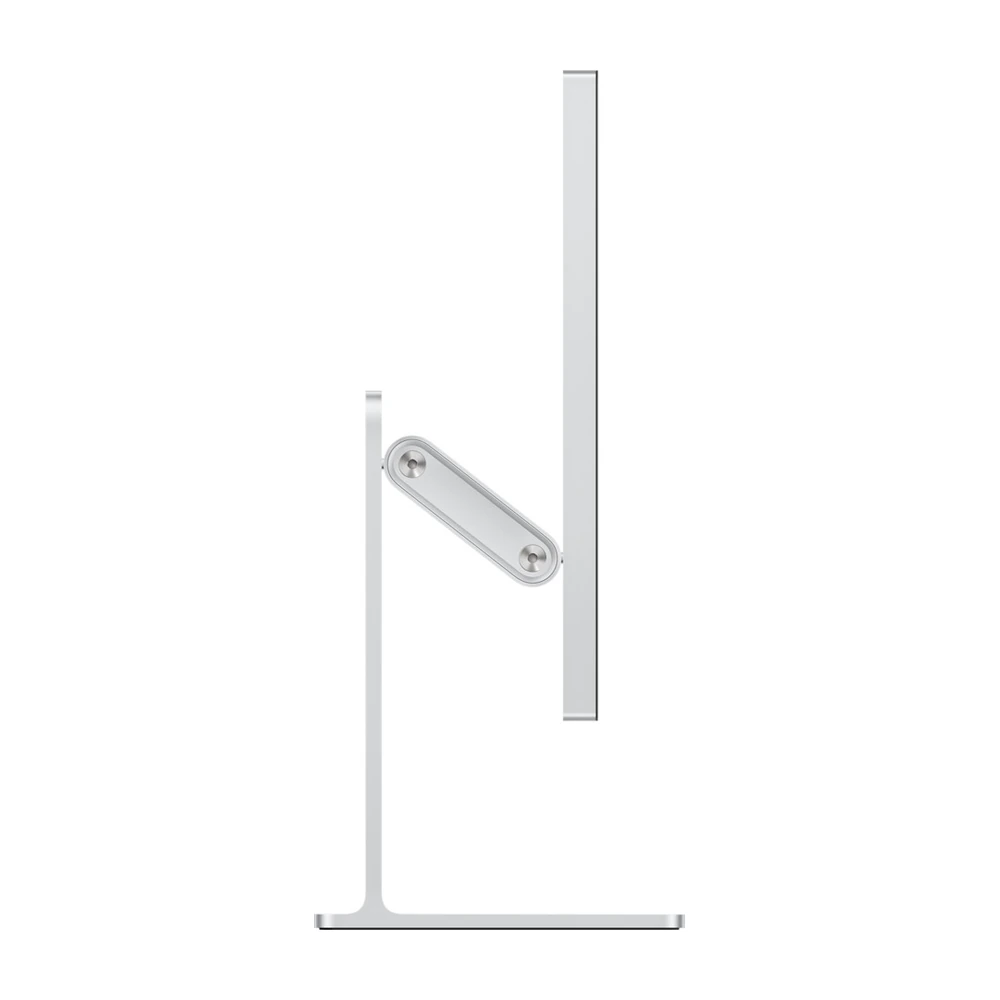
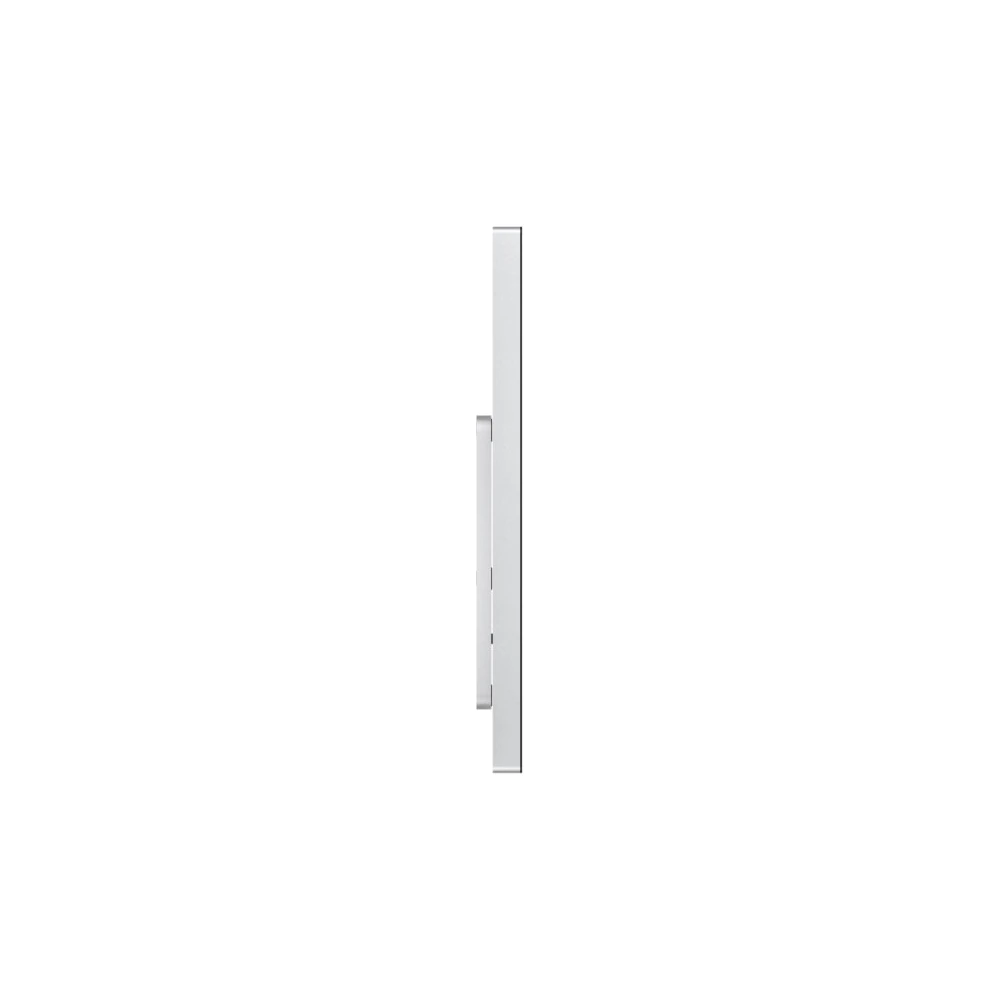
The tilt stand adjusts from −5° to +25° and suits a desk where the fixed screen height already matches your seating position. The tilt-and-height-adjustable stand adds 105mm of height travel, making it easier to align the screen with your eye line without a separate riser. Both stand configurations are designed for landscape use.
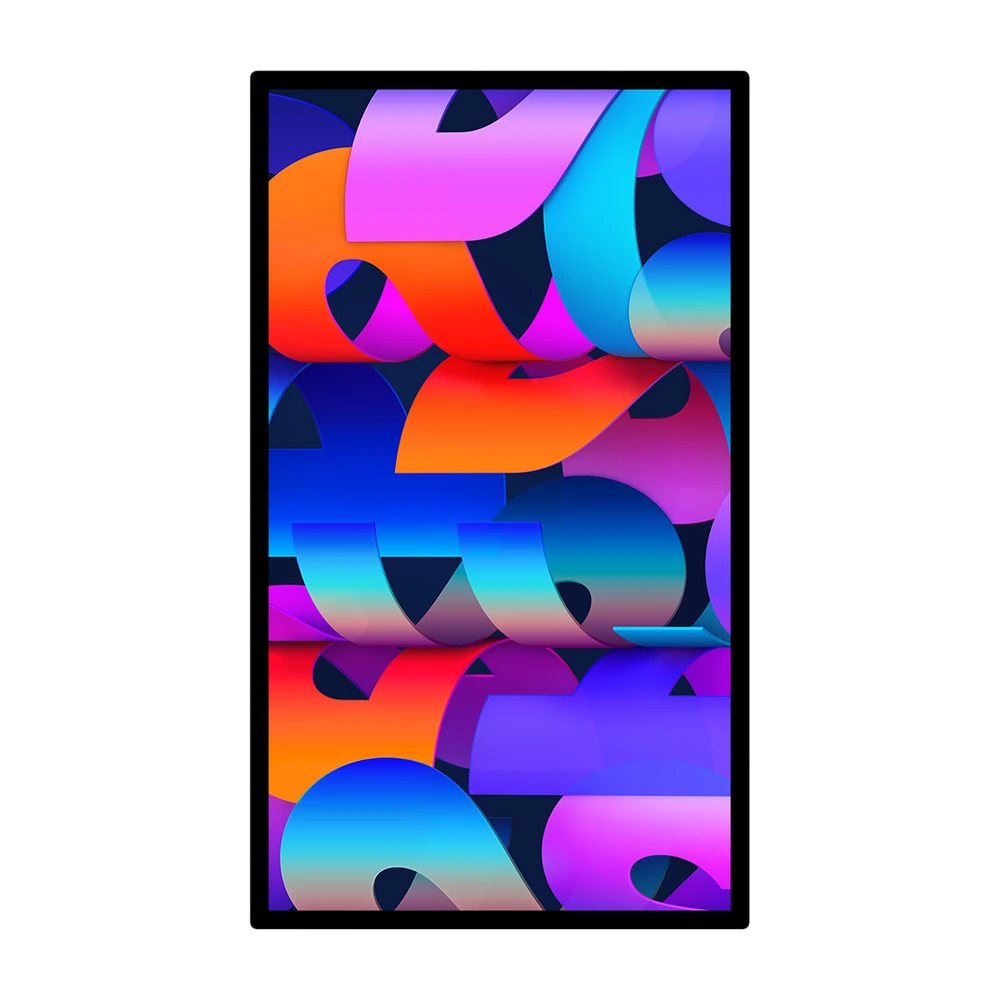
Choose the VESA mount adapter configuration if you already use a monitor arm, need portrait orientation or want to free desk space. It uses a 100 × 100mm mounting pattern; the arm or wall mount is separate and must support the 5.4kg VESA display. These are alternative mounting configurations, not three stands supplied together.
One connection for your Mac desk
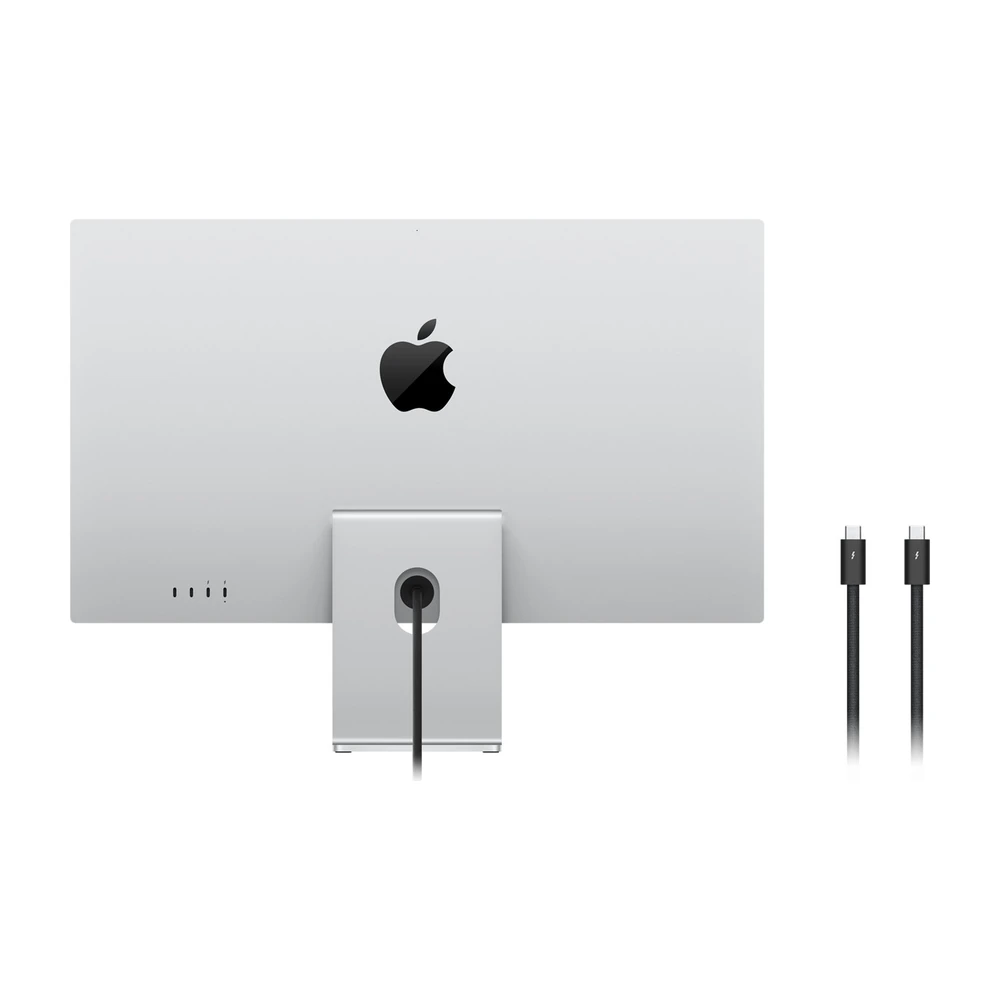
The upstream Thunderbolt 5 port connects your compatible Mac and can deliver up to 96W of charging power to a connected Mac notebook. A second Thunderbolt 5 port supports downstream accessories or display chaining, while two USB-C ports provide up to 10Gb/s for peripherals. The supplied 1m Thunderbolt 5 Pro cable gives you the appropriate starting connection.
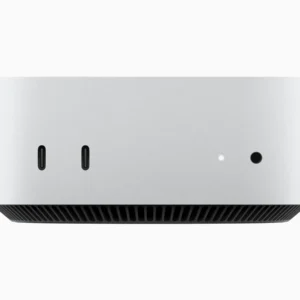
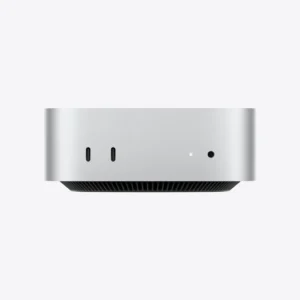
A desktop such as the Apple Mac mini with M4 is a natural partner if you want to select your computer and screen separately. Multi-display limits depend on the exact Mac, so check its supported display count before planning a chain. There is no HDMI input or built-in KVM switch for sharing the screen between two computers.
Camera, microphones and speakers included
The 12MP Center Stage camera helps keep you framed during supported video calls. Desk View can show an overhead view of your desk for demonstrations, and the three-microphone array supports voice capture. Six speakers with force-cancelling woofers and Spatial Audio support provide integrated sound for meetings, media and everyday playback.
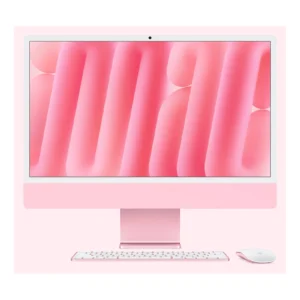
These built-in features reduce the separate equipment needed for a tidy desk. They do not turn the monitor into an iMac: a compatible computer or supported iPad is still required, and a keyboard and mouse are separate.
Compatibility and the 2026 upgrade
Apple specifies supported Apple-silicon Macs running macOS Tahoe 26.3.1 or later. Supported iPads require iPadOS 26.3.1 or later; Apple notes that display camera features and firmware updates require a Mac. Check the exact device against Apple’s Studio Display technical specifications, especially if replacing a monitor used with an Intel Mac or a Windows PC.
Compared with the earlier Studio Display generation, the 2026 model brings Thunderbolt 5 and the updated camera with Desk View. Its core 27-inch 5K, 60Hz proposition remains focused on a detailed Mac workspace. Our Studio Display versus Studio Display XDR comparison explains when the more expensive model makes sense. The product video is an independent comparison of the 2026 displays, not an official Apple endorsement.

- Apple Studio Display 27-inch (2026) — chosen standard or nano-texture glass
- Chosen mounting configuration: tilt stand, tilt-and-height-adjustable stand OR VESA mount adapter; separate VESA arm not included
- Thunderbolt 5 Pro cable — 1m
- Polishing cloth — nano-texture configuration only
Pros
- Sharp 5K detail at 27 inches for text and creative work.
- P3 wide colour, 600-nit brightness and True Tone.
- Nano-texture option for challenging room reflections.
- Choice of tilt, height-adjustable or VESA mounting.
- Thunderbolt 5 with up to 96W notebook charging.
- Integrated camera, three microphones and six-speaker audio.
Cons
- 60Hz panel without the XDR model’s mini-LED HDR capabilities.
- No HDMI input or built-in KVM for switching between computers.
- Height adjustment and nano-texture require the corresponding configuration.
Is this the 2026 Studio Display?
Yes. This listing is for the 2026 Studio Display with Thunderbolt 5 and the 12MP Center Stage camera with Desk View. It is separate from the Studio Display XDR.
What is the difference between Studio Display and Studio Display XDR?
Both are 27-inch 5120 × 2880 displays. This model offers 600-nit brightness and 60Hz. XDR adds mini-LED local dimming, higher HDR brightness and up to 120Hz with compatible hardware.
Is this a complete iMac computer?
No. It is an external display. Connect a compatible Mac or supported iPad; a computer, keyboard and mouse are not included.
Should I choose standard or nano-texture glass?
Standard glass suits controlled desk lighting. Nano-texture reduces glare in bright or difficult lighting. It does not change the resolution or refresh rate and requires the appropriate cleaning cloth and care.
What is the difference between the three stand options?
Tilt adjusts the viewing angle. Tilt & Height adds 105mm of height adjustment. VESA Mount Adapter is for a separate compatible 100 × 100mm arm or wall mount rather than an Apple desk stand.
Can I rotate it into portrait orientation?
Choose the VESA mount adapter version and a suitable arm or mount for portrait use. The tilt and tilt-and-height stand versions are intended for landscape orientation.
What weight must a VESA arm support?
Apple lists the VESA version at 5.4kg. Use a 100 × 100mm mount rated for that load and the display’s size; the arm is not supplied.
Does it support 120Hz or high-brightness HDR?
No. This Studio Display operates at 60Hz and is not the mini-LED HDR model. Consider Studio Display XDR if those capabilities matter.
Can it charge my MacBook?
The upstream Thunderbolt 5 connection supplies up to 96W to a connected compatible Mac notebook. Actual charging behaviour depends on the notebook and its workload.
Does it have HDMI or a KVM switch?
No. Its connections are two Thunderbolt 5 ports, one upstream and one downstream, plus two 10Gb/s USB-C ports. It does not include HDMI or a built-in KVM.
Which Macs are supported?
Apple lists supported Apple-silicon Macs running macOS Tahoe 26.3.1 or later. Check Apple’s exact model list before buying for an older computer; an Intel Mac is not covered by that supported list.
Can I connect more than one display?
Display chaining is supported through the downstream Thunderbolt connection, but the number and combination of displays depend on your Mac’s capabilities. Do not assume every Mac supports the same setup.
Can I use it with an iPad?
Supported USB-C iPads can connect with iPadOS 26.3.1 or later. Check the exact model on Apple’s compatibility list. Display camera features and firmware updates require a Mac.
What equipment is built in for video calls?
It has a 12MP Center Stage camera with Desk View, a three-microphone array and six speakers. App and host compatibility determine the features available during a call.
What comes in the box?
The display in the chosen glass and mounting configuration and a 1m Thunderbolt 5 Pro cable. Nano-texture configurations include the appropriate polishing cloth. A computer, keyboard, mouse and separate VESA arm are not included.
Is the product video an official Apple video?
No. It is an independent comparison of the 2026 Studio Display and Studio Display XDR, included to help explain the buying differences. Official specifications are linked in the main description.
- Warranty coverage
- 1 year Apple warranty
Brand warranty terms depend on the exact unit, supplier and service region. Keep the purchase invoice and confirm coverage and exclusions at checkout.
Compatible with
Check model edition and connection requirements.

Thunderbolt; check cable and refresh rate.
View product →
Thunderbolt; check cable and refresh rate.
View product →


Thunderbolt; check cable and refresh rate.
View product →Recommended Alternatives
Similar products selected by their core specifications and price.