| Form Factor | |
|---|---|
| Processor | |
| Chip Configuration | |
| Graphics Type | |
| Graphics Card | |
| RAM | |
| RAM Type | |
| Storage | |
| Storage Type | |
| Ethernet | |
| Configuration | |
| Color | |
| Release Year |
The New Mac Studio with M5 Max and M5 UltraYouTube ↗

KShs 1,003,500
Price is indicative and may change when stock arrives.
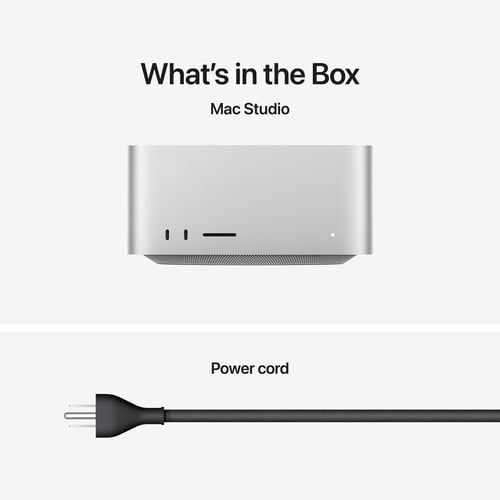
In-stock alternativesA compact workstation for demanding macOS projects, with a 30-core CPU, 64-core GPU, 96GB unified memory and 1TB SSD. The Apple Mac Studio with M5 Ultra includes six Thunderbolt 5 ports, UHS-II SDXC, HDMI 2.1 and 10Gb Ethernet, with support for up to eight external displays in supported configurations. Supplied in Silver with a power cord; monitor, keyboard and mouse are separate.
Choose an unavailable option and leave your details. We’ll email you when it’s available to order.
We’ll also email you when other options of this product become available, while keeping your chosen option on the waiting list. You can stop alerts from any email. Prices may change when stock arrives.
Explore the details that matter.
The Apple Mac Studio with M5 Ultra price in Kenya is KShs 1,003,500. This compact workstation is for demanding macOS projects that can use substantial graphics power and memory: complex video timelines, large 3D scenes, extensive audio sessions and compatible local AI workloads. The listed Silver configuration combines a 30-core CPU, 64-core GPU, 96GB unified memory and 1TB SSD. If your projects do not need that memory capacity or graphics headroom, compare the Apple Mac Studio with M5 Max before allocating the rest of your workstation budget.
The M5 Ultra pairs its 30-core CPU with a 64-core GPU, hardware-accelerated ray tracing and a 32-core Neural Engine. Its 1.2TB/s memory bandwidth helps move data between the processor, graphics and shared memory. These resources are most useful when your software can distribute work across them; a larger core count does not make every application proportionally faster.
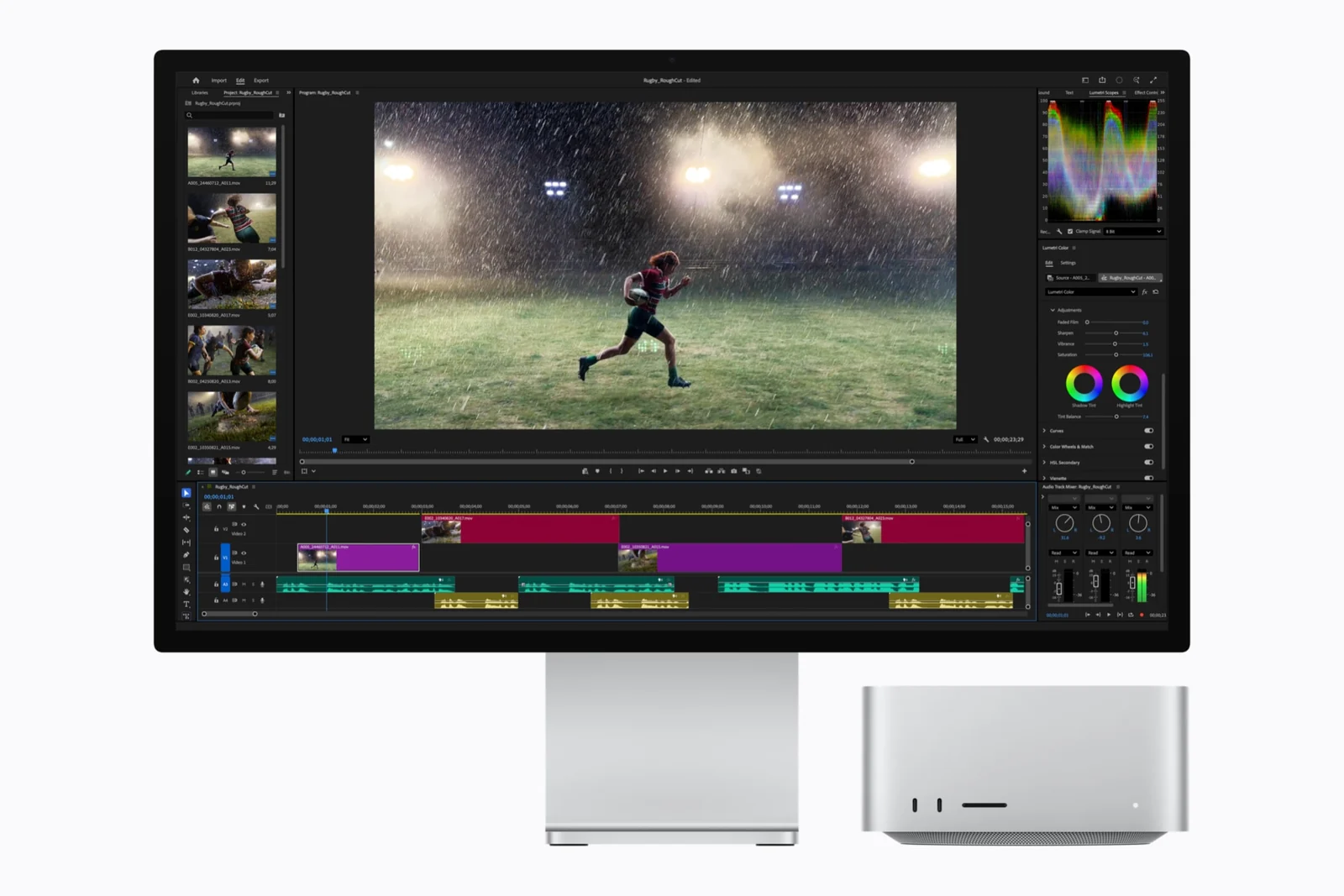
For editing, the media engine accelerates H.264, HEVC, ProRes and ProRes RAW, with two video decode engines, four video encode engines and four ProRes encode/decode engines. AV1 decoding is also supported. Codec acceleration can help compatible playback and export workflows, while effects, colour processing, source storage and application support still influence results.
This listing is the 96GB RAM + 1TB SSD configuration with the 30-core CPU and 64-core GPU. It is not Apple’s higher-core 36-core CPU/80-core GPU configuration. The large unified-memory pool gives compatible applications room for complex assets and concurrent work. For local AI, check model size, quantisation, context length and software compatibility: the operating system and applications also need memory, so 96GB is not a promise that every 96GB model will run.
Unified memory is not a later user RAM upgrade. The 1TB SSD stores macOS, applications and working files, with formatted usable capacity below the advertised figure. Video media, sample libraries and model files can consume it quickly. Plan separate fast working storage and a backup destination rather than relying on a single internal drive for everything.
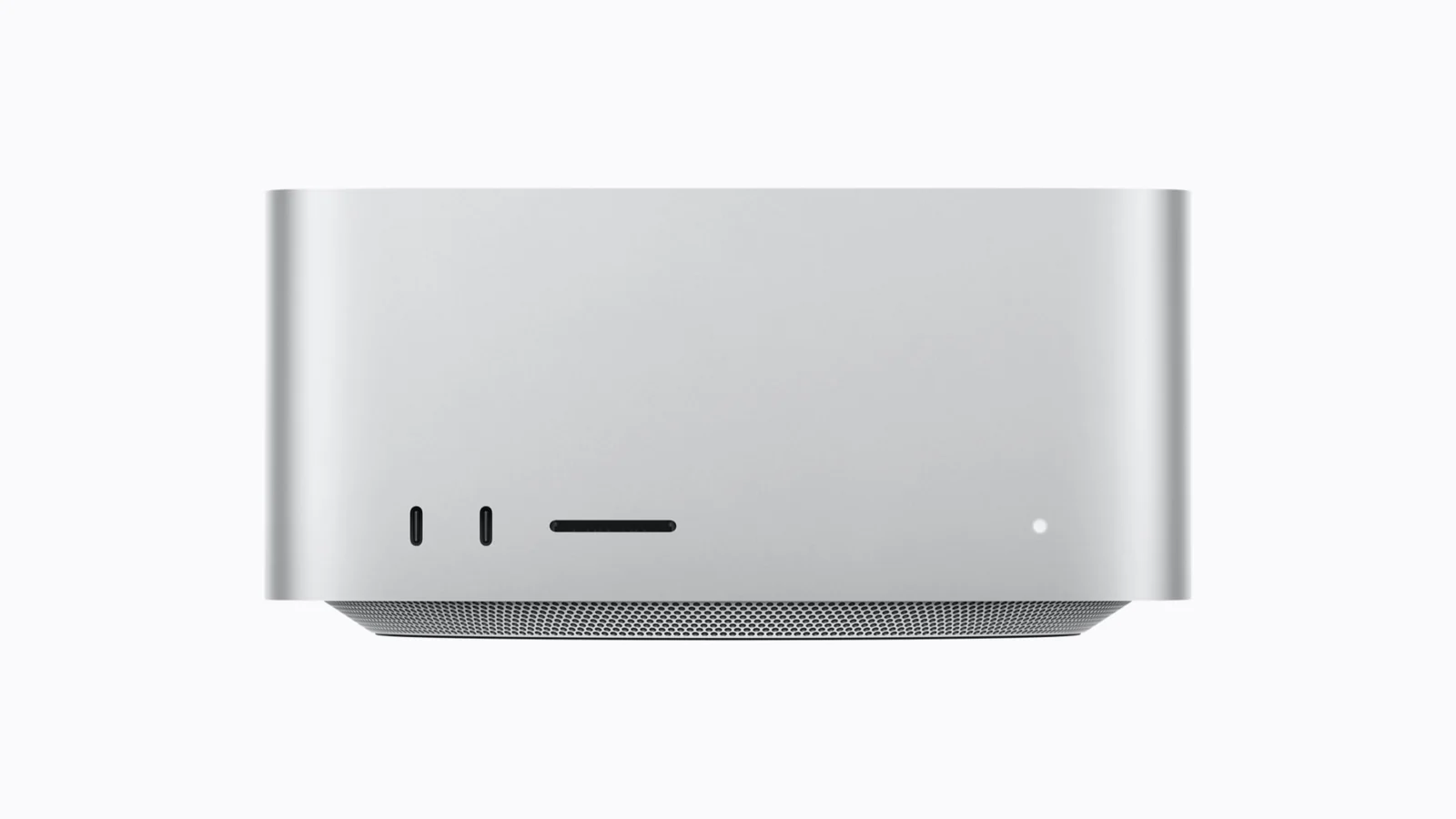
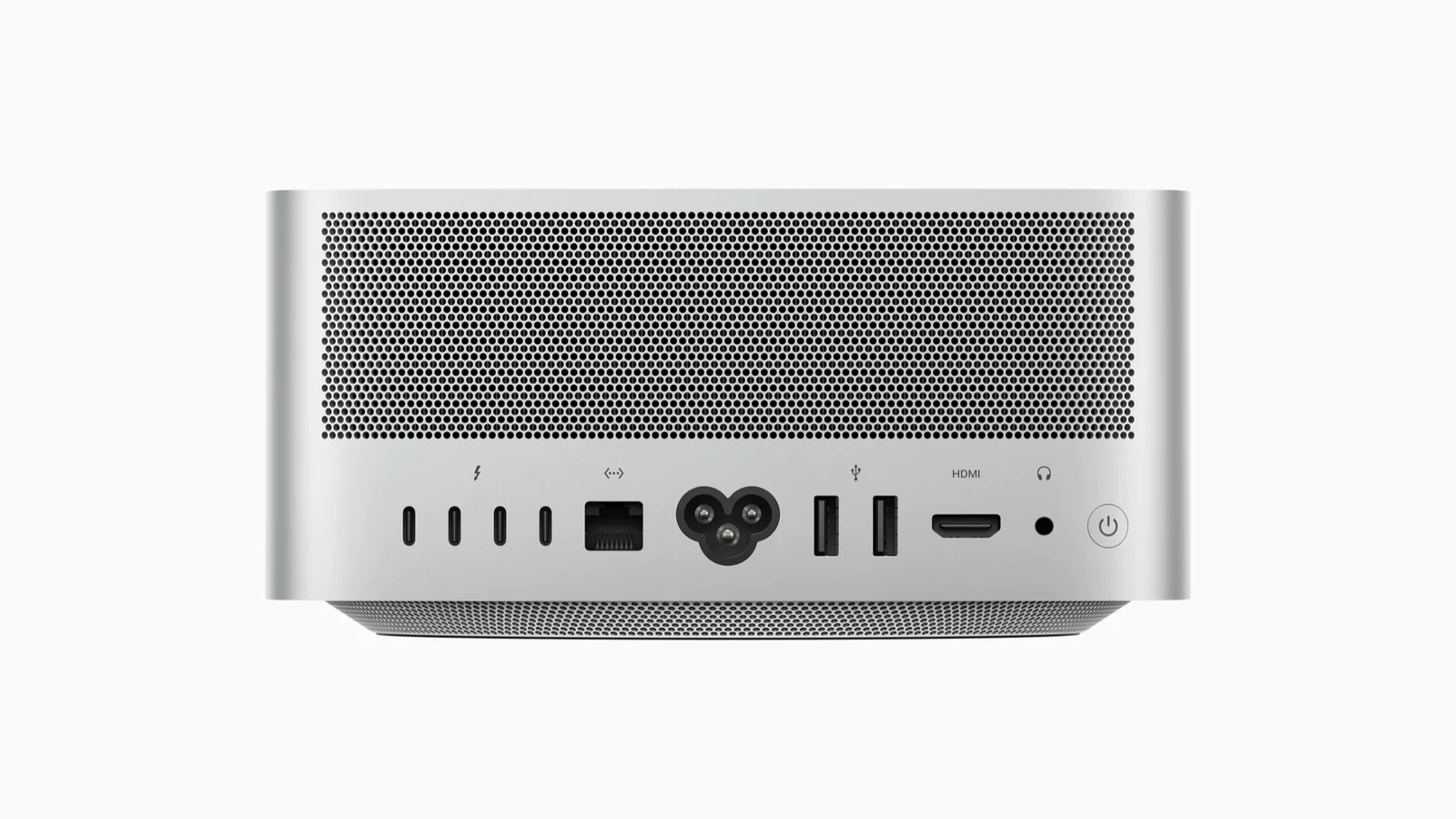
The Ultra has four Thunderbolt 5 ports at the rear and two at the front, plus a front UHS-II SDXC card slot. Compatible displays, storage and docks can use these connections; Apple’s up-to-120Gb/s specification is a link capability, not a guarantee that a storage drive will transfer at that rate. Rear connections also include two USB-A ports up to 5Gb/s, HDMI 2.1, 10Gb Ethernet and a 3.5mm headphone jack.
The front Thunderbolt ports are a meaningful distinction from the M5 Max model, whose front USB-C ports run at up to 10Gb/s. For a desk with frequent media ingestion or external-drive changes, front access avoids reaching behind the workstation.
Apple specifies support for up to eight external displays at 6K/60Hz or 4K/up to 165Hz, or up to four at 8K/60Hz, 5K/120Hz or 4K/240Hz, using supported Thunderbolt and HDMI combinations. The maximum screen count and highest-resolution mode are different configurations, not promises that all limits apply simultaneously. Check the exact monitors, cables and docks against Apple’s display-connection guidance. A monitor is purchased separately.
The RJ-45 connection supports 1Gb, 2.5Gb, 5Gb and 10Gb Ethernet. It can be useful for shared media storage, but the switch, cabling and storage server must also support the required throughput. The Apple N1 wireless chip provides Wi-Fi 7, Bluetooth 6 and Thread networking; wireless features depend on equipment and regional availability.
A built-in speaker covers basic sound, while the headphone jack supports high-impedance headphones and HDMI carries multichannel audio. An audio interface, studio monitors, microphone and webcam are separate tools for a production or meeting setup.
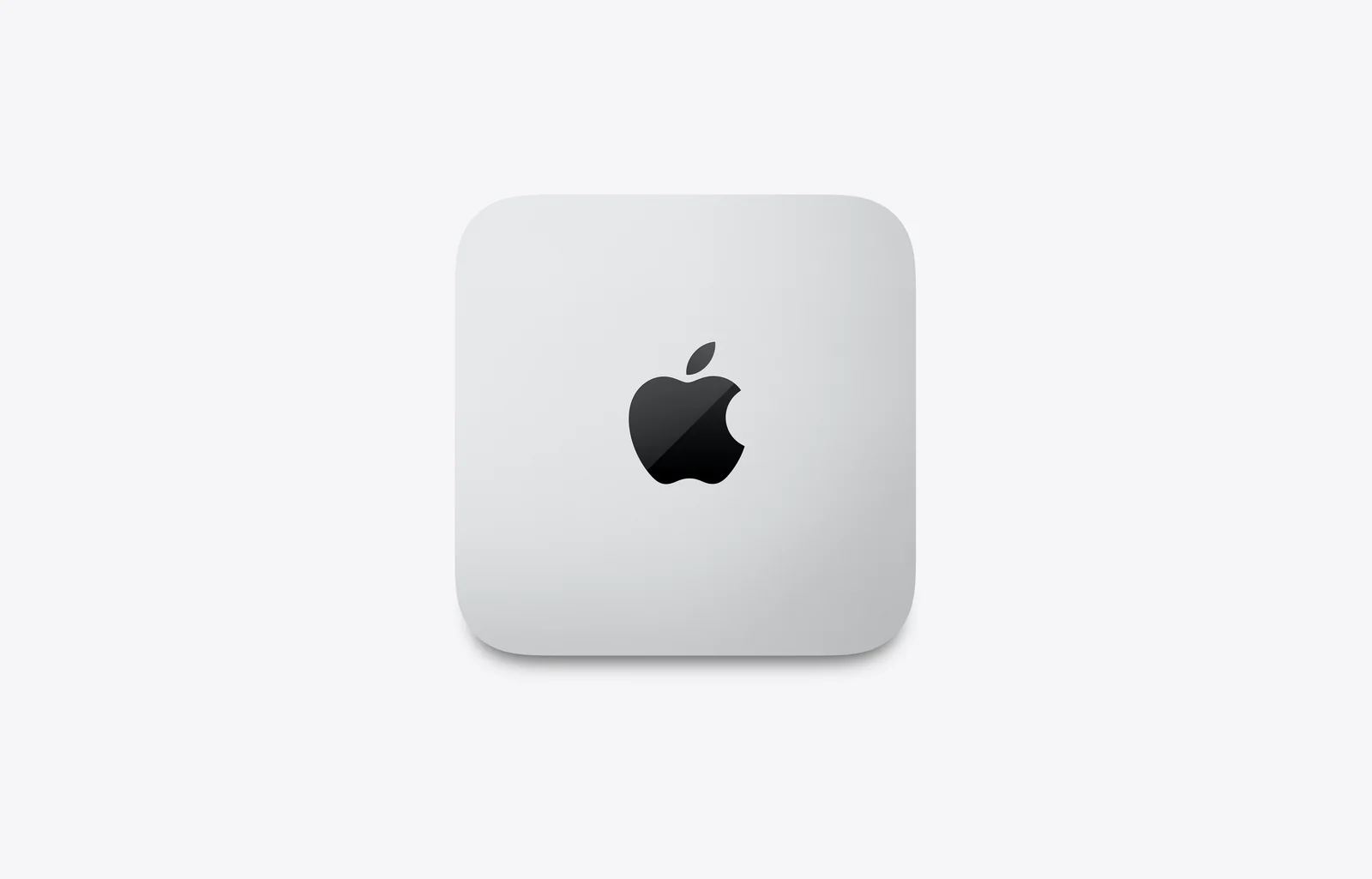
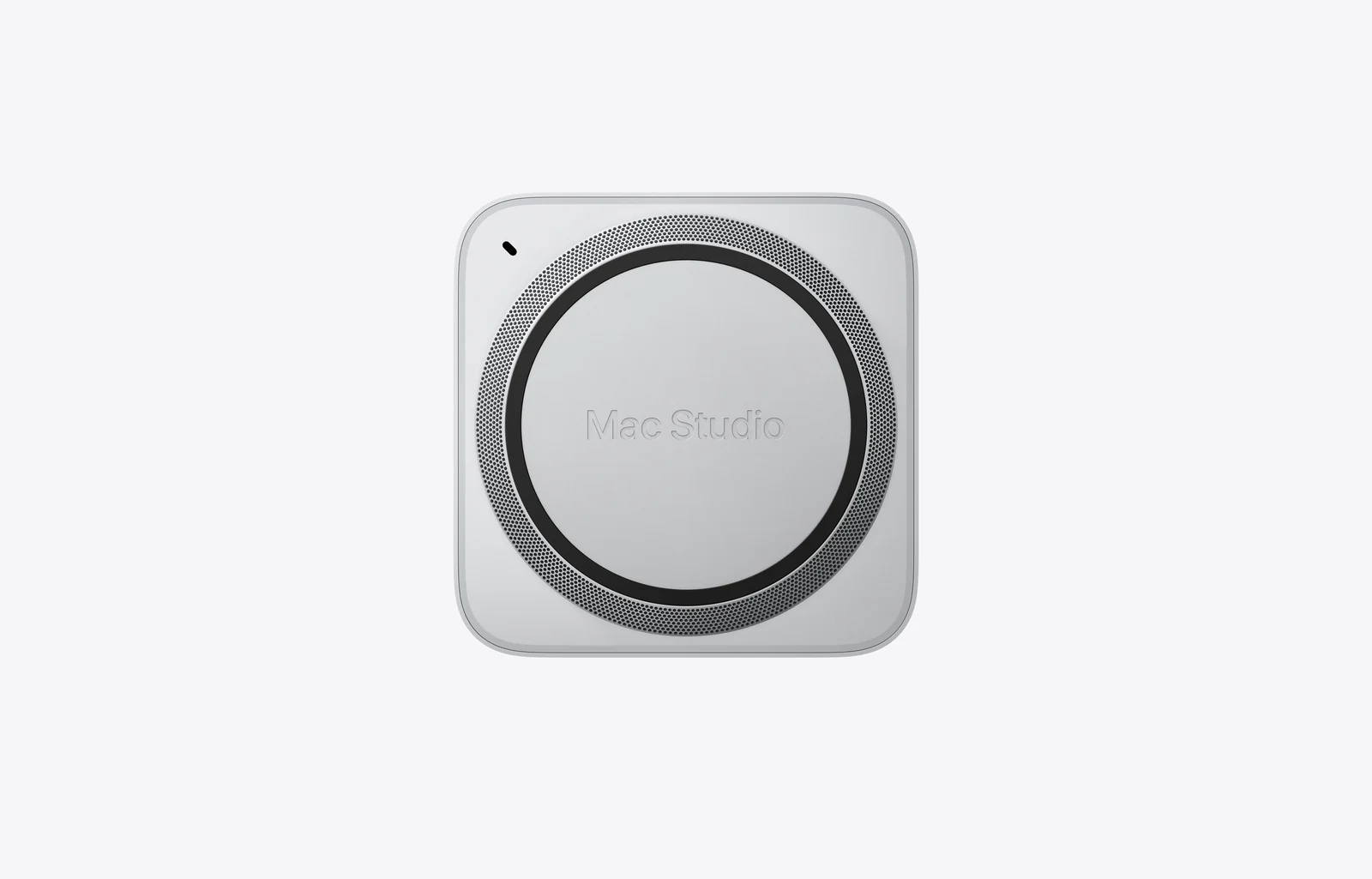
The enclosure occupies 19.7 × 19.7cm of desk space and stands 9.5cm high. Leave its ventilation clear and plan space for connected cables. It uses mains power through the included power cord, with an internal power supply; there is no laptop-style battery or separate charging brick to purchase.
The box contains the Mac Studio and power cord only. Add a compatible monitor, keyboard and pointing device, such as the Apple Magic Trackpad (USB-C) if you prefer macOS gestures. Include software licences, storage and backup needs in the overall budget. If you need a smaller-scale creative desktop, also compare the Apple Mac mini with M4 Pro against your actual applications.
Choose this configuration when a tested workflow benefits from its 96GB memory, graphics resources, media engines or extensive display connectivity. Check that specialist applications and plug-ins support macOS and Apple silicon; software requiring CUDA or a specific Windows environment needs separate compatibility consideration. The Ultra is a substantial workstation purchase, so a representative project is more useful than choosing solely by the chip name.
Specifications: Apple’s official Mac Studio M5 Max and M5 Ultra technical specifications. The included Apple product video introduces both chips; this page describes the specific Ultra package listed above.
| Form Factor | |
|---|---|
| Processor | |
| Chip Configuration | |
| Graphics Type | |
| Graphics Card | |
| RAM | |
| RAM Type | |
| Storage | |
| Storage Type | |
| Ethernet | |
| Configuration | |
| Color | |
| Release Year |
The live price is [nbj_price product="apple-mac-studio-with-m5-ultra"]. This listing is the 30-core CPU/64-core GPU configuration with 96GB unified memory and a 1TB SSD.
The Silver model with a 30-core CPU, 64-core GPU, 96GB unified memory and 1TB SSD. Apple’s higher-core configurations are not the package described by this listing.
Users whose supported projects need the Ultra’s greater memory capacity, graphics resources, media engines or display connectivity. For smaller projects, compare the M5 Max against your software and workload before spending more.
No. Unified memory is not a later user RAM upgrade. Choose the required memory capacity before purchase.
Compatible local AI software can use its memory and processing resources. Whether a model fits and performs acceptably depends on its size, quantisation, context length and software support, with memory also needed for macOS and applications.
It uses Apple graphics, not an NVIDIA CUDA GPU. Verify an application’s Apple silicon or Metal support and any required plug-ins rather than assuming a CUDA workflow will transfer unchanged.
A 1TB internal SSD. Formatted usable capacity is lower, and macOS and applications use part of it. Compatible external drives can add file storage.
Six Thunderbolt 5 ports: four at the rear and two at the front. The front also includes a UHS-II SDXC card slot.
Yes. M5 Ultra has front Thunderbolt 5 ports, whereas M5 Max has front USB-C ports supporting up to 10Gb/s.
Up to eight at 6K/60Hz or 4K/up to 165Hz, or up to four at 8K/60Hz, 5K/120Hz or 4K/240Hz in supported connection configurations. Monitor, cable and dock compatibility matter.
Yes. Rear connections include HDMI 2.1 and two USB-A ports supporting up to 5Gb/s, alongside Thunderbolt, Ethernet and a headphone jack.
No. It describes the local wired-network connection. Internet speed depends on the service, while local transfers also depend on the switch, cabling and storage equipment.
Apple N1 provides Wi-Fi 7, Bluetooth 6 and Thread networking. Availability and performance depend on compatible equipment and regional wireless rules.
No. The box contains the Mac Studio and power cord. Choose the display, keyboard, mouse or trackpad separately.
A basic built-in speaker is included. A webcam and microphone are separate, as are production speakers or an audio interface. The headphone jack supports high-impedance headphones.
It has an internal power supply and connects to mains using the included power cord. It is not battery-powered and does not require a separate laptop-style charging brick.
It offers substantial CPU/GPU resources and dedicated media engines for supported codecs. Timeline complexity, effects, software optimisation and storage throughput still determine practical performance.
Check each application and plug-in for macOS and Apple silicon support. Do not assume software tied to Windows, CUDA or specialist hardware will work unchanged.
Brand warranty terms depend on the exact unit, supplier and service region. Keep the purchase invoice and confirm coverage and exclusions at checkout.
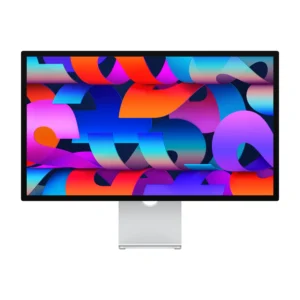
Thunderbolt; check cable and refresh rate.
Display Finish: Standard · Stand Adjustment: Tilt
KShs 266,500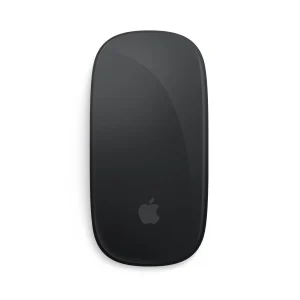
Confirm the port, receiver and operating system.
Color: Black
KShs 15,500
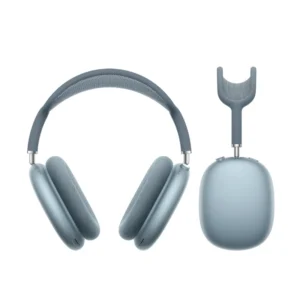
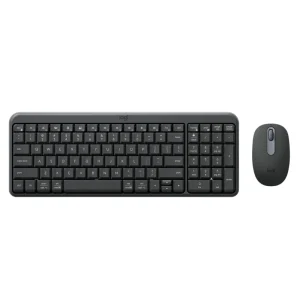
Confirm the port, receiver and operating system.
KShs 3,800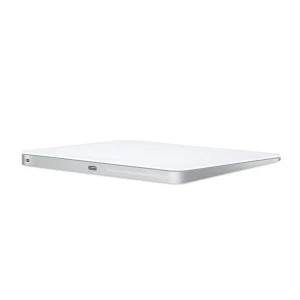
Confirm the port, receiver and operating system.
Color: White
Original price was: KShs 20,500.KShs 20,000Current price is: KShs 20,000.Available models in this category. Compare core features and prices.
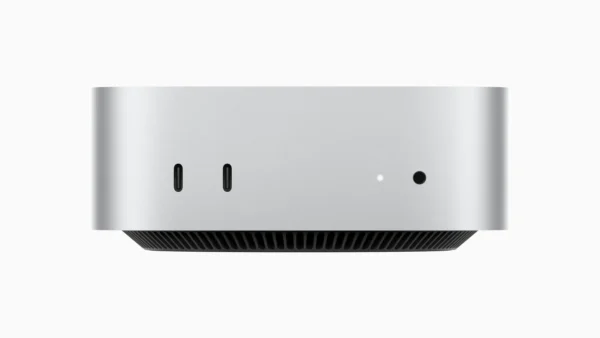 Apple Mac mini with M4 ProKShs 238,500Processor: Apple M4 Pro (this product: Apple M5 Ultra) · Graphics Card: Apple M4 Pro 16-core GPU (this product: Apple M5 Ultra 64-core GPU)View product →
 Apple iMac 24-inch M4 — Four Thunderbolt PortsKShs 240,500Form Factor: All-in-One (this product: Mini PC) · Processor: Apple M4 (this product: Apple M5 Ultra)View product →
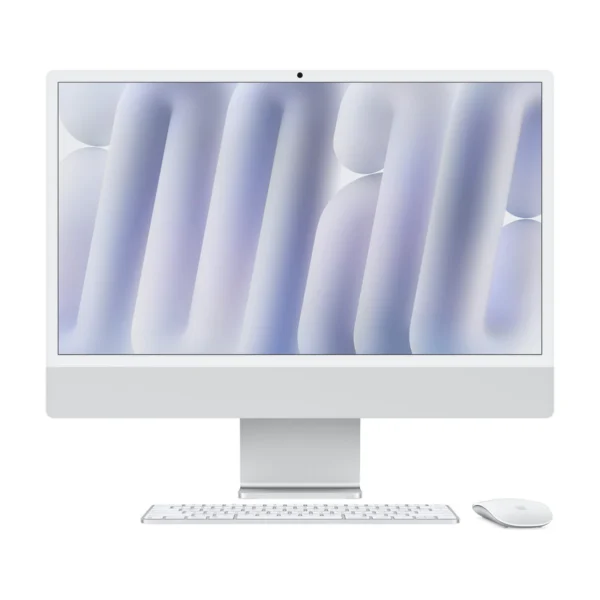 Apple iMac 24-inch M4 — Two Thunderbolt PortsKShs 214,500Form Factor: All-in-One (this product: Mini PC) · Processor: Apple M4 (this product: Apple M5 Ultra)View product →