| Form Factor | |
|---|---|
| Processor | |
| Chip Configuration | |
| Graphics Type | |
| Graphics Card | |
| RAM | |
| RAM Type | |
| Storage | |
| Storage Type | |
| Ethernet | |
| Configuration | |
| Color | |
| Release Year |
Mac Studio M4 Max Unboxing and Review - Who is This For?YouTube ↗



KShs 365,000
Price is indicative and may change when stock arrives.
In-stock alternativesThe Apple Mac Studio with M4 Max combines a 14-core CPU, 32-core GPU, 36GB unified memory and 512GB SSD for a capable creative desktop. Its built-in 10Gb Ethernet and broad port selection suit a workspace with external storage, displays and professional peripherals.
Choose an unavailable option and leave your details. We’ll email you when it’s available to order.
We’ll also email you when other options of this product become available, while keeping your chosen option on the waiting list. You can stop alerts from any email. Prices may change when stock arrives.
Explore the details that matter.
The Apple Mac Studio with M4 Max price in Kenya is KShs 365,000. This desktop brings a 14-core CPU, 32-core GPU and 36GB unified memory to a creative workspace without the footprint of a large tower. It suits photographers, video editors, designers and music producers who need substantial processing capability alongside direct connections for storage, displays and peripherals. If you need fewer graphics resources or connections, compare the Apple Mac mini with M4 Pro against your applications and complete setup budget.
This listing offers the Silver Mac Studio with M4 Max, a 14-core CPU, 32-core GPU, 36GB unified memory and 512GB SSD. It includes 10 Gigabit Ethernet. The memory is shared by the CPU and GPU, and this chip configuration has 410GB/s memory bandwidth. These details matter when comparing it with reviews of a higher M4 Max configuration or a Mac Studio with an Ultra chip.
36GB gives working space for supported creative applications and multitasking, but the right capacity depends on project size, effects, sample libraries and the other applications you keep open. The 512GB SSD needs more planning: macOS, applications, caches and active media all use local capacity. A suitable external SSD or network storage can hold larger libraries, while a separate backup protects the work. External storage does not increase unified memory.
Apple also manufactured other M4 Max configurations, but their core counts and memory capacities should not be assumed to be included in this 36GB/512GB package. If your work needs a different balance of memory, graphics and storage, compare an exact configuration of the Apple Mac Studio with M5 Max rather than comparing model names alone.
The 14-core CPU combines ten performance cores and four efficiency cores. The 32-core GPU supports hardware-accelerated ray tracing, and a 16-core Neural Engine supports compatible machine-learning tasks. For creative work, check whether your renderer, editor or plug-ins support Apple silicon and the installed macOS version; hardware specifications do not guarantee identical results across applications.
The media engine accelerates H.264, HEVC, ProRes and ProRes RAW, with one video decode engine, two video encode engines and two ProRes encode/decode engines. AV1 decoding is also supported. These dedicated resources can help compatible video workflows, although demanding effects, source formats and drive speeds still influence editing and export performance.
For photography, the front card reader makes importing SD media convenient. For music production, check the compatibility of your audio interface, virtual instruments and plug-ins before transferring a working studio setup. For local AI, confirm the model’s memory needs and software support instead of assuming the Neural Engine alone determines suitability.
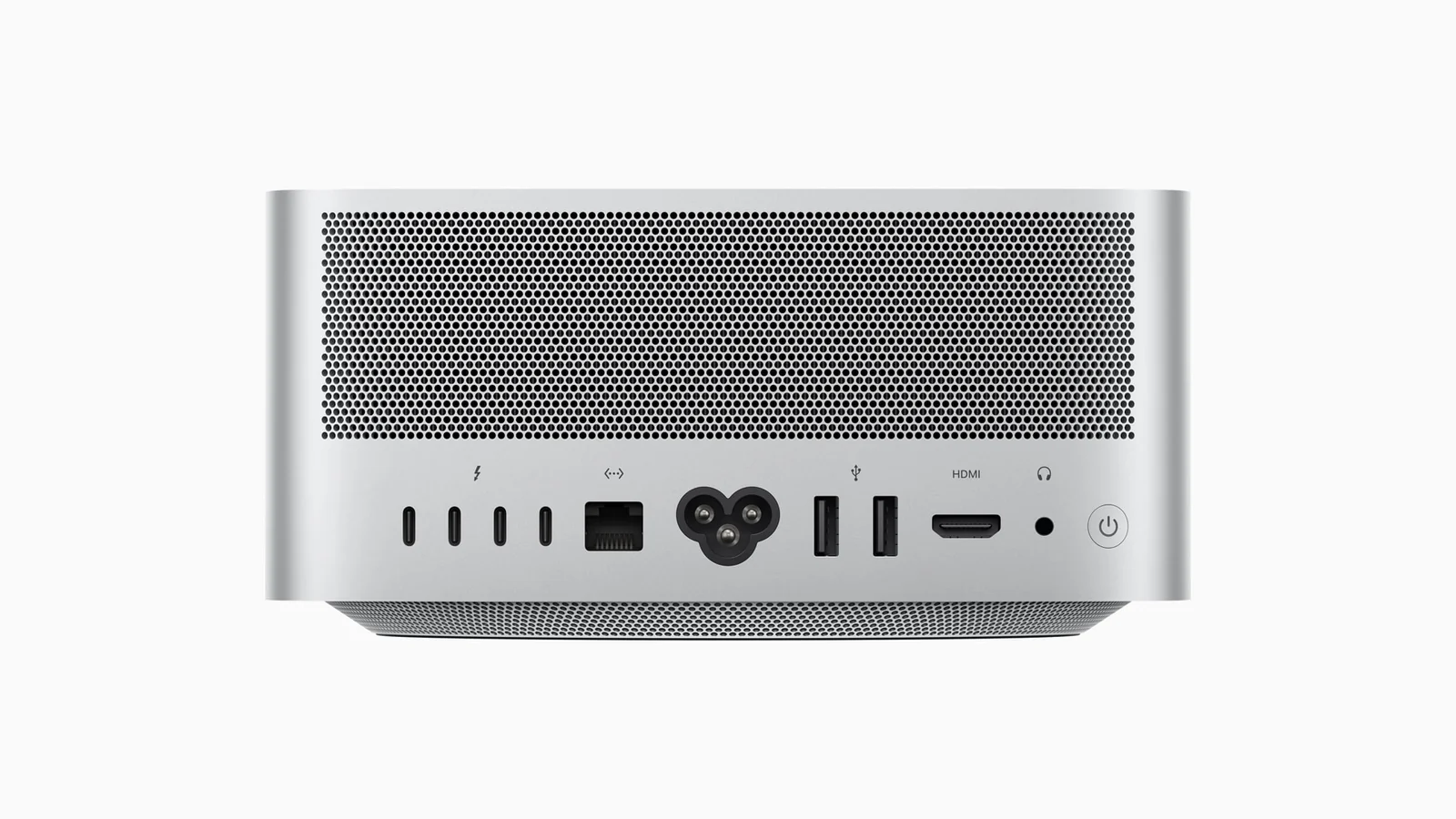
The rear provides four Thunderbolt 5 ports, two USB-A ports up to 5Gb/s, HDMI 2.1, 10Gb Ethernet and a 3.5mm headphone jack. Thunderbolt 5 supports up to 120Gb/s in supported operating modes; storage performance depends on the device, cable and workload, rather than automatically reaching that headline figure.
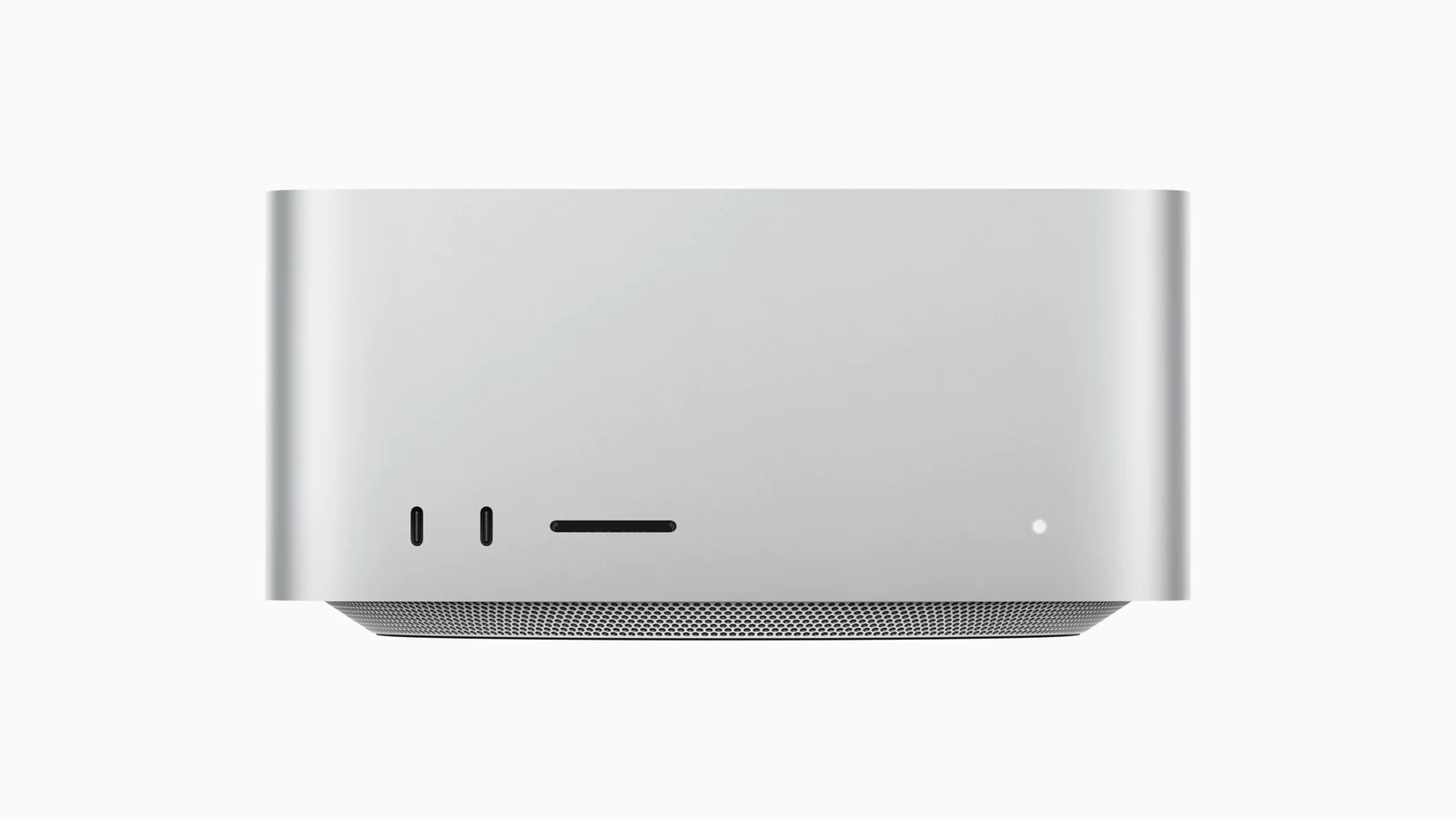
At the front are two USB-C ports up to 10Gb/s and a UHS-II SDXC card slot. These front USB-C ports are not Thunderbolt 5 ports on the M4 Max model. Put demanding Thunderbolt storage or display connections at the rear and use the front for convenient access to compatible USB devices and camera cards. The built-in USB-A ports can also reduce the adapters needed for older peripherals.
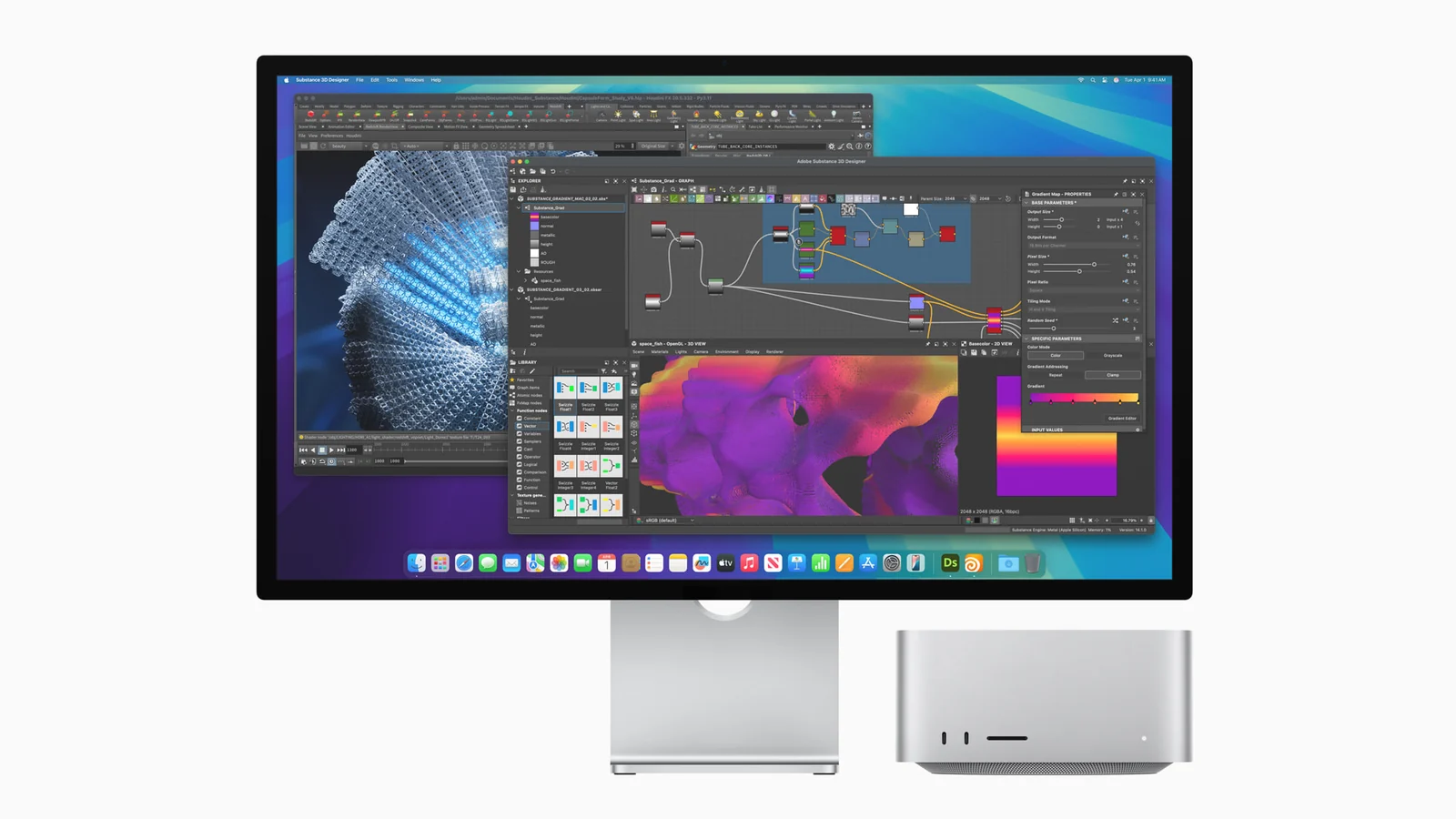
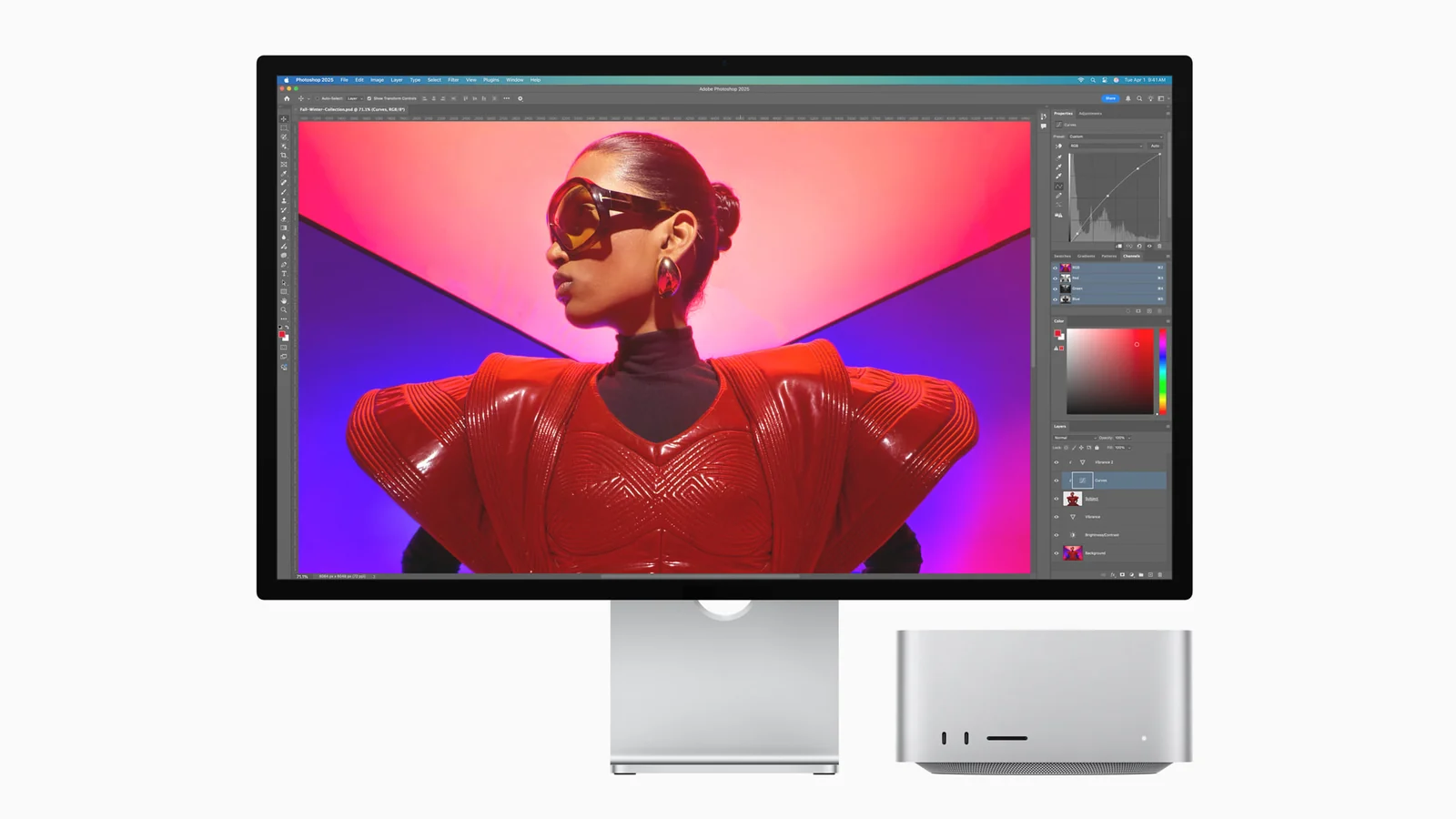
The M4 Max Mac Studio can support up to five displays simultaneously: four up to 6K at 60Hz over Thunderbolt and one up to 4K at 144Hz over HDMI. A different supported arrangement combines two 6K at 60Hz Thunderbolt displays with one HDMI display at up to 8K at 60Hz or 4K at 240Hz.
The five-display maximum therefore does not mean five screens at 8K or 4K at 240Hz. Match each monitor’s inputs, cable and resolution to the supported arrangement. For photo or video work, screen quality and calibration needs should be considered alongside the number of displays.
10 Gigabit Ethernet is included in this configuration. It can be useful for large local transfers or shared media on a compatible NAS, but the switch, cabling and storage must all support the required throughput. It also supports 1Gb, 2.5Gb and 5Gb links. A faster Ethernet port does not overcome the limit of a slower internet service or storage device.
Wi-Fi 6E and Bluetooth 5.3 handle compatible wireless connections, with Wi-Fi 6E availability dependent on region and network equipment. The built-in speaker is useful for basic playback, while the headphone jack supports high-impedance headphones and HDMI supports multichannel audio output.
The box contains the Mac Studio and its power cord. A monitor, keyboard, mouse or trackpad, webcam and external storage are separate purchases. The Apple Magic Trackpad USB-C is an option for macOS gestures; the Apple Magic Mouse 3 USB-C offers a different pointing-device choice. Choose your display and input devices around the work you do rather than assuming a desk bundle is included.
The enclosure measures 19.7cm by 19.7cm and is 9.5cm high. It requires mains power, and its ventilation should remain clear. Budget for a suitable backup destination and, where needed, backup power as part of the workstation.
Choose it when your applications benefit from the M4 Max graphics and media capabilities, or when the display support and built-in ports simplify a busy creative desk. For everyday office applications, browsing and modest creative projects, the Apple Mac mini with M4 may be a better use of the budget. Compare the software requirements, memory demands and total cost of storage and peripherals before choosing.
See Apple’s official Mac Studio (2025) specifications for the M4 Max technical reference. The product video is Karl Conrad’s independent M4 Max Mac Studio unboxing and review. It also discusses other Mac Studio options; those configurations and accessories are not included in this package.
| Form Factor | |
|---|---|
| Processor | |
| Chip Configuration | |
| Graphics Type | |
| Graphics Card | |
| RAM | |
| RAM Type | |
| Storage | |
| Storage Type | |
| Ethernet | |
| Configuration | |
| Color | |
| Release Year |
This listing offers the 2025 Mac Studio with M4 Max, a 14-core CPU, 32-core GPU, 36GB unified memory and 512GB SSD in Silver. It includes 10 Gigabit Ethernet.
No. The configuration offered here has a 14-core CPU and 32-core GPU. Apple made other M4 Max configurations, but their specifications should not be assumed to apply to this package.
It can suit many supported creative workflows, but the answer depends on project size, effects, sample libraries and multitasking. CPU and GPU share the memory. Check your application requirements and actual workload before choosing.
It can hold applications and selected active projects, but large footage libraries and caches can quickly use the available space. Plan suitable external storage or network storage for larger libraries and a separate backup. Formatted capacity is lower than the advertised capacity.
No. An external SSD expands space for files, not unified memory. Choose a computer with sufficient memory for your applications and graphics workloads.
M4 Max accelerates H.264, HEVC, ProRes and ProRes RAW, and supports AV1 decoding. It includes one video decode engine, two video encode engines and two ProRes encode/decode engines. Application and codec support still matter.
Four, all on the rear. The two front USB-C ports on the M4 Max model support up to 10Gb/s and are not Thunderbolt 5.
Yes. There are two rear USB-A ports supporting up to 5Gb/s and a front UHS-II SDXC card slot. These can simplify connections for compatible older peripherals and camera media.
Yes, with a supported arrangement: up to four 6K/60Hz displays over Thunderbolt and one 4K/144Hz display over HDMI. The maximum display count depends on the resolution and refresh rate you use.
HDMI supports one display at up to 8K/60Hz or 4K/240Hz. Apple lists this alongside up to two 6K/60Hz Thunderbolt displays. Do not assume these higher HDMI modes preserve the five-display arrangement.
To benefit from 10Gb transfers, the switch, cabling and destination storage must support the required throughput. The port also supports 1Gb, 2.5Gb and 5Gb links. It cannot make a slower internet plan or drive faster.
Wi-Fi 6E and Bluetooth 5.3. Wi-Fi 6E availability depends on the country or region, and suitable network equipment is required for its features.
It includes a built-in speaker and a 3.5mm headphone jack with support for high-impedance headphones. HDMI supports multichannel audio output to compatible equipment.
The Mac Studio in the listed configuration and a power cord. A monitor, keyboard, mouse or trackpad, webcam and external storage are not included in the standard package.
Add a suitable camera and microphone, unless these are provided by your connected display or other equipment. You also need your chosen display, input devices, compatible meeting software and an internet connection.
Check Apple silicon and macOS support for your applications, plug-ins, audio interfaces and specialist peripherals. Windows-only software should not be assumed to run natively on macOS; alternative or virtualisation solutions require separate compatibility checks.
Choose according to your workload. This Mac Studio offers M4 Max graphics and media resources, four Thunderbolt 5 ports, USB-A, an SD reader and specified support for up to five displays. A Mac mini may be more suitable when you do not need those capabilities or want a smaller setup budget.
It measures 19.7cm wide, 19.7cm deep and 9.5cm high. It is a mains-powered desktop supplied with a power cord; Apple lists 100–240V AC at 50–60Hz. Keep the ventilation clear.
The video is Karl Conrad’s independent M4 Max Mac Studio unboxing and review and also discusses other Mac Studio configurations. Use this listing’s 14-core CPU, 32-core GPU, 36GB/512GB specification and box contents for the exact package; review accessories and other configurations are not included.
Brand warranty terms depend on the exact unit, supplier and service region. Keep the purchase invoice and confirm coverage and exclusions at checkout.
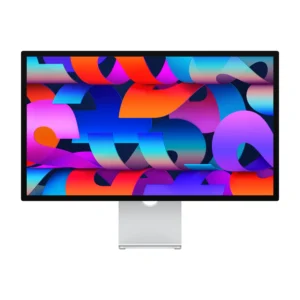
Thunderbolt; check cable and refresh rate.
Display Finish: Standard · Stand Adjustment: Tilt
KShs 266,500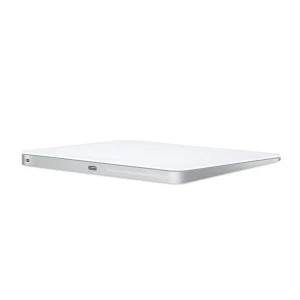
Check operating-system and connector support.
Color: White
Original price was: KShs 20,500.KShs 20,000Current price is: KShs 20,000.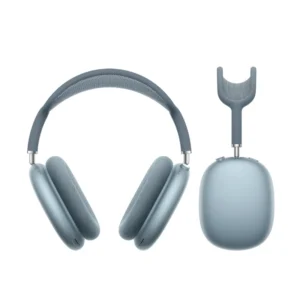
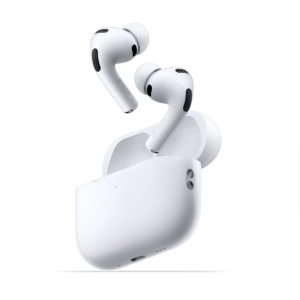
Check operating-system and connector support.
KShs 15,700
Available models in this category. Compare core features and prices.
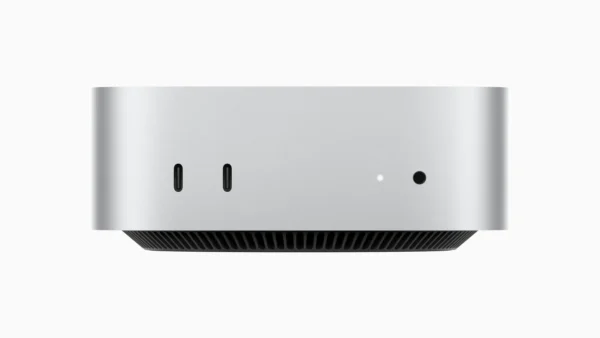 Apple Mac mini with M4 ProKShs 238,500Processor: Apple M4 Pro (this product: Apple M4 Max) · Graphics Card: Apple M4 Pro 16-core GPU (this product: Apple M4 Max 32-core GPU)View product →
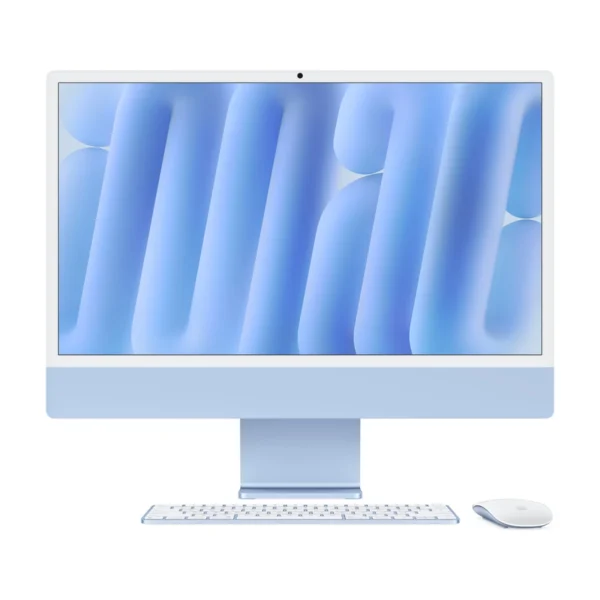 Apple iMac 24-inch M4 — Four Thunderbolt PortsKShs 240,500Form Factor: All-in-One (this product: Mini PC) · Processor: Apple M4 (this product: Apple M4 Max)View product →
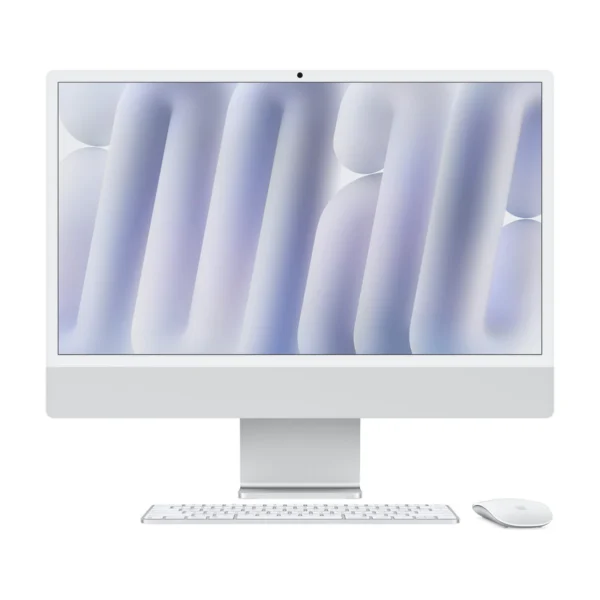 Apple iMac 24-inch M4 — Two Thunderbolt PortsKShs 214,500Form Factor: All-in-One (this product: Mini PC) · Processor: Apple M4 (this product: Apple M4 Max)View product →
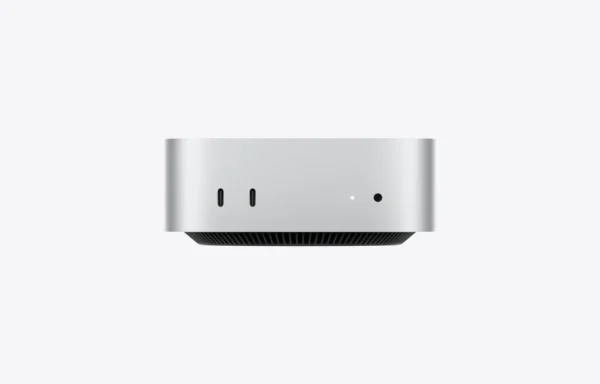 Apple Mac mini with M6KShs 127,000Processor: Apple M6 (this product: Apple M4 Max) · Graphics Card: Apple M6 12-core GPU (this product: Apple M4 Max 32-core GPU)View product →