| Form Factor | |
|---|---|
| Processor | |
| Chip Configuration | |
| Graphics Type | |
| Graphics Card | |
| RAM | |
| RAM Type | |
| Storage | |
| Storage Type | |
| Ethernet | |
| Configuration | |
| Color | |
| Release Year |
2 Weeks With The M5 Pro Mac Mini - I Replaced my Mac StudioYouTube ↗

KShs 602,000
Price is indicative and may change when stock arrives.
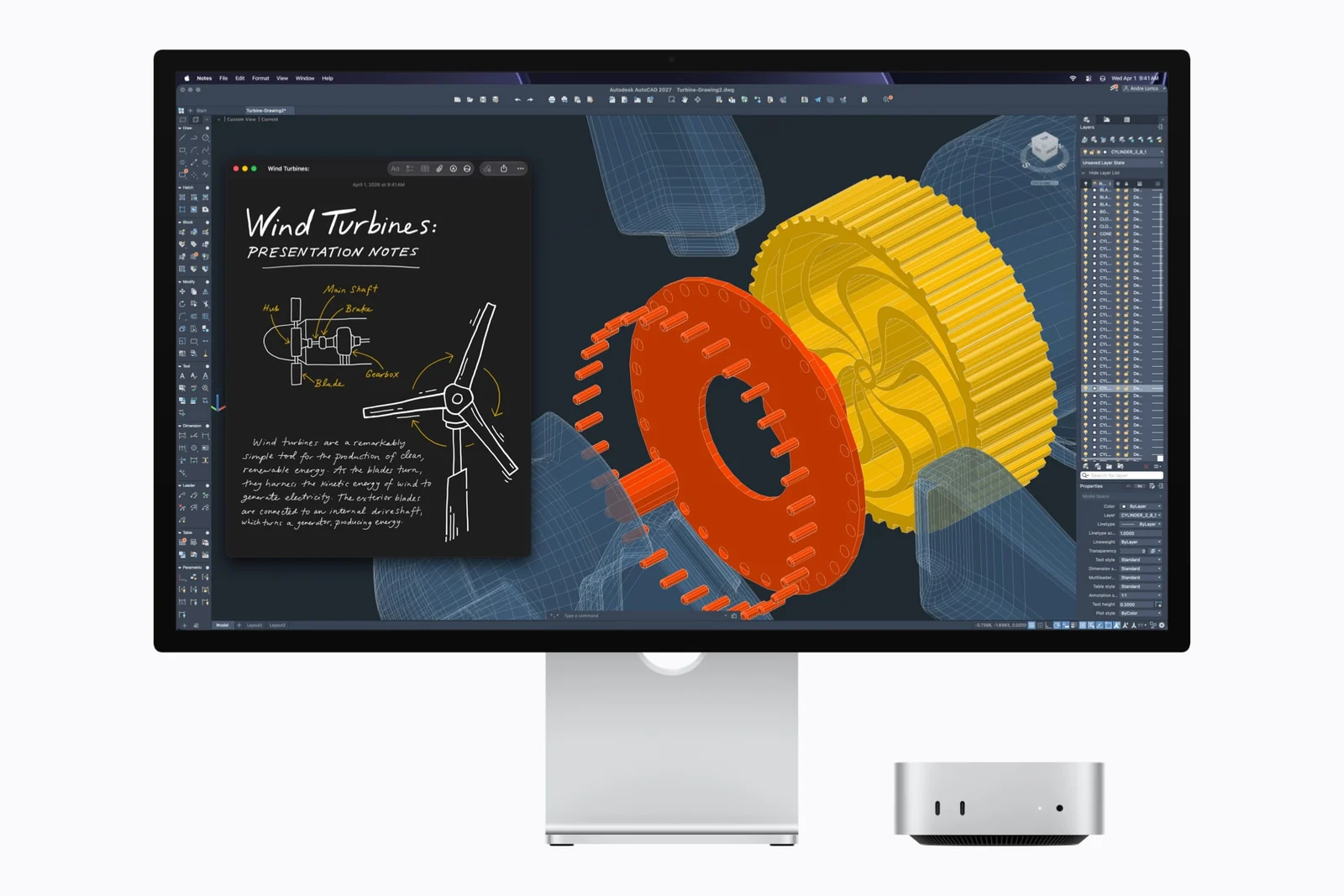
In-stock alternativesThe Apple Mac mini with M5 Pro puts a capable macOS workstation in a compact 12.7cm-square desktop. Choose the 15-core CPU / 16-core GPU with 24GB unified memory and 512GB SSD, or the 18-core CPU / 20-core GPU with 64GB unified memory and 1TB SSD. Each bundle offers 2.5Gb or 10Gb Ethernet.
Choose an unavailable option and leave your details. We’ll email you when it’s available to order.
We’ll also email you when other options of this product become available, while keeping your chosen option on the waiting list. You can stop alerts from any email. Prices may change when stock arrives.
Explore the details that matter.
The Apple Mac mini with M5 Pro price in Kenya is KShs 602,000. This compact desktop gives developers, photographers, video editors and music producers a macOS workstation that leaves room for their preferred monitor and peripherals. M5 Pro combines a choice of 15-core or 18-core CPU, hardware media acceleration and three rear Thunderbolt 5 ports in a 12.7cm-square enclosure. If your work mainly involves documents, browsing and lighter creative projects, compare the Apple Mac mini with M4 before spending on the additional processing and memory headroom.
The 15-core CPU / 16-core GPU with 24GB unified memory and 512GB SSD is the more economical M5 Pro configuration here. It suits a desk running development tools, photo editing applications or a music production workflow where project sizes fit comfortably within its memory. Its SSD works best when you actively manage footage, sample libraries and backups rather than keeping every project on the internal drive.
The 18-core CPU / 20-core GPU with 64GB unified memory and 1TB SSD adds CPU and GPU resources, substantially more working memory and twice the listed storage capacity. Consider it for larger creative projects, heavier multitasking or memory-intensive development environments. More cores do not make every task proportionally faster: software support, effects, source media and the size of the working dataset all matter. The 64GB capacity is often the more important difference when your existing machine runs short of memory.
These are complete configuration bundles, not independent upgrades that can be mixed freely. Choose enough unified memory for the work you expect to keep doing; it is shared by the CPU and GPU. An external SSD can expand file storage but does not add unified memory. For more demanding graphics and media workloads, also compare the Apple Mac Studio with M5 Max, including its ports and the total cost of your preferred configuration.
Both processor bundles are offered with either 2.5 Gigabit Ethernet or 10 Gigabit Ethernet. The 2.5Gb option is a sensible fit for an ordinary home or office network. Choose 10Gb when you already use, or are building, a compatible fast network for shared editing storage, a NAS or large transfers between workstations. A 10Gb port alone cannot make a slower internet plan, router or storage device faster; the switch, cabling, destination and drives must support the required throughput.
The 10Gb interface also supports lower negotiated link speeds. Wi-Fi 7 and Bluetooth 6 provide wireless connectivity through Apple’s N1 chip, subject to regional availability and compatible network equipment. Wired Ethernet remains useful where sustained transfers or a stable desk connection matter more than convenience.
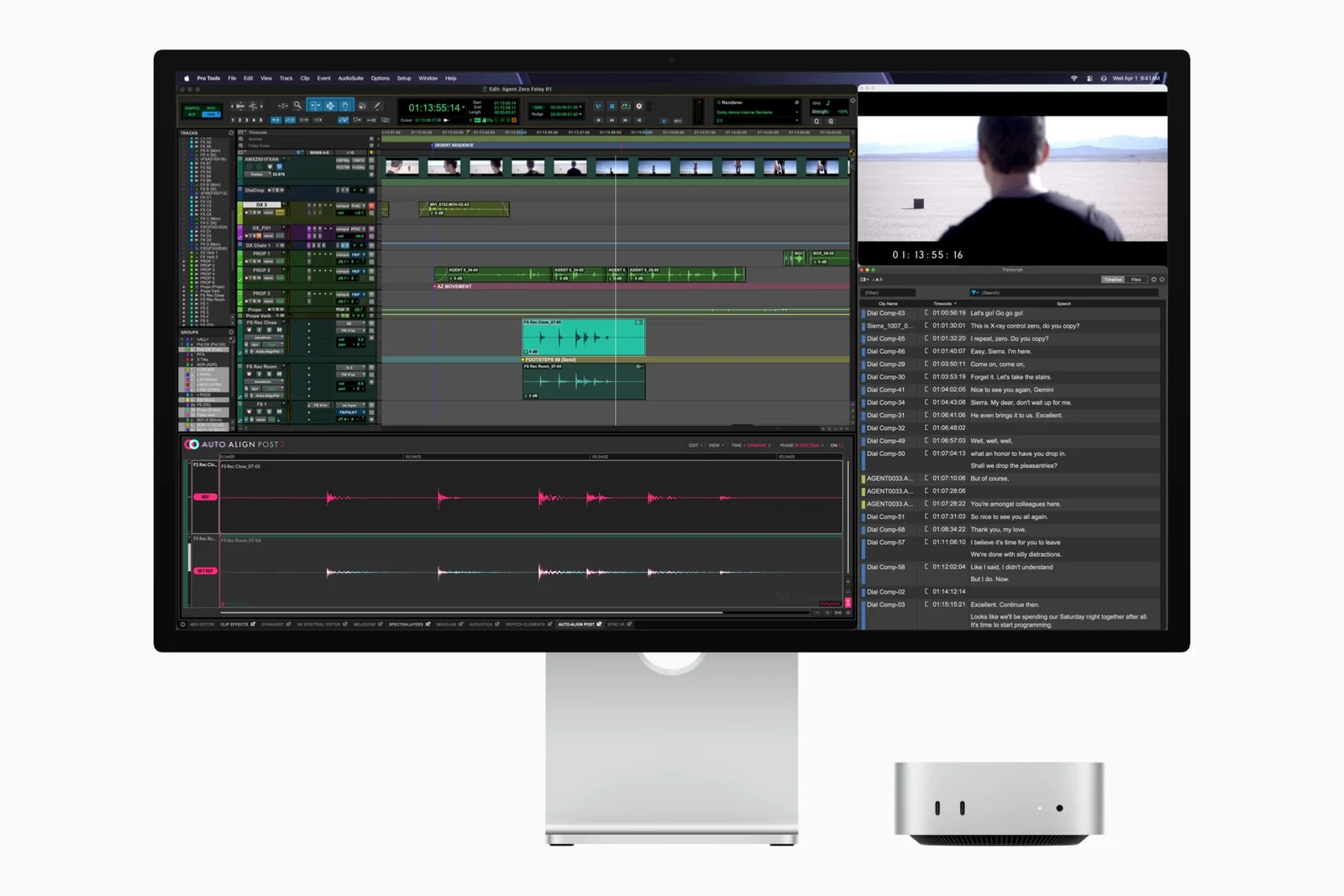
M5 Pro includes hardware acceleration for H.264, HEVC, ProRes and ProRes RAW, together with AV1 decoding. Its media engine contains a video decode engine, a video encode engine and a ProRes encode/decode engine. These features can help supported editing applications process media, while the GPU supports hardware ray tracing. They do not remove the need to check your editor, plug-ins, codecs and project requirements.
The chip also has a 16-core Neural Engine and 307GB/s memory bandwidth. For local AI tools, confirm the application’s Apple silicon support and model memory requirements rather than choosing on the presence of a Neural Engine alone. For development or audio production, check required virtualisation tools, audio interfaces and plug-ins for compatibility with your macOS version before moving an established workflow.
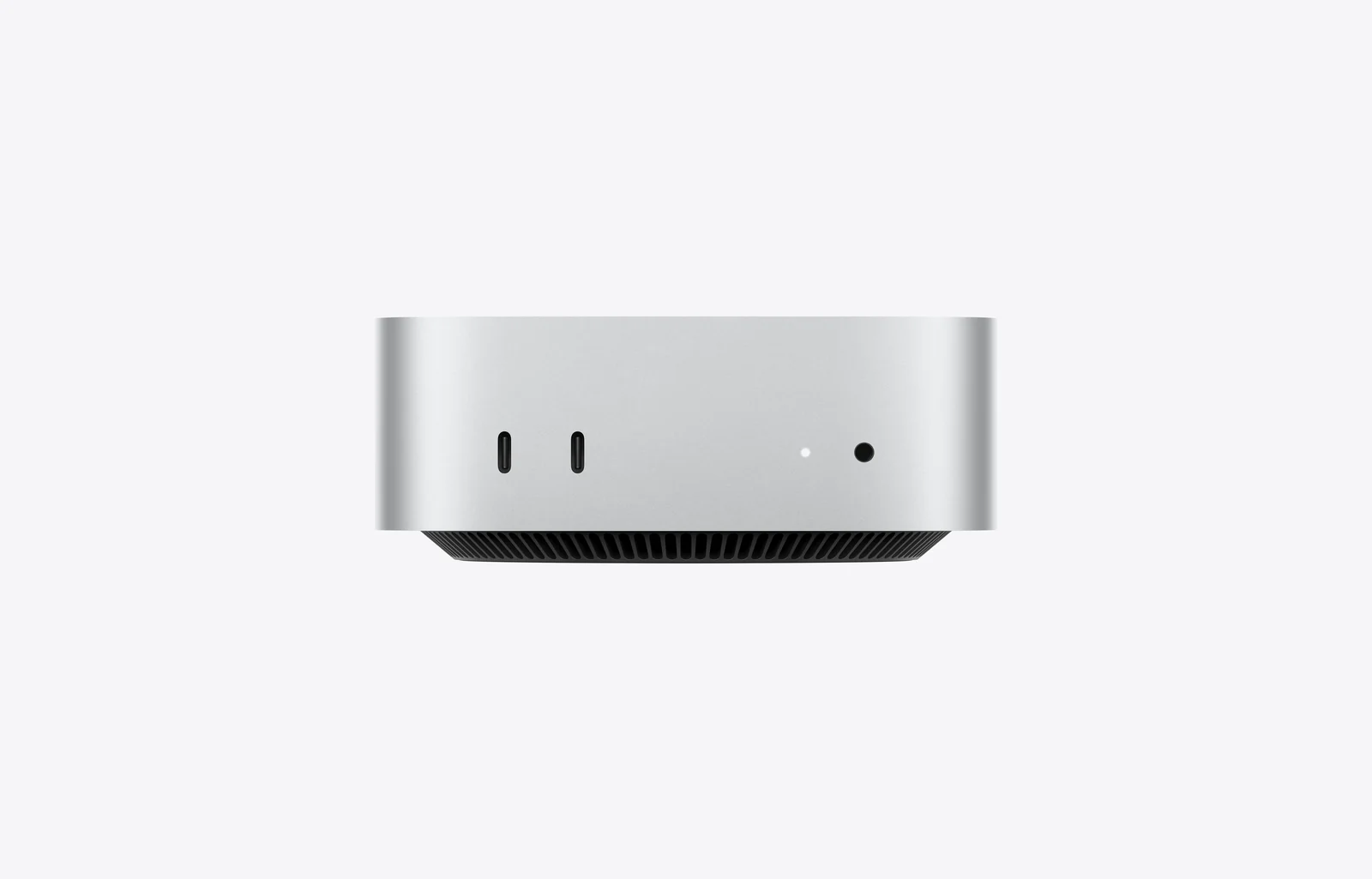
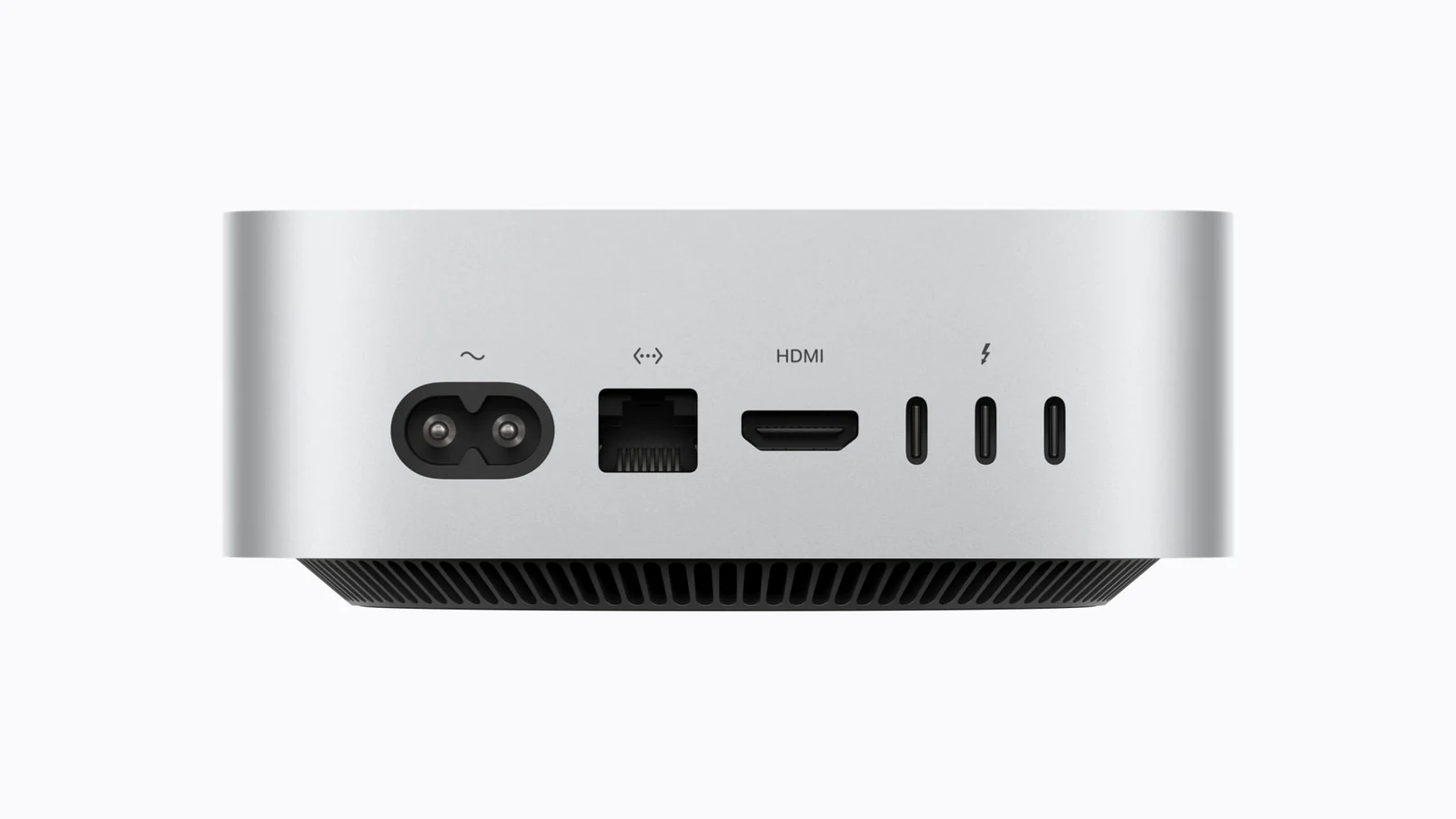
The rear provides three Thunderbolt 5 ports, HDMI and the selected Ethernet connection. Thunderbolt 5 supports bandwidth up to 120Gb/s in supported operating modes; actual storage transfers depend on the device, cable and workload. The two front USB-C ports are USB 3 connections up to 10Gb/s, making them convenient for everyday storage and accessories. They are not additional Thunderbolt 5 ports.
A front 3.5mm headphone jack supports high-impedance headphones, and the computer includes a built-in speaker. There are no built-in USB-A ports or SD card slot, so photographers and owners of older peripherals should budget for a suitable reader or adapter. Keep your display and high-bandwidth devices on connections that support their requirements.
The M5 Pro Mac mini supports up to three external displays through supported Thunderbolt and HDMI combinations. One supported arrangement is three displays at up to 6K at 60Hz or 4K at 165Hz. Higher resolutions and refresh rates change the allowed combination: an 8K at 60Hz display is supported within Apple’s two-display arrangements, not as a promise of three simultaneous 8K screens.
Check the monitor inputs, cables, resolution and refresh rate together using Apple’s Mac mini display connection guidance. A USB-C connector does not by itself guarantee that a cable or dock supports the required video mode.
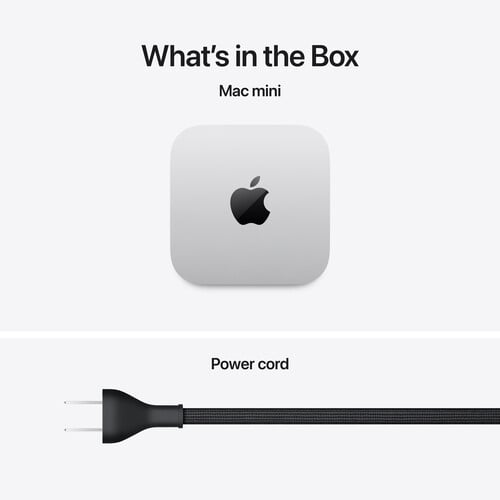
The box contains the Mac mini in the selected configuration and a 1.8m power cord. A display, keyboard, mouse or trackpad, webcam and external storage are separate purchases. The Apple Magic Trackpad USB-C is an option for macOS gestures; choose peripherals around your daily work rather than assuming an input-device bundle is included. Video meetings also need a suitable camera and microphone.
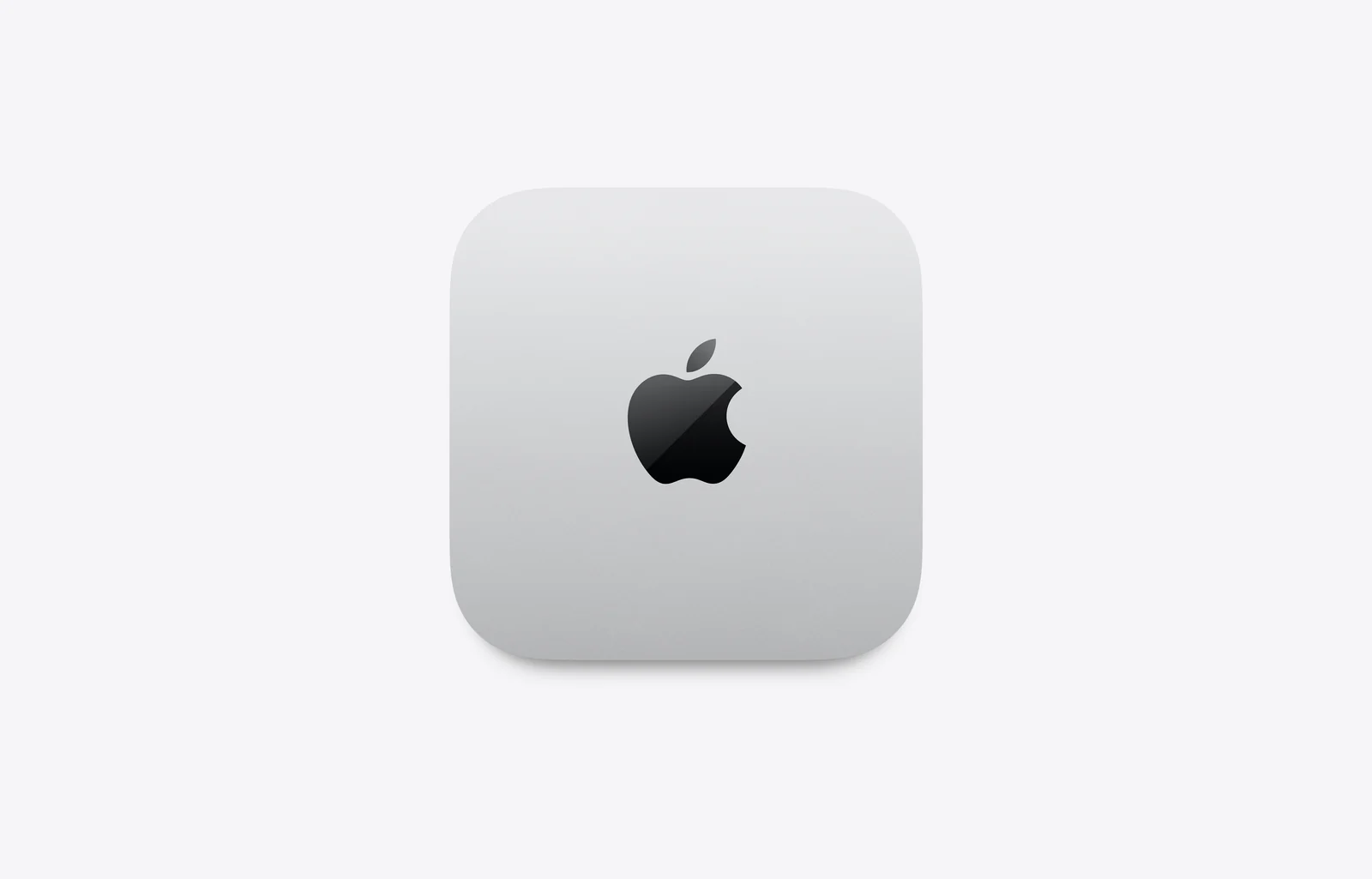
The enclosure measures 12.7cm by 12.7cm and stands 5cm high, making it easy to place beside a monitor without a large tower. It requires mains power and is not a battery-powered computer. Allow ventilation around the unit and include a separate backup drive or other backup destination in your setup budget.
Choose the M5 Pro Mac mini when you want a small desktop with substantial processing capability and already know which display and peripherals you prefer. Compare the Apple Mac mini with M4 Pro if an earlier Pro model meets your software needs at a more suitable budget. If you want the screen built into the computer, the Apple iMac 24-inch M4 with four Thunderbolt ports offers a different approach to a complete desk setup.
For the technical reference, see Apple’s official Mac mini specifications and use the M5 Pro column. The product video is an independent M5 Pro Mac mini review by YCImaging, useful for seeing a creative workflow; the reviewer’s configuration and accessories may differ from the package selected here.
| Form Factor | |
|---|---|
| Processor | |
| Chip Configuration | |
| Graphics Type | |
| Graphics Card | |
| RAM | |
| RAM Type | |
| Storage | |
| Storage Type | |
| Ethernet | |
| Configuration | |
| Color | |
| Release Year |
There are two processor and memory bundles: 15-core CPU / 16-core GPU with 24GB unified memory and 512GB SSD, and 18-core CPU / 20-core GPU with 64GB unified memory and 1TB SSD. Each has a 2.5 Gigabit or 10 Gigabit Ethernet option.
The 64GB/1TB bundle also has the higher 18-core CPU and 20-core GPU. It offers more working memory, twice the listed SSD capacity and additional processing resources. Choose it for workloads that benefit from those resources, rather than expecting every application to become proportionally faster.
It is a sensible starting point for development, photography, music production and multitasking when your applications and projects fit within 24GB unified memory. Assess your actual software and project sizes; professional work does not have one universal memory requirement.
Consider 64GB for larger creative projects, heavier multitasking, development environments or supported local AI workloads with larger memory requirements. Unified memory is shared by the CPU and GPU, so graphics and application demands both matter.
The purchasable combinations here pair the 15-core CPU / 16-core GPU with 24GB/512GB, and the 18-core CPU / 20-core GPU with 64GB/1TB. The configuration choices should be treated as complete bundles.
Choose 2.5Gb for a typical desk network. Consider 10Gb for compatible fast NAS storage, shared media or large workstation transfers. The network switch, cabling and storage must also support the required performance.
No. Internet speed is limited by your service plan, router and the remote service. A 10Gb connection primarily creates headroom on a compatible local network; it cannot overcome a slower connection elsewhere.
Yes. Apple lists support for 1Gb, 2.5Gb, 5Gb and 10Gb link speeds on the configurable 10Gb interface. The negotiated connection depends on the equipment and cabling.
No. The two front USB-C ports support USB 3 up to 10Gb/s. The three Thunderbolt 5 ports are on the rear, alongside HDMI and Ethernet.
Up to three external displays in supported Thunderbolt and HDMI combinations. Apple lists three displays at up to 6K/60Hz or 4K/165Hz. Higher-resolution or higher-refresh arrangements have different limits, so match the exact display configuration to Apple’s guidance.
Yes, Apple specifies an 8K at 60Hz display within supported two-display arrangements. This does not mean it can drive three 8K monitors simultaneously. Monitor, cable and port compatibility must all be checked.
No. The listed built-in connections use USB-C, Thunderbolt, HDMI, Ethernet and a 3.5mm headphone jack. Add a compatible adapter, hub or card reader for USB-A devices and camera memory cards.
M5 Pro provides hardware acceleration for H.264, HEVC, ProRes and ProRes RAW, plus AV1 decoding. Editing performance also depends on the application, effects, footage and storage. Choose the memory and SSD bundle around your project needs.
Yes, a compatible external drive can hold media, projects and other files through USB or Thunderbolt. Drive and cable specifications affect transfer speeds. External storage does not add unified memory, and a separate backup remains important.
Yes. Apple specifies Wi-Fi 7, Bluetooth 6 and Thread networking through its N1 wireless chip. Feature availability varies by region, and wireless performance depends on compatible equipment and conditions.
No. The standard box contains the Mac mini and a 1.8m power cord. Add a compatible display, keyboard and mouse or trackpad separately. A webcam and microphone are also needed for video calls unless provided by other connected equipment.
Yes. It has a built-in speaker and a 3.5mm headphone jack with advanced support for high-impedance headphones. HDMI also supports multichannel audio output to compatible equipment.
Check each application’s supported operating systems and Apple silicon requirements before purchase. Do not assume a Windows-only application or specialised peripheral will work natively in macOS; any alternative or virtualisation solution needs its own compatibility check.
Yes. It is a desktop computer supplied with a 1.8m power cord, not a battery-powered device. Apple lists an input range of 100–240V AC at 50–60Hz. Keep ventilation clear and plan suitable backup power separately if needed.
The Mac mini prioritises a small desktop footprint and M5 Pro performance. Compare Mac Studio when your work needs its available graphics, memory, media capabilities or connections. Evaluate the exact configurations and complete workspace cost rather than choosing by product name alone.
The video is YCImaging’s independent M5 Pro Mac mini review, showing a creative workflow comparison. It is not an Apple promotional video. The reviewer’s accessories, configuration and test results may differ from your selected setup.
Brand warranty terms depend on the exact unit, supplier and service region. Keep the purchase invoice and confirm coverage and exclusions at checkout.
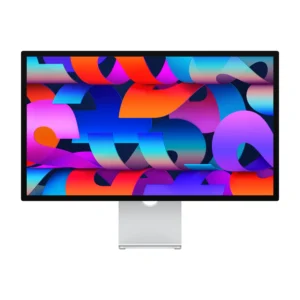
Thunderbolt; check cable and refresh rate.
Display Finish: Standard · Stand Adjustment: Tilt
KShs 266,500
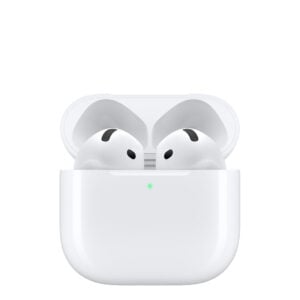
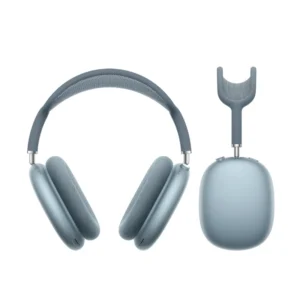
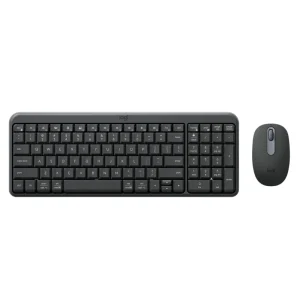
Check operating-system and connector support.
KShs 3,800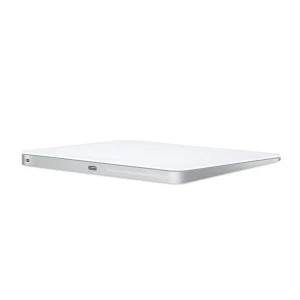
Check operating-system and connector support.
Color: White
Original price was: KShs 20,500.KShs 20,000Current price is: KShs 20,000.Available models in this category. Compare core features and prices.
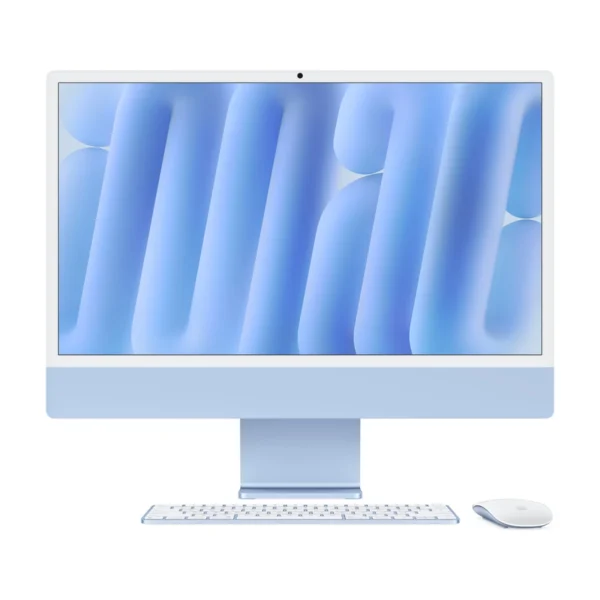 Apple iMac 24-inch M4 — Four Thunderbolt PortsKShs 240,500Form Factor: All-in-One (this product: Mini PC) · Processor: Apple M4 (this product: Apple M5 Pro)View product →
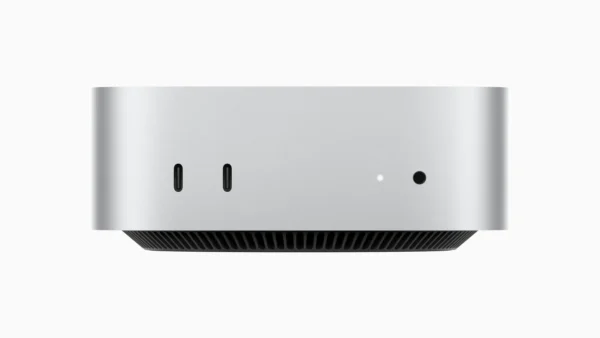 Apple Mac mini with M4 ProKShs 238,500Processor: Apple M4 Pro (this product: Apple M5 Pro) · Graphics Card: Apple M4 Pro 16-core GPU (this product: Apple M5 Pro 16-core GPU, Apple M5 Pro 20-core GPU)View product →
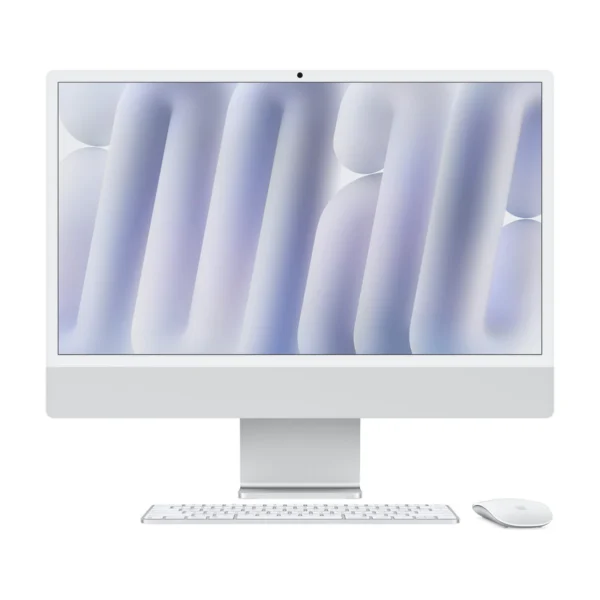 Apple iMac 24-inch M4 — Two Thunderbolt PortsKShs 214,500Form Factor: All-in-One (this product: Mini PC) · Processor: Apple M4 (this product: Apple M5 Pro)View product →
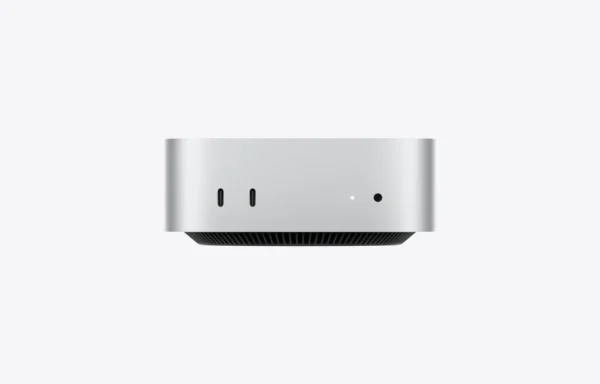 Apple Mac mini with M6KShs 127,000Processor: Apple M6 (this product: Apple M5 Pro) · Graphics Card: Apple M6 12-core GPU (this product: Apple M5 Pro 16-core GPU, Apple M5 Pro 20-core GPU)View product →