Cookie settings

Choose optional cookies. Change these any time.

EssentialAlways on for shopping

Privacy policy

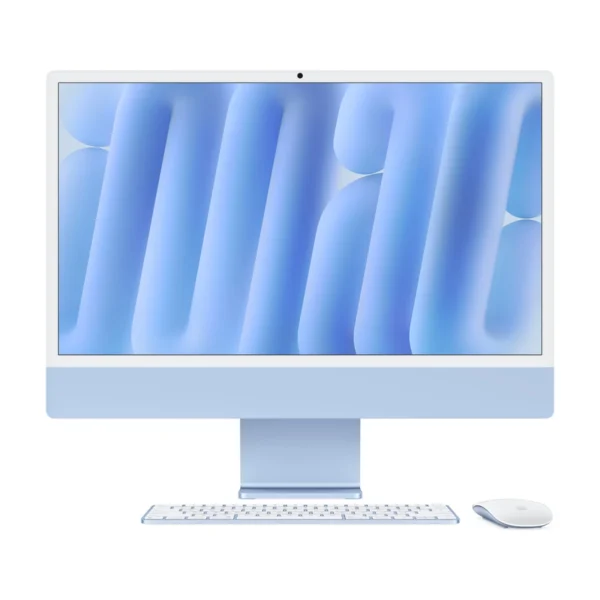
Apple iMac 24-inch M6 — Two Thunderbolt Ports Stand + 2.5 Gigabit Ethernet + 16GB RAM + 256GB SSD

Rate this product
Select a rating

KShs 261,000

Price is indicative and may change when stock arrives.

In-stock alternatives

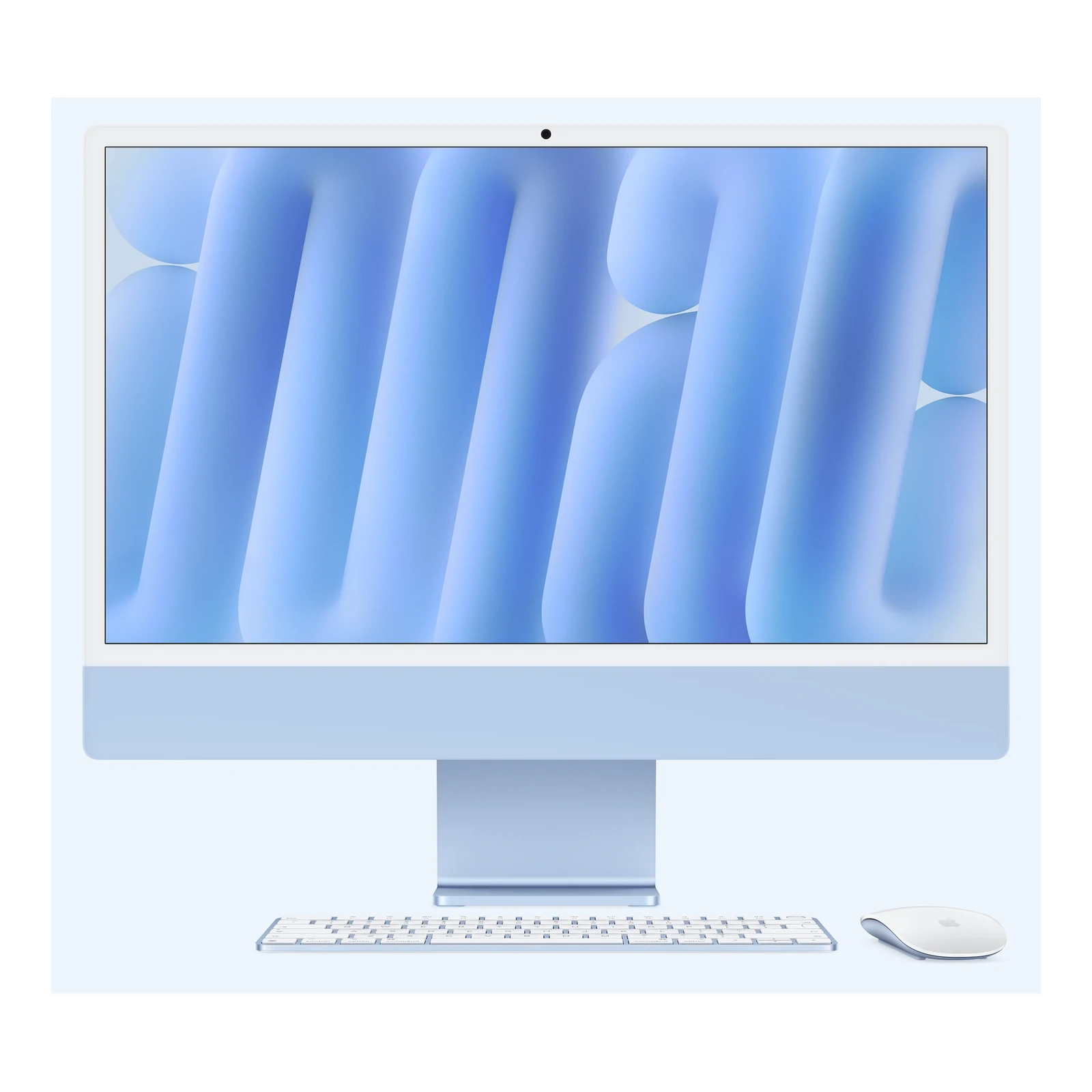
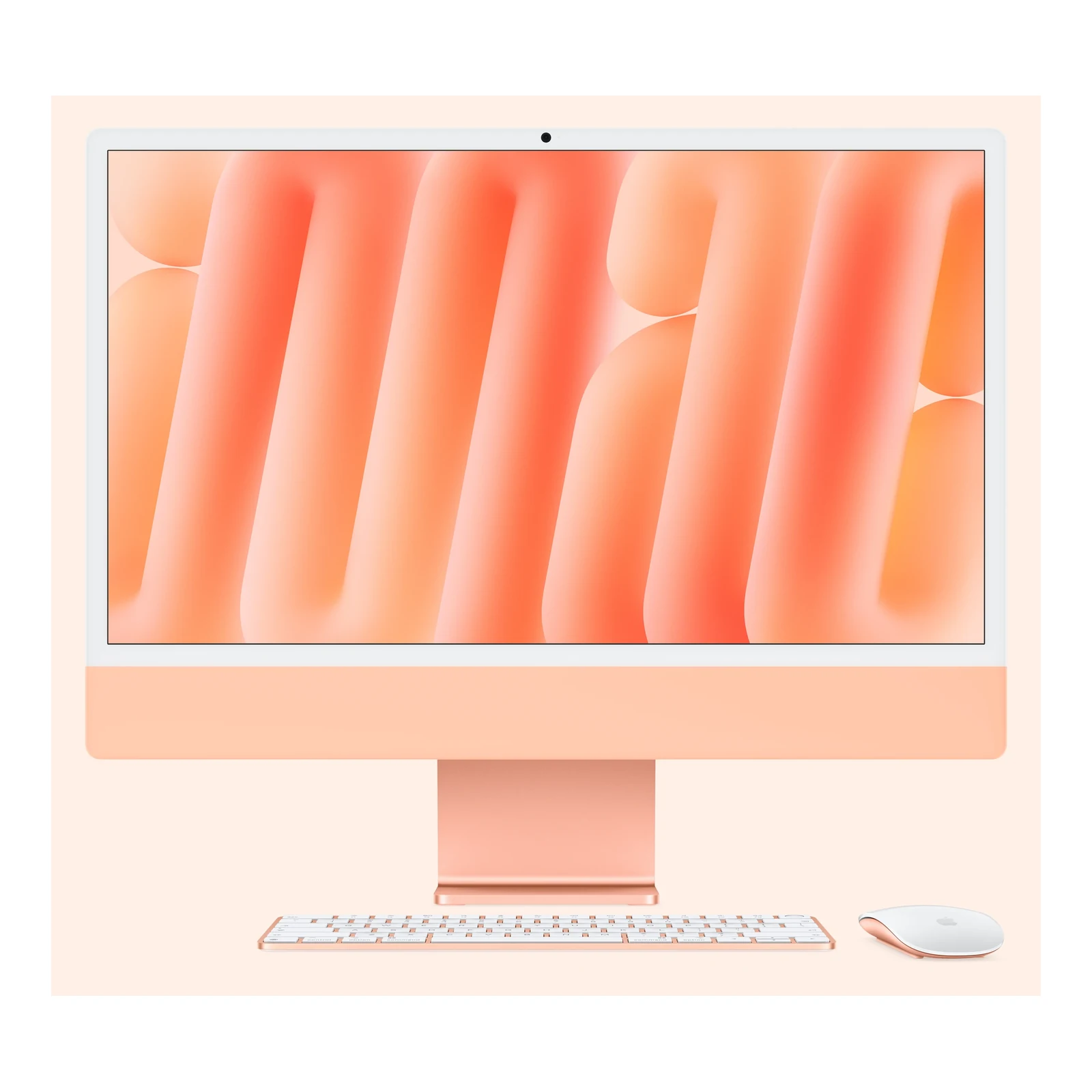
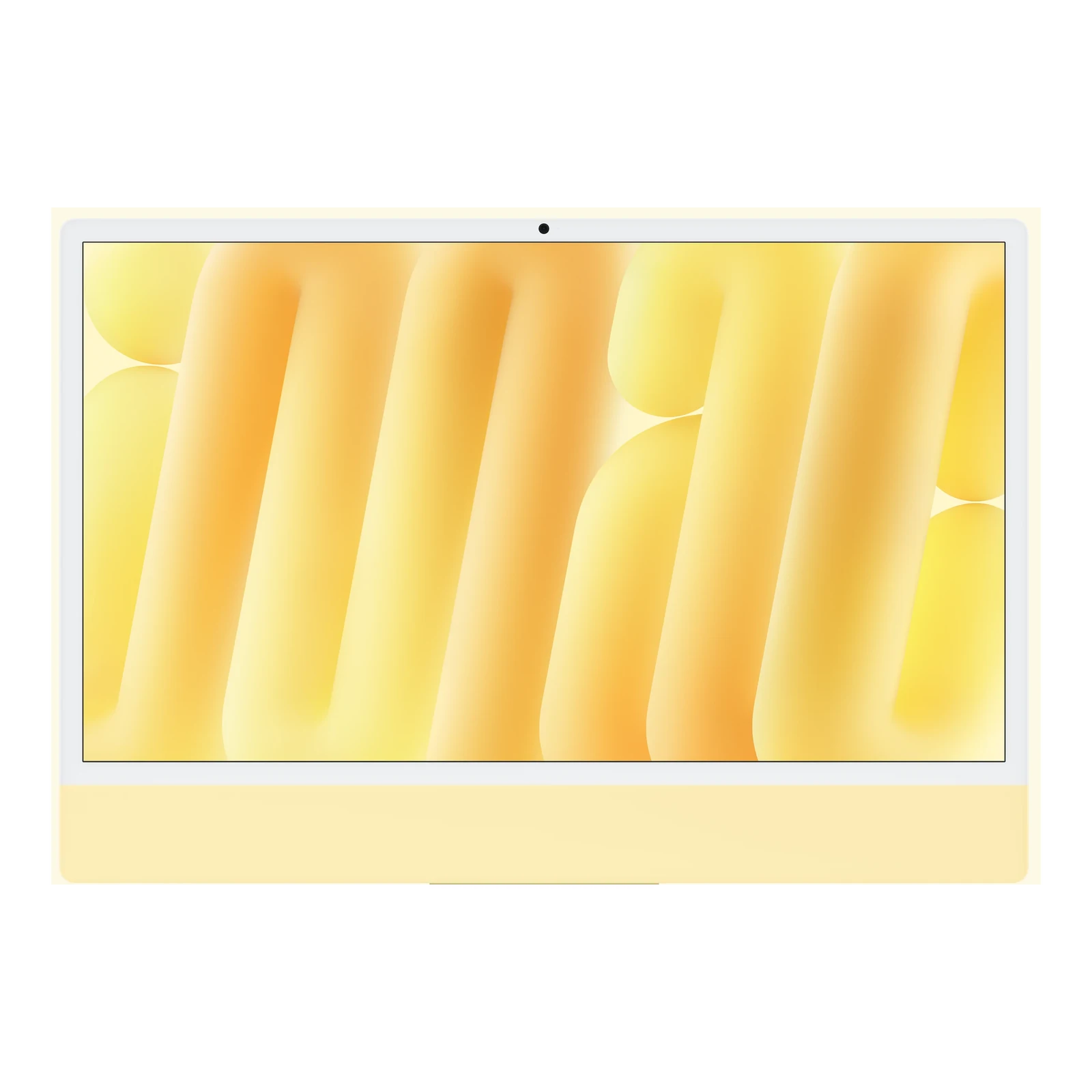
Build a complete Mac workspace around a 24-inch 4.5K Retina display, M6 chip with 10-core CPU and 10-core GPU, 16GB unified memory and 256GB SSD. Choose a stand or VESA Mount Adapter and optional 2.5 Gigabit Ethernet; the two Thunderbolt 4 ports, Center Stage camera, Magic Keyboard and Magic Mouse support everyday work and creative projects.

Currently unavailable — get notified

Choose an unavailable option and leave your details. We’ll email you when it’s available to order.

We’ll also email you when other options of this product become available, while keeping your chosen option on the waiting list. You can stop alerts from any email. Prices may change when stock arrives.

SKU: 9003407
Warranty information1 year Apple warranty

Product information

Explore the details that matter.

Apple iMac 24-inch M6 — Two Thunderbolt Ports Overview

The Apple iMac 24-inch M6 — Two Thunderbolt Ports price in Kenya is KShs 261,000. This all-in-one Mac brings a 4.5K Retina screen, a 10-core CPU and 10-core GPU, a camera, microphones and speakers into one desktop for office work, study, photo editing and everyday creative projects. Its 16GB unified memory and 256GB SSD suit a workspace built around documents, cloud services and a manageable local media library. If you need more connected accessories or a more demanding display setup, compare the Apple iMac 24-inch M6 with Four Thunderbolt Ports before choosing.

A 4.5K workspace for documents, photographs and calls

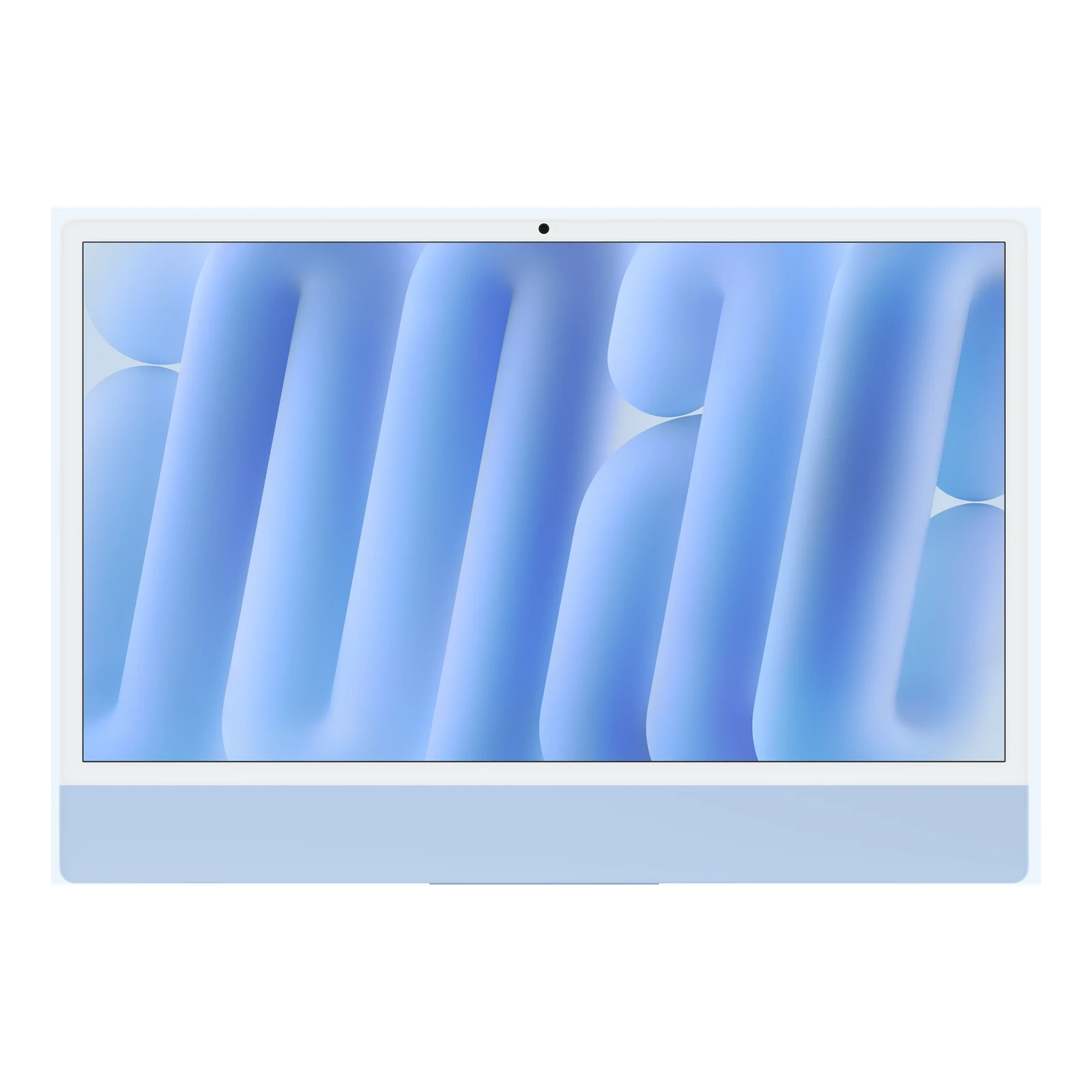
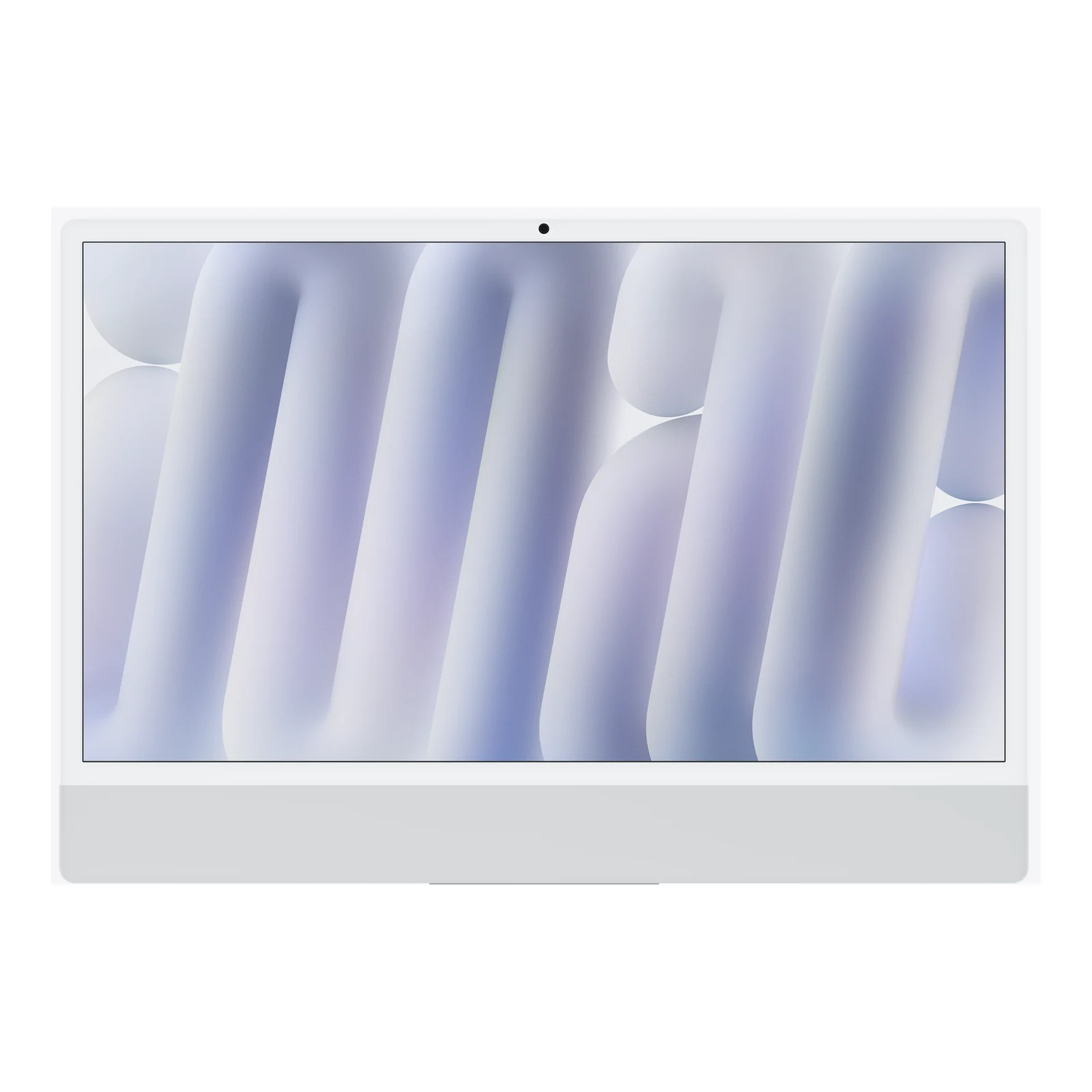
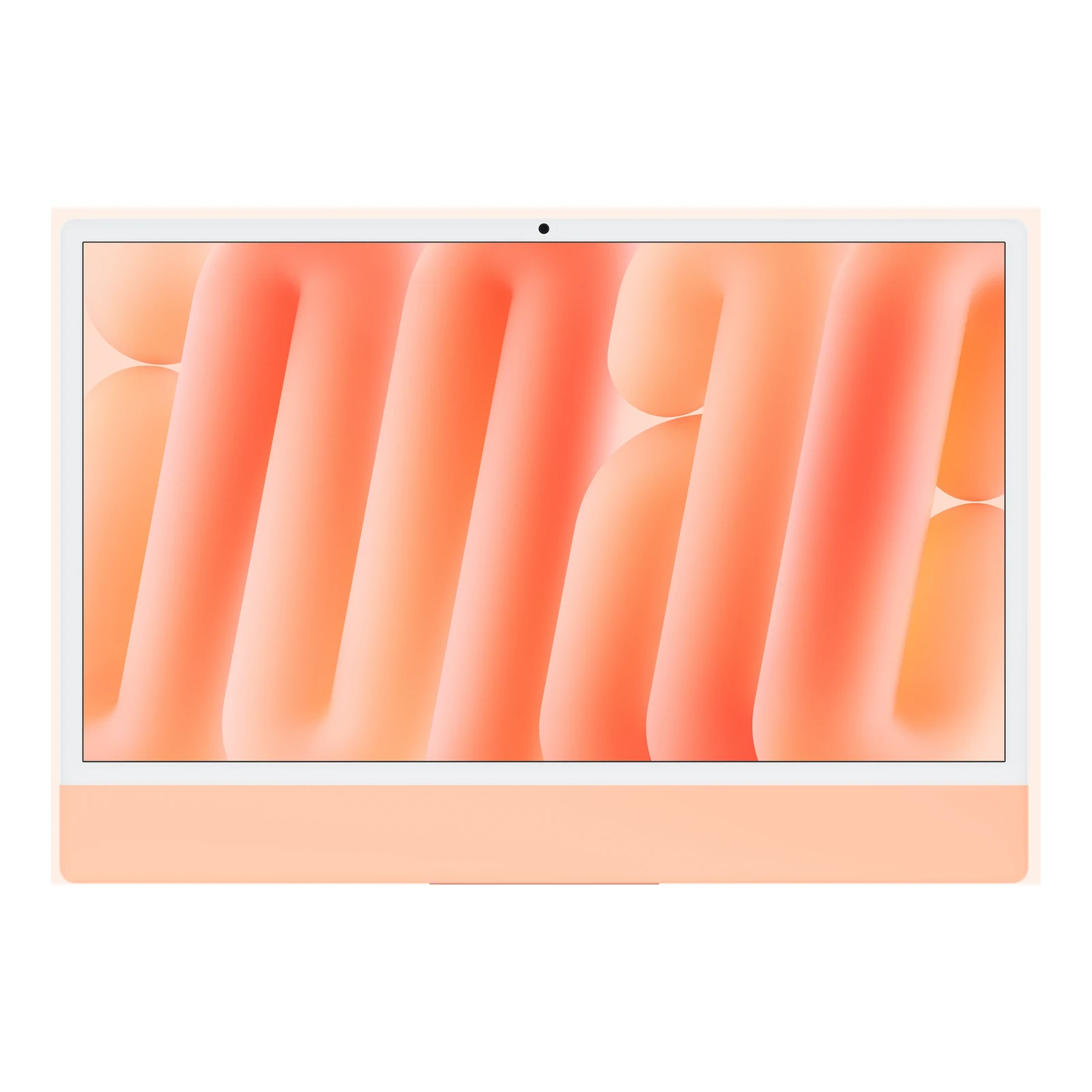
The 4480 × 2520 Retina display makes small text, spreadsheets and photo detail easier to inspect than on a lower-resolution desktop screen. Apple specifies 500 nits of brightness, P3 wide colour and True Tone; the advertised 24-inch size measures 23.5 inches diagonally. This two-port model has standard glass and a non-touch display. Position it with reflections in mind: nano-texture glass is an option on the higher four-port model, not this configuration.

What the M6 chip and 16GB memory mean for your work

The M6 combines a 10-core CPU with a 10-core GPU, hardware-accelerated ray tracing and a media engine for supported video formats including H.264, HEVC and ProRes. It is a sensible fit for browser-based business tools, presentations, design work and editing personal or small-business videos. Workload size still matters: multiple demanding creative applications, large image projects and virtual machines can put more pressure on 16GB memory than ordinary office work.

The configurations listed here all pair 16GB unified memory with a 256GB SSD. Memory is shared across the chip; an external SSD adds file space, not RAM. Allow room for macOS, applications and working files, then plan separate storage and a backup for a growing photo or video collection. Do not buy this configuration on the assumption that its memory is a later user upgrade. Apple offers other factory configurations, but they are not the options listed on this page.

Stand or VESA Mount Adapter: choose for your desk

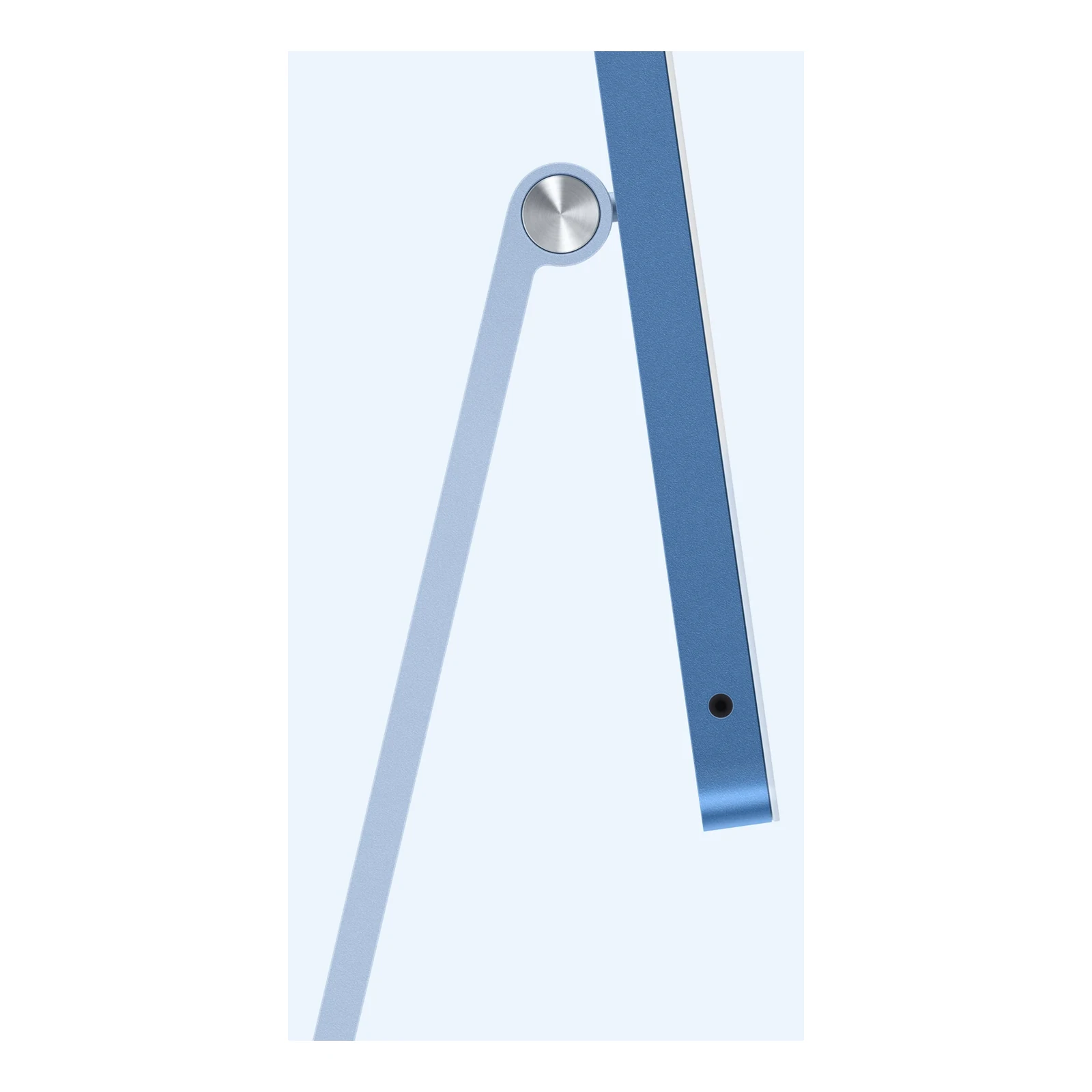
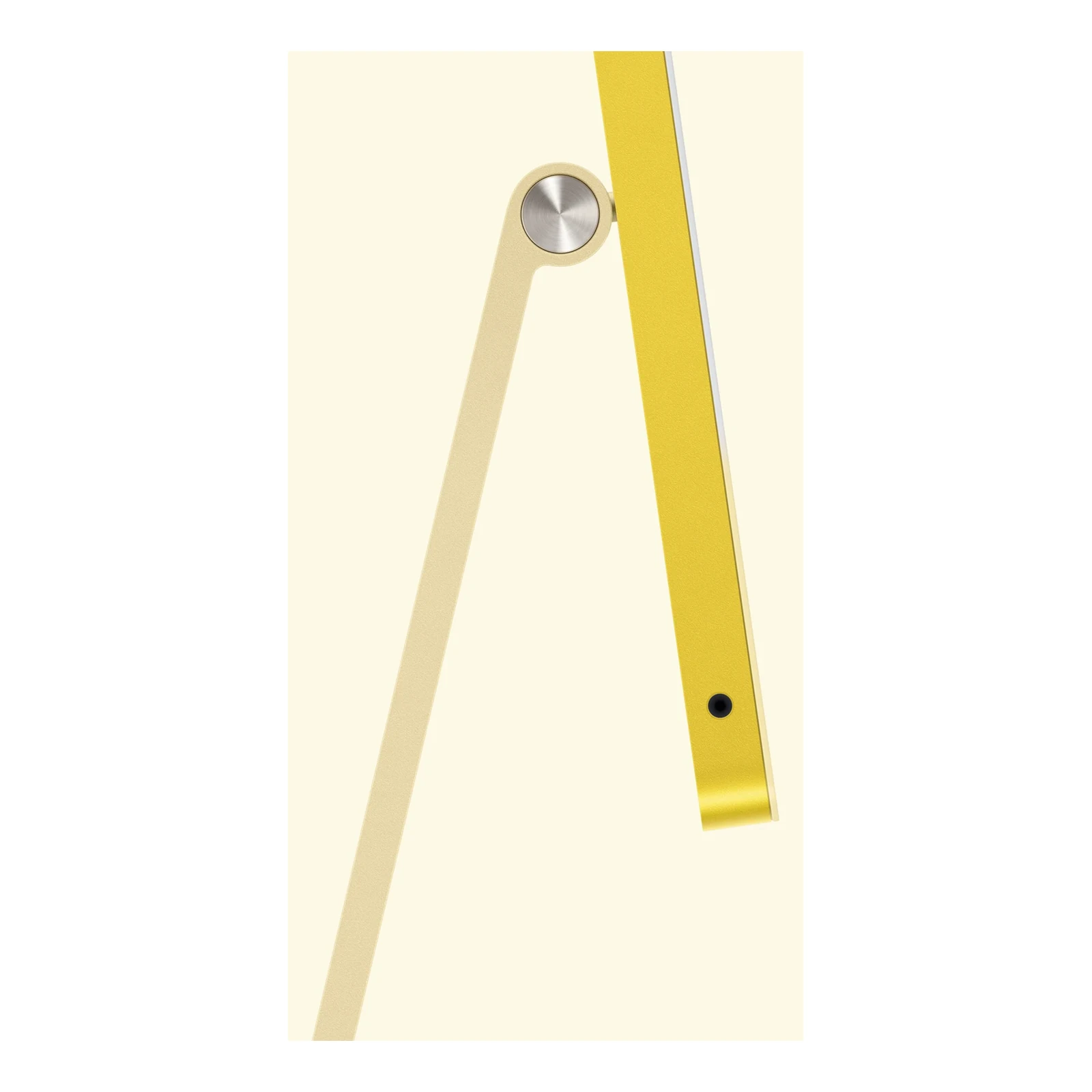
The Stand option is the straightforward choice for a conventional desk. The VESA Mount Adapter option is for a compatible monitor arm or wall-mount installation, useful when you want more flexible screen positioning or a clear work surface. The arm or wall mount is a separate purchase. Check its compatibility and load rating before ordering, and choose the mounting version that matches your planned setup.

No Ethernet or 2.5 Gigabit Ethernet?

Choose No Ethernet for a workspace that primarily uses Wi-Fi. It retains the Apple N1 wireless chip with Wi-Fi 7 and Bluetooth 6, so this option is still fully capable of wireless networking. Choose 2.5 Gigabit Ethernet when you want a wired connection for a fixed office desk, large local-network transfers or a room with unreliable Wi-Fi. Reaching 2.5Gb/s requires compatible networking equipment and cabling; it does not turn a slower internet plan into a faster one. Wi-Fi performance likewise depends on your router, network conditions and regional feature availability.

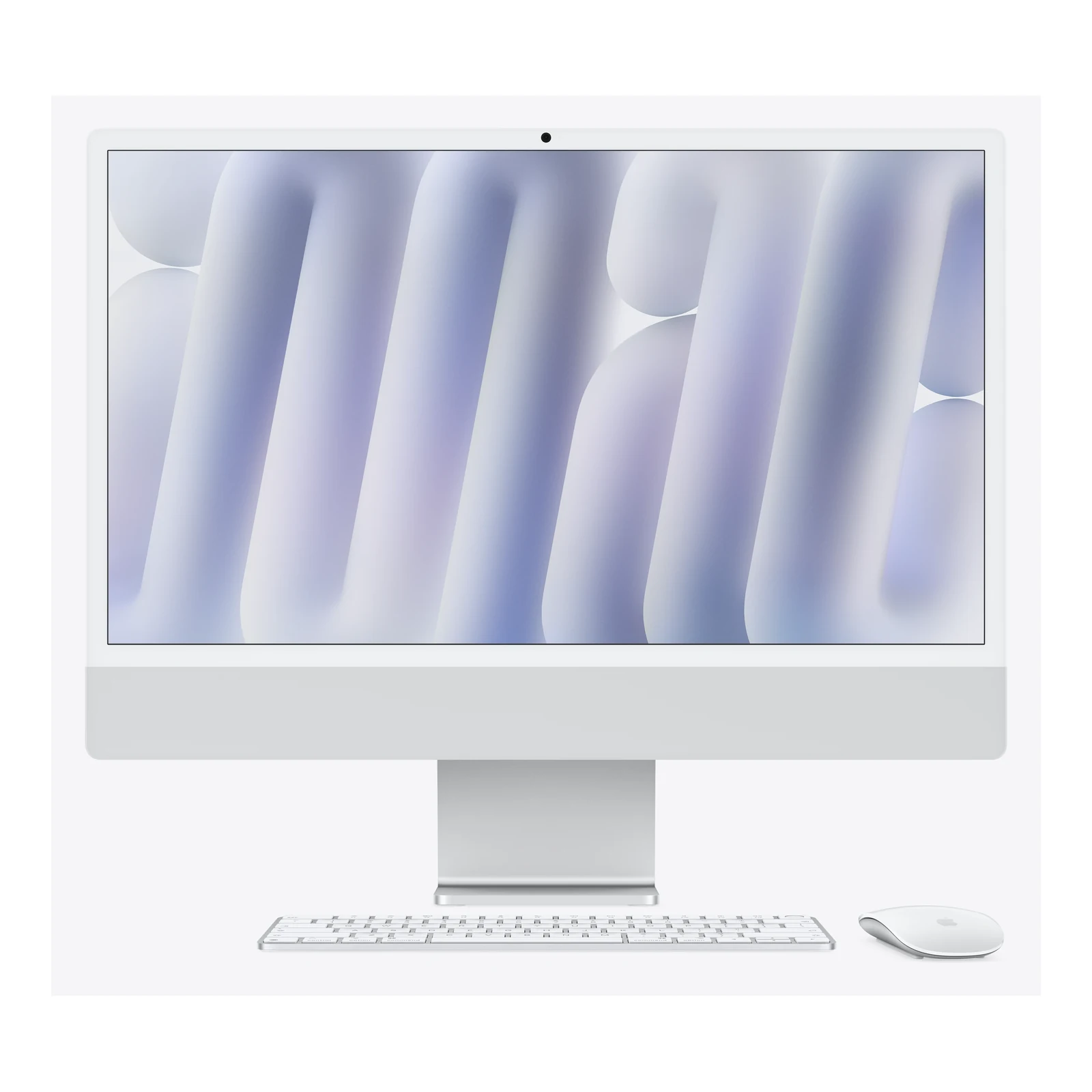
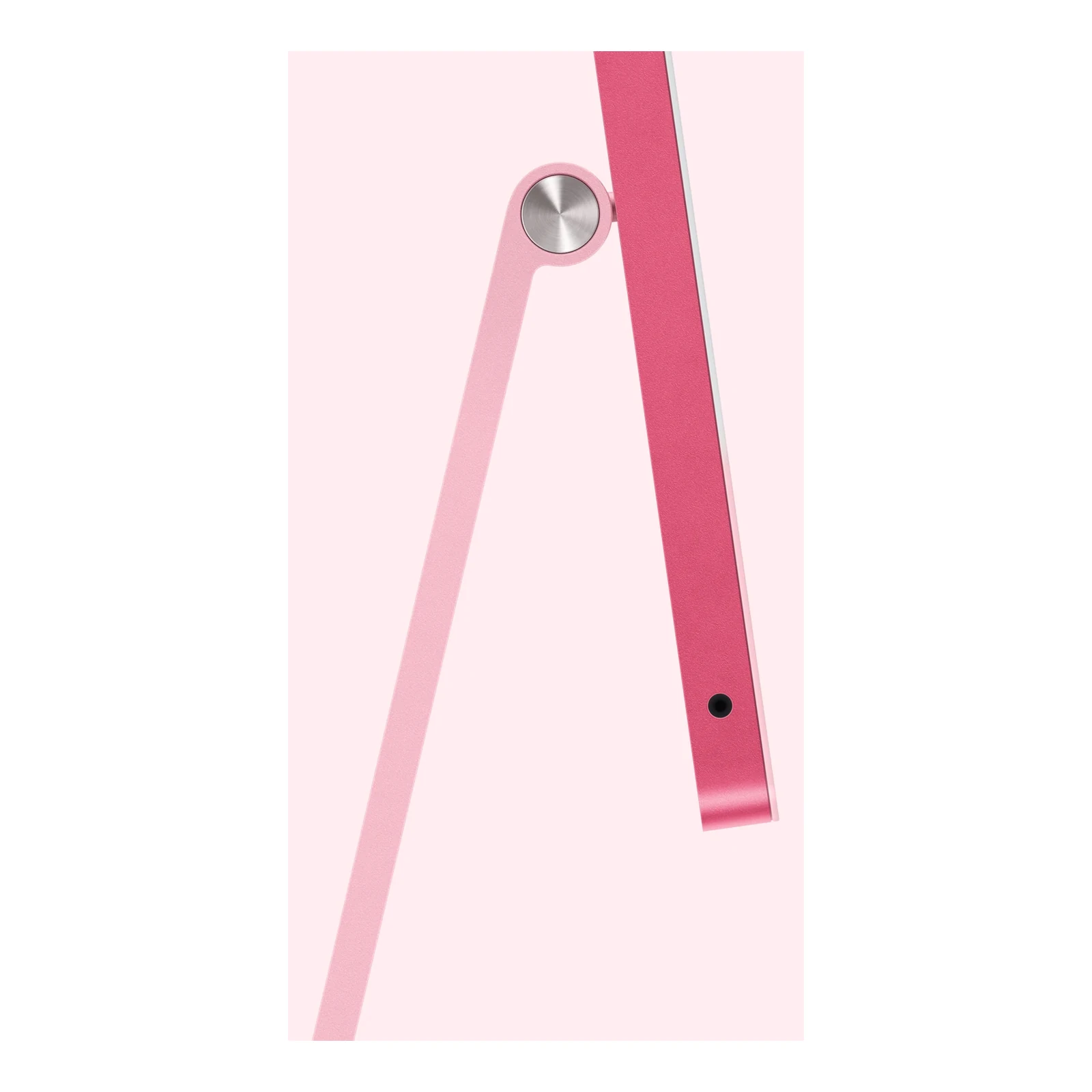
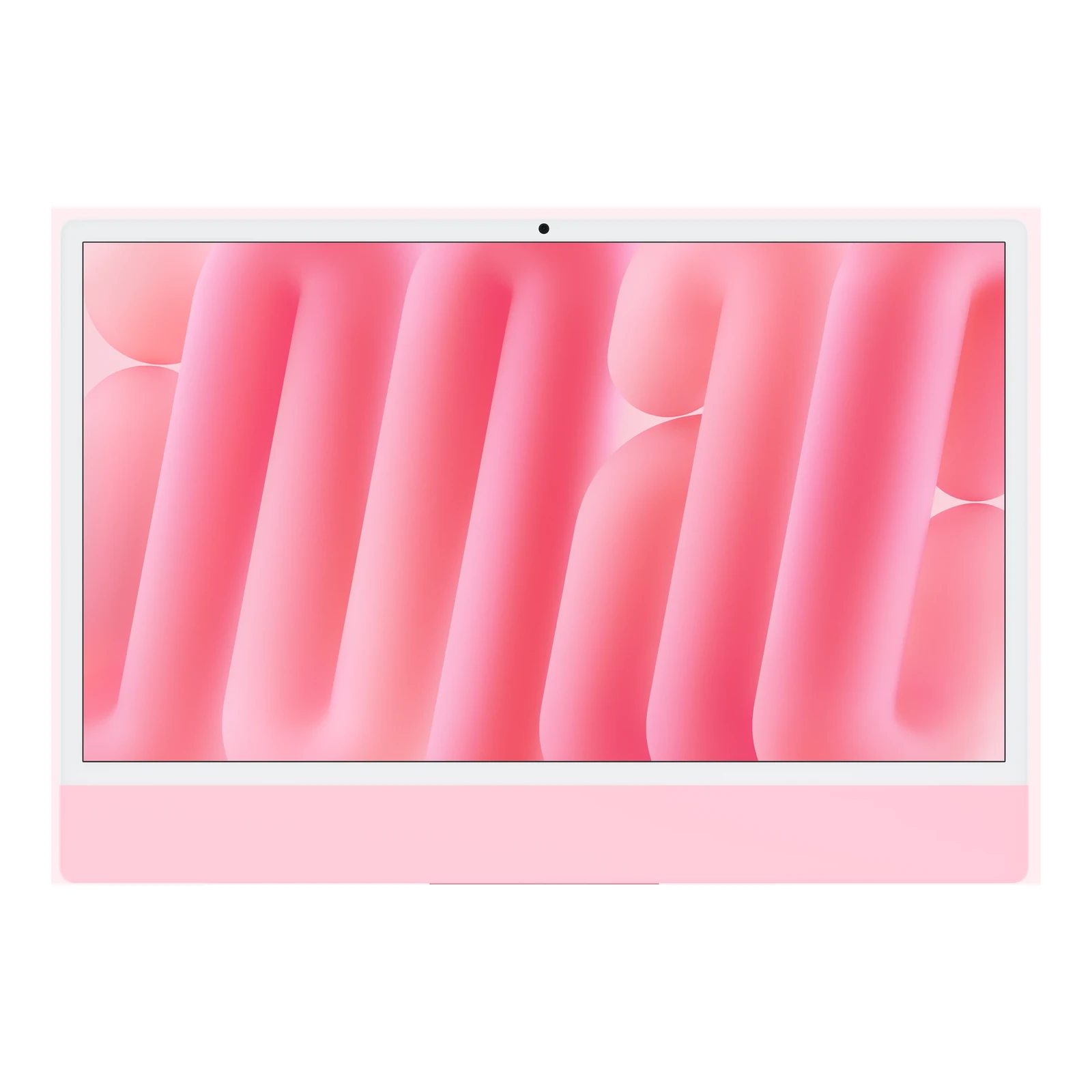
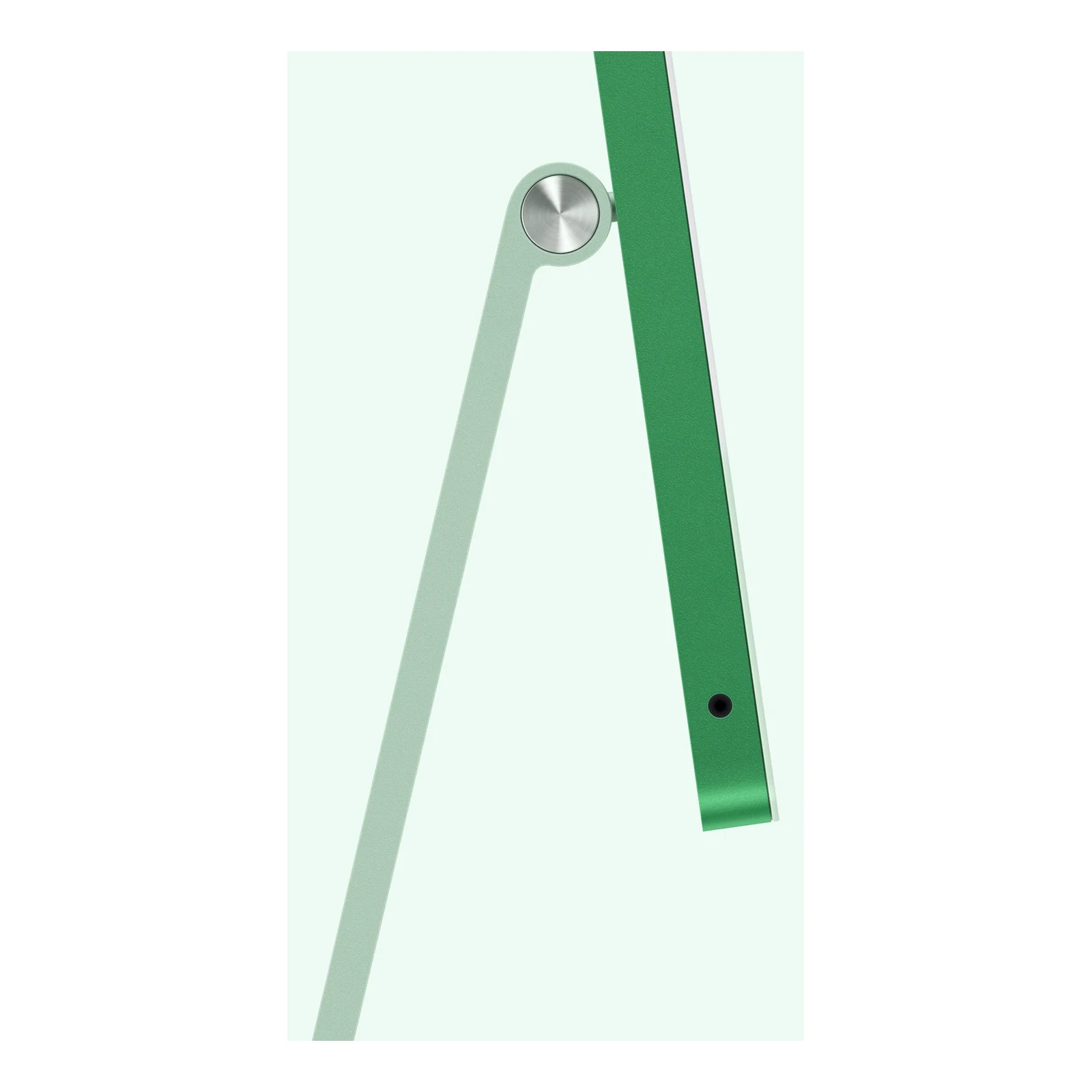
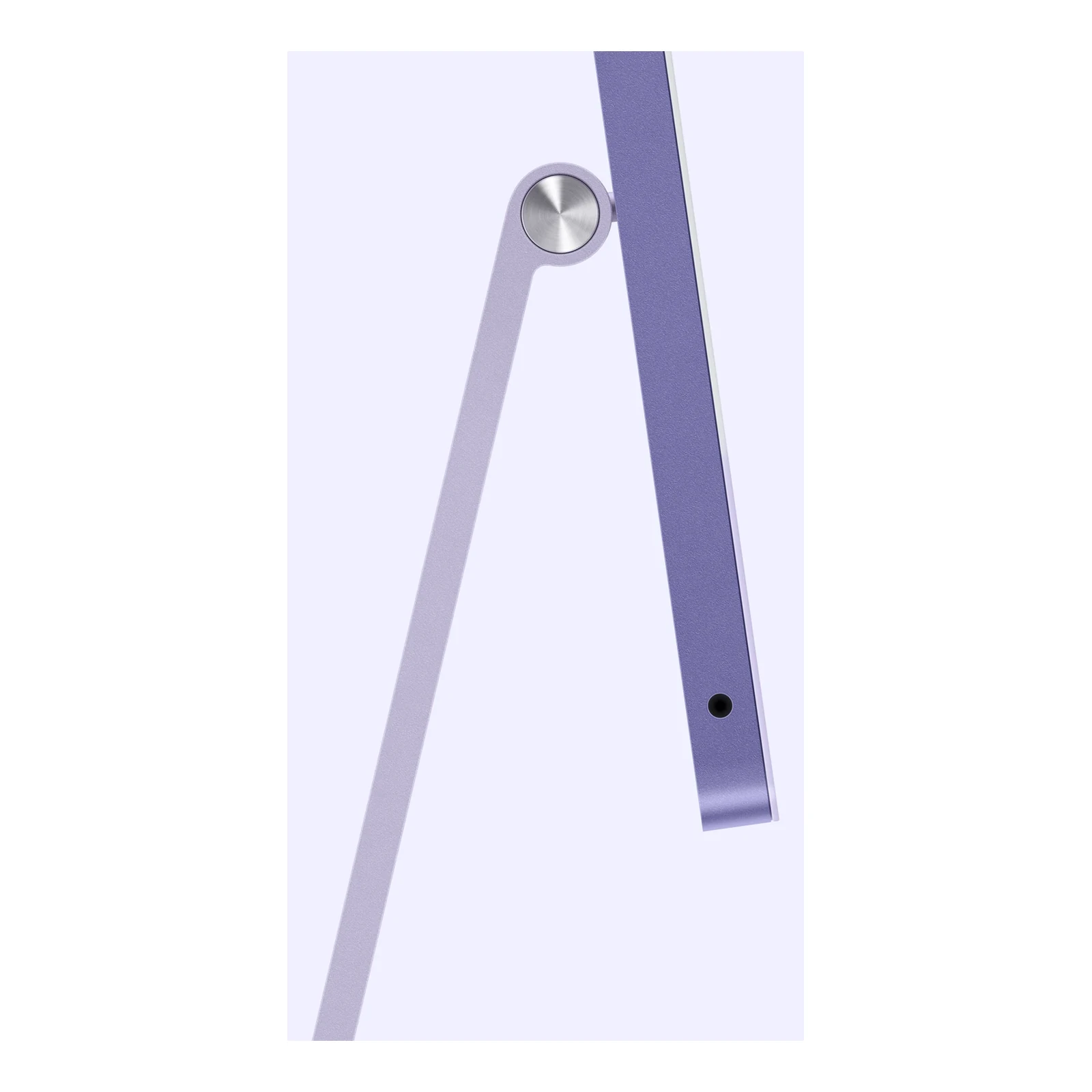
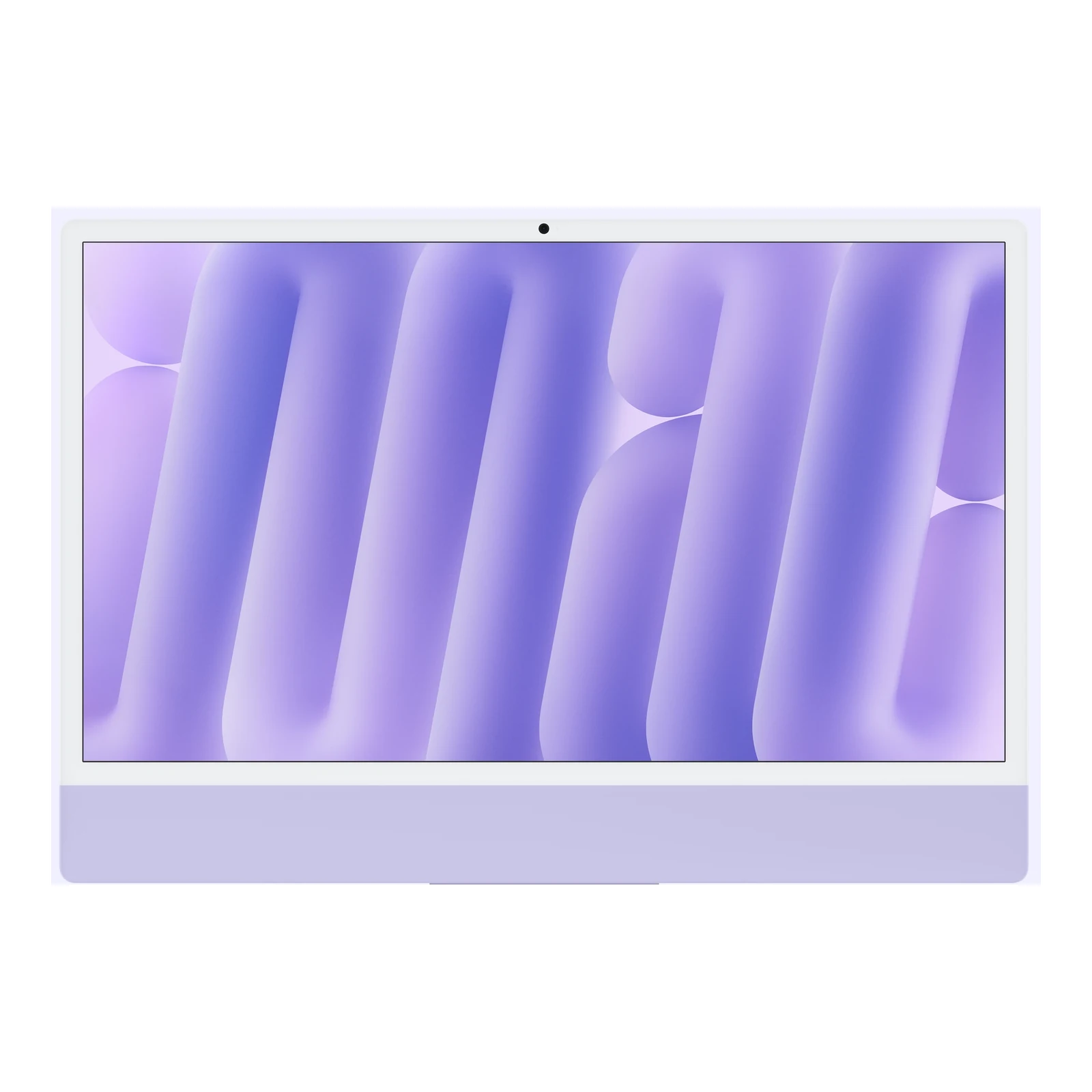
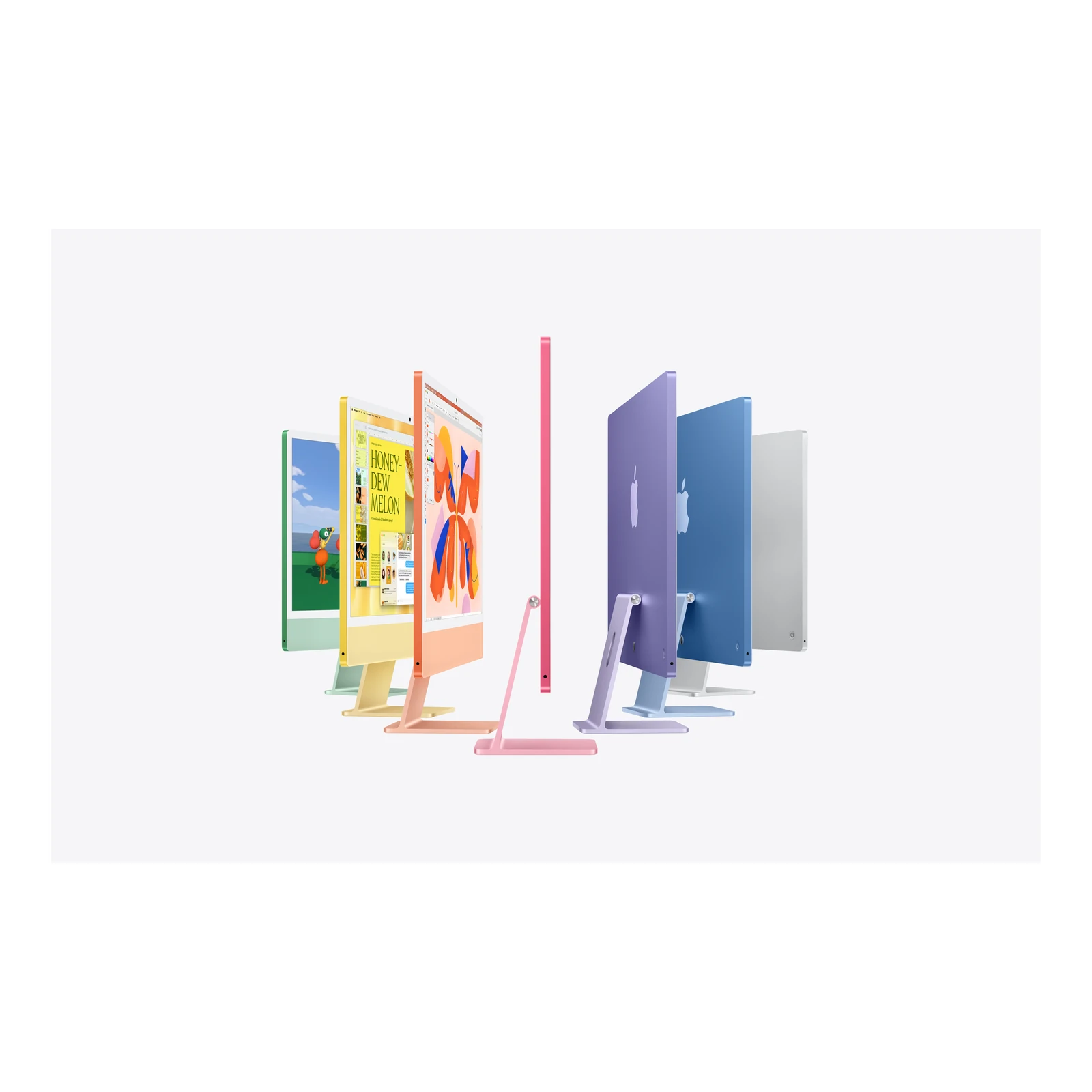
Both mounting choices and both Ethernet choices are listed in Blue, Green, Orange, Pink, Purple, Silver and Yellow. Colour changes the finish, not the M6 processor, memory or SSD. The practical decisions are where the computer will sit and how it will connect to your network.

Two Thunderbolt ports and one additional display

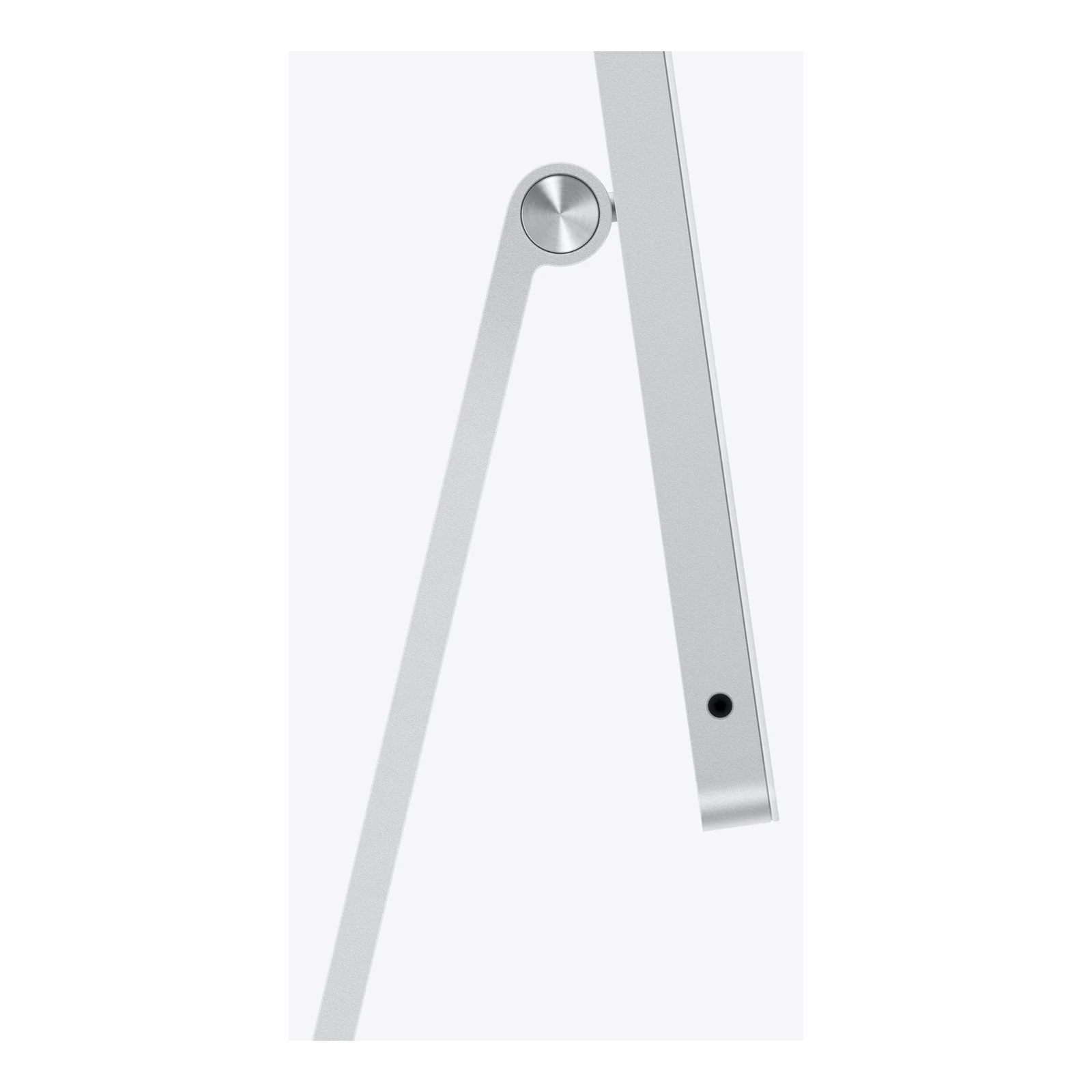
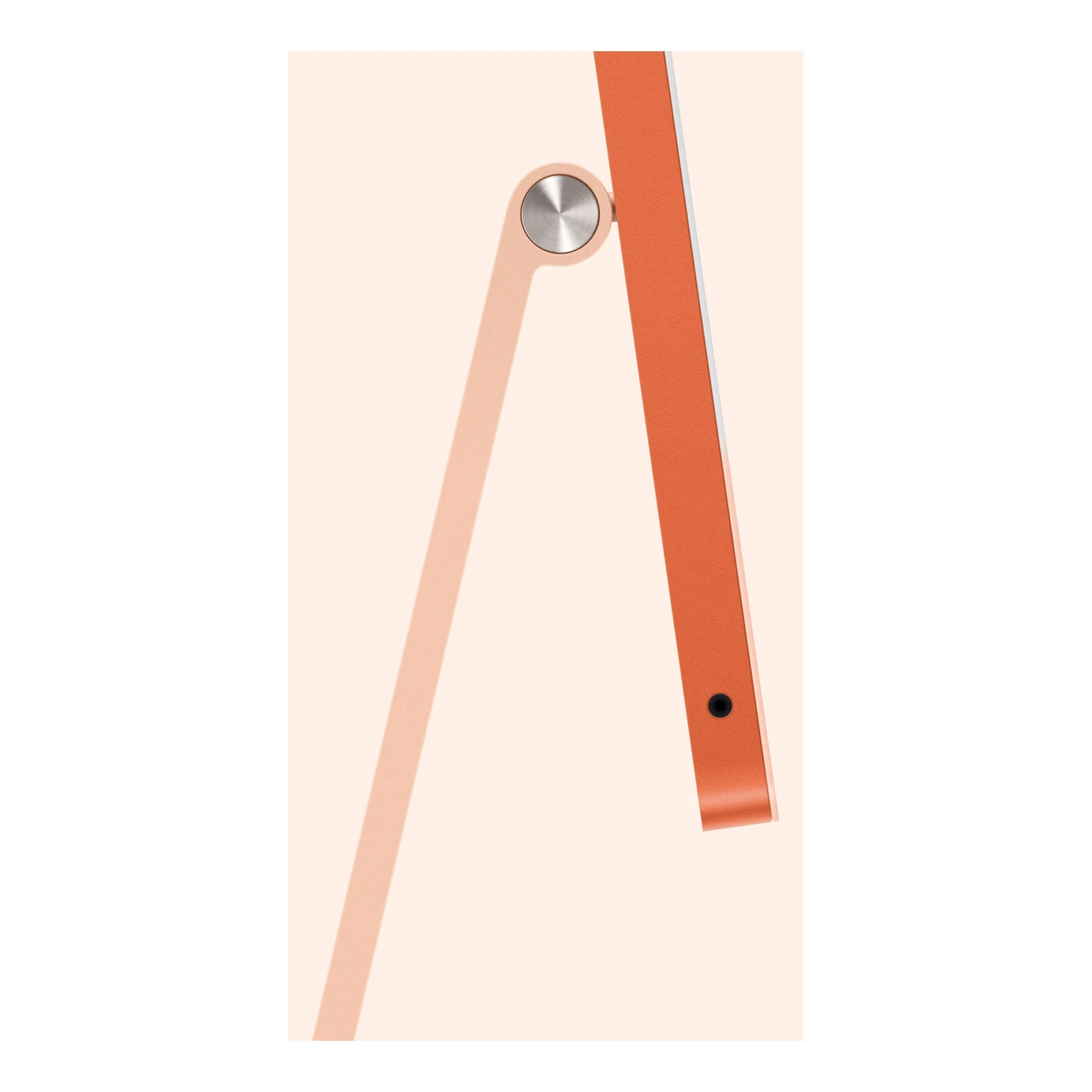
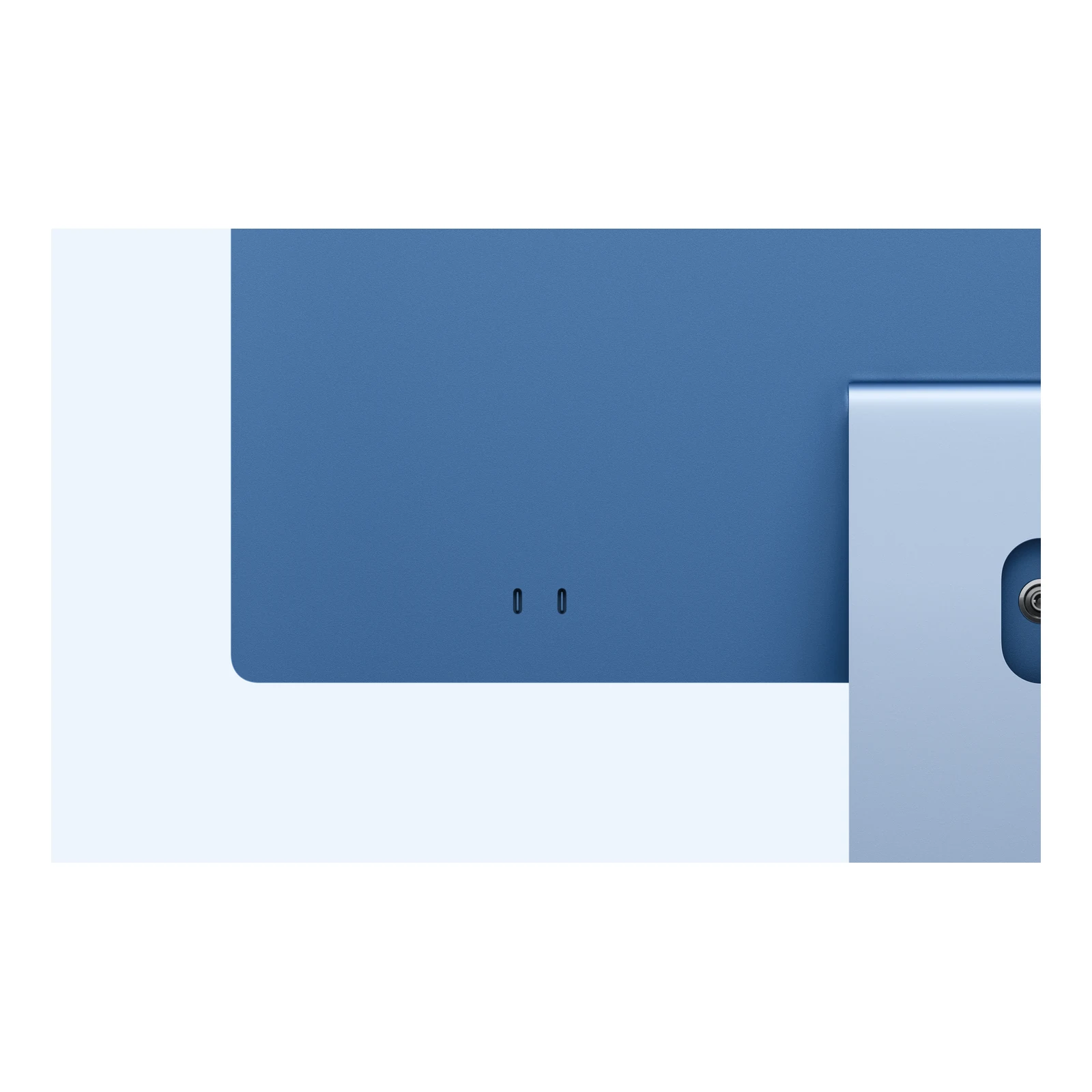
The two USB-C-shaped Thunderbolt 4 ports support Thunderbolt and USB4 transfers up to 40Gb/s, plus compatible USB accessories and display output. There is also a 3.5mm headphone jack. Count your devices before choosing: an external SSD and an additional monitor can occupy both ports, so a suitable hub or dock may be useful. USB-A, HDMI and SD-card accessories need the appropriate adapter or reader.

This 10-core M6 iMac supports its built-in screen alongside one external display up to 6K at 60Hz or 4K at 165Hz, subject to a compatible display and connection. Do not assume it has the same native multi-display support as the four-port iMac. If you prefer choosing a separate screen from the outset, the Apple Mac mini with M6 is another desktop route; include a monitor, keyboard, mouse and camera in that comparison.

Video meetings and included accessories

A 12MP Center Stage camera helps keep you framed during supported calls, while Desk View can show your work surface. Video recording is 1080p; the 12MP camera specification does not mean 4K webcam recording. The built-in microphone array and six-speaker system make everyday calls and media playback possible without buying separate speakers or a webcam.

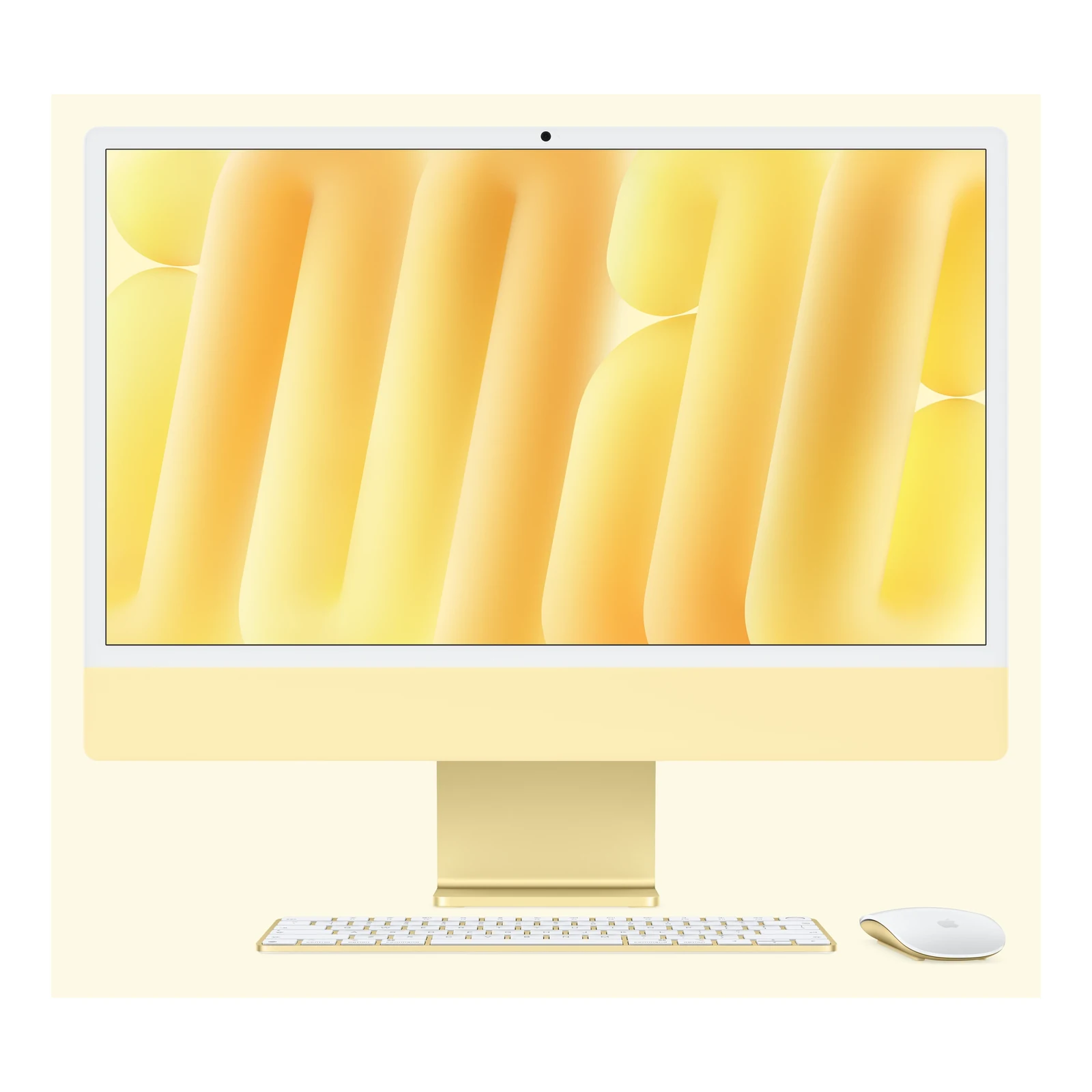
The standard two-port package includes a Magic Keyboard without Touch ID and a Magic Mouse, plus the 143W power adapter, 2-metre power cord and USB-C charge cable. A Touch ID keyboard and Magic Trackpad are separate accessory choices, not promised in these listed configurations. This is a mains-powered desktop, so a suitable UPS is worth considering where uninterrupted work during power cuts matters.

Who should choose this iMac?

Choose it when an integrated Retina display and a tidy, complete Mac workspace matter more than extensive ports or a large internal drive. Compare the Apple iMac 24-inch M4 with Two Thunderbolt Ports if budget is the priority, checking the exact memory, storage and connectivity offered rather than comparing chip names alone. For sustained heavy creative work, more storage or additional native external displays, examine the four-port M6 configuration and its specifications.

Check that essential business, study and specialist applications support macOS and Apple silicon. Apple Intelligence features depend on supported software, languages and regions. For the full model-specific limits, see Apple’s official iMac technical specifications.

Independent M6 iMac video overview

The Product Videos section includes AppleInsider’s independent M6 iMac overview. It covers the wider M6 iMac family; use the two-port specifications and exact configuration details on this page when comparing ports, Ethernet and included accessories.

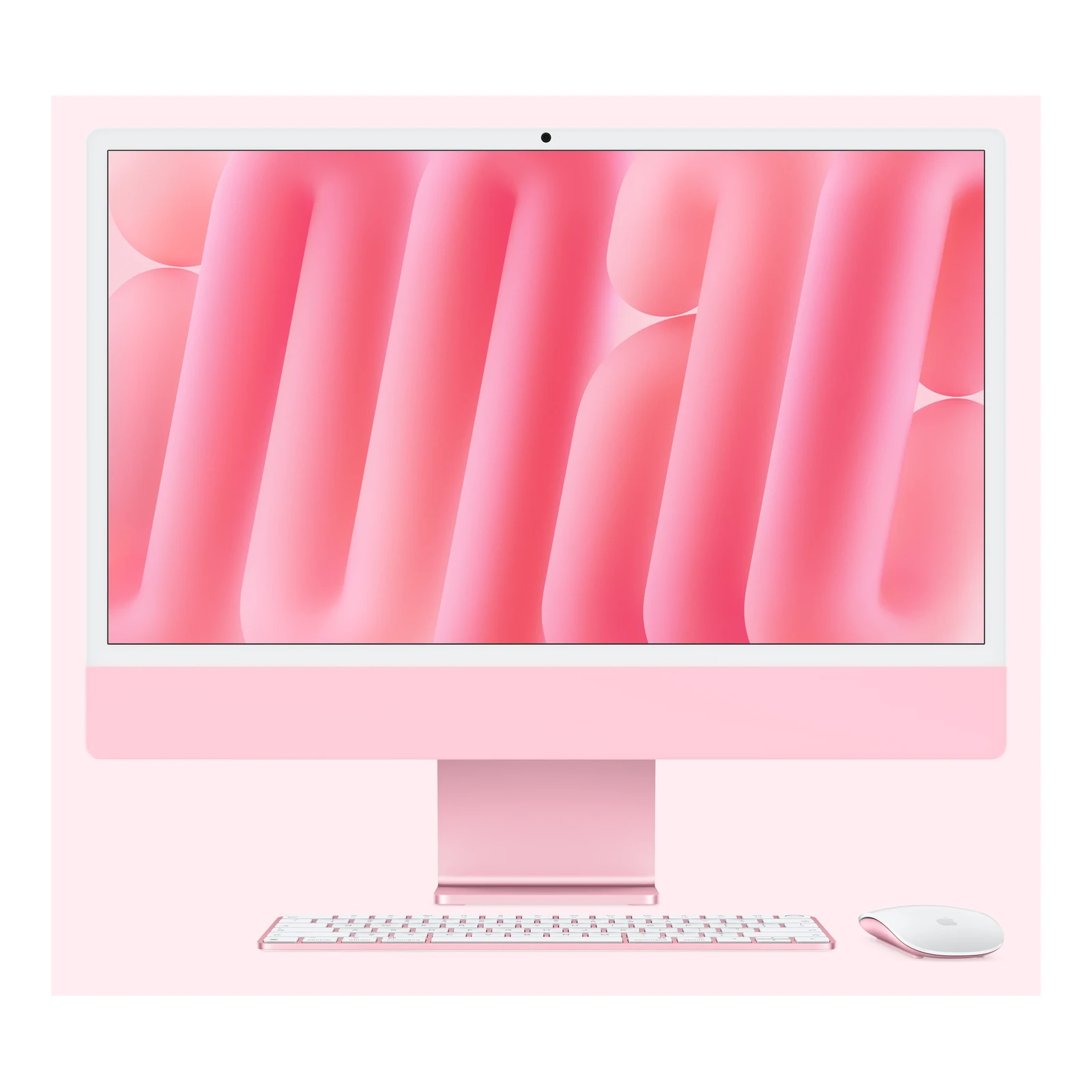
24-inch 4.5K Retina displayA 4480 × 2520 workspace with P3 colour and 500-nit brightness for sharp documents, detailed photographs and everyday creative work.
M6 with 10-core CPU and GPUHandles office tasks and creative applications with hardware acceleration for supported video workflows.
16GB unified memory, 256GB SSDA practical starting point for documents and cloud-based work; plan external storage for a growing media library.
Choose stand or VESA mountingMatch a conventional desk or a compatible arm installation. A separate arm or wall mount is required for the VESA option.
Wireless or optional 2.5Gb EthernetWi-Fi 7 and Bluetooth 6 are built in; the Ethernet configuration adds a wired networking choice for your workspace.
Integrated camera and desktop accessoriesCenter Stage camera, microphones, speakers, Magic Keyboard and Magic Mouse help you set up without separate call equipment.
Form Factor

Mounting Option

,

Screen Size

Display Type

Display Finish

Resolution

Touchscreen

Processor

Chip Configuration

Graphics Type

Graphics Card

RAM

RAM Type

Storage

Storage Type

Ethernet

,

Configuration

Color

, , , , , ,

Release Year

  • Apple iMac 24-inch M6 with two Thunderbolt ports in the selected colour
  • Selected stand or built-in VESA Mount Adapter configuration; separate arm or wall mount not included
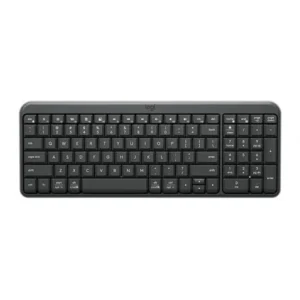
  • Magic Keyboard without Touch ID
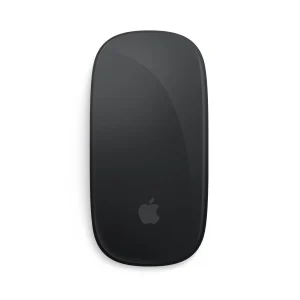
  • Magic Mouse
  • 143W power adapter; Ethernet provision depends on the selected configuration
  • Power cord (2 metres)
  • USB-C charge cable

Pros

  • Sharp 4.5K Retina display with P3 wide colour.
  • M6 includes hardware acceleration for supported video formats.
  • Camera, microphones and six-speaker audio are built in.
  • Stand and VESA mounting choices suit different workspaces.
  • Optional 2.5 Gigabit Ethernet alongside Wi-Fi 7.
  • Keyboard, mouse, power adapter and cables included.

Cons

  • Two Thunderbolt ports can fill quickly with a monitor and external storage.
  • 256GB internal storage is limited for large media libraries; 16GB memory is not a later user upgrade.
  • Standard glass only and no Touch ID on the included keyboard; native support is limited to one external display.
Apple’s New M6 iMac: 5 BIG Upgrades & 1 DisappointmentYouTube ↗
What is the Apple iMac 24-inch M6 with two Thunderbolt ports price in Kenya?

The current listed price is [nbj_price product="apple-imac-24-inch-m6-two-thunderbolt-ports"]. These configurations combine a 10-core CPU and 10-core GPU with 16GB unified memory and a 256GB SSD; mounting and Ethernet are the main functional choices.

Which configurations are listed on this page?

All listed configurations have 16GB unified memory and a 256GB SSD. Choose Stand or VESA Mount Adapter, No Ethernet or 2.5 Gigabit Ethernet, and Blue, Green, Orange, Pink, Purple, Silver or Yellow.

Should I choose the stand or VESA Mount Adapter?

Choose the stand for ordinary desk placement. Choose the VESA Mount Adapter for a compatible monitor arm or wall mount, purchased separately. Check mounting compatibility and load rating before ordering.

Does the No Ethernet version still connect to the internet?

Yes. It includes Wi-Fi 7 through Apple’s N1 chip, along with Bluetooth 6 for compatible accessories. No Ethernet means this configuration does not include the optional wired Ethernet connection.
When is 2.5 Gigabit Ethernet useful?

It is useful for a fixed wired workspace and transfers across a suitably equipped local network. To reach its rated speed, the router or switch and cabling must support it. Your internet service speed remains a separate limit.

Is the screen a touchscreen or nano-texture display?

No. This two-port model uses standard glass on its non-touch 4.5K Retina display. Nano-texture glass is an option on the higher four-port M6 model.

Is the screen exactly 24 inches?

Apple markets it as a 24-inch iMac; its actual diagonal screen size is 23.5 inches. The resolution is 4480 × 2520, with P3 wide colour, True Tone and 500 nits of brightness.

How many external monitors can this model support?

Alongside the built-in screen, the 10-core M6 model natively supports one external display up to 6K at 60Hz or 4K at 165Hz. A compatible display, cable and connection are required. The four-port model has different display limits.

Does it have HDMI, USB-A or an SD-card slot?

Its built-in connections include two Thunderbolt 4 USB-C ports and a 3.5mm headphone jack. HDMI, USB-A and SD-card accessories require an appropriate adapter, hub or card reader.

Can I upgrade the 16GB memory later?

Treat unified memory as a purchase-time choice, not a user-installable RAM upgrade. An external SSD expands file storage but does not increase memory. Choose a different configuration if your applications require more RAM.

Is a 256GB SSD enough?

It can suit office files, cloud services and a modest local library. macOS and applications use part of that capacity. Large photo collections and video projects may need external storage and a separate backup.

Does the included keyboard have Touch ID?

No. Apple’s standard two-port package includes a Magic Keyboard without Touch ID. Do not assume the Touch ID keyboard supplied with the four-port model is included here.

Are the keyboard, mouse and charger included?

The standard package includes Magic Keyboard, Magic Mouse, a 143W power adapter, a 2-metre power cord and a USB-C charge cable. The chosen mounting and Ethernet options determine those aspects of the supplied configuration.

Does the 12MP camera record 4K video?

No. Apple specifies a 12MP Center Stage camera with Desk View support and 1080p video recording. The sensor resolution and video recording resolution are different specifications.

Is this iMac suitable for video editing?

The M6 media engine accelerates supported H.264, HEVC and ProRes workflows. The 16GB memory and 256GB SSD are more important constraints for larger projects, so consider your software requirements, media size and external storage needs.

What is different about the four-port M6 iMac?

The four-port model uses a 12-core CPU and 12-core GPU, adds two Thunderbolt ports and has different external-display support. It also offers options such as nano-texture glass and higher memory or storage configurations. Compare the exact package rather than assuming every M6 iMac is identical.

Does this iMac need mains electricity?

Yes. It is a desktop computer powered by the supplied adapter and power cord. It does not have a laptop-style battery for operation during a power outage. A suitable UPS can help maintain power to the computer and networking equipment.

Do the different colours change performance?

No. Colour changes the finish. Across the configurations listed here, the M6 processor, 16GB memory and 256GB SSD remain the same; mounting and Ethernet are the meaningful functional choices.

Within NairobiSame-day delivery for available products. Timing depends on order confirmation, location and courier availability.
Outside NairobiGenerally next-day delivery; remote locations may take longer.
Delivery chargesCalculated separately based on destination, package and courier. Confirmed before dispatch.
Read our Delivery & Shipping Policy
Warranty coverage
1 year Apple warranty

Brand warranty terms depend on the exact unit, supplier and service region. Keep the purchase invoice and confirm coverage and exclusions at checkout.

Apple Magic Trackpad (USB-C)
MiceApple Magic Trackpad (USB-C)

Confirm the port, receiver and operating system.

Color: White

Original price was: KShs 20,500.Current price is: KShs 20,000.
AirPods Max (USB‑C)
HeadphonesAirPods Max (USB‑C)

Check model, connections and included items.

Color: Blue

KShs 66,500
Apple AirPods Pro 3
EarbudsApple AirPods Pro 3

Check model, connections and included items.

KShs 29,000

Available models in this category. Compare core features and prices.

Browse category →