| Form Factor | |
|---|---|
| Mounting Option | |
| Screen Size | |
| Display Type | |
| Display Finish | |
| Resolution | |
| Touchscreen | |
| Processor | |
| Chip Configuration | |
| Graphics Type | |
| Graphics Card | |
| RAM | |
| RAM Type | |
| Storage | |
| Storage Type | |
| Ethernet | |
| Configuration | 16GB RAM + 256GB SSD, 16GB RAM + 512GB SSD, 24GB RAM + 512GB SSD |
| Color | |
| Release Year |
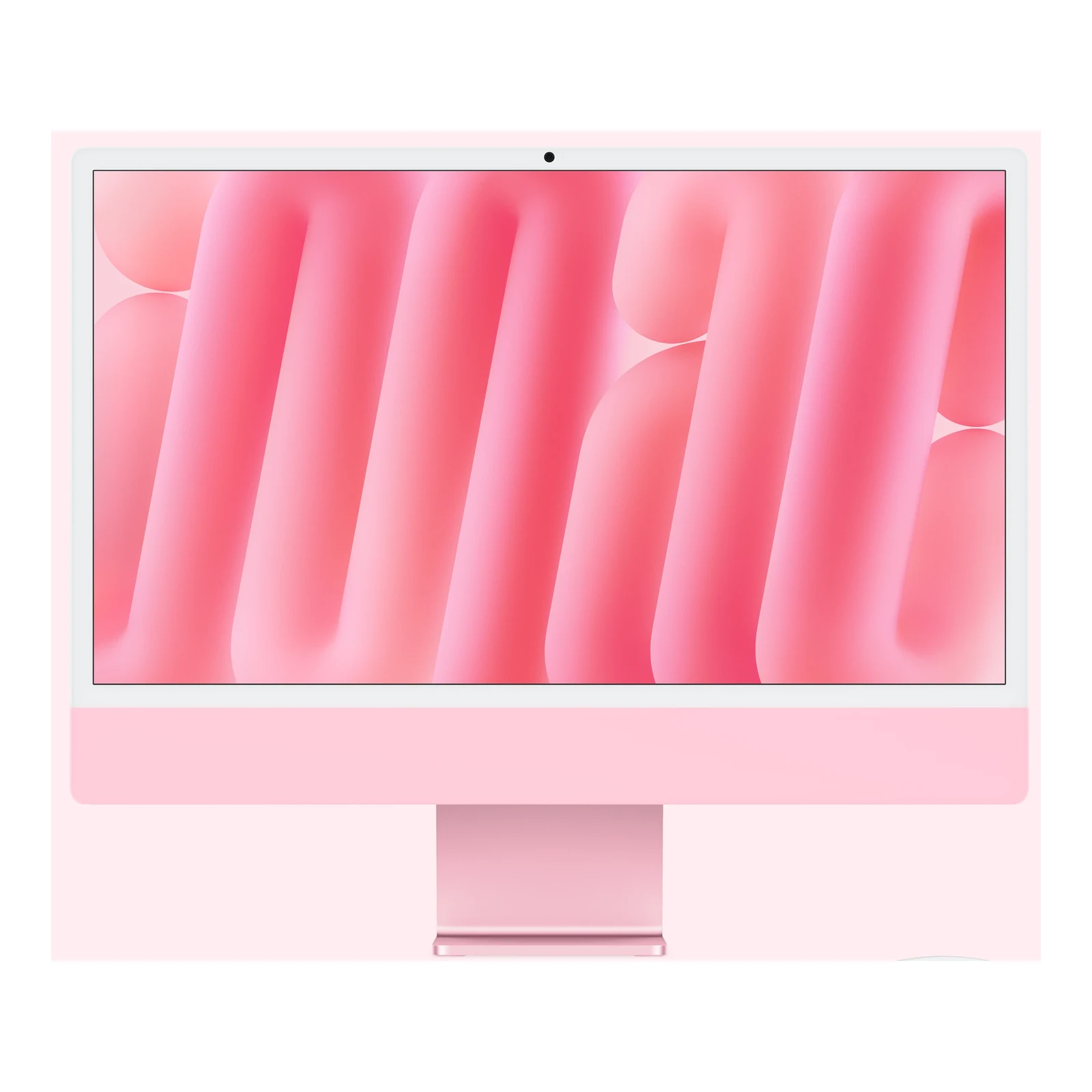
Apple iMac 24-inch M6 — Four Thunderbolt Ports VESA Mount Adapter + Standard + 24GB RAM + 512GB SSD
KShs 389,500
Price is indicative and may change when stock arrives.
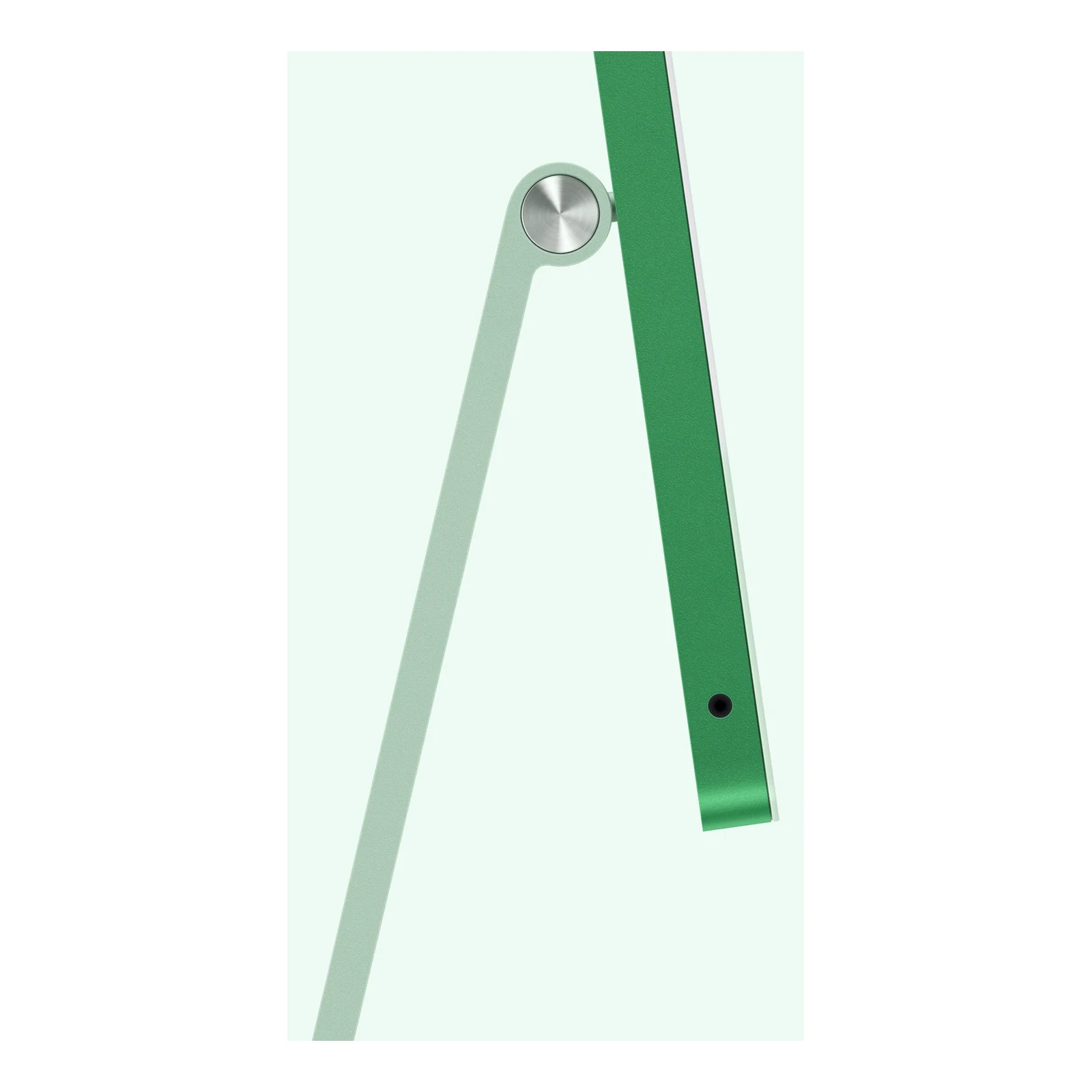
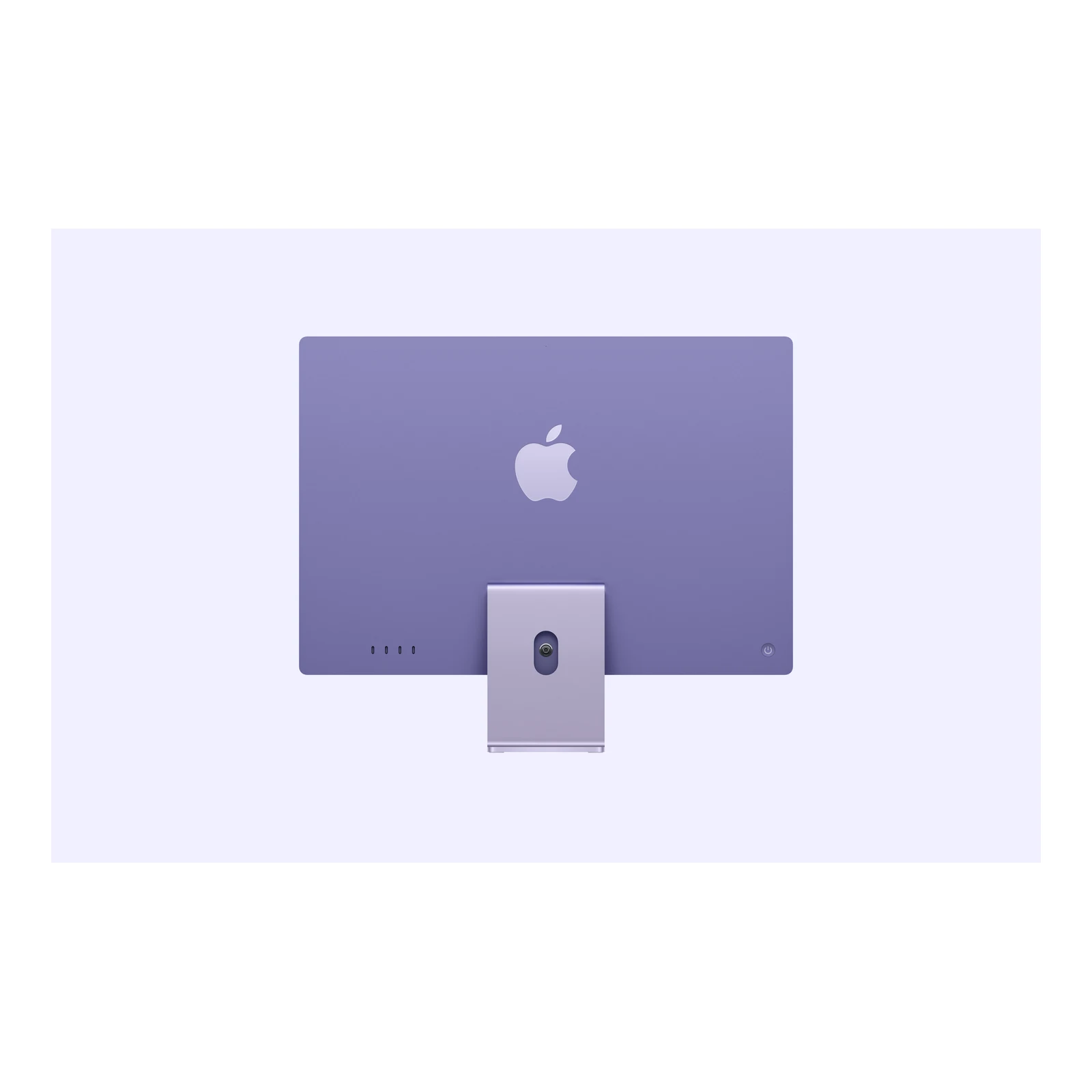
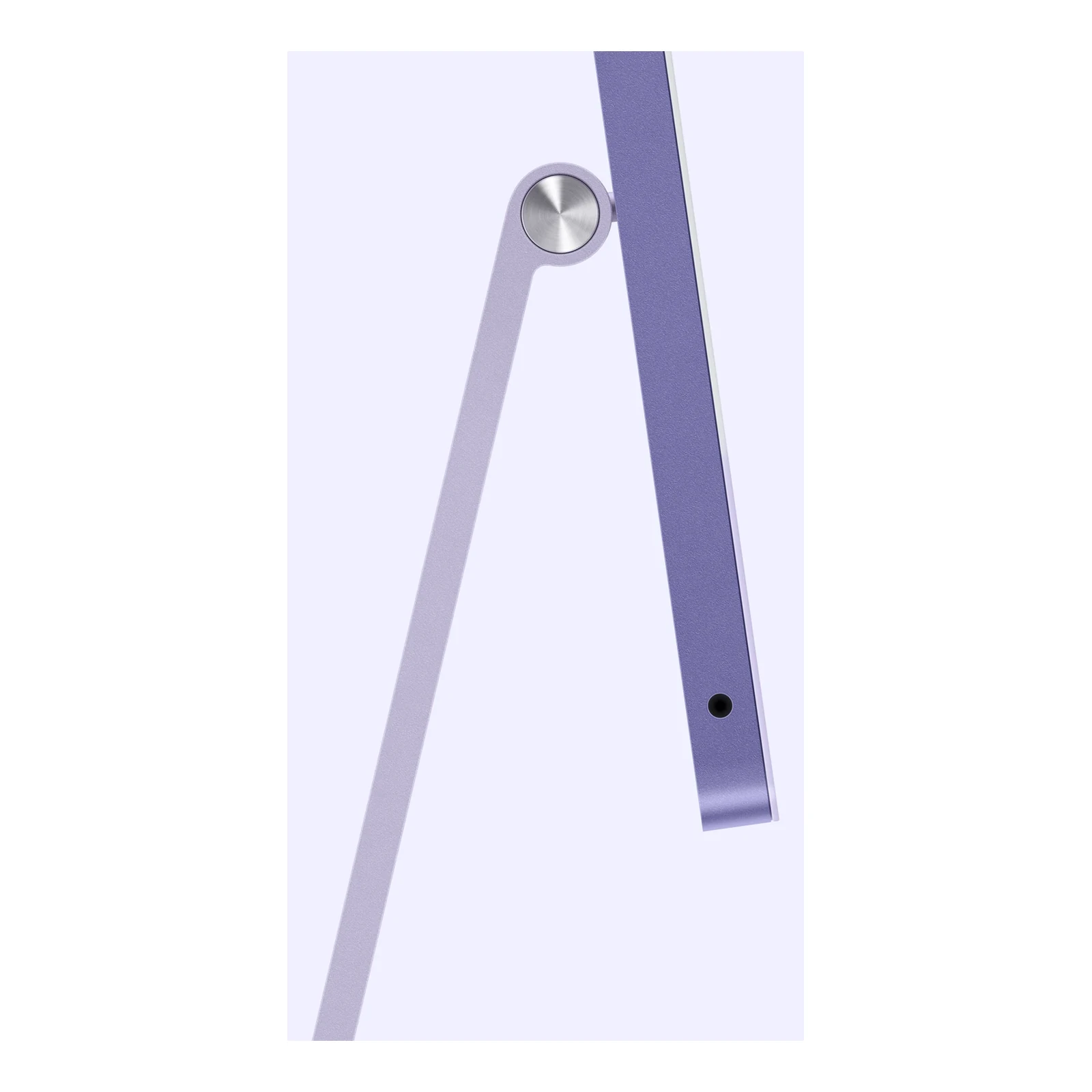
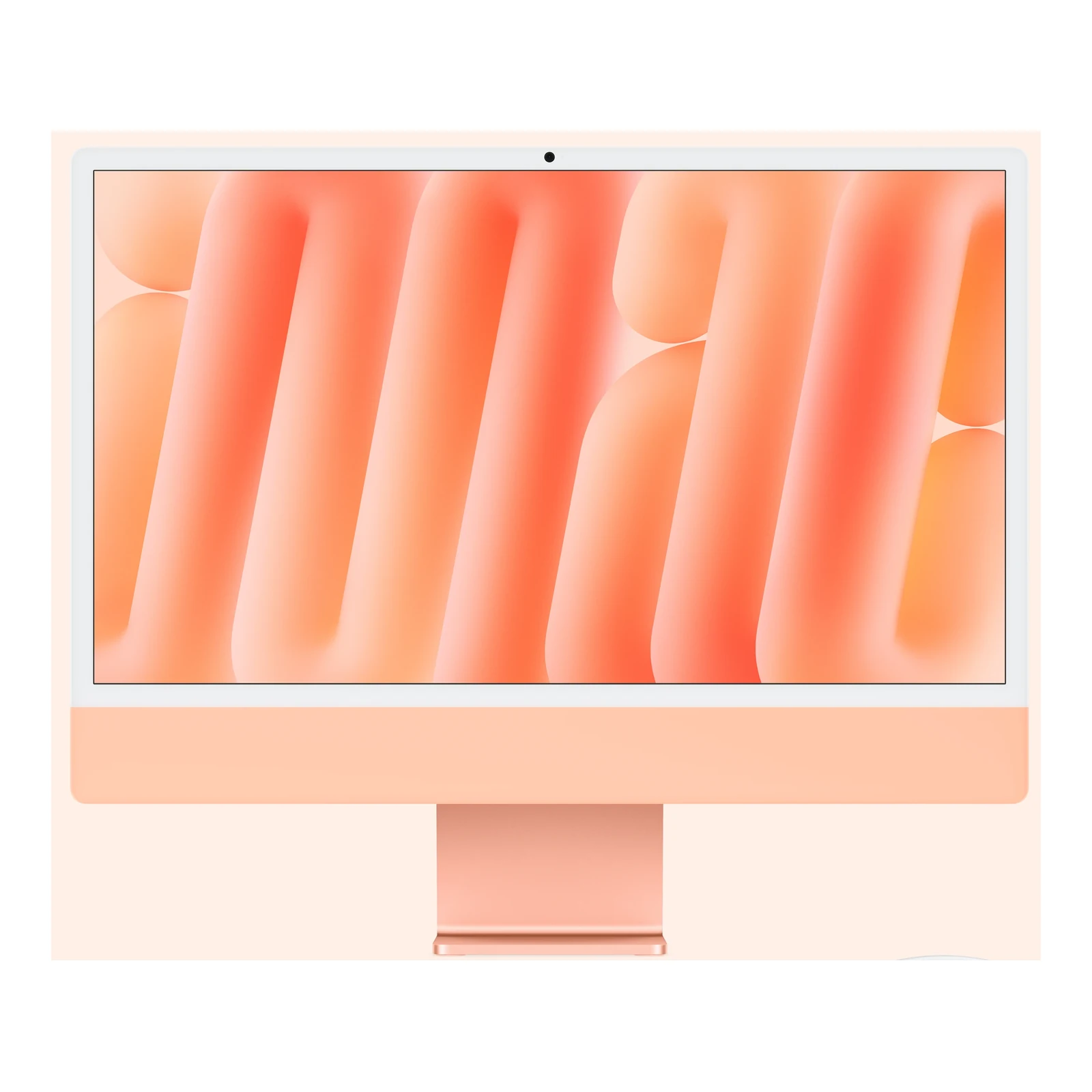
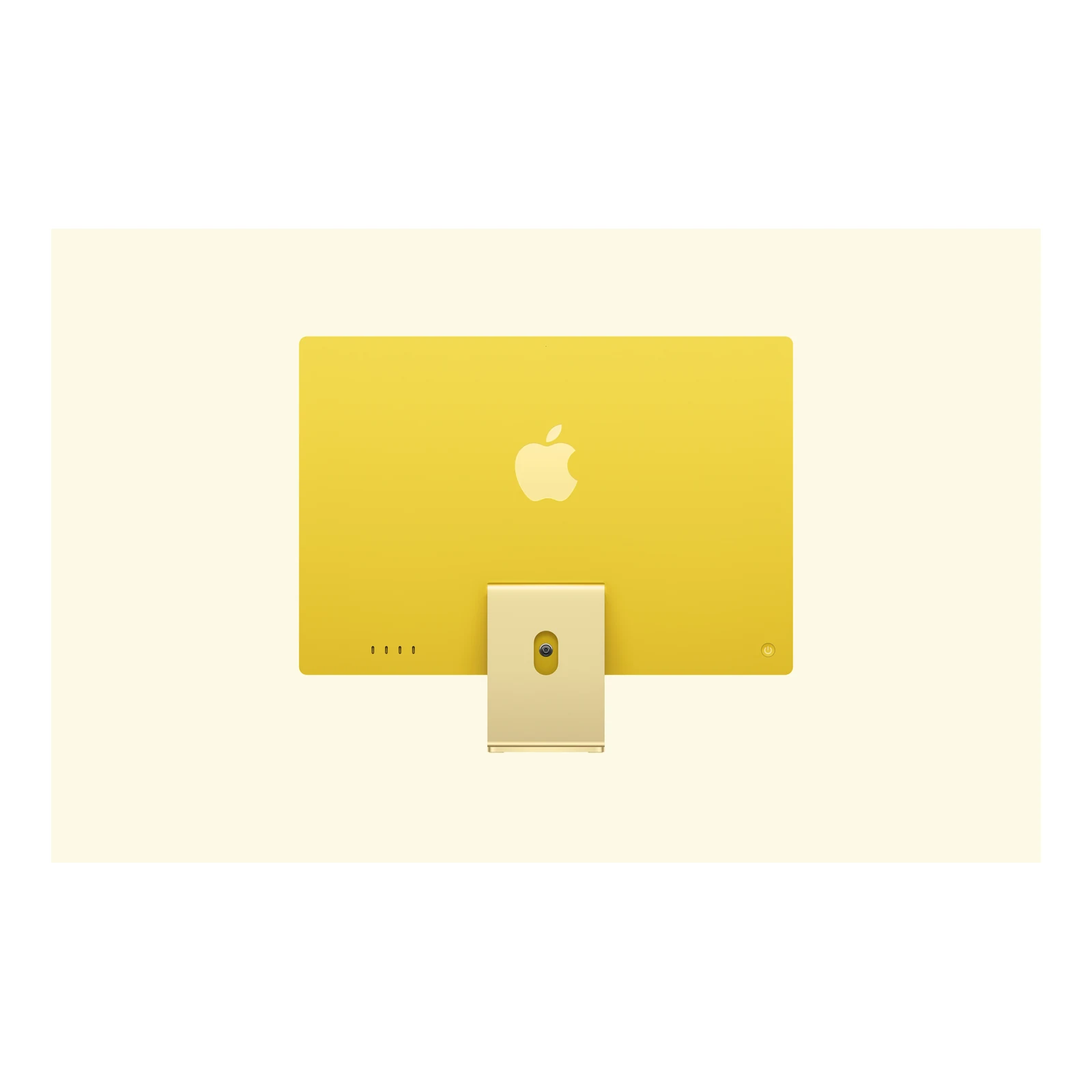
In-stock alternativesA 24-inch 4.5K Retina all-in-one Mac with a 12-core M6 CPU and GPU, four Thunderbolt 4 ports, 2.5 Gigabit Ethernet and a Magic Keyboard with Touch ID. Choose 16GB or 24GB unified memory, the listed 256GB or 512GB SSD package, standard or nano-texture glass, and a desk stand or VESA Mount Adapter.
Currently unavailable — get notified
Choose an unavailable option and leave your details. We’ll email you when it’s available to order.
We’ll also email you when other options of this product become available, while keeping your chosen option on the waiting list. You can stop alerts from any email. Prices may change when stock arrives.
Configuration pages
Product information
Explore the details that matter.
Apple iMac 24-inch M6 — Four Thunderbolt Ports Overview
The Apple iMac 24-inch M6 — Four Thunderbolt Ports price in Kenya is KShs 389,500. This all-in-one desktop combines a 12-core CPU and 12-core GPU with a 4.5K Retina screen for a workspace that moves between business applications, photo editing, video projects and calls. Four Thunderbolt 4 ports give you room for external storage and displays, while 2.5 Gigabit Ethernet and a Magic Keyboard with Touch ID are included. If your setup needs fewer connections, compare the Apple iMac 24-inch M6 with Two Thunderbolt Ports; this four-port version is the more flexible choice for accessories, display expansion and glass options.
A 4.5K Retina screen for a detailed desktop workspace
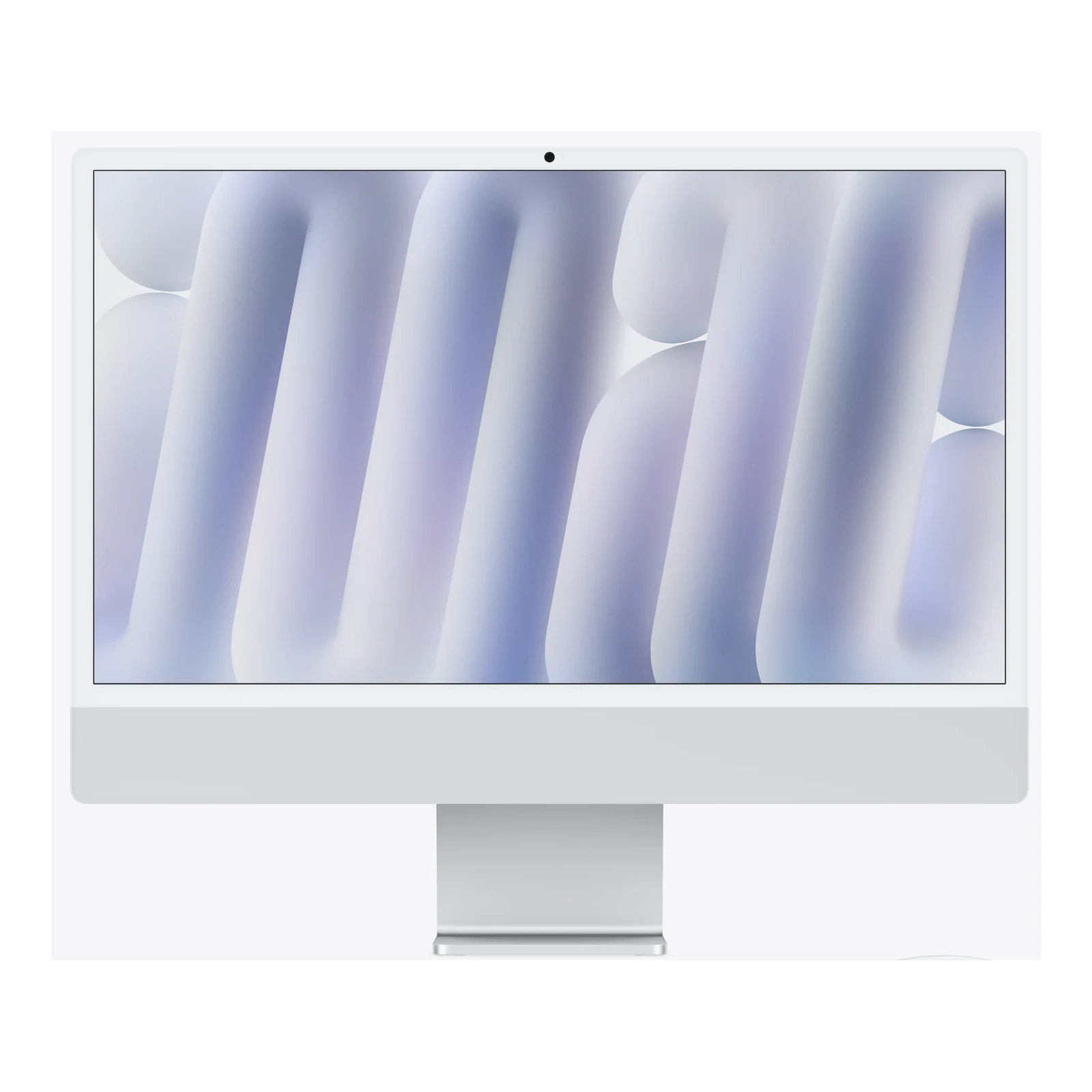
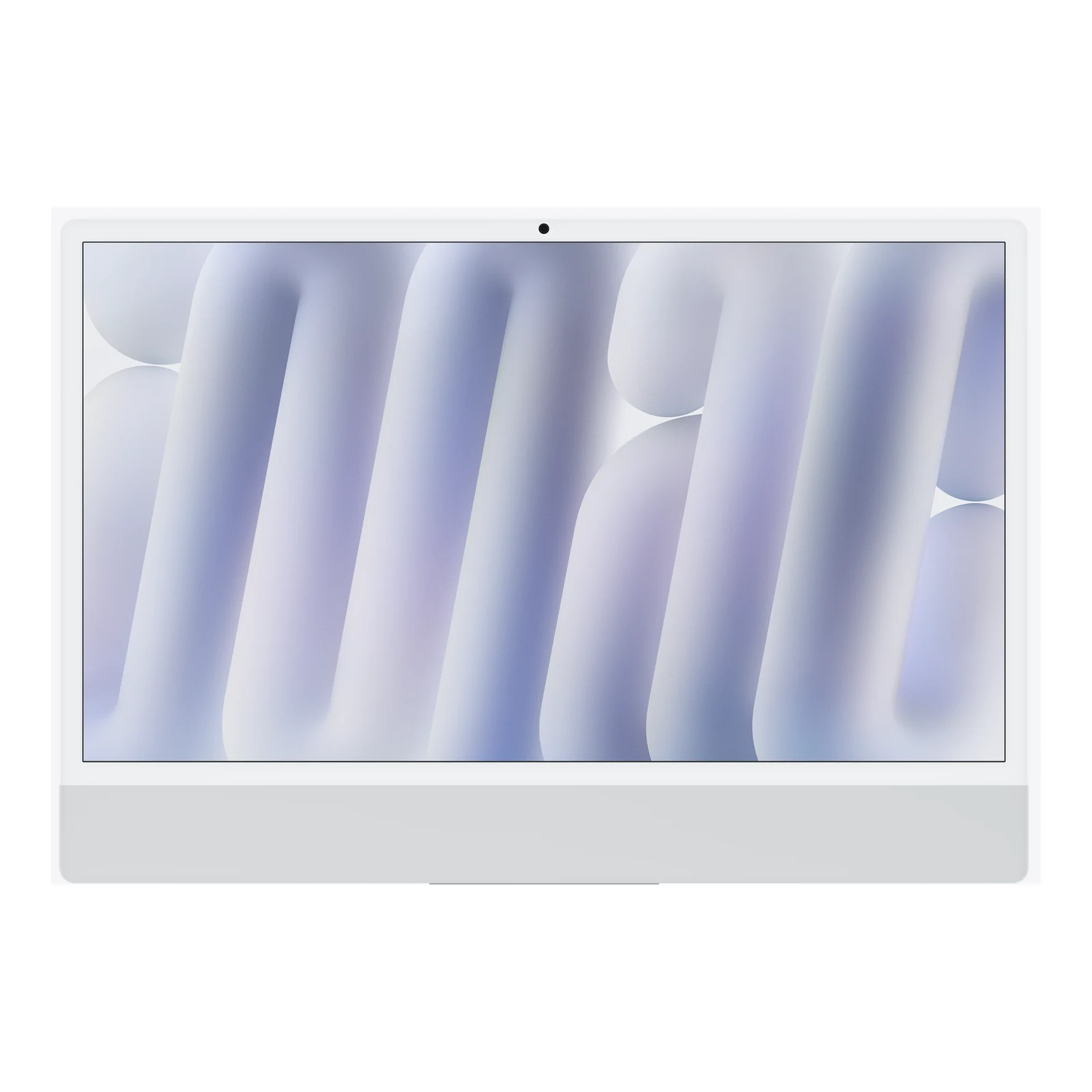
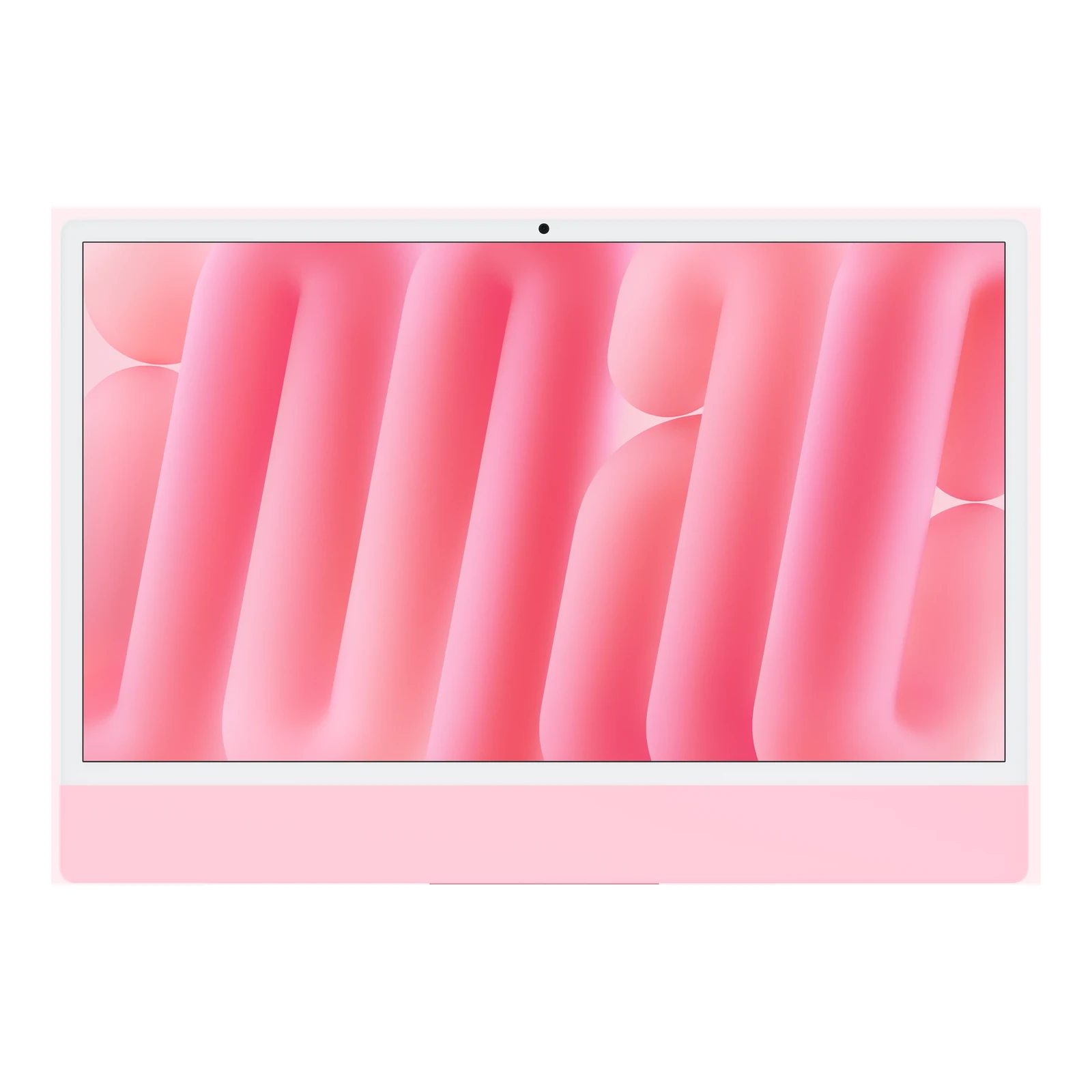
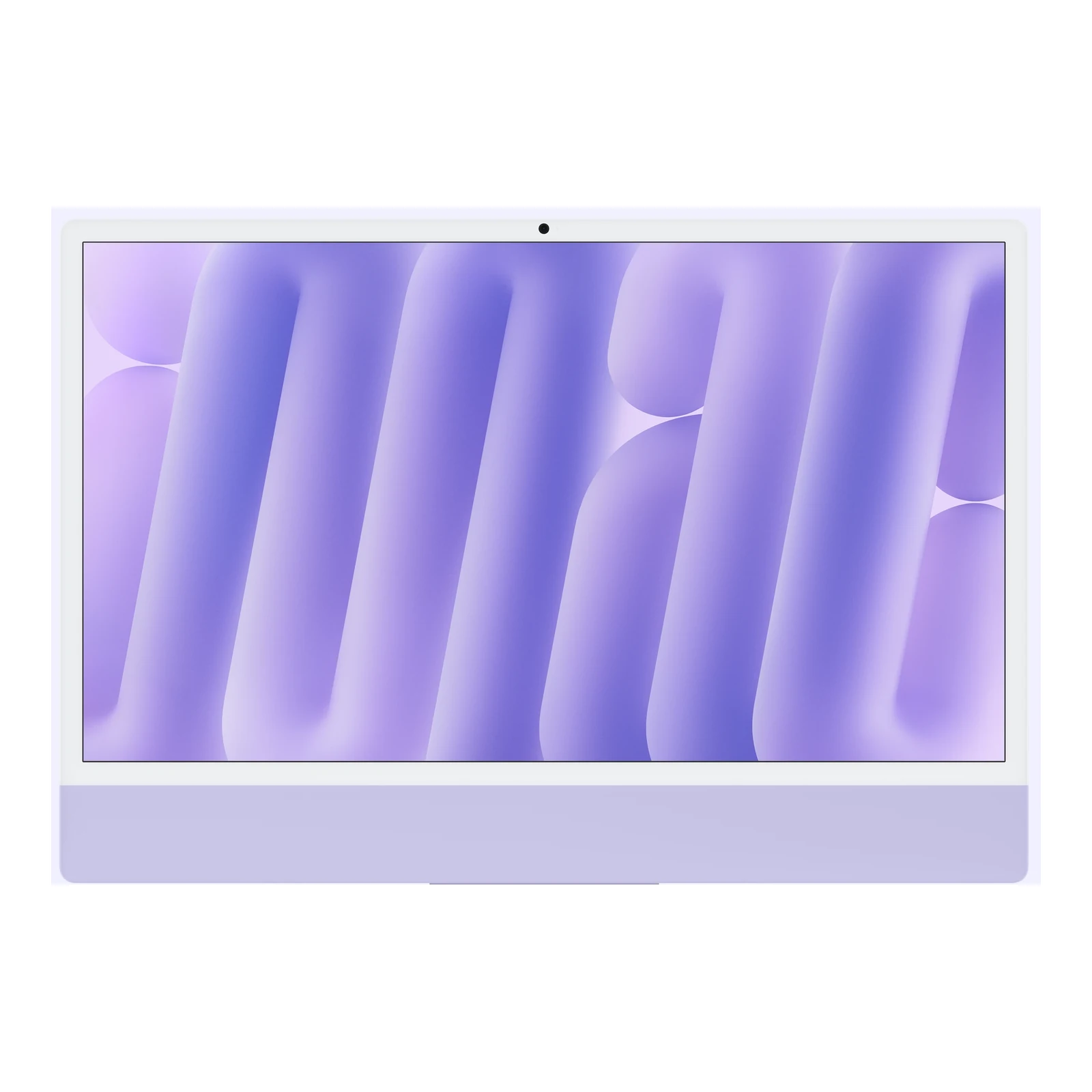
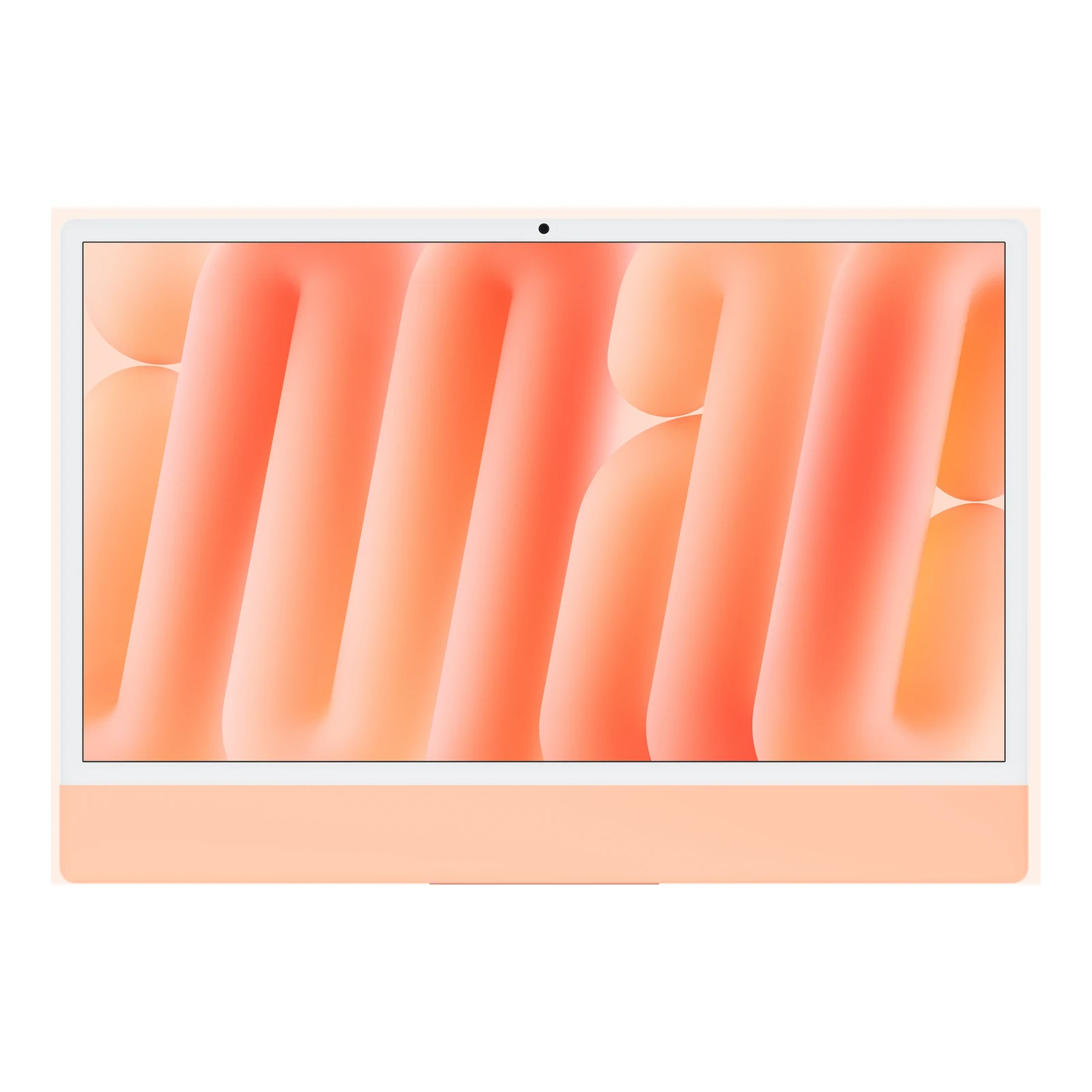
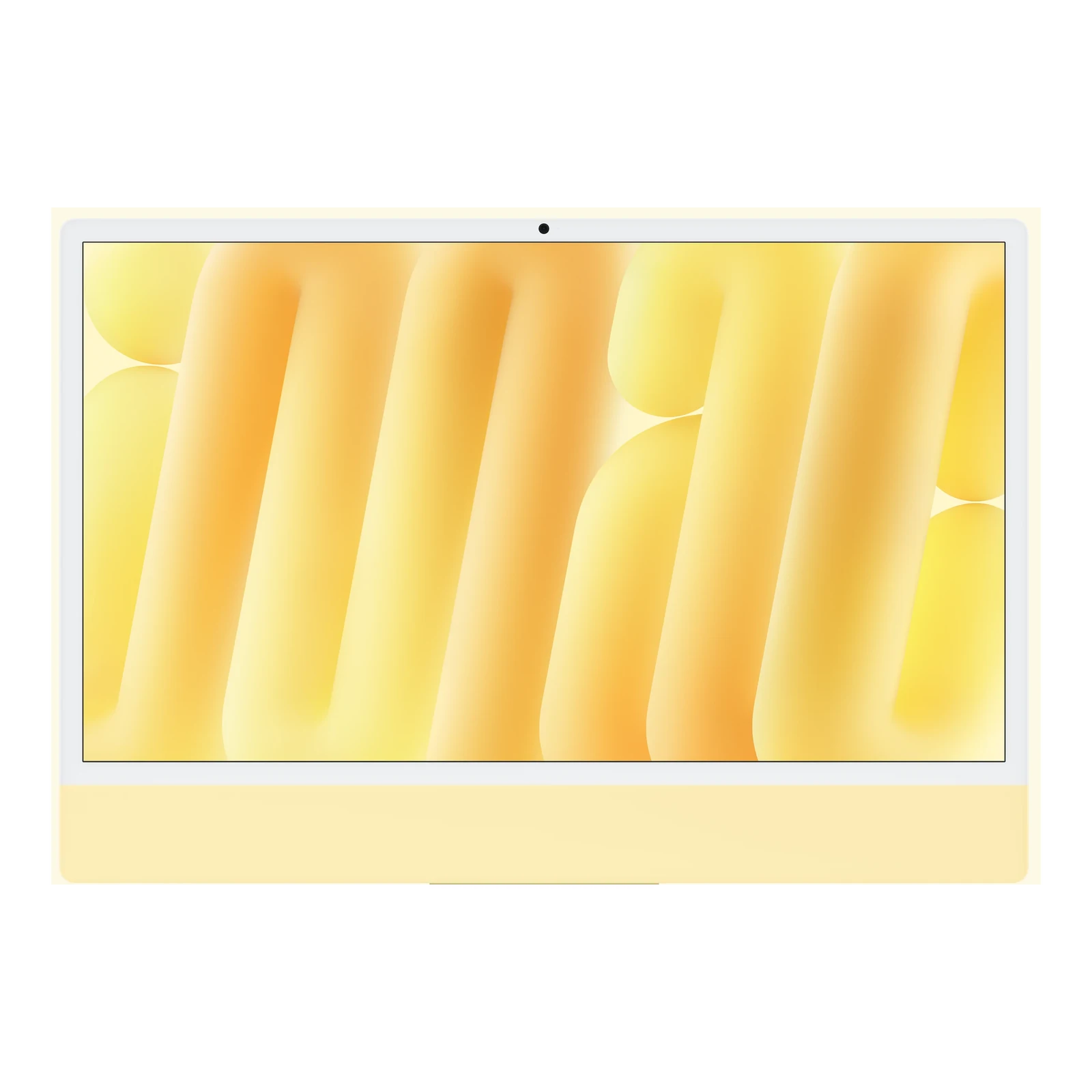
The 4480 × 2520 display provides space to inspect photographs, edit layouts and work with documents without giving up crisp text. Apple specifies P3 wide colour, 500 nits of brightness and True Tone. The advertised 24-inch screen measures 23.5 inches diagonally and is non-touch. Its built-in camera, microphones and six-speaker audio reduce the number of separate devices needed for an everyday desk setup.
Standard or nano-texture glass: start with your room
Standard glass suits a desk where you can control window reflections and lighting. Nano-texture glass is worth considering in a brighter room or a workspace where reflected light is difficult to avoid. It changes how the surface handles glare; it does not increase the screen resolution, processor speed or storage capacity. Choose based on your working environment rather than treating it as a performance upgrade.
Nano-texture configurations include Apple’s polishing cloth. Follow Apple’s cleaning instructions for that surface instead of treating it like ordinary glass. Both finishes retain the same 4.5K resolution, so memory and storage should remain separate decisions.
Which memory and storage configuration should you buy?
The catalogue offers three packages, all with the same 12-core CPU and 12-core GPU:
- 16GB RAM + 256GB SSD: a practical fit for office files, web applications and a modest local library. Leave room for macOS and applications, and budget for external storage if you keep substantial photo or video files.
- 16GB RAM + 512GB SSD: doubles the listed internal storage capacity while retaining 16GB unified memory. Choose it when local file space is the issue rather than the amount of memory your applications need.
- 24GB RAM + 512GB SSD: provides more memory headroom for multiple demanding applications, larger creative projects and heavier multitasking. The SSD capacity is the same as the 16GB/512GB package; the meaningful upgrade is memory.
Unified memory is shared across the chip and should be treated as a purchase-time choice, not a later user-installed RAM upgrade. An external SSD expands file storage but cannot replace additional memory. Keep a separate backup whichever capacity you choose. Apple offers other factory configurations, but the three packages above are the ones listed here.
Stand or VESA Mount Adapter?
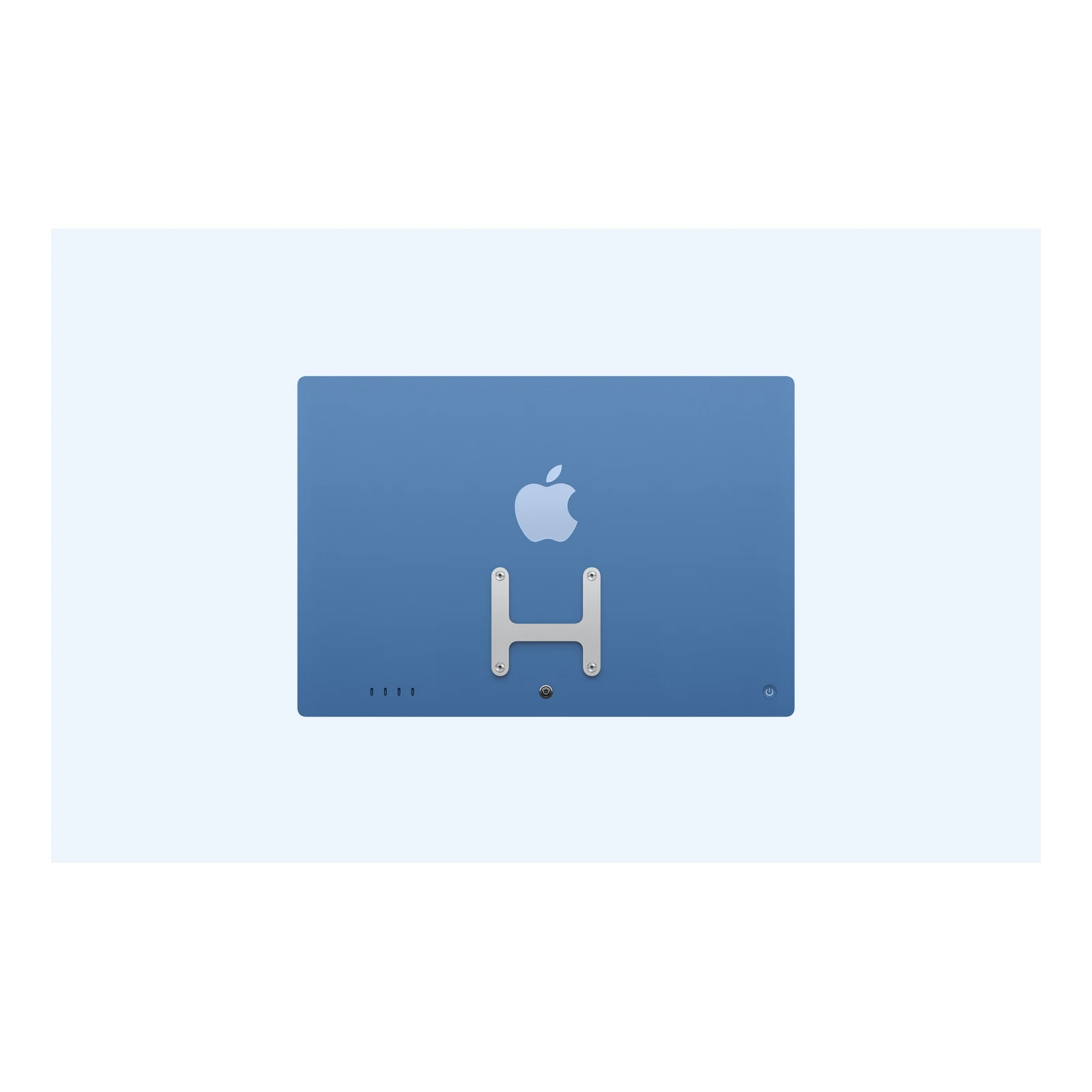
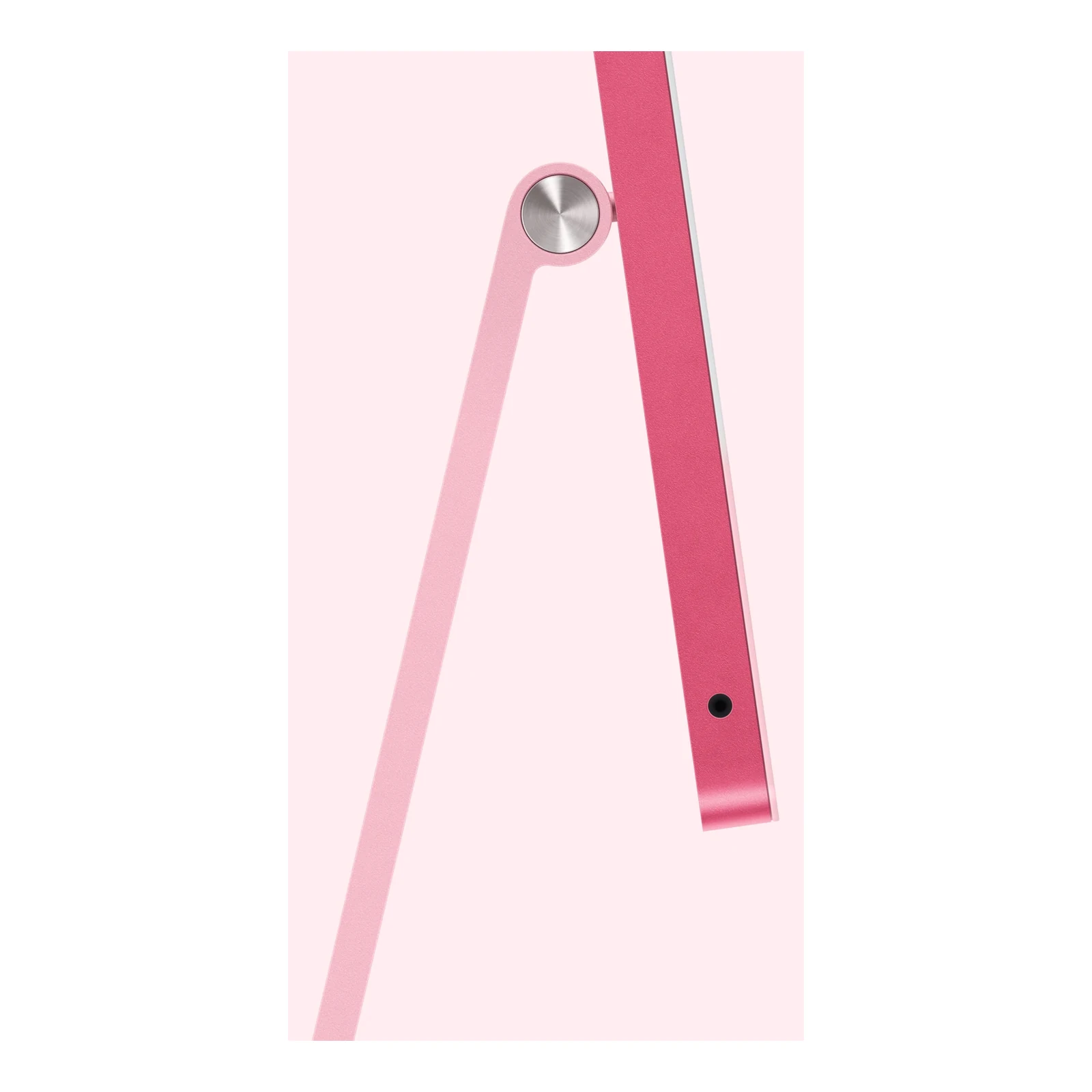
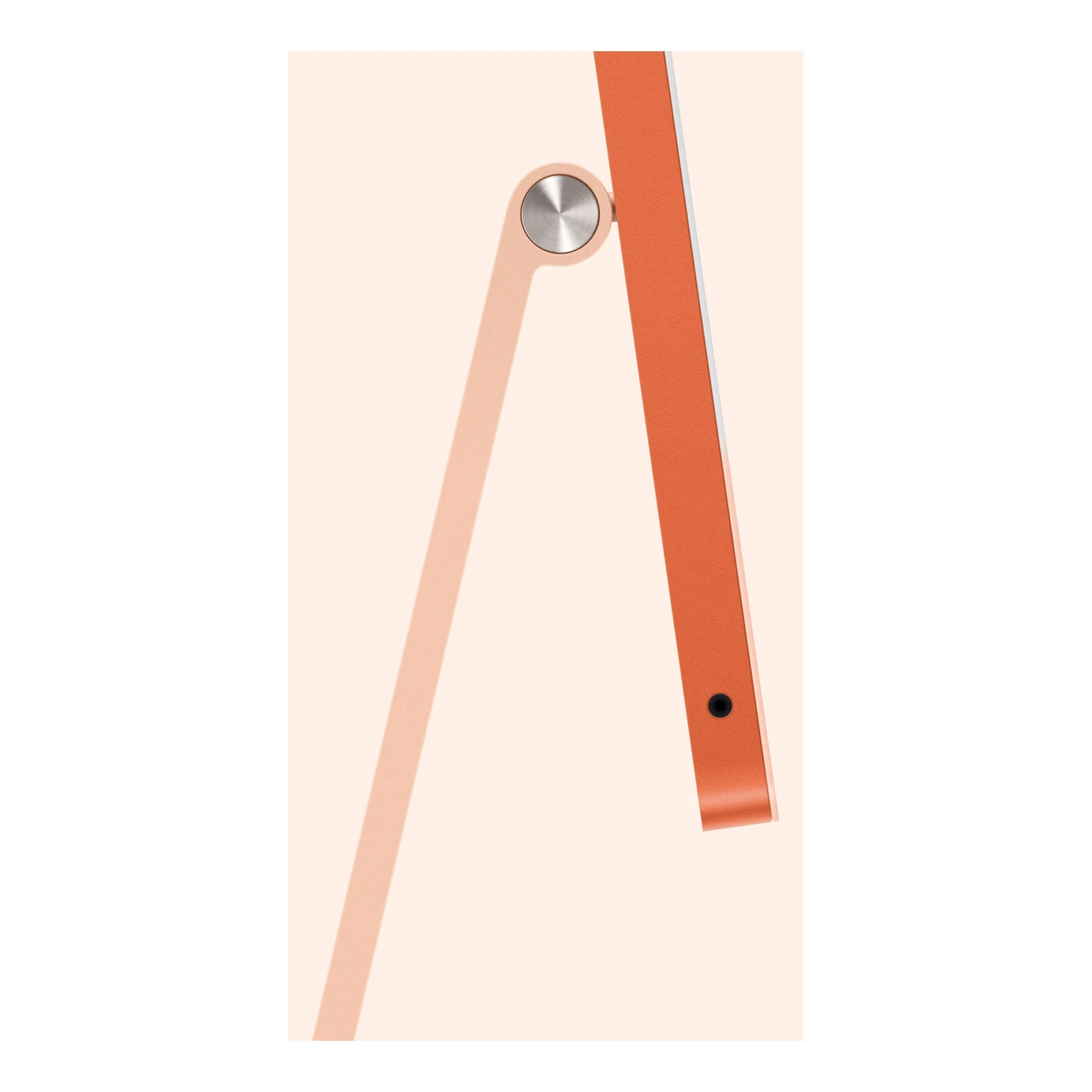
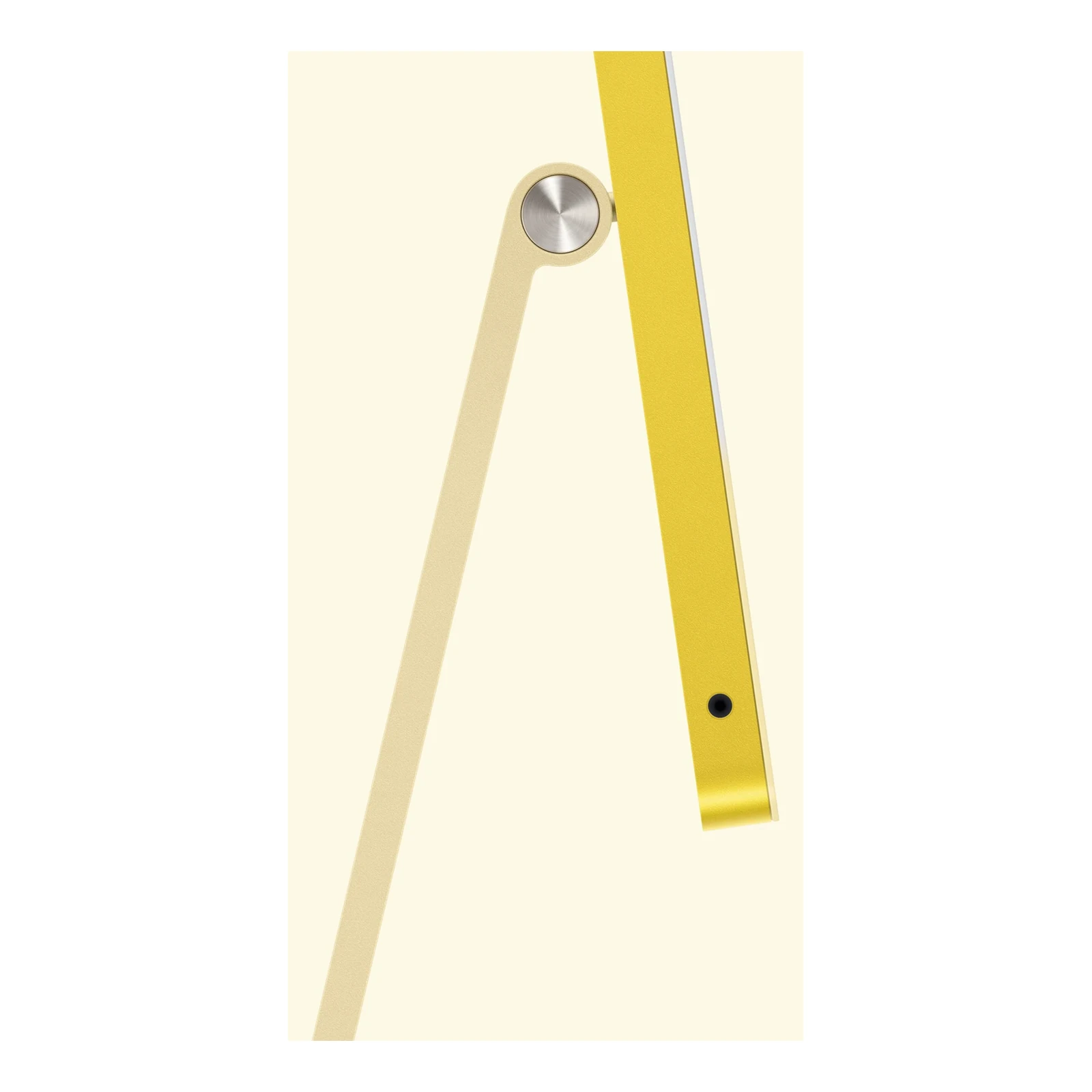
Choose Stand for conventional desk placement. Choose VESA Mount Adapter if your workspace uses a compatible monitor arm or wall mount; the arm or wall mount is purchased separately. Check mounting compatibility and load rating before ordering. Apple lists the four-port model at approximately 4.44kg, with weight varying by configuration.
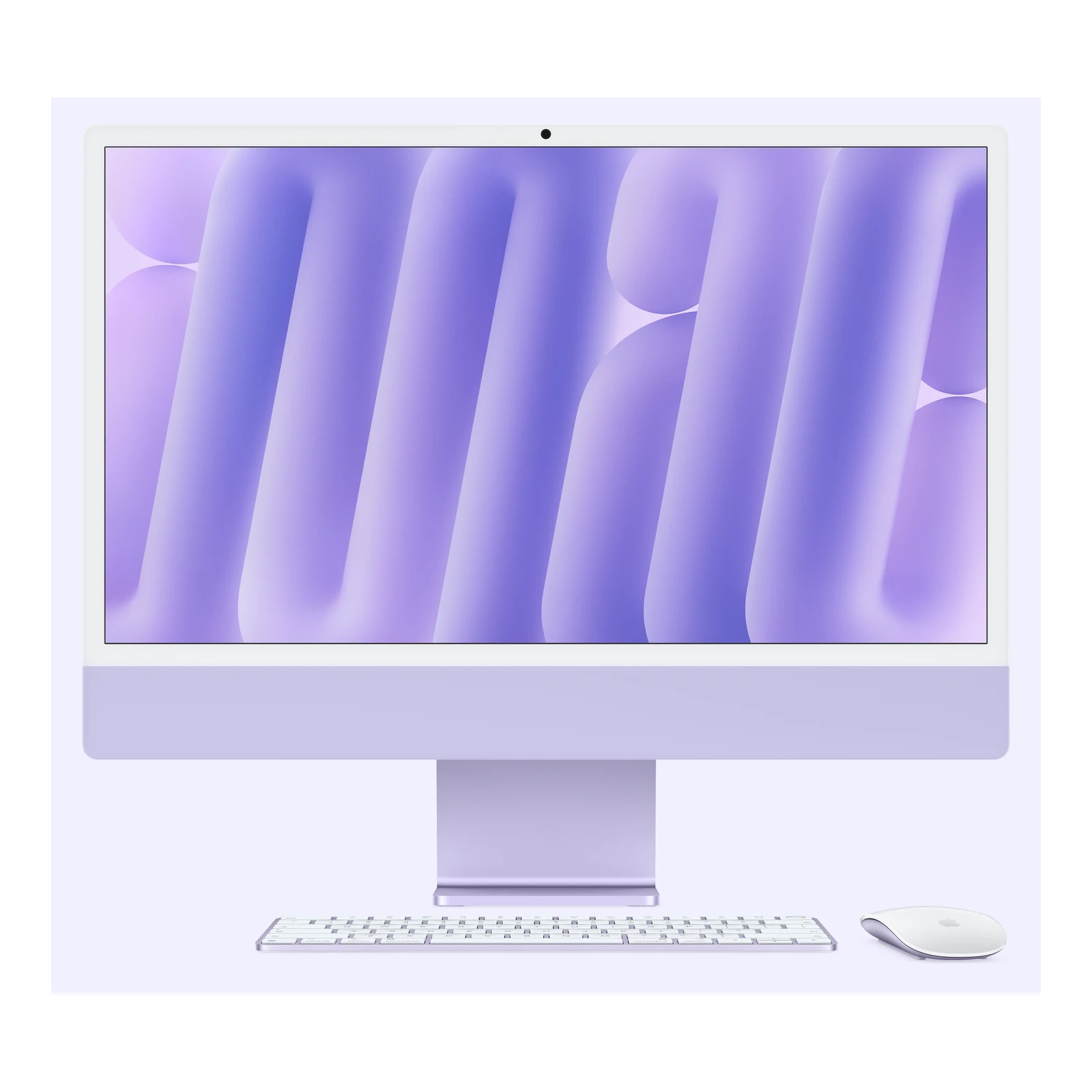
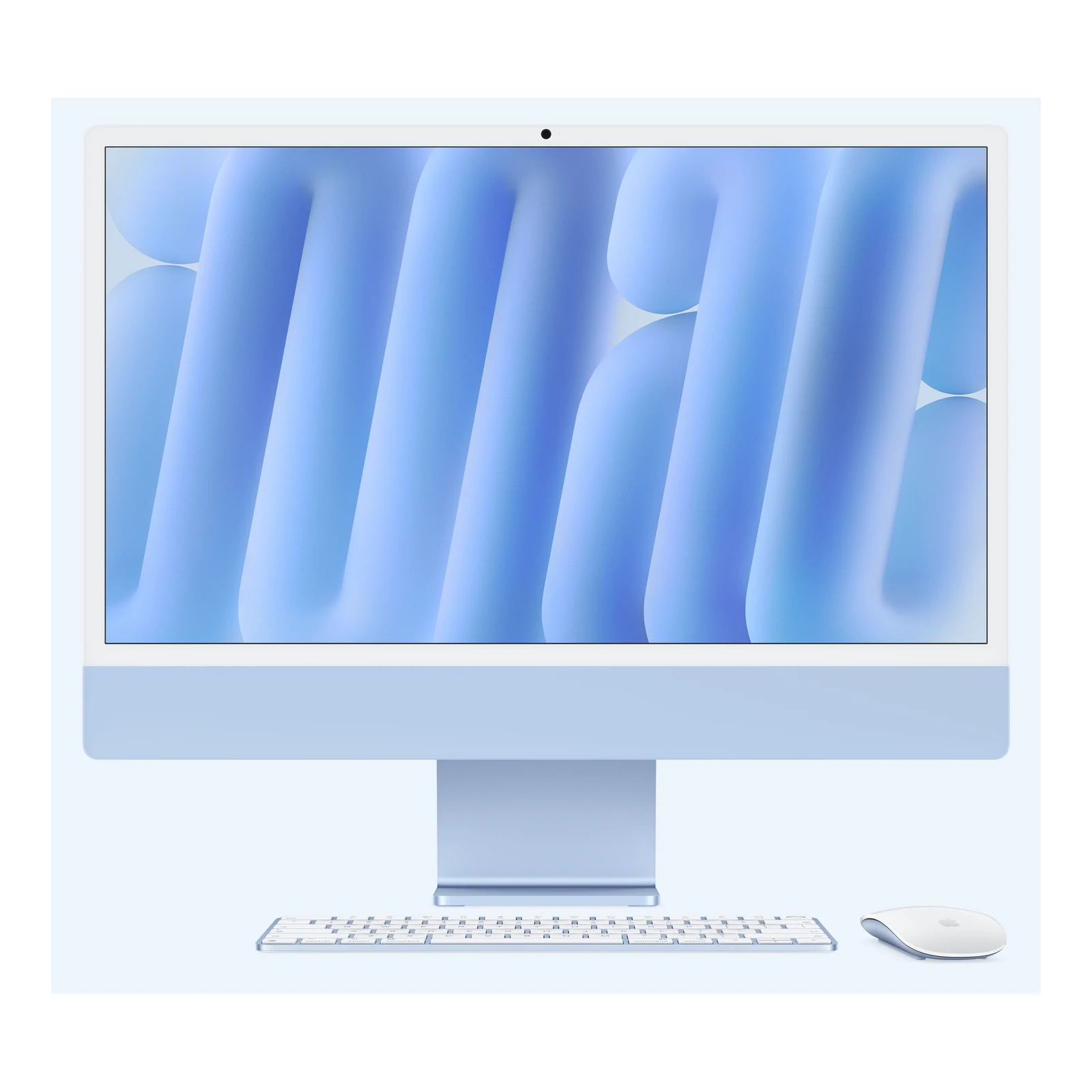
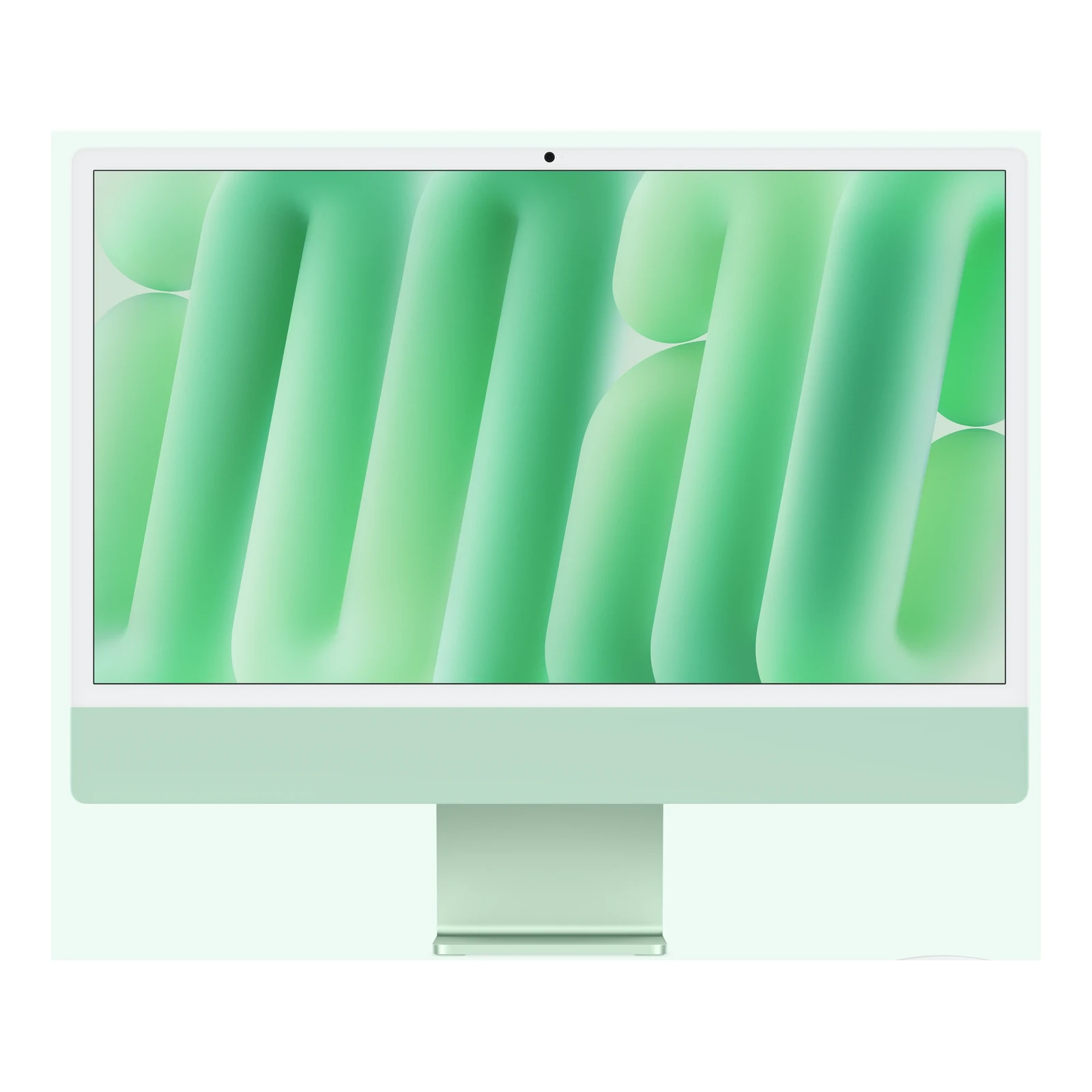
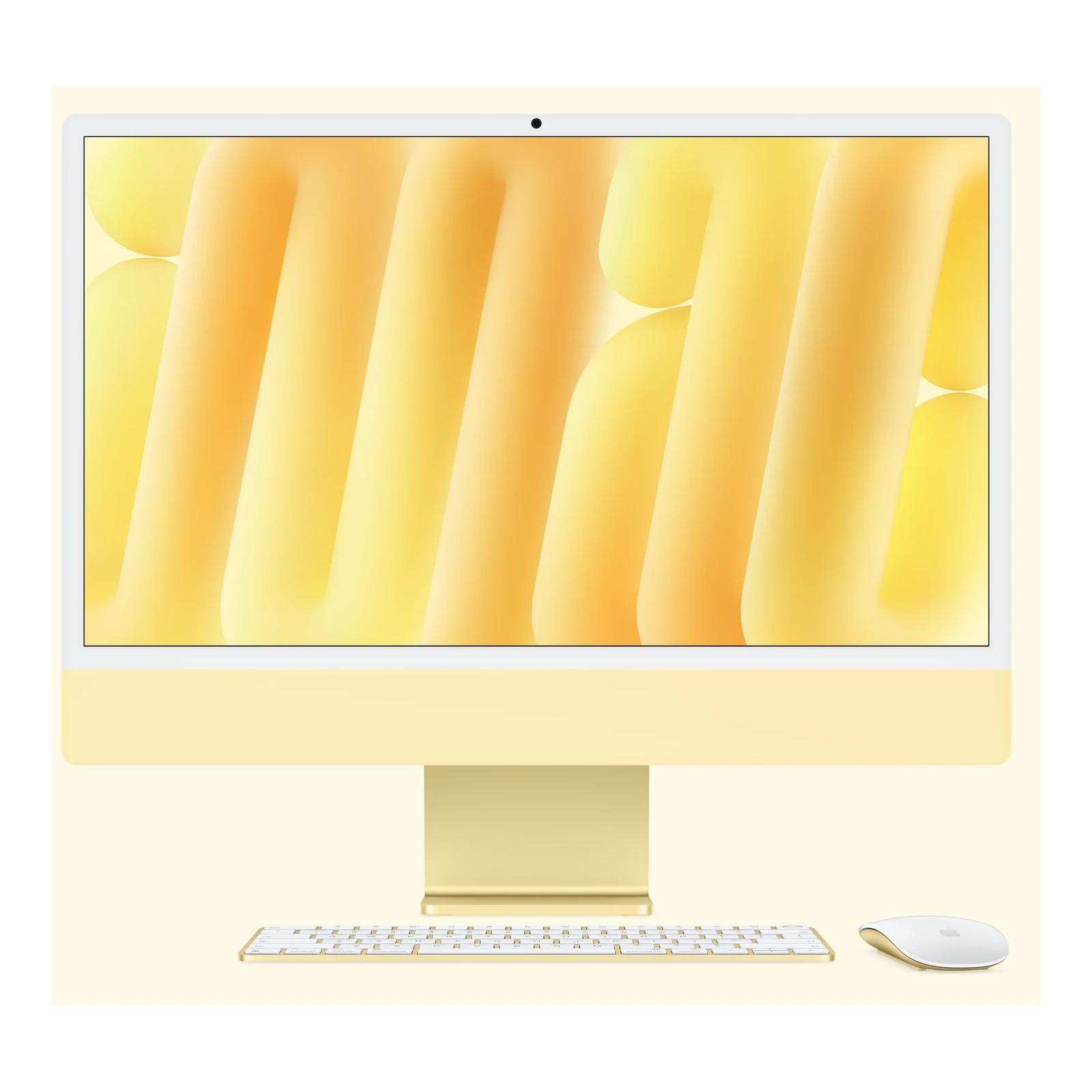
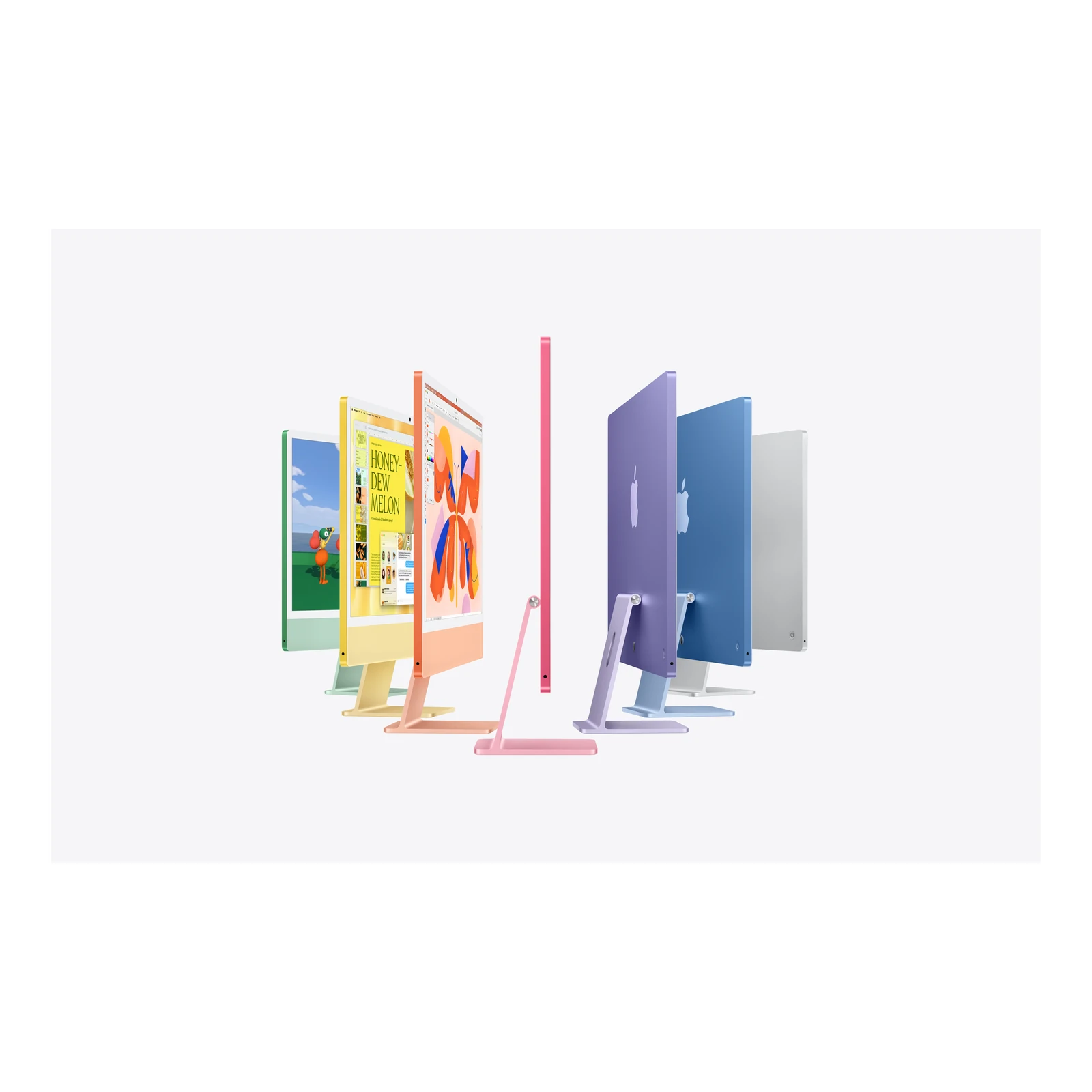
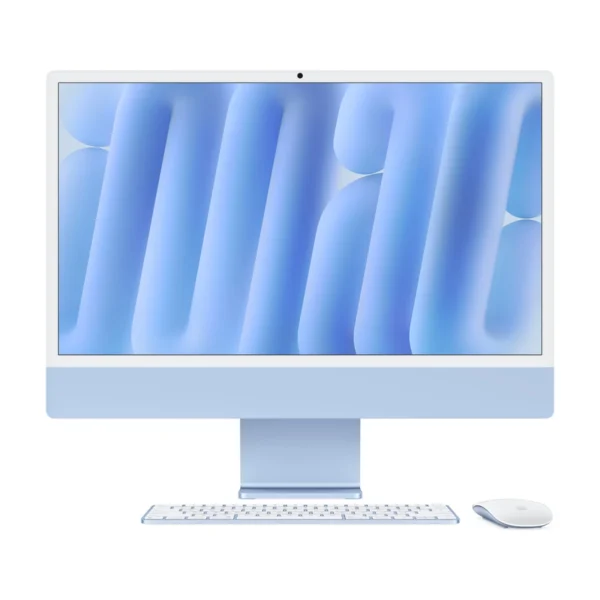
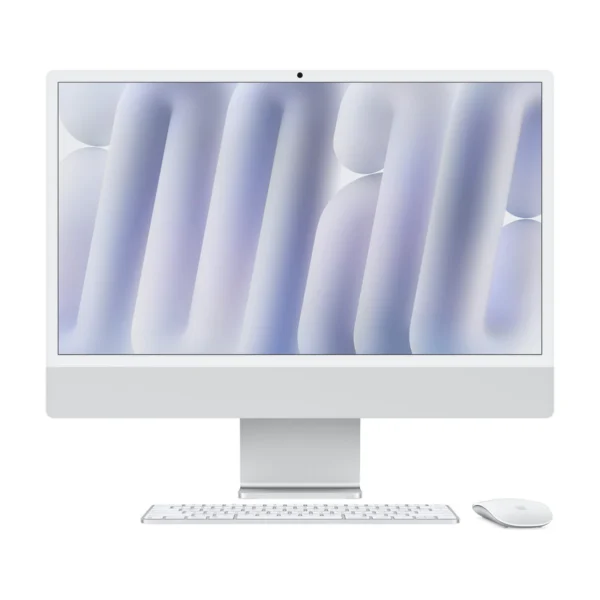
The listed combinations cover both mounting options, both glass finishes and the three memory/storage packages in Blue, Green, Orange, Pink, Purple, Silver and Yellow. Colour changes the finish, not the processor or display capabilities. Pick your memory, storage, glass and mounting requirements first, then the colour that suits your workspace.
What the 12-core M6 brings to creative work
The M6 includes hardware-accelerated ray tracing and a media engine for supported H.264, HEVC, ProRes and ProRes RAW workflows, plus AV1 decoding. These capabilities are useful for compatible editing and playback software, while the 12-core CPU and GPU serve demanding everyday Mac applications. Actual performance depends on the application, project and memory configuration; extra cores do not remove the storage demands of a large video library.
For a dedicated creative desk with a larger or separately chosen monitor, compare the Apple Mac mini with M6 and include the cost of a screen, keyboard, mouse and call equipment. For an older all-in-one option, the Apple iMac 24-inch M4 with Four Thunderbolt Ports is a useful comparison against your preferred memory and storage package.
Four Thunderbolt ports and up to two external displays
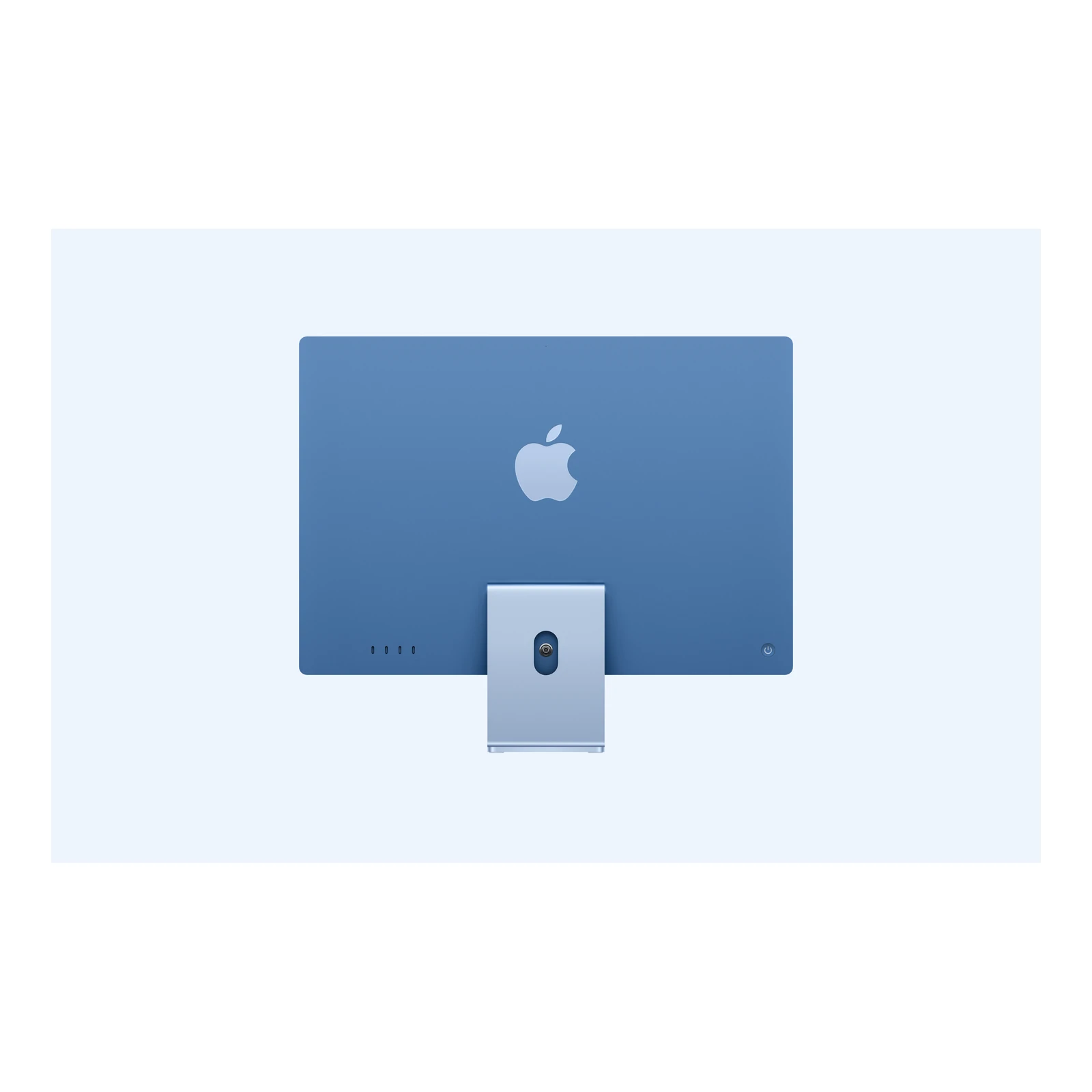
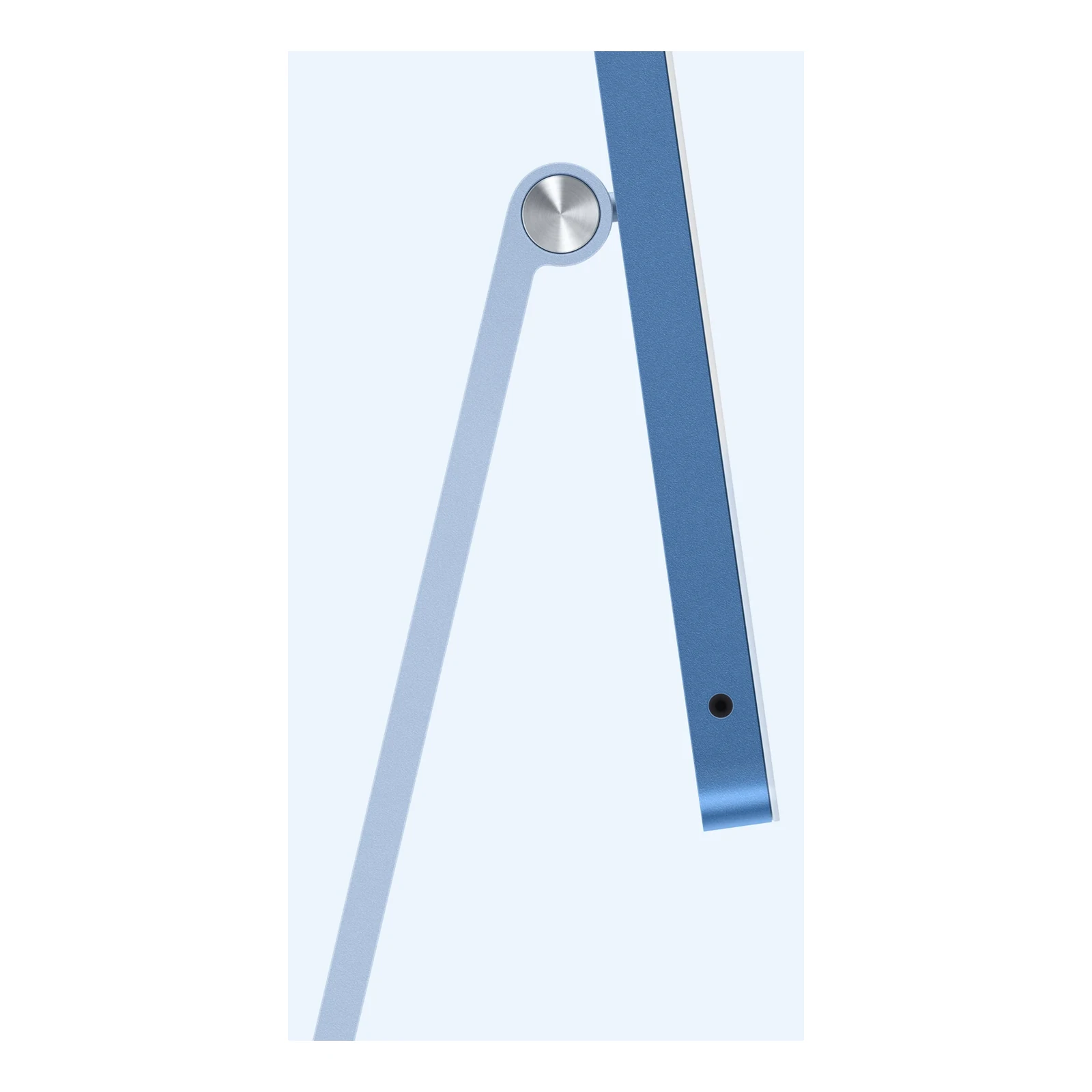
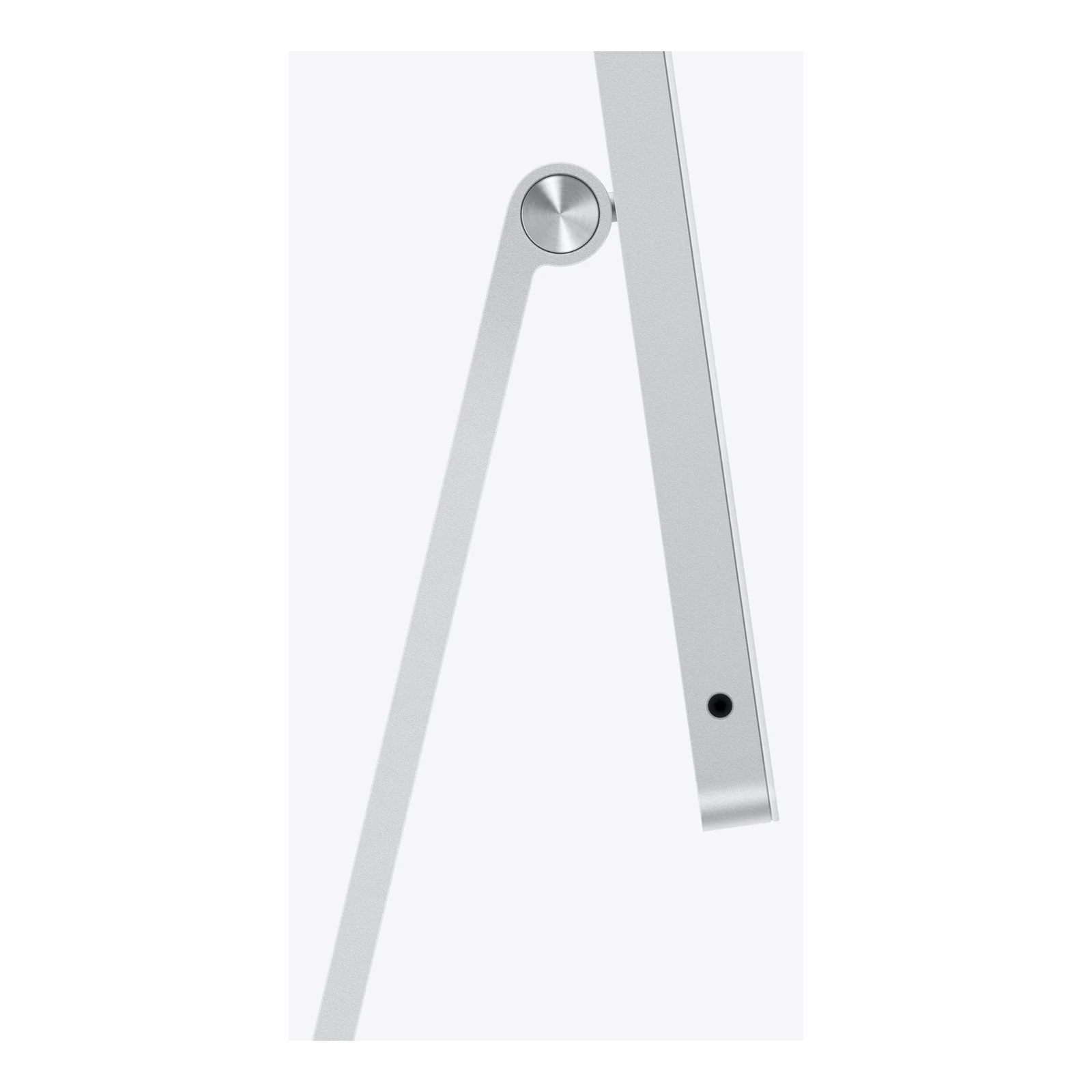
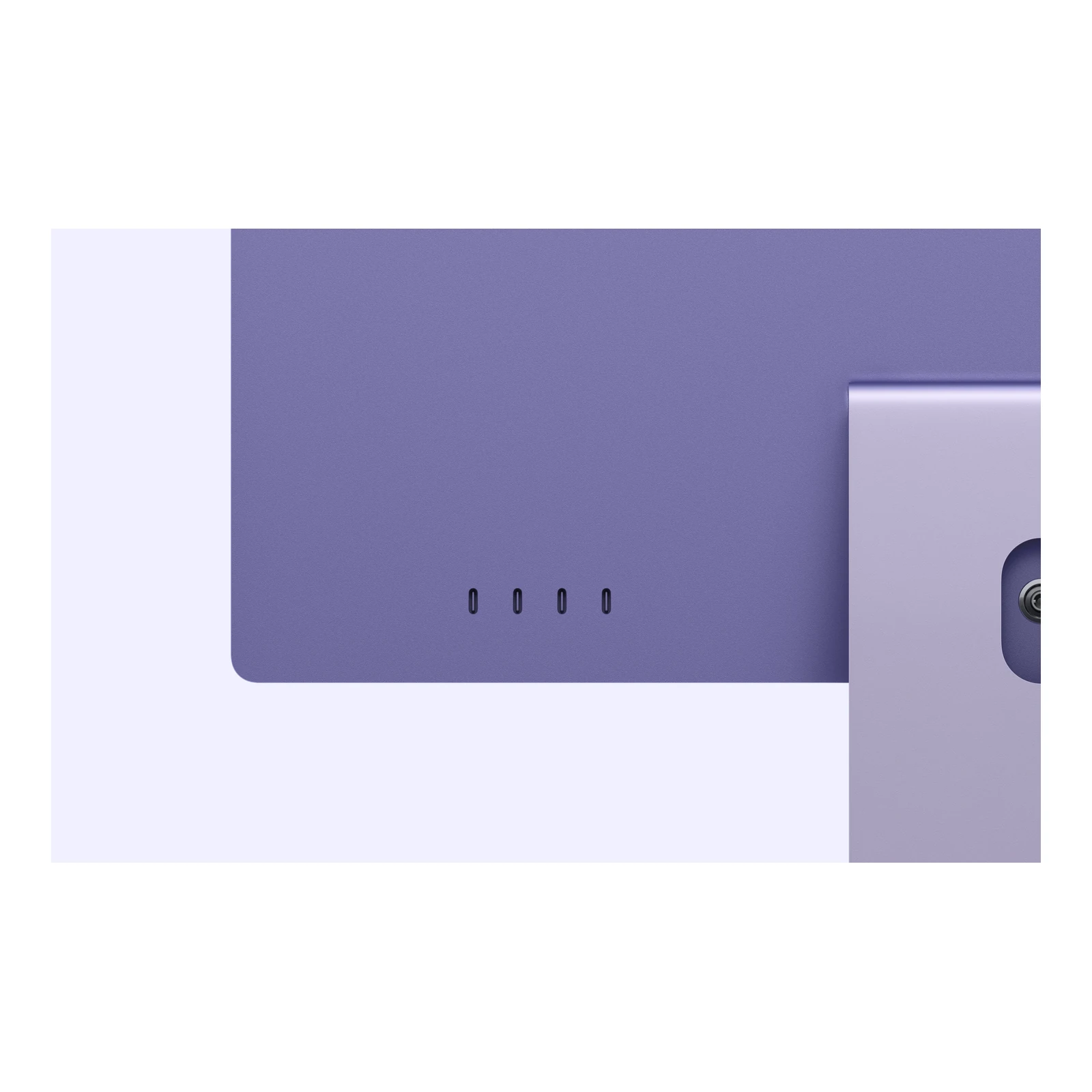
All four USB-C-shaped ports support Thunderbolt 4 and USB4 at up to 40Gb/s, compatible USB accessories and display output. This gives more flexibility for an external SSD, audio interface and monitor connections than the two-port model. A 3.5mm headphone jack supports compatible high-impedance headphones. HDMI displays, USB-A peripherals and SD cards require suitable adapters or readers.
Alongside the built-in display, Apple specifies support for up to two external displays at 6K/60Hz or 4K/165Hz. Alternatively, one external display can run at up to 8K/60Hz, 5K/120Hz or 4K/240Hz. These are external-display limits, not the refresh rate of the iMac’s own screen. Display, cable and adapter compatibility determine the available modes; check the complete connection path before buying a dock.
Wired networking, Wi-Fi and video meetings
2.5 Gigabit Ethernet is included across these four-port configurations. It is useful for a fixed office desk or transfers to compatible network storage, but reaching its rated speed requires matching network equipment and cabling. It does not increase the speed of your internet subscription. Apple’s N1 chip also provides Wi-Fi 7 and Bluetooth 6; Wi-Fi features and performance depend on regional availability, the router and local conditions.
The 12MP Center Stage camera helps keep you framed during supported video calls, and Desk View can show your work surface. Apple specifies 1080p video recording, so the 12MP sensor should not be confused with a 4K webcam. The three-microphone array and six-speaker system cover everyday meetings and media without additional equipment.
Included accessories and setup planning
The standard package includes a Magic Keyboard with Touch ID, Magic Mouse, 143W power adapter, 2-metre power cord and USB-C charge cable. Nano-texture versions also include the polishing cloth. A Magic Trackpad, numeric-keypad keyboard, external monitor and VESA arm are not standard inclusions. This mains-powered desktop has no laptop-style battery; a suitable UPS can help keep work running during a short power interruption.
Check essential business or course software for macOS and Apple silicon compatibility. Apple Intelligence features depend on supported software, languages and regions. See Apple’s official iMac technical specifications for the model-specific limits.
Independent M6 iMac video overview
The Product Videos section includes AppleInsider’s independent M6 iMac overview. It discusses the wider family; use this page’s four-port specifications and exact configuration details when comparing memory, glass, mounting and included accessories.

- Apple iMac 24-inch M6 with four Thunderbolt ports in the selected configuration and colour
- Selected desk stand or built-in VESA Mount Adapter; separate arm or wall mount not included
- Magic Keyboard with Touch ID
- Magic Mouse
- 143W power adapter
- Power cord (2 metres)
- USB-C charge cable
- Apple polishing cloth — nano-texture glass configurations only
Pros
- Detailed 4.5K Retina display with P3 wide colour.
- Nano-texture glass option for challenging room lighting.
- Four Thunderbolt 4 ports and support for up to two external displays.
- 2.5 Gigabit Ethernet is included across configurations.
- Magic Keyboard with Touch ID and Magic Mouse included.
- Memory, storage and mounting choices let you match the workspace.
Cons
- Memory is a purchase-time choice; external storage cannot increase RAM.
- Listed 256GB and 512GB SSDs may need supplementing for large media libraries.
- No built-in HDMI, USB-A or SD-card slot; suitable adapters may be needed.
What is the Apple iMac 24-inch M6 with Four Thunderbolt Ports price in Kenya?
The current listed price is [nbj_price product="apple-imac-24-inch-m6-four-thunderbolt-ports"]. This model combines a 12-core CPU and GPU, four Thunderbolt 4 ports, 2.5 Gigabit Ethernet and a Touch ID keyboard, with differences in memory, SSD, glass and mounting.
Which memory and storage packages are listed?
The options are 16GB RAM + 256GB SSD, 16GB RAM + 512GB SSD and 24GB RAM + 512GB SSD. All use unified memory and the same 12-core CPU and 12-core GPU.
Should I choose 16GB or 24GB unified memory?
16GB suits many office and everyday creative tasks. 24GB offers more headroom for larger projects and multiple demanding applications. Compare your software requirements because an external SSD cannot increase RAM.
What changes between the two 16GB configurations?
The 512GB SSD package doubles the listed internal storage capacity compared with 256GB. Both retain 16GB unified memory and the same processor. Choose 512GB when local file space is the main concern.
Can I upgrade memory later?
Treat unified memory as a purchase-time decision, not a user-installable RAM upgrade. Choose the memory capacity your applications need before ordering.
What does nano-texture glass do?
It reduces distracting glare from the screen surface, which can be useful in bright rooms or where lighting is hard to control. It does not increase resolution, memory or processor performance. Standard glass suits a workspace with controlled reflections.
Is a polishing cloth included?
Apple includes its polishing cloth with nano-texture glass configurations only. Follow Apple’s care instructions for nano-texture glass. The cloth is not a standard inclusion with ordinary glass.
Should I choose Stand or VESA Mount Adapter?
Choose Stand for a conventional desk. The VESA Mount Adapter version is for a compatible monitor arm or wall mount purchased separately. Check compatibility and the mount’s load rating before ordering.
Do all configurations include Ethernet?
Yes. This four-port M6 model includes 2.5 Gigabit Ethernet. Reaching its rated speed requires compatible networking equipment and cabling; your internet plan remains a separate speed limit.
How many external displays can it support?
Alongside its built-in display, the 12-core M6 model supports up to two external displays at up to 6K/60Hz or 4K/165Hz. Alternatively, it supports one external display at up to 8K/60Hz, 5K/120Hz or 4K/240Hz. Compatible displays and connections are required.
Does the built-in screen run at 240Hz?
The quoted 4K/240Hz mode is for a compatible external display, not the built-in panel. The iMac’s own display is a 4480 × 2520 4.5K Retina screen.
Are all four USB-C ports Thunderbolt ports?
Yes. Apple specifies four Thunderbolt 4 ports supporting Thunderbolt and USB4 at up to 40Gb/s, compatible USB accessories and display output. Device and cable capabilities determine actual speeds.
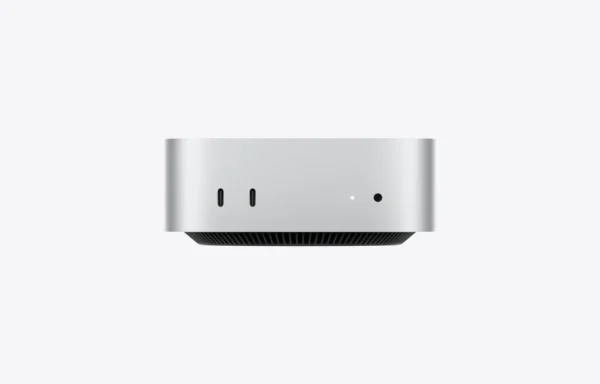
Does it have HDMI, USB-A or an SD-card reader?
No built-in HDMI, USB-A or SD-card slot is listed. Use appropriate adapters, hubs or readers for those connections. It also has a 3.5mm headphone jack.
Does the included keyboard have Touch ID?
Yes. The standard four-port package includes Magic Keyboard with Touch ID and Magic Mouse. A numeric-keypad keyboard or Magic Trackpad is a separate accessory choice.
What comes in the box?
The iMac in the chosen configuration, Magic Keyboard with Touch ID, Magic Mouse, 143W power adapter, 2-metre power cord and USB-C charge cable. Nano-texture configurations also include Apple’s polishing cloth. A separate VESA arm or wall mount is not included.
Is the iMac a touchscreen?
No. Both standard and nano-texture versions use a non-touch 4.5K Retina display. The advertised 24-inch screen has an actual diagonal measurement of 23.5 inches.
Does the 12MP camera record 4K video?
No. Apple specifies a 12MP Center Stage camera with Desk View support and 1080p video recording. Sensor resolution and recording resolution are different specifications.
Is this iMac suitable for photo and video editing?
Its P3 Retina display and M6 media engine are useful for compatible creative applications. Choose memory and storage according to your project size; a 24GB configuration provides more memory headroom, while large media libraries may still need external storage and backup.
How is it different from the two-port M6 iMac?
This model has a 12-core CPU and GPU rather than 10-core, four Thunderbolt ports rather than two, included 2.5 Gigabit Ethernet and a Touch ID keyboard, and broader native external-display support. It also offers nano-texture glass.
Does colour change the specifications?
No. Colour changes the finish. Memory and SSD package, glass finish and mounting option are the meaningful choices among the listed configurations.
Can it work during a power cut?
It needs mains power through the included adapter and does not have a laptop-style battery. A suitably sized UPS can help power the computer and networking equipment during a short interruption.
- Warranty coverage
- 1 year Apple warranty
Brand warranty terms depend on the exact unit, supplier and service region. Keep the purchase invoice and confirm coverage and exclusions at checkout.
Pairs well with

Thunderbolt; check cable and refresh rate.
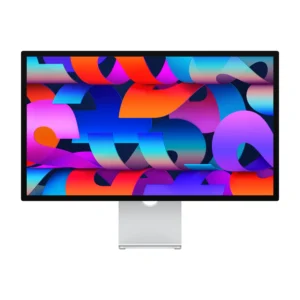
Display Finish: Standard · Stand Adjustment: Tilt
KShs 266,500
Confirm the port, receiver and operating system.
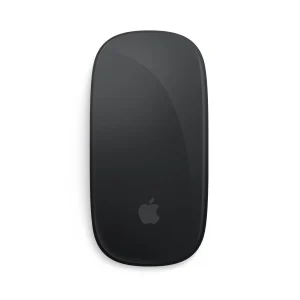
Color: Black
KShs 15,500


Confirm the port, receiver and operating system.
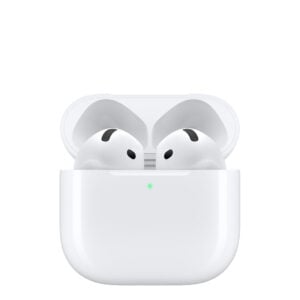
Color: Rose
KShs 5,300
Confirm the port, receiver and operating system.
Color: White
Original price was: KShs 20,500.KShs 20,000Current price is: KShs 20,000.In-stock alternatives
Available models in this category. Compare core features and prices.
Apple iMac 24-inch M4 — Four Thunderbolt PortsKShs 240,500Processor: Apple M4 (this product: Apple M6) · Graphics Card: Apple M4 10-core GPU (this product: Apple M6 12-core GPU)View product →
Apple Mac mini with M4 ProKShs 238,500Form Factor: Mini PC (this product: All-in-One) · Processor: Apple M4 Pro (this product: Apple M6)View product →
Apple iMac 24-inch M4 — Two Thunderbolt PortsKShs 214,500Display Finish: Standard (this product: Nano-texture, Standard) · Processor: Apple M4 (this product: Apple M6)View product →
Apple Mac mini with M6KShs 127,000Form Factor: Mini PC (this product: All-in-One) · Ethernet: 10 Gigabit Ethernet, 2.5 Gigabit Ethernet (this product: 2.5 Gigabit Ethernet)View product →