
Pocket Camera Zoom Explained: Digital Crop or Optical Reach?
A zoom ratio needs context. Check how the camera changes framing and which recording mode supports that change before treating two “2x” labels as equivalent.
Ask what changes when you zoom
DJI labels the Pocket 3’s zoom as digital. For normal video, its official specifications list up to 2x at 4K, 3x at 2.7K and 4x at 1080p. Zoom is unavailable in slow motion and timelapse. These limits explain why the largest number is not a promise for every recording mode. A single ratio copied into a shopping title hides that context.
| Output resolution | DJI-listed maximum |
|---|---|
| 4K | 2x |
| 2.7K | 3x |
| 1080p | 4x |
The trade-off is therefore a recording decision: a buyer who needs a 4K delivery should plan around the supported 4K setting, rather than choosing 1080p solely to reach the largest zoom number. A smaller output may suit another job, but that does not make the modes interchangeable.
An optical zoom changes the lens’s focal length to alter framing. Digital zoom instead enlarges the view through image processing. OM SYSTEM explains this distinction. That does not make every electronic crop equivalent to changing the lens.
Digital framing and an optical zoom lens are different mechanisms. Do not infer an optical lens movement merely because a screen offers a zoom slider. Look at the saved Zoom field together with the manufacturer’s mode-specific explanation, rather than treating all cameras in the category alike.
Read a real catalogue value in context
The DJI Osmo Pocket 3 currently carries the saved 4x Digital Zoom value and a 20mm Focal Length value. DJI describes that lens figure as a 35mm-equivalent focal length. The zoom value describes the maximum supported digital setting; use the resolution limits above to check your own mode.
This is the live model package range, not the exact Standard-package price. Select the exact package for current pricing and included accessories. A different package does not turn this camera’s digital zoom into an optical zoom lens.
Check the completed Standard package
Compare current gimbal cameras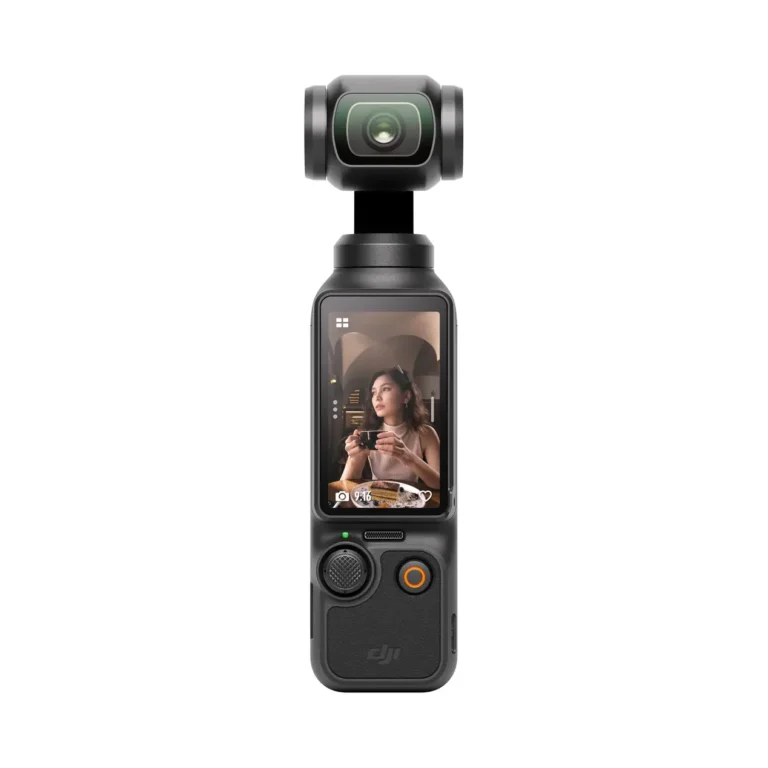
Choose framing around the finished video
If you are filming a product demonstration, interview or event, decide where the camera can safely stand and what needs to fit in the finished frame. Moving closer changes the shooting arrangement; reframing later changes how you use the recorded picture. Neither is automatically a substitute for a different lens or camera.
A Kenyan creator delivering both portrait and landscape clips should plan those crops before filming. Leave room around the subject, and inspect an export at its intended size. Avoid promising that every tighter crop preserves the same detail as the uncropped frame.
Test the mode you actually intend to use
If you also need to choose capture storage, our microSD capacity and speed-class explanation separates those labels. Use DJI’s own recommended-card list for this camera; another camera’s compatibility requirements are not automatically its requirements.
Open the specification table for the exact recording mode, resolution and frame rate. A maximum demonstrated in ordinary video may not exist in slow motion, timelapse or a webcam mode. Check tracking and framing settings in the same mode as well.
Request a supported demonstration of the full shot and final export, rather than a zoomed preview alone. Keep the question specific: can this camera frame this subject from this position in the mode I need? There are no NextBuy sharpness measurements or hands-on zoom tests behind this guide.
Compare the decision, not one label
| Decision | What to check |
|---|---|
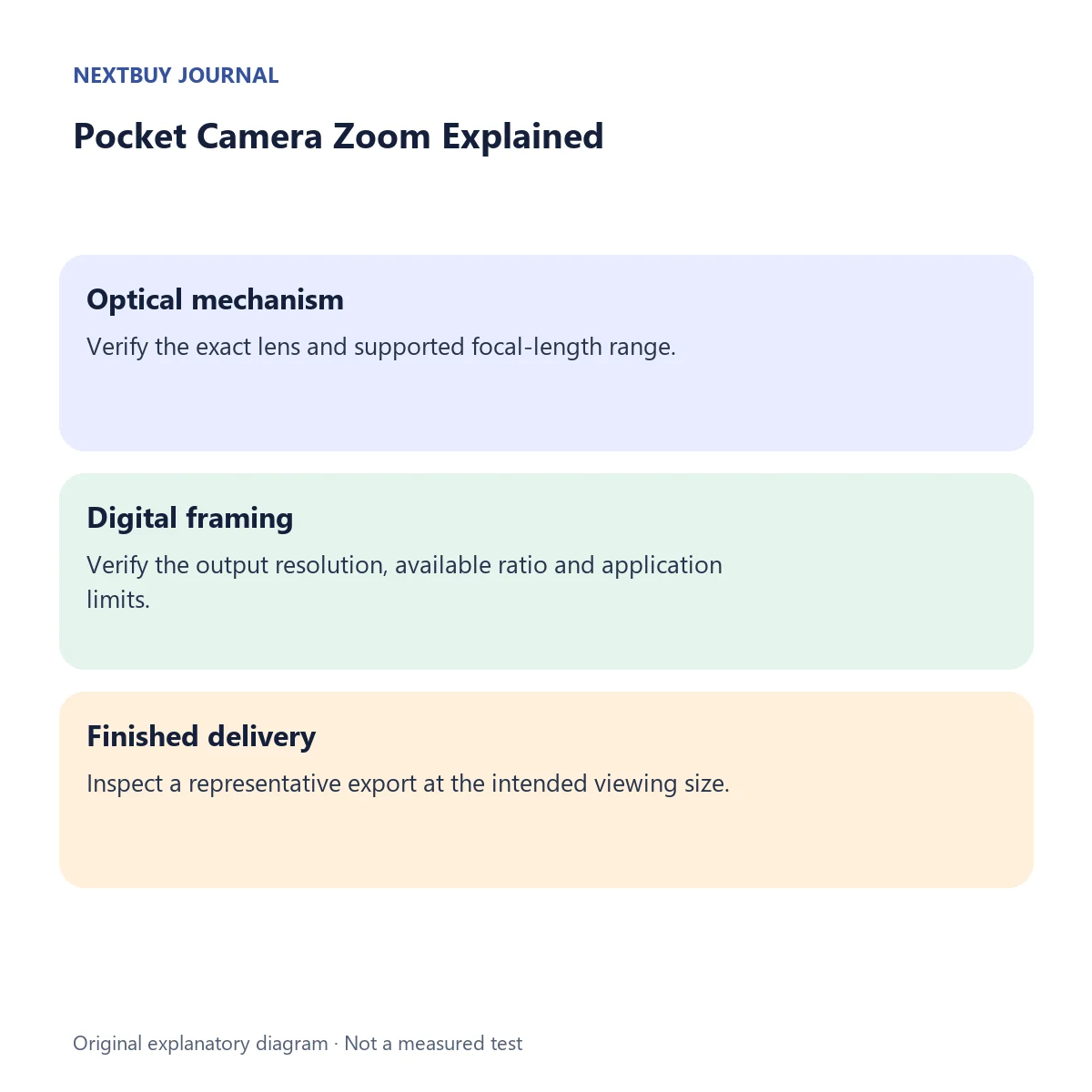
| Optical mechanism | Verify the exact lens and supported focal-length range. |
| Digital framing | Verify the output resolution, available ratio and application limits. |
| Finished delivery | Inspect a representative export at the intended viewing size. |
Before choosing
- Match the exact camera model rather than borrowing a neighbouring model’s zoom specification.
- Check zoom availability in the intended video or slow-motion mode.
- Decide whether camera placement, another lens or another camera better solves the framing problem.
Questions readers ask
Does a zoom slider prove optical zoom?
No. Check the manufacturer’s description of the mechanism.
Can I assume the same zoom ratio in every mode?
No. The Pocket 3 specification is an example of mode-dependent availability.
Manufacturer references
See the actual camera design
Watch DJI’s official Osmo Pocket 3 introduction. This manufacturer overview shows the camera system; the mode-specific specifications above determine the available zoom.