
Action Camera 4K120 in Kenya: Capture Rate Is Not Playback Speed
Choose a capture rate around the final video. A 120fps recording does not by itself decide playback speed.
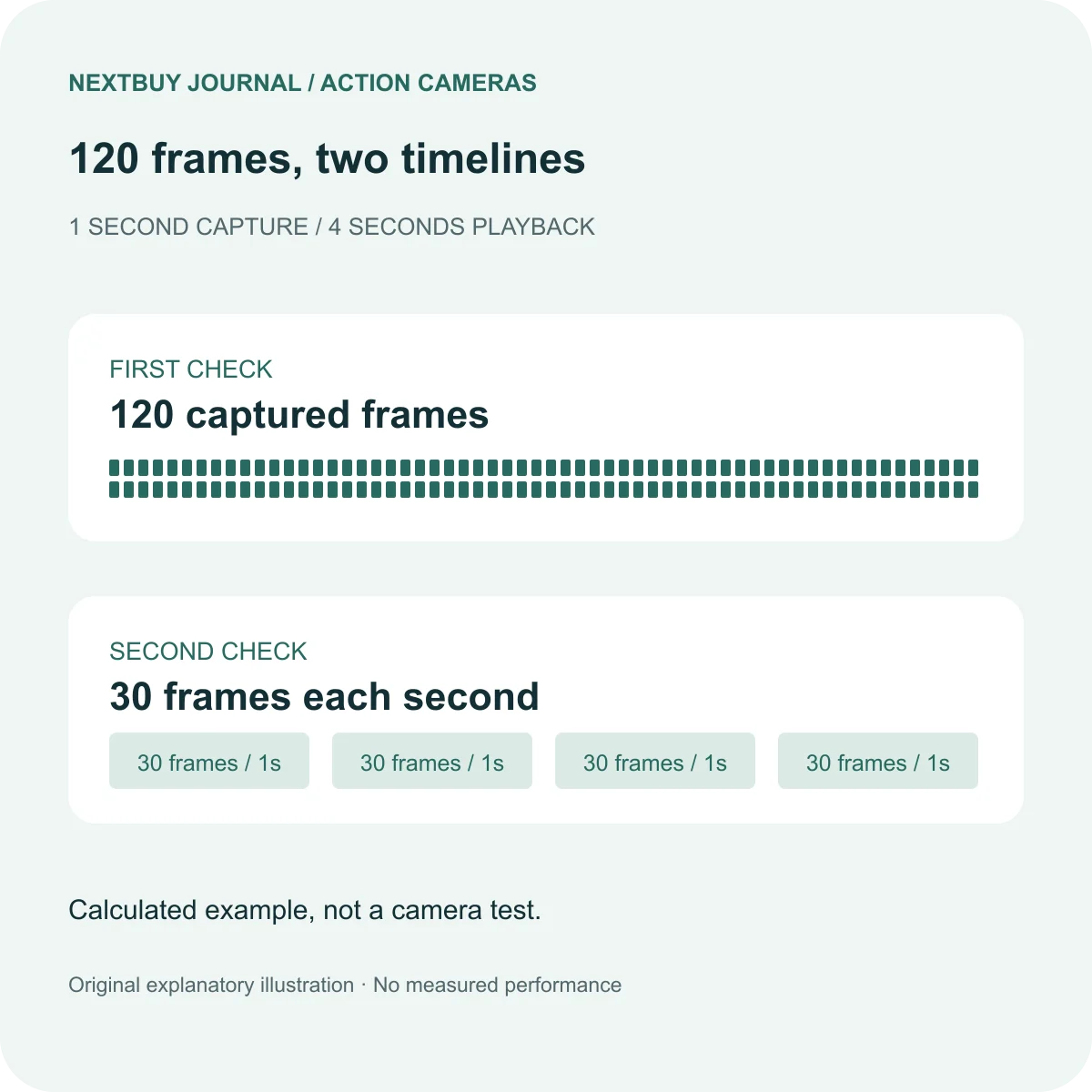
Capture rate and playback rate describe different parts of the video
A 4K label describes image dimensions; 120fps describes a capture rate. Neither tells you how long the final clip will last. For a Kenyan creator filming a sports sequence or a short social video, decide which moment should slow down and what the finished sequence should look like.
If one second of action supplies 120 frames, playing every one of those frames at 30fps takes four seconds. That is a four-times-duration calculation, not a camera benchmark. At 60fps playback the same frames occupy two seconds. The editor or camera workflow must actually interpret the clip at the chosen speed.
Use high frame rates for a reason
A slowed jump or splash can reveal a moment the viewer would otherwise miss. An interview or a long walk may need ordinary motion and usable sound instead. Choose the effect per shot rather than making the entire assignment a high-frame-rate recording by default.
Do not assume every application will automatically turn a 120fps file into the intended slow-motion export. Check the imported clip rate, timeline or speed setting, and exported result. Listen to the sound too: confirm whether the chosen workflow retains audio and whether its speed suits the edit.
Before an important recording, make a short practice file using your actual camera and editor. Verify that it opens, slows and exports correctly. Keep the original file while you inspect the finished copy. This guide does not claim a tested phone, editor, low-light or thermal result.
Verify the exact recording combination
GoPro’s Easy Controls guide relates slow-motion choices to the selected video quality and digital lens. Its current mode table lists 4K120 in 16:9, while other aspect ratios have different rate choices. Read one complete row instead of attaching the highest fps number to every mode.
GoPro also offers a separate Burst Slo-Mo feature. Do not confuse a short specialised burst with unrestricted recording at the same headline rate. Consult that mode’s own instructions before planning a whole event around it.
Frame rate can also change which horizon-control option is available. Use the HyperSmooth and Horizon Lock guide when keeping the view level matters as much as slowing the action.
Plan the card, editing and delivery together
Leave capacity for updates to the edit and additional takes, not just one ideal clip. Check the camera’s supported storage requirements and the microSD speed and capacity guide. A large capacity alone does not establish suitability for the chosen recording mode.
For delivery, confirm the required frame dimensions, shape and playback rate with the person receiving the video. A landscape high-frame-rate capture may still need thoughtful framing for a vertical final crop. Check the exported file at the intended viewing size before sending it.
For a short buying decision, ask for the exact camera model and package, identify a supported capture mode, and confirm that your own editing workflow can deliver the effect. Paying for a larger number on the specification sheet is not a substitute for those checks.
A real HERO13 Black example
The current action camera catalogue lists HERO13 Black with HyperSmooth 6.0, Horizon Lock and several recording rates. Treat those as capabilities to investigate together, not a promise that every combination can be selected simultaneously.
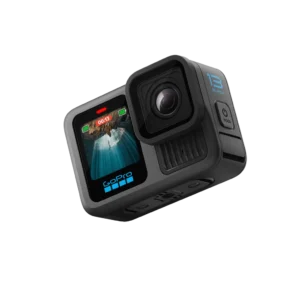
GoPro HERO13 Black
Price range: KShs 51,500 through KShs 90,000
In stock
Choose the exact package for its current availability and included items. Recording-mode compatibility depends on the selected settings.
View product & options →Inspect the Standard Kit configuration for its own live offer and included accessories. A package with more mounts does not automatically unlock every resolution and lens combination. The full model page separates the camera from the package contents.
Questions before you record
Is 120fps always slow motion?
No. The interpretation and playback speed determine the resulting duration.
Does an accessory bundle change every camera recording limit?
No. Check the exact supplied items and the instructions for any separate lens accessory. A mount bundle is not a new camera sensor or processor.
Official demonstration and further help
Watch GoPro: Everything New with HERO13 Black. This manufacturer overview shows the camera and shooting features. It is not a NextBuy test or a guarantee for your chosen settings. GoPro embeds it in its official announcement.
Visual credits: original explanatory illustration by NextBuy Journal; genuine existing catalogue photography by GoPro. The video remains hosted by GoPro/YouTube. No hands-on footage or performance measurement is implied.