
GoPro HyperSmooth and Horizon Lock in Kenya: Check the Recording Mode
A steadier clip and a level horizon are different goals. Choose the lens, frame rate and framing together.
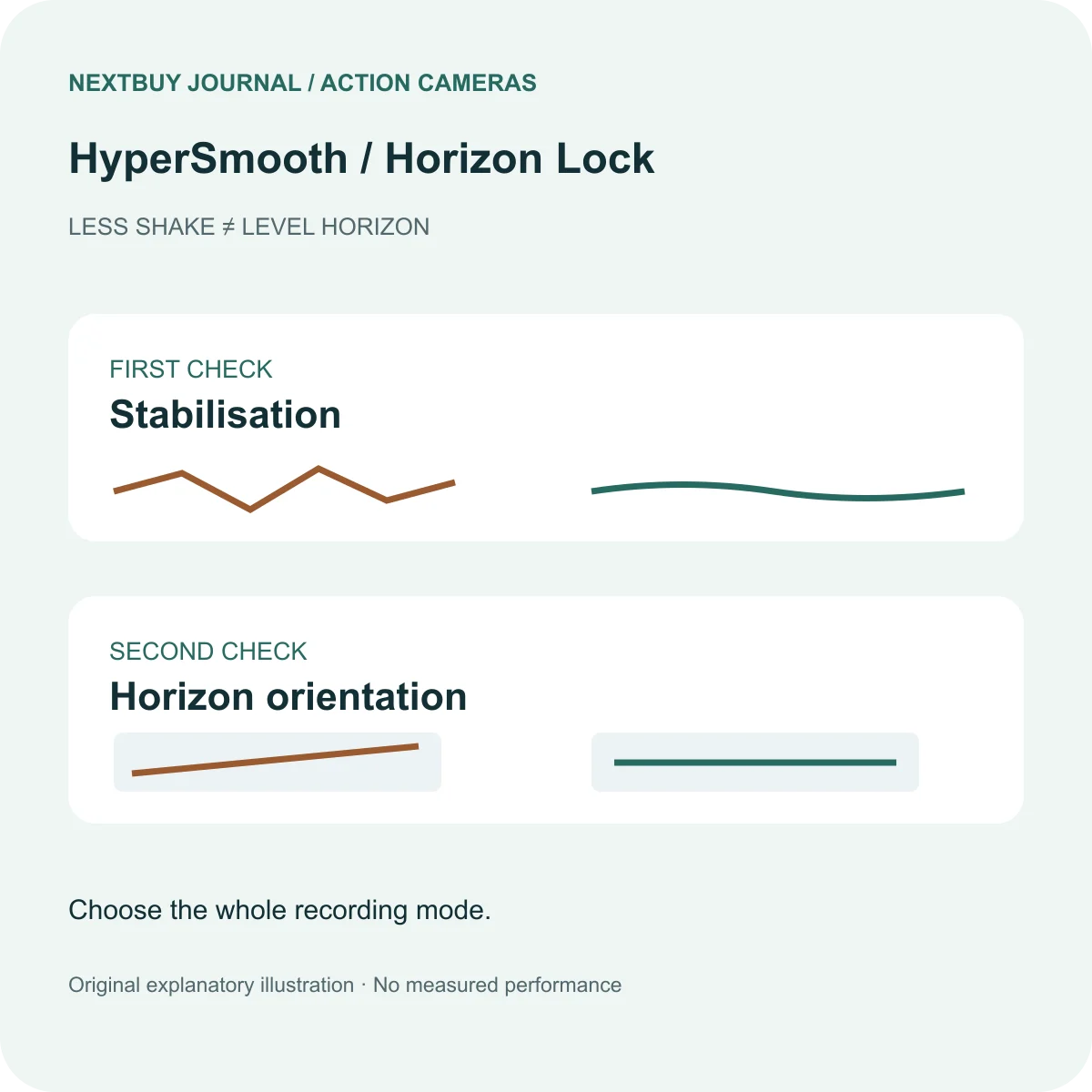
Smooth movement and a level horizon are different goals
Picture a cycling clip: the camera may bounce vertically, tilt as you lean, and show your hands near the edge. Reducing shake, keeping the horizon level and preserving the framing are three different decisions. Decide which matters for the shot before choosing the largest resolution number.
HyperSmooth is GoPro’s stabilisation system. Horizon Lock concerns the orientation of the resulting view. Seeing both names on a Kenyan shop listing does not tell you which digital lens, aspect ratio and frame rate support them together. Nor does a level horizon prove that the camera held every detail sharply.
Check the whole mode, not two separate specification rows
GoPro’s current HERO13 Black recording-mode table lists Linear + Horizon Lock at 4K60 in 16:9, while the 4K120 row lists Linear + Horizon Leveling instead. These labels should not be treated as interchangeable. The table also separates other aspect ratios and digital lenses.
That is why choosing 4K first and assuming the same behaviour at every frame rate is risky. Start with the final shot: if a level view is essential, select a compatible combination before mounting the camera. If slow motion is essential, read the capture-rate and playback-speed guide as well.
Use the current table for the camera and lens accessory you actually own. A setup shown with an optional lens mod is not proof that the standard kit offers the same view. GoPro’s table recommends current firmware; check that before comparing menu choices with instructions.
Choose what the viewer should see
For a walk through Nairobi or a travel sequence, a calm level view may suit the story. For a cycling corner, you may want the viewer to feel some of the lean. Neither intention is automatically the better picture. Review a short representative clip with the intended mount and framing before committing to a long recording.
Check the edges as well as the centre: are hands, handlebars or the person you are following still inside the final view? Leave room for any later vertical crop. Do not judge the finished composition solely from a wide preview or a different creator’s mount position.
This is a planning recommendation, not a claim that NextBuy measured a crop percentage, low-light result or vibration limit. Secure the mounting arrangement and choose a safe place to check it before beginning the activity.
A short checklist before recording
- Name the priority: less shake, a level view or visible camera lean.
- Choose resolution, frame rate, aspect ratio and digital lens as one combination.
- Check the current manufacturer table and any separate lens-mod instructions.
- Record a brief sample and inspect the intended final crop.
- Check storage and power for the actual session.
For the storage part, use the existing microSD speed and capacity guide. A stabilisation label does not establish that a particular card is suitable.
A real HERO13 Black example
The current action camera catalogue lists HERO13 Black with HyperSmooth 6.0, Horizon Lock and several recording rates. Treat those as capabilities to investigate together, not a promise that every combination can be selected simultaneously.
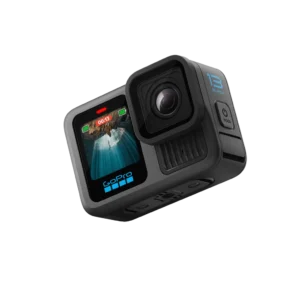
GoPro HERO13 Black
Price range: KShs 51,500 through KShs 90,000
In stock
Choose the exact package for its current availability and included items. Recording-mode compatibility depends on the selected settings.
View product & options →Inspect the Standard Kit configuration for its own live offer and included accessories. A package with more mounts does not automatically unlock every resolution and lens combination. The full model page separates the camera from the package contents.
Questions before you record
Will Horizon Lock be available at every frame rate?
No. Check the exact mode table, aspect ratio and digital lens.
Does an accessory bundle change every camera recording limit?
No. Check the exact supplied items and the instructions for any separate lens accessory. A mount bundle is not a new camera sensor or processor.
Official demonstration and further help
Watch GoPro: Everything New with HERO13 Black. This manufacturer overview shows the camera and shooting features. It is not a NextBuy test or a guarantee for your chosen settings. GoPro embeds it in its official announcement.
Visual credits: original explanatory illustration by NextBuy Journal; genuine existing catalogue photography by GoPro. The video remains hosted by GoPro/YouTube. No hands-on footage or performance measurement is implied.