
Switch 2 Game-Key Cards in Kenya: Why a Boxed Game May Need a Download
Buying a physical box does not always mean the game is ready for an offline first session. Check what is inside, the download requirement and the space on your console before buying a gift or planning a trip.
Start with the format, not the photograph of the box
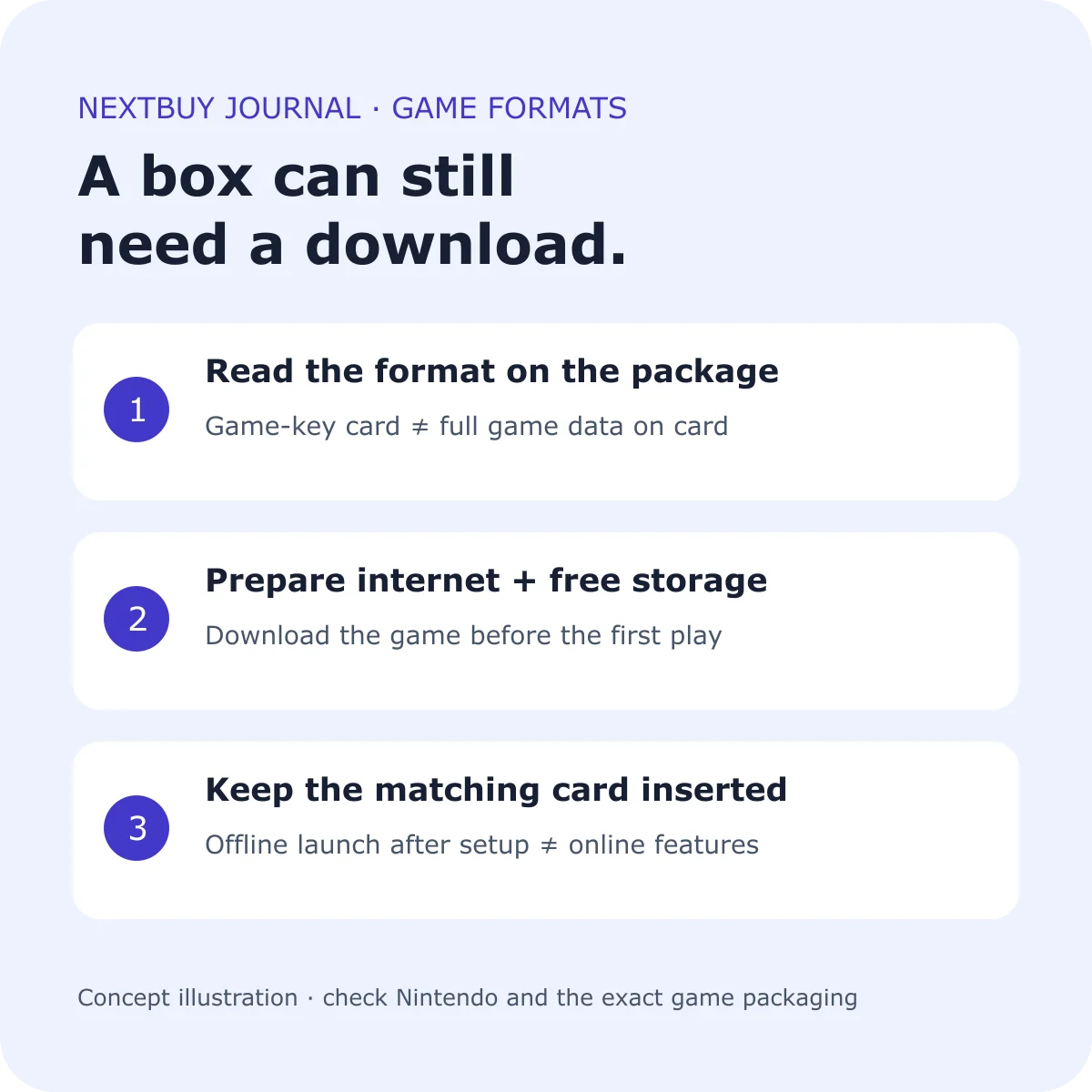
A game-key card is a physical card that lets a Switch 2 download and launch its game; the full game data is not stored on that card. Nintendo’s illustrated game-key card instructions show the packaging identification and first-use sequence.
When a Kenyan shop lists a boxed title, ask to see the actual front and back of the supplied package. Look for the game-key card marking and required storage, then check the exact edition with the publisher. A listing photograph, the word “physical” or a sealed box alone does not answer how the game will be installed.
Keep three questions separate: is there a card in the box, does that card contain the game data, and does the offer instead supply a download entitlement? Ask the seller to state the format in writing before paying. If the offer is a redemption code, check its account and regional conditions separately; do not treat it as a game-key card merely because it arrives in packaging.
Budget for a download as well as the purchase
For a game-key card, the first setup needs internet and enough free space in the Switch 2’s internal memory or a microSD Express card. Nintendo says the required space is shown on the package. Follow the console’s download instructions after inserting the card.
Before buying several titles, make a small list of each game’s stated download size and compare it with the free space shown on your console. The Switch 2 model has 256GB internal storage, but the advertised capacity is not an empty allocation reserved for your next game. Existing software and system use matter.
If you normally rely on a mobile hotspot or a capped connection, check your own data allowance before starting. Avoid buying a data bundle from an assumed file size or promising a child that every boxed game will be ready immediately. Download time depends on the actual connection and download, so leave a preparation window rather than scheduling the first installation at the start of a party.
For a journey or gift, finish setup before leaving
Nintendo explains that, after the required download and first launch, a game-key card title can start without an internet connection, with the matching card inserted. This does not remove a particular game’s separate requirements for online modes.
| Before the occasion | What to check |
|---|---|
| Identify the exact game | Read the supplied package and publisher’s page for its format and features. |
| Install with time to spare | Have the console, required card, internet and enough available space together. |
| Try the intended mode | Open the game and check the single-player or local mode you plan to use. |
| Pack the card | The downloaded data does not replace the matching game-key card. |
| Keep online play separate | Check that game’s network, account and subscription requirements. |
For a surprise gift, agree with the recipient whether they prefer a sealed package or a console already prepared for play. Opening packaging, linking accounts and downloading software are practical choices to settle with them, rather than assumptions to make at the last minute.
A console package and a game format are different decisions
The reviewed Switch 2 Standard configuration supplies hardware without a game. A console’s storage capacity, its included accessories and a separate game’s installation format answer different questions. Choose the games first, then check what the hardware package actually adds.
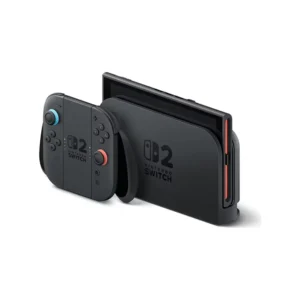
Nintendo Switch 2
Price range: KShs 75,500 through KShs 83,500
In stock
Choose the exact hardware package. The reviewed Standard option has no included game; confirm the format and requirements of games bought separately.
View product & options →Inspect the Standard configuration and its current offer. If you are upgrading from an older Switch, our old games and accessories compatibility guide covers a separate question: what you can keep using.
Do not buy an ordinary microSD card simply because its capacity sounds sufficient. Switch 2 game-storage expansion requires microSD Express. The compatibility guide explains this distinction; the exact receiving device’s requirement comes before capacity or a familiar speed-class logo.
See Nintendo’s game-key card demonstration
Watch “Using Game-Key Cards on Nintendo Switch 2” by Nintendo of America. The official demonstration shows the format and setup sequence. Its written illustrated instructions are useful when you want to check the steps at your own pace.
Illustration: original NextBuy Journal artwork. The linked demonstration belongs to Nintendo and remains on its official channel.
Quick answers before buying
Does “boxed” guarantee no download?
No. Check the exact package’s format and download requirements. A game-key card needs game data downloaded before the first play.
Can I leave the game-key card at home after downloading?
No. The matching card must be inserted to play that game-key card title.
Does offline launch guarantee every mode works offline?
No. Check the particular game’s modes and online-service requirements before relying on it during a trip.