| Type | |
|---|---|
| Edition | |
| Operating System | |
| Configuration | |
| Package | |
| Console Storage | |
| Processor | |
| RAM | |
| Screen Size | |
| Display Type | |
| Screen Resolution | |
| Refresh Rate | |
| Battery Life | |
| Color | |
| Release Year |

KShs 39,500
Price is indicative and may change when stock arrives.
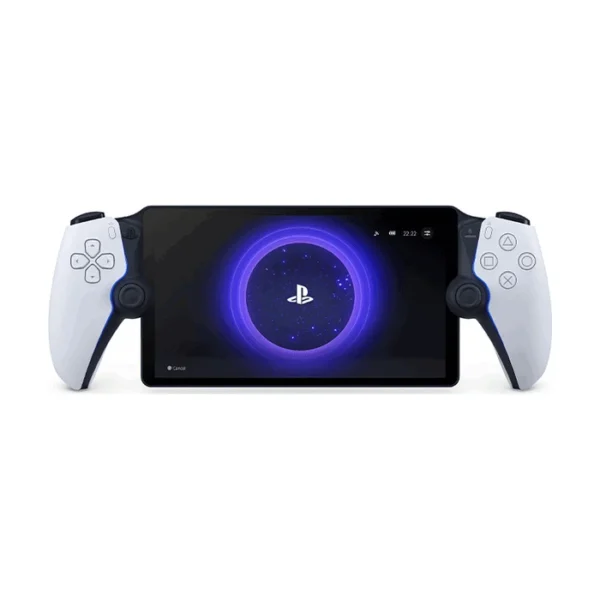
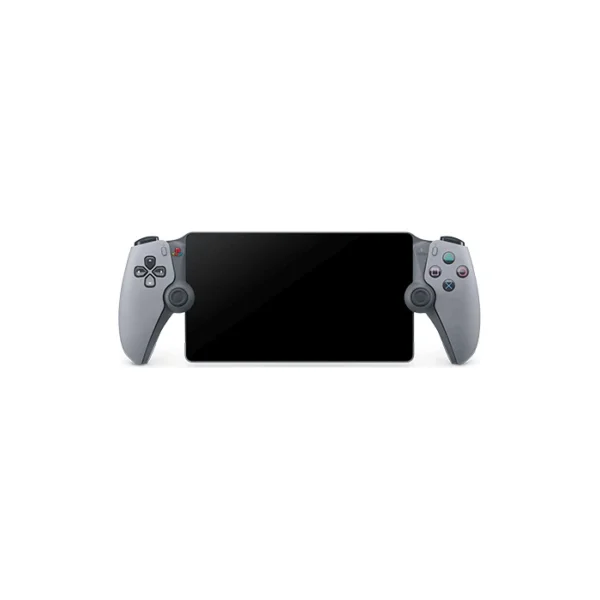
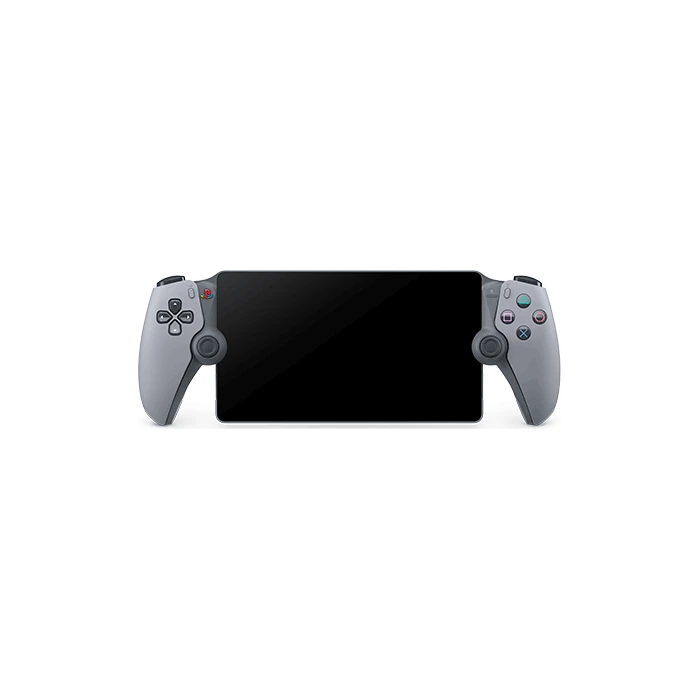
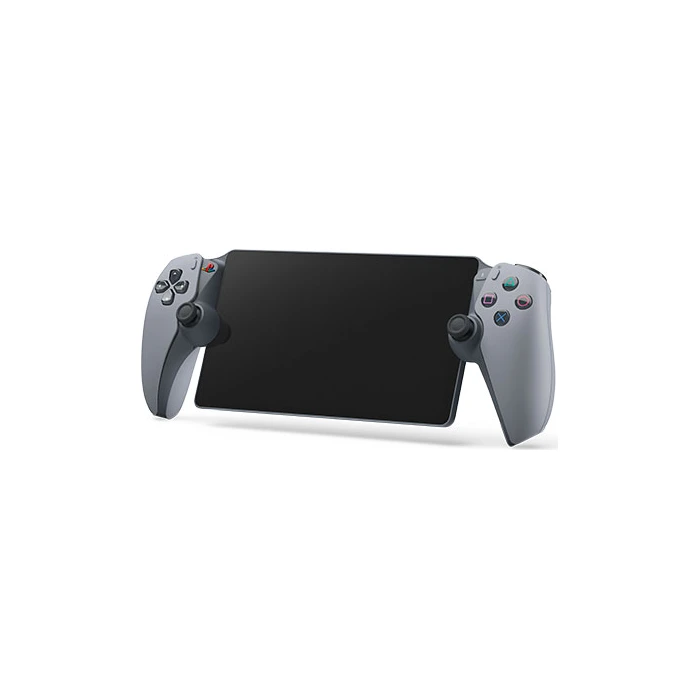
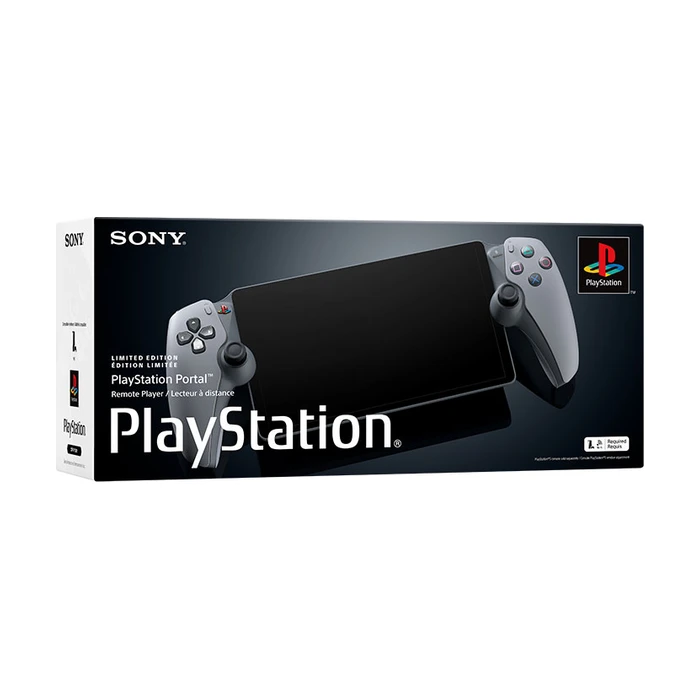
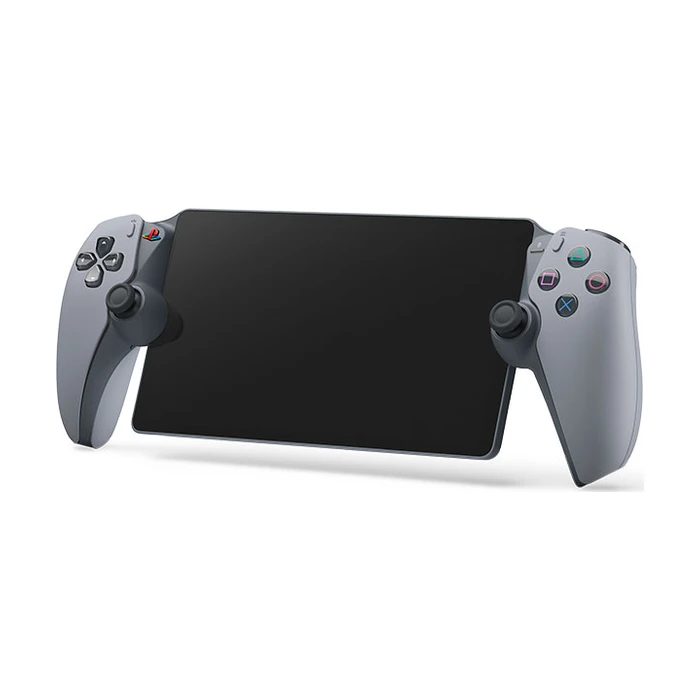
In-stock alternativesPlayStation Portal Remote Player 30th Anniversary Limited Edition combines a classic grey PlayStation design with an 8-inch 1080p LCD and integrated haptic-feedback controls. Stream compatible games from your configured PS5 over Wi-Fi; it includes a USB charging cable and does not install games for offline play.
Compare 1 configurations. Open an option to choose its finish and check the exact price and availability.
Compare configurationsCompare the listed options, then open the configuration that fits.
No configurations match. Try another search or show all options.
Explore the details that matter.
The PlayStation Portal Remote Player Limited Editions price in Kenya is KShs 39,500. The 30th Anniversary edition gives Sony’s PS5 streaming handheld a classic grey PlayStation finish and nostalgic design details. It suits a fan who wants that commemorative appearance while freeing the television for someone else. Its streaming capabilities match the standard PlayStation Portal Remote Player; the limited-edition design does not make it an offline console or improve your Wi-Fi connection.
The original-PlayStation-inspired colour scheme is the reason to choose this version. It belongs to Sony’s 30th Anniversary hardware collection, bringing the commemorative styling to the handheld screen-and-controller format. The core 8-inch LCD and Remote Play functions remain those of the standard Portal.
This listing is for the Portal remote player itself, not the PS5 or PS5 Pro anniversary console bundle. It does not include a PS5, an extra DualSense controller, games or a PlayStation Plus membership. Compare the design premium against the standard Portal before buying; your console setup and network quality will make a much greater difference to the streaming experience.
With Remote Play, your PS5 runs the game and Portal receives the picture and sends your control inputs back over the network. Compatible PS5 games and supported PS4 games installed on the PS5 can be used. You need the appropriate game licence, and a disc-based game still needs its disc in the PS5 when required.
This is a good fit when the obstacle is access to the television. It is less suitable if you want a device that installs games and plays independently without a network connection. For that kind of portable PC library, compare the Valve Steam Deck OLED and check its separate software compatibility.
The PS5 must be paired with Portal, signed into the appropriate matching account and configured for Remote Play. It needs to be switched on or in a correctly configured Rest Mode, with internet connectivity and network wake enabled when needed. A fully powered-off PS5 cannot respond to a Remote Play connection.
Sony recommends a stable connection of at least 15Mbps for a better Remote Play experience, with 5Mbps as the minimum. Those figures alone do not guarantee smooth play: congestion, signal strength, latency and the connection at both ends matter. A wired PS5 connection and a strong 5GHz Wi-Fi link for Portal are useful starting points.
Portal has a 1920 × 1080 LCD display capable of showing streams up to 60fps. The integrated controls provide haptic feedback and adaptive-trigger effects in games that support them. It is a purpose-built combination of screen and controls, rather than a phone accessory that needs a separate clip or gamepad.
Stream quality still follows the network and game. An eight-inch Full HD panel cannot eliminate compression, connection drops or delay. For timing-sensitive competitive play, consider how much streaming latency you are comfortable with before treating it as equivalent to playing directly on the television.
Sony also offers Portal cloud streaming for eligible PS5 games through PlayStation Plus Premium in supported countries. That mode does not depend on your own PS5 running the game, but it has separate membership, account, game-eligibility and regional requirements. It is not the same feature as Remote Play from your console.
Kenya is not on Sony’s current supported cloud-streaming country list. Do not buy Portal on the assumption that Premium cloud access is included or available locally. Check the official Portal cloud requirements for the current position, and assess the device primarily against your intended PS5 Remote Play setup.
Use the built-in speakers, a compatible 3.5mm wired headset or supported PlayStation Link wireless audio. Standard Bluetooth headphones should not be assumed to pair for game audio. If you already own a wireless headset, check the connection technology before budgeting around it.
The handheld has a rechargeable battery and includes a USB charging cable. A wall adapter, carrying case and headset are not specified in the standard package. Charge from a compatible power source and plan around your session length; brightness, sound, feedback and usage conditions affect battery consumption.
Remote Play can work away from home when the required network connections and console setup are available. Hotel or public Wi-Fi may introduce extra sign-in steps, congestion or restrictions. Initial setup is best completed and tested before travel rather than relying on an unfamiliar network for the first connection.
Someone else can watch television while you stream from your PS5, but Portal does not create a second independent PS5 running another local game. Think of it as another way to access the console’s session. Shared-household use works best when everyone understands that distinction.
Games requiring VR equipment or certain additional peripherals are not suitable for normal Portal Remote Play. Online multiplayer can still require the game’s subscription and server access, even though Remote Play itself does not require PlayStation Plus. A game being present in a library is not proof that every streaming route supports it.
For the edition’s design and hardware reference, see Sony’s official 30th Anniversary Portal listing. Test your intended Remote Play network before ordering. This edition is a good fit when you already understand the Portal’s streaming requirements and specifically want the classic PlayStation appearance.
| Type | |
|---|---|
| Edition | |
| Operating System | |
| Configuration | |
| Package | |
| Console Storage | |
| Processor | |
| RAM | |
| Screen Size | |
| Display Type | |
| Screen Resolution | |
| Refresh Rate | |
| Battery Life | |
| Color | |
| Release Year |
For Remote Play, yes: a configured PS5 runs the compatible game. Separate Premium cloud streaming can operate without your own active PS5 in supported regions, but Kenya is not on Sony’s current supported-country list.
No. It is a streaming device rather than a standalone console that installs a local game library. A suitable network connection is central to its use.
Remote Play itself does not. A game’s online multiplayer may still require a subscription. Premium cloud streaming is a separate paid service with additional restrictions.
Sony’s current Portal cloud-streaming support list does not include Kenya. Do not assume buying the hardware or a membership provides supported local cloud access.
It must be on or in a properly configured Rest Mode that allows internet connection and network wake. It cannot be fully powered off for Remote Play.
Sony lists 5Mbps minimum and recommends at least 15Mbps for a better Remote Play experience. Stable signal, latency and network congestion matter as well as headline speed.
Yes. Portal can display your PS5 session while the television is used for something else. It does not create a second independent local PS5 game session.
Yes, where the console setup and network conditions allow Remote Play. Public Wi-Fi can add sign-in requirements or restrictions, so test setup before travelling.
No. This is the anniversary Portal remote player with its USB cable and printed materials. It does not include a PS5, DualSense Edge, charging station or the extras supplied in separate console bundles.
Yes, when the PS5 requires that disc to verify the licence. Portal does not convert physical ownership into a digital game licence.
Standard Bluetooth audio is not the supported wireless route. Use a compatible PlayStation Link device, a 3.5mm wired headset or the built-in speakers.
No. The screen is an 8-inch 1080p LCD, with streaming up to 60fps under suitable conditions.
A USB charging cable is included. A wall power adapter is not specified in the standard package; use a compatible charging source.
No. The special design does not change the core screen or streaming capabilities. Network quality, game support and your PS5 setup remain the important performance factors.
Brand warranty terms depend on the exact unit, supplier and service region. Keep the purchase invoice and confirm coverage and exclusions at checkout.
Available models in this category. Compare core features and prices.